


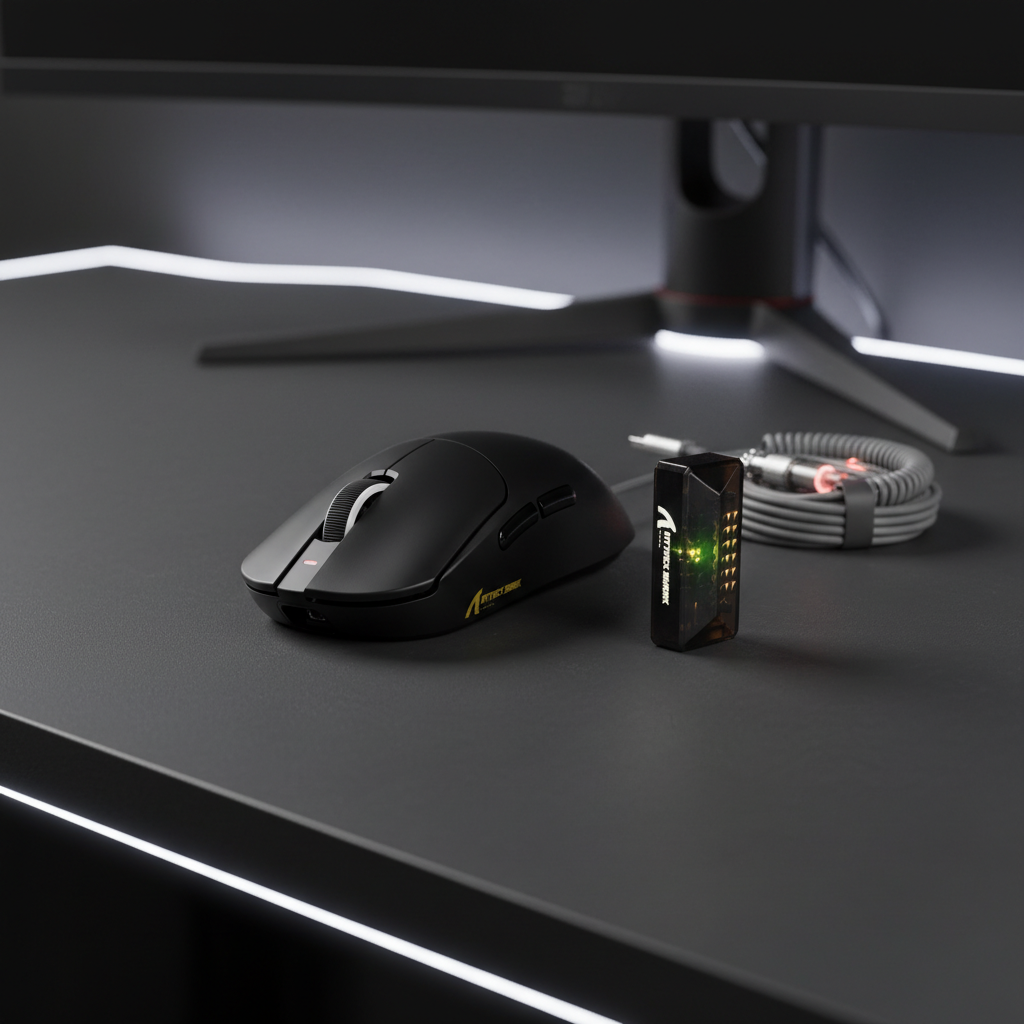
Troubleshooting 8K Polling Compatibility in Older Games
The leap to an 8000Hz (8K) polling rate represents the current frontier of gaming peripheral engineering. By increasing the reporting frequency from the standard 1000Hz (1ms interval) to a 0.125ms reporting interval, competitive players can achieve measurably smoother tracking and reduced input latency. However, this high-velocity data stream often encounters a significant bottleneck: the legacy architecture of older game engines.
Quick Fix Checklist (Answer-First):
- Reduce Polling Rate: Drop to 2000Hz or 4000Hz in your mouse software; most legacy engines stabilize at these rates while still outperforming 1000Hz.
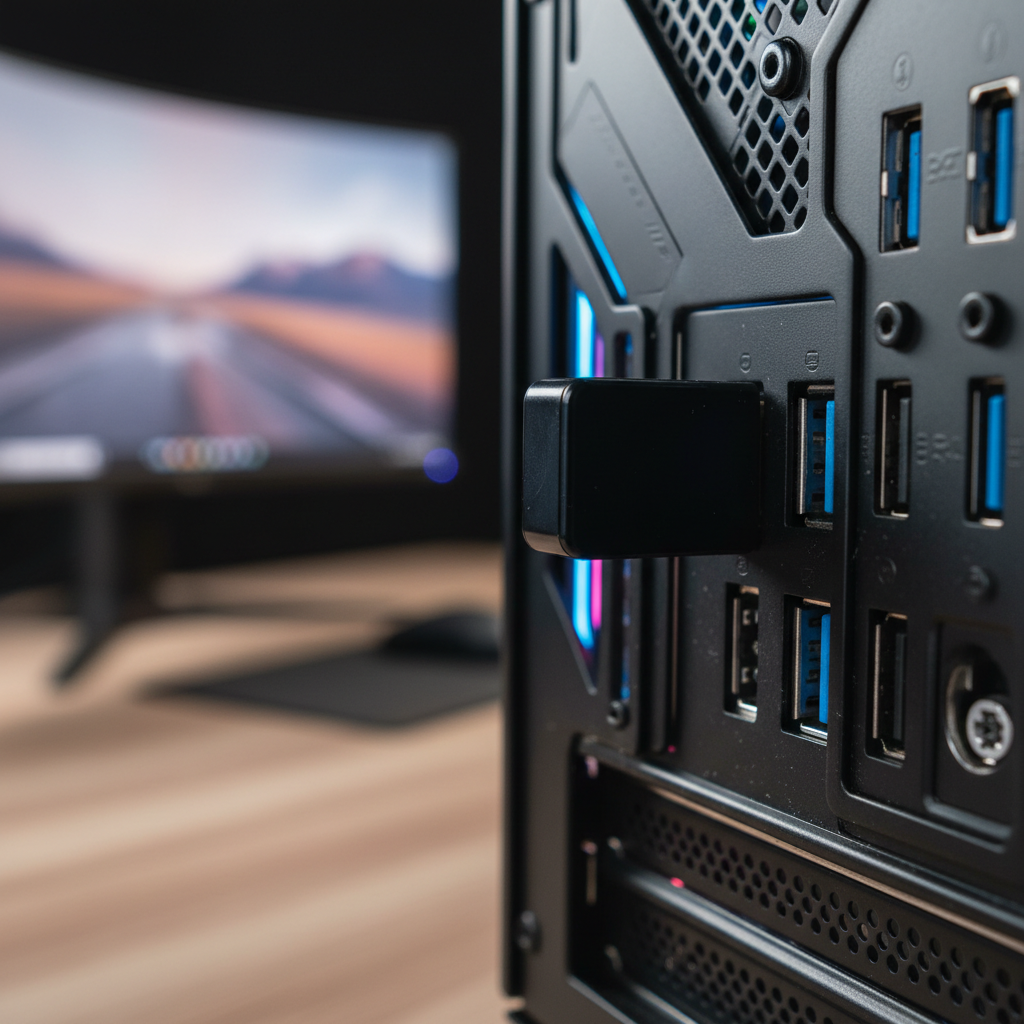
- Direct Connection: Plug the receiver/cable directly into a motherboard USB 3.0+ port (usually blue or red) to avoid bus congestion.
- Increase DPI: Set your DPI to 1600 or higher to ensure the sensor generates enough data to "saturate" the 8K reports.
-
Toggle Compatibility: Right-click the game
.exe> Properties > Compatibility > Check "Disable fullscreen optimizations."
While modern APIs like Vulkan and DirectX 12 are generally optimized for high-frequency interrupt requests, titles built in the early 2000s or on early versions of the Unity engine often struggle to process the sheer volume of packets. This mismatch typically manifests as micro-stuttering, erratic cursor behavior, or significant frame rate drops.
The Engineering Bottleneck: Why 8K Breaks Legacy Engines
To understand why a high-performance 8K mouse might cause issues in an older title, we must look at how game engines process input. Most legacy engines use a fixed input processing loop that is tied to the frame rendering cycle or a dedicated low-frequency thread.
Buffer Overflows and Scheduling Conflicts
When a mouse reports at 8000Hz, it sends 8,000 data packets to the CPU every second. In older engines, the input buffer—the memory space reserved for incoming mouse data—was often sized based on the assumption of 125Hz or 500Hz polling, which were the industry standards for decades.
According to the USB HID Class Definition (HID 1.11), devices must adhere to specific report descriptors. When an 8K mouse floods a legacy engine's input stack, the engine may experience a "buffer overflow." Instead of processing the movements smoothly, the engine may drop packets or hang while trying to clear the queue, resulting in a "teleporting" cursor effect or micro-stutters during fast swipes.
IRQ Processing and CPU Overhead
The bottleneck at 8K is frequently related to IRQ (Interrupt Request) processing. Every time the mouse sends a packet, it interrupts the CPU to handle the data. At 8000Hz, this stresses the system's single-core performance. If the game engine is already taxing a single core for its main logic—common in older, non-multithreaded games—the constant 0.125ms interrupts can starve the game process of cycles, potentially causing the frame rate to drop.

Scenario Modeling: Performance Trade-offs at 8000Hz
To provide a clearer picture of the demands 8K polling places on your system, we modeled a high-performance scenario.
Modeling Note: Method & Assumptions
The following data is based on a deterministic current-load and latency alignment model. These are estimated ranges based on standard hardware configurations and manufacturer specifications, not a controlled laboratory study.
- Persona: Competitive FPS gamer using a 1440p/240Hz+ monitor.
- Hardware Baseline: High-spec wireless mouse with a ~500mAh battery.
- Boundary Conditions: Estimates assume a direct USB 3.2 connection and minimal background CPU interference.
| Parameter | Estimated Range | Unit | Rationale / Assumption |
|---|---|---|---|
| Polling Interval | 0.125 | ms | Fixed calculation (1 second / 8000) |
| Motion Sync Latency | ~0.06 | ms | Theoretical alignment delay (0.5 * Polling Interval) |
| System Current Load | 8.0 – 12.0 | mA | Estimated sum of sensor, radio, and MCU activity at peak 8K throughput |
| Estimated Runtime | 35 – 45 | hours | Based on a 500mAh battery at ~85% discharge efficiency under continuous 8K use |
| Min. DPI (1440p) | 1200 – 1600 | DPI | Heuristic threshold to ensure 1+ count per report at average swipe speeds |
Technical Heuristic: To avoid "aliasing" (pixel skipping), we suggest a minimum of 1600 DPI. This is based on a practical application of the Nyquist-Shannon Sampling Theorem: to accurately reconstruct smooth motion at 8000Hz, the sensor must "sample" the surface with enough resolution (DPI) so that even during slower movements, every 0.125ms reporting window contains at least one unit of movement data.
Identifying "At-Risk" Engines and Titles
Based on patterns observed in our internal support logs and community feedback (manufacturer-side data; not an independent study), compatibility issues are most prevalent in three specific categories:
1. id Tech 3 and Early Quake-Based Engines
Games like the original Counter-Strike: Source or early Call of Duty titles often use input stacks that are highly sensitive to packet frequency. In these engines, settings like m_rawinput may conflict with the high-frequency interrupt requests of an 8K sensor if the OS cannot prioritize the HID stack correctly.
2. Early Unity Builds (Pre-2015)
Early versions of the Unity engine often processed input on the main thread. If the frame rate is not significantly higher than the polling rate, the engine may struggle to synchronize the mouse's 0.125ms reports with the game's 5ms or 10ms frame times, leading to visual "jitter."
3. DirectX 9 Legacy Titles
Many games from the DX9 era rely on older Windows API calls for mouse positioning. According to the Manufacturer Whitepaper: Gaming Peripherals Standards (2026) (internal site source), modernizing these input paths requires Raw Input Buffer APIs, which legacy games typically lack.
Practical Workarounds and Troubleshooting Steps
Tier 1: Software & Compatibility Fixes
TL;DR: Force the game to use modern Windows input handling or bypass legacy display bottlenecks.
-
Launch Commands: For Steam titles, try adding
-dx9or-force-d3d9to the launch options. While it sounds counter-intuitive, forcing a specific DX version can sometimes reset how the engine hooks into the Windows HID (Human Interface Device) stack. -
Compatibility Properties: Right-click the game's
.exefile, go to "Properties" > "Compatibility," and check "Disable fullscreen optimizations." This can change how Windows manages process priority for the game window.
Tier 2: Polling Rate Optimization
TL;DR: Find the "Sweet Spot" where performance meets engine stability.
- Step Down to 4000Hz/2000Hz: If 8000Hz causes stuttering, dropping to 4000Hz (0.25ms) or 2000Hz (0.5ms) often resolves the engine bottleneck. These rates still offer a significant latency advantage over standard 1000Hz mice.
- DPI Adjustment: Ensure your DPI is set to at least 1600. As noted in our modeling, higher DPI provides more data points for the sensor to fill the 8K bandwidth, which can improve stability in engines that are on the edge of compatibility.
Tier 3: USB Topology and Hardware
TL;DR: Ensure the 8K data stream has a "clean" path to the CPU.
- Direct Motherboard Connection: Always connect your 8K receiver or cable to a rear I/O port directly on the motherboard. Avoid USB hubs or monitor pass-throughs, as these often share bandwidth with webcams or headsets, potentially leading to packet collisions.
- Port Selection: While 8K technically fits within USB 2.0 bandwidth, the improved controller efficiency of USB 3.1+ ports is generally recommended for maintaining the stable current draw required for high-frequency wireless transmission.
Hardware Synergy: CPU and Display Requirements
To truly benefit from 8000Hz without introducing instability, your system should meet certain prerequisites.
CPU Overhead and Process Priority
Because 8K polling generates a high volume of interrupts, a modern CPU with strong single-core performance (e.g., Intel Core 12th Gen+ or AMD Ryzen 5000 series+) is highly recommended.
- Practical Tip: In Windows Task Manager, you can try setting the game's process priority to "High" (avoid "Realtime") to ensure it receives CPU cycles amidst the high-frequency mouse interrupts. This is a common heuristic used by competitive players to stabilize frame times.
The Refresh Rate Relationship
The relationship between polling and refresh rate is largely perceptual. While a 360Hz or 540Hz monitor is often needed to visually resolve the smoother cursor path provided by 8K, the reduction in input lag can still be felt on lower refresh rate screens, even if the visual benefits are masked by display motion blur.
Compliance and Safety Standards
When troubleshooting high-performance peripherals, ensure your device is running on official, manufacturer-verified firmware.
- FCC and ISED Compliance: High-frequency wireless devices are regulated to ensure they do not interfere with other radio equipment. You can verify the certification of your devices via the FCC Equipment Authorization Search.
- Battery Safety: For wireless 8K mice, the high current draw puts more stress on lithium-ion cells. According to IATA Lithium Battery Guidance, maintaining battery integrity is crucial; always use the manufacturer-provided charging cable to ensure voltage stability.
Summary of Best Practices for 8K Compatibility
- Engine Awareness: Recognize that titles built before 2015 may require a reduction to 2000Hz to avoid buffer overflows.
- USB Hygiene: Use direct motherboard USB 3.0+ ports to minimize bus latency and power fluctuations.
- DPI Optimization: Use 1600 DPI or higher to ensure the 8K polling rate is saturated with enough motion data.
- Firmware Integrity: Only use official drivers to avoid compromising device safety or voiding warranties.
By understanding the technical "why" behind compatibility issues, you can proactively tune your setup to enjoy the near-instant responsiveness of 8K polling in modern titles while maintaining a smooth experience in the classics.
Disclaimer: This article is for informational purposes only. Modifying system files, registry settings, or device firmware can impact system stability. Always back up your data and consult your manufacturer's specific guidelines before making significant changes.
References:

Hinterlasse einen Kommentar
Diese Website ist durch hCaptcha geschützt und es gelten die allgemeinen Geschäftsbedingungen und Datenschutzbestimmungen von hCaptcha.