


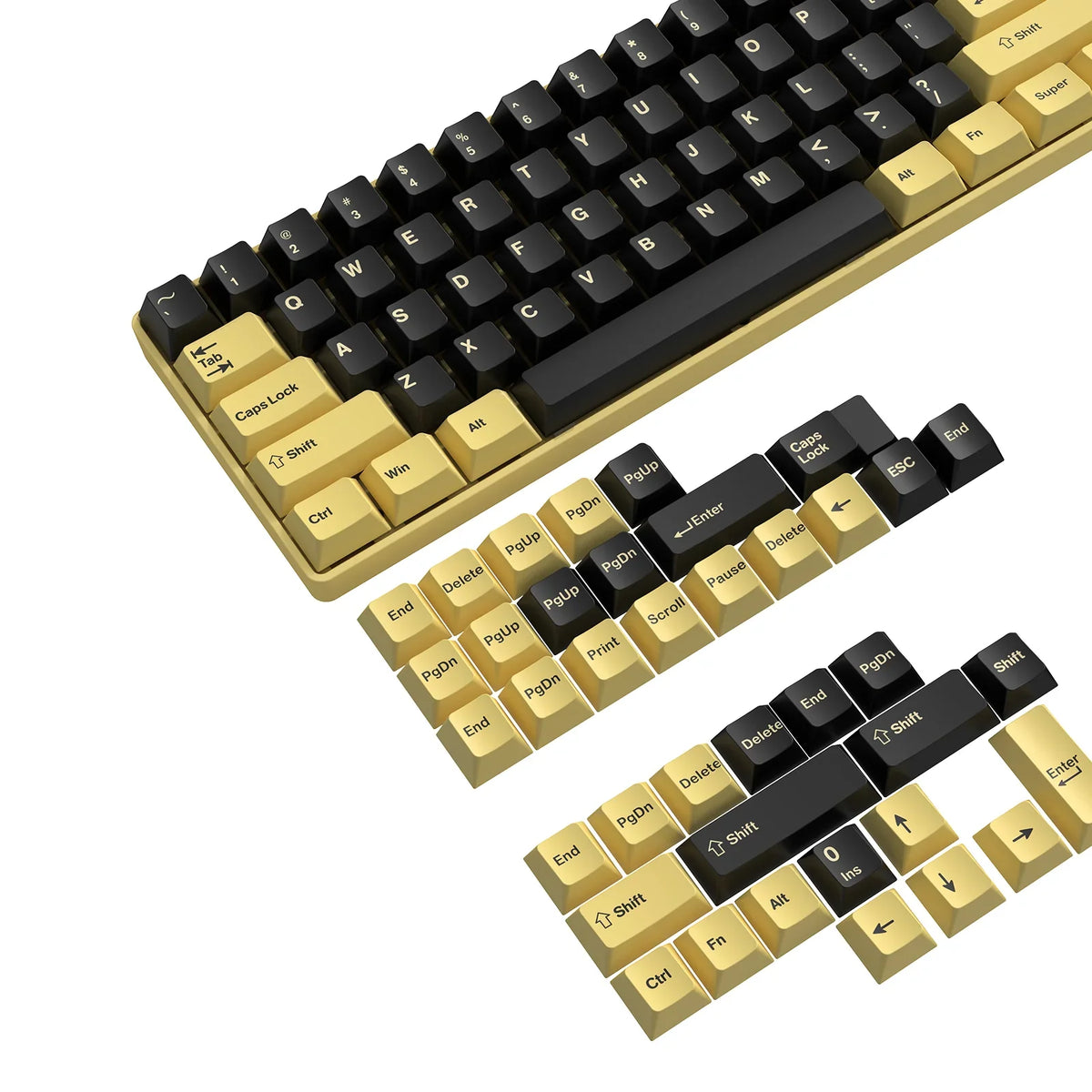
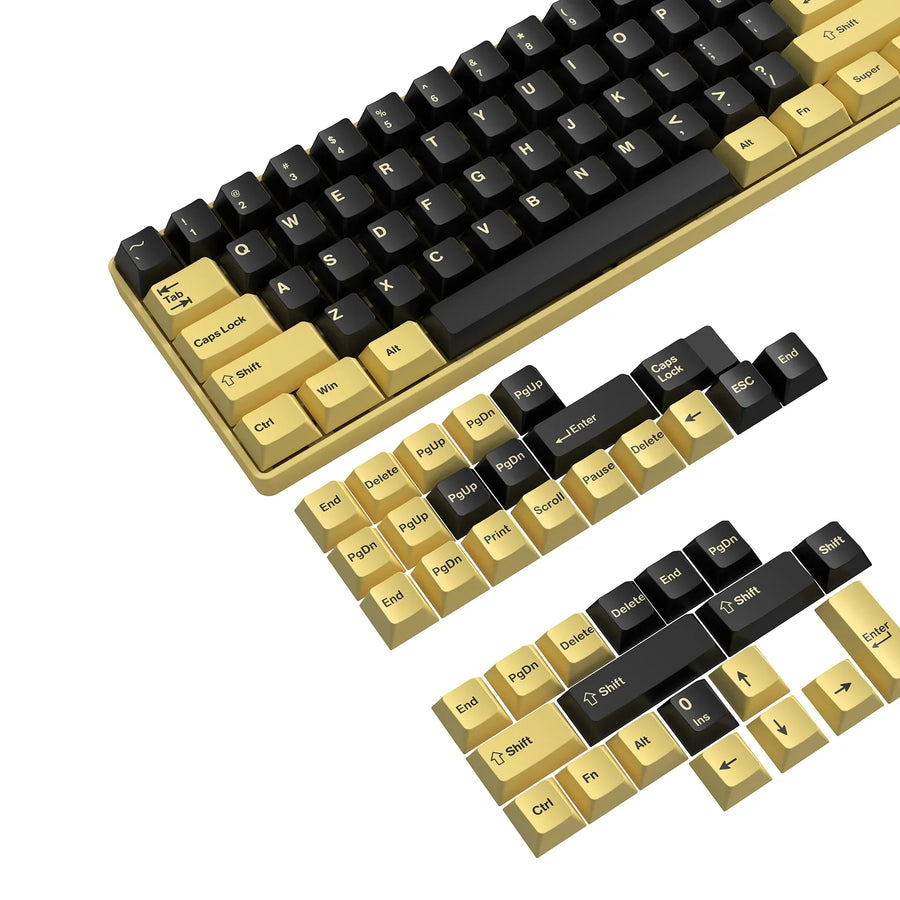
Yes. A different keycap profile can change how your keyboard feels, because profiles differ in height, top shape, and row contour, and your fingertips touch those surfaces on every keystroke. That change in feel is personal, though, and it does not mean you will type faster.
What matters most is the actual geometry of the new set and how familiar it feels to your hands, not the name printed on the box.
Yes—A Different Keycap Profile Can Change the Feel
A keycap profile is a physical description, not a performance rating. The term refers to the profile height and shape of the keycaps, plus the contour of each row. Swap to caps with a different height, a flatter or deeper top, or a different row shape, and your fingers land on new surfaces.

That is why a swap can feel noticeable even when the switches stay the same. Keys may sit higher or lower. The tops may cup your fingertips or feel open and flat. Rows may tilt toward you or line up evenly.
None of this guarantees a better result. One typist may find a new profile more comfortable, while another finds the same set awkward. Treat a profile change as a change in contact and reach, then judge the outcome with your own hands.
How Height and Shape Change Reach and Hand Feel
Height, top shape, and row style each change a different part of how your fingers meet the keys. Together they shape how far you seem to reach and how each key feels under a fingertip.
Height sets where the top surface sits. A taller cap puts the surface farther from the keyboard case, so your fingers meet it at a different point and angle. That can make reaching between rows feel different, even though the key spacing has not changed.
Top shape changes the contact patch. A deeply curved top cradles the fingertip, while a flatter, wider top feels more open and gives less of a cue about where the center is.
Row style is the third factor. Sculpted profiles vary in height and angle from row to row, so each row feels slightly different and gives your fingers a physical landmark. Uniform profiles use the same shape on every row, more like a laptop keyboard but taller.
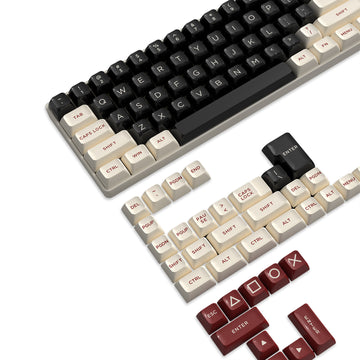
Common profiles show how far apart these designs can be. According to this look at SA and XDA/DSA geometry, SA caps are sculpted and taller, with deep spherical tops. XDA and DSA have uniform rows with no sculpting. XDA is slightly taller with flatter, larger tops, which can feel open but may make it harder to orient your fingers quickly. The same source notes that SA's height can be uncomfortable for some people, especially without a wrist rest.
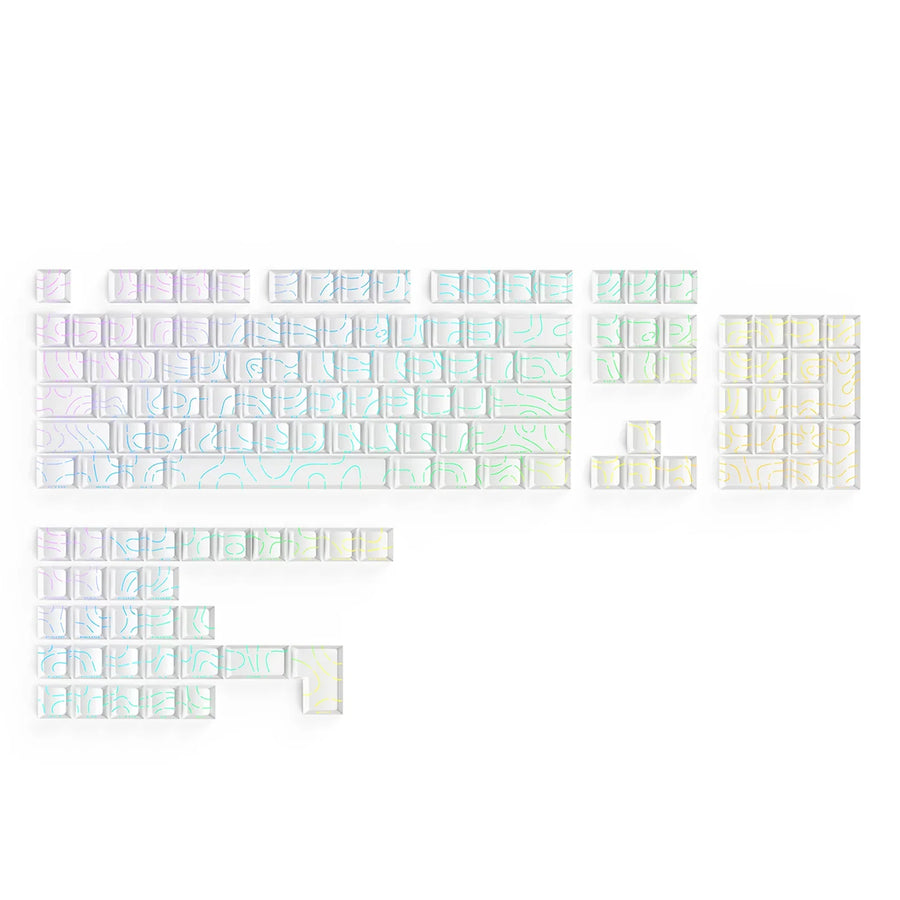
These are geometry examples, not a ranking. If a uniform, flat-topped layout sounds appealing, our XDA keycap options let you compare sets built around that shape.
Does a Different Profile Make You Type Faster?
Not reliably. A profile can change how typing feels without changing how fast or accurately you type.
A controlled study offers a useful data point. It tested 30 university students who mainly used mechanical keyboards, on Cherry, OEM, and SA keycaps representing low, middle, and high heights. The students typed short sentences of about 96 characters per task. In those study findings on feel and speed, keycap height had no statistically significant effect on typing speed or accuracy.
Feel was a different story. Height did significantly affect the students' satisfaction and discomfort ratings. Satisfaction and preference scores went down as height went up, and finger, wrist, and overall discomfort scores rose when the high profile was compared with the low and middle ones.
Keep the scope in mind. These were short tasks with one group of young, healthy typists, so the results do not prove that height can never affect anyone's speed. They do show that "feels different" and "types faster" are separate questions. Pick a profile for comfort and feel, not for a promised speed gain.
How to Judge Whether a Profile Feels Right to You
Judge the geometry and your own experience rather than the label. Familiarity can color your first reaction: in an anecdote about prior typing habits, one writer prefers sculpted profiles, while his wife prefers flat laptop-style XDA and DSA because she is used to laptops. That is one household rather than a rule, but it shows why a first impression can reflect habit as much as fit.
This practical self-check can help:
- Compare the geometry. Note how the new set differs from your current one in height, top shape (deep curve or flatter), and rows (sculpted or uniform).
- Type normally. Use your usual writing, chat, or work tasks instead of a speed test, since speed is not the goal.
- Notice three things. Watch how far your fingers seem to reach, where your fingertips land on each top, and whether your fingers or wrists feel comfortable.
- Repeat before deciding. Treat an unfamiliar first session as one observation, then try more ordinary sessions, and stop if discomfort keeps building.
- Decide on feel. Keep the profile your hands prefer, whatever its name.
For more on matching height and sculpting to your hands, our profile selection guide goes deeper. When you are ready to compare shapes side by side, you can browse keycap profiles across our full lineup.
FAQs
Will changing keycaps change my switches or key travel?
No. Keycaps sit on top of the switches, so a profile swap changes the surface your fingers touch, not the switch mechanism. In the study above, switch type and keycap height had separate effects. Switch type affected typing speed, while height did not.
Is a taller profile always less comfortable?
Not for everyone. In one short-task study, higher keycaps drew lower satisfaction and higher discomfort ratings on average. Some people still enjoy tall, deeply curved caps like SA, and a wrist rest may matter more with taller sets.
What is the difference between sculpted and uniform keycaps?
Sculpted sets change height and angle from row to row, which gives your fingers physical row cues. Uniform sets such as XDA and DSA use the same shape on every row, which gives a flatter, laptop-like layout.
Does the profile name tell me exactly how a set will feel?
It gives you a starting point, since names like SA or XDA describe a general shape. Your own comfort still depends on your hands, habits, and setup, so judge the set by how it feels in normal use.