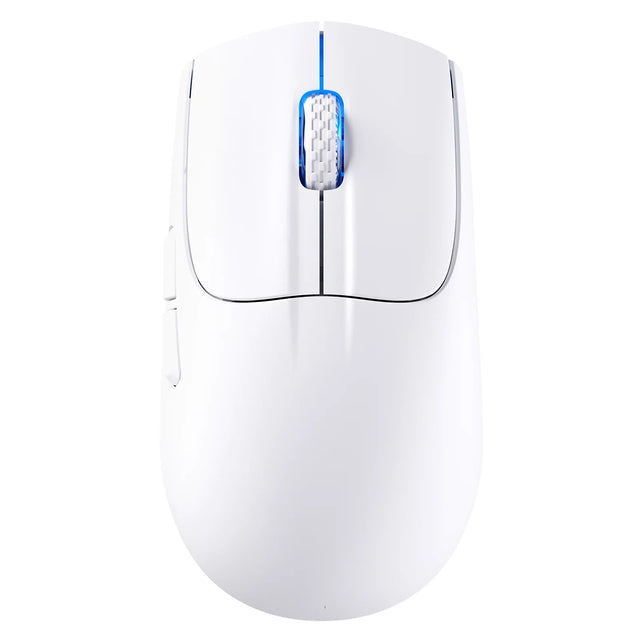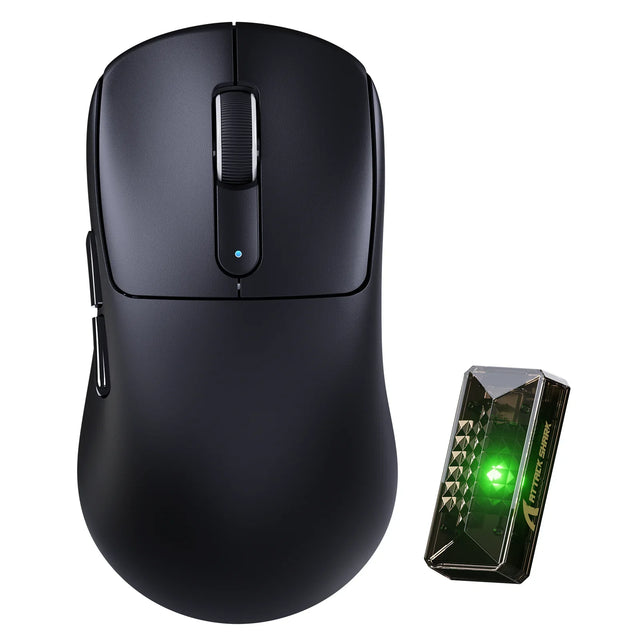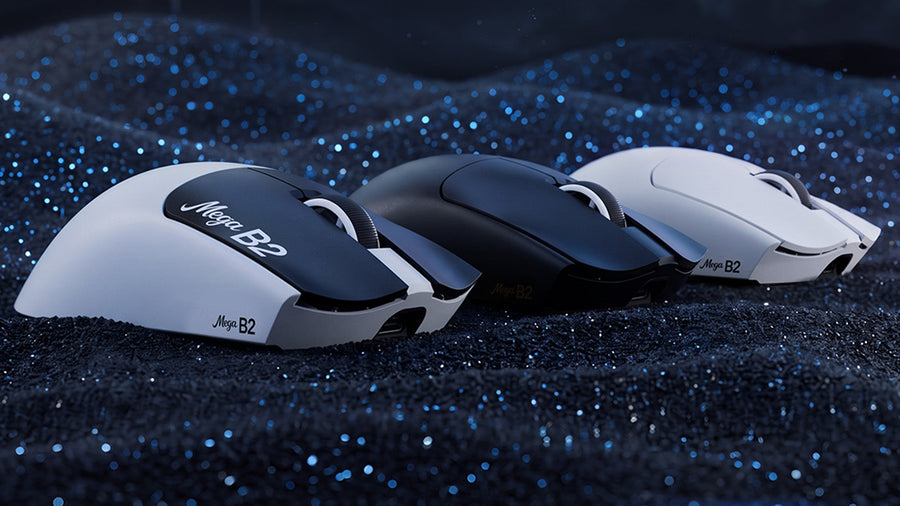
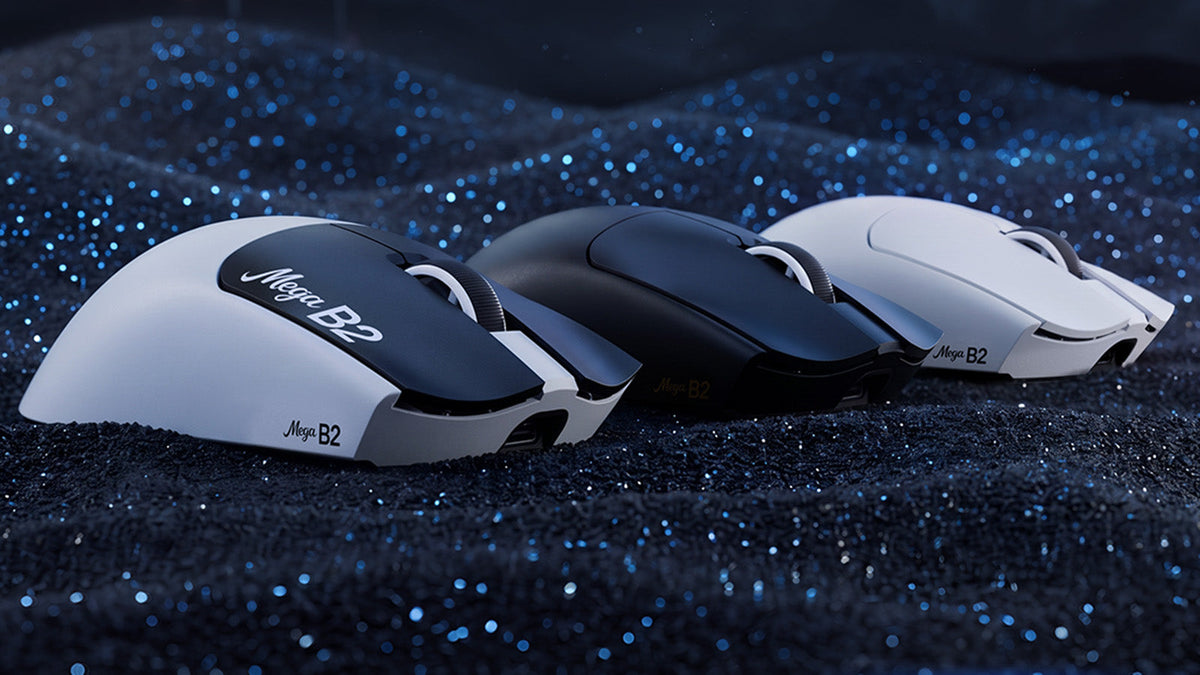
ATTACK SHARK MEGA B2: TMR Gaming Mouse with Rapid Trigger and 8K Polling
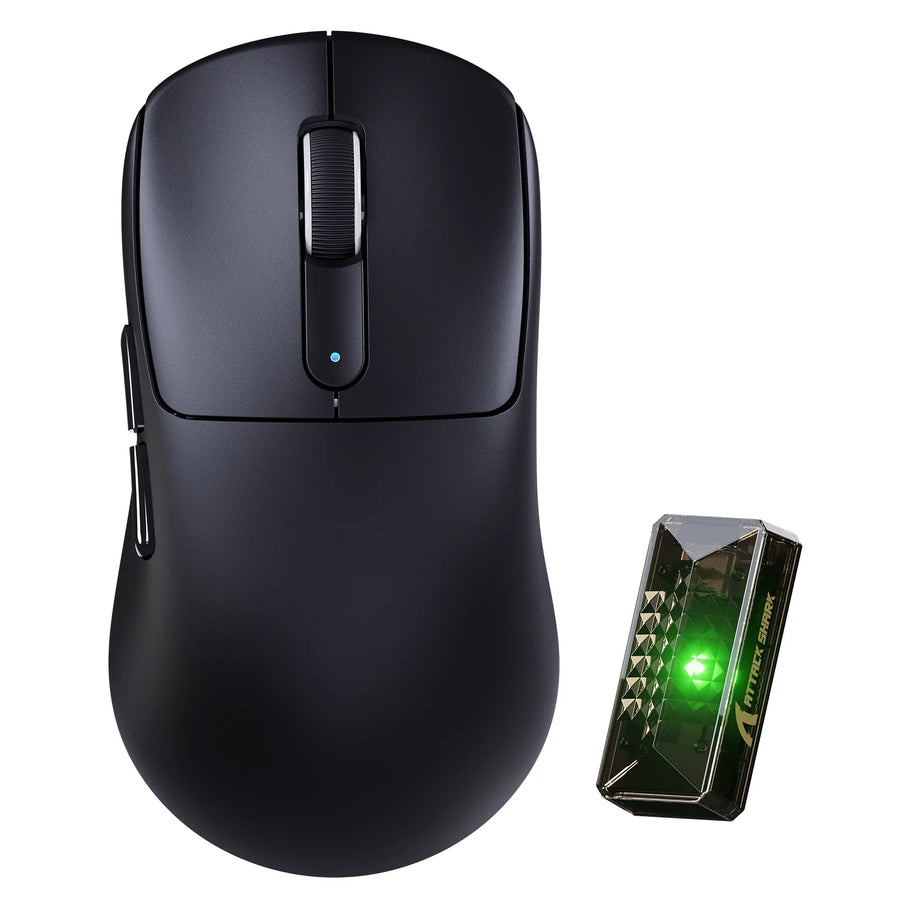
The ATTACK SHARK MEGA B2 pairs TMR electromagnetic microswitches and five Rapid Trigger levels with dual 8000Hz polling, a PAW3955MAX sensor.

Country
Language
Explore practical buying guides, setup ideas, and product tips from the latest articles.
Featured
The ATTACK SHARK MEGA B2 pairs TMR electromagnetic microswitches and five Rapid Trigger levels with dual 8000Hz polling, a PAW3955MAX sensor.

A practical guide to choosing a gaming mouse that actually works for left-handed grip, button reach, and remapping, not just a symmetrical shell.

A practical checklist for choosing a mechanical keyboard with a volume knob: verify control behavior, wireless support, and layout before placing a...

A practical order for pairing a gaming keyboard and mouse: software tolerance first, then connection, desk fit, and performance, with color and lig...
A practical guide to matching gaming mouse shape and size to smaller hands, with measurement steps, a shortlist, and a final fit-and-setup check.
An objective analysis of whether raising mouse DPI reduces input lag, how polling rate and sensitivity differ, and how to test fairly at matched se...

This guide walks through VIA setup, key remapping, layer creation, and hardware-memory verification for VIA-compatible mechanical keyboards.

A safe, step-by-step guide to cleaning a cloth gaming mousepad properly without harming stitched edges, surface coatings, or the rubber backing.

Compare click latency, motion delay, and packet reliability across wired and top wireless mice to see when a cable still matters for competitive play.

A technical breakdown of when tri-mode headsets truly run 2.4GHz game audio and Bluetooth calls together, with setup and troubleshooting guidance.

A practical guide comparing a compact 98-key keyboard with a standard full-size 104-key board, weighing numpad access, desk width, and typing comfort.

A step-by-step path for diagnosing chattering mechanical keyboard switches, from dry cleaning through contact cleaner, lubrication, storage, and re...

A technical, evidence-based look at why some competitive gamers try IEMs over headsets, plus a practical test to decide if the switch fits your setup.

A practical filter for budget mouse shoppers: which specs are safe to skip, which ones protect reliability, and how to lock in purchase protection.

Find when low gaming mouse weight improves aim and when it hurts stability, based on sensitivity, grip, and surface friction rather than a fixed gr...

This guide compares browser-based drivers, desktop software, and onboard memory so you can set up a gaming mouse without leaving unnecessary progra...