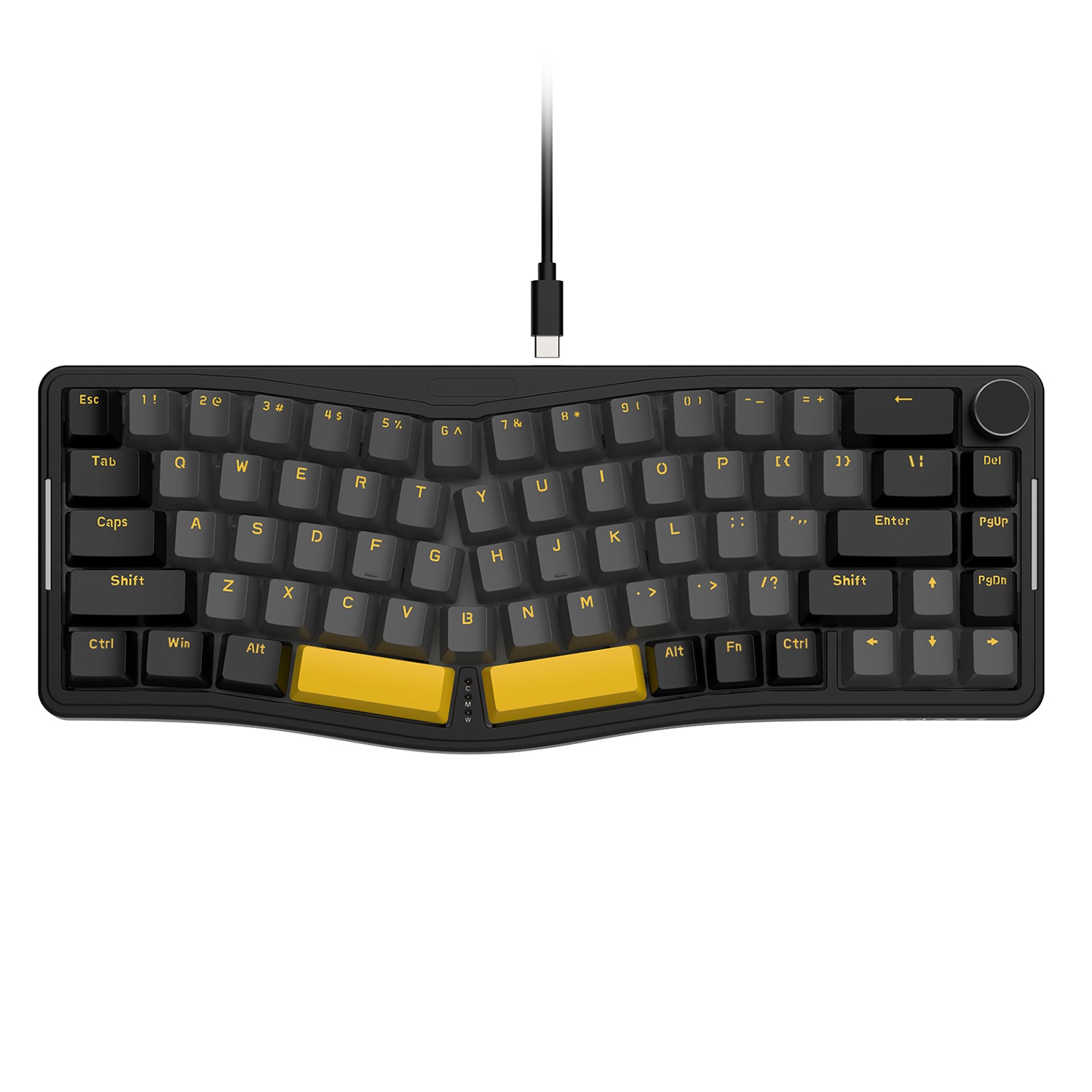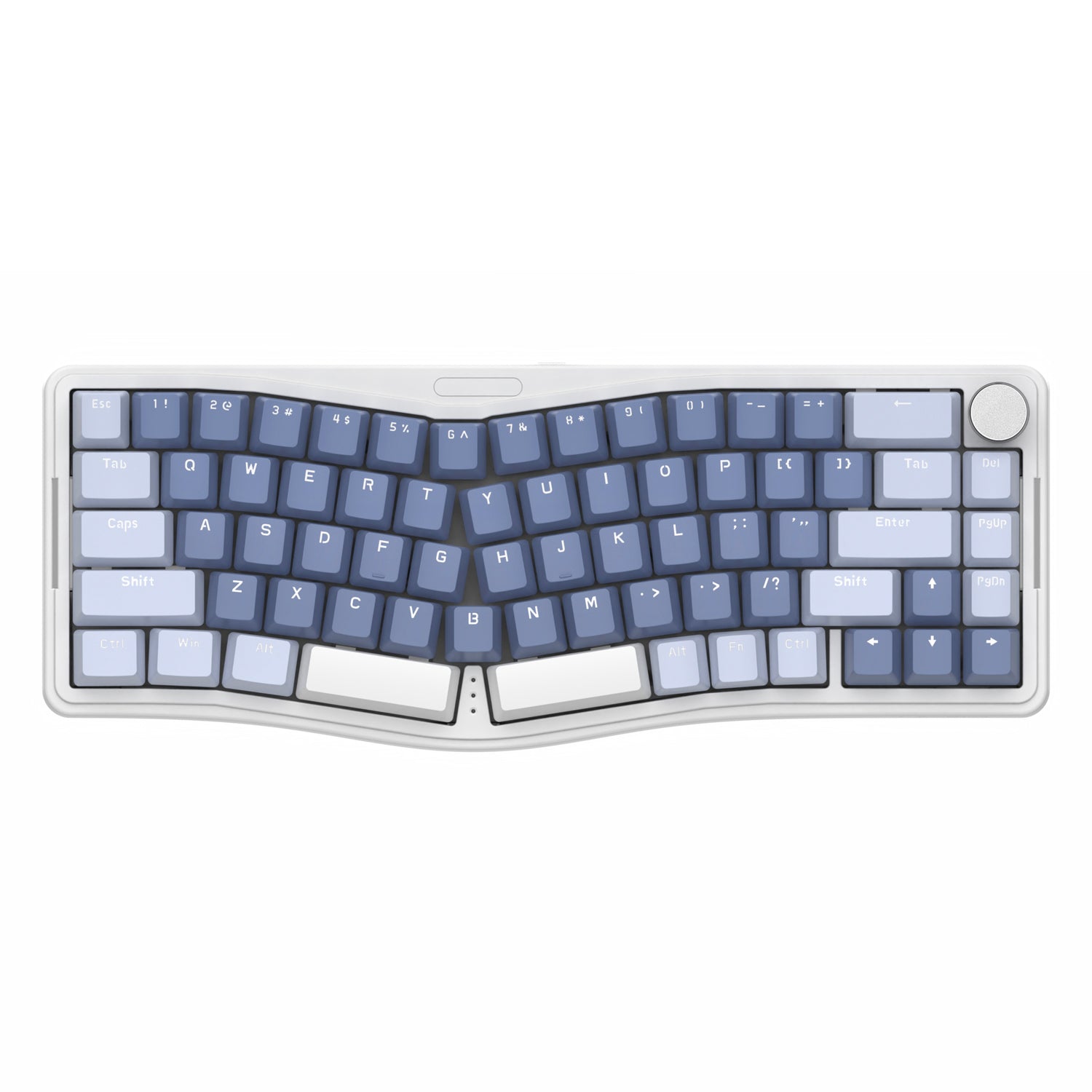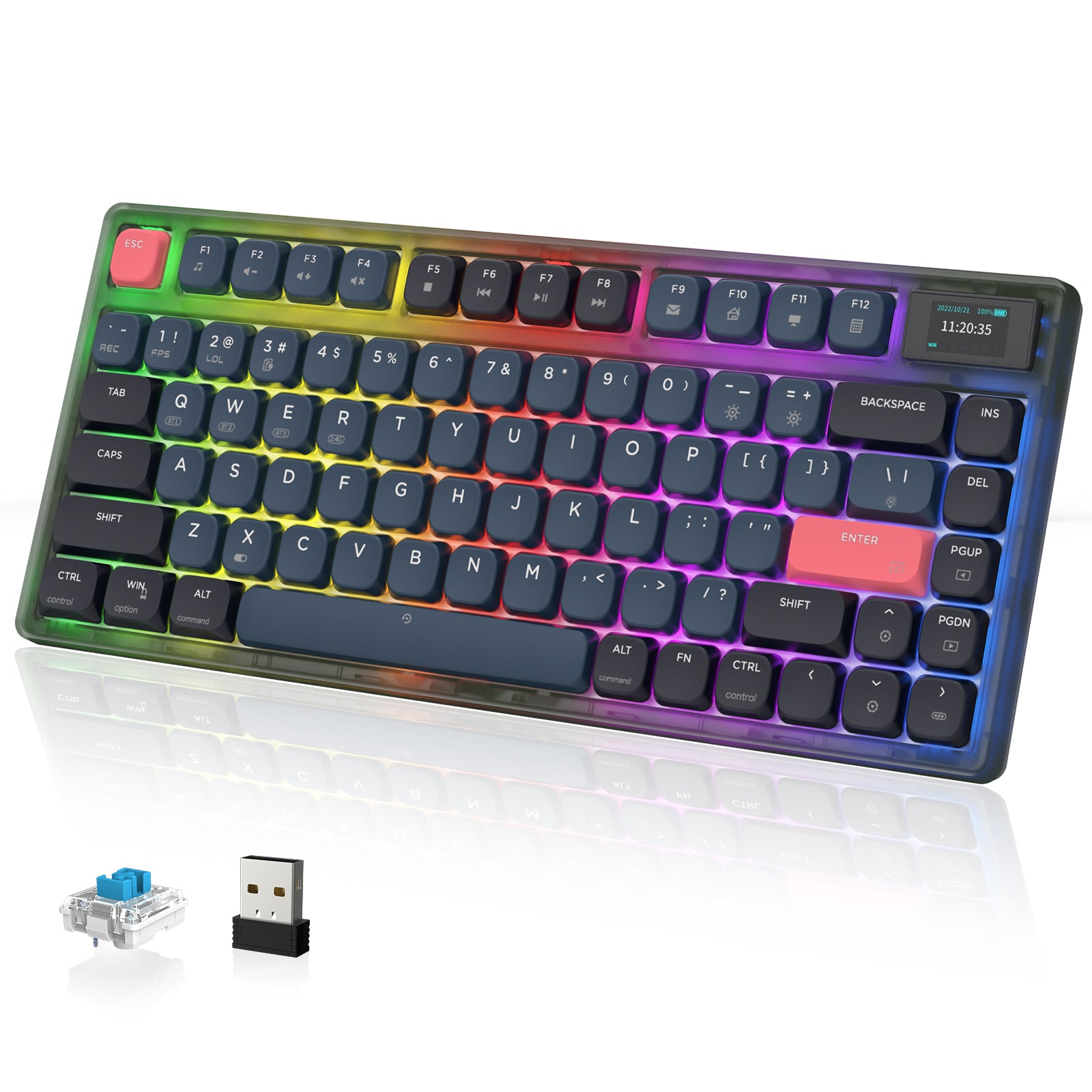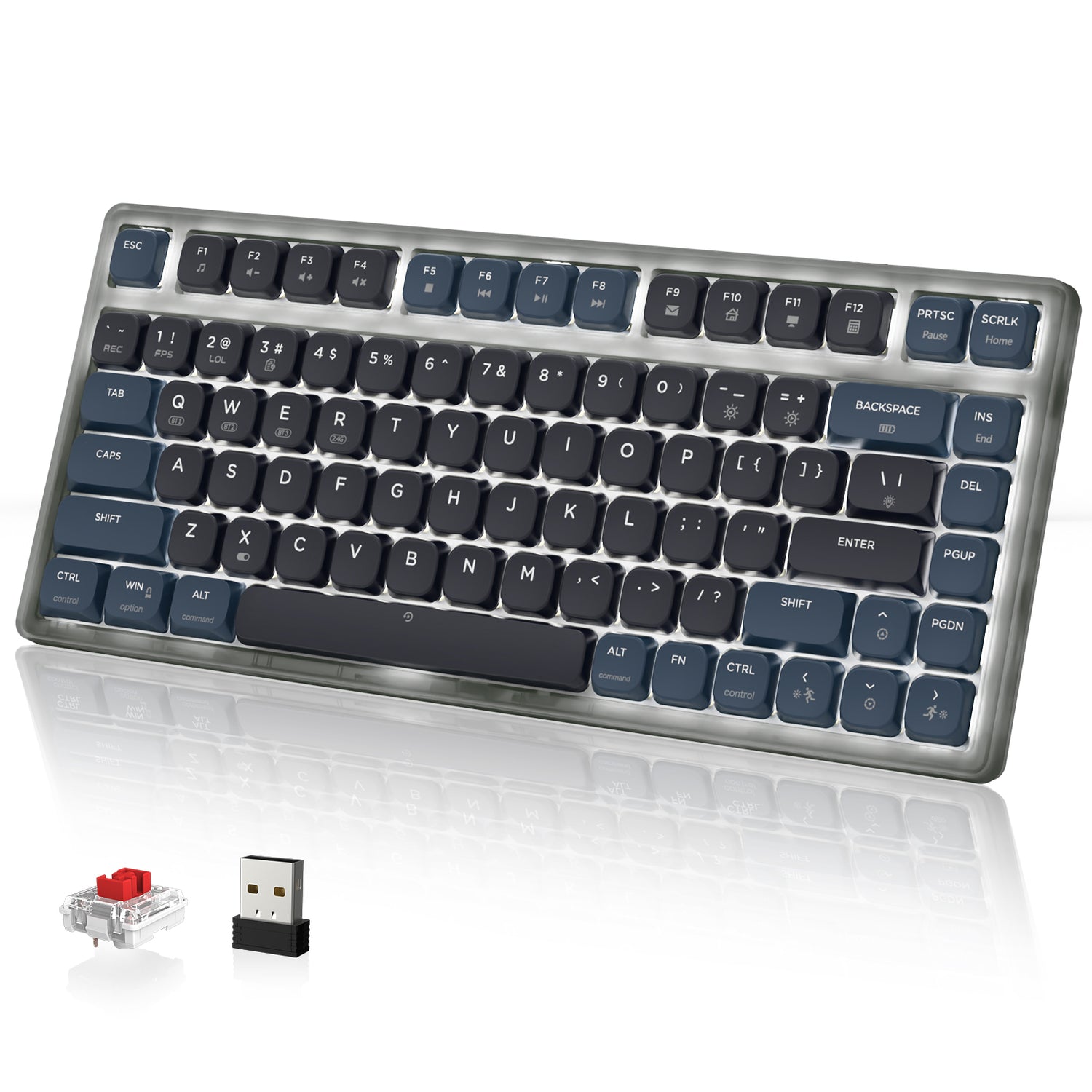
Clicky Switch Keyboard

Filters

Sort by
Price
to
Product type
Brand
Filters
Sort by:
Price
to
Product type
Brand

3 products

+2
ATTACK SHARK x AJAZZ AK832 Mechanical Keyboard
Sale priceFrom $42.99
+2

FAQ

Q1: What is a clicky switch keyboard?

A clicky switch keyboard features switches that provide a distinct physical "bump" and a sharp audible "click" sound when pressed. This design mimics the satisfying feedback of a vintage typewriter, letting you know exactly when a key has been registered.

Q2: Are clicky switches (Blue switches) good for gaming?

Yes, they are great for casual gaming, RTS, and strategy games where you want confirmation of every command. However, for competitive FPS games requiring rapid-fire key presses, some pro gamers prefer Linear switches because clicky switches have a slightly longer reset time.

Q3: Why are clicky switches considered the best for typing?

Typists love them because of the rhythm and feedback. The tactile bump and sound confirm every keystroke, which helps prevent "bottoming out" (slamming the key down) and can significantly improve typing accuracy and reduce finger fatigue during long work sessions.

Q4: Can I use a clicky keyboard in an office?

It depends on your workspace. Clicky switches are the loudest switch type. If you have a private office or work from home, they are fantastic. However, in a quiet open-plan office or library, the "click-clack" sound might be distracting to others.

Q5: What color are clicky switches usually?

The industry standard color for clicky switches is Blue. You may also encounter Green (heavier clicky) or White (often "Box White" with a crisper click bar sound). If the specs say "Blue Switch," it is definitely clicky.

Q6: Clicky vs. Linear: What is the difference?

Clicky (Blue) has a bump you can feel and a loud click you can hear. Linear (Red) is smooth, quiet, and goes straight down with no bump. If you want feedback and sound, choose Clicky. If you want speed and silence, choose Linear.

Q7: Are Attack Shark clicky keyboards hot-swappable?

Yes. Most Attack Shark keyboards feature hot-swappable PCBs. This is perfect if you want to try clicky switches now but might want to swap to quieter switches (like Red or Brown) later without buying a whole new keyboard.

Q8: Should I lube my clicky switches?

Generally, no. Unlike linear switches, we do not recommend lubing the stem legs of clicky switches. Lube can dampen the click mechanism, causing the switch to lose its signature sound and crisp tactile feel.

Q9: What is "Hysteresis" in blue switches?

Hysteresis means the point where the key resets is slightly higher than where it actuates. This design prevents accidental double-typing, making it amazing for writing code or documents, though it requires slightly more finger movement than linear switches.

Q10: Are the keycaps replaceable?

Yes. Our clicky switches use the standard MX-style cross stem (+ shape). This ensures compatibility with 99% of custom keycap sets available on the market, allowing you to fully customize the look of your board.

Q11: How loud are these keyboards?

They are noticeably audible. The sound is often described as a high-pitched, crisp "snap." Many enthusiasts find this sound incredibly satisfying and stress-relieving, similar to popping bubble wrap.

Q12: Do these keyboards work with Mac and Windows?

Yes. Attack Shark keyboards are fully compatible with both Windows and macOS. You can easily switch between system layouts using a simple key combination.

Q13: Are clicky switches heavy to press?

They are "medium" weight. Standard Blue switches usually require about 50g-60g of force. This is slightly heavier than Red switches, providing enough resistance to rest your fingers on the keys without accidentally pressing them.