

Tech Review


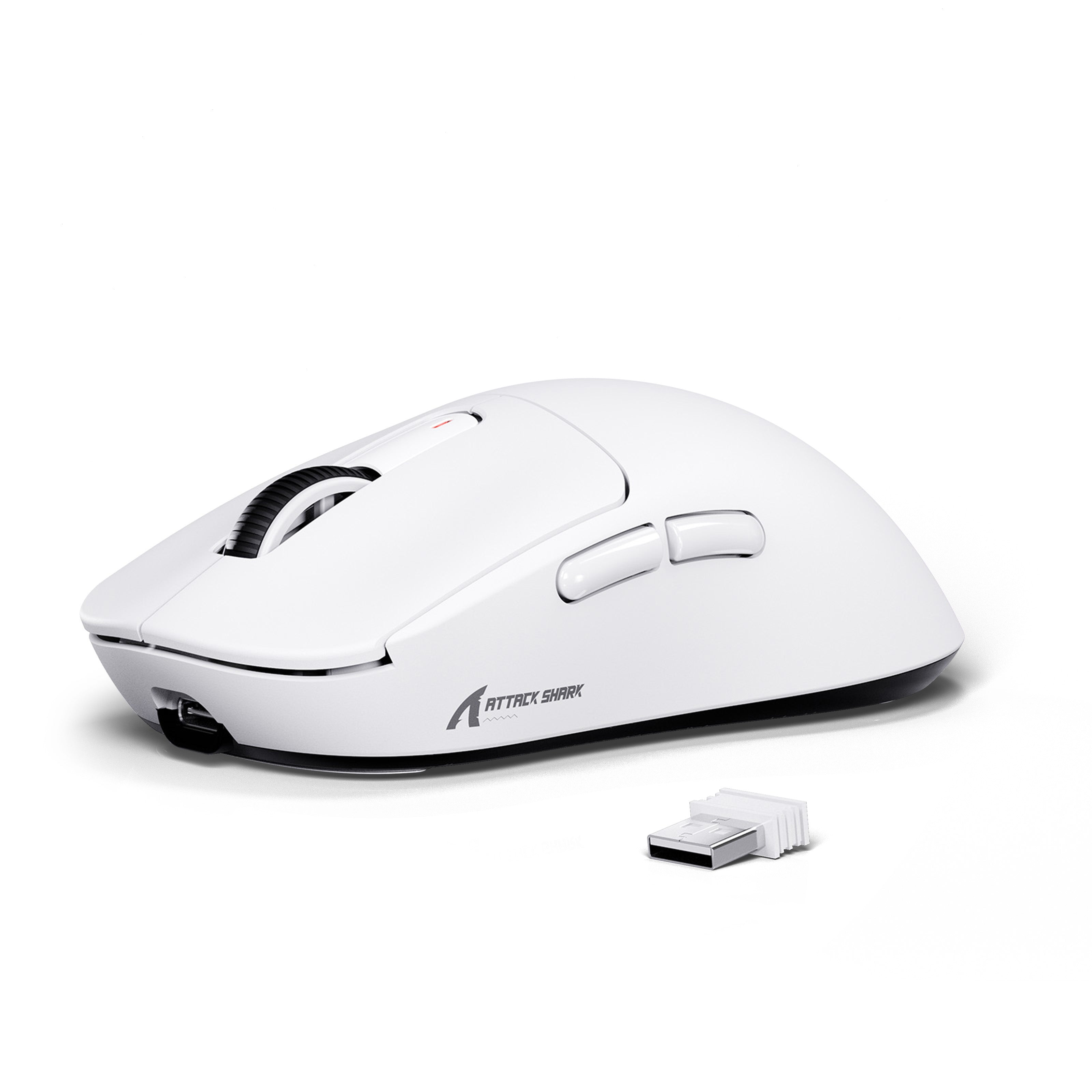
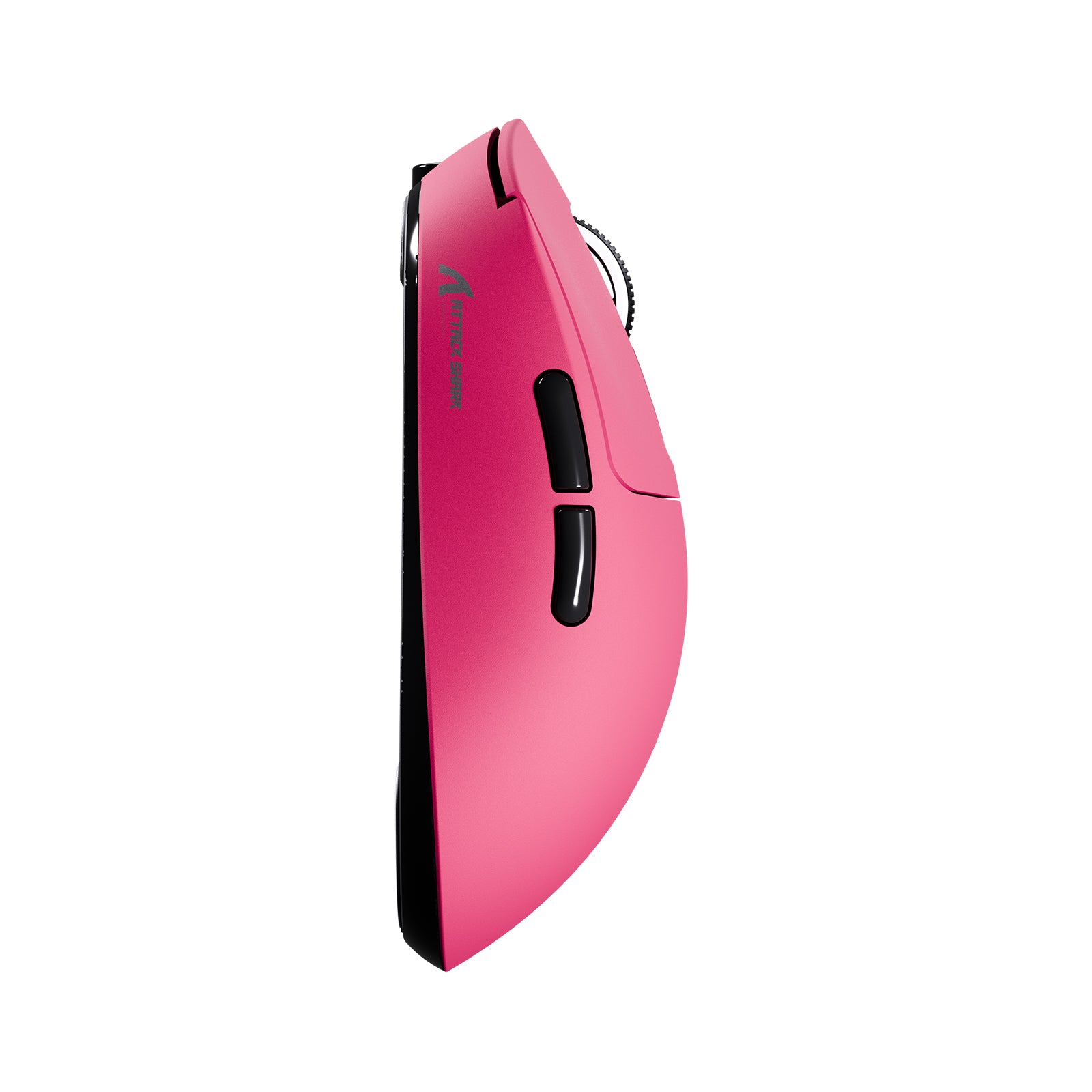
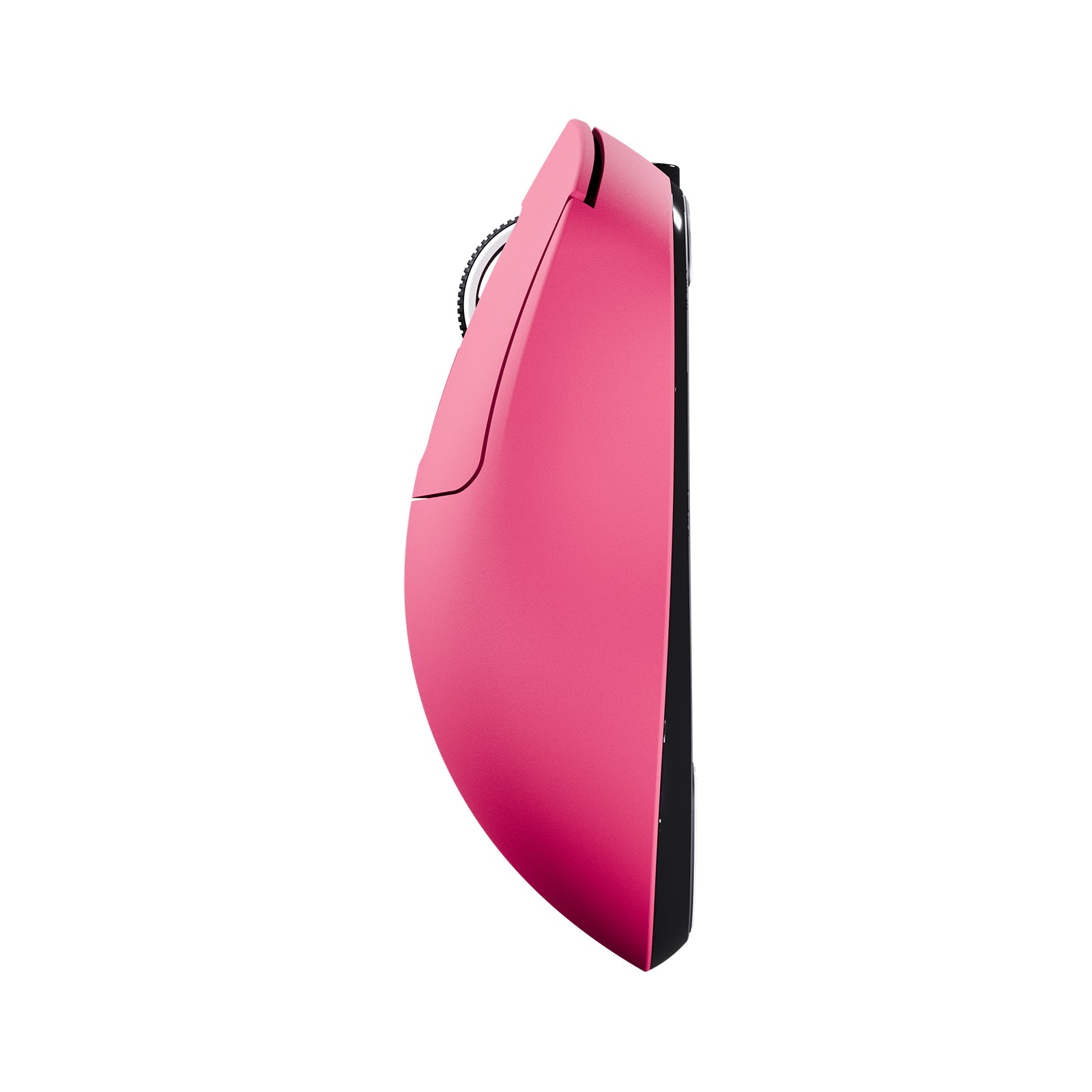
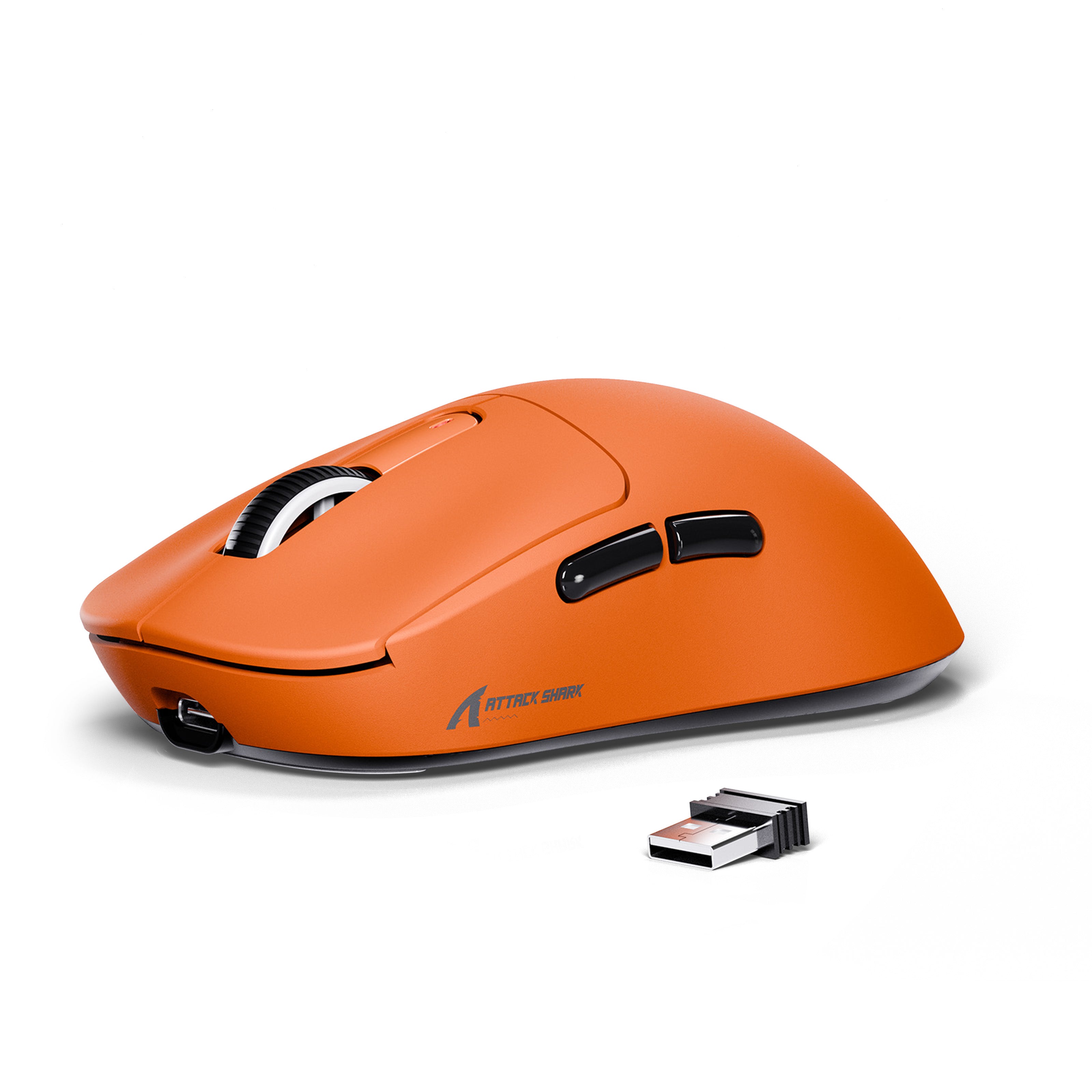
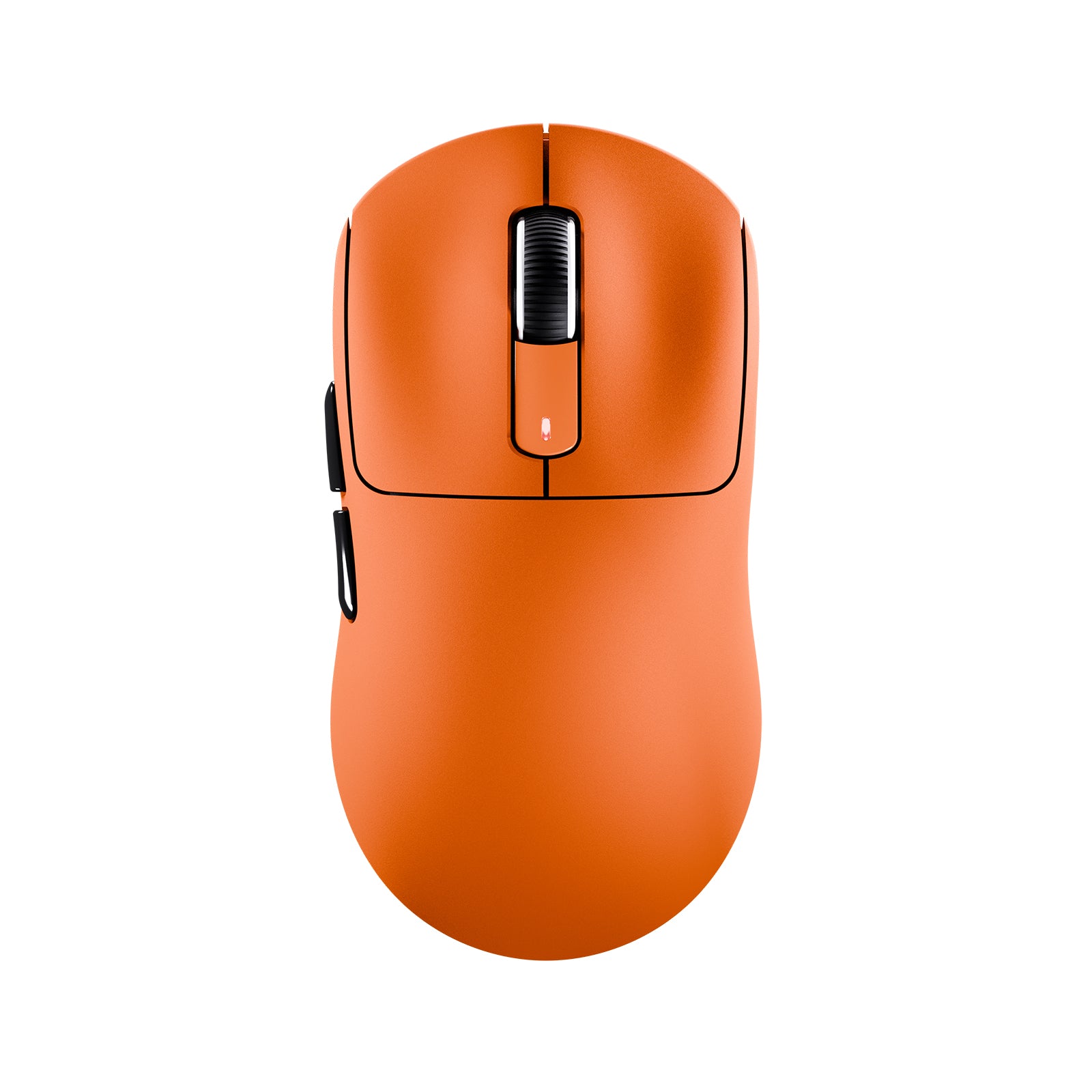
ATTACK SHARK X3 Wireless Gaming Mouse PAW3395 Superlight
- Share:
-

-

-

-


- In Stock
Tech Review

Unrivaled Precision and Speed
PIXART PAW3395 FLAGSHIP SENSOR
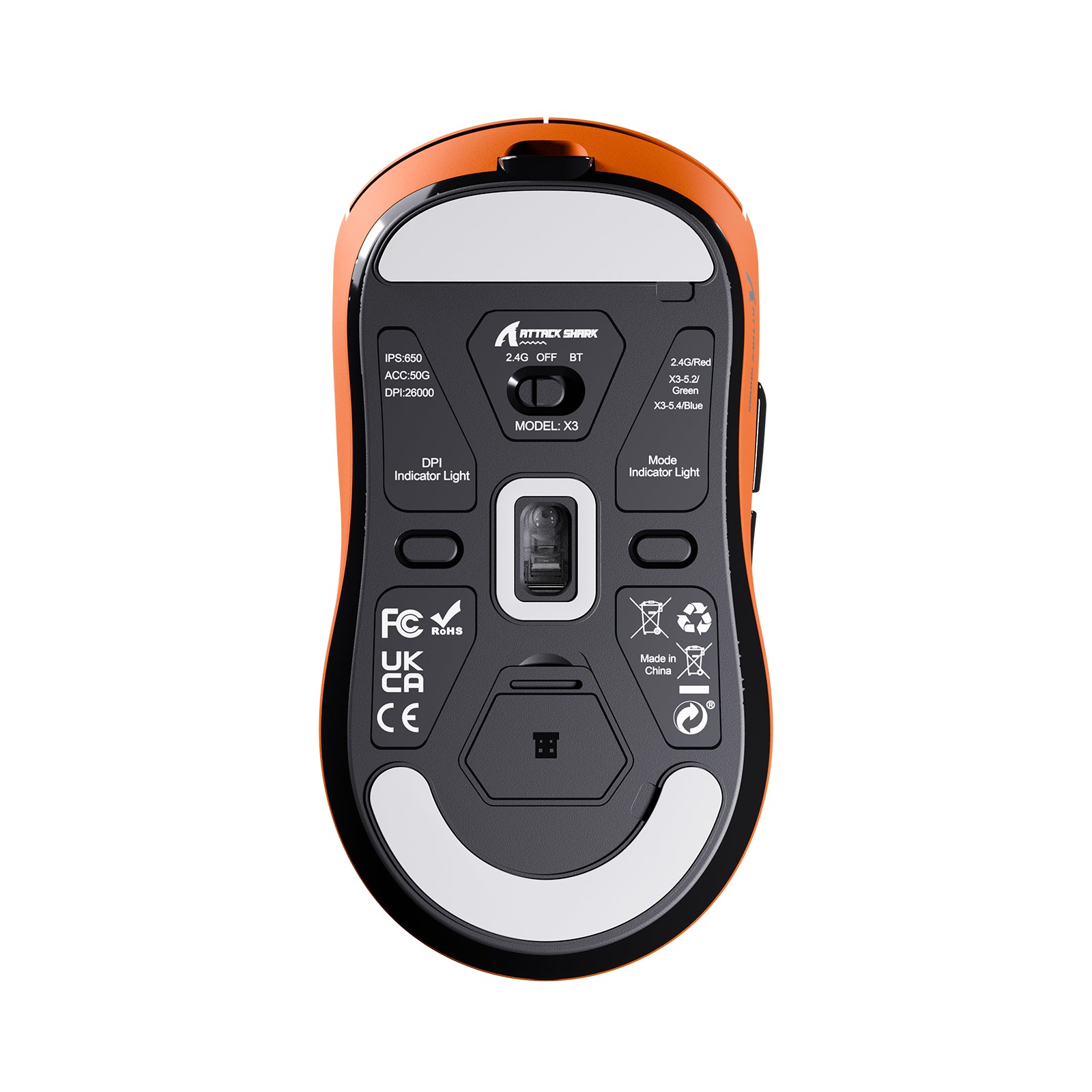
Unrivaled precision with 1-to-1 tracking brings you absolute control, capable of 650 IPS speed, 50g acceleration, 26,000 programmable DPI and 1000hz/1ms polling rate.
650 IPS
26000 DPI
1000 HZ
Extremely Light and Solid
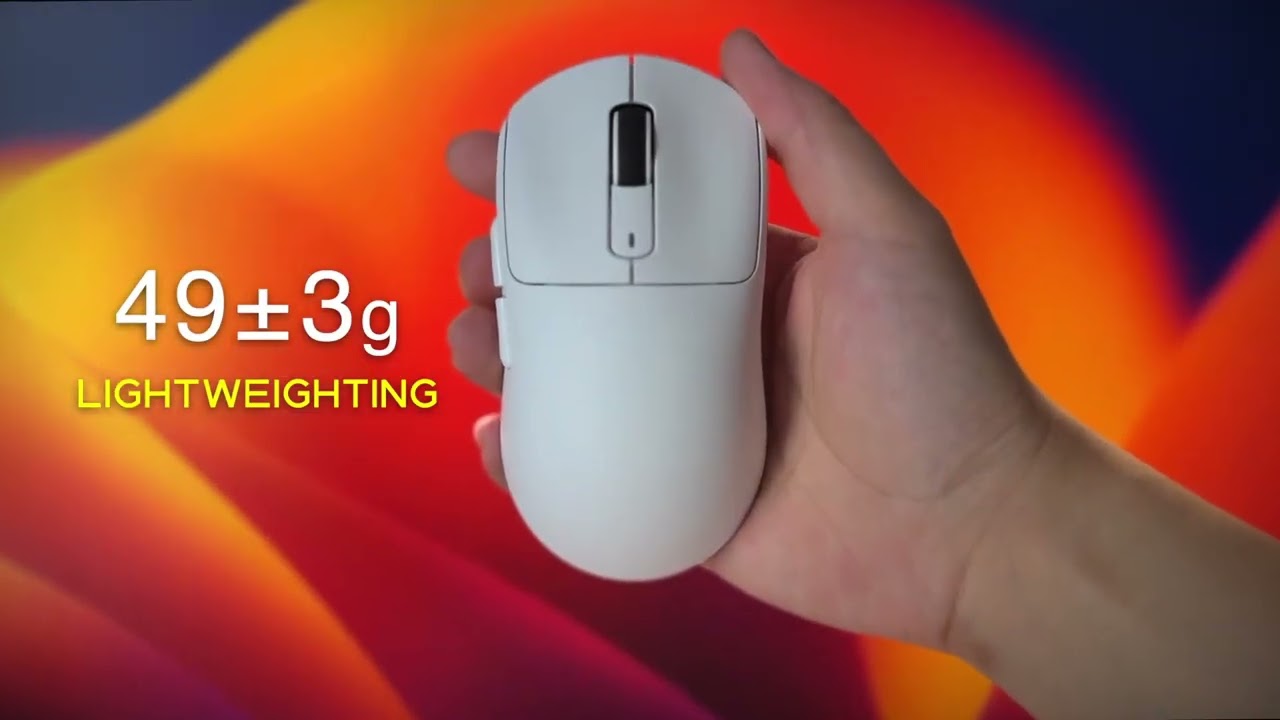
49G ULTRA-LIGHTWEIGHT
A lower weight allows you to move, accelerate, and stop the mouse with more precision, making it easier than ever to track targets and hit your flicks.(The weight does not include the receiver, there is an error of ±3g)
Connect the way you like
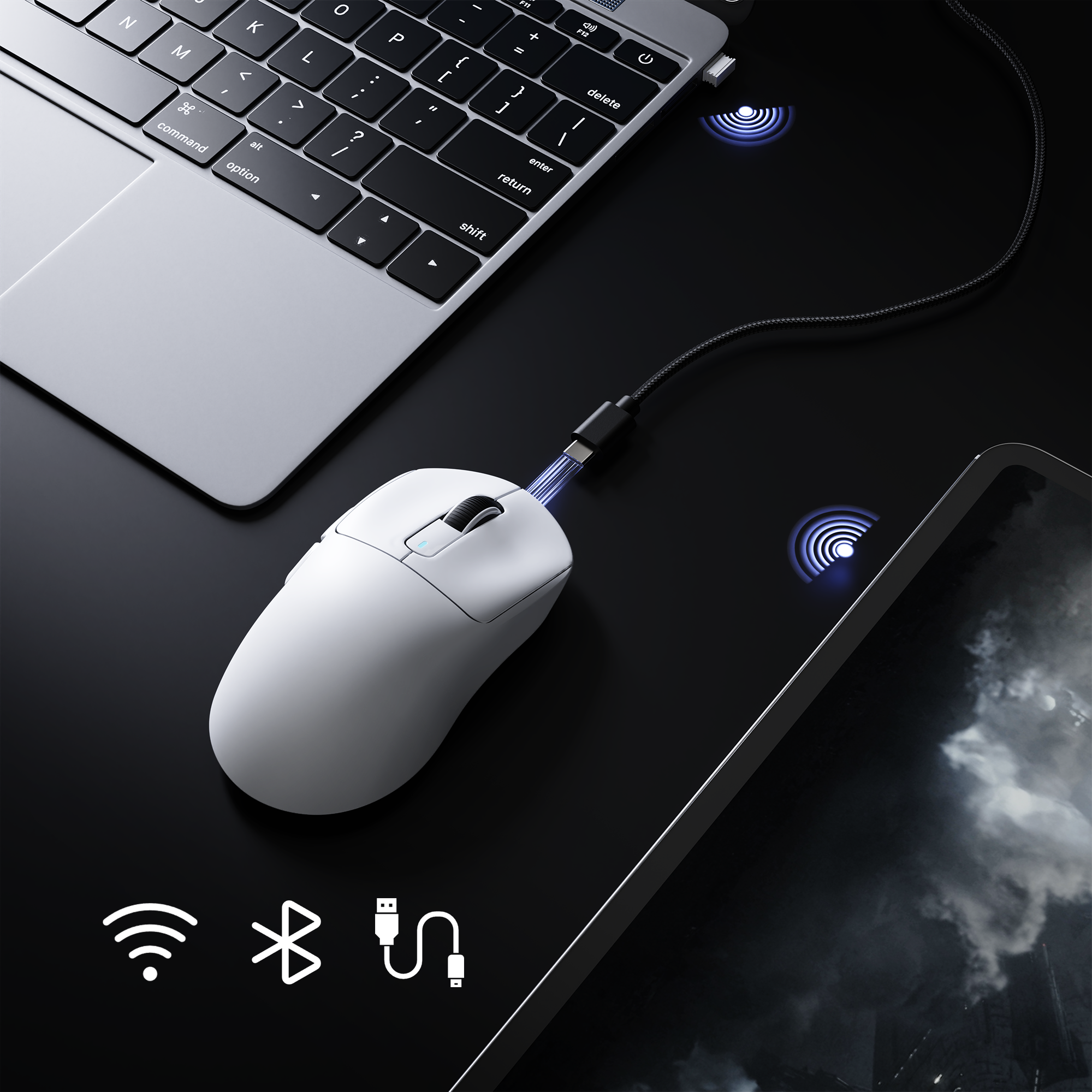
Tri-mode Connectivity
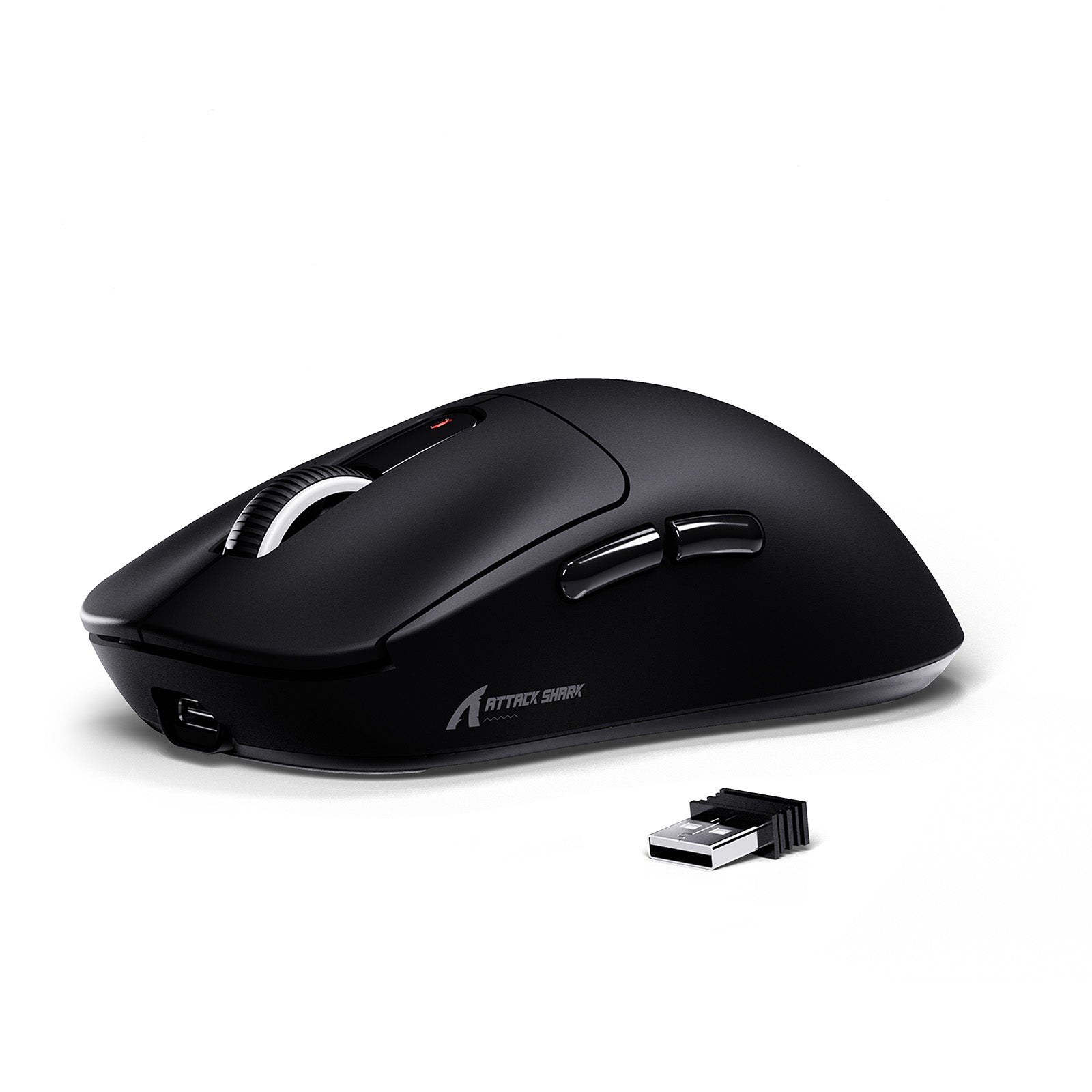
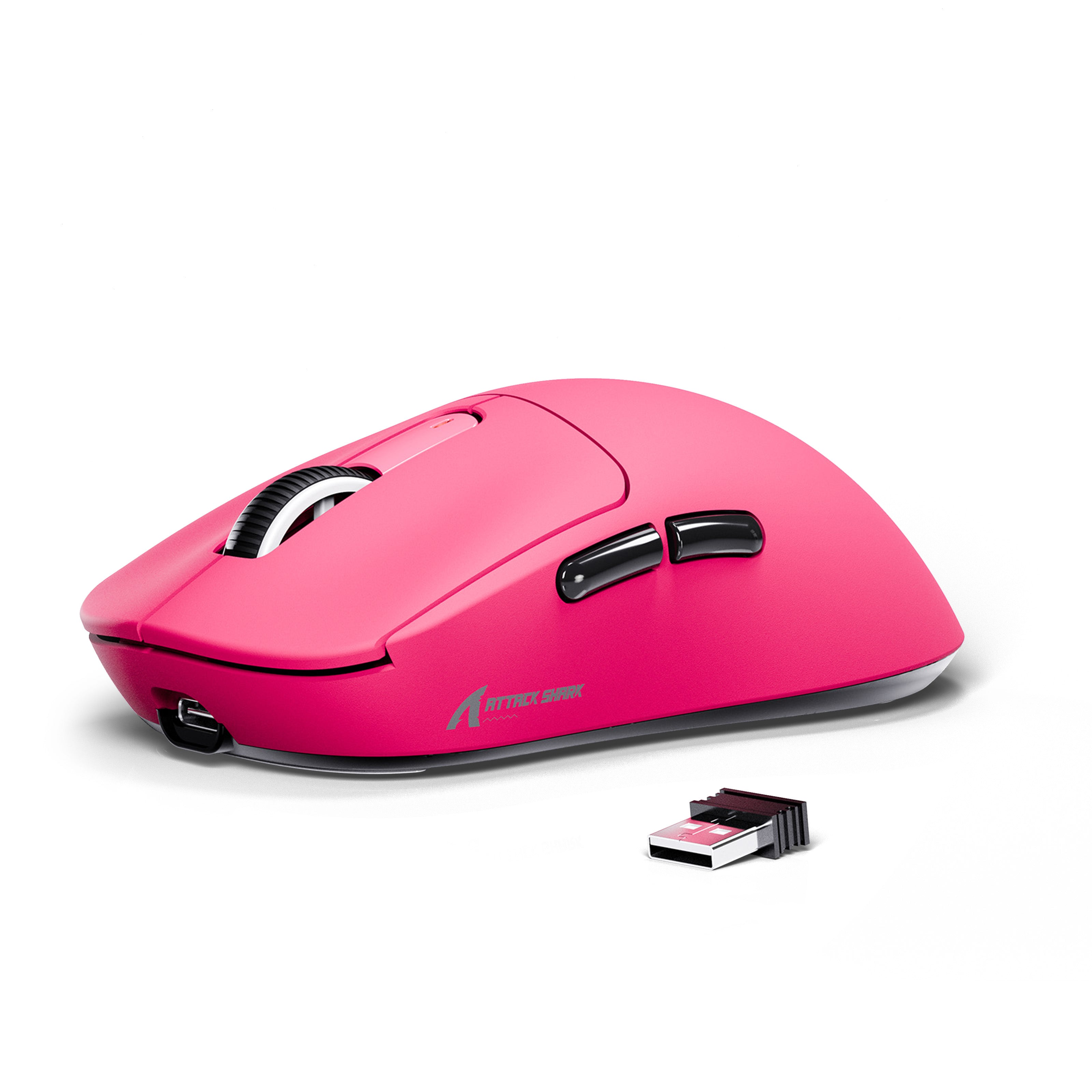
Choose between lag-free 2.4 Ghz mode for blazing fast performance, or the brand new Bluetooth 5.2 for seamless pairing with phones, tablets, and other devices, or play in wired mode with the ultra-flexible charging cable. A 1.6m long paracord cord is included in the package.
Crisp & Smooth Scrolling
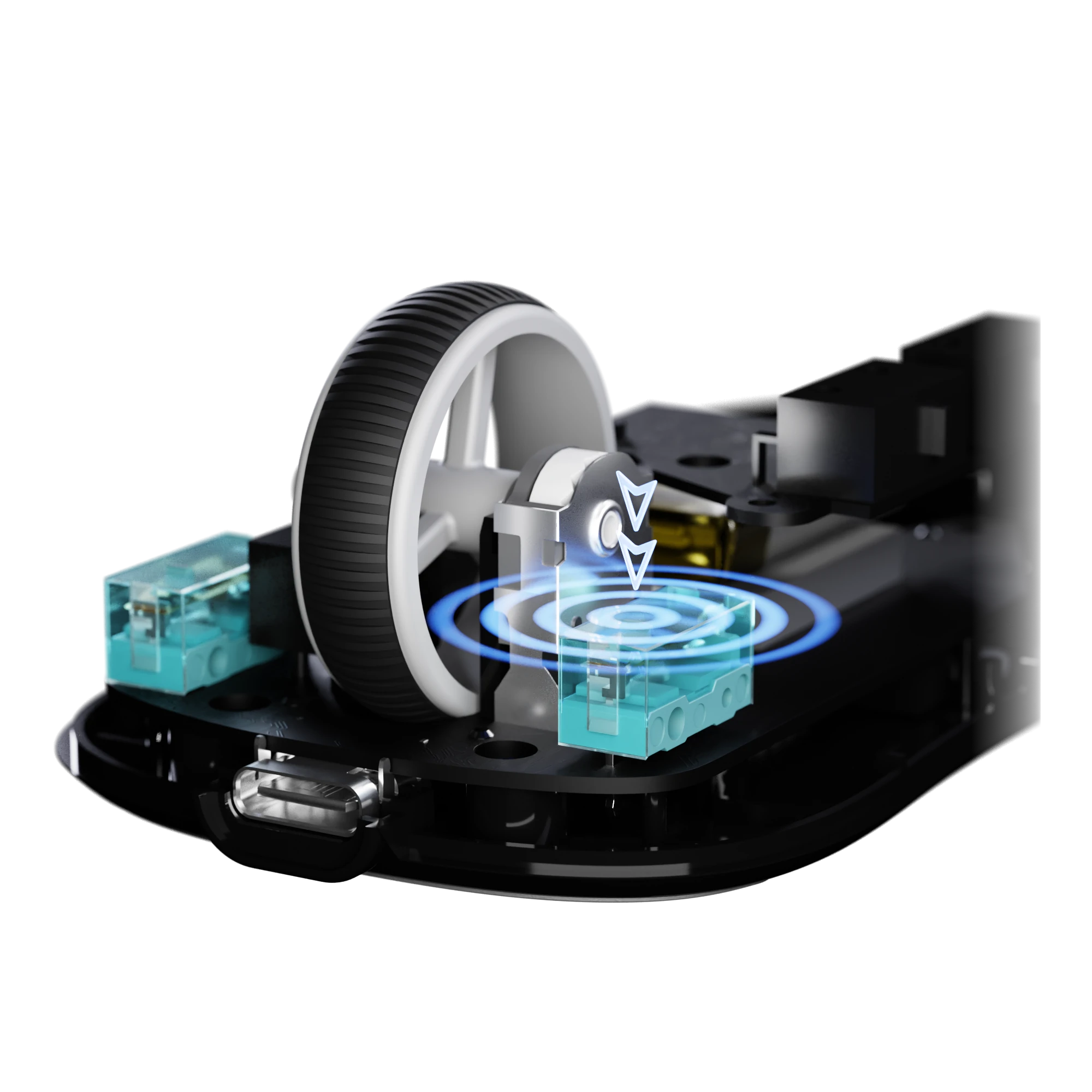
TTC WHEEL ENCODER
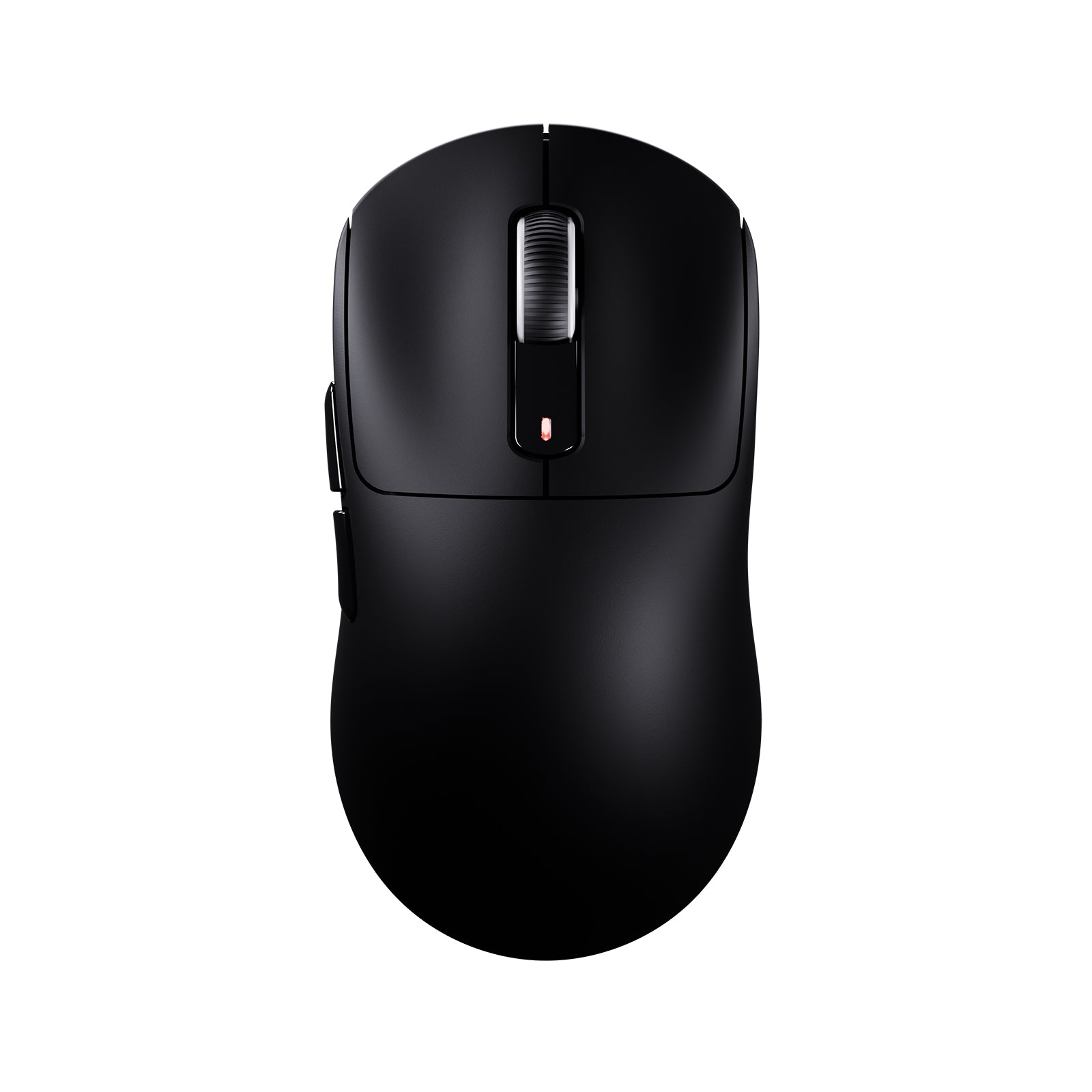
Experience scroll precision like never before with TTC encoders. Every scroll delivers a satisfying, crisp response, giving you smooth control and flawless feedback—perfect for gaming and productivity alike.
Precision in Every Grip
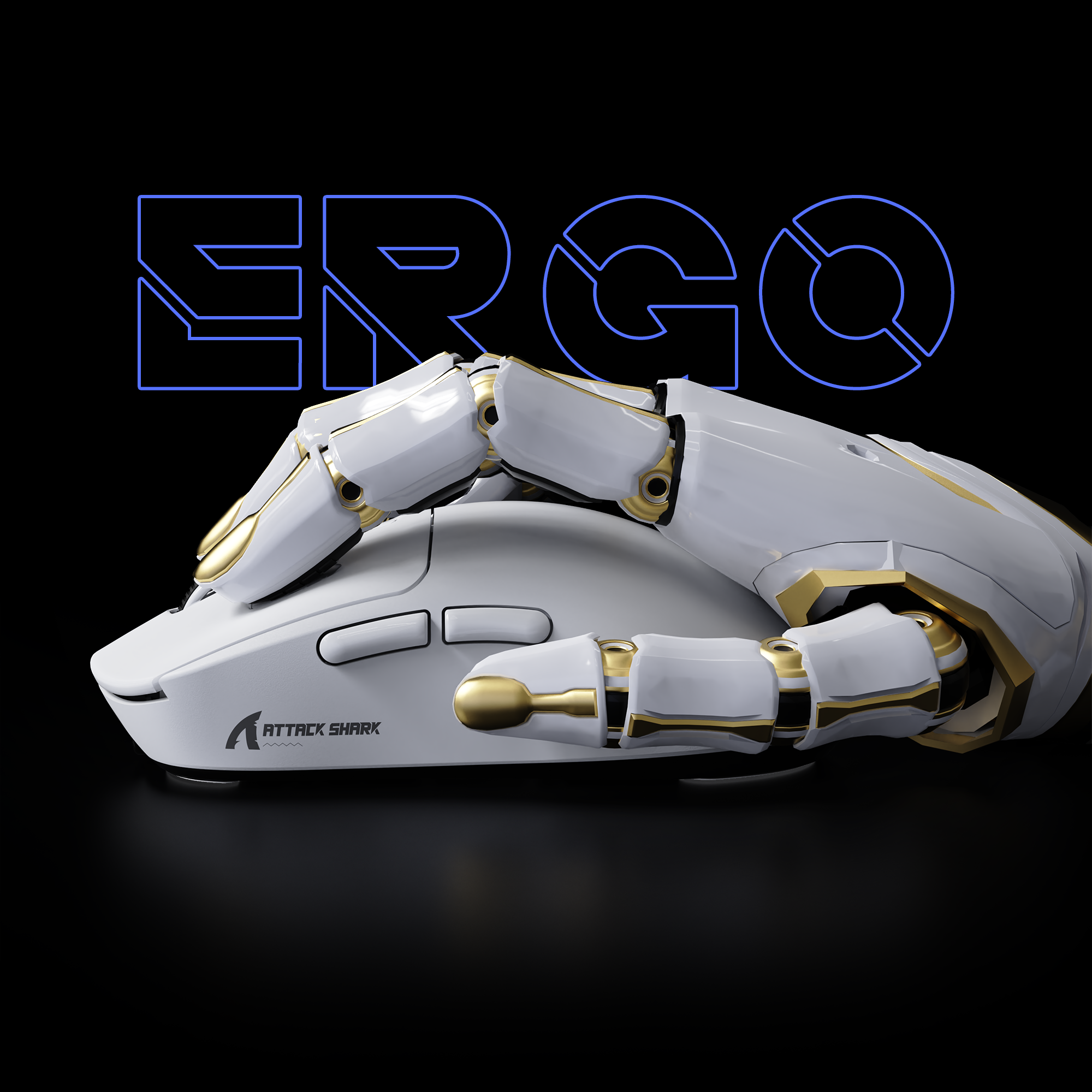
SYMMETRICAL ERGONOMICS
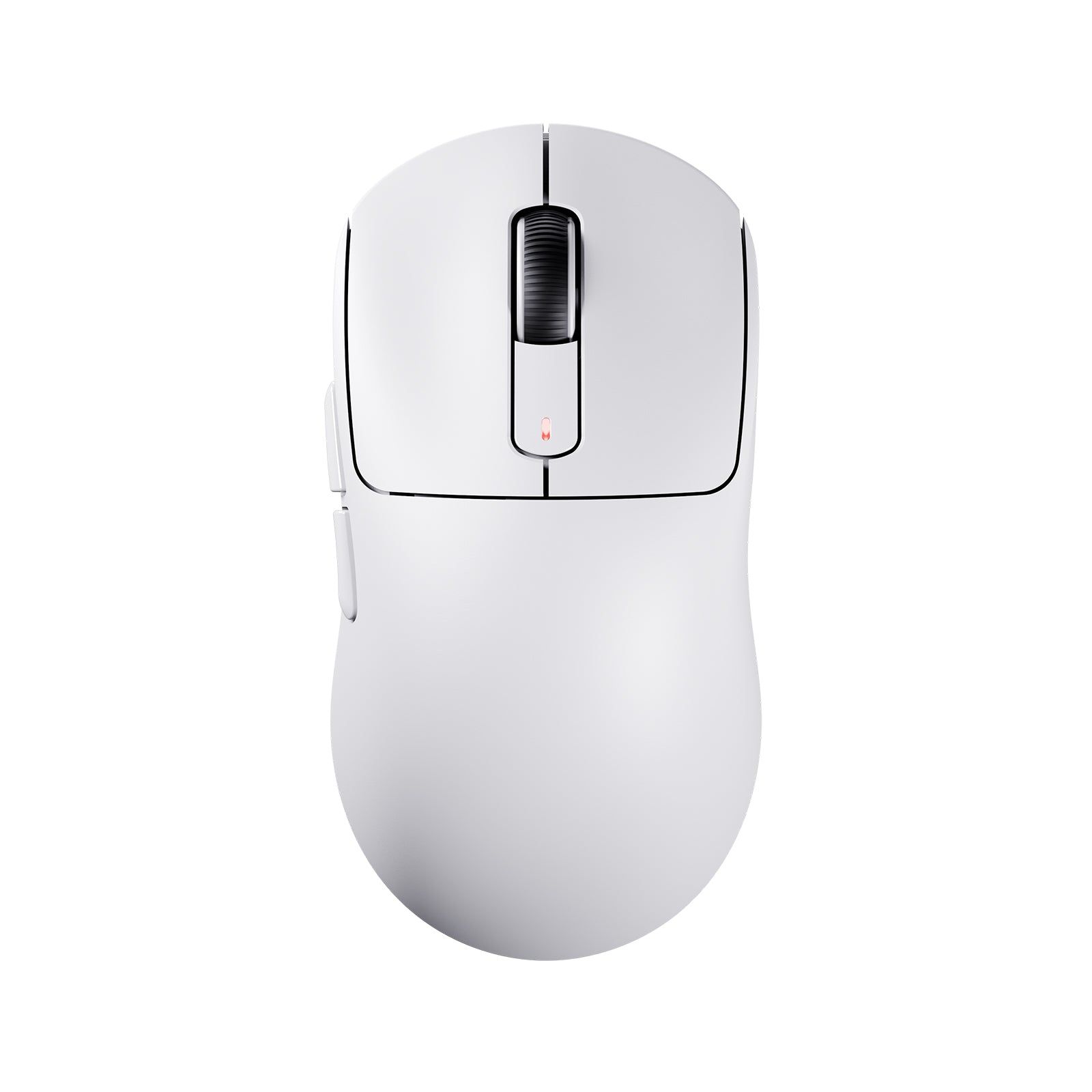
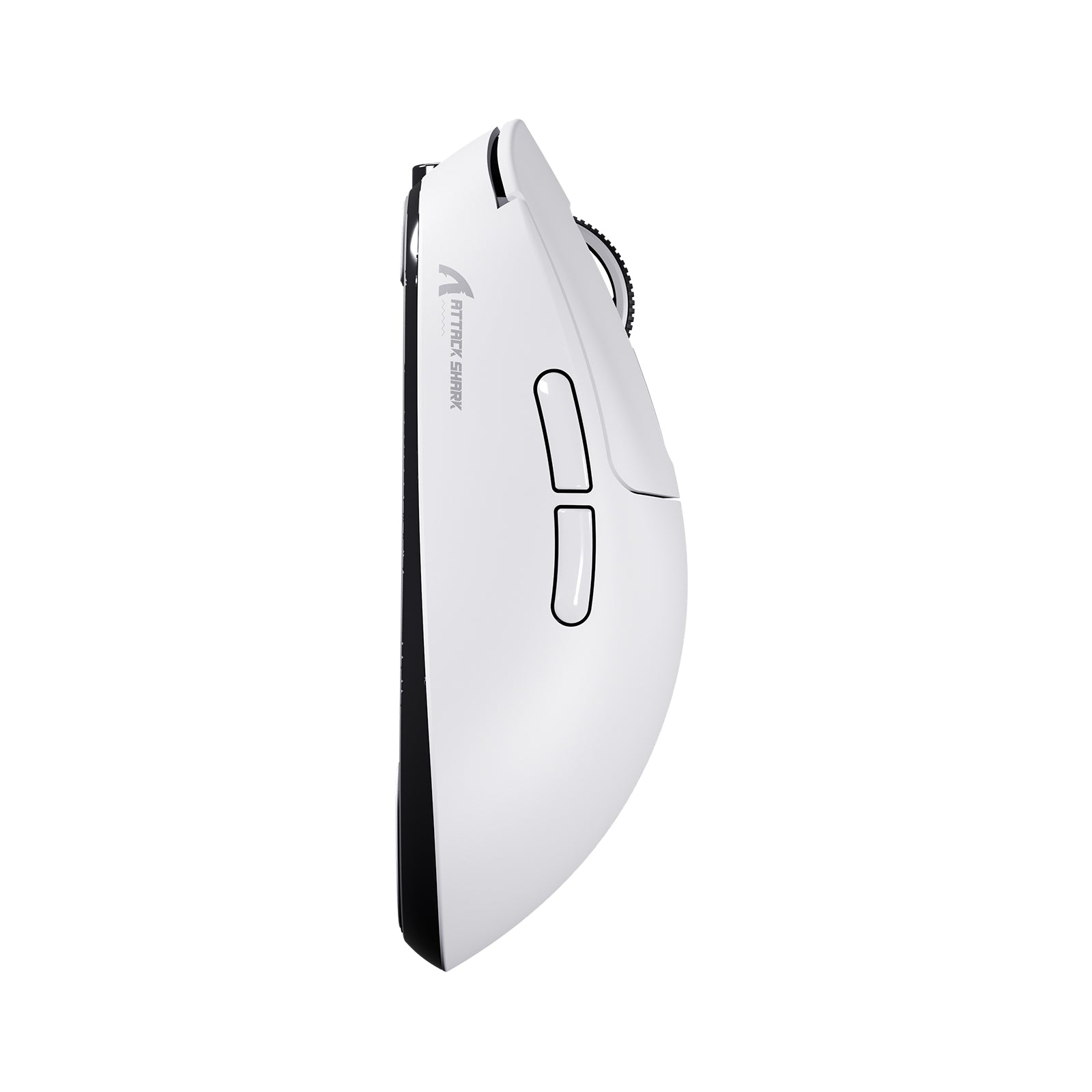
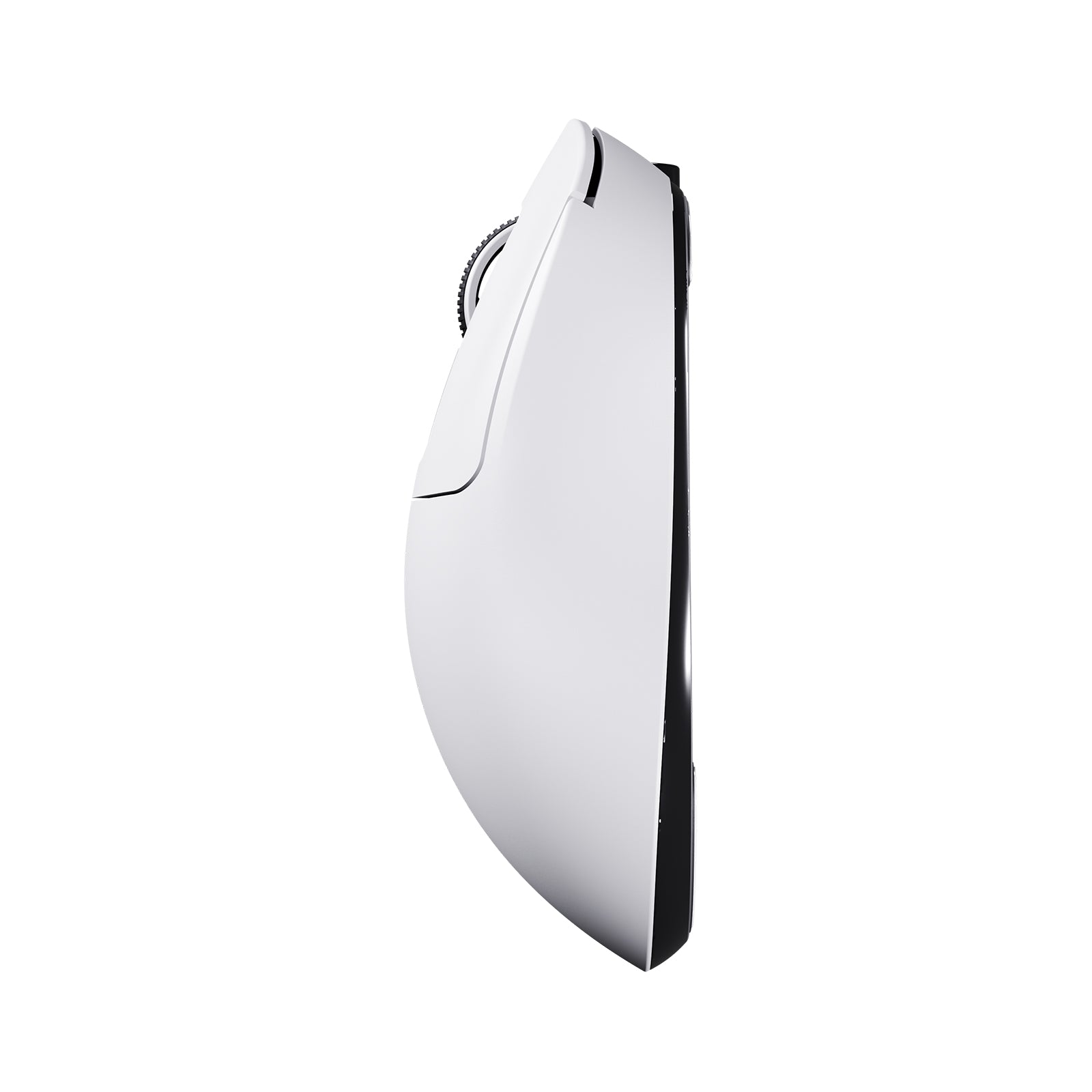
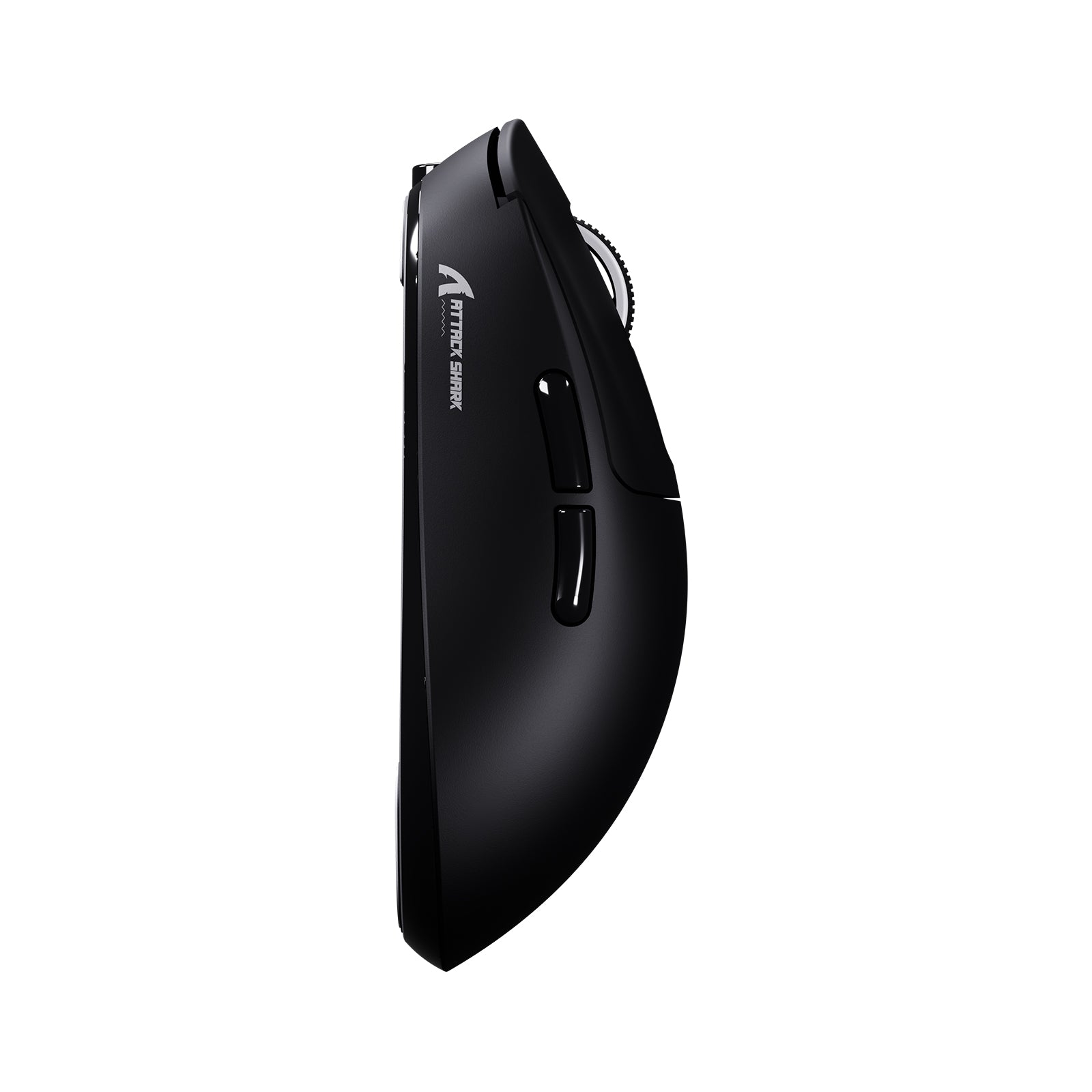
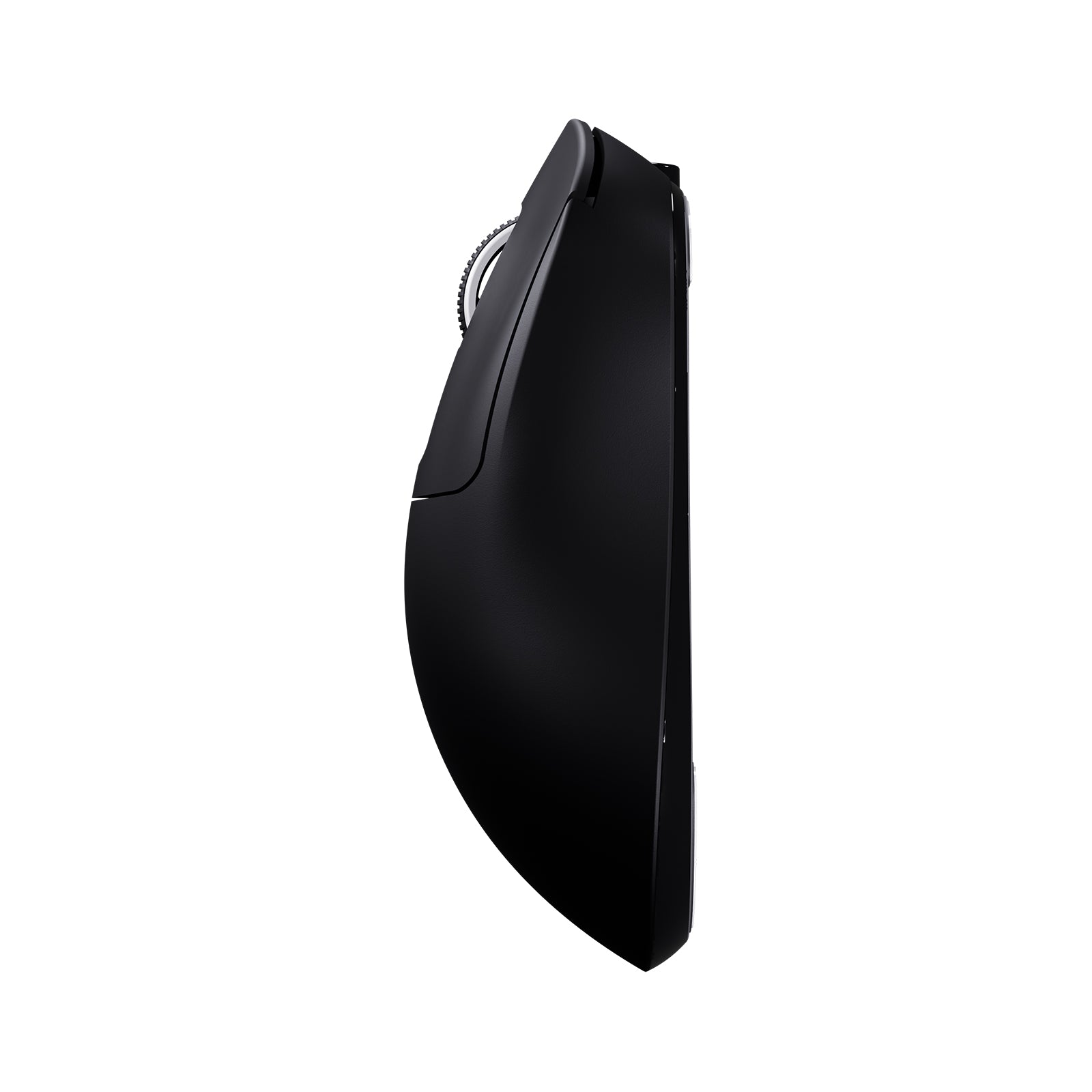
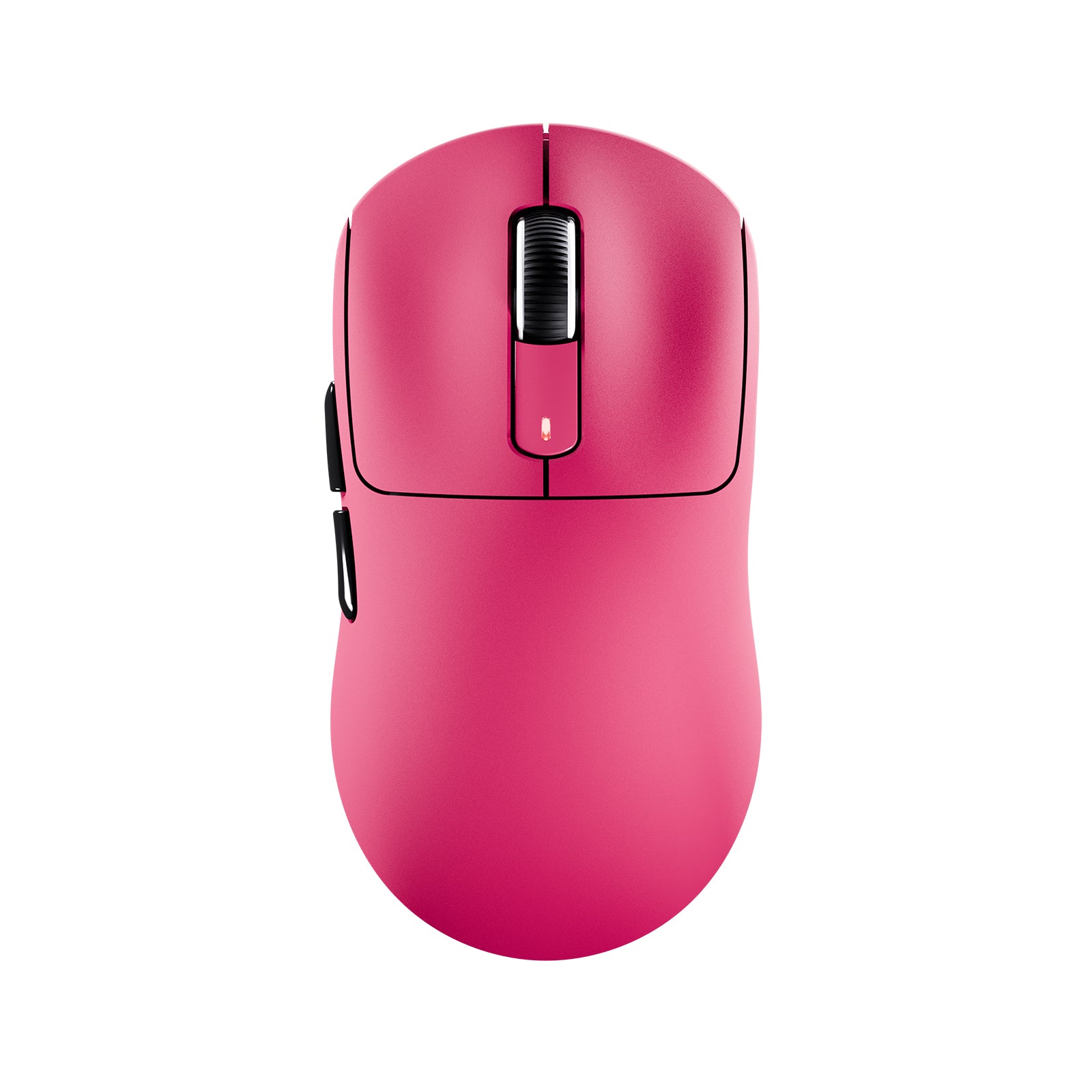
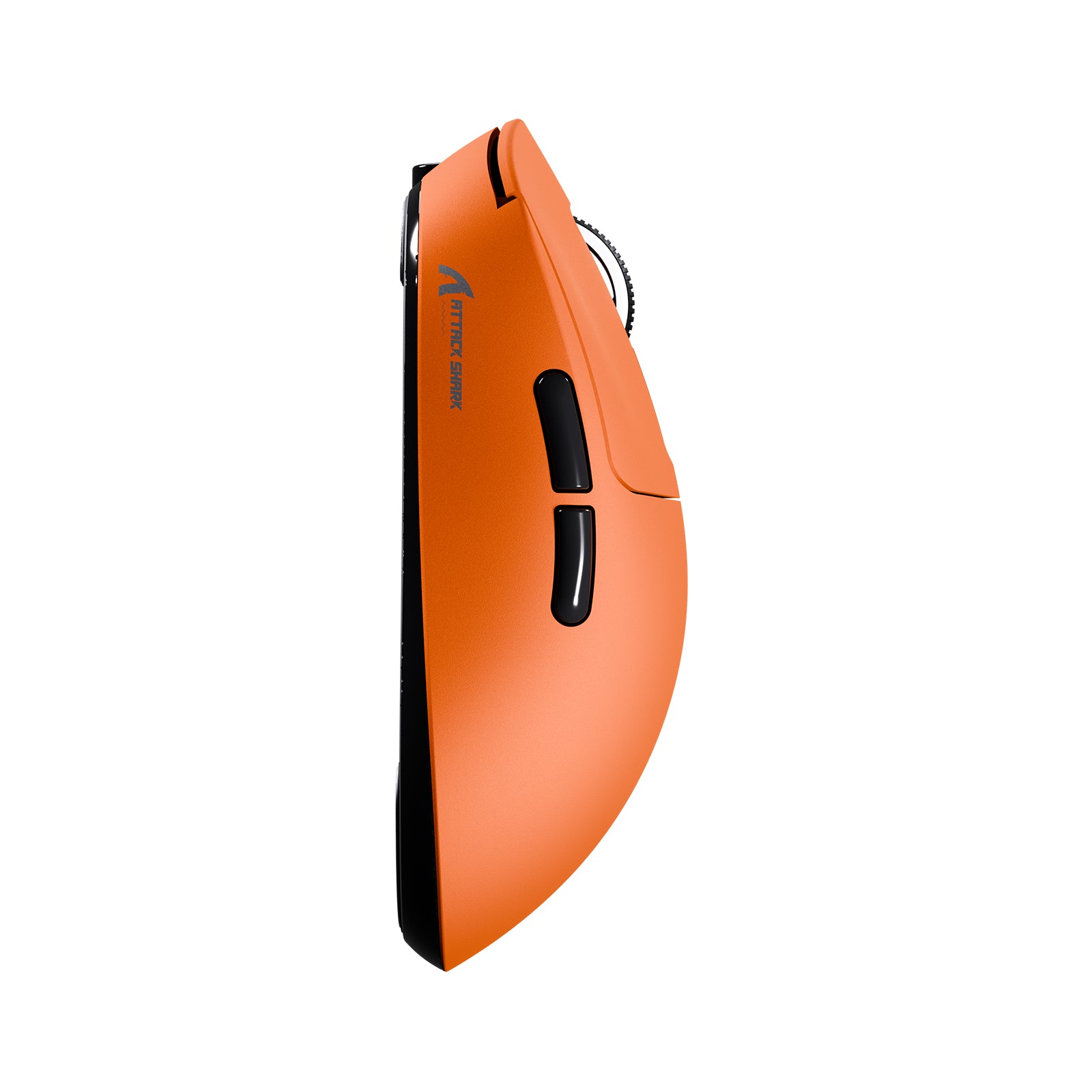
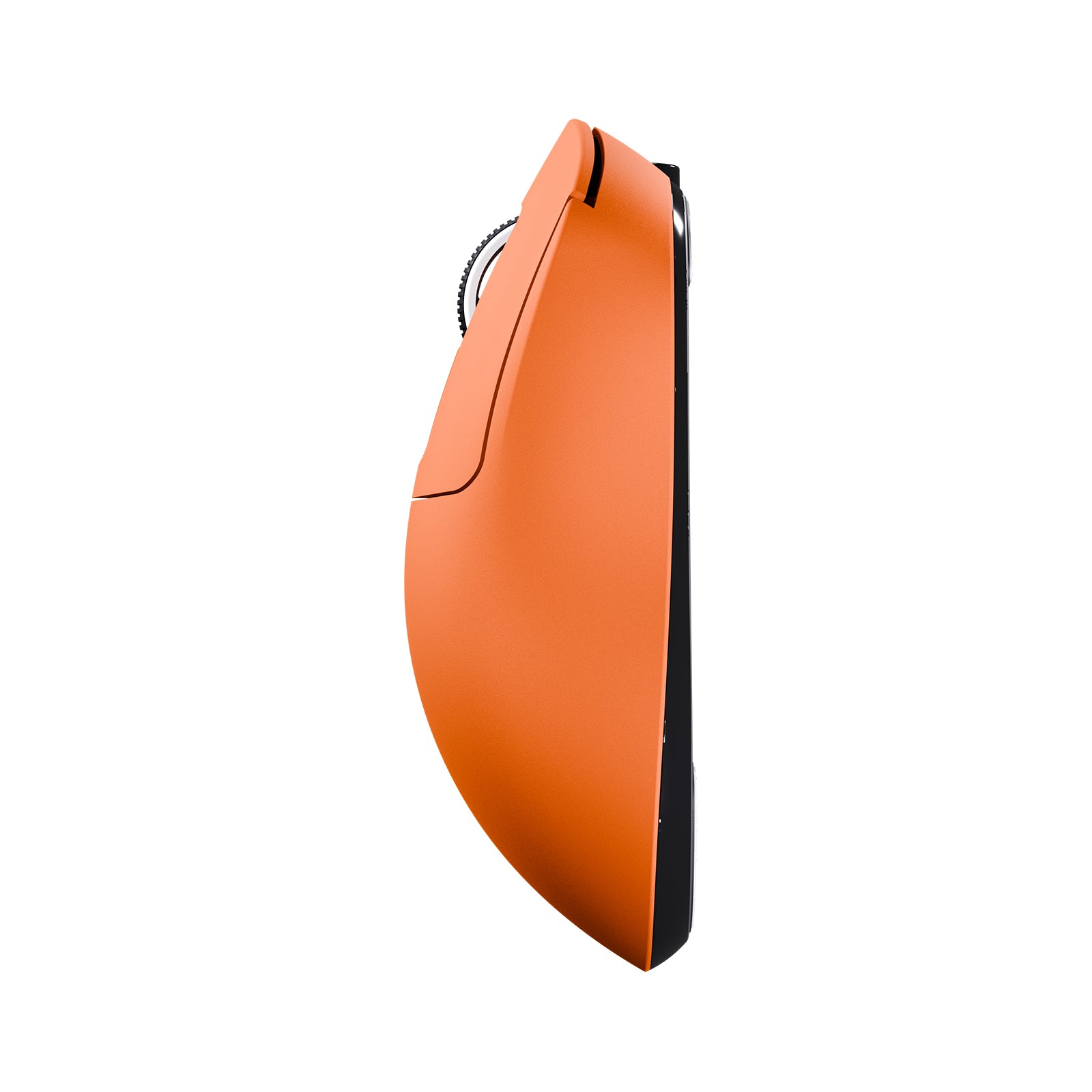
Built for competitive performance, the X3 features a precision-tuned symmetrical shape that supports claw, fingertip, and palm grips. Designed for fast-paced gameplay and long hours of intense action, it delivers the stability and control esports players demand.
Pro-Level Switches
KAILH GM 8.0 SWITCHES
Featuring ultra-crisp clicks and lasting durability, Kailh GM 8.0 switches deliver over 80 million reliable clicks for consistent performance during intense gaming.
Total Control at Your Fingertips
Fully Customizable
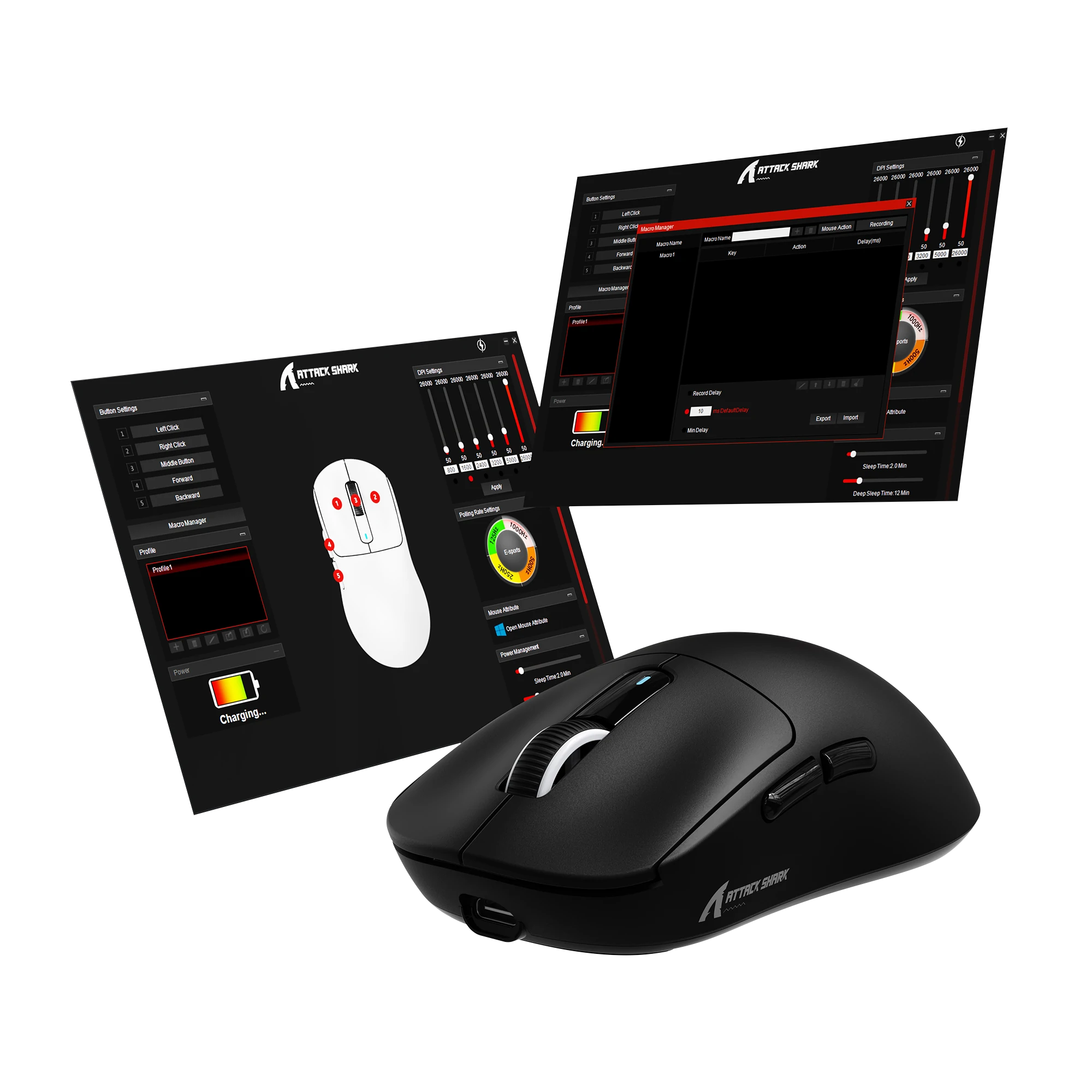
Configure your mouse in driver software to program your buttons, DPI settings, polling rate, lift-off distance and more. Reassign your keys, create your own macros and save to the onboard memory to maximize your gameplay.
ATTACK SHARK X3 Software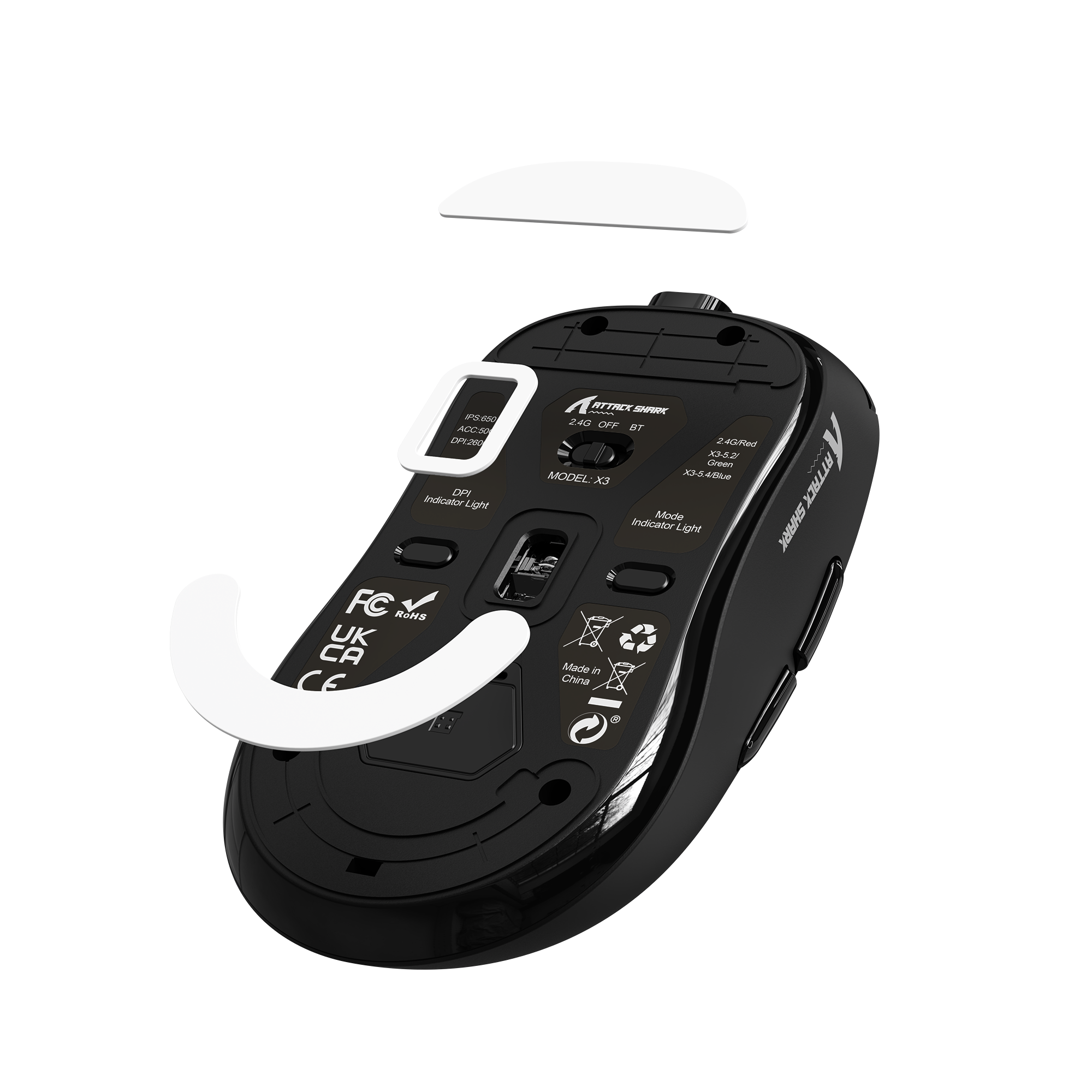
Smooth Moves, Sharp Stops
100% Virgin-Grade PTFE Feet
Made from pure, additive-free PTFE for an ultra-smooth, consistent glide with controlled stopping power—perfectly tuned for fast-paced, competitive gaming.
Play Longer, Charge Less
SUPER LONG USAGE TIME
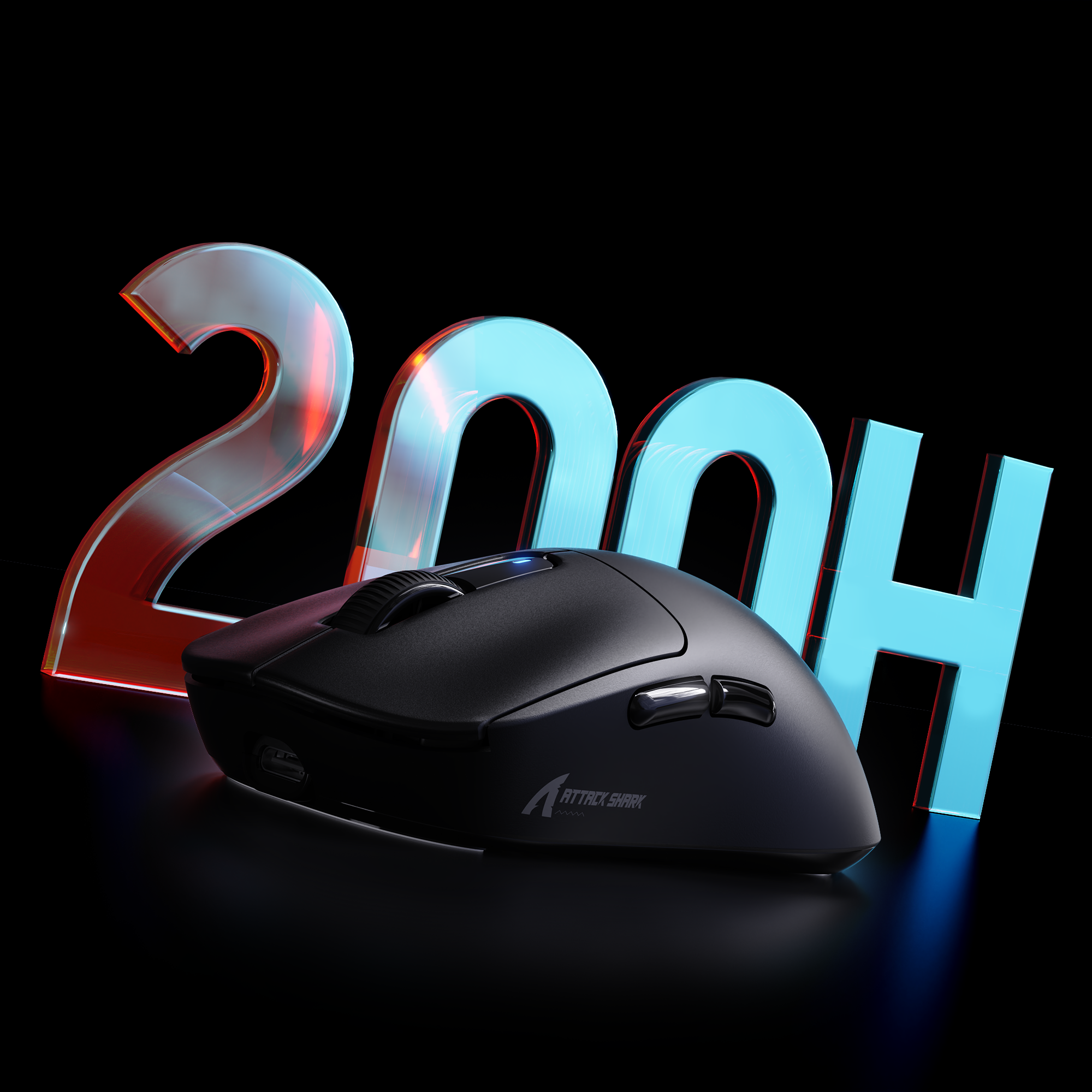
Thanks to Broadcom microcontroller and excellent power solution, X3 can offer up to 200 hours playtime*, satisfying a whole week of gaming at a single charge. Smart sleep protects the battery and extends usage time.
*Tested under laboratory conditions. Actual performance may vary based on usage and environment.


Technical Specifications
PRODUCT COMPARISON
| Model | X3 | X3PRO Check It Out | X3MAX Check It Out |
|---|---|---|---|
| Sensor | PAW3395 | PAW 3950MAX | |
| MCU | BK3633 MCU | ||
| Micro Switch | Kailh Black Mamba Switch 80 Million Clicks | Omron Switch 100 Million Clicks | |
| Scroll Wheel | F-Switch Scroll Wheel 1 Million Scrolls | F-Switch Scroll Wheel 2 Million Scrolls | |
| Polling Rate | 1000 Hz | Wired 8K + Wireless 8K | 1000 Hz |
| DPI | 26000 | 42000 | |
| Max Acceleration | 50G | ||
| Max Tracking Speed | 650 IPS | 750 IPS | |
| Software Support | Web-based Configurator & PC Software | ||
| Receiver | NANO Receiver | 8K Receiver | NANO Receiver |
| Connection Method | Bluetooth / 2.4GHz Wireless / Wired | ||
| Battery | 300 mAh | ||
| Mouse Feet | PTFE Skates | ||
| Dimensions | 118.5 x 61 x 39.7 mm | ||
-
49g Super Light
- X3 ultra-light mouse is born for players who pursue extreme weight. Through the innovative liquid nitrogen cooling injection molding, the weight of the mouse is reduced to 49g. It is 30% lighter than G PRO X and 20% lighter than Aerox 3, allowing players to move the mouse faster during game operations, speeding up the operation, and reducing the fatigue caused by long-term use.
-
3395 Gaming Sensor
- The X3 Gaming Mouse is equipped with the latest PixArt 3395 flagship sensor, with a DPI of up to 26,000 and can be adjusted in 6 levels. Whether you use it for daily work or professional gaming, X3 can easily meet your needs.
-
BK3633 Tri-modes
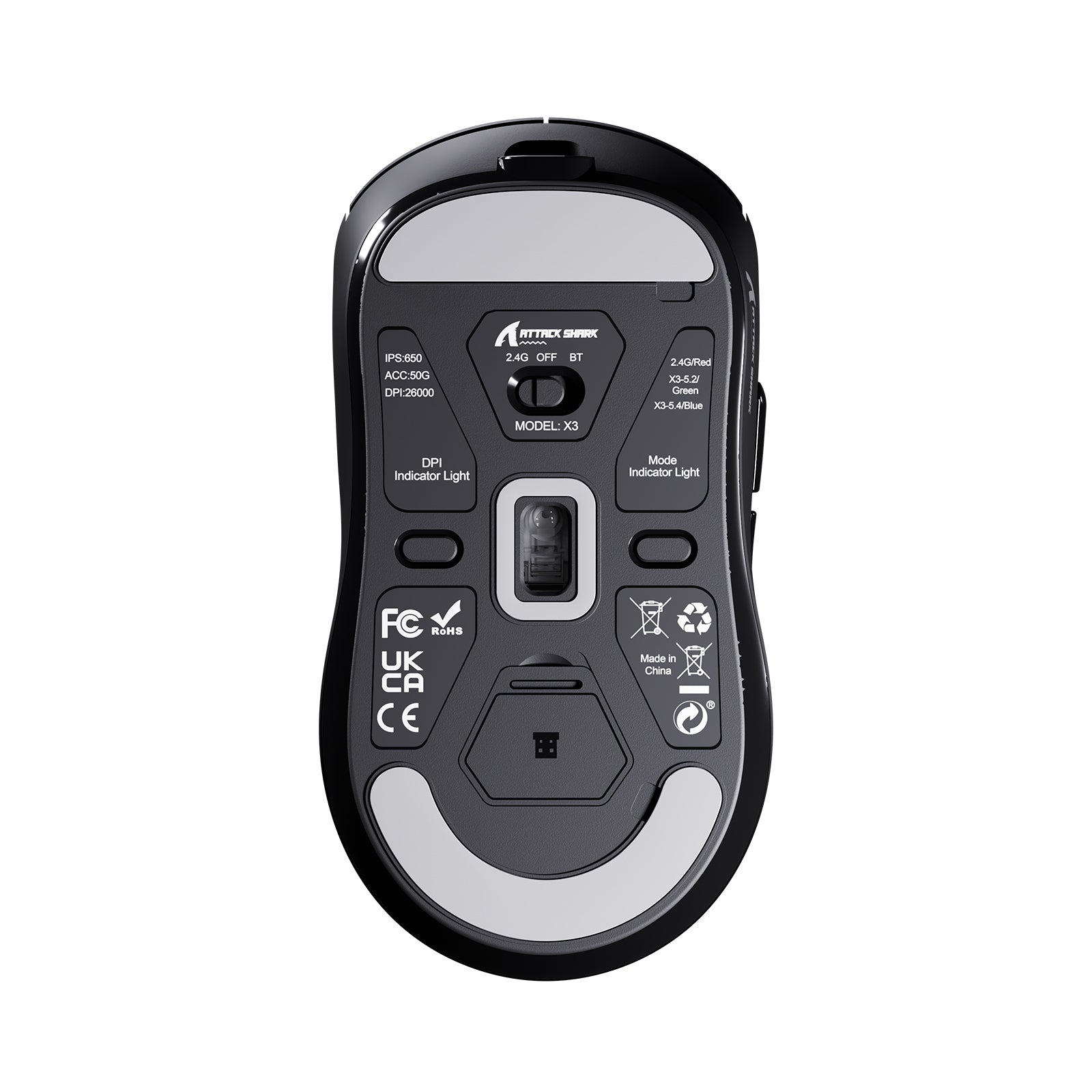
- In order to meet the needs of different scenarios, the X3 high-performance mouse is equipped with a BK3633 chip, providing three different connection modes, wired USB-C, 2.4GHz and Bluetooth mode, which can be easily switched through the button on the back of the mouse.
-
80 Million Clicks
- The ultra-long-life mouse is equipped with KAILH GM8.0 Micro Switch 3 Pin. Releasing force 25gf(min), Operating force 65±10gf, Conduction itinerary 0.3±0.2mm, Touch feeling 25%. Gold plated contacts. No double click. The click life is more than 80 million times and can be used for decades.
-
200 Hours Battery
- The X3 rechargeable mouse is equipped with a super long battery life. It takes about 2-3 hours to fully charge. After simulating the test of normal usage scenarios, it can be used for up to 200 hours at intervals on a single charge. Long battery life can help you play various games for a long time.
FAQ
Q: Does this mouse support game consoles?
A: Yes, it is compatible with major mainstream consoles via 2.4G wireless or USB wired connection; however, since in-game functionality depends on whether the specific title supports mouse input, we recommend verifying game compatibility before purchase.
Q: Why is my mouse not being recognized by the software?
A: This may be due to data restrictions or power limitations on certain USB ports. Please try connecting the mouse to a different port (ideally the rear motherboard ports on a desktop) or switch to wired mode before reinstalling the software.
Q: Where is the USB receiver located?
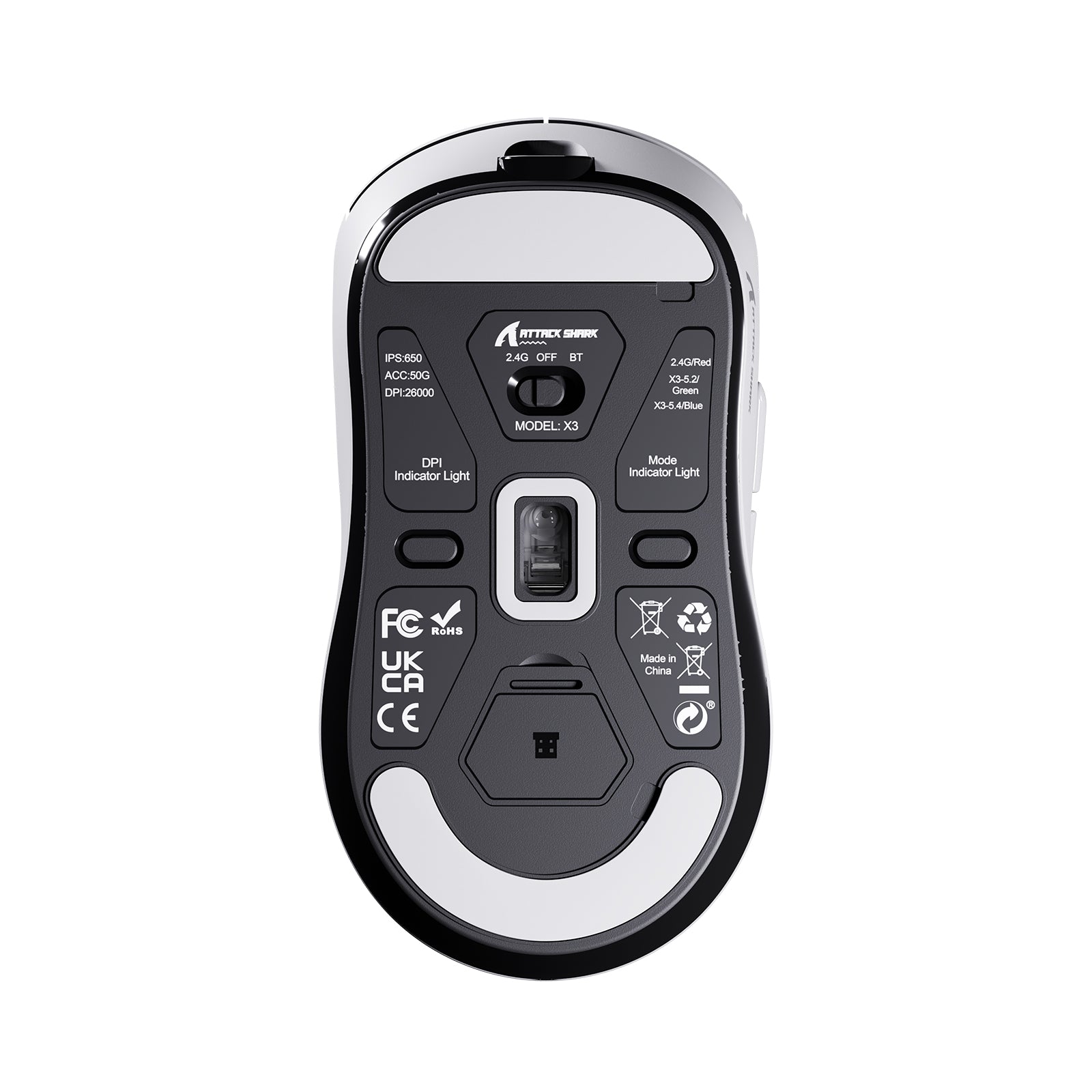
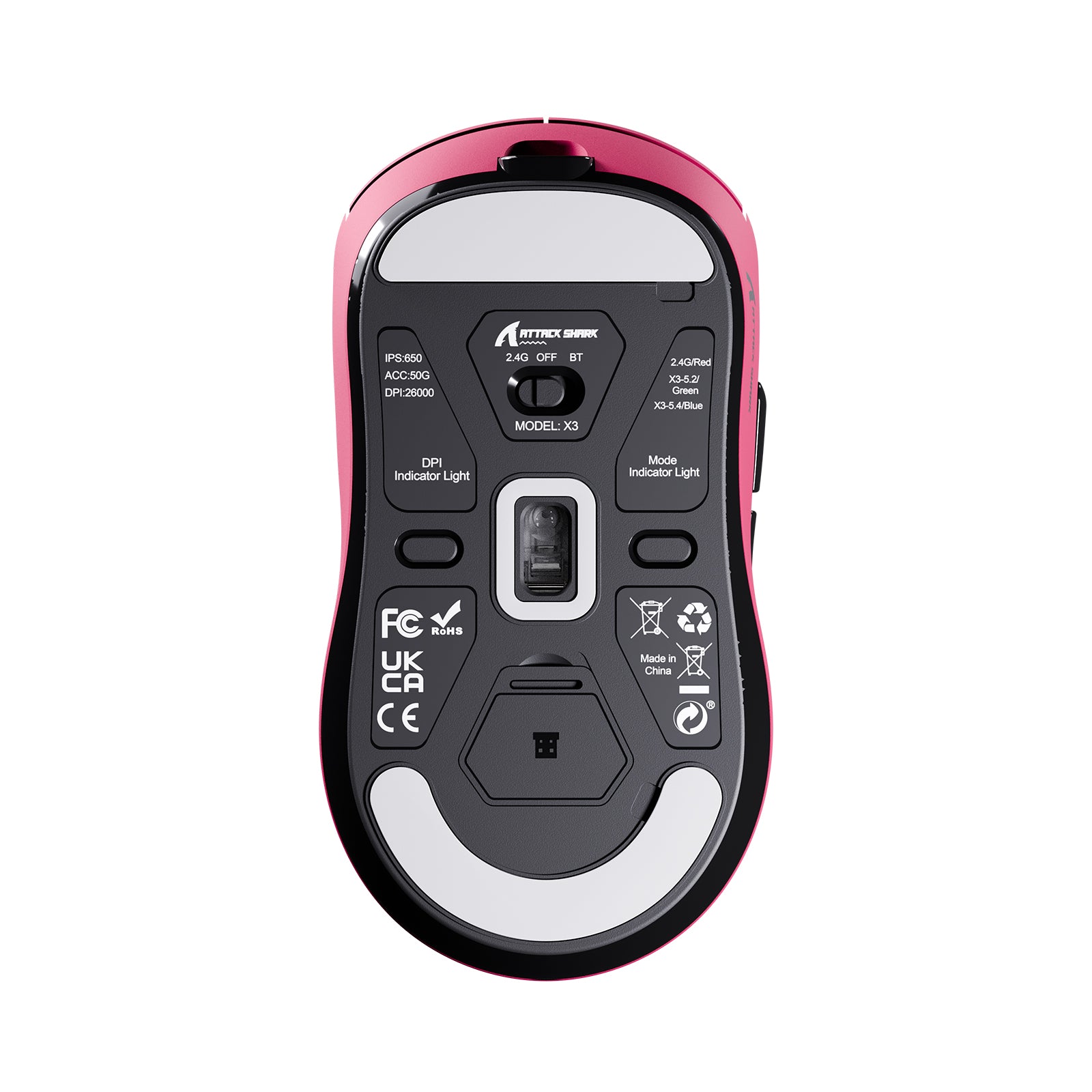
A: For convenient storage and to prevent loss, the receiver is tucked away in a dedicated compartment on the bottom of the mouse. Simply open the small cover on the underside to find it.
Q: Why is there a USB cable included in the package?
A: This is a versatile "Tri-mode" mouse supporting Bluetooth, 2.4G wireless, and USB-C wired connections. The included USB-C cable is used for both charging the battery and enabling wired mode for a lag-free gaming experience.
Q: Why does the mouse color on the packaging look different from what I purchased?
A: To reduce environmental waste, we use universal packaging for all color variants within this series. Please refer to the specification label on the side of the box or the actual product inside for the correct color.
Where do I download the X3 software?
Download the ATTACKSHARK X3 Software from the Downloads section further down, next to the X3 manual. In the software you program the buttons, set DPI and polling rate, and adjust lift-off distance. You can also record macros and save them to the onboard memory of the X3. The X3 works with a web-based configurator too, so you can change settings without installing the PC software.
How much does the ATTACK SHARK X3 weigh?
The ATTACK SHARK X3 weighs 49g, measured without the USB receiver. The X3 is made with liquid nitrogen cooling injection molding, which brings the whole mouse down to that weight. A lighter mouse is easier to move, accelerate and stop, so tracking targets and landing flicks takes less effort. The X3 keeps a symmetrical shape at this weight, and it supports claw, fingertip and palm grips.
What polling rate does the X3 run at?
The ATTACK SHARK X3 polls at up to 1000Hz, which works out to a 1ms report interval. Set the polling rate in the X3 software along with DPI and lift-off distance. Its PixArt PAW3395 sensor tracks at up to 650 IPS with 50G acceleration, so fast swipes stay 1-to-1 on screen.
What is the difference between the X3 and the X3 PRO?
The X3 PRO uses a PixArt PAW3950MAX sensor, while the X3 uses a PAW3395. The X3 PRO reaches 8000Hz wireless polling, against 1000Hz on the X3. It also moves to Omron switches rated for 100 million clicks, where the X3 uses Kailh switches rated for 80 million. Choose the X3 PRO if you want 8K polling for competitive FPS, and the X3 if 1000Hz covers the games you play.
How long does the X3 battery last?
The ATTACK SHARK X3 runs for up to 200 hours on a single charge, measured under laboratory conditions. The X3 charges fully in about 2-3 hours over the included cable. The same cable runs it in wired mode. The X3 also goes into smart sleep, which protects the battery and extends usage time.
What size is the ATTACK SHARK X3?
The ATTACK SHARK X3 measures 118.5 x 61 x 39.7 mm. Its symmetrical shape is tuned for claw, fingertip and palm grips, so it adapts to the way you hold a mouse. Choose the X3 if you want a light symmetrical mouse built for fast-paced games and long hours of intense play.
Article conforme à la description celui ci est le deuxième achat pour mon fils et il en est très satisfait.Très maniable


7年くらい使ったロジクールのマウスに左ボタンがチャタリングを頻発するようになったので買い替え。FPS等のゲームはやらないのでゲーミング性能はとくに求めていない。ロジクールのマウスよりも若干背が高く、引き出し式の自作テーブルだとマウスパッド一枚分高さオーバーになった。なのでマウスパッドを使わない運用に変更。とても軽く、明るいオレンジ色なこともあって、見た目はかなりチープ。表面が滑り止めになった謎デザインの分厚いステッカーが付属しており、どうせチープな見た目ならと、がっつりステッカーチューンしてみた。機能的には問題ない。USB-Cで充電しながらでも使える。

The mouse is absolutely amazing for the price especially having a really good software for your dpi and your hz, I also have the keyboard and headset, absolutely amazing with an amazing price, whoever they are they be saving gaming standards for the boys
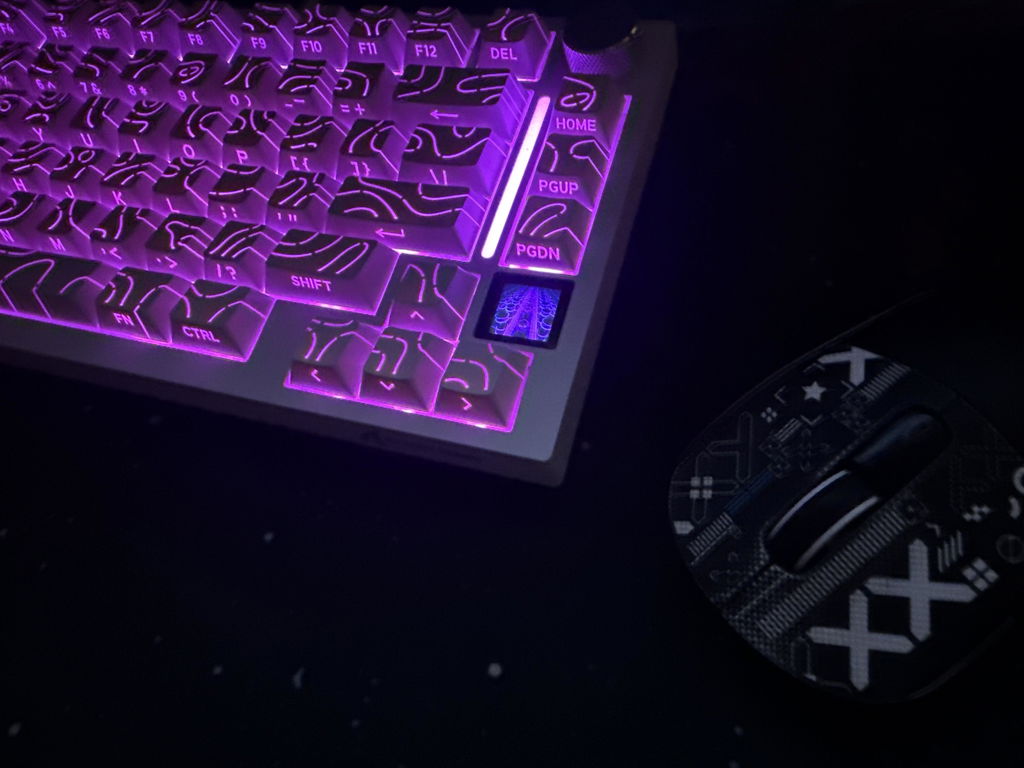
Excellent gaming mouse with great quality and a smooth feel. It’s lightweight, comfortable to use, and the battery lasts a long time between charges. Very happy with the purchase and definitely recommend it.

Great but it only works plugged in with the USB cable when I boot it up my PC with it already plugged in but if I’m on low battery and I plug it in while my PC is already on it won’t work and the mouse won’t move or click so it is a problem if I’m in a game.
I've been really impressed with this mouse. One of my favourite features is the multiple connection options. Being able to use it through Bluetooth, USB wired or wireless makes it really convenient, especially when switching between different devices.The mouse feels fast and very responsive when using it, and I also really like having the option to change the DPI depending on what I'm doing. The battery life has been excellent so far, so I don't have to constantly worry about charging it.It's also very lightweight and comfortable in my hand, which makes it easy to use for long periods. Despite being lightweight, it doesn't feel fragile and has held up well with regular use.Overall, I think this is a really good mouse. The combination of the lightweight design, responsiveness, adjustable DPI, multiple connection options and battery life makes it a great choice for both everyday computer use and gaming.

マウスが壊れて間に合わせてで買ったんだけどマウス自体は結構軽くていいかなって思ったでも付属のケーブルが溶けたwまじびびったwww

Feels perfect and it’s smooth for games on ps5 10/10 I do recommend and it comes with a cord while also having a usb to plug in so it could be wireless

My son asked for it and he loves it, he says it’s the best one he had and says it has no delay

Though this isn’t going to be a long review, I hope I can encourage you to buy this mouse in as concise of a review as possible. I’ve had many, many mice, and NONE of them beat out this mouse even at the $50-60 price range. This mouse should be at least $65. It is the perfect mouse for gaming and office work. The size and shape is perfect. It LOOKS beautiful, and no matter how many times I drop it, it’s perfectly intact. It’s a durable mouse, and the clicks are “clicky” but not loud. The connectivity works with even some old Windows office PC’s (Windows 7), Macbooks (with an adapter) and Windows 10/11 Laptops and Desktops. You should buy this mouse. It’s worth it.

I wanted a wireless mouse with BT, min. 5 programmable buttons (6 preferable), light weight, long battery, PixArt PAW3395 sensor and LED lights (nice to have) and low cost. After couple weeks of investigation on the matter I have decided for this.Manbasnake X3 crossed all my requirements on paper, except for RGB lights and only 5 buttons, granted from the pictures I thought there is a DPI cycle button in the middle, but that is only a shape and a small LED that will indicate battery/charging status.Please NOTE: I paid for this item, I did not receive any personal discounts or future promises. I will update this review as time passes.1. Presentation: a simple decent box containing mouse with dongle, USB type-C cable and instructions. Instructions are short, they do not say how to charge the mouse (sic), the obvious “do not immerse the mouse in liquid”, but most important in my view, and I quote here: "Violence against pressing the mouse is prohibited". You have been warned! Save the instructions in case you ever need to pair the mouse with dongle, or better download PDF instructions from MFG (manba-snake com) website. There is a small rattle noise when shaking the mouse, but usually I glide and not shake.First thing I did was to connect the mouse to the cable, plug it in to charge, remove the plastic from the feet, go to MFG to download and install the software for X3. When plugged in the software does not show battery percentage.2. Sensor: PAW3395 it is a new gaming sensor 26K dpi, 650 ips, 50g, 1k Hz/1ms and programmable lift cutoff that is suitable for wireless due to its low power requirements, about 2V with 1.7mA in High Performance mode and 1.3mA in Low Performance mode.3. Connection: Once fully charged, I unplugged the cable and switch to BT and right away it connected with my Intel AX210 BT 5.3 card. The switch button can be set to OFF, BT or 2.4GHz dongle but if USB cable is connected, the position does not matter. Also, there is BT switch on the back for 5.2 or 5.4, that’s two channels so you can connect the mouse with two BT devices – nice! The 2.4GHz dongle that stored inside the mouse can be used as well but I used this mode very short time since I favor BT connection. I did not notice any input lag or issues with BT.4. Battery: the battery is supposed to last 200h. Cannot confirm that yet, but after 5 days of use (about 50h) the battery shows 80% when connected to dongle and 80% when connected to BT (via windows BT devices). To conserve the battery, mouse will go into light/deep sleep and can be woken up move/click. I emailed MFG to inquire about battery and warranty, but I received no response. I emailed the seller (Magic-Refiner) and I received a prompt response in less than one working day: battery is LiPo and capacity is 500mAh. After 11 days and a rough estimate of 90-100 hours of use, mostly on BT, mouse battery shows at 50%.5. Weight: I used a kitchen scale and found the mouse weight without dongle at 54g. This is the lightest mouse I ever had.6. Shape: mouse is for a right-handed, I have an average hand and usually a fingertip grip and the size and shape feels nice for me.7. Buttons: I wished there was an extra button after scroll wheel. There are 5 programmable buttons. Side buttons are well placed, if I lift my thumb and press, I hit button #4 (forward), but move just a bit back and I can hit #5 (back), in other words easy fast access. While working, from time to time I had the impression that left click was a miss, though I heard the click, but while gaming I never missed a beat, maybe I’m pressing harder? I will continue watching this possible issue and will update. There is also a DPI cycle on the back and an LED indicator for that purpose. In the next hardware version, please move that button behind scroll wheel.8. Switches: mouse has Kailh GM 8 switches (available here on amazon) and they are like a mechanical keyboard switch, in other words loud. I do think that sometimes I put less pressure on my left click and I hear the sound, but the action is not going through, still investigating this possible issue…9. Scroll wheel: does not have side tilt, no infinite scroll/free spin, scrolling is smooth, easy and I like the feedback of the wheel. Middle click is a bit on stiffer side compared with other buttons, but that’s ok for me. Wheel’s edges are smooth and nice to the touch.10. Feet: mouse feet are PTFE and they come covered with a thin transparent plastic for protection so do not forget to remove the plastic when setting up. Feet are white and this is a sign that they are 100% pure virgin grade PTFE and will offer lowest friction.11. Software: after installation mouse was plugged and software is showing “charging” but no percentage indicator so at this moment I assume I keep it plugged until top LED turns to GREEN. Ther are several sections: Button settings (each click what to do), Macro Manager (this part can be improved), Profile (useful to have work/gaming profile), Battery...


Love this product. It’s light and wireless and feels good. I recommend this mouse instead of any other $130+. This thing very good in game and does great. It feels pretty compatible to me I can plug it into all my consoles and computers. Durability is pretty good to me tho u haven’t thrown it so I can’t tell you its complete durability. It is very good in general and very game friendly.


Je pensais que la souris était déjà préparée & vendu comme sur la photo avec le sticker.. Au Départ je fût très surpris de recevoir une boîte d'une souris blanche & finalement elle était bien noir mais je doit la décorer moi même.. j'ai réussi a le faire mais il faut vrmt faire preuve de patiente pour ne pas se planter car il n'y a qu'un jeux de sticker..


Very small mouse.Pretty to look at and super lightweight but very small. Causes my hand to cramp. I only wear a small size glove too!


Şayet iyi işini görüyor


Şayet iyi işini görüyor
Sehr leicht liegt gut in der hand

Very very fast and very quick. Reliable and lite weight. Amazing price and quality

Some connectivity issues while in game. Switched the wireless dongle from USB 3.0 to USB 2.0 and had no further issues. Just something to note. Other than that it has been flawless with good battery life. The grip on the mouse is starting to fade after 3 months of use.

Liegt sehr gut in der hand!

Great mouse has good tracking comfort is good on my hand it’s durable and looks great on my setup
Extrenly good support and everying else i recomand it