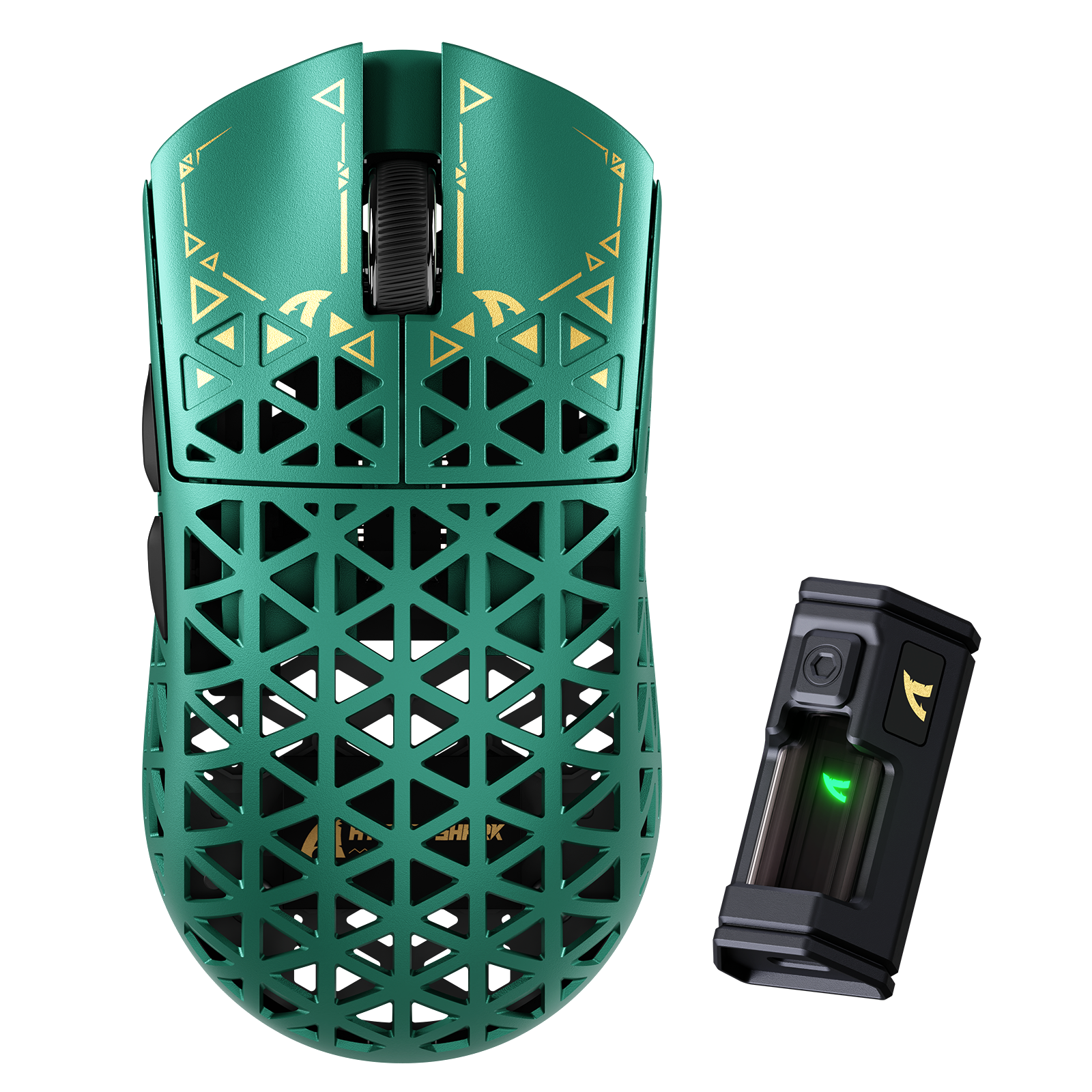
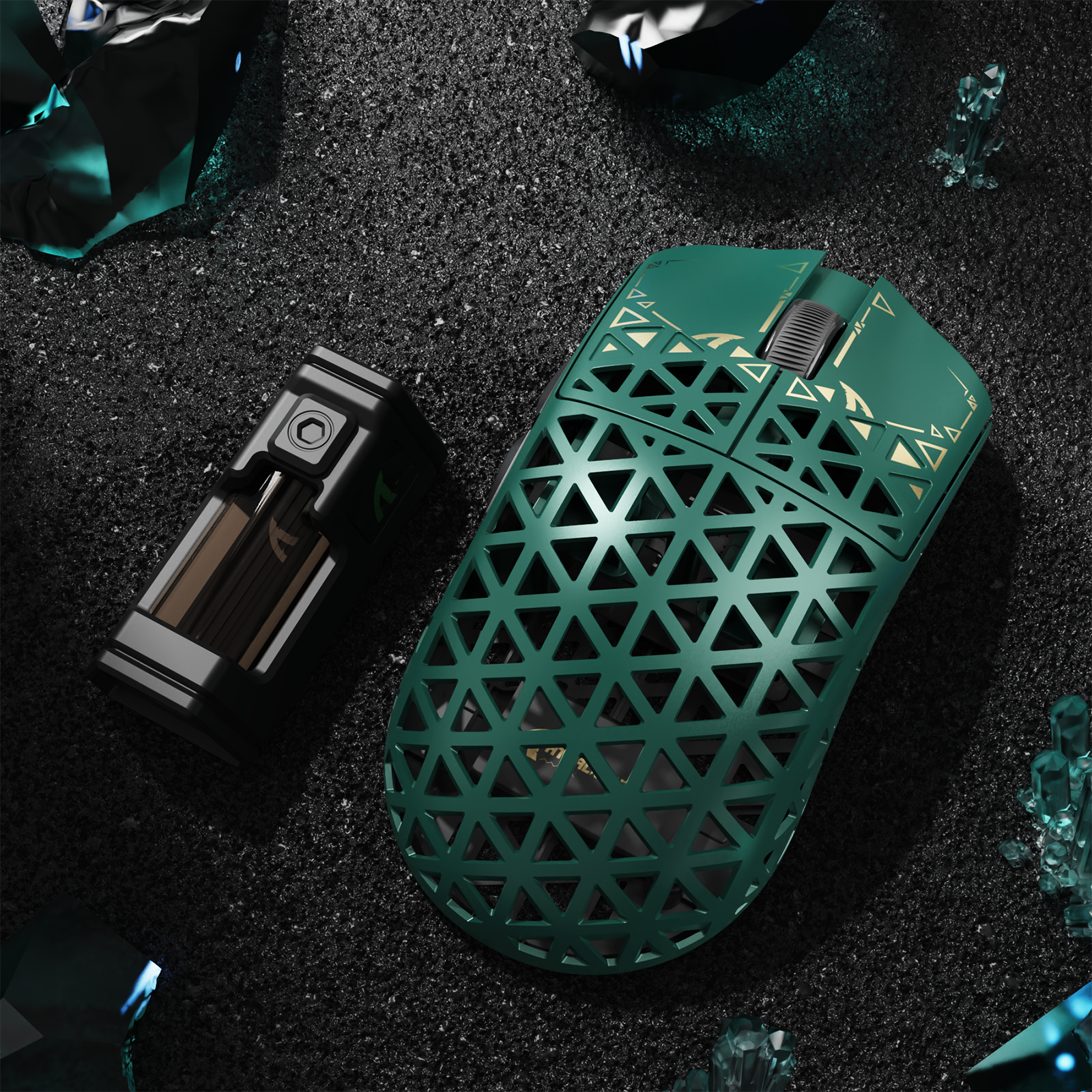
ATTACK SHARK R5 ULTRA Carbon Fiber Wireless 8K PAW3950MAX Gaming Mouse
- Share:
-

-

-

-


- In Stock
- In Stock
Technical Specifications
WEB DRIVER


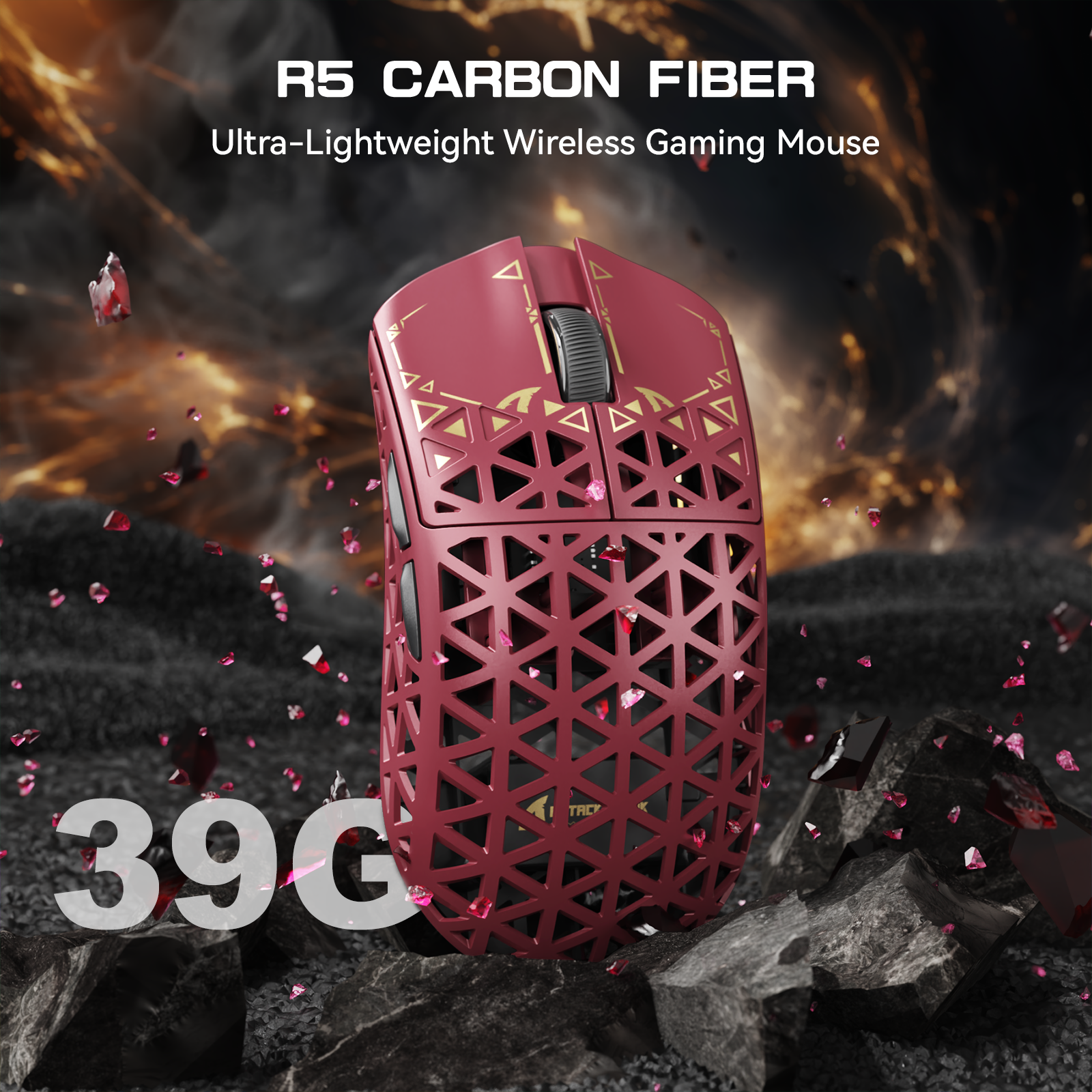
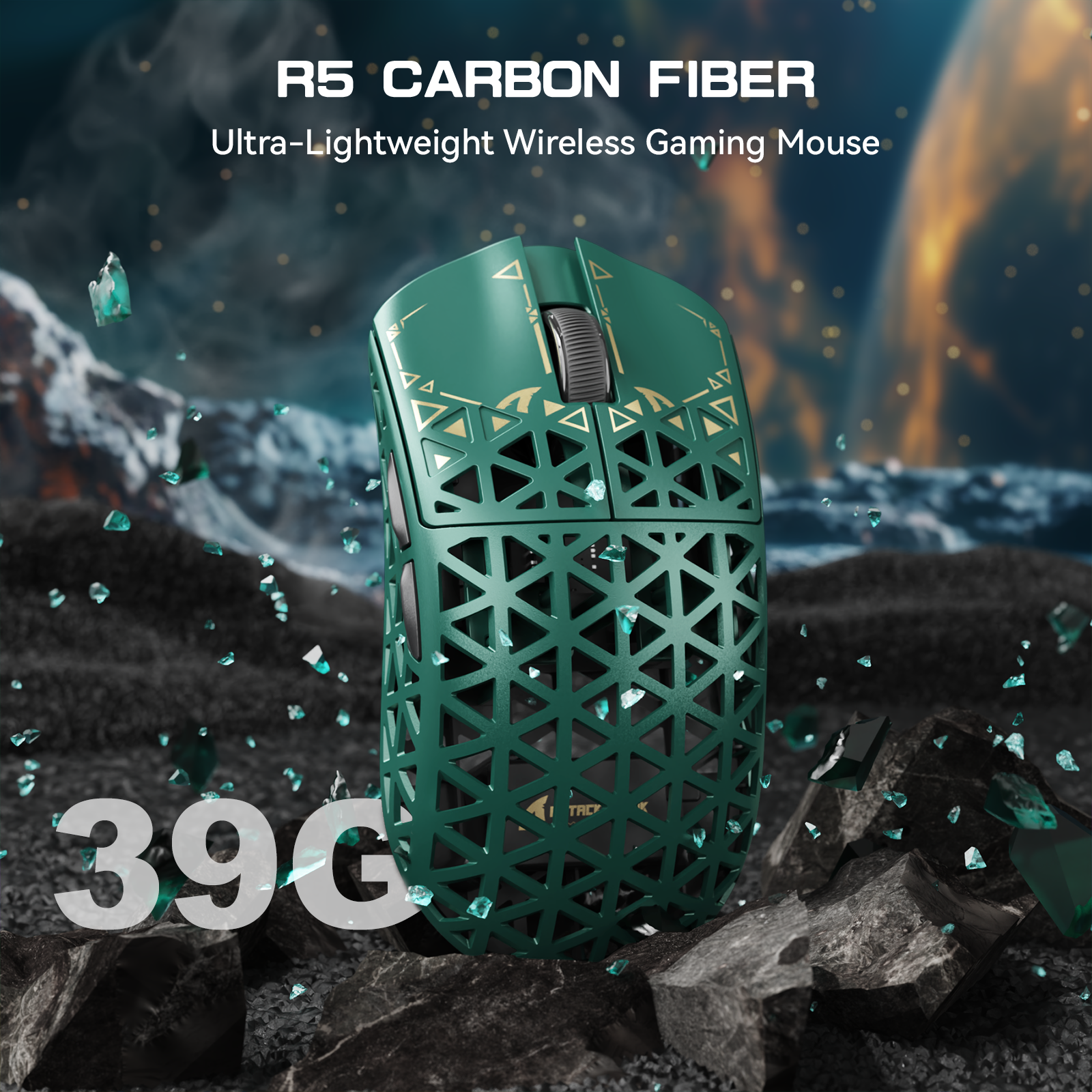
Ultra-Light Carbon Fibre Construction
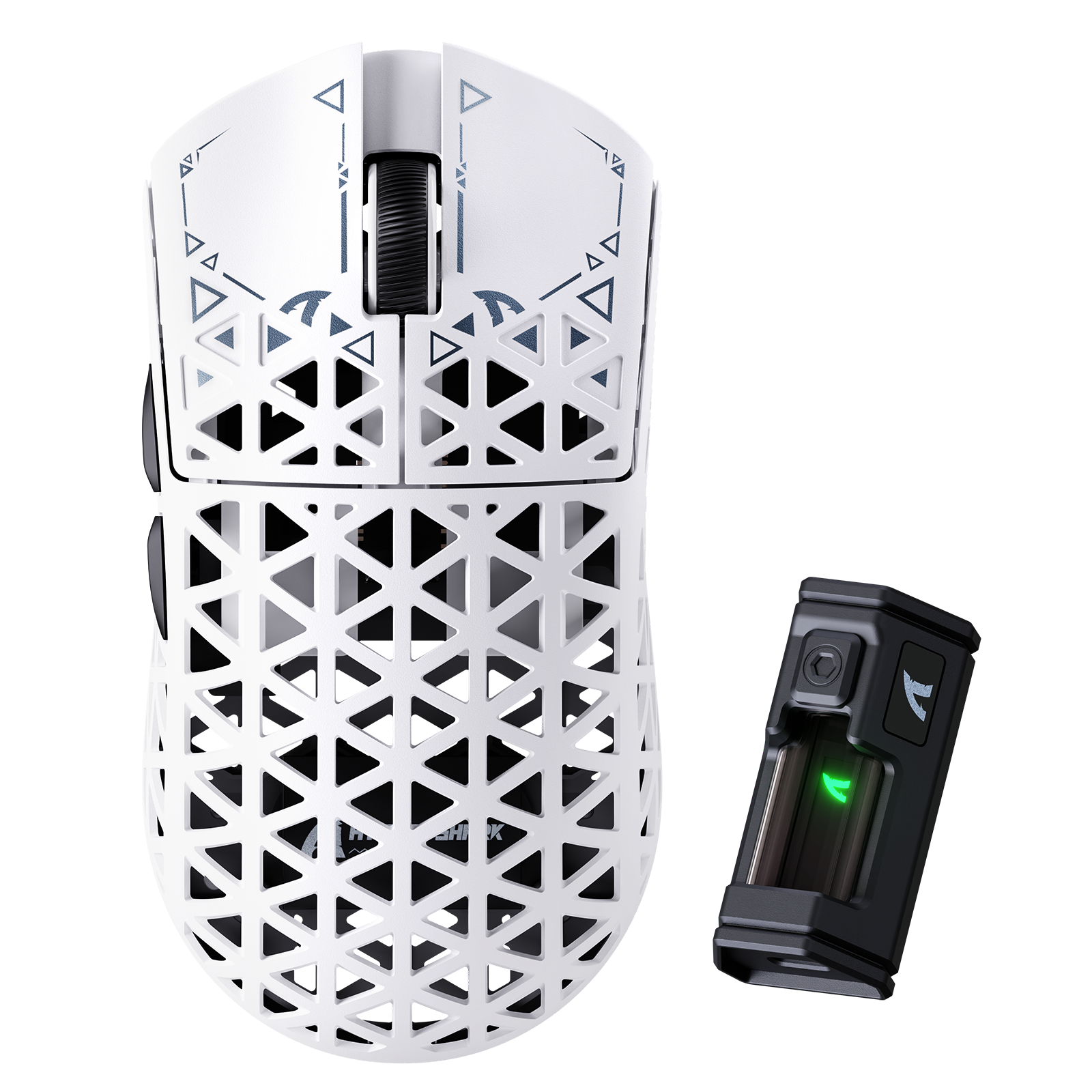
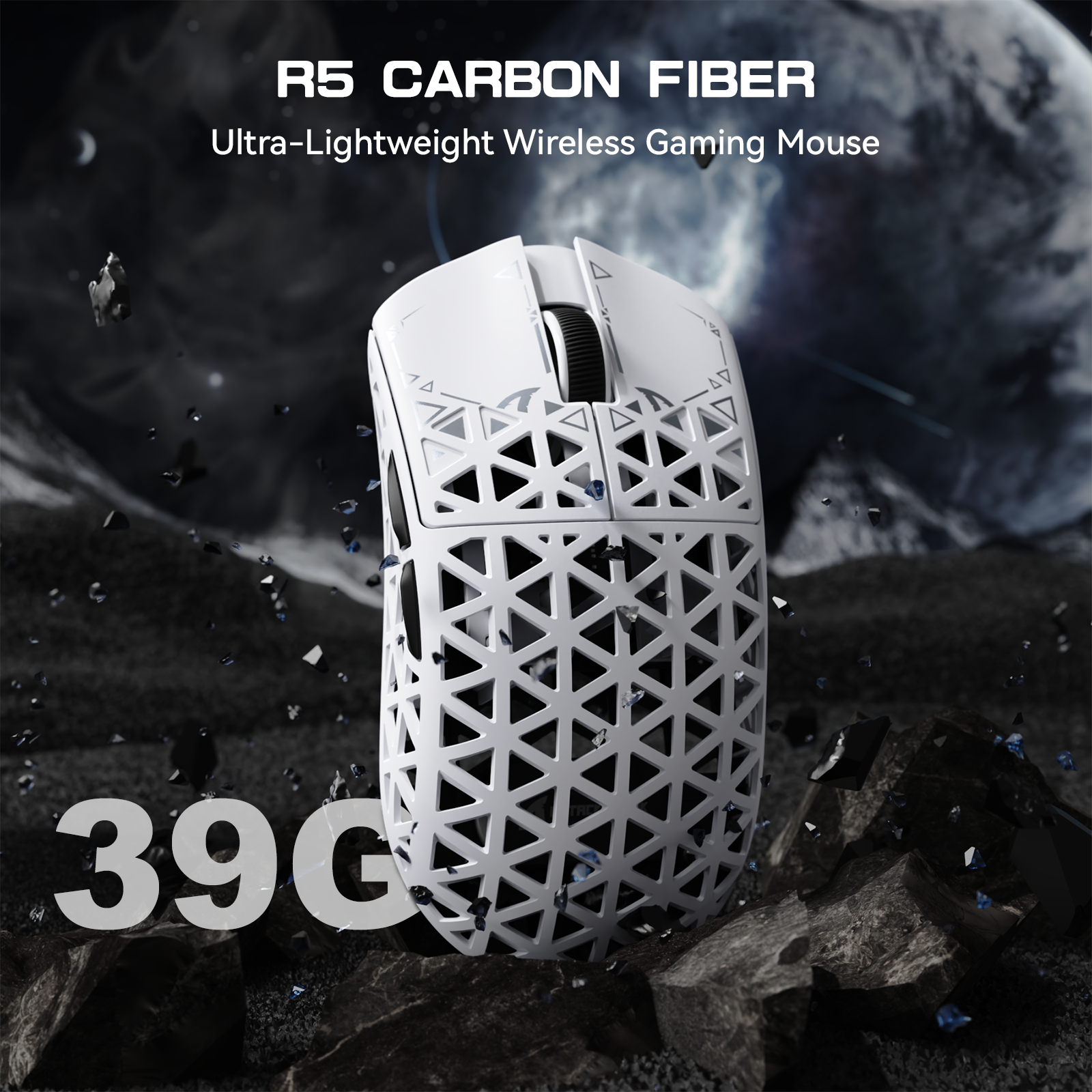
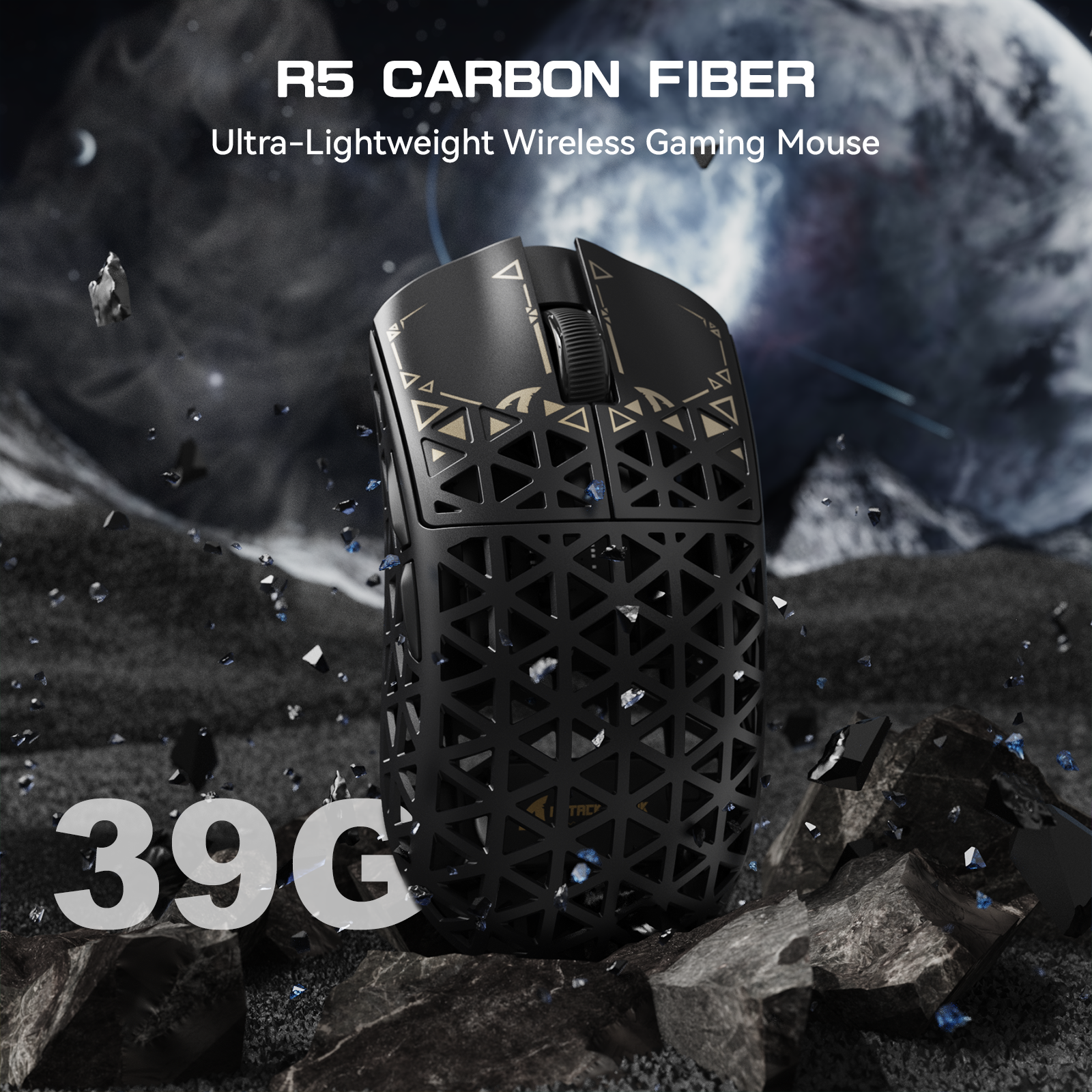
Crafted from super-tough, injection-moulded carbon fibre, the ATTACK SHARK R5 is seriously light yet built like a tank—resisting drops, bashes, and anything you throw at it. Its hollow design ensures agility for lightning-fast flicks in FPS, MMO, MOBA, and Battle Royale games.

Next-Gen PAW3950MAX Sensor
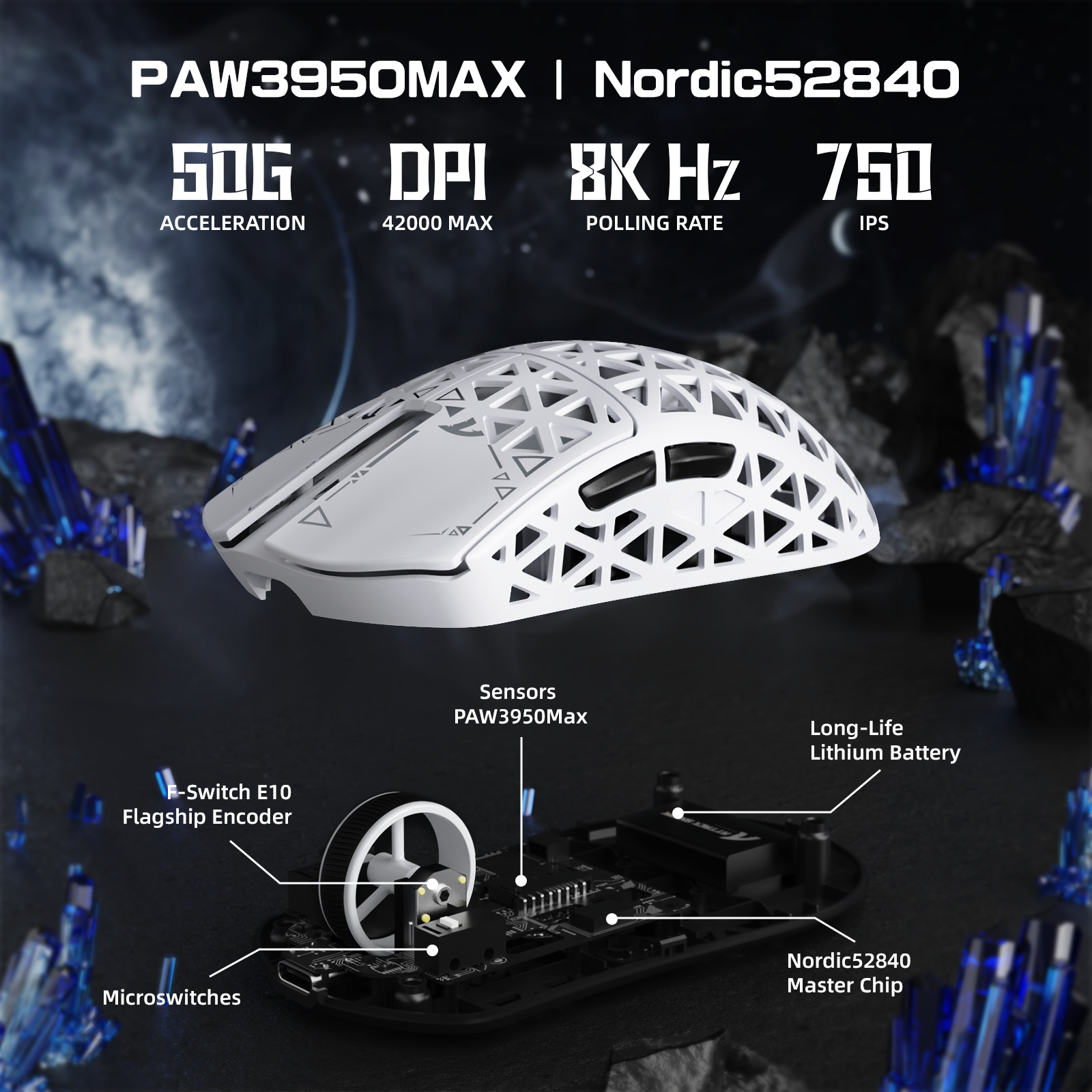
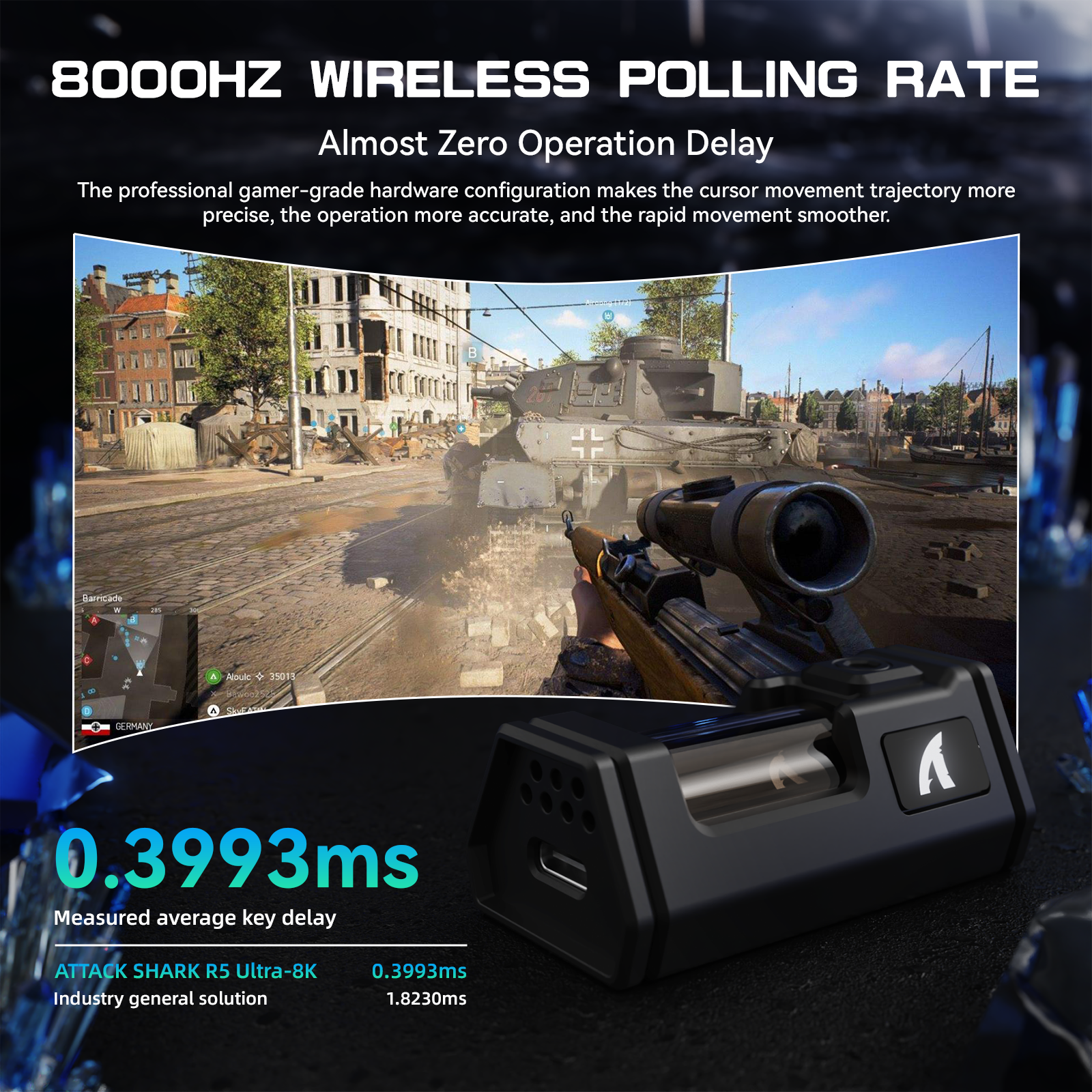
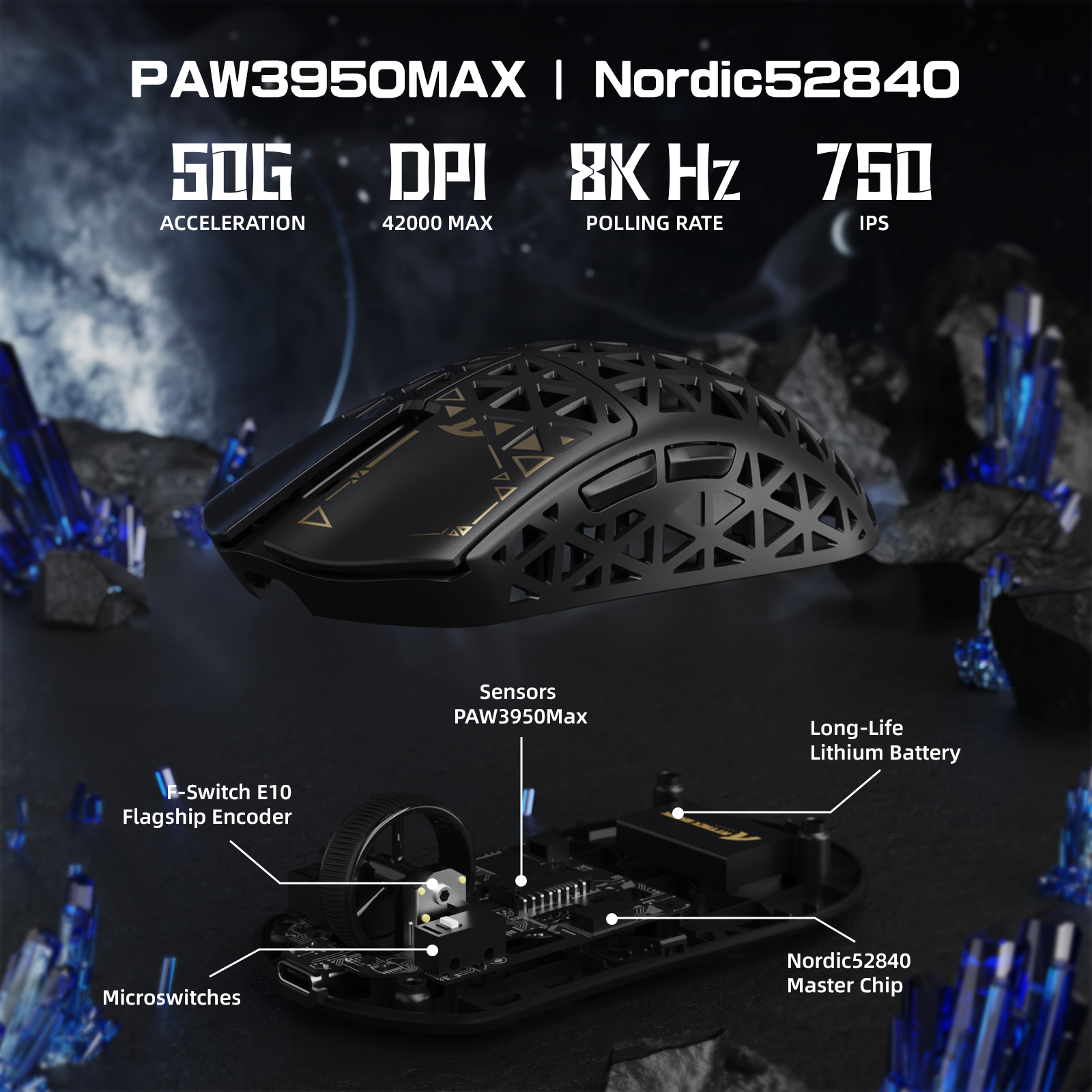
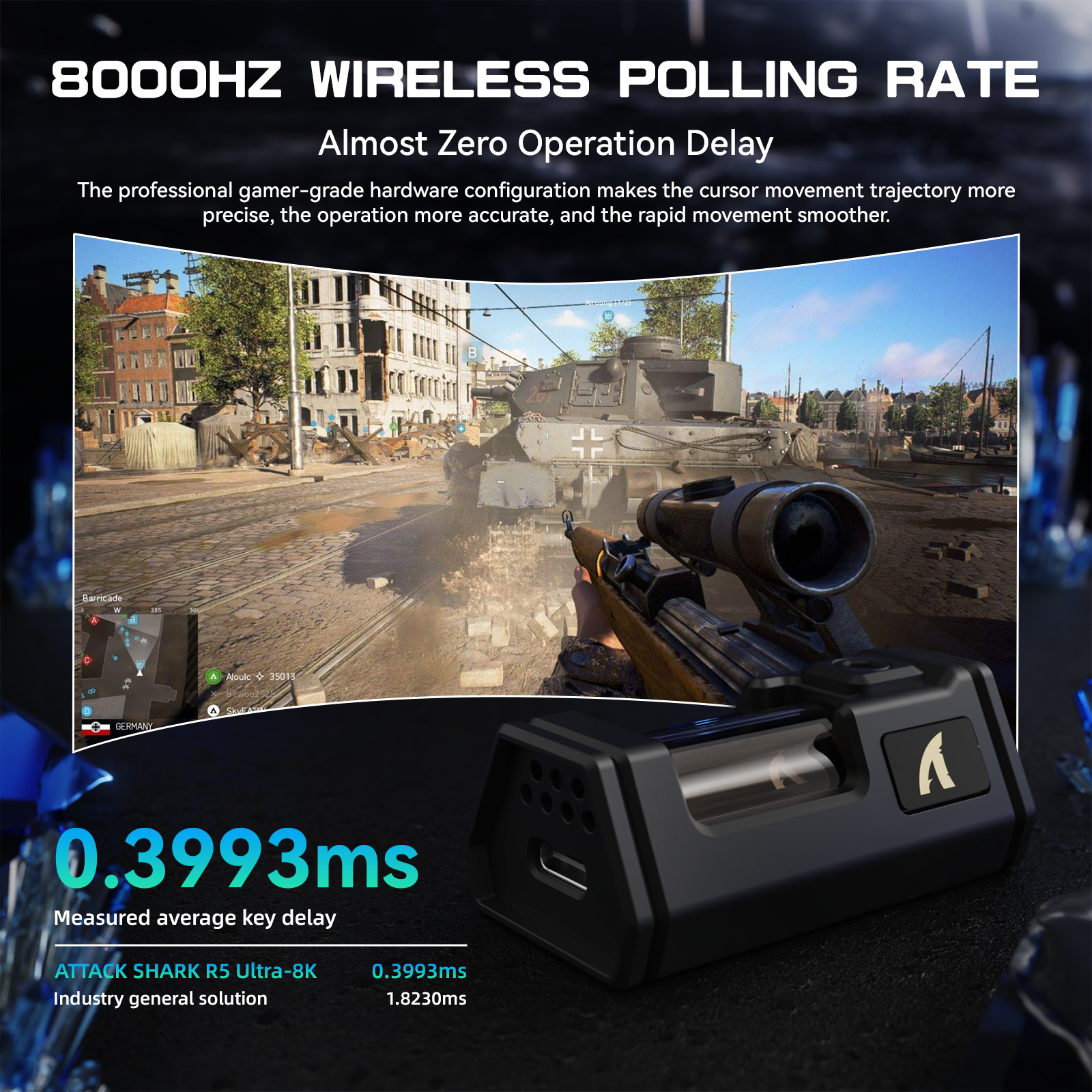
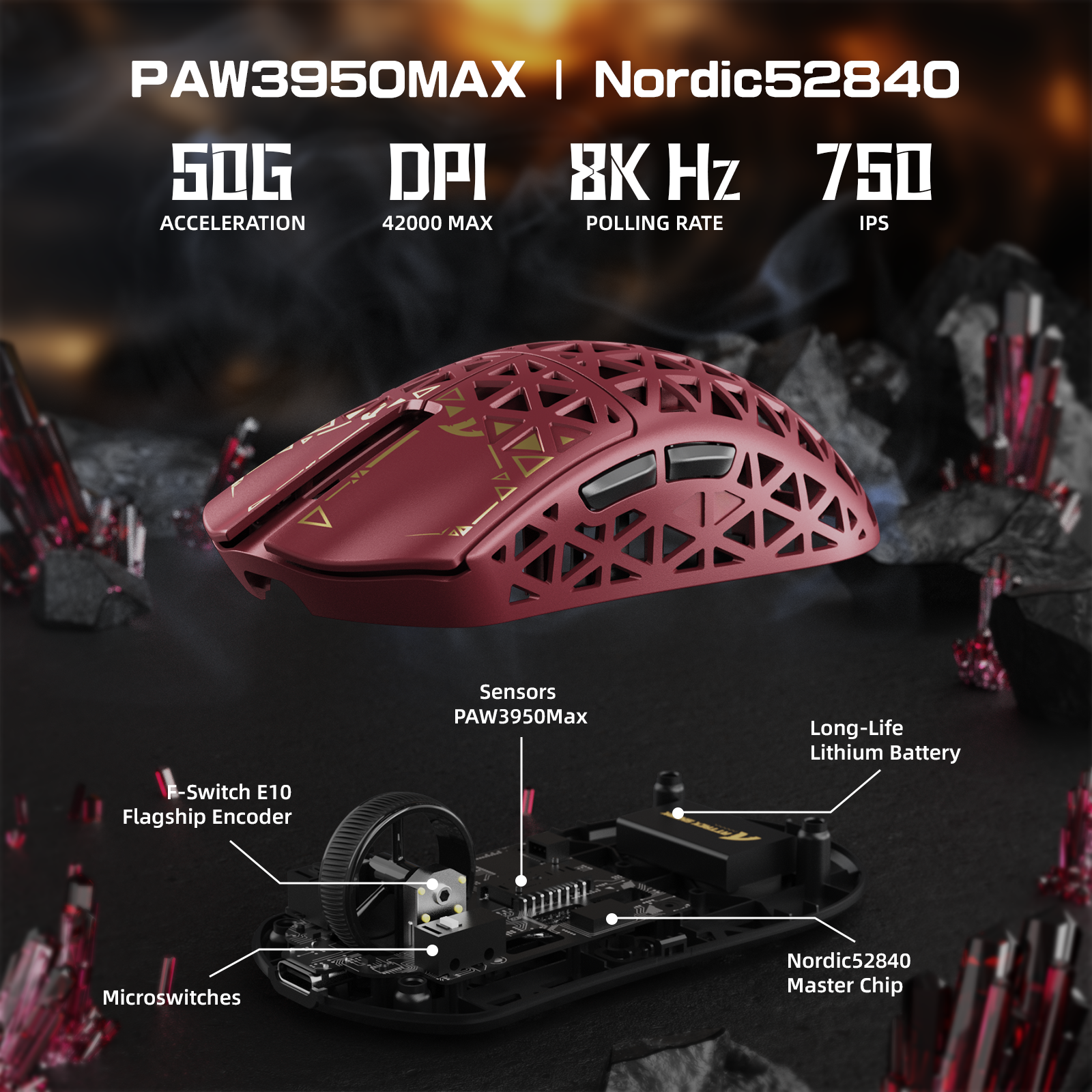
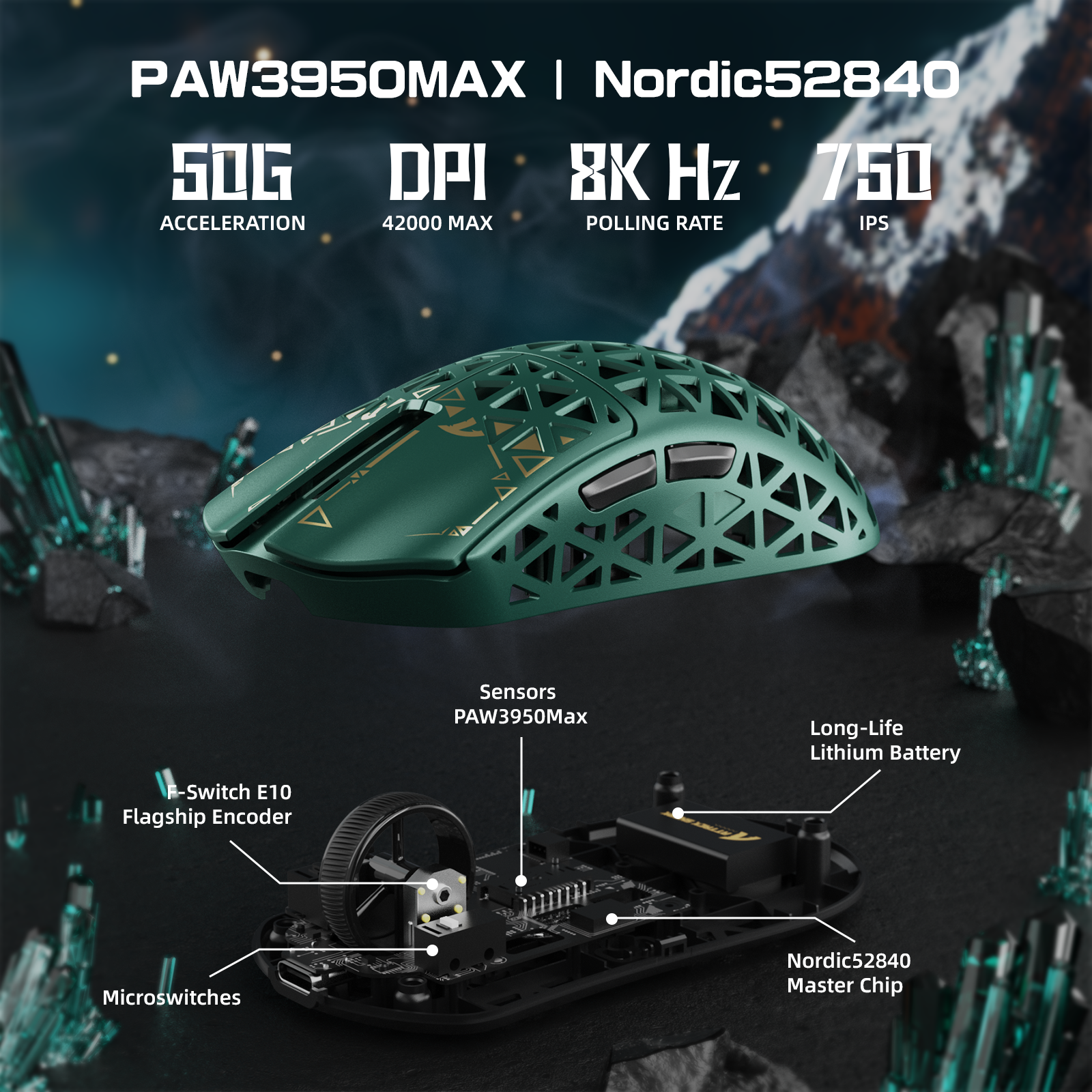
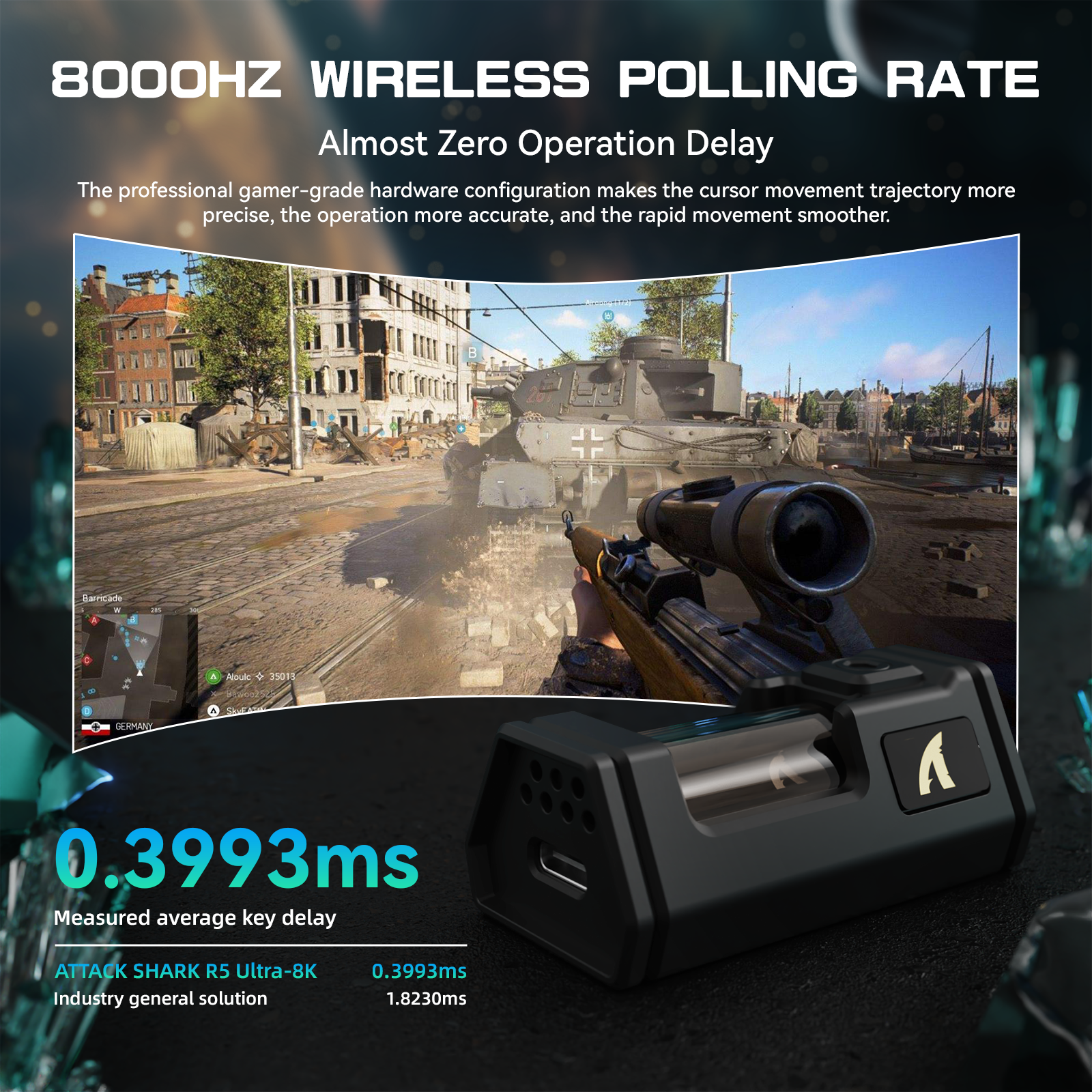
Dominate the competition with the PixArt PAW3950 MAX sensor and Nordic52840 chip, delivering zero-lag tracking via 8K wireless. With a programmable 42,000 DPI, 650 IPS speed, and 50g acceleration, you can line up perfect headshots and execute precise spells with unmatched accuracy.
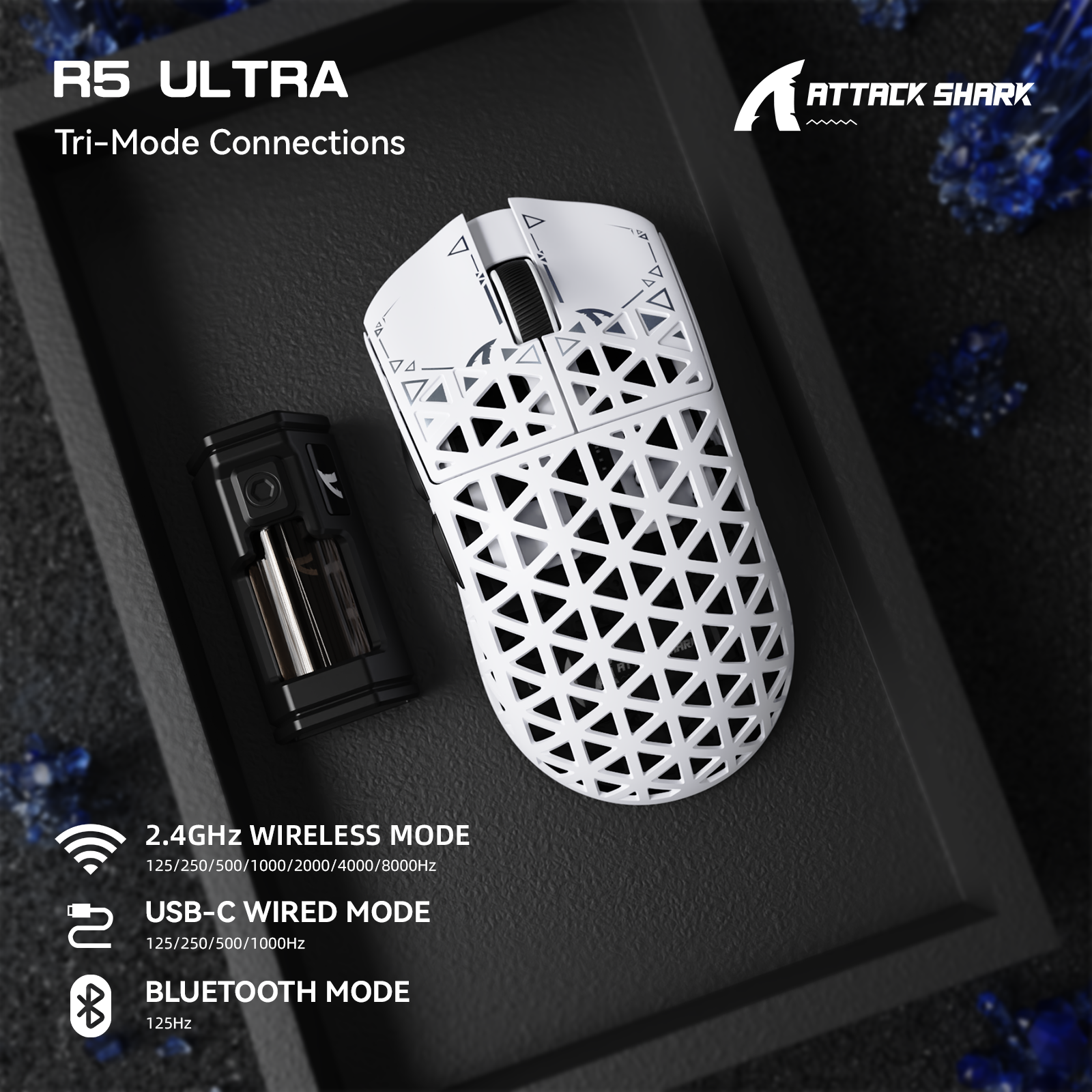
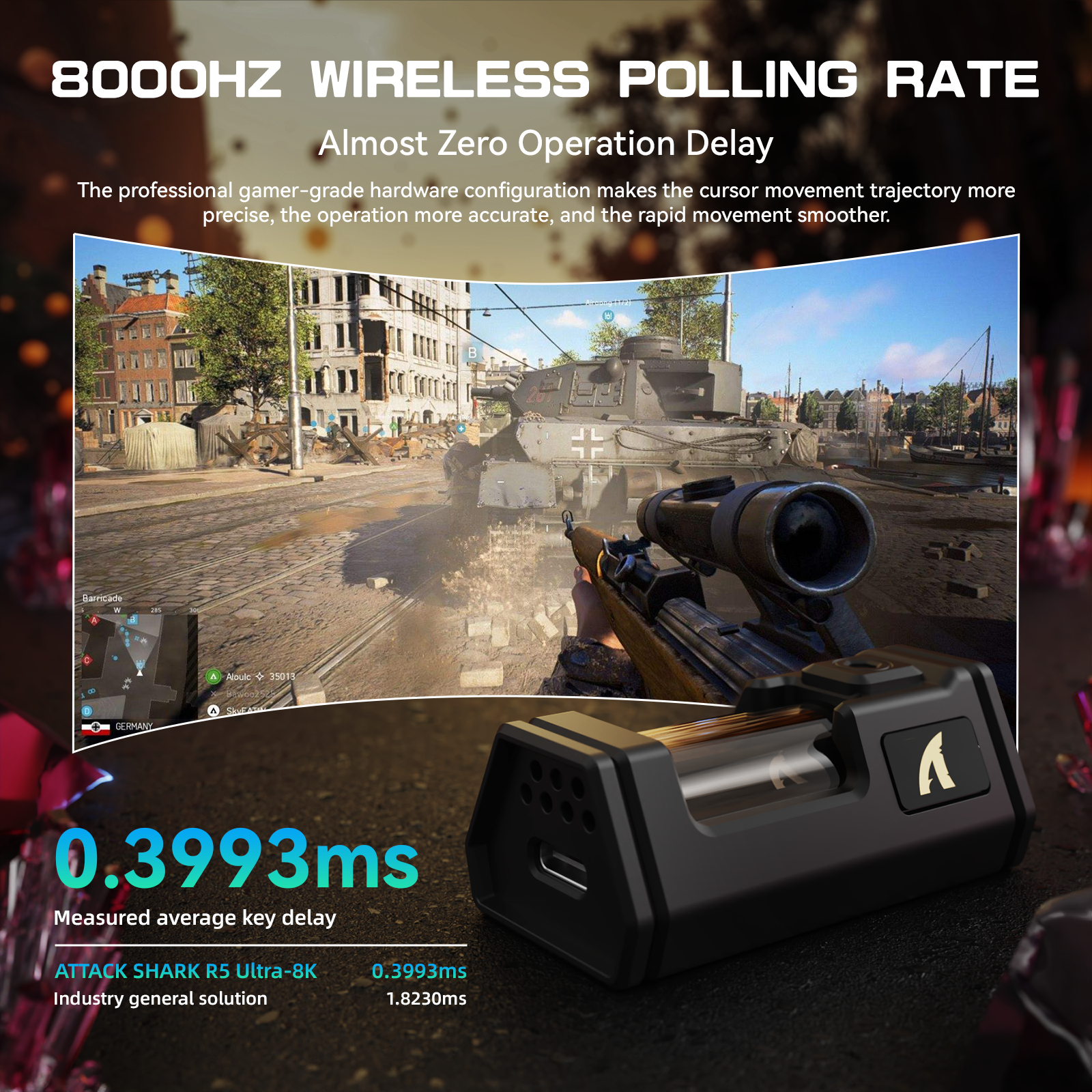
Experience true competitive performance with 8K wireless (requires custom receiver) or 1K wired modes.

Seamless Tri-Mode Connectivity
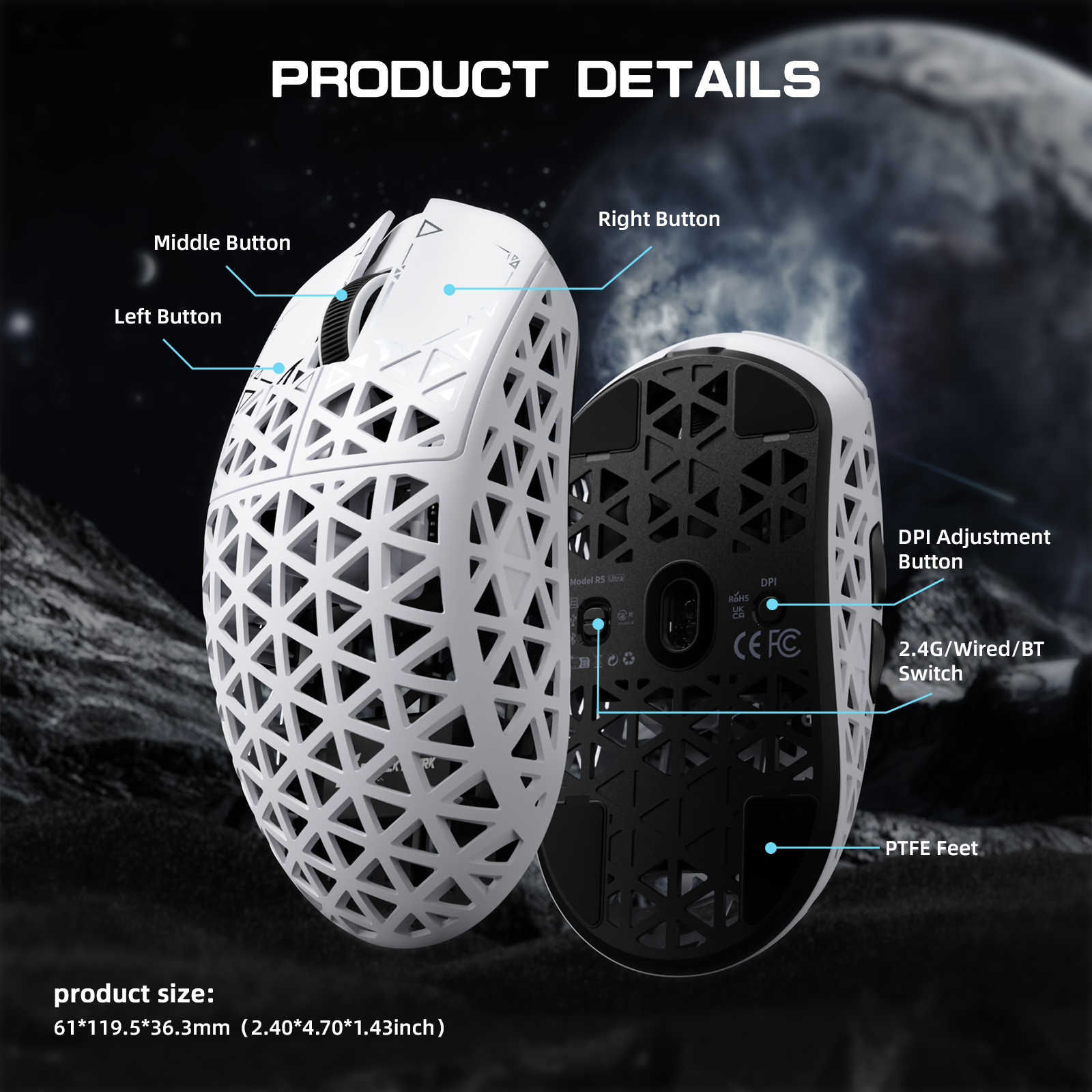
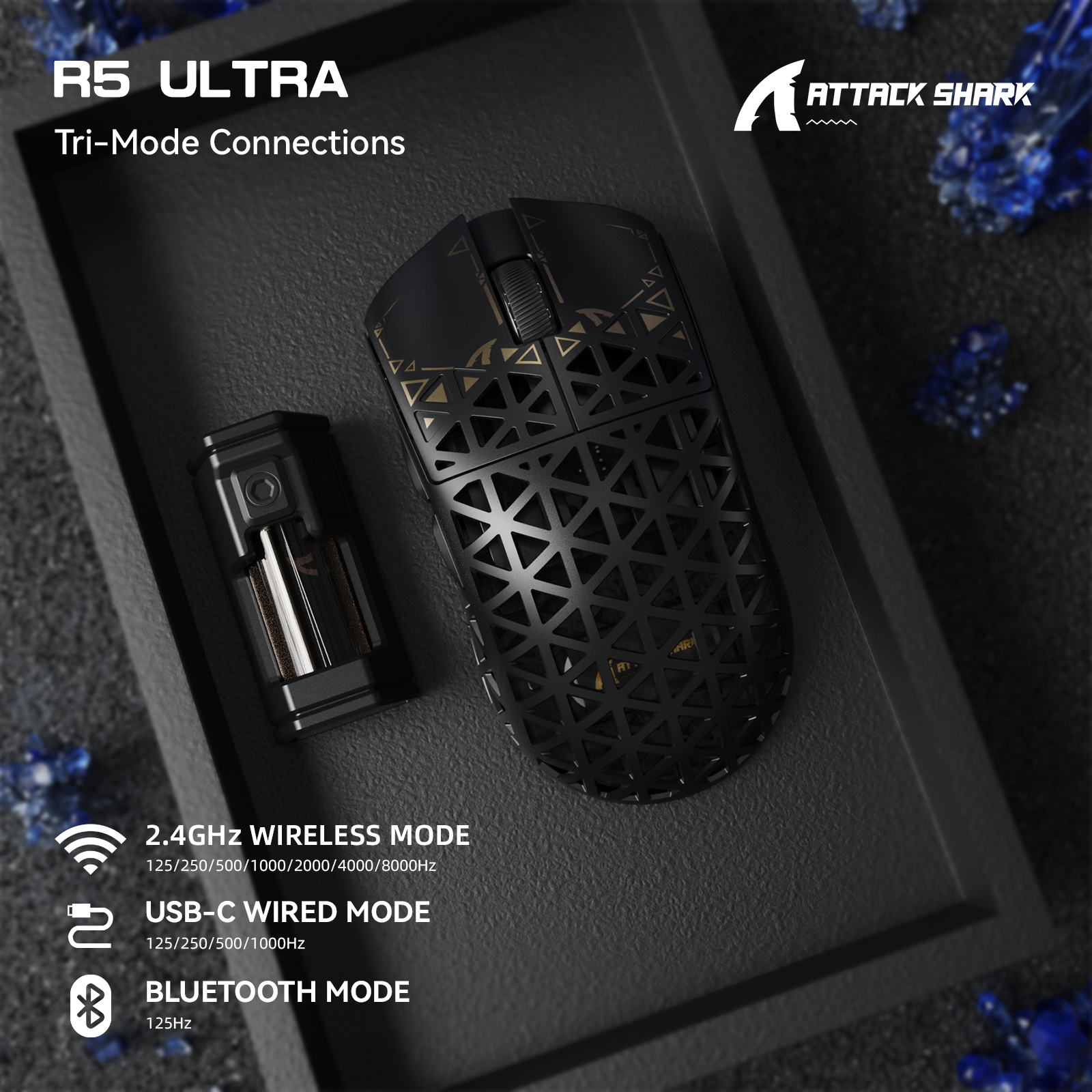
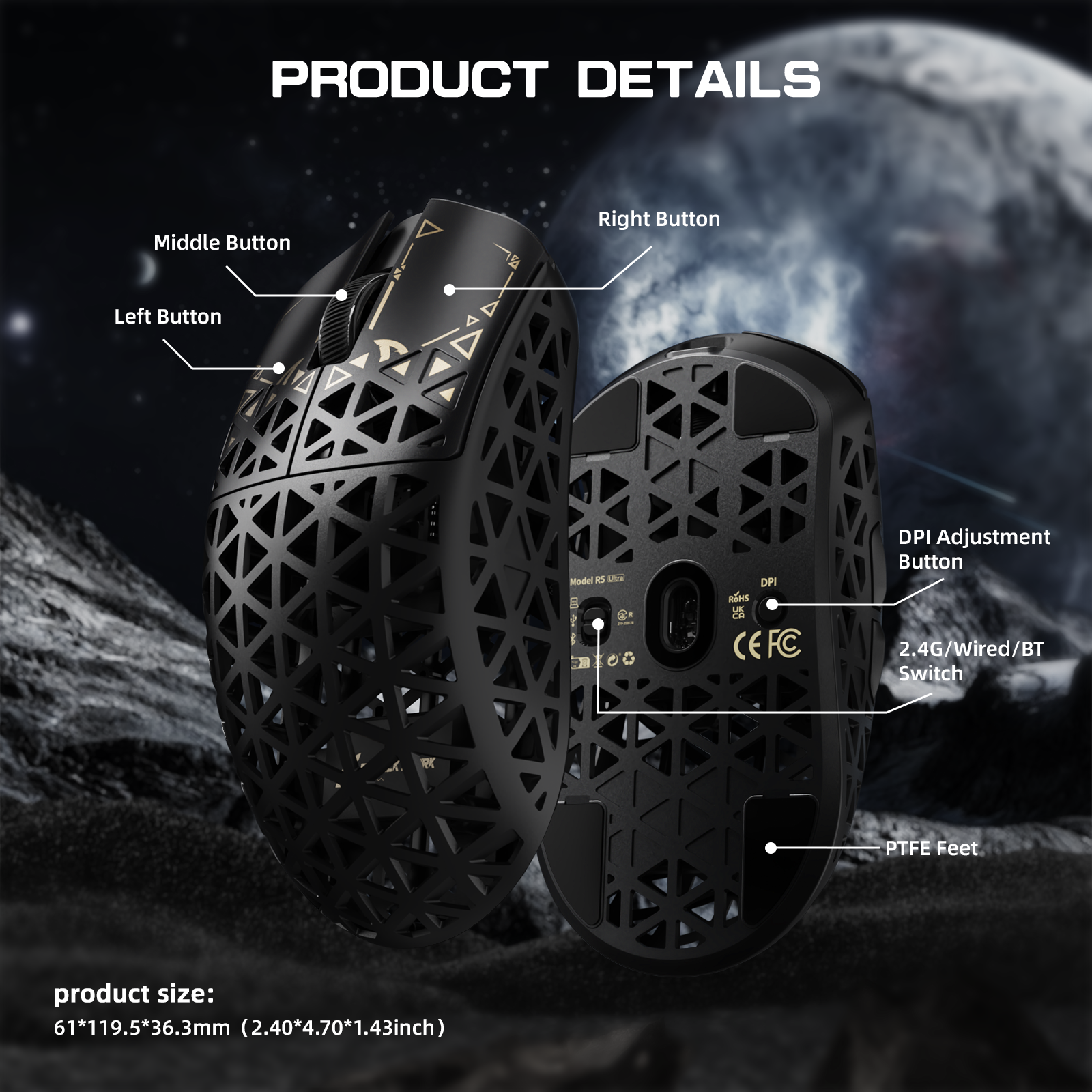
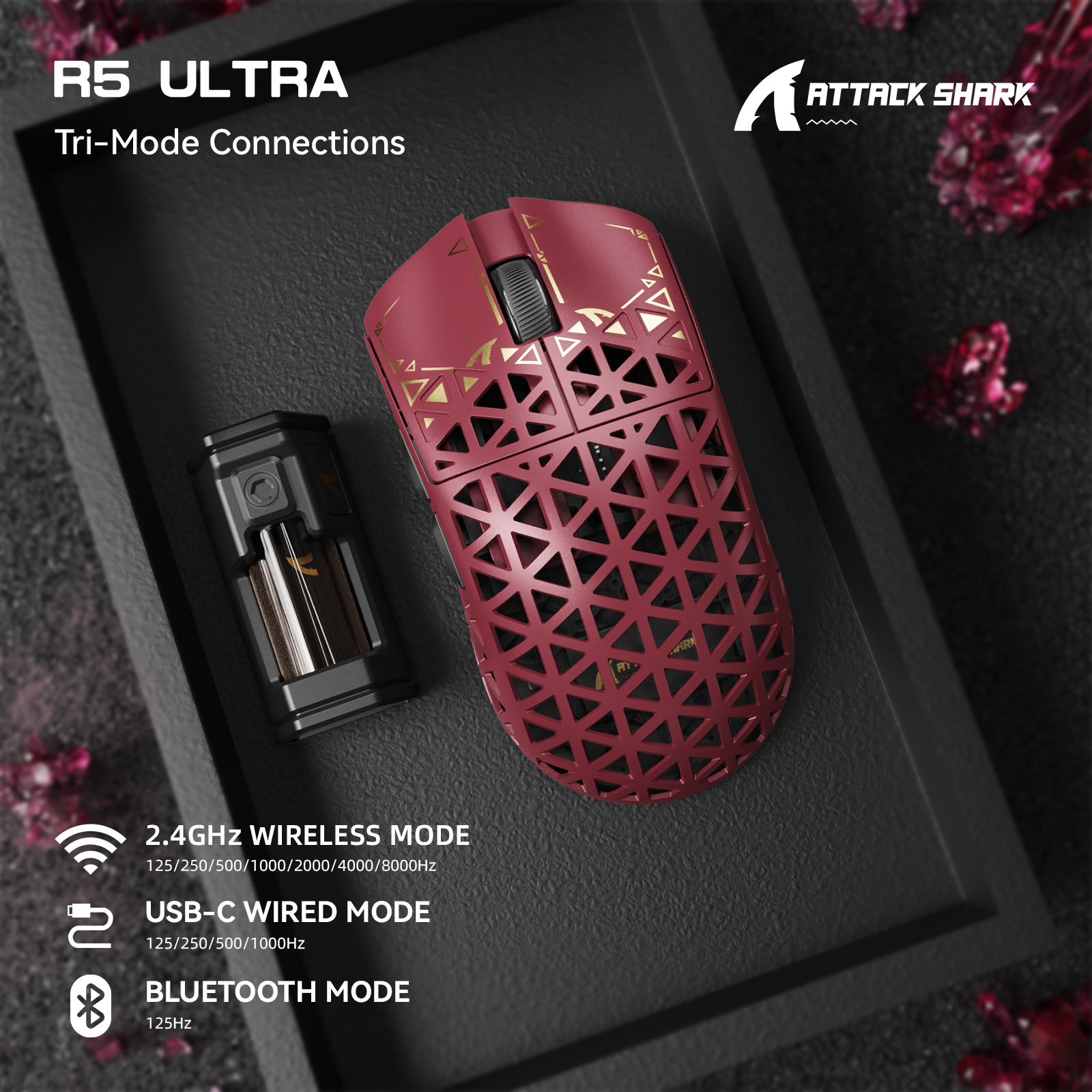
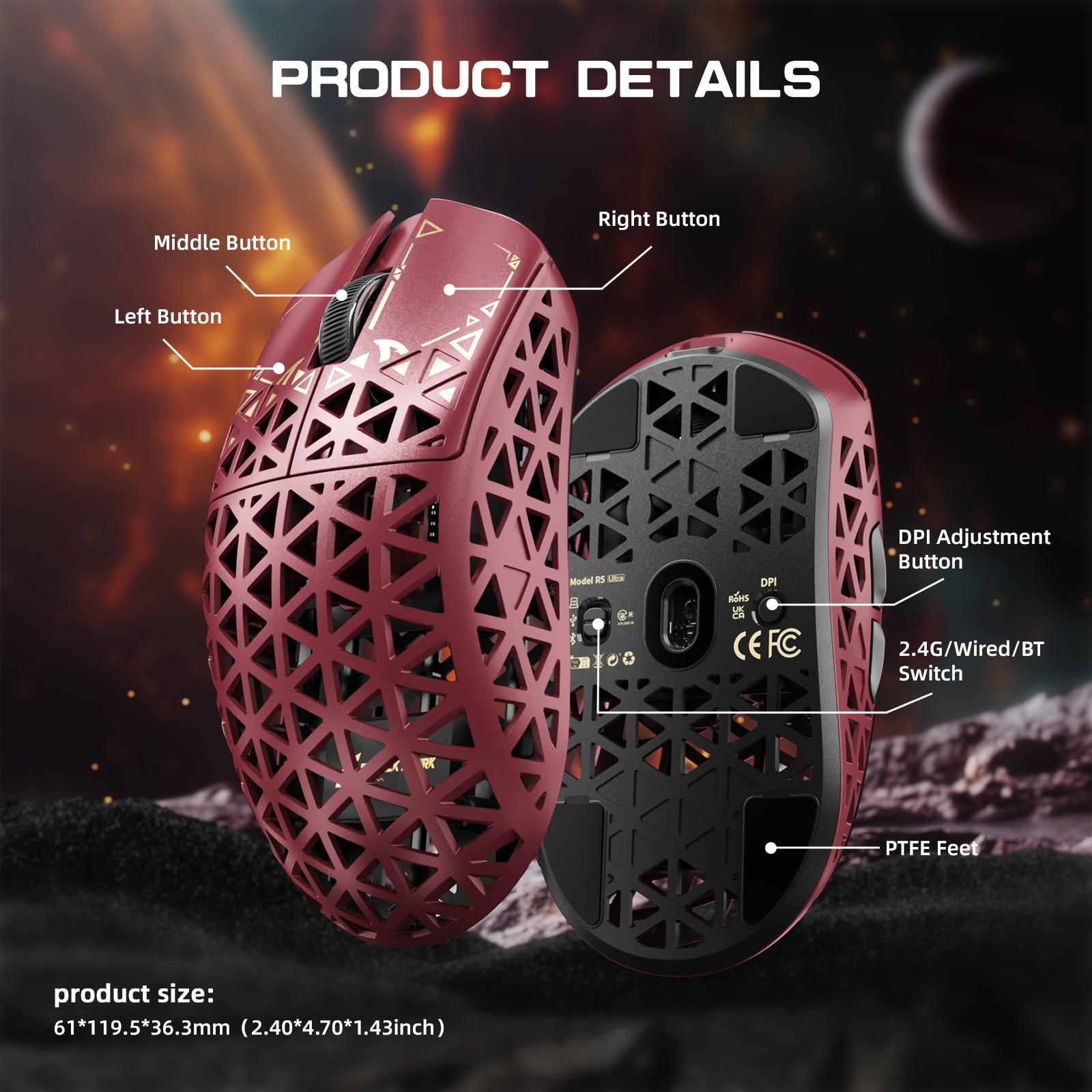
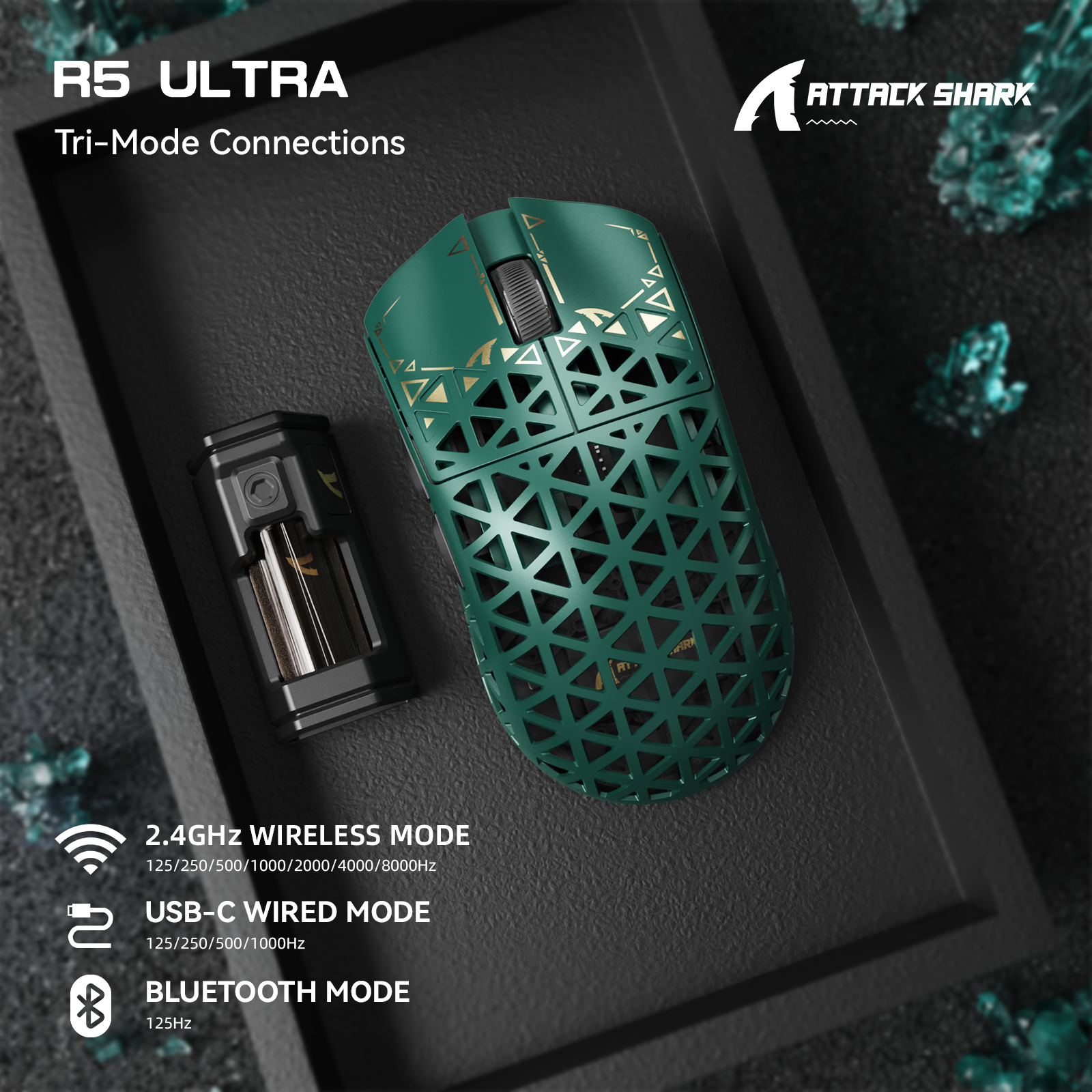
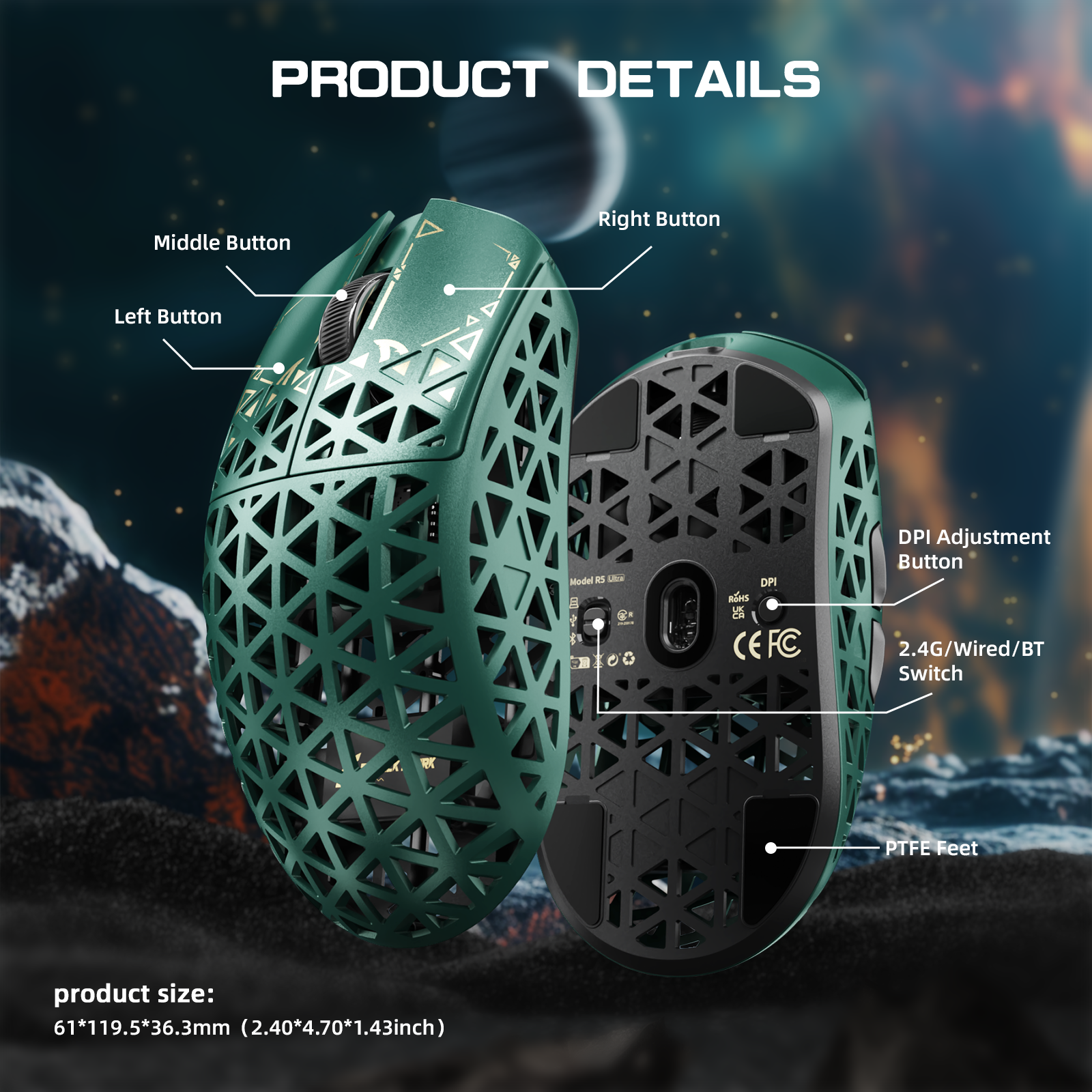
Effortlessly switch between lag-free 8K wireless, versatile Bluetooth, or a stable USB-C wired connection. A dedicated button on the back of the mouse lets you swap modes in seconds, ensuring compatibility with Windows, macOS, PCs, laptops, and tablets.

Durable Switches & Smooth Glide
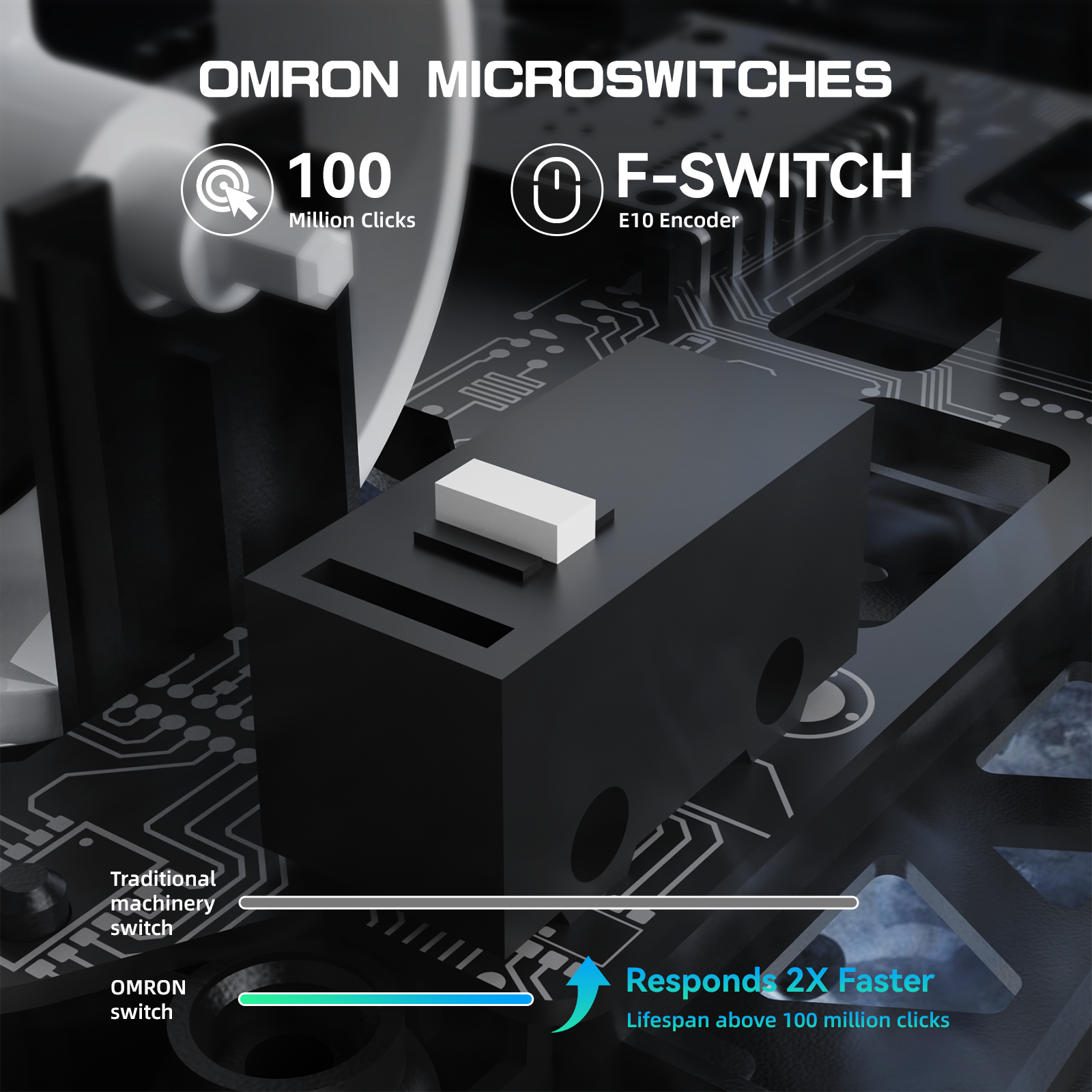
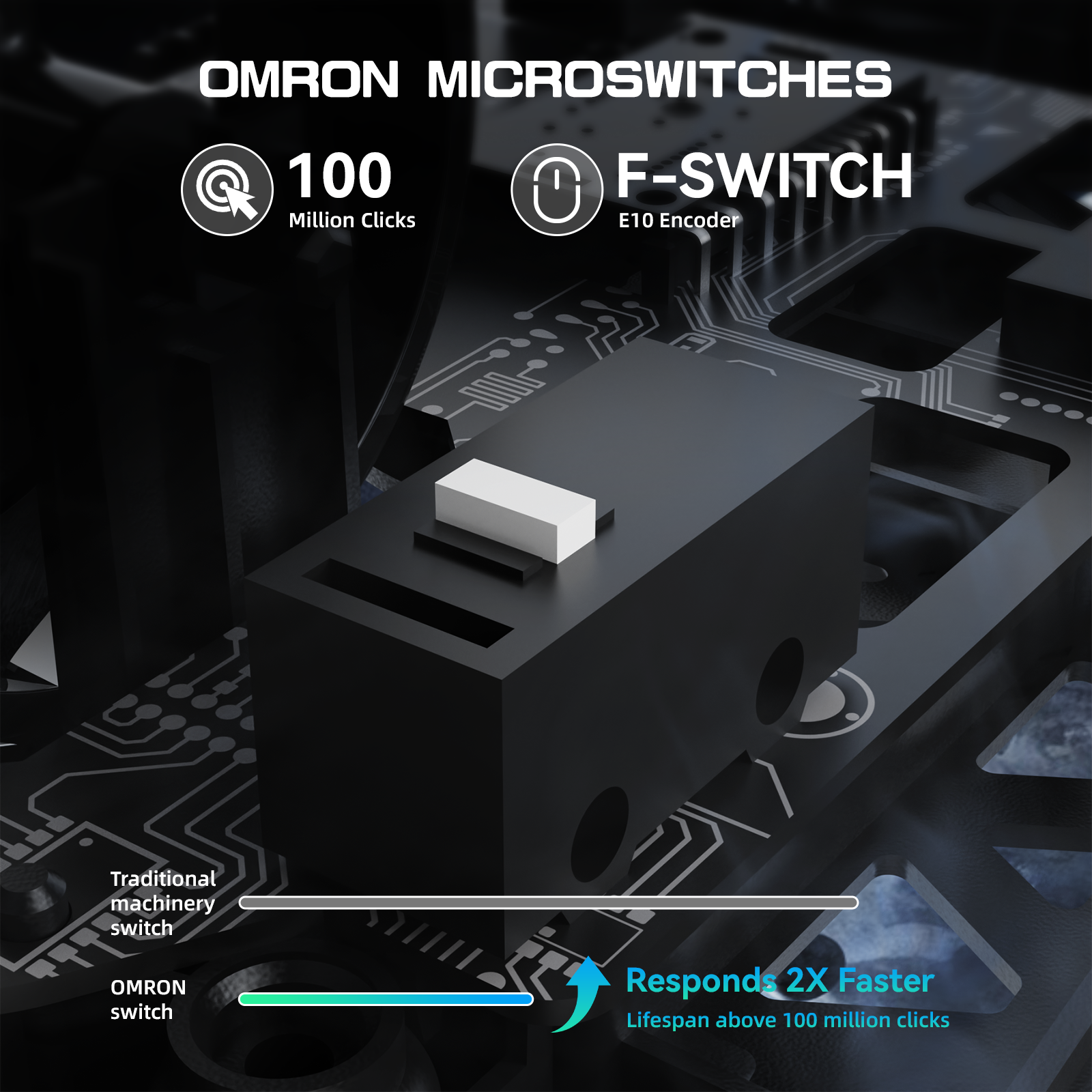
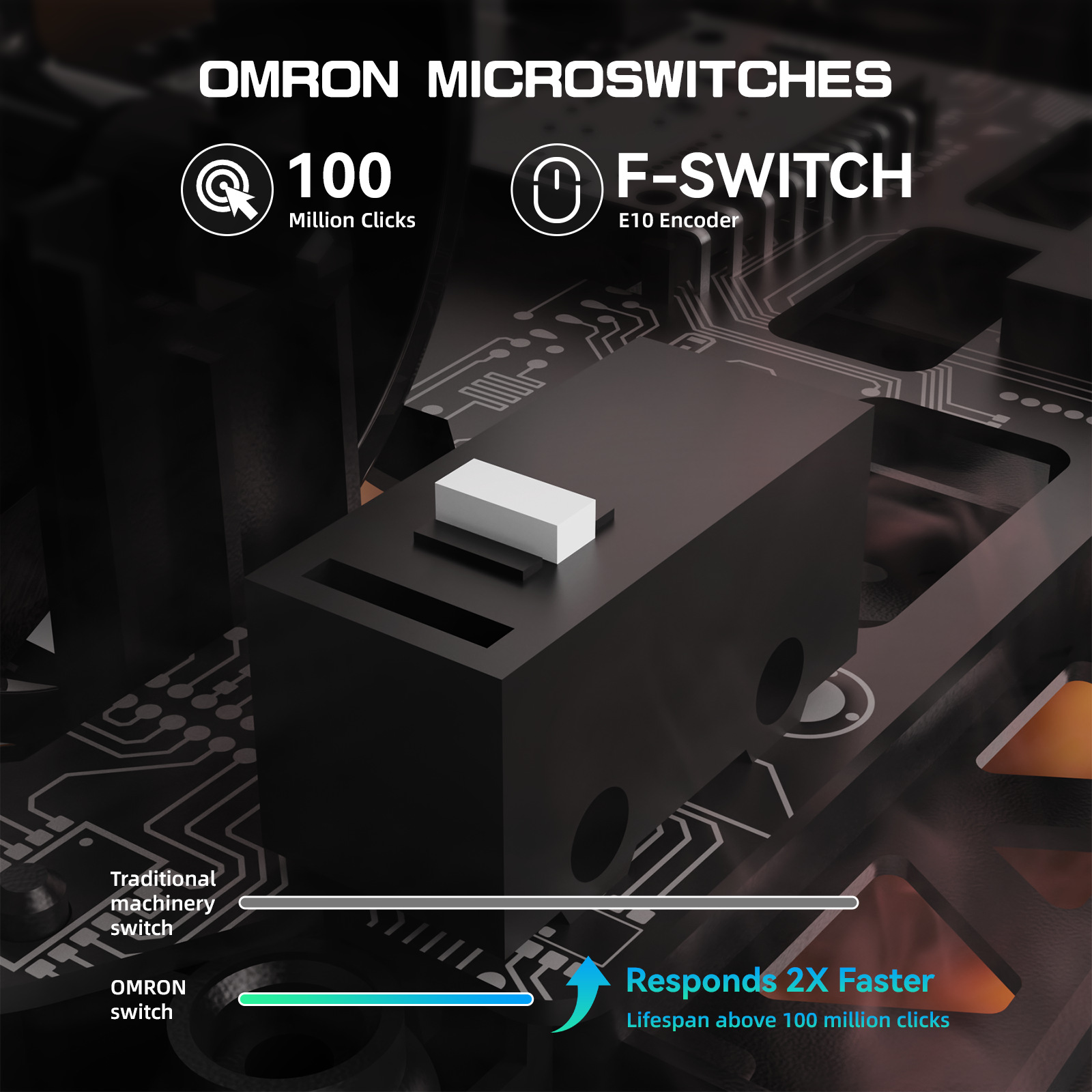
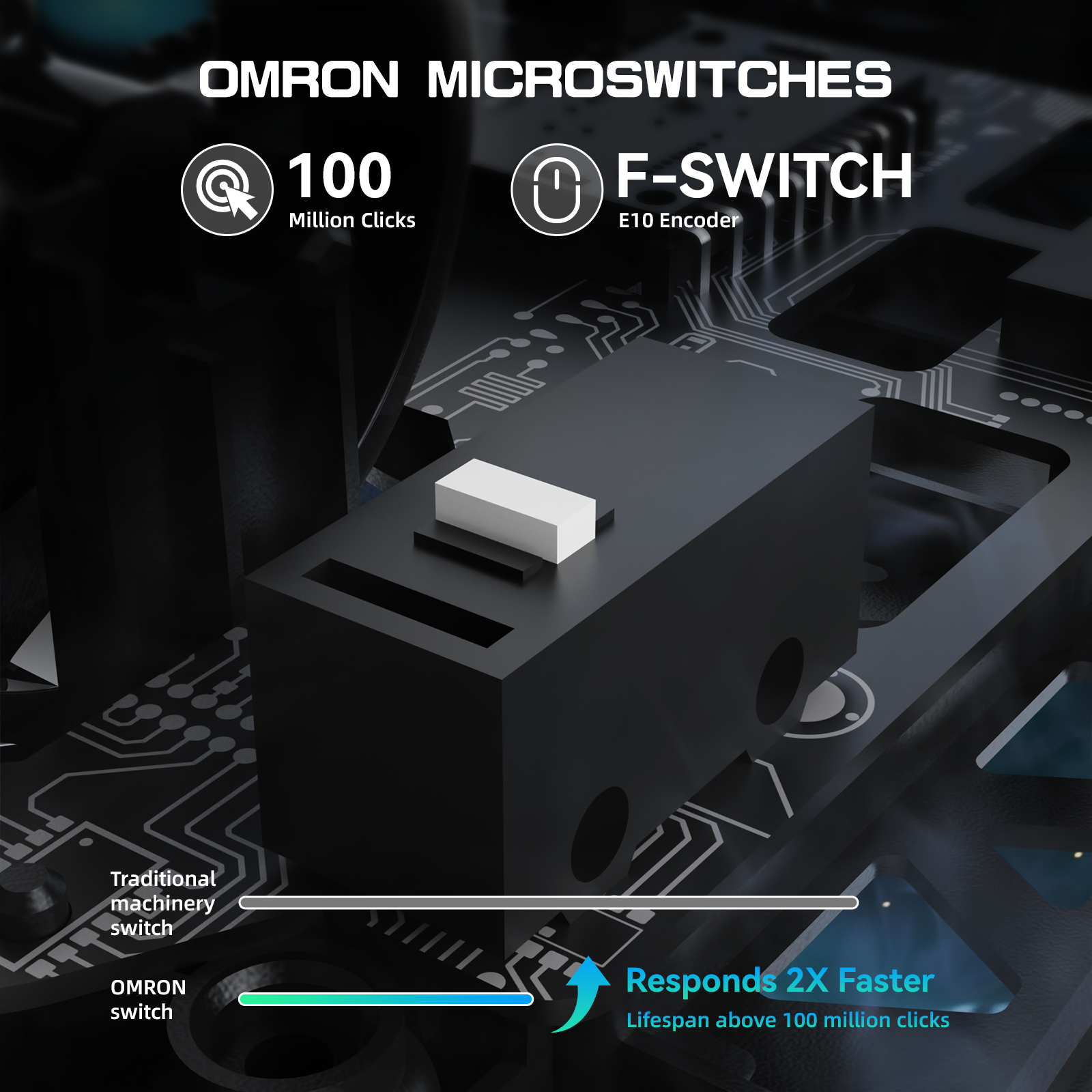
Engineered with OMRON microswitches rated for 100 million clicks, you can forget about double-clicking issues. The near-instant 0.2ms response time gives you a critical edge in rapid-fire games like Valorant. Removable anti-slip grips and pure PTFE feet provide the most consistent slide and reliable stopping power.

AI-Powered Cloud Driver
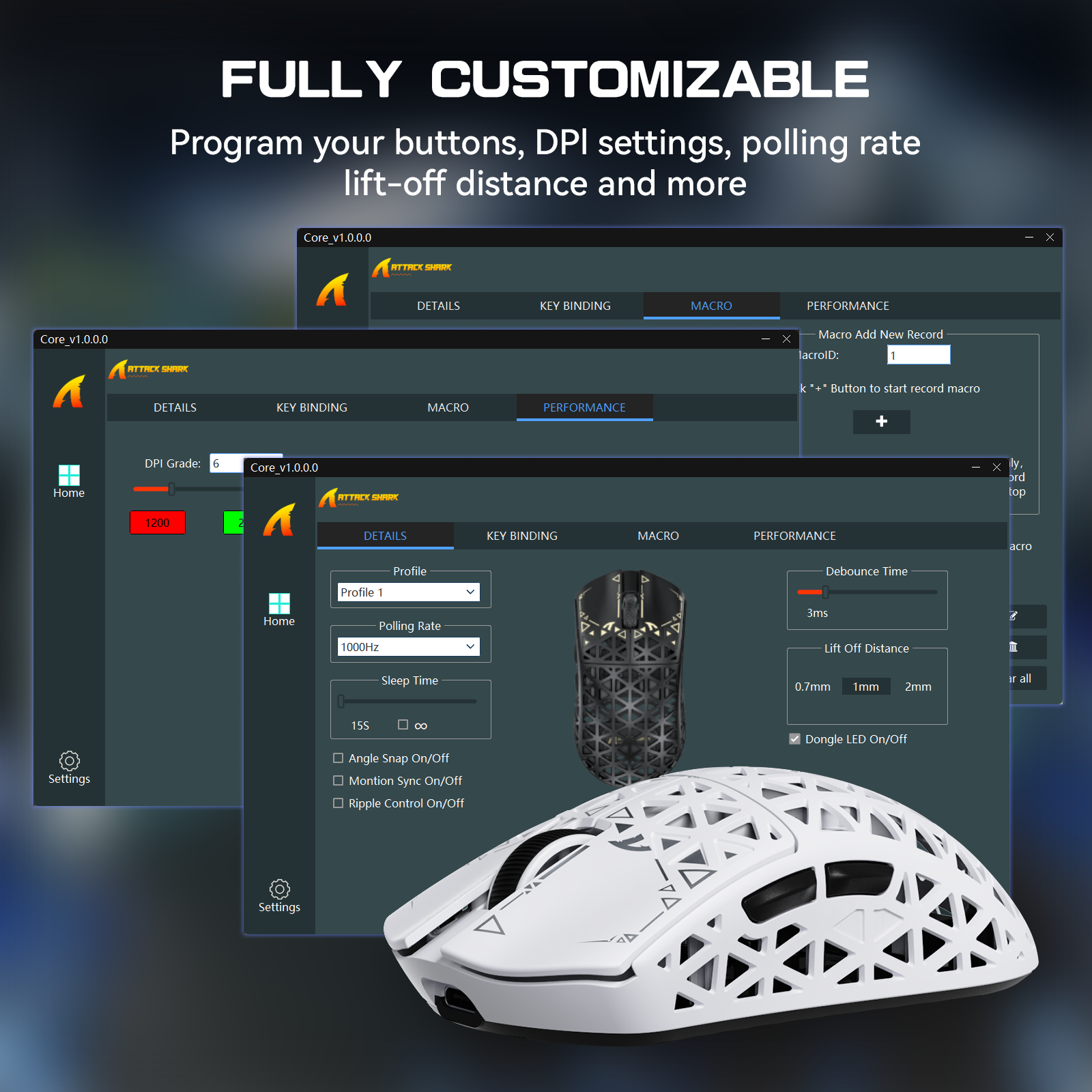
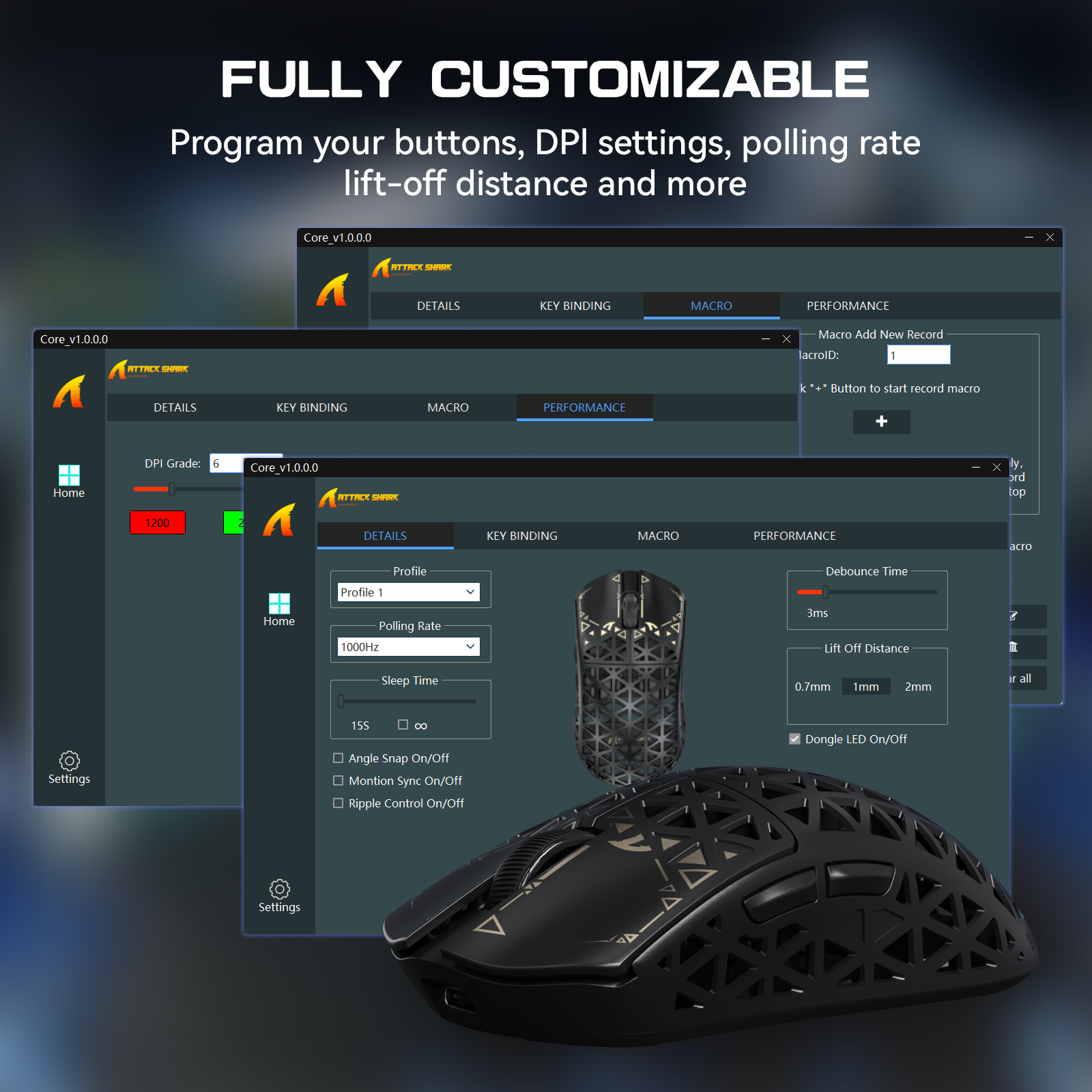
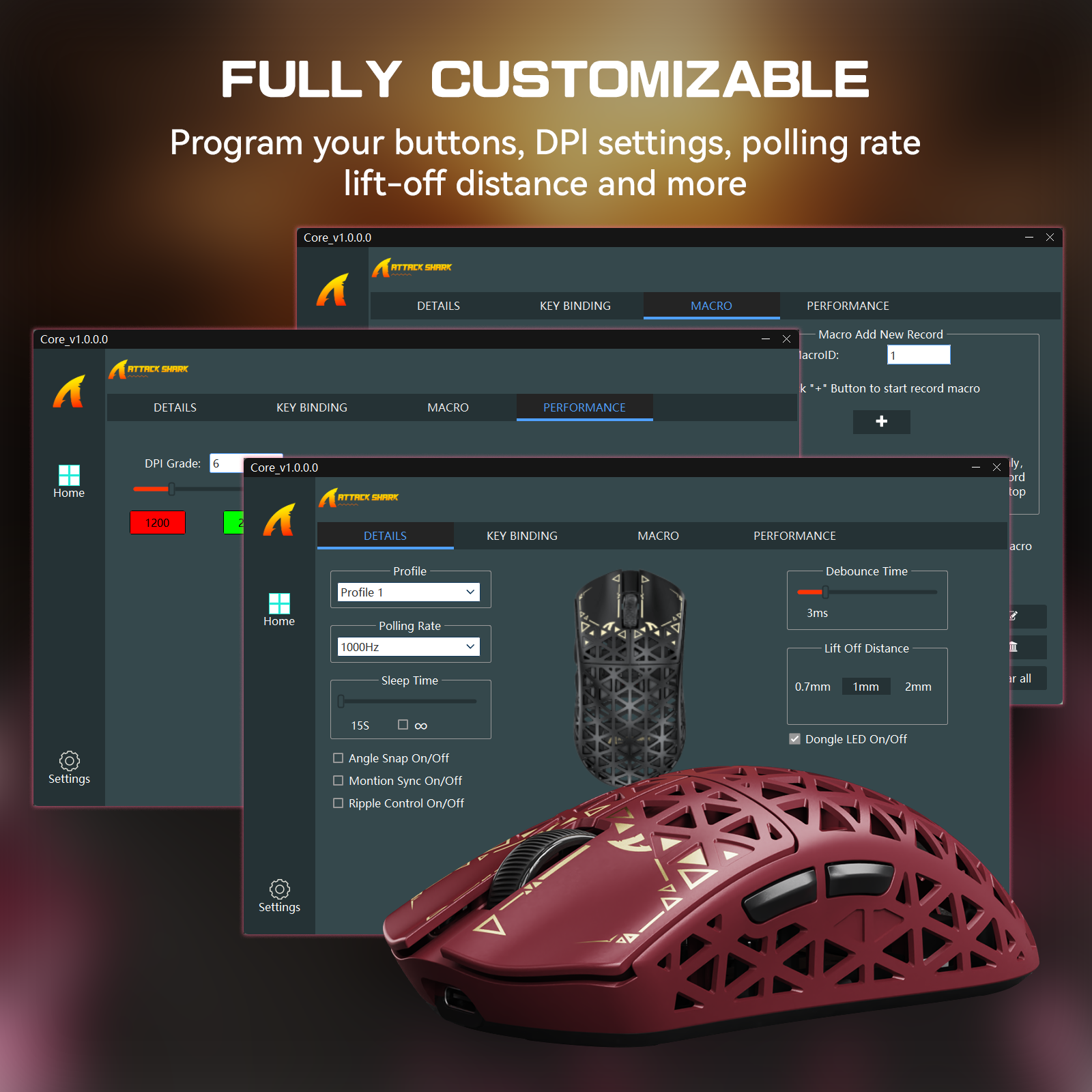
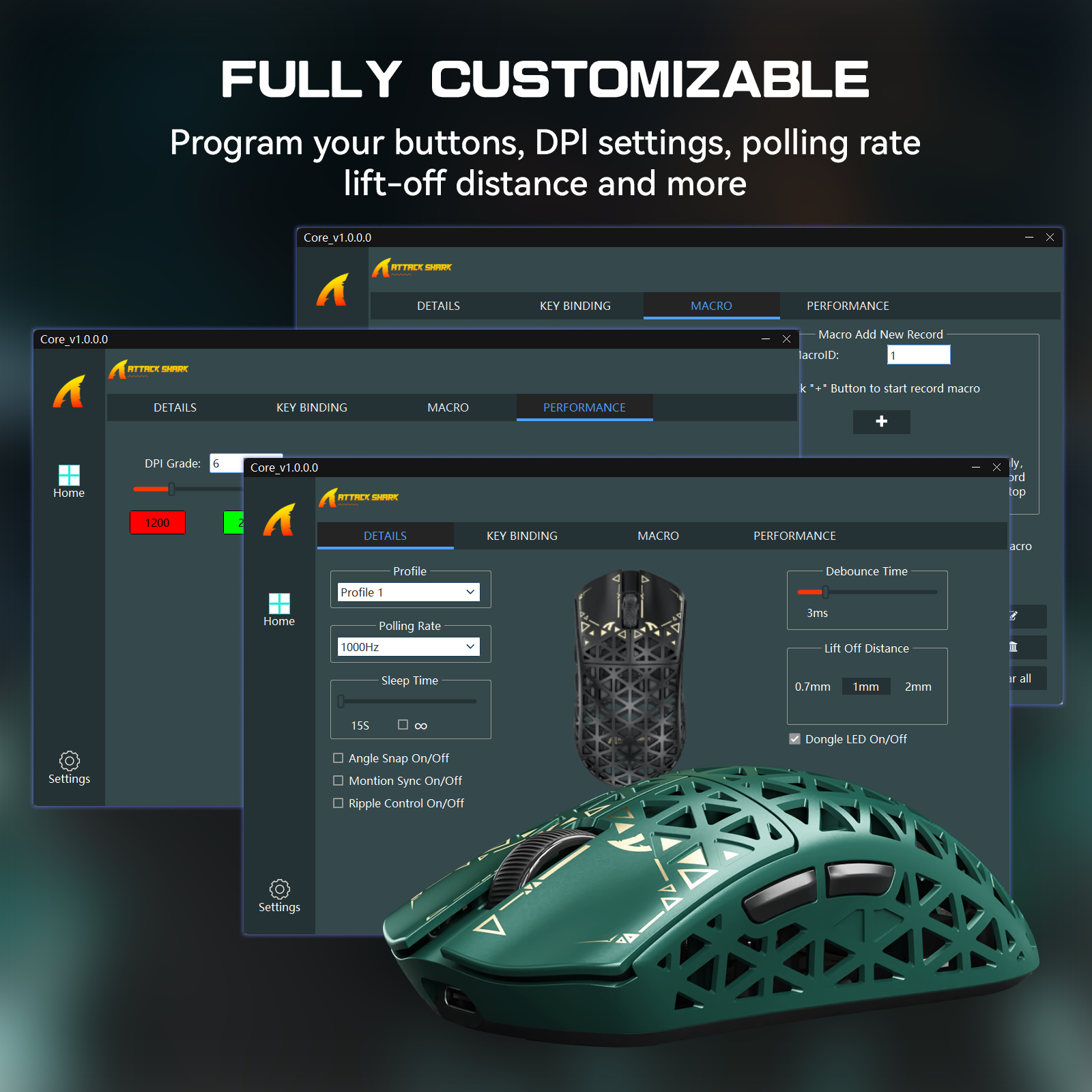
No downloads needed. Our intelligent, web-based driver auto-detects your device, giving you instant access to advanced functions. Customize DPI, polling rate, button mapping, and record macros on the fly. It's the ultimate control hub for pros and casual gamers alike.
FAQ
Q: How do I quickly switch the DPI on the mouse?
A: Simply press and hold the Right Click and the Rear Side Button simultaneously for 3 seconds to toggle between different DPI levels.
Q: What should I do if the mouse cursor occasionally loses tracking?
A: This might be caused by your LOD (Lift-Off Distance) settings. Please open the software and adjust the LOD to a height that best fits your usage habits and mousepad.
Does the R5 ULTRA need a software download?
The R5 ULTRA runs without any download through its Web Driver, which detects the mouse automatically. For a desktop tool, get the ATTACKSHARK R5ULTRA Software from the Downloads section. In either tool you set DPI, polling rate and button mapping, and record macros on the fly. Download the R5 ULTRA manual from the same section.
What are the R5 ULTRA weight and dimensions?
The R5 ULTRA weighs 39g, give or take 3g. Its shell is injection-molded carbon fiber with a hollow design. The mouse measures 119.5 x 61 x 36.3 mm. Choose the R5 ULTRA if you want a 39g mouse for fast flicks in FPS, MMO, MOBA and Battle Royale games.
What sensor and polling rate does the R5 ULTRA have?
The R5 ULTRA uses a PixArt PAW3950MAX sensor with up to 42,000 programmable DPI and 50G acceleration. A Nordic 52840 chip drives 8000Hz polling over 2.4GHz wireless, which needs the matching 8K receiver. Over the USB-C cable the R5 ULTRA polls at 1000Hz.
Does the R5 ULTRA work with a Mac?
The R5 ULTRA works with Windows and macOS, on PCs, laptops and tablets. Switch between 8K wireless, Bluetooth and USB-C wired with the dedicated button on the back of the mouse. Use Bluetooth for a laptop or tablet you carry around, and the 2.4GHz receiver for gaming at 8000Hz.
My 13 year old son is a gamer and he is very happy with this carbon mouse.

The media could not be loaded.
This carbon fiber gaming mouse is seriously impressive! Weighing just 39g, it’s crazy light, and you can feel the real carbon fiber in its build. That premium, almost weightless design makes it a dream to use. The clicks are super crisp and smooth, every tap feels sharp and effortless. With the PAW3950MAX sensor and up to 42000 DPI, there’s so much room to customize. Plus, the lights show your DPI level clearly, which is a neat, handy touch.Gaming with it is next-level, accuracy and zero delay, a total pro experience. The coiled cable, USB-C, and 2.4G dongle are all top-notch, everything feels high-quality and well thought out. One thing, though, the mesh carbon cover has holes, so you’ve got to be careful not to spill coffee or drinks on it. Liquid could easily slip through and mess up the electronics inside. As long as you watch that, this mouse is an absolute top pick for gamers.

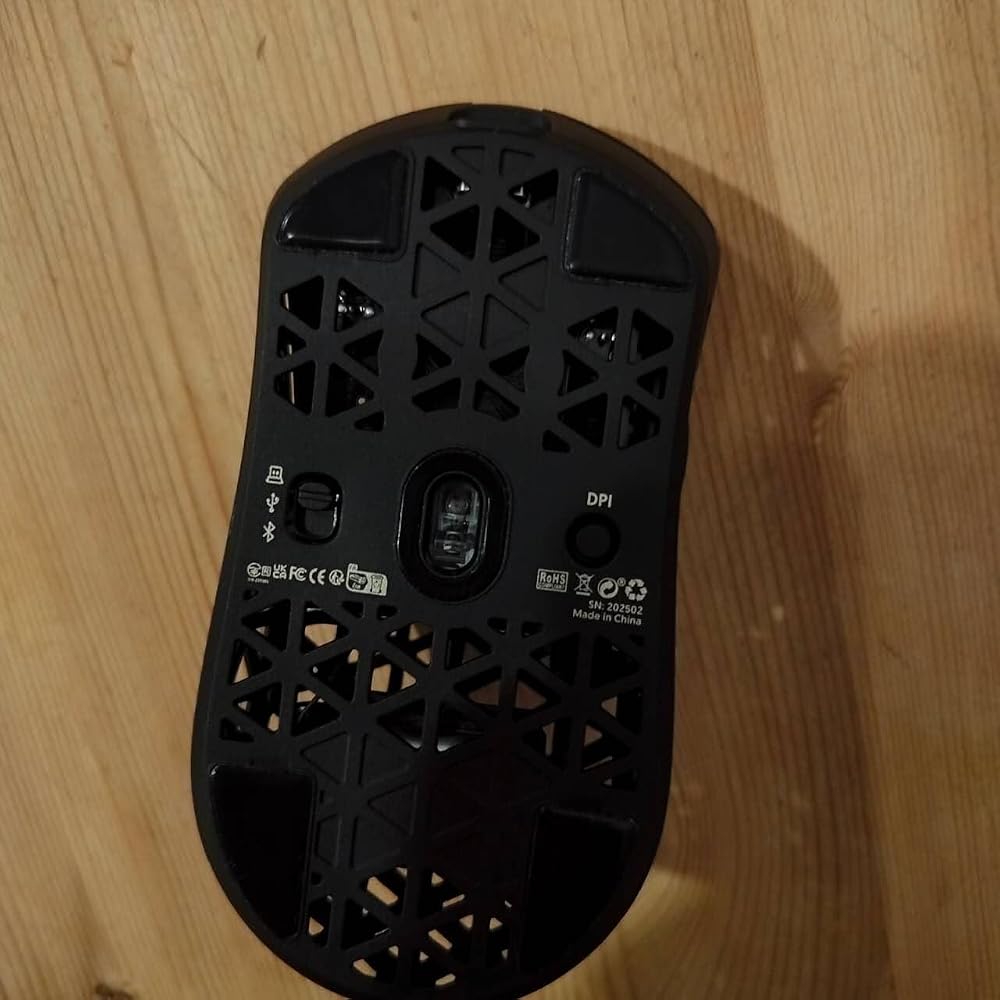


I'm not going to list everything that this mouse does as it says all that in the description.What I will concentrate on is how it performs.First off as the title says this thing has customisation galore and for any gamer this is heaven 😁.As for performance this thing is the best mouse I've used to date and I absolutely love using it.My son has used it a few times and is trying his best to take ownership of it but it's just to good to let go of so I think I'm going to have to treat him to his own🙄🤣I find it works better with 4k polling for smoother operation but that's the only thing I can find negative about this mouse.The feel of it, the buttons and the way it's designed in my opinion is a perfect fit personally for me and I couldn't recommend it highly enough.Currently priced at £73.99 I find this about right for the quality of item you get and the amount of customisation you can do and any gamer would be pleased to bits with this gaming mouse.👍👍👍👍

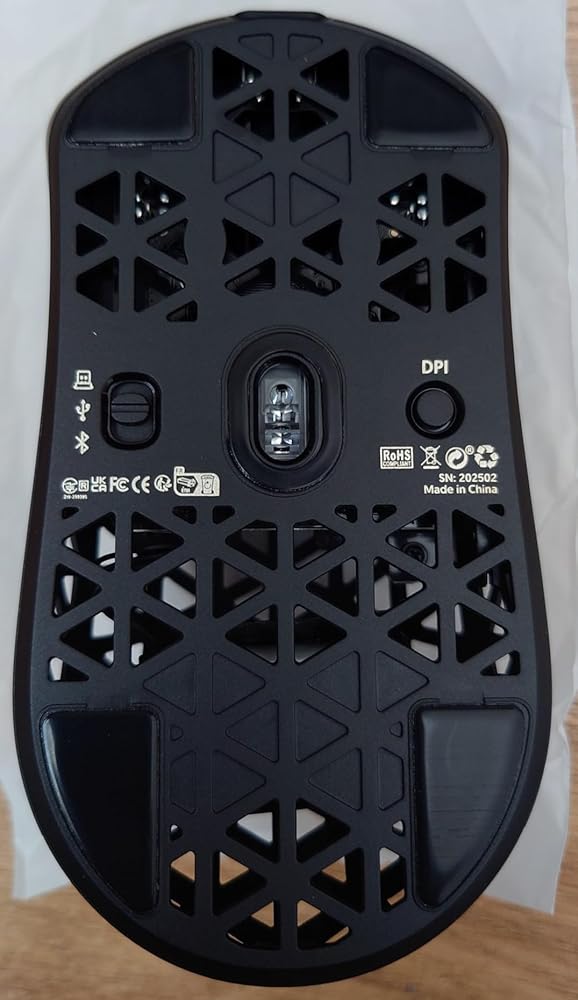


It’s peak

The mouse itself is amazing_10/10 nice grip for my hand_10/10 perfect wight_10/10 response_10/10 no need for software_10/10 Looks lovely_8.5/10 fair priceThe only reason I'm giving it 4 star its because sometimes in middle of the game it does someweird flicking and it a bit tricky to clean as well

This mouse is incredible. The weight is so light you forget it's in your hands, the software is great and even at 8000hz this mouse's battery lasts for days. Considering price this mouse might actually be the best on the market. 10/10. This mouse feels like cheating.
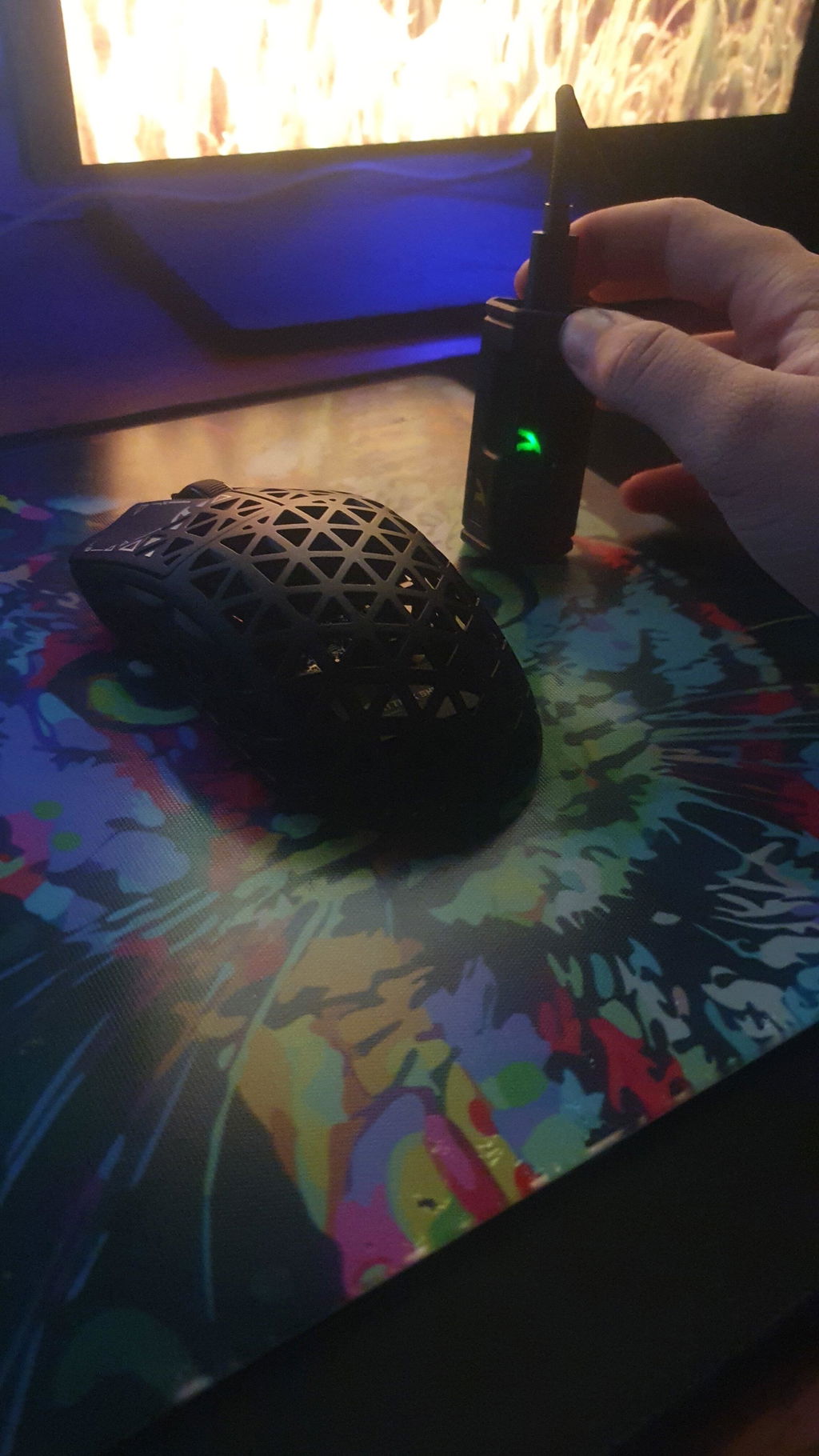
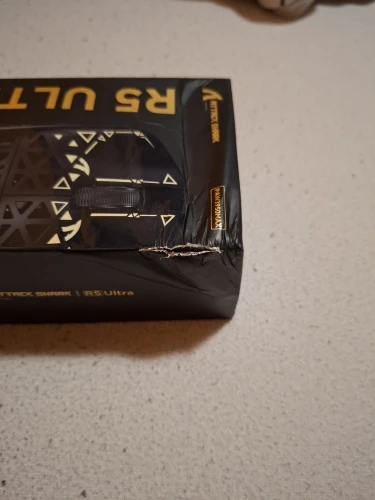
The package was incorrectly packed and the packaging was damaged during delivery.
The mouse itself is very good.
I have no complaints about the mouse.
DMS mouse bomb, very light, great sensor, 0 input lag, I really liked it, it's quite similar to the BeastX. The clicks are excellent, especially the side buttons are tactile, making it easy to click. The plastic feel is very good and the battery lasts a long time. Very good, I recommend it.


Well, what can I say, this is a fantastic mouse. I was afraid I might get a defective one, but luckily I didn't.


the best mouse I've ever held in my hands

Strangely good
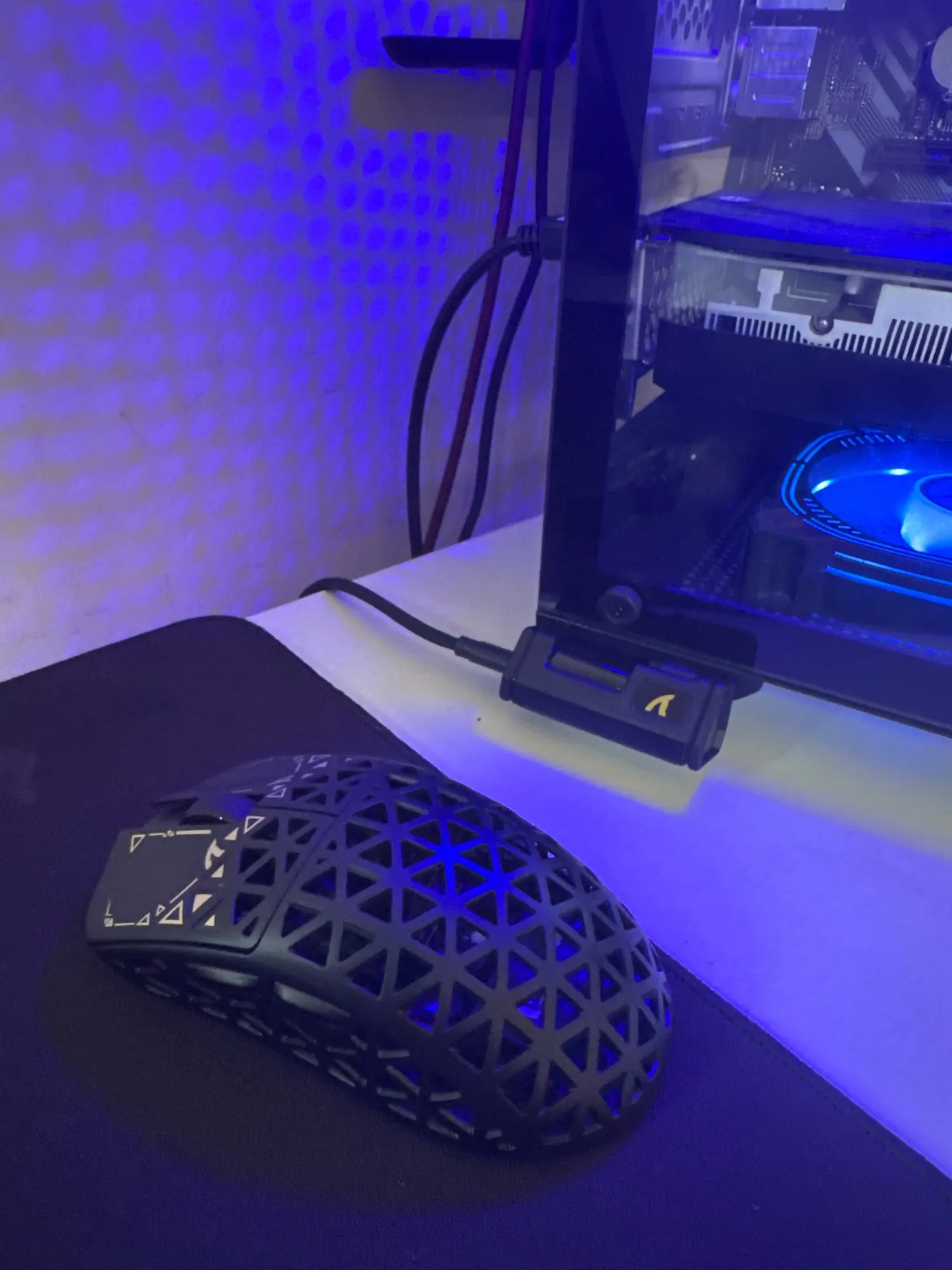
Mouse muy bueno de no ser porque le faltó uno de los skates extra con los que viene, de no ser por eso le daría las 5 estrellas

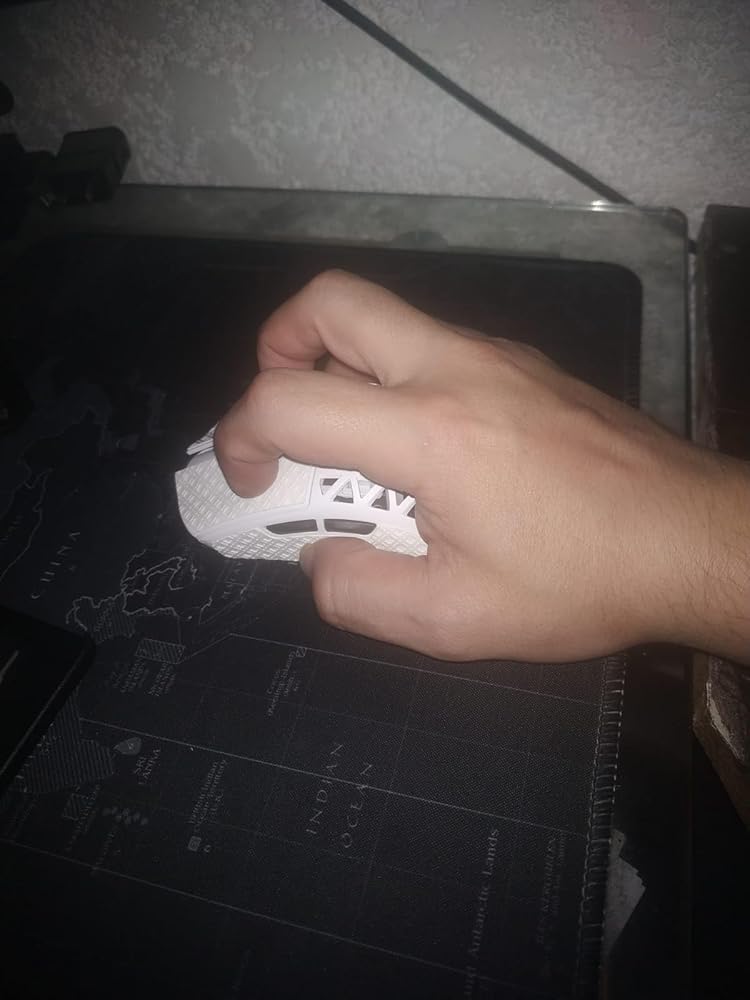
Lo compre con cierto temor de que no fuera bueno, vengo de un razer basilisk v2 que es un gran mouse pero es muy grande para mi mano y muy pesado y me causaba fatiga, busque entre las opciones comerciales más conocidos, Logitech, razer, corsair, Steel series etc, resulto ser un excelente mouse, ultra ligero, muy comodo al tacto, desliza super bien y trae pads de repuesto, mi mano mide 16cm y me queda perfecto para mi tipo de agarre (fingertip) creo que se siente muy comodo también para agarre de tipo claw ya sea agresivo o relajado, pero para agarre de palma lo siento un poco pequeño para el tamaño de mi mano, seguramente si tienes mano más pequeña y usas agarre palma te quedara bastante bien, si tienes manos más grandes seguramente el único tipo de agarre que te acomode sea el fingertip.



Siempre que compro un mouse termino diciendo lo mismo: que es un mouse asombroso, que es lo mejor del mundo, etc.Este en particular es ligero como el aire y preciso como... Pues como una cosa precisa.Obviamente estaré vigilando muy de cerca este mouse esperando que no le pase alguna falla tonta de dobe click o rueda de scroll. De ser así, estaré actualizando el comentario para comunicar mi descontento.

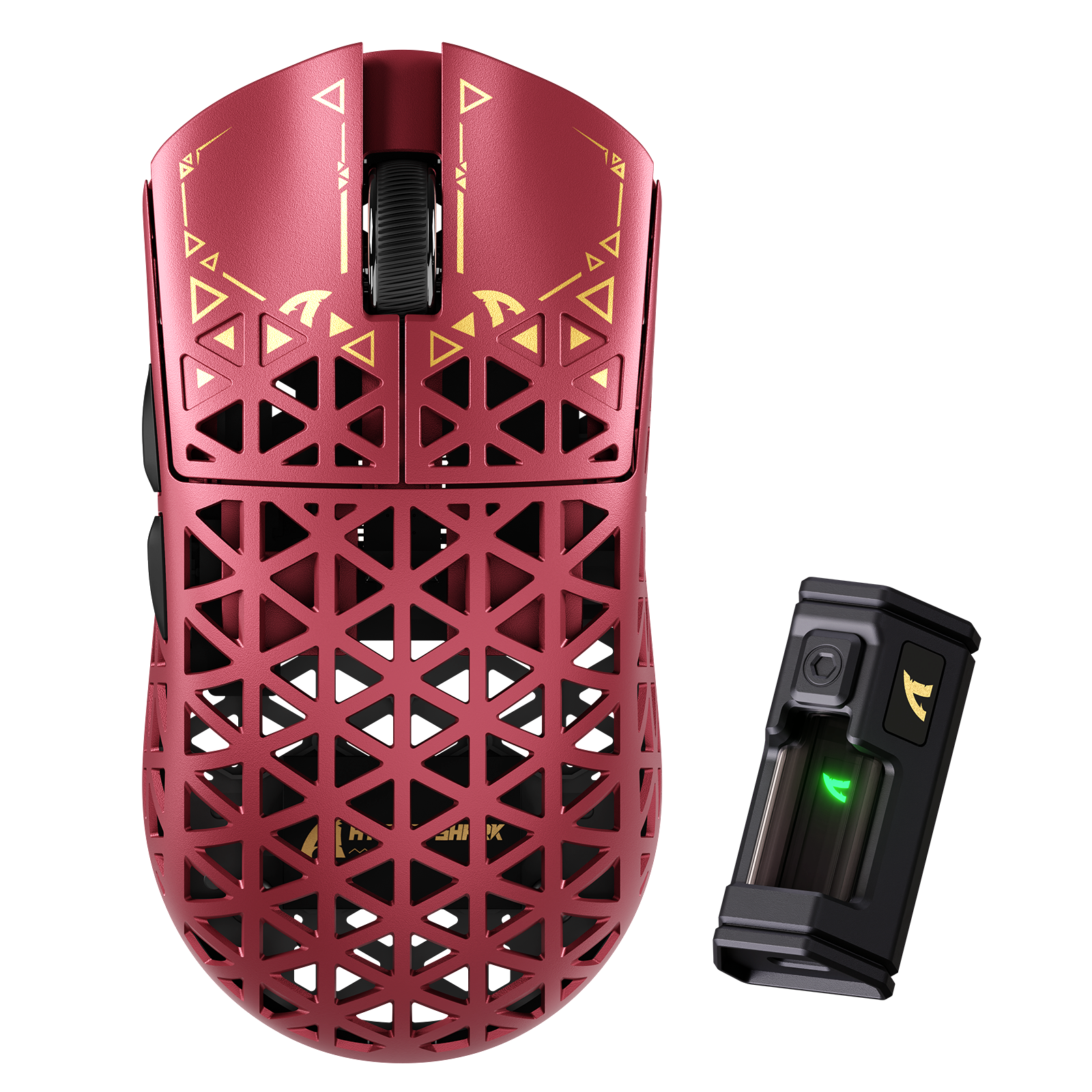
mouse feels really nice in my hand colours are a little bit darker than the pics, great extra stuff/stickers aswell also super nice quality feel defo worth the money. p.s the red/green look amazing i would defo recomend

Really very good, the software is very comprehensive.
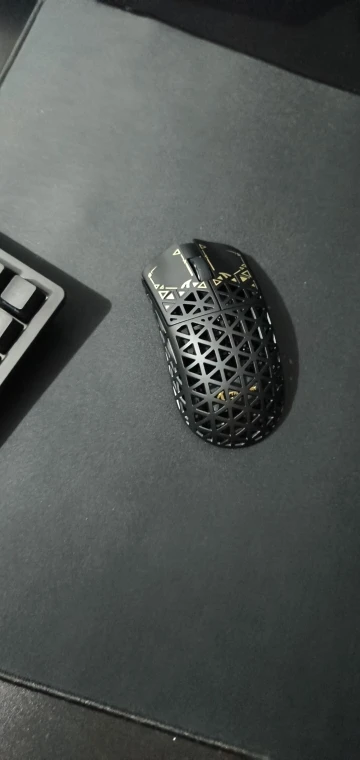
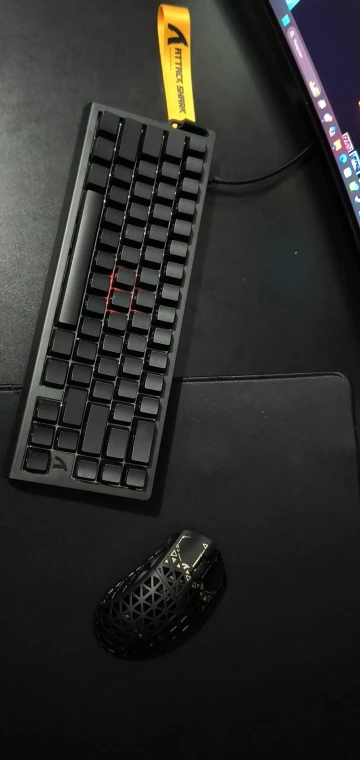
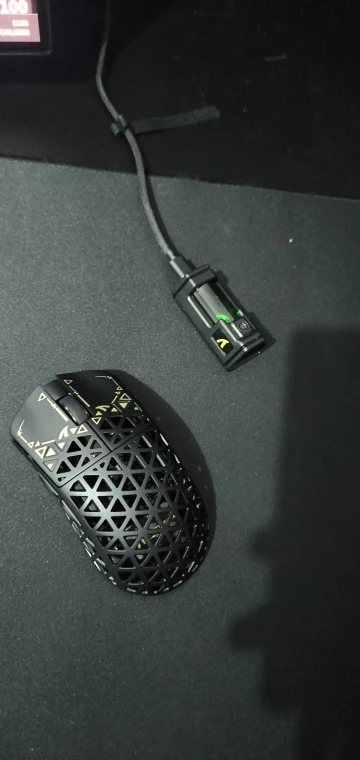
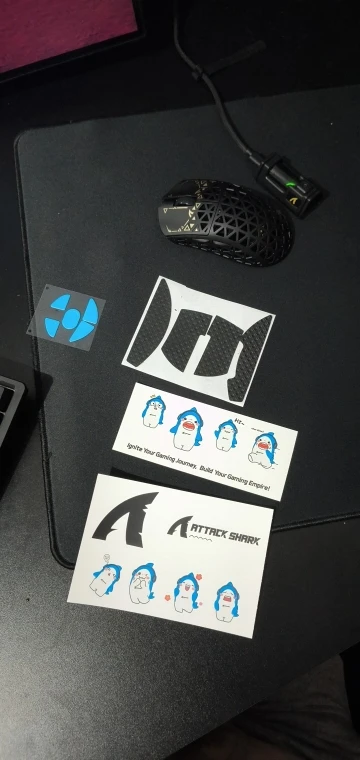
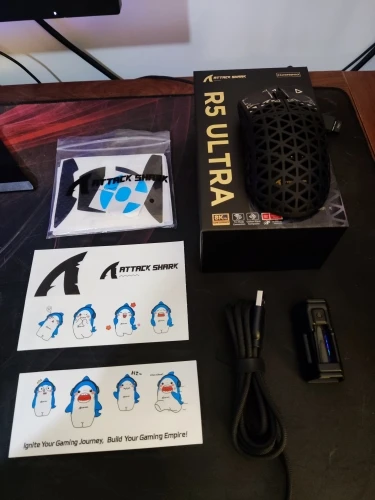
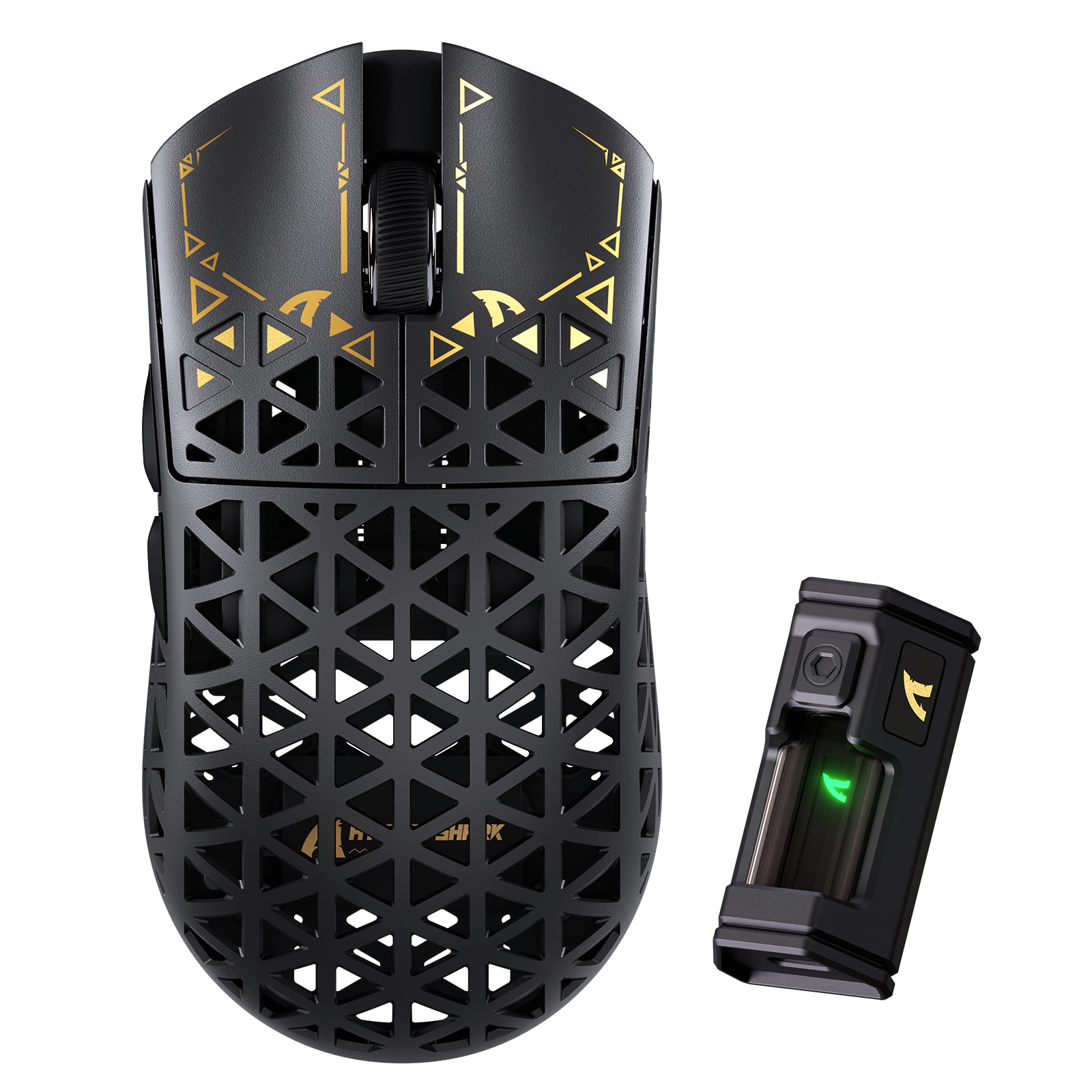
The order arrived earlier than the promised date, the product arrived in perfect condition, the mouse box was packed in another box for safety, I received the entire promised set (mouse, TypeC-USB cable, radio station, AtackShark sticker pack, and additional stickers for the mouse). )
The web application is convenient and easy to program.
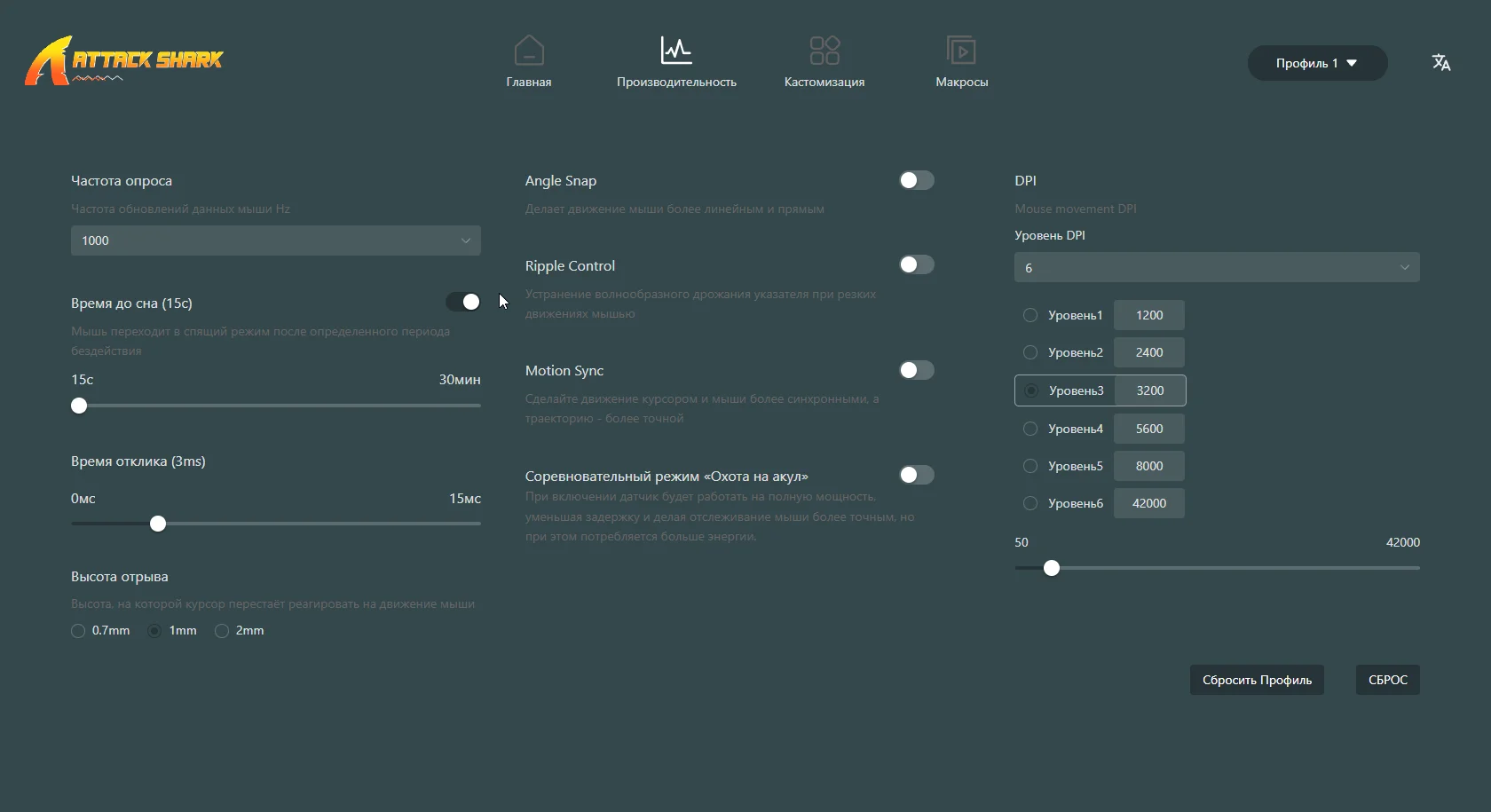
Mouse way above average, damn light, damn beautiful, side buttons more enjoyable to press than anything I've ever seen in my entire life. A shame that the front clicks are so loose, but nothing that ruins the experience, what a sensational mouse!!!!
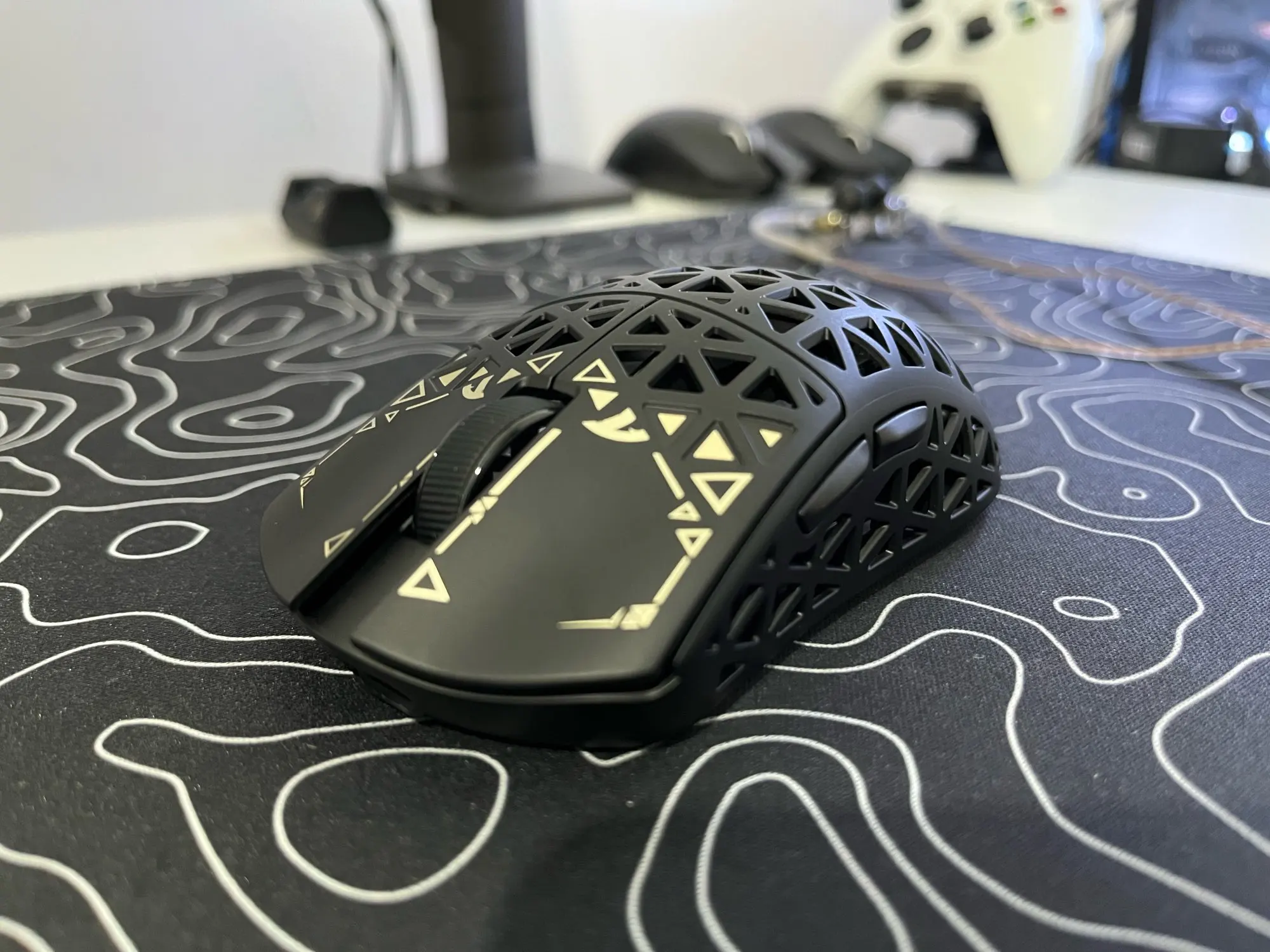
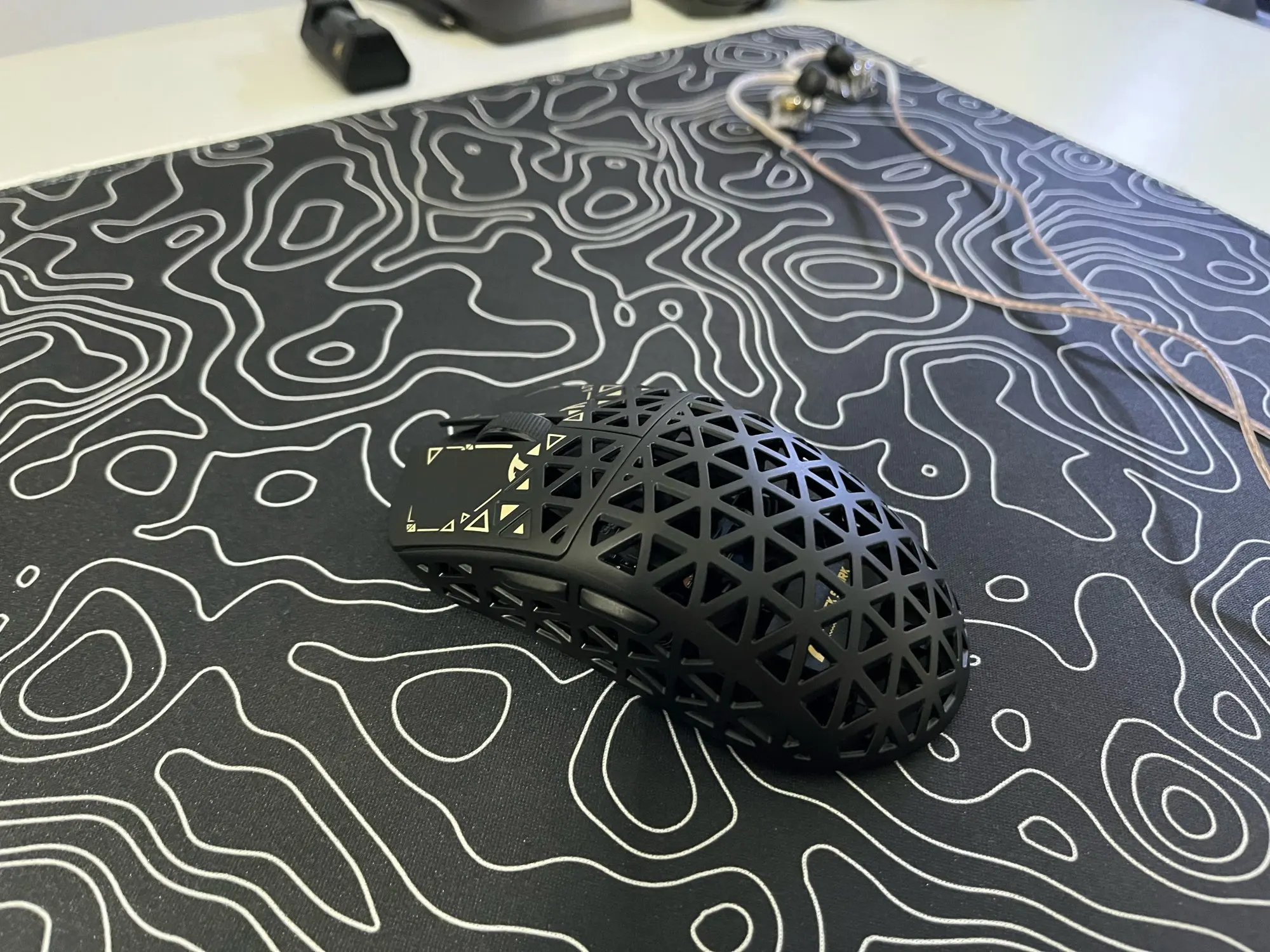
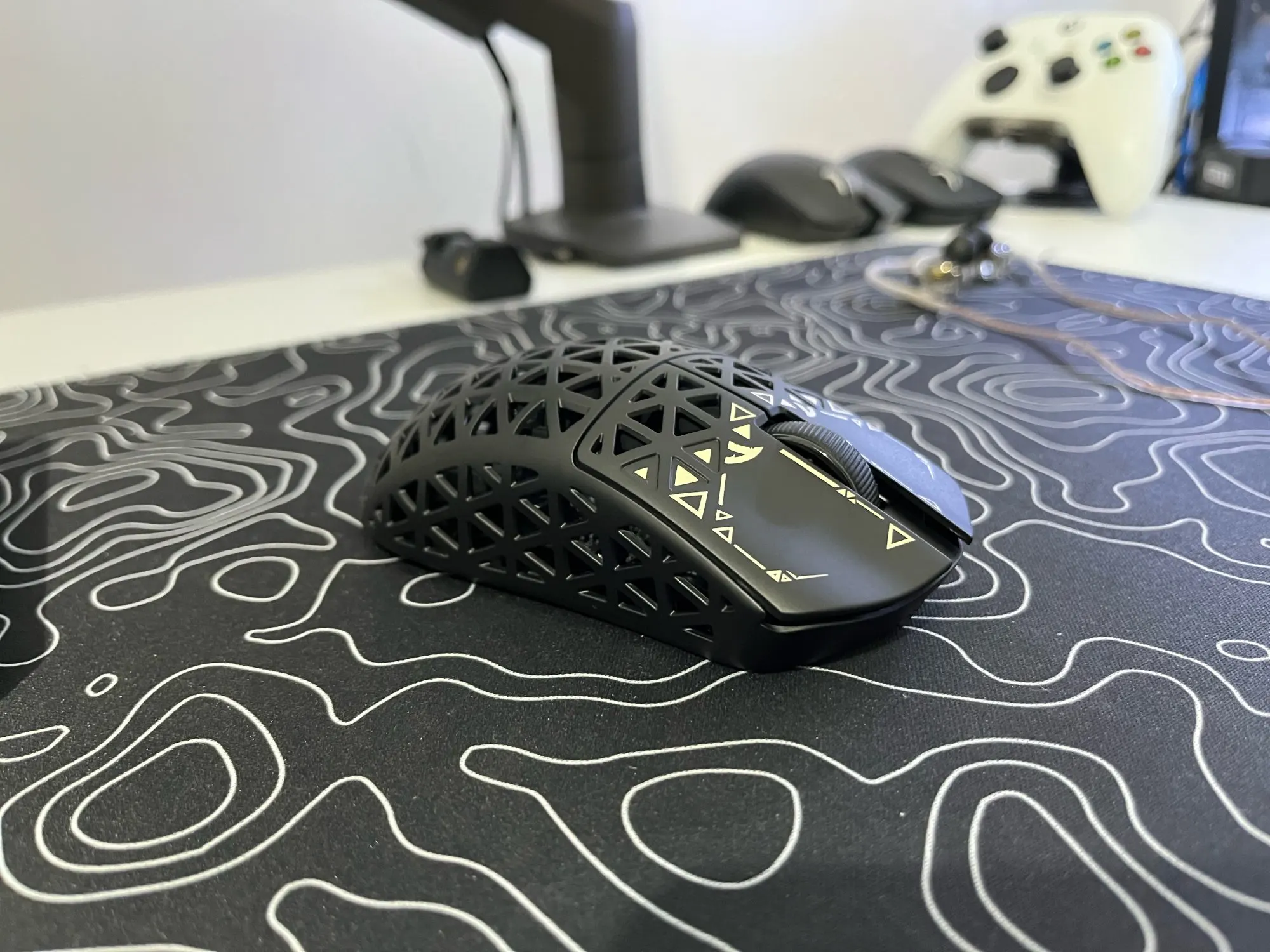
Honnêtement super, très bonne finition et super utilisation, légère et rapide!
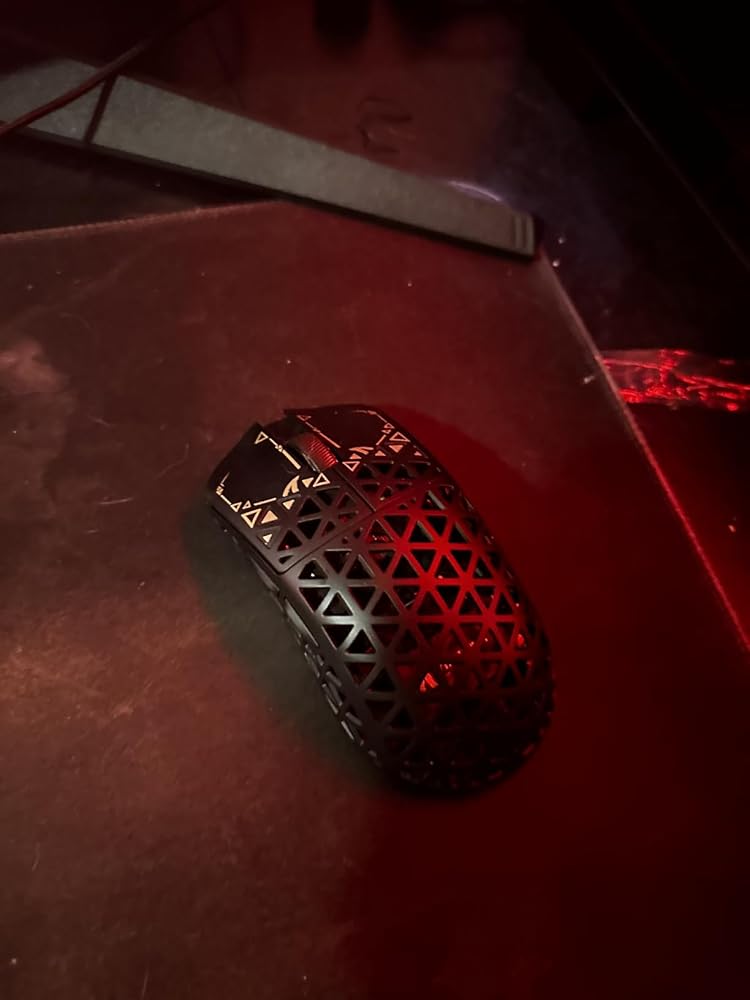
Good mouse
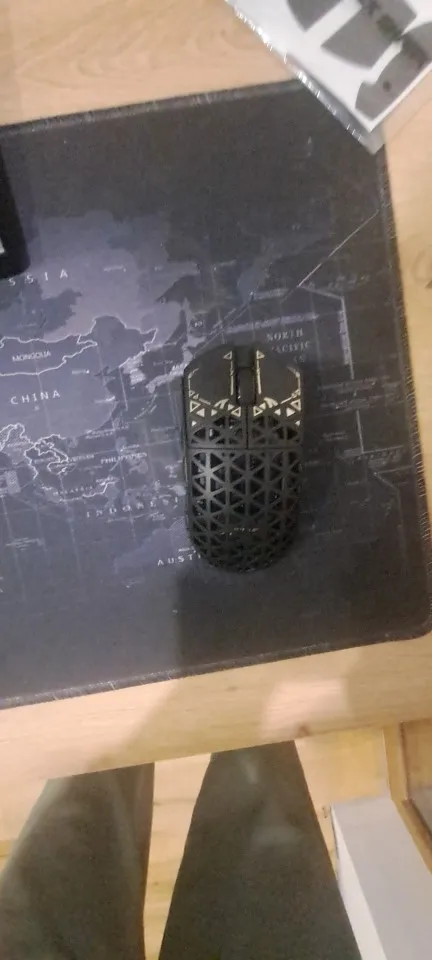
I've been testing it for about 2 hours and I think it's one of the best mouse purchases I've made. I had a Logi Pro Wireless but this one for much less money punches it hard... You can connect it via USB C, Bluetooth or wireless. It's very light, fast, precise. And it's always nice that it comes with stickers, slides, and grips, 10/10.