The competitive gaming market has shifted its focus from simple mechanical switches to complex magnetic sensors. While many users prioritize polling rates, the internal keyboard scanning rate is equally significant for performance. Understanding how these internal processes function is essential for anyone looking to optimize their competitive setup. This article explores the technical differences between scanning and polling, the role of algorithms in precision, and why these specifications are critical for modern professional gaming peripherals.
Defining the Core: What Is Keyboard Scanning Rate?
Before discussing performance benefits, it is necessary to define what the internal scanning rate of a peripheral represents. This technical specification refers to how frequently the keyboard's internal microcontroller (MCU) checks the state of each individual key on the PCB matrix.
The mechanics of matrix scanning
Inside a standard keyboard, keys are arranged in a grid of rows and columns. The scanning rate determines the frequency of these cycles per second. High-performance models like the Attack Shark R98HE utilize 256K scanning rates to ensure initial detection is nearly instantaneous, providing a rock-solid foundation for low latency gaming keyboard performance.
Relationship with total system latency
The scanning rate represents the very first stage of the input chain. Total latency is the sum of internal scanning, processing time, and transmission time. Even if you use a high-speed connection, a slow internal scan creates a "bottleneck" that prevents the hardware from being truly responsive. This is why professional players now look for hardware that offers high-frequency internal processing.
Scanning Rate vs. Polling Rate: What Is the Real Difference?

It is a common misconception that scanning rate and polling rate are the same. While both are measured in Hertz (Hz), they describe two different stages of the data path. A low latency gaming keyboard must optimize both to ensure the player's actions are reflected on the screen without measurable delay.
The internal process of scanning
As mentioned, scanning happens locally on the keyboard's hardware. For example, a high-end gaming chip might scan the key matrix at 10,000Hz or even 250,000Hz (256K). This ensures that the exact point of actuation is captured with extreme granularity. This internal data is raw and must be processed by the onboard firmware before it can be sent to the operating system.
The external process of polling
Polling rate refers to how often the computer's USB controller "asks" the keyboard for data. An 8000Hz keyboard communicates with the PC every 0.125 milliseconds. However, if the internal scanning rate is only 1000Hz, the keyboard is simply repeating the same old data eight times to the PC. To achieve true performance, the internal scan must be faster than or equal to the polling rate.
Synchronization between the two stages
True performance occurs when the internal scanning and external polling are synchronized. If the scan occurs just before the poll, the latency is minimized. If they are out of sync, the PC might receive data that is already several milliseconds old, leading to micro-stutters or inconsistent "Rapid Trigger" behavior in fast-paced FPS titles.
Why a 256K Internal Scanning Rate Is Crucial for Rapid Trigger
Rapid Trigger (RT) technology has revolutionized games like Valorant and Counter-Strike 2. This feature allows a key to reset the instant it begins to move upward. For this feature to be effective, the hardware needs constant updates on the exact position of the magnetic switch.
A magnetic switch uses a Hall Effect sensor to measure the distance of a magnet. The Attack Shark R98HE leverages its superior scanning frequency to support 0.005mm Rapid Trigger sensitivity, allowing players to execute frame-perfect resets that are impossible on standard mechanical devices.
In competitive play, the goal of RT is to stop movement instantly. When the internal scanning rate is extremely high, the time between your finger lifting and the keyboard sending the "stop" signal is reduced to a fraction of a millisecond. This ensures that your character stops exactly when you intended, which is vital for maintaining accuracy during high-stakes gunfights. For a detailed breakdown of Rapid Trigger sensitivity across different shooters, the performance differences are significant.
How the Magnetic Switch Algorithm Achieves 0.005mm Precision
The raw data from a Hall Effect sensor is an analog voltage signal. To turn this into a digital command, the keyboard uses a magnetic switch algorithm. This software layer is responsible for filtering noise and interpreting the precise depth of the keypress.
The algorithm must calculate the distance based on the strength of the magnetic field. High-tier keyboards use advanced math to achieve 0.005mm RT precision. This means the hardware can distinguish a movement as small as five micrometers. Such a high level of sensitivity requires the MCU to filter out electromagnetic interference that could otherwise cause "ghost" presses or inconsistent actuation.
A "dead zone" is an area in the switch travel where movement is not recorded. In lower-quality magnetic keyboards, dead zones are often used to hide the lack of sensor accuracy. Through its advanced algorithm and 5-layer dampening, the Attack Shark R98HE eliminates dead zones and hollow noise, ensuring the Ice Shark switches provide pure, stable, and ultra-precise data.
The Hardware Impact: Introducing the R98HE Flagship Keyboard
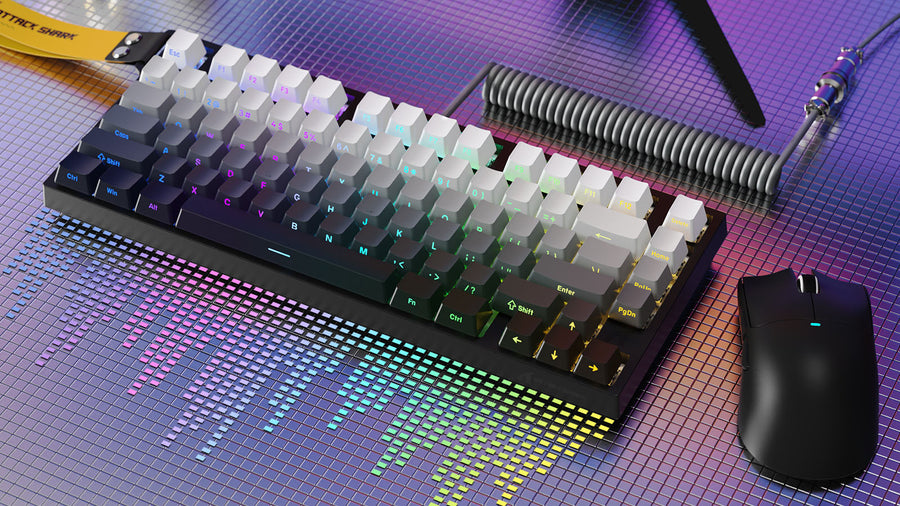
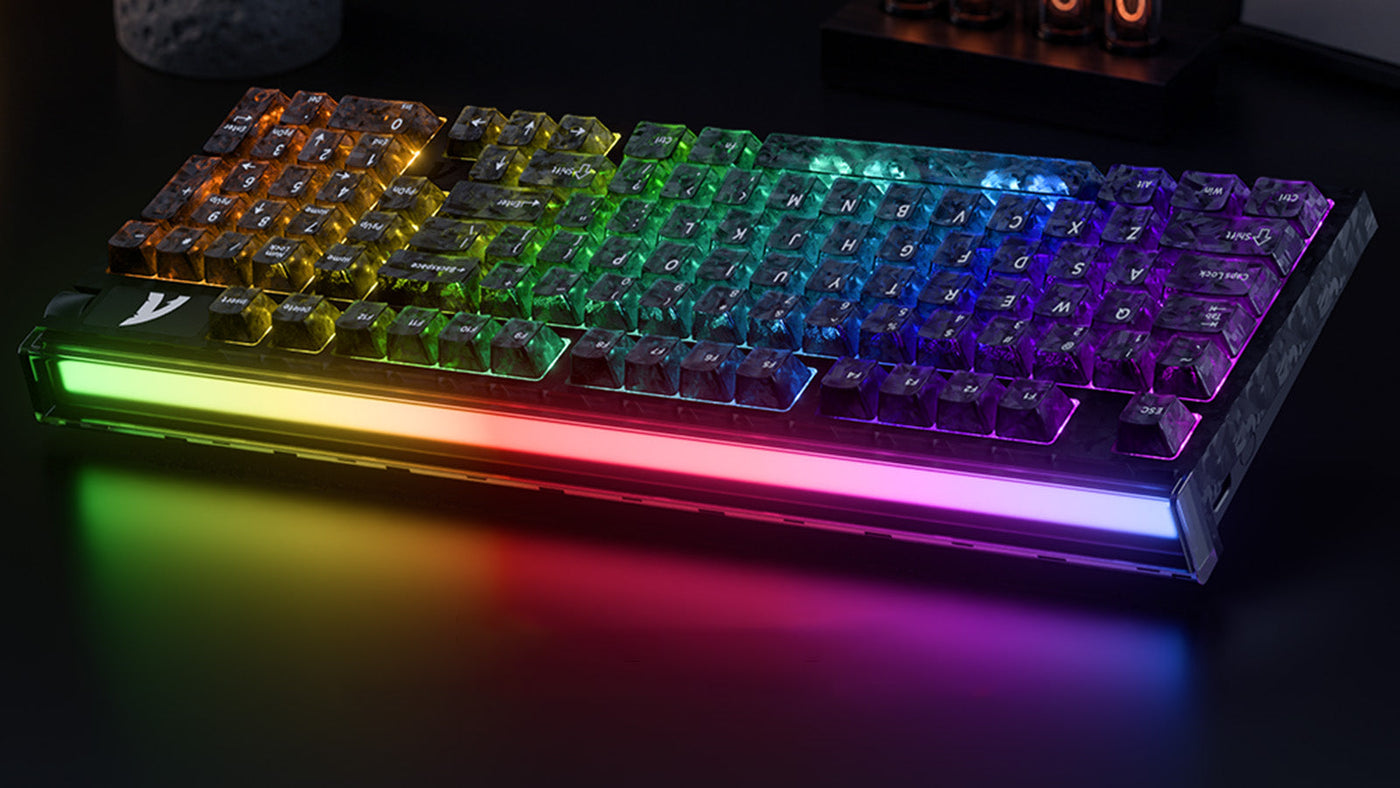
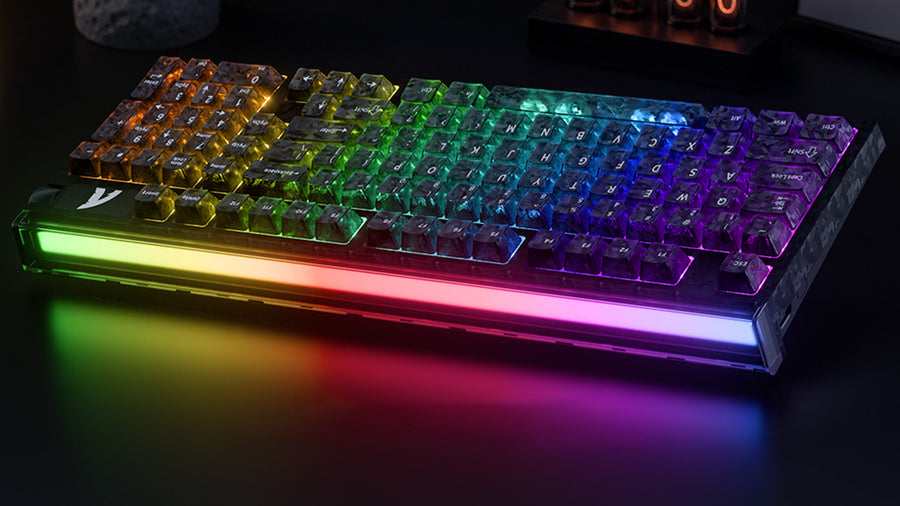
The Attack Shark R98HE is a specialized peripheral that demonstrates the practical application of high scanning rates and precision materials. As the only 98-layout carbon fiber magnetic keyboard with a front-facing RGB lightbox, it targets users who refuse to compromise between professional performance and a full-featured layout.
The R98HE utilizes a high-frequency gaming chip capable of a 256K sampling rate. This allows the device to offer a true 0.08ms latency, ensuring it functions as a top-tier low latency gaming keyboard. This internal speed is essential for supporting its micro-level 0.005mm sensitivity settings. When combined with its 8000Hz polling capability, the R98HE provides one of the most responsive input chains currently available.
The use of carbon fiber in the R98HE is not merely for aesthetics. High-precision sensors (0.005mm) require a rigid frame. If a keyboard plate flexes or vibrates during heavy typing, it can interfere with the Hall Effect sensors' readings. The carbon fiber composite faceplate and aluminum positioning plate provide the structural integrity needed to maintain consistent sensor data, even during the most intense gaming sessions.
Do High Scanning Rates Cause CPU Lag?

A common question among gamers is whether an 8000Hz keyboard or a high-scanning-rate device will negatively impact their frame rate. Because these devices send data to the computer much more frequently than standard 1000Hz peripherals, they do place a higher demand on the CPU.
Understanding the processing overhead
Every time a keyboard "polls" the PC, the CPU must interrupt its current task to process that packet. At 8000Hz, these interrupts happen every 0.125ms. On older quad-core processors, this can lead to a slight drop in FPS or occasional micro-stuttering. However, on modern multi-core CPUs (Intel 12th Gen/Ryzen 5000 and newer), the impact is generally negligible, often less than 1% of total CPU usage. For a technical benchmark of 8k polling CPU overhead across different hardware configurations, the data confirms this is rarely a bottleneck on modern systems.
Optimizing system resources
The internal scanning rate (the 256K mentioned earlier) does not affect your PC at all. This processing is done entirely by the keyboard's dedicated MCU. Only the final polling rate affects the computer. If you find that your game feels less smooth while using an 8K setting, you can usually lower the polling rate in the software while still benefiting from the fast internal scanning and precision algorithms of the hardware.
Actionable Tips: How to Reduce Keyboard Input Lag in Competitive Play
Hardware alone is not enough; you must also ensure your software and environment are optimized. If you want to know how to reduce keyboard input lag, follow these specific technical steps to ensure your path from keypress to screen is as short as possible.
Use the correct USB port
Not all USB ports are created equal. To get the best performance from a high-speed keyboard, always plug it directly into the motherboard's USB 3.0 or 3.1 ports (usually colored blue or red). Avoid using USB hubs or front-panel case ports, as these add extra controllers and cables that can increase latency and cause signal interference.
Disable unnecessary background lighting sync
While RGB aesthetics are popular, complex lighting synchronization software (like those that sync with your screen colors) can occasionally add processing delay to the keyboard's MCU. For the fastest response, use the keyboard's onboard lighting profiles or a dedicated web-based driver. This ensures the MCU can dedicate 100% of its power to scanning the key matrix and calculating the magnetic switch algorithm rather than rendering complex light shows.
Update your firmware and drivers
Manufacturers frequently release firmware updates that optimize the scanning logic or the Rapid Trigger sensitivity. Always check the official website for the latest version. These updates can sometimes reduce the internal debounce time or improve how the 8K polling rate interacts with the latest Windows updates, providing a more stable gaming experience.
Owners of the Attack Shark R98HE can easily optimize performance via a convenient web-based driver, allowing for instant firmware updates and precise RT tuning without the need for bulky software. This ensures the MCU can dedicate 100% of its power to scanning the key matrix and calculating the magnetic switch algorithm.
Conclusion: Internal Scanning Rate Is the Foundation of True Gaming Performance
While polling rate is the most marketed statistic, the internal scanning rate is the foundation of any 8000Hz keyboard. Without a high-frequency internal scan and a refined algorithm, high polling rates cannot provide real-world benefits. Devices like the R98HE show that by combining 256K scanning with rigid materials like carbon fiber, manufacturers can provide the 0.005mm precision required for modern FPS gaming. Focusing on these internal specs is the best way to ensure your hardware never limits your potential.
FAQs
Does a higher scanning rate help with typing speed?
No, a higher scanning rate is primarily designed for reducing input lag and improving Rapid Trigger precision in gaming. While it makes the keyboard feel more responsive, it will not physically increase your words-per-minute (WPM) during standard office work or typing tasks.
Can I feel the difference between 1000Hz and 8000Hz?
Yes, many professional players can feel a difference in "smoothness," particularly on high-refresh-rate monitors (240Hz or 360Hz). However, for casual gaming, the difference is subtle. The most noticeable benefit comes from the improved Rapid Trigger response rather than the raw polling speed itself.
How do I know how to reduce keyboard input lag on my specific model?
Yes, the most effective way is to plug the device into a high-speed USB 3.2 port, disable Windows "Filter Keys" in the accessibility settings, and ensure your keyboard's "Debounce Time" is set to the lowest stable value (usually 0ms or 1ms for magnetic switches).