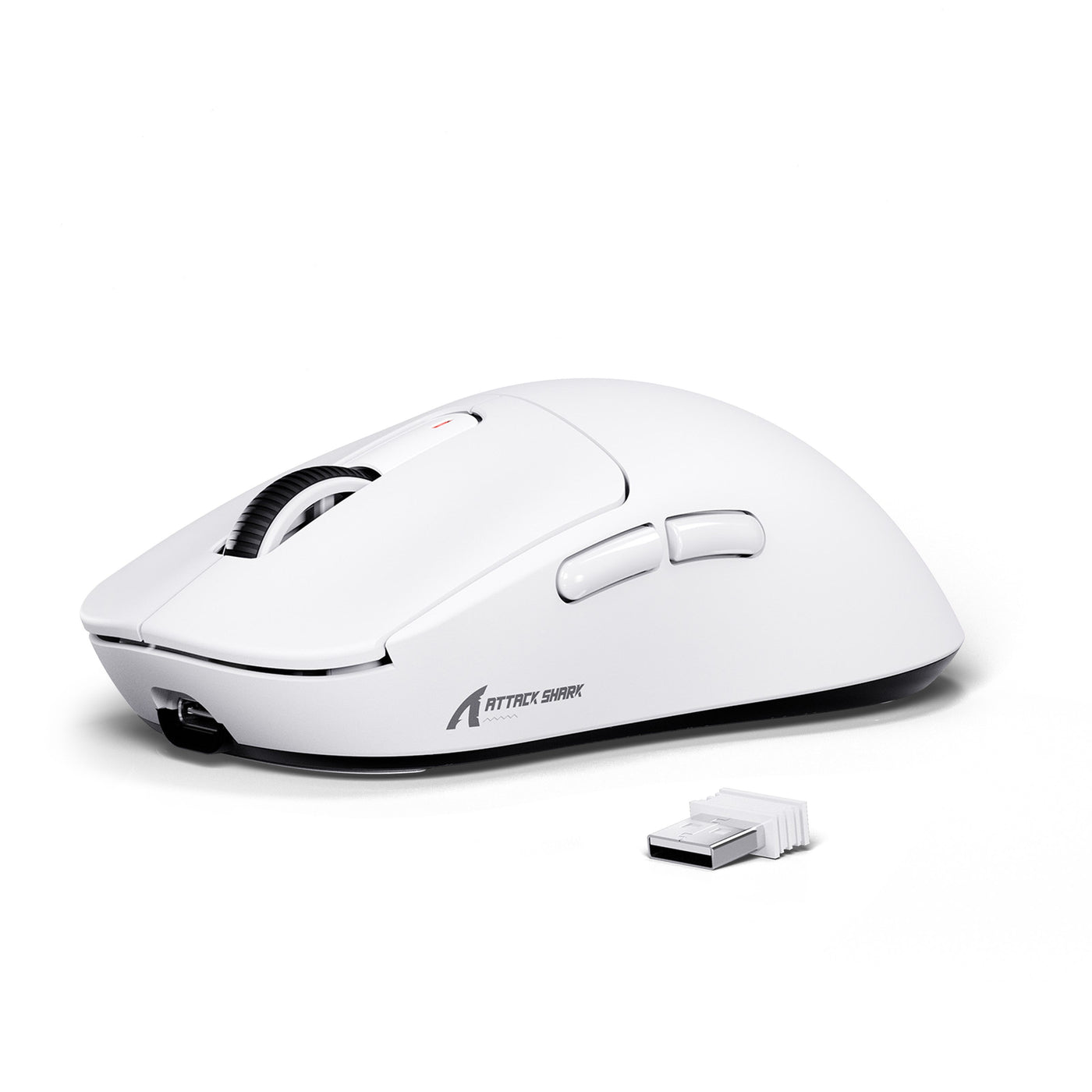
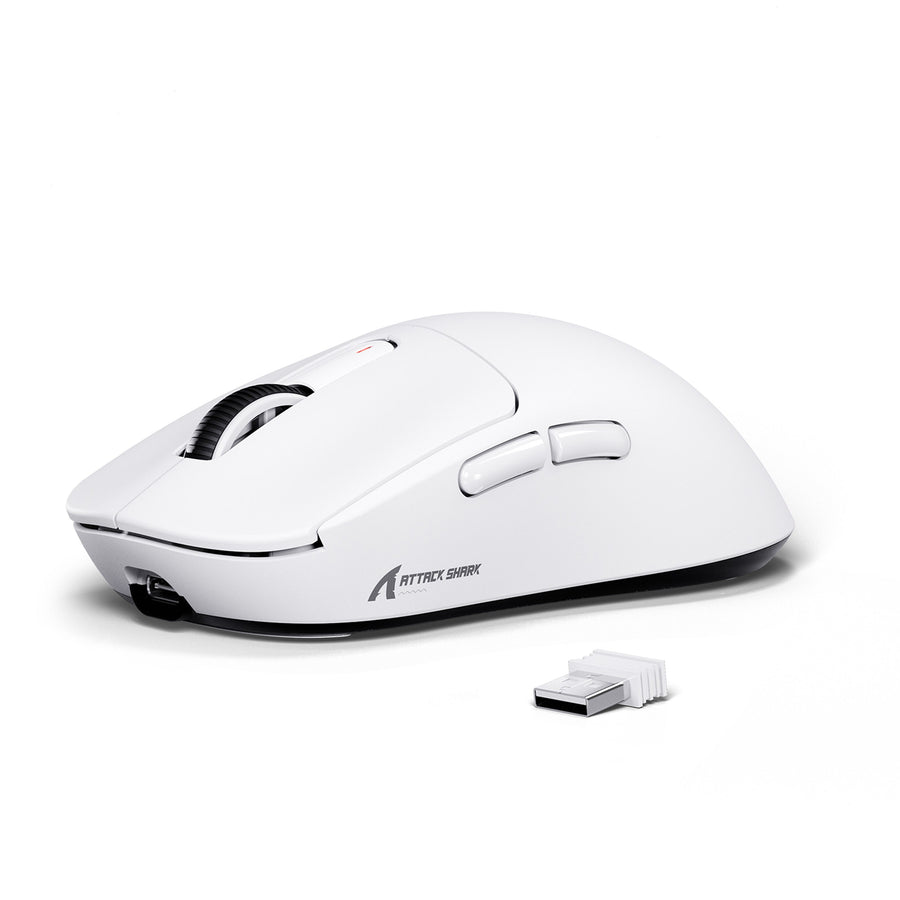
When comparing custom wireless gaming mouse options, choose a ready-to-use wireless gaming mouse when you want a complete, documented setup with minimal troubleshooting. Choose an external accessory, such as model-matched grip tape, when you only want to change the grip or appearance. Save deeper DIY work, such as shell swaps or firmware changes, for buyers willing to research compatibility and support terms first. A custom wireless mouse does not have to mean building one from parts.

Start With What You Want to Change
The fastest way to choose a path is to identify the exact change you want before you shop. If you cannot name one, start with a ready-to-use model instead of guessing at parts.
A ready-to-use wireless gaming mouse is the lowest-friction option. You get a complete, working setup out of the box, with nothing to fit or troubleshoot before you play. External accessories, such as grip tape, suit a specific comfort or appearance goal without turning the purchase into an electronics project. Internal hardware or firmware changes are a separate, deeper category. Before you make them, research exact-model compatibility, current instructions, and support terms. None of these paths is automatically the right one. The best choice depends on what you want to change and how much setup work you are willing to handle.

The Three Custom Wireless Mouse Paths
“Custom wireless mouse” covers three levels of buyer responsibility, not one fixed project. The deeper you go, the more research you need to do.
Ready-to-Use Model
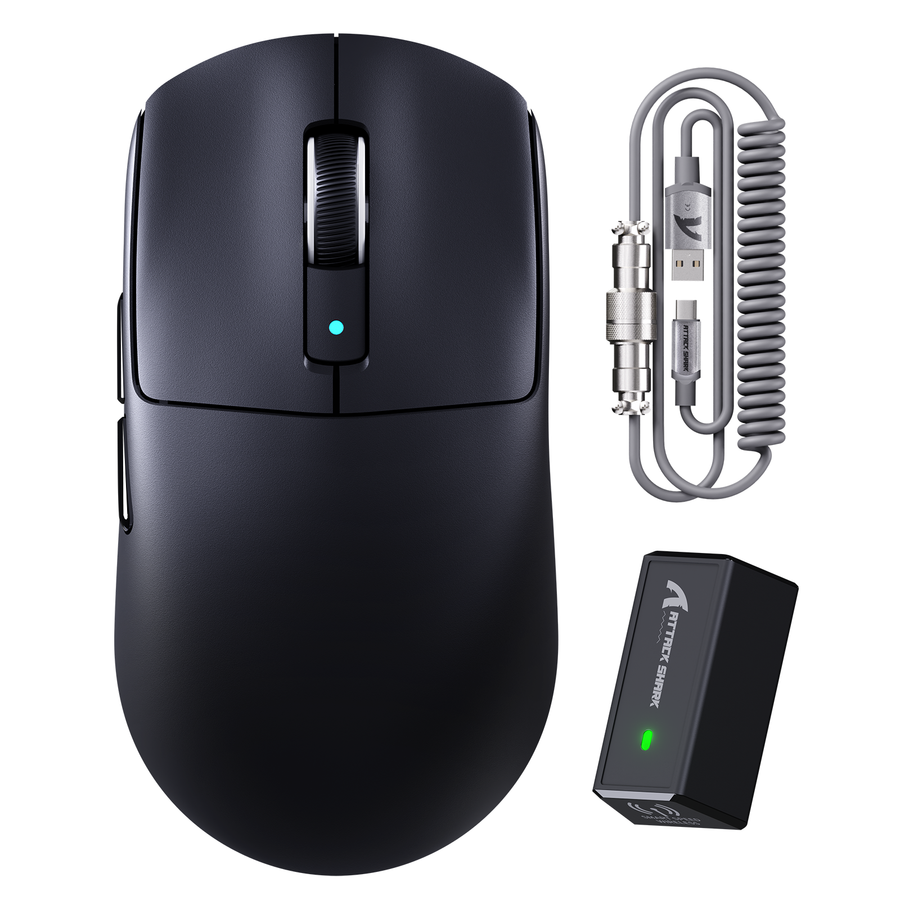
A ready-to-use model gives you a complete mouse configuration before you add any personalization. Our ATTACK SHARK X3, for example, ships as a documented setup with a specific sensor, weight, and connectivity package, not as a kit you assemble. This option suits buyers who want to use the mouse first and decide later whether personalization is worth adding.
External Accessories
External accessories change how the mouse feels or looks without affecting the electronics inside. Grip tape is the clearest example: it changes the contact surface while the sensor, buttons, and wireless connection remain as documented. The key check is model matching. Our ATTACK SHARK X3/X3pro grip tape is made specifically for the X3 and X3pro shells, so confirm the listed compatibility before ordering.
Internal Hardware or Firmware Changes
Opening the housing, swapping internal parts, replacing or modifying the cable, changing firmware, or building a mouse from separate components is a different project from either option above. These changes need model-specific verification, so use the compatibility and warranty checks below before starting.
Customizing a Mouse vs. Buying Ready to Use
The practical choice comes down to the trade-off between a documented, complete setup and direct control over the grip or appearance. Model-matched accessories add a fitting step; a ready-to-use mouse skips it.
| Decision axis | Accessory-level custom path | Ready-to-use ATTACK SHARK X3 |
|---|---|---|
| Setup effort and troubleshooting | Requires a compatibility check and fitting before use | Works as a complete configuration out of the box |
| Grip and appearance control | Direct control over surface feel and look | Fixed symmetrical ergonomic shape unless you add an accessory |
| Consistency before customization | Depends on a correct model match | Consistent from purchase because it is one documented unit |
| Support and warranty boundary | Limited to the accessory itself; verify listed compatibility | Support channels are listed for the mouse as sold |
| Best-fit scenario | You have a specific grip or appearance goal | You want a working mouse without a fitting step |
If your main goal is a defined shape and complete hardware package, our ready-to-use ATTACK SHARK X3 wireless mouse is the simpler choice. It lists a 1.73 oz build (49 g), a PixArt PAW3395 sensor, 26,000 DPI, and Bluetooth 5.2, 2.4G wireless, or USB-C wired connectivity before you add anything. If you want a specific tactile change, such as less slipping from sweat, our X3/X3pro model-matched grip tape addresses it directly. The tape is listed as compatible with those two shells, sweat resistant, washable, and available in matte black or white. Choose the accessory when that fitting step is worth the payoff.
Choose by Gaming Scenario and Tinkering Tolerance
Your gaming context and tolerance for setup work can point to different paths, even when the desired change looks similar.
Competitive Gaming
If setup interruptions or unclear compatibility would cost more than the customization is worth, start with a ready-to-use wireless gaming mouse. An external accessory can still make sense when the change is narrow, matched to the exact model, and easy to remove if it does not work out. Model-matched grip tape is not shown to improve measured aim or reaction time, so treat this customization as a comfort choice, not a performance guarantee.
Casual Use, Comfort, and Appearance
Accessory-level customization fits when you want a different contact surface or a new look and nothing else. If you have no specific change in mind, a complete mouse remains the simpler starting point. Tie the choice to your actual comfort or appearance goal instead of adding parts for their own sake.
First-Time Customizers and DIY Enthusiasts
First-time buyers generally do best with a ready-to-use model or a clearly model-matched external accessory because both options limit guesswork. Readers with DIY experience can investigate shell, hardware, or firmware work when they are ready to follow the compatibility checks below. The amount of troubleshooting you are willing to do is part of choosing the route, not an afterthought.
Check Compatibility, Support, and Warranty Before Deeper DIY
Before modifying anything, confirm the exact model, current documentation, and applicable warranty language. The depth of this check depends on whether you are adding an accessory or opening the mouse.
Before Adding an External Accessory
Confirm that the accessory listing names your exact mouse model before ordering. A similar-looking shell does not guarantee a fit. Check that the change is external and reversible enough for your needs, and keep the original parts and purchase receipt in case you want to return to the stock setup.
Before Opening the Mouse or Changing Firmware
Find the current model-specific manual, firmware instructions, and support contact before opening the mouse or changing its firmware. Read the applicable warranty and modification language first. In the United States, a company generally cannot void your entire warranty just because you used a third-party part or an independent repair service, but it can refuse coverage for damage caused by that part or service. This qualified rule tells you what to check; it does not confirm coverage for any specific mouse. Read the actual warranty terms before proceeding. Do not open the mouse or change its firmware until you have that model’s current instructions and applicable terms in hand.
Match the Path to the Next Product Category
Once you know which path fits, take these steps in order:
- Write down the single change you want, such as better grip, a different look, or new internal behavior.
- Pick the lowest-complexity route that solves it: a complete mouse if you have no specific change, an external accessory if the change is tactile or visual, or a verification-first DIY plan if it is internal.
- Use the compatibility and warranty results above to confirm the route.
- Take the matching next action: browse our ready-to-use ATTACK SHARK X3 wireless mouse for a documented starting setup, choose our X3/X3pro model-matched grip tape for an external grip change, or read a bounded resource such as our DIY mouse weight-tuning guide before attempting internal weight or feel changes.
FAQs
What does “custom wireless mouse” mean?
It is an umbrella term. It can mean a ready-made mouse you personalize with accessories, a model-matched external part such as grip tape, or deeper shell, hardware, or firmware changes. It does not automatically mean building one from separate components.
Can you customize a wireless gaming mouse?
Yes, mainly through external accessories explicitly matched to your exact model, such as compatible grip tape. Shell swaps, internal hardware, and firmware changes are possible too, but they require separate compatibility and support checks before you start.
Is a customized wireless mouse worth it?
It is worth it when it solves a specific grip, comfort, or appearance problem and you accept the fitting step involved. If you have no specific change in mind, a ready-to-use wireless gaming mouse gets you playing sooner with less setup friction.
Can modifying a wireless mouse affect support or warranty coverage?
In the United States, using third-party parts or an independent service does not automatically void your warranty, but a company can refuse coverage for damage those parts or that service caused. Read the specific product’s warranty and modification terms before opening the mouse or changing its firmware.