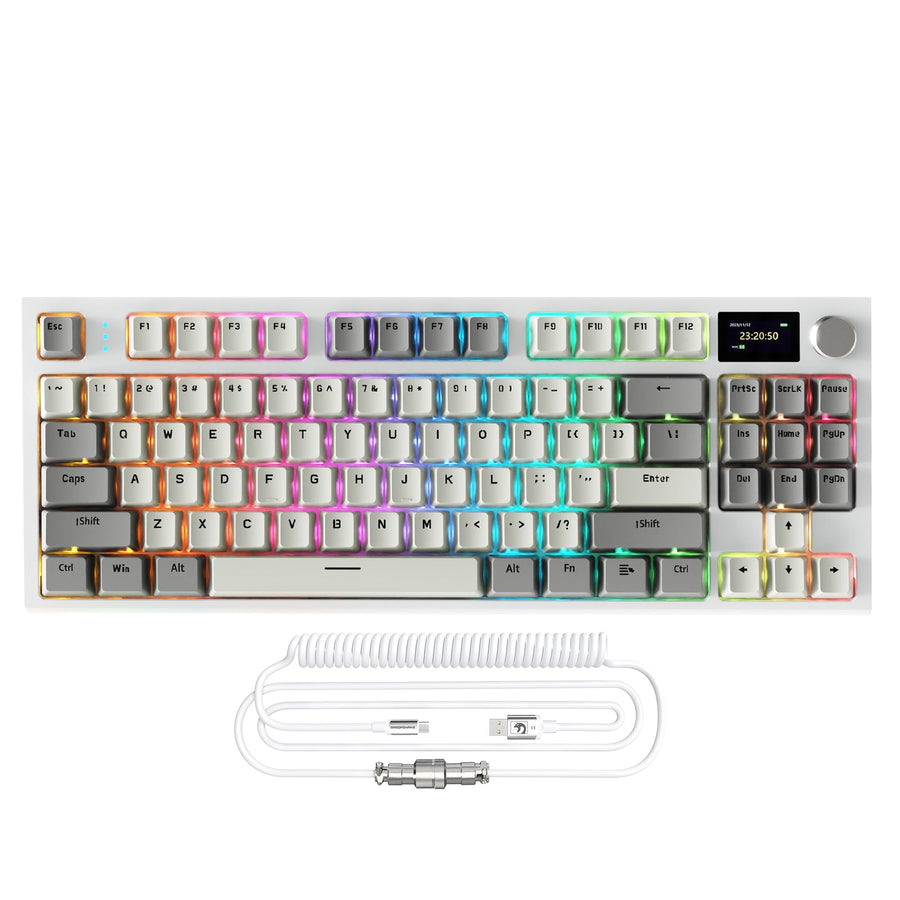
The Cheapest Sensible Keyboard Depends on What You Will Use It For
Basic membrane is generally the lowest-cost option for ordinary typing, and it is the right choice whenever quiet, ordinary typing is the main job. Homework, browsing, email, and casual gaming do not need anything more.

Step up to a mechanical board when switch feel or gaming response becomes a regular need instead of a rare bonus. That is the tier where a cheap mechanical keyboard starts to earn its extra cost. Hall Effect is different from both. It is not the next automatic step up the price ladder. It is a specialized gaming tier worth paying for only when adjustable actuation or Rapid Trigger solves a real problem in your games.
So the budget floor is not one number. It moves with your routine. If you type more than you game, membrane usually wins. If you game and type in roughly equal measure, an entry mechanical board is the sensible middle tier. If you compete in fast FPS titles and will actually use configurable input settings, that is when paying for Hall Effect makes sense. The rest of this guide breaks down what each tier buys, so you can match your budget to your actual workload instead of guessing.
What the Budget Ladder Actually Buys
Each tier trades cost for a specific benefit, not a universal upgrade. Membrane keeps cost and noise low, mechanical adds switch choice and a longer typical service life, and Hall Effect adds adjustable input behavior at a higher price with more setup.
| Technology | Cost and noise | Feel and switch behavior | Best fit and trade-off |
|---|---|---|---|
| Basic membrane | Lowest cost, generally quieter | One soft feel, no switch choice | Best for ordinary typing; weakest for fast, repeated inputs |
| Entry mechanical | Higher cost, louder in most cases | Choice of linear, tactile, or clicky switches; typically longer rated switch life | Best all-around upgrade for mixed typing and gaming |
| Hall Effect | Highest typical cost, software required for advanced settings | Mostly smooth linear feel, fewer aftermarket choices | Best for competitive FPS control, not general typing |
Membrane keyboards are generally quieter and more affordable than mechanical boards, which makes them the sensible floor for anyone who just needs a keyboard that works. Moving to mechanical generally costs more than membrane while offering more switch-feel and gaming-oriented choices, including linear, tactile, and clicky options plus typically higher rated switch life. That rated life describes the switch itself, not a guaranteed lifespan for the whole keyboard, since cables, keycaps, and other parts wear differently.
None of these tiers is universally better. The right one depends on whether you will use the extra feel, the extra durability, or the extra input control often enough to justify the added cost.
For Gaming, Mechanical Is the Default Upgrade and Hall Effect Is Specialized
Most gamers on a budget should treat mechanical as the default upgrade over membrane, and treat Hall Effect as an optional, specialized step beyond that. Which one fits depends on how competitively you play.
Casual Gaming: Membrane Can Be Enough
A basic membrane board can handle casual gaming when keeping the price as low as possible matters most. You will trade away consistent switch feel and the gaming-oriented response that dedicated boards offer, but for occasional play, that trade is often worth it.
Regular Gaming and Typing: Mechanical Is the Middle Path
Mechanical is the practical upgrade once you want defined switch behavior for both gaming and everyday typing. Instead of choosing based on gaming branding alone, focus on switch feel, how much noise you can tolerate, layout, and connection type. These practical factors usually matter more than a headline gaming spec.
Competitive FPS: Hall Effect Earns Consideration
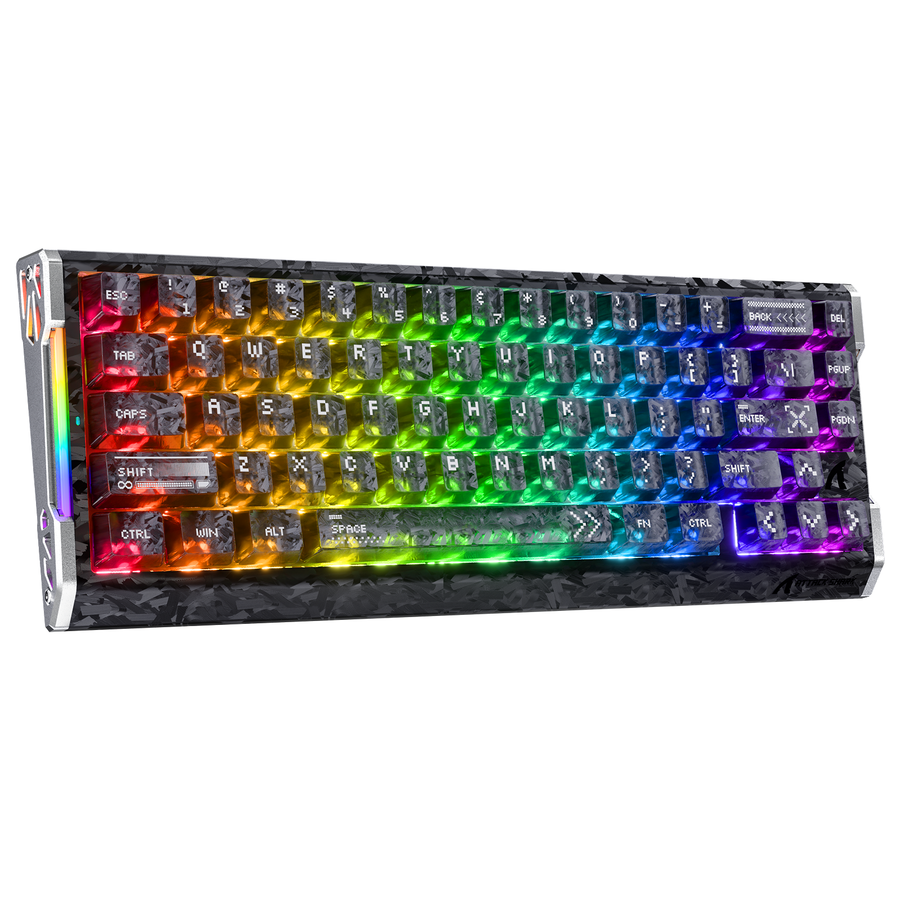
Adjustable actuation and Rapid Trigger can justify the higher Hall Effect tier, but that benefit typically depends on software setup and shows up most clearly in dedicated competitive FPS play rather than ordinary gaming or typing. If you regularly play movement-heavy competitive games and want to fine-tune how quickly a key resets, that is where the added cost pays off. Our R68 HE keyboard is a wired 66-key example built for this purpose, with magnetic linear switches, adjustable actuation from 0.1mm to 3.4mm, and Rapid Trigger support. It is not the right pick if you do not want to configure software. You can browse our HE keyboard collection if adjustable actuation is a feature you already know you will use.
If you do not want to install or configure software for advanced input controls, skip the Hall Effect premium and stay with entry mechanical instead.
For School and Everyday Use, Basic Usually Wins Unless Feel Matters
For homework, office work, and general typing, basic membrane usually remains the better value. Mechanical only earns its extra cost when your typing volume, switch-feel preference, or mixed gaming use makes the upgrade a daily benefit instead of an occasional one.
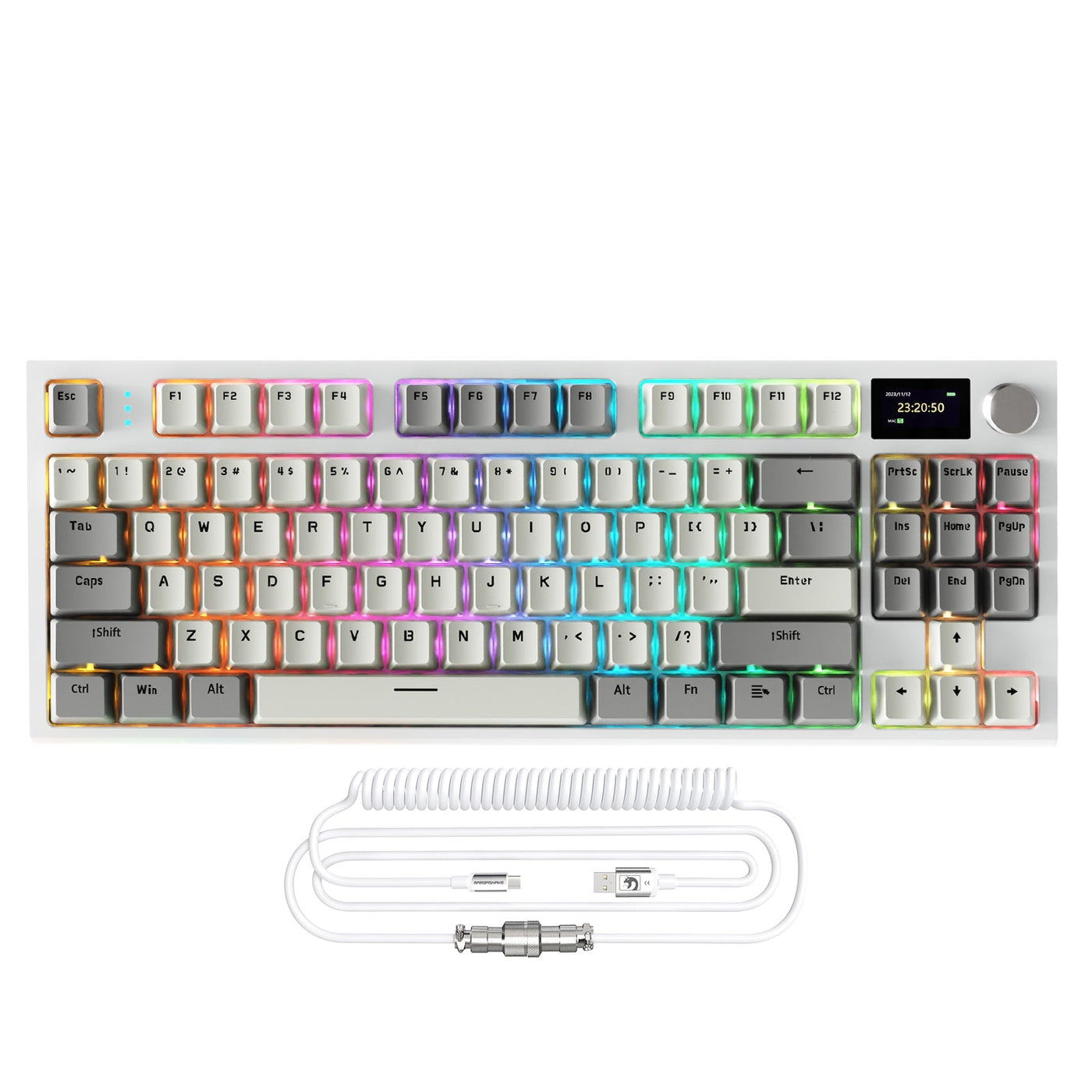
Membrane stays the default because it is generally quieter and more affordable for the kind of steady, ordinary typing that homework and office work require. If you type for long stretches every day, want a specific switch feel, or plan to use one keyboard for both schoolwork and casual-to-regular gaming, mechanical becomes worth the added spend. For that mixed-use case, our K86 mechanical keyboard is built around an 86-key 75% layout with 2.4G wireless, Bluetooth, and USB-C connections, hot-swappable switches, linear feel, and PBT double-shot keycaps, which suits gaming sessions, office typing, and nighttime use without needing Hall Effect features.
Before choosing a compact mechanical board for school or office use, confirm its layout includes the keys you actually use and that its noise level fits a shared room.
The table below shows where each tier fits without gaming as the main workload.
| Tier | Best fit | Skip if |
|---|---|---|
| Basic membrane | Ordinary typing, homework, shared-room quiet use, occasional gaming | You want a distinct switch feel or play FPS competitively |
| Entry mechanical | Mixed schoolwork, office typing, and regular casual-to-serious gaming | You specifically need adjustable actuation or Rapid Trigger |
| Hall Effect | Competitive FPS players who will use adjustable actuation or Rapid Trigger | Homework, office work, or casual gaming is the main job |
Before You Buy, Verify the Fit That Changes the Tier
Before you commit to a tier, run through four quick checks in order. Skipping straight to the cheapest mechanical keyboard worth buying without these checks is how buyers end up paying for features they never use.
First, name your main workload: ordinary typing, mixed use, casual gaming, or competitive FPS. Second, confirm the layout has every key your workflow needs, since a compact board can quietly drop keys you rely on. Third, check the connection type and noise level, since a wired board or a loud switch can conflict with a shared room or a wireless setup you already use. Fourth, check switch feel and, only if you are considering Hall Effect, confirm the keyboard's software supports the actuation or Rapid Trigger settings you actually want.
If the tier's headline feature does not solve a recurring problem in your routine, stay one tier down. That single rule prevents most budget keyboard regrets.
FAQs
What Should the Cheapest Good Mechanical Keyboard Offer?
The cheapest good mechanical keyboard should match your layout and connection needs, use a switch feel you will actually notice and enjoy, and avoid charging you for Hall Effect controls you do not need. "Good" here means fit for your workload, not a specific price or a ranking against every other board.
Is a Cheap Keyboard Good for Gaming?
Yes, for casual gaming, a basic membrane board is usually enough when keeping cost low matters most. Mechanical is the more sensible upgrade once gaming becomes a regular activity, and Hall Effect is a specialized choice reserved for competitive FPS players who use its adjustable controls.
Should I Buy the Cheapest Keyboard or a Mechanical One?
Choose the cheapest keyboard, a basic membrane board, when quiet, ordinary typing and the lowest upfront cost matter most. Choose a cheap mechanical keyboard when switch feel, regular gaming, or day-to-day typing comfort will matter often enough to justify the extra cost.
When Is a Hall Effect Keyboard Worth the Extra Budget?
Only when adjustable actuation or Rapid Trigger addresses a real need in competitive gaming, and you are willing to install and configure the software these features usually require. Outside of that specific case, entry mechanical remains the simpler and more cost-effective upgrade.
The Shortest Path to Your Lowest Sensible Tier
Use the fit checks above, then browse our HE lineup for competitive control or our mechanical options for mixed gaming and daily typing.