






Attack Shark
The test will run for 10 seconds.
* Ensure you press keys quickly. Holding a key down does not trigger polling detection.
How to Use
Click START TEST to initialize the 10-second timer and polling detector.
Immediately begin pressing two keys (e.g., A and S) as rapidly and alternatingly as possible.
Maintain the rhythm until the timer hits zero. Do not hold keys down, as this stops polling events.
Understanding the Results
- Max Rate: The highest report frequency detected. 1000Hz = 1ms delay.
- Stability: Indicates how consistent the data transmission is. "Good" is ideal for gaming.
- 125Hz vs 1000Hz: Standard office keyboards are locked at 125Hz. Gaming keyboards range from 1000Hz to 8000Hz.
- Browser Limits: Some browsers may cap rates. If you see consistent ~1000Hz, your device is performing well.
Frequently Asked Questions
Featured collection


Blog posts
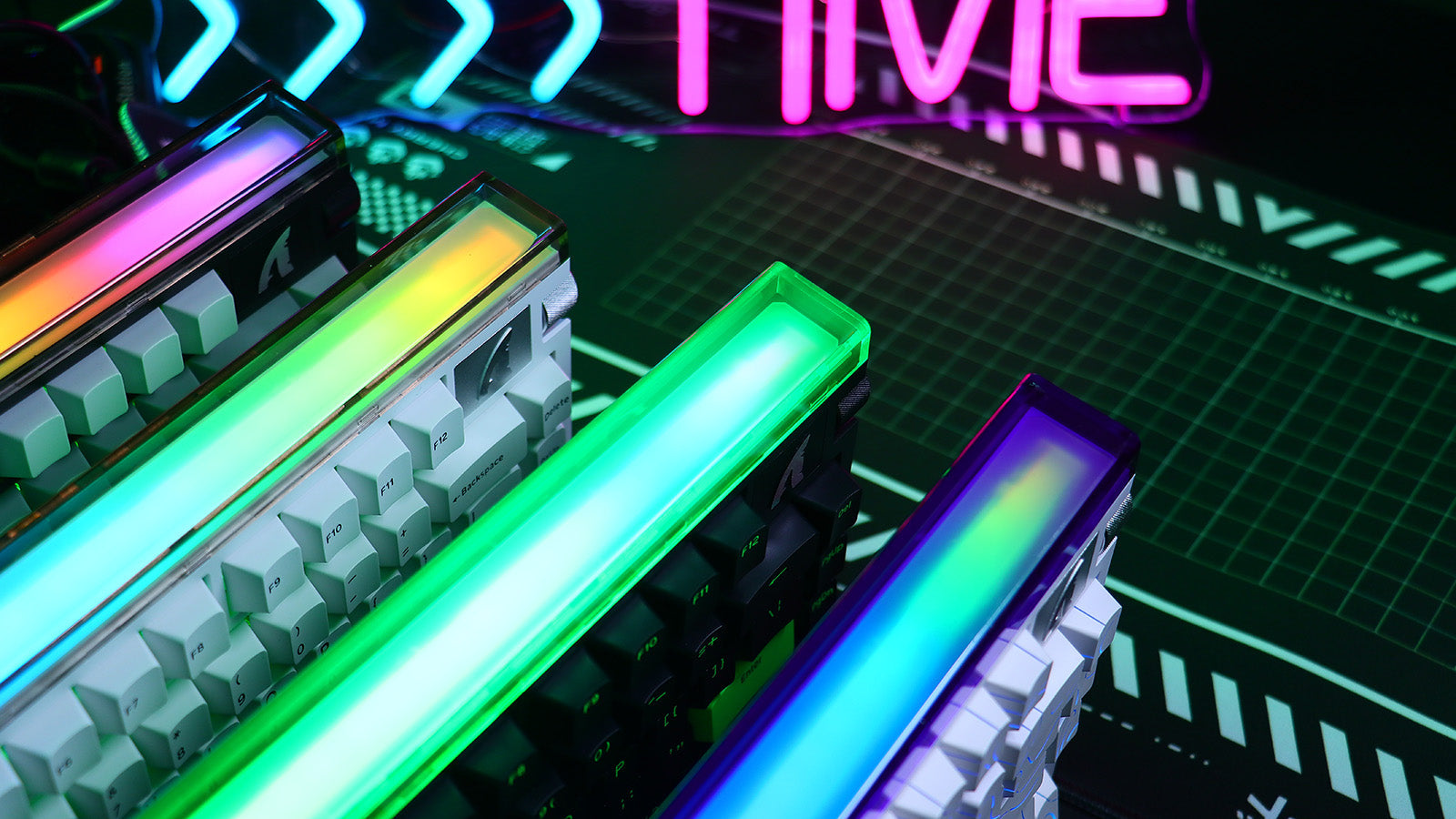
Monitor Light Bars vs. Desk Lamps: Reducing Eye Strain During Late-Night Gaming
Fix eye strain today. Learn how light bars eliminate glare, save desk space, and create balanced lighting for long gaming sessions.
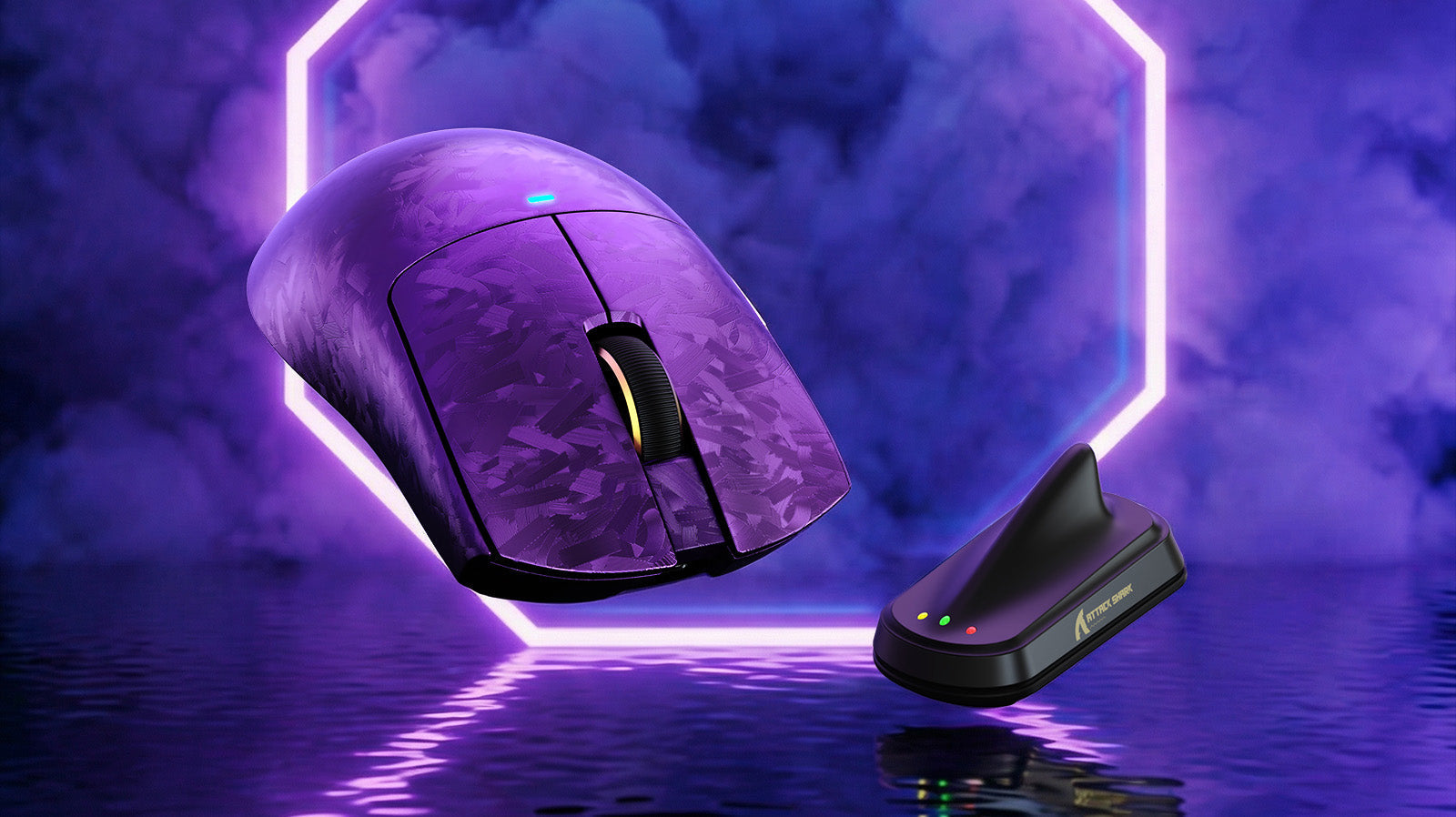
Why do Pro Players Still Use Low DPI (400/800) in 2026?
Serious gamers still choose low DPI in 2026 for precision, reduced jitter, stable aim, 4K usability, and better control with 4K or 8K polling.
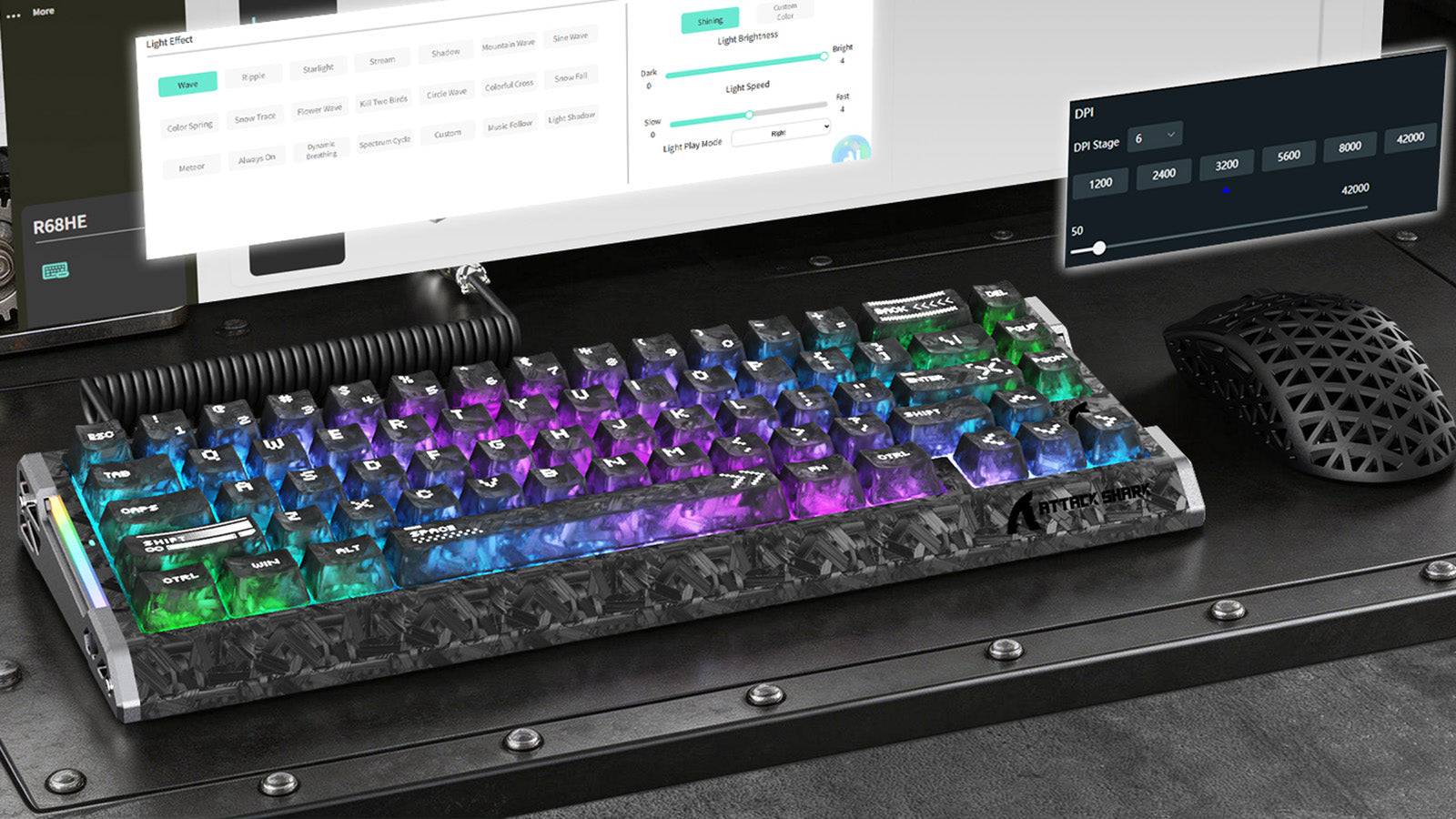
The Streamer's Starter Kit: Essential Gear for Your First Broadcast
Stop losing viewers to bad audio. A silent gaming keyboard, quiet wireless mouse, and proper lighting setup are all you need to stream like a pro from day one.