






Mouse Click Speed Test
Test your finger speed and reaction time. Designed for gamers who demand precision.
Click Here to Start
Smash your mouse buttons
How to use the CPS Test?
Step 1: Select Time Mode
Click the buttons above to choose your challenge duration (1s burst, 5s standard, 10s endurance, etc.).
Different durations test different muscle burst and stamina.
Step 2: Start Clicking
Move your cursor into the dashed rectangular area in the center. Take a deep breath. The timer starts
immediately upon your first click.
Step 3: Check Your Rank
When the countdown ends, the system automatically stops recording and displays your results. You will see your
Clicks Per Second (CPS), total clicks, and your gaming rank.
Pro Clicking Tips
Jitter Clicking
Uses rapid vibration of arm muscles to generate extremely fast click speeds. Requires practice to aim steadily. Common in Minecraft PvP.
Butterfly Clicking
Uses index and middle fingers to click alternately on the left mouse button. If your mouse supports Double Click, you can easily reach 15-20 CPS.
Drag Clicking
Uses friction between your finger and the mouse button surface to generate multiple micro-clicks while dragging. Usually requires specific mouse textures (like matte) to work.
Frequently Asked Questions
Collezione in evidenza
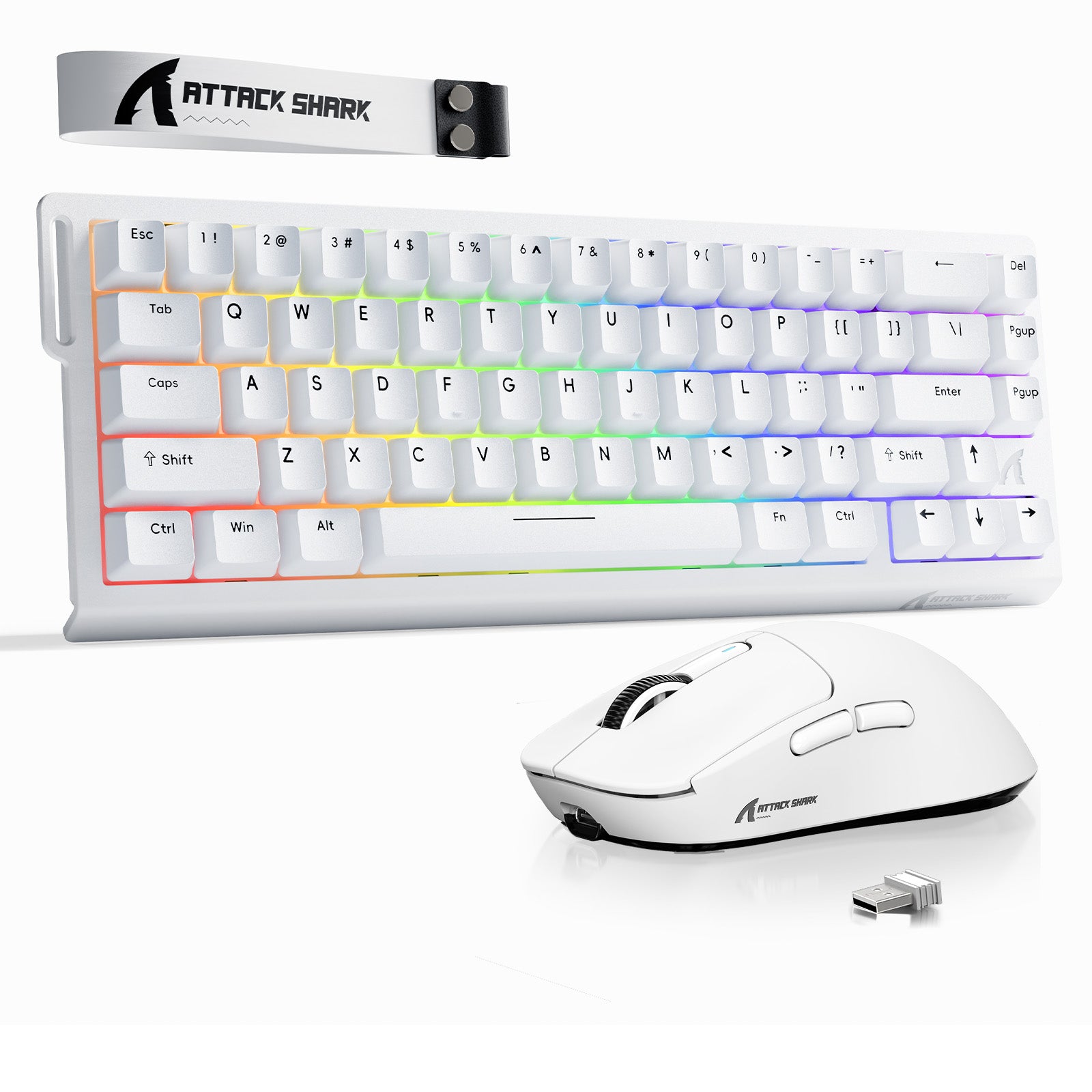
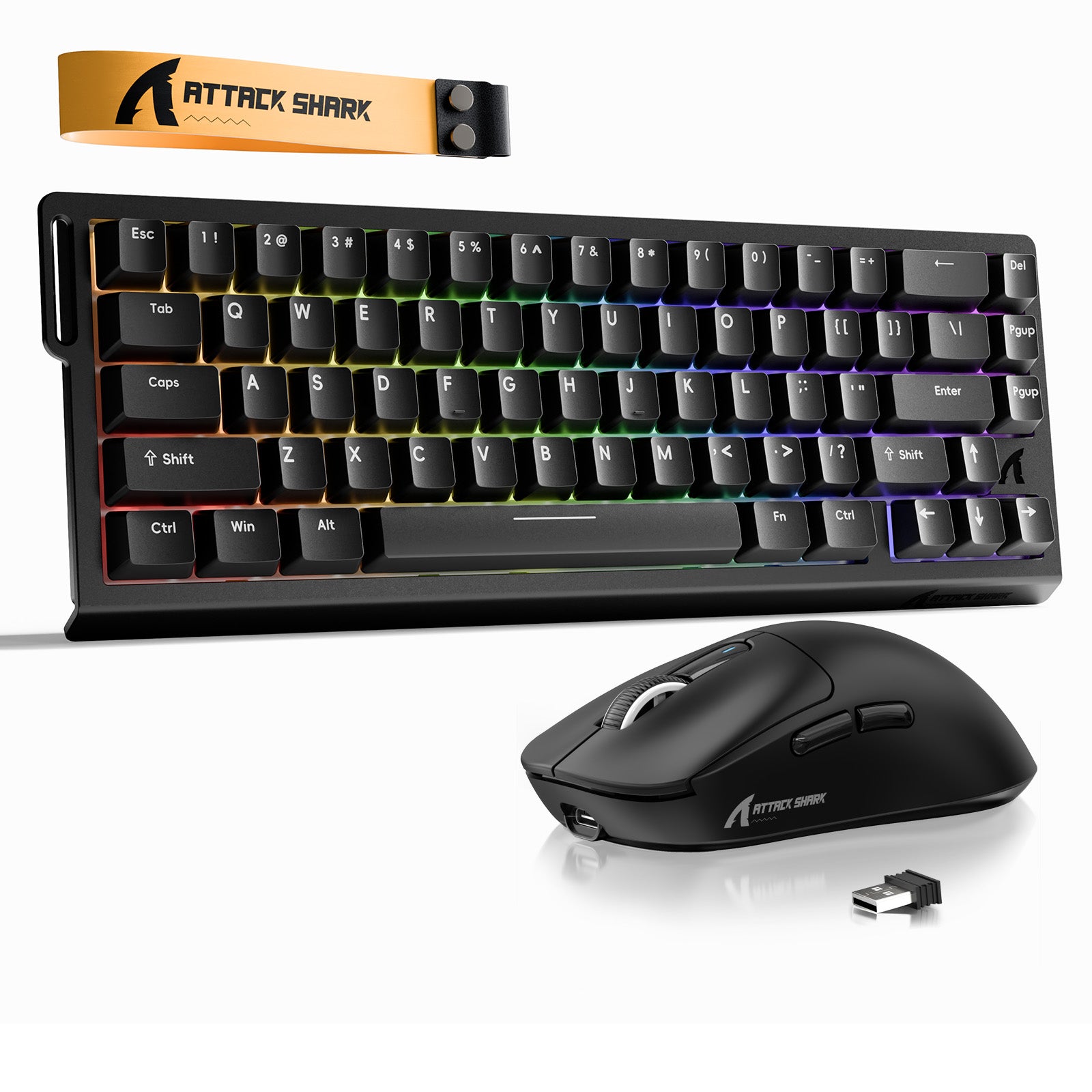
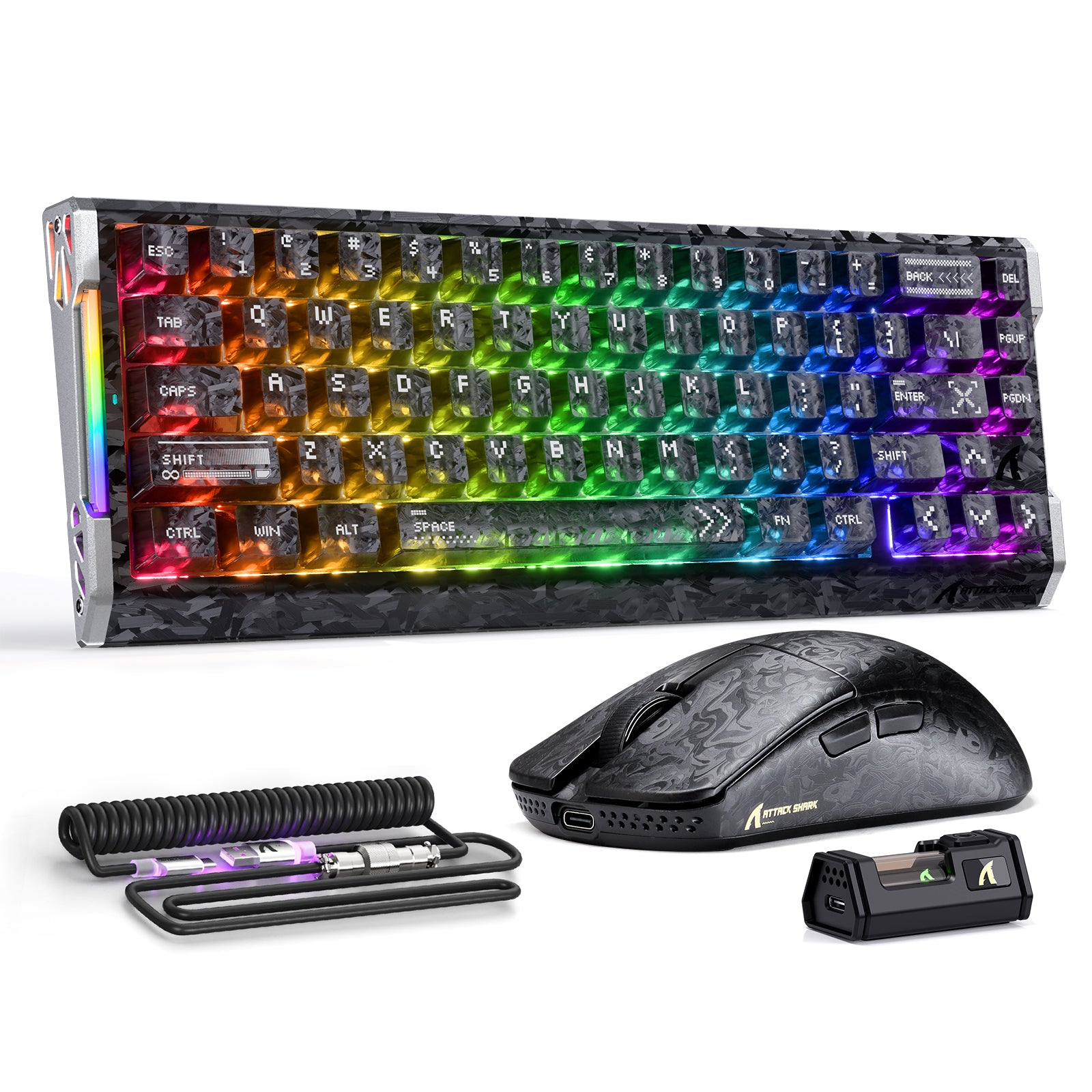
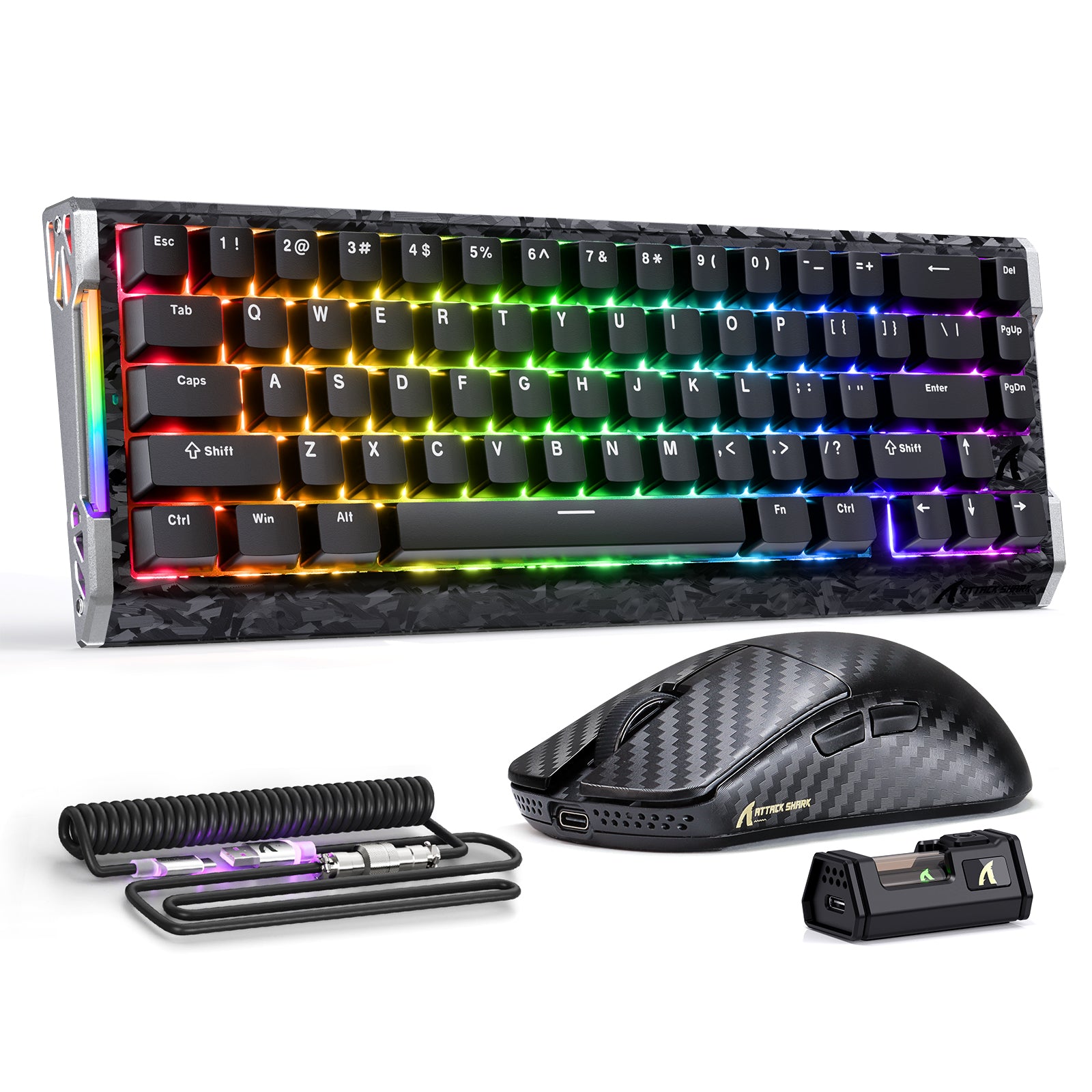
Post del blog
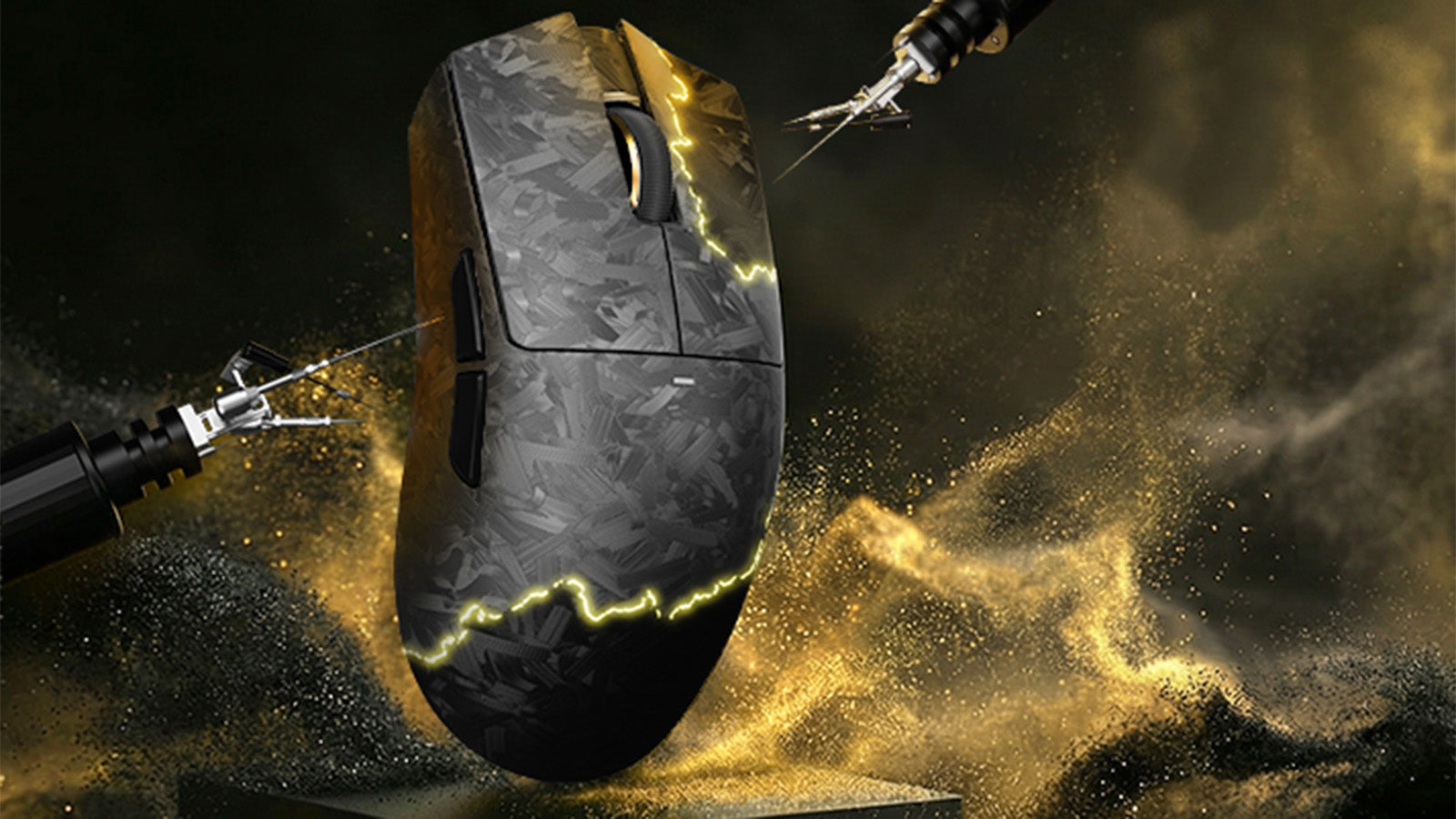
La posizione del sensore del mouse influisce davvero sulla tua memoria muscolare e sulla mira?
Un puntamento più preciso negli FPS inizia con l'abbinamento della posizione del sensore del mouse allo stile di impugnatura, alla dimensione della mano, al movimento del polso e alle esigenze di t...
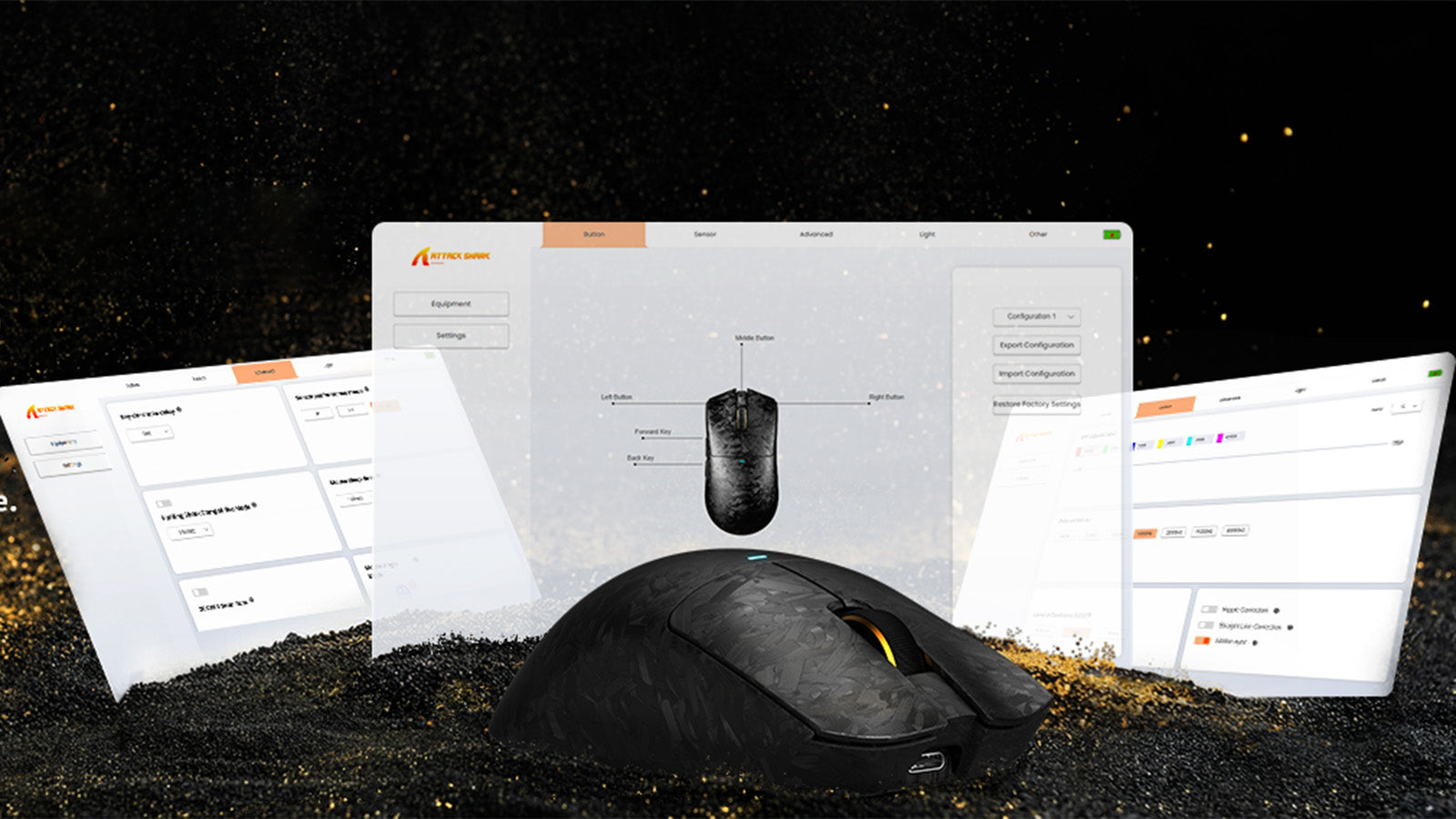
Aggiornare il firmware delle periferiche: perché è importante e come farlo in sicurezza
Gli aggiornamenti firmware sicuri aiutano le periferiche da gioco a correggere il ritardo di input, migliorare i driver del mouse, aggiornare i driver della tastiera e prevenire dispositivi bloccati.
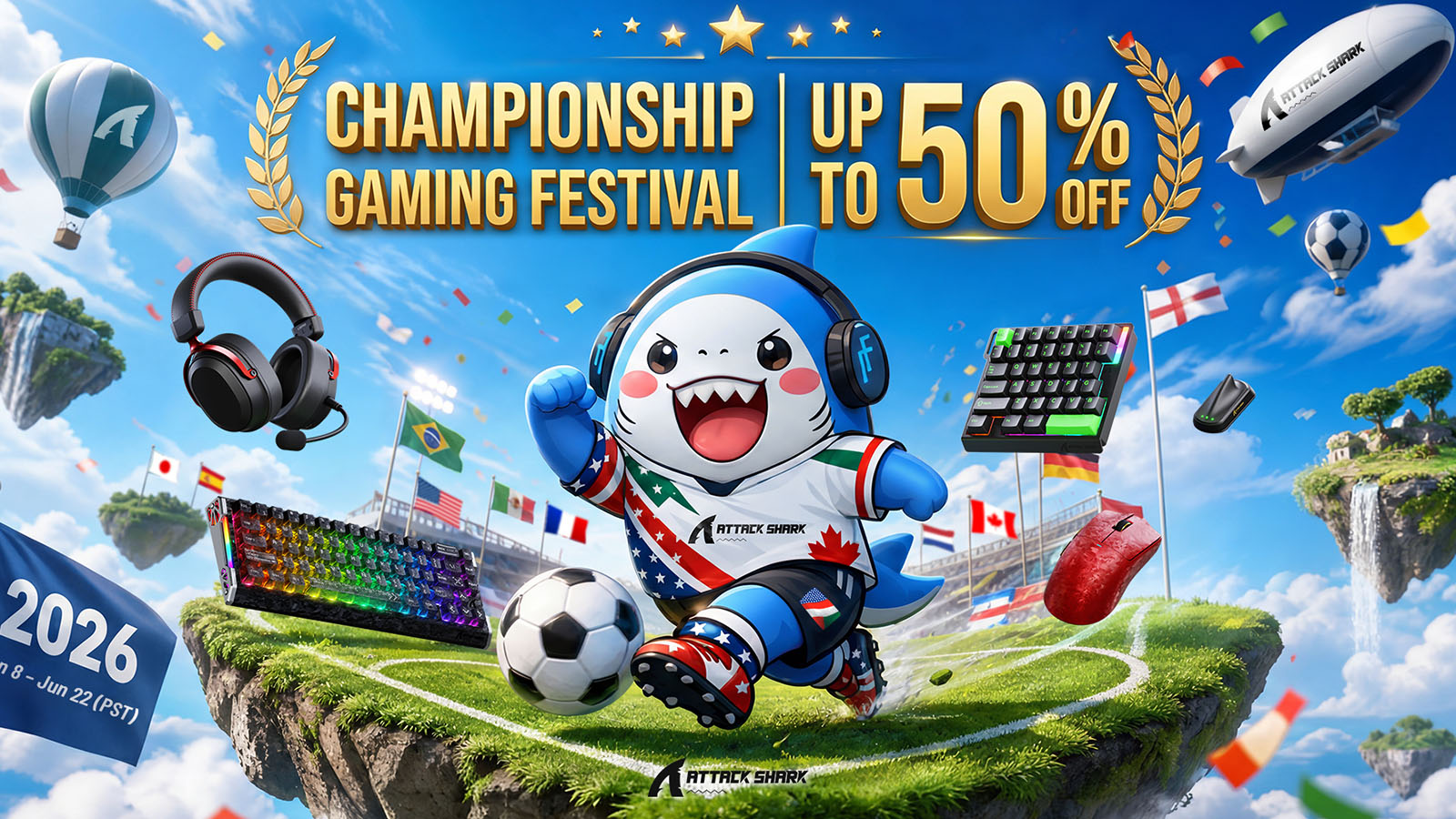
Festival del Gaming Campionato: celebra la stagione della Coppa del Mondo con ATTACK SHARK
Grandi offerte per il gaming della Coppa del Mondo con sconti fino al 50%, pacchetti combo, omaggi, premi peluche e punti doppi durante il festival.