






Mouse Click Speed Test
Test your finger speed and reaction time. Designed for gamers who demand precision.
Click Here to Start
Smash your mouse buttons
How to use the CPS Test?
Step 1: Select Time Mode
Click the buttons above to choose your challenge duration (1s burst, 5s standard, 10s endurance, etc.).
Different durations test different muscle burst and stamina.
Step 2: Start Clicking
Move your cursor into the dashed rectangular area in the center. Take a deep breath. The timer starts
immediately upon your first click.
Step 3: Check Your Rank
When the countdown ends, the system automatically stops recording and displays your results. You will see your
Clicks Per Second (CPS), total clicks, and your gaming rank.
Pro Clicking Tips
Jitter Clicking
Uses rapid vibration of arm muscles to generate extremely fast click speeds. Requires practice to aim steadily. Common in Minecraft PvP.
Butterfly Clicking
Uses index and middle fingers to click alternately on the left mouse button. If your mouse supports Double Click, you can easily reach 15-20 CPS.
Drag Clicking
Uses friction between your finger and the mouse button surface to generate multiple micro-clicks while dragging. Usually requires specific mouse textures (like matte) to work.
Frequently Asked Questions
Collezione in evidenza


Post del blog
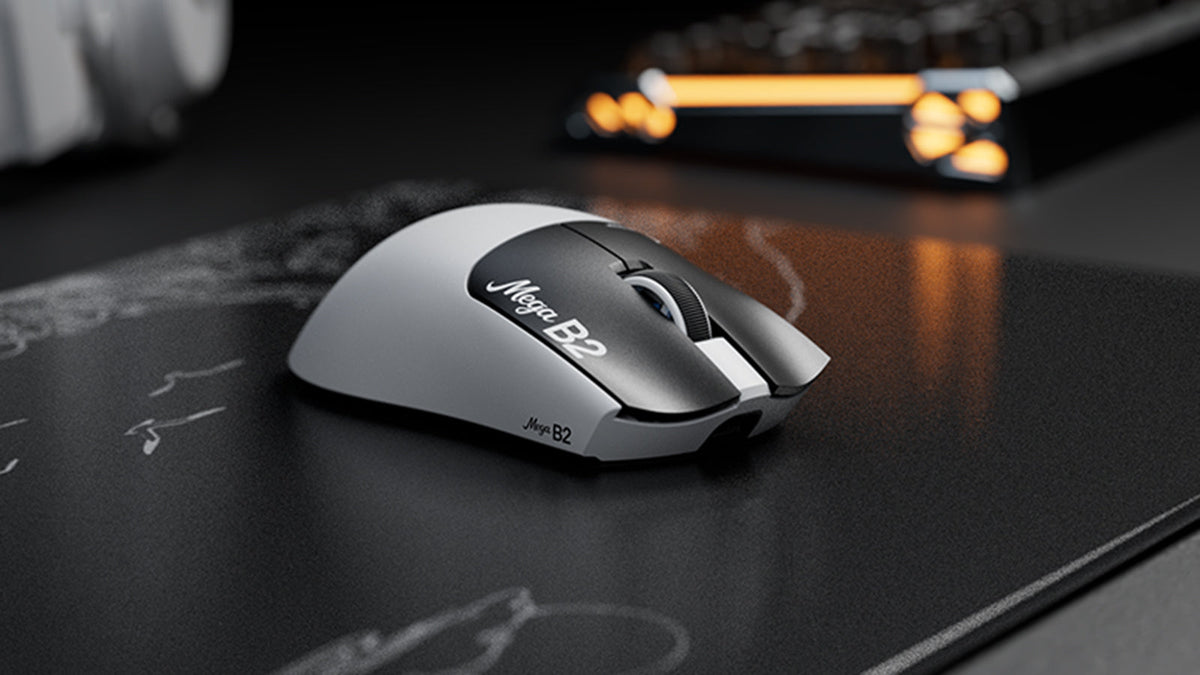
Cos'è un mouse con trigger rapido? Come il rilevamento magnetico TMR cambia i clic del mouse
Rapid Trigger reimposta un pulsante del mouse dopo un movimento verso l'alto minimo, mentre il rilevamento magnetico TMR consente un'attuazione regolabile senza contatti fissi.

ATTACK SHARK annuncia una partnership strategica con il team di League of Legends Cloud9 Kia
Scopri perché questa partnership di Cloud9 con League of Legends è importante per gli appassionati di eSport, l’attrezzatura professionale e le periferiche da gaming accessibili.
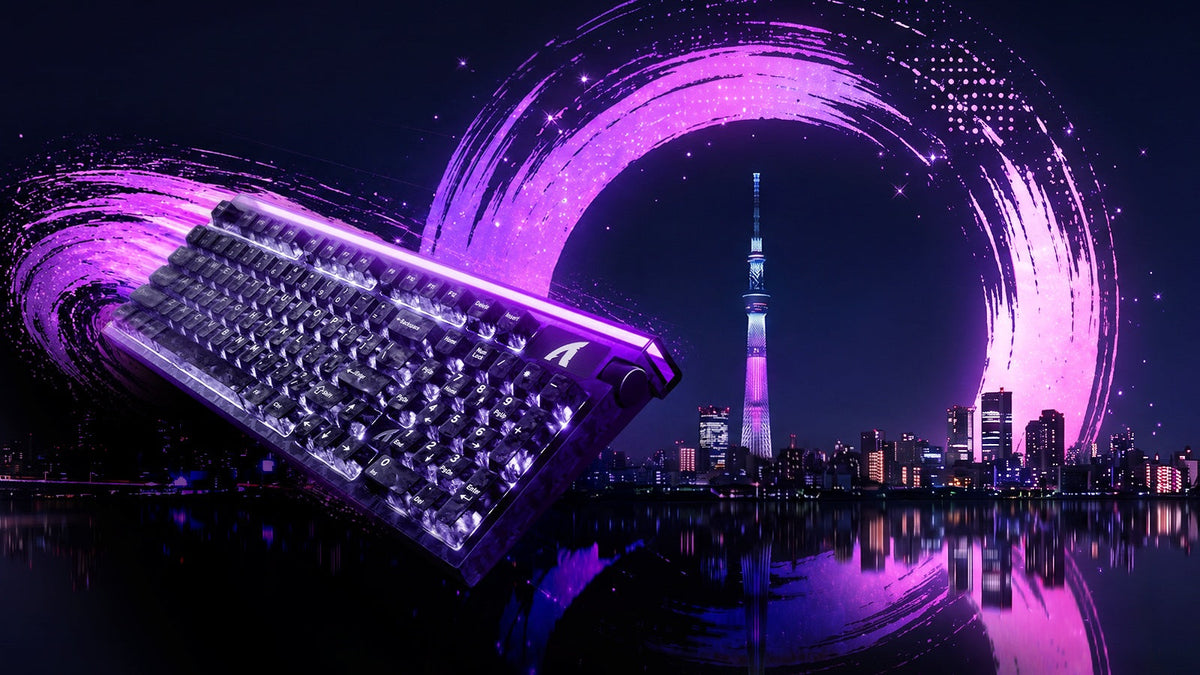
Incontra ATTACK SHARK al TOKYO TASTIERA EXPO 2026
ATTACK SHARK si dirige al Tokyo Ryutsu Center il 23 settembre 2026 per testare di persona le tastiere Hall Effect e i mouse da gaming presso lo stand B21-B23.