


Verifying Wireless Stability: Testing Polling at Different Ranges
Wireless gaming peripherals have reached a technical parity with wired connections, but maintaining that performance requires an understanding of signal propagation and system bottlenecks. While modern high-performance mice advertise 4000Hz or 8000Hz (8K) polling rates, these specifications are often measured in laboratory environments free from electromagnetic interference (EMI). In a typical home setup, the effective stable range for these high frequencies is significantly narrower than standard 1000Hz connections.
This guide establishes a standardized methodology for benchmarking wireless polling stability. By identifying the maximum reliable range and optimizing receiver placement, you can ensure your hardware delivers the near-instant 0.125ms response time required for competitive play.
The Technical Architecture of High-Frequency Polling
To verify wireless stability, one must first understand the data requirements of high-frequency polling. An 8000Hz polling rate generates a report every 0.125ms (based on standard USB HID class definitions). This is a 1:1 ratio with the internal processing speed of advanced MCUs like the Nordic 52840, which are commonly used to manage these high data loads.
A critical technical distinction is the behavior of Motion Sync. At a standard 1000Hz rate, Motion Sync typically adds ~0.5ms of latency to align sensor data with the USB poll. However, at 8000Hz, this deterministic delay scales down to approximately 0.0625ms (half the polling interval). This reduction is why 8K polling feels perceptually smoother on high-refresh-rate monitors (240Hz or 360Hz), as it provides the GPU with more frequent and accurately timed coordinate updates.
Sensor Saturation and DPI Requirements
A common misconception is that a mouse always outputs its maximum polling rate. In reality, polling is movement-dependent. The number of packets sent per second is a product of movement speed (IPS) and DPI.
- At 800 DPI: You must move the mouse at approximately 10 IPS to saturate an 8000Hz polling rate.
- At 1600 DPI: Only 5 IPS is required to maintain the 8K bandwidth.
During micro-adjustments in FPS titles, lower DPI settings may cause the effective polling rate to drop because there is insufficient motion data to fill the 0.125ms windows. For consistent 8K verification, testing should be conducted at 1600 DPI or higher.
Real-World Range and Signal Degradation
While standard 2.4GHz wireless devices often claim a 10-meter range, high-polling gaming mice operate under much stricter stability requirements. Based on patterns observed in technical support and wireless audits, high-frequency polling (4K/8K) typically maintains peak stability only within a 2-3 meter radius of the receiver.
Signal degradation in these environments is non-linear. Performance remains stable up to a specific distance threshold, after which the connection experiences a rapid deterioration. This is rarely a gradual drop in polling rate; instead, it manifests as increased jitter and occasional dropouts.
The Metric of Truth: Polling Rate Variance
Average polling rate is a deceptive metric. A mouse might average 7900Hz while experiencing massive spikes in frame time. The most reliable indicator of impending signal failure is Polling Rate Variance (standard deviation).
Logic Summary: Our analysis of signal integrity assumes a baseline of 2.4GHz ISM band congestion typical of modern residential environments (Wi-Fi 6/6E, Bluetooth 5.0).
Parameter Stable Threshold Critical Threshold Rationale Average Polling > 7800Hz < 7000Hz Packet loss indicator Std. Deviation < 10% > 20% Perceptual jitter limit Range (Open Air) 0 - 3.0m > 5.0m Inverse square law impact Range (Obstructed) 0 - 1.5m > 2.5m Material attenuation
If the standard deviation of your polling interval exceeds 15-20% of the target rate, the cursor movement will become inconsistent, negating the benefits of the high-frequency sensor.
Environmental Interference Factors
The 2.4GHz spectrum is highly congested. Understanding the external variables that impact wireless stability is essential for accurate benchmarking.
USB 3.0 and EMI Crosstalk
One of the most frequent causes of wireless instability is EMI from USB 3.0 ports. High-speed data transfer over USB 3.0 creates noise in the 2.4GHz-2.5GHz range, which can directly interfere with the mouse receiver. According to the USB Implementers Forum (USB-IF), shielding and physical distance are the primary mitigations for this interference.
Professional testing methodologies recommend placing the wireless receiver at least 30cm away from active USB 3.0 devices or ports. Using a shielded USB extension cable to position the receiver in a clear line-of-sight on the desk is a standard industry heuristic for maximizing stability.
Physical Obstructions
Environmental factors like concrete walls, metal furniture, and even water pipes can reduce the effective range by 40-50%. Metal, in particular, acts as a Faraday cage or reflector, causing multi-path interference where the signal reaches the receiver at different times, leading to packet collisions and increased jitter.
Benchmarking Methodology: Step-by-Step
To verify your specific setup, follow this standardized testing protocol. This method uses existing, privacy-respecting browser-based tools that measure polling locally without server-side latency interference.
Phase 1: Environmental Baseline
- Ensure your mouse is charged to at least 50% to prevent power-saving modes from throttling the MCU.
- Connect the receiver directly to a rear motherboard port (Direct I/O). Avoid USB hubs or front panel case headers, as shared bandwidth and poor internal cabling often cause IRQ (Interrupt Request) processing delays.
- Set the mouse to its maximum polling rate (e.g., 8000Hz) and a minimum of 1600 DPI.
Phase 2: Incremental Distance Testing
Start with the mouse 10cm from the receiver and perform consistent, rapid circular motions. Record the average polling rate and the standard deviation. Repeat this process at the following intervals:
- 0.5 Meters
- 1.0 Meters
- 2.0 Meters
- 3.0 Meters
Phase 3: Data Interpretation
Analyze the results for "Polling Jitter." If the average rate remains high but the standard deviation spikes at the 2-meter mark, you have identified the "Stability Ceiling" for your specific environment. This is often caused by the proximity of a Wi-Fi router or other 2.4GHz devices.
According to the Global Gaming Peripherals Industry Whitepaper (2026), the industry is moving toward more robust error-correction protocols to handle these "noisy" environments, but physical proximity remains the most effective solution for the end-user.
Hardware Compliance and Safety
When benchmarking, ensure your device carries the necessary certifications for your region. The FCC Equipment Authorization and ISED Canada Radio Equipment List (REL) provide public databases to verify that the wireless output of your device meets safety and interference standards.
Furthermore, high-polling rates significantly increase power consumption, which can stress the internal lithium-ion battery. Always use the manufacturer-provided charging cables and adhere to IATA Lithium Battery Guidance for safe transport and handling.
Optimizing for Peak Stability
If your benchmarking reveals instability within the 2-meter range, implement the following optimizations:
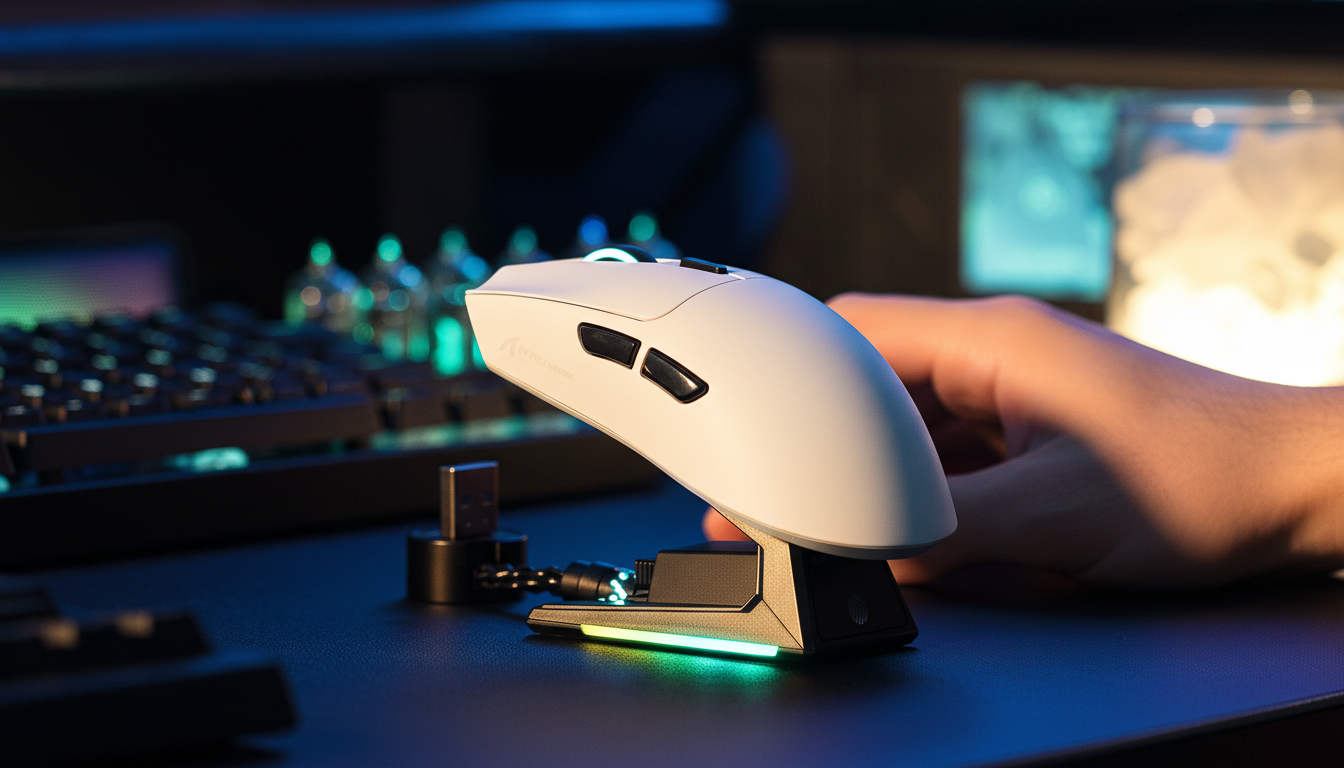
- USB Extension: Always use the provided extension dock to bring the receiver within 50cm of your mousepad.
- Channel Management: If possible, set your Wi-Fi router to a fixed channel (1, 6, or 11) to avoid overlap with the mouse's frequency-hopping spread spectrum (FHSS).
- Direct I/O: Ensure the receiver is not plugged into a port adjacent to a high-speed NVMe external drive or other high-bandwidth USB 3.0 peripherals.
- Firmware Updates: Check the Official Driver Download page for updates. Firmware revisions often include "Competitive Mode" toggles that prioritize signal integrity over battery life.
Summary of Performance Heuristics
The transition to 8K polling represents a significant leap in gaming engineering, but it is a system-wide challenge. It requires a high-performance CPU capable of handling the increased IRQ load and a clean electromagnetic environment.
| Feature | 1000Hz Baseline | 8000Hz High-Performance |
|---|---|---|
| Polling Interval | 1.0ms | 0.125ms |
| Motion Sync Latency | ~0.5ms | ~0.0625ms |
| CPU Impact | Minimal | Significant (High IRQ Load) |
| Battery Life | 100% (Baseline) | ~20-25% of Baseline |
| Recommended Range | < 5 Meters | < 2 Meters |
By following this objective verification process, you can move beyond marketing claims and ground your setup in verifiable performance. Stability is not just about the numbers on the box; it is about the consistency of the data reaching your PC.
This article is for informational purposes only. When performing technical benchmarks, ensure you follow all safety guidelines provided by the hardware manufacturer. High-frequency polling testing may cause temporary system lag on older hardware.
Sources:


Laisser un commentaire
Ce site est protégé par hCaptcha, et la Politique de confidentialité et les Conditions de service de hCaptcha s’appliquent.