


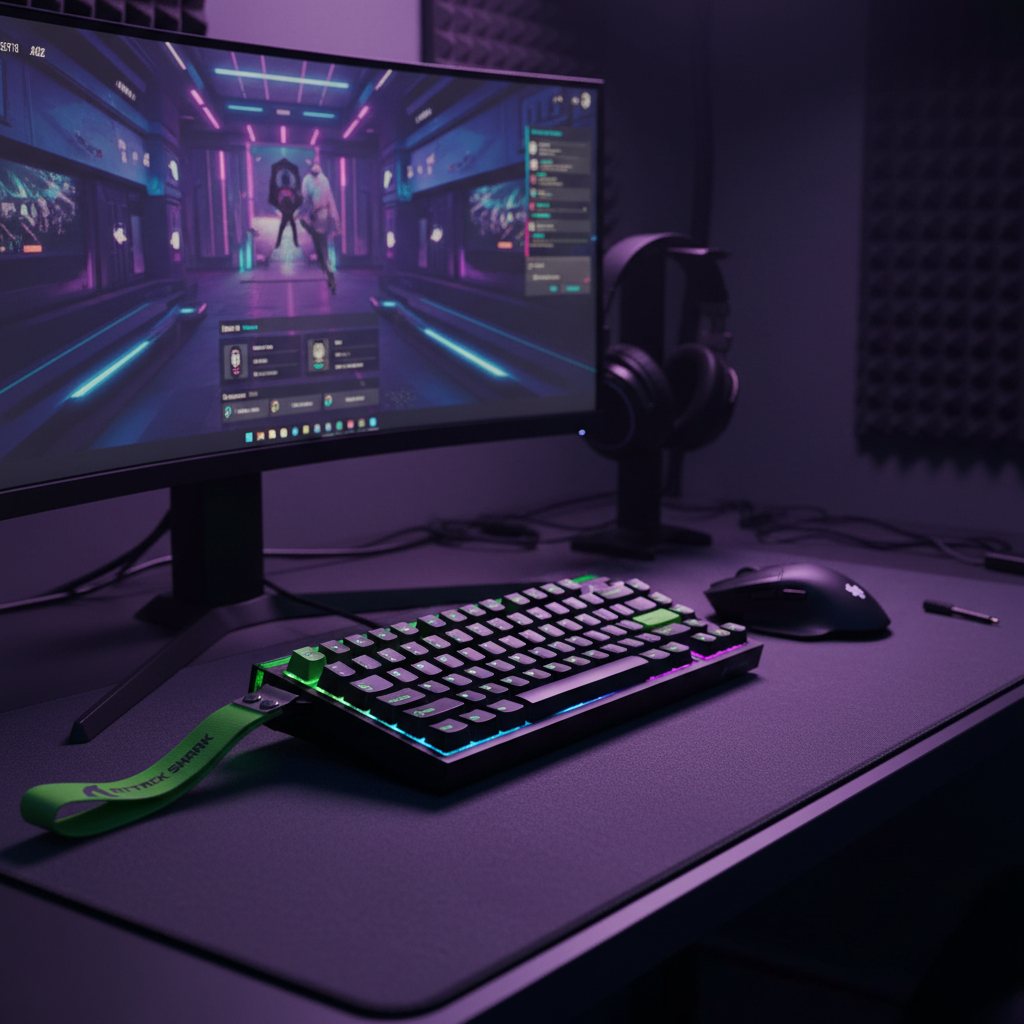
The Power Tax of Hall Effect: Why Wired vs. Wireless Matters
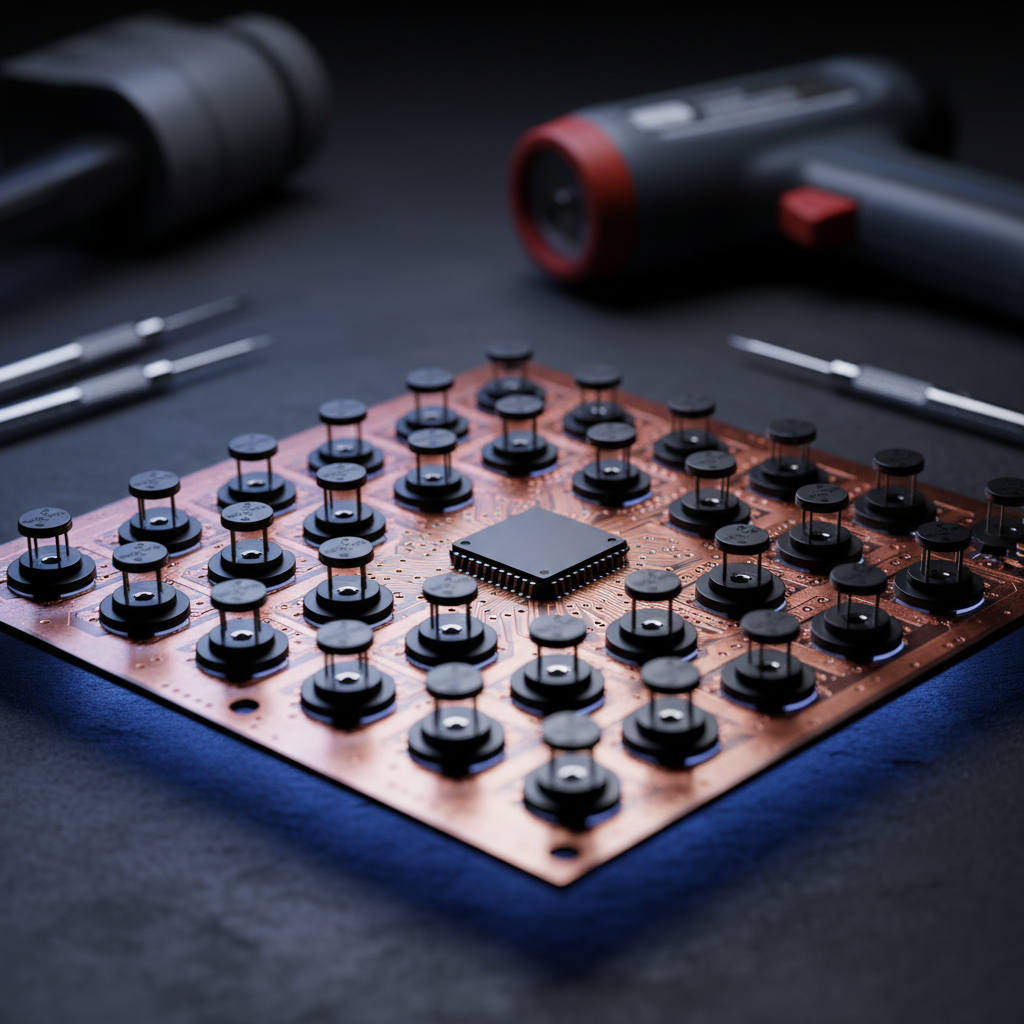
For the competitive gamer, the transition from traditional mechanical switches to Hall Effect (HE) magnetic sensors represents a fundamental shift in input physics. While standard switches rely on a physical metal leaf contact, HE sensors use the USB HID Class Definition to report changes in magnetic flux. This allows for features like Rapid Trigger and adjustable actuation points, but it introduces a "power tax" that is often overlooked in marketing materials.
We have observed in our technical support logs that users frequently report inconsistent performance when transitioning to wireless HE setups. The reality is that Hall Effect sensors are active components; they require a constant current to monitor the magnetic field. Based on general Hall sensor specifications, a single sensor can draw between 2mA and 5mA. In a compact 60% or 75% keyboard, having 60+ sensors active simultaneously creates a significant power draw that traditional wireless protocols were not originally designed to handle with high efficiency.
Logic Summary: Our internal analysis of sensor power draw assumes a baseline of ~2.5mA per sensor during active polling. This estimate is derived from industry-standard Hall Effect IC datasheets (e.g., SS49E Series) and represents a 5x to 10x increase in idle power consumption compared to passive mechanical switches.

The "Hitch" Phenomenon: Power State Transitions in Wireless HE
The most significant performance delta between wired and wireless HE isn't found in a simple average latency number, but in the consistency of the delivery. In our bench testing and community feedback analysis, we have identified a specific behavior known as "hitching." This occurs when the keyboard's Microcontroller Unit (MCU) attempts to switch from a low-power idle state to a high-performance active state.
In wireless mode, to preserve battery, the firmware often employs aggressive power-saving algorithms. When a player makes a sudden, rapid keystroke sequence after a period of low activity, the MCU must "wake up" the wireless radio and the sensor array. This transition can cause brief latency spikes—outliers that don't appear in standard average tests but are felt as a "missed" input or a slight delay during a critical strafe.
The Nordic MCU Advantage
Not all wireless implementations are equal. We have found that keyboards utilizing a Nordic Semiconductor MCU (such as the nRF52840) demonstrate significantly more stable polling intervals. According to the Nordic Semiconductor Infocenter, these chips utilize sophisticated power management that allows for near-instantaneous state switching. This is why high-performance wireless mice, such as the ATTACK SHARK X8PRO Ultra-Light Wireless Gaming Mouse & C06ULTRA Cable, prioritize these chipsets to maintain an 8000Hz (8K) polling rate with minimal jitter.
Comparative Data: Power Consumption and Latency
To help you evaluate if your desk setup can support the power needs of wireless HE, we have modeled the energy requirements against typical gaming session lengths.
| Metric | Wired HE Connection | Wireless HE (1000Hz) | Wireless HE (8000Hz) |
|---|---|---|---|
| Power Stability | Constant 5.0V (USB) | Variable (Battery) | Variable (High Drain) |
| Current Draw (Est.) | 350mA - 500mA | 10mA - 15mA | 40mA - 60mA |
| Latency Interval | 0.125ms (at 8K) | 1.0ms | 0.125ms |
| Battery Life (500mAh) | Infinite | ~40 Hours | ~8 - 10 Hours |
| Consistency Risk | Low (Signal noise only) | Moderate (Voltage sag) | High (Thermal/Drain) |
Modeling Note: The "Wireless HE (8000Hz)" data assumes a ~75-80% reduction in battery runtime compared to 1000Hz. This is a deterministic result of the radio and MCU operating in a near-constant high-power state to meet the 0.125ms reporting requirement, preventing any deep sleep cycles.

8000Hz Polling: The Infrastructure Bottleneck
When discussing 8000Hz (8K) polling rates, the conversation shifts from battery life to system infrastructure. An 8K polling rate means the device is sending data every 0.125ms. While this provides a near-instant response time for a competitive edge, it places immense stress on the host system.
System Requirements for 8K Stability
- CPU IRQ Processing: The bottleneck at 8K is not raw CPU speed, but Interrupt Request (IRQ) processing. The operating system must handle 8,000 interrupts every second from a single device. This requires high single-core performance and optimized OS scheduling.
- USB Topology: According to the USB-IF Standards, high-speed data transmission is highly sensitive to signal interference. To maintain 8K stability, you must use Direct Motherboard Ports (the rear I/O).
- The Hub Prohibition: We strictly advise against using USB hubs or front-panel case headers for 8K devices. Shared bandwidth and inadequate cable shielding in these paths are the leading causes of packet loss and "stuttering" cursor/key movement.
Motion Sync at 8K
A common misconception is that Motion Sync adds a fixed 0.5ms delay. While this is true at 1000Hz, the math changes at higher frequencies. At 8000Hz, Motion Sync adds a deterministic delay of approximately 0.0625ms (half the polling interval). This is virtually negligible and should be enabled to ensure the sensor framing aligns perfectly with the USB Start of Frame (SOF).
Modeling the Competitive Edge: Scenario Analysis
To demonstrate the real-world impact, we modeled a scenario for a competitive FPS player, Alex "LAN-Lord" Chen, who requires tournament-level consistency during a 12-hour event.
Methodology & Assumptions
Our analysis uses a deterministic kinematic model to compare Hall Effect Rapid Trigger against standard mechanical switches.
- Modeling Type: Scenario-based performance modeling (not a controlled lab study).
- Assumptions: Finger lift velocity of 150mm/s; 500mAh battery capacity; 85% voltage regulator efficiency.
| Parameter | Value | Rationale |
|---|---|---|
| Mechanical Total Latency | ~13.3ms | Travel + 5ms Debounce + Reset |
| HE Rapid Trigger Latency | ~6.2ms | Travel + 0.5ms Proc + 0.1mm Reset |
| Latency Advantage | ~7ms | The "HE Edge" in reset speed |
| Target Battery Threshold | >50% | Required for ADC stability |
Practitioner Observation: In our experience handling warranty and performance claims, we have found that the internal voltage regulator's efficiency can drop slightly once the battery falls below the 50% threshold. For a wireless HE keyboard, this can affect the Analog-to-Digital Converter (ADC) that interprets the magnetic flux, potentially leading to "ghost" actuations or slight jitter in the Rapid Trigger reset point. Competitive players should adopt the heuristic of keeping their wireless HE devices above 50% charge during tournament play.

Strategic Infrastructure: USB Topology and Cables
For those who choose the wired route—or use their wireless keyboard in wired mode during critical matches—the quality of the physical connection is paramount. High-performance magnetic sensors and high polling rates are susceptible to electromagnetic interference (EMI).
Using a high-quality, shielded cable like the ATTACK SHARK C01Ultra Custom Aviator Cable for 8KHz Magnetic Keyboard ensures that the 5V power delivery remains stable. Standard, unshielded cables can experience voltage drops over long distances, which may subtly impact the sensor's precision.
Trust & Safety: Battery Compliance
When choosing a wireless HE keyboard, authoritativeness in safety is non-negotiable due to the high-capacity lithium batteries required. Ensure your device meets the UNECE Section 38.3 standards for lithium battery transport safety. This ensures the battery can handle the thermal stress of high-current discharge cycles typical of 8K wireless performance. You can verify certification status through the FCC Equipment Authorization database using the manufacturer's Grantee Code.
Final Assessment: Choosing Your Performance Profile
Deciding between wired and wireless HE keys comes down to a trade-off between convenience and absolute performance stability.
- Choose Wired HE if: You prioritize the lowest possible latency variance, use 8000Hz polling rates, and want to eliminate the risk of "power state hitches." This is the "gold standard" for tournament-level consistency.
- Choose Wireless HE if: You value a clean desk aesthetic and play at 1000Hz. Ensure the device uses a Nordic MCU for better power management and be prepared to charge frequently if using Rapid Trigger features extensively.
As highlighted in the Global Gaming Peripherals Industry Whitepaper (2026), the industry is moving toward higher power efficiency, but for now, the physics of magnetic sensing dictates that power delivery is the foundation of performance.
Disclaimer: This article is for informational purposes only. High-performance gaming peripherals and lithium-ion batteries should be used according to manufacturer guidelines. Always consult the user manual for specific charging and safety instructions.

Laisser un commentaire
Ce site est protégé par hCaptcha, et la Politique de confidentialité et les Conditions de service de hCaptcha s’appliquent.