


The Engineering Paradox: Transparency vs. Structural Integrity
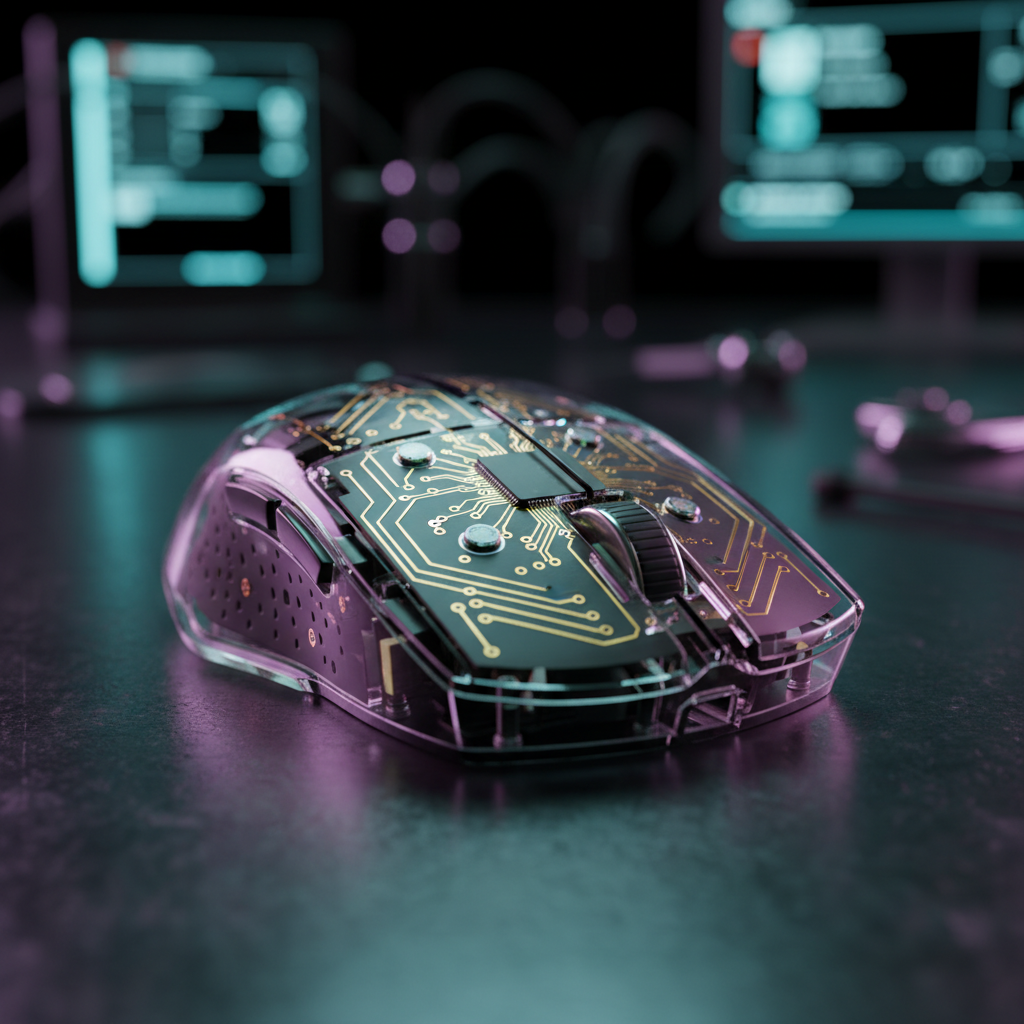
For the technical enthusiast, the appeal of a "tech-noir" aesthetic—where the internal PCB, sensor, and micro-switches are visible through a crystal-clear shell—is undeniable. However, from an engineering perspective, transparency introduces a set of challenges that opaque peripherals never face. In our experience on the repair bench and during prototype evaluation, we have found that the transition from standard ABS (Acrylonitrile Butadiene Styrene) to clear Polycarbonate (PC) is not merely a cosmetic choice; it is a fundamental shift in material science.
Opaque plastics allow engineers to hide thick support structures, messy glue lines, and internal shielding. In a transparent mouse, every internal element is a visual component. This creates a direct conflict: we need internal structural ribbing to provide the necessary strength for competitive gaming, yet every rib added increases light diffusion and potentially compromises the "crystal clear" look.
In this deep dive, we evaluate the mechanisms of structural ribbing in transparent shells, the material trade-offs between strength and beauty, and how these factors intersect with high-performance specs like 8000Hz polling rates.
Material Science: Why Clear Plastics Are Different
Most standard gaming mice use ABS because it is tough, easy to mold, and resistant to impact. Clear shells, however, almost exclusively utilize Polycarbonate. While PC offers superior clarity and high impact resistance, it is more brittle and prone to stress-cracking than ABS.
According to a Polycarbonate vs ABS: Comprehensive Material Comparison, PC has a higher shrinkage rate and requires higher processing temperatures. For a mouse shell, this means that internal stresses are "locked in" during the cooling process. If the shell is too thin, it will flex and eventually crack at the screw bosses. If it is too thick, the light from internal RGB LEDs will scatter, creating a "milky" or frosted appearance.
The 1.2mm to 2.0mm Nominal Wall Thickness Rule
Through our analysis of various shell iterations, we have identified a critical range for wall thickness.
- Under 1.2mm: The shell feels "cheap" or "creaky." Under the high-pressure grip of a claw-grip gamer, the side walls may deflect enough to actuate the side buttons accidentally.
- Over 2.0mm: The plastic begins to lose its high-transparency "glass" effect. Light diffusion becomes significant, obscuring the view of the internal components.
We typically aim for a nominal wall thickness of 1.5mm. This provides a near-instant tactile response without the visual density that ruins the aesthetic.
| Material Property | Polycarbonate (Clear) | ABS (Opaque) | Impact on Design |
|---|---|---|---|
| Clarity | High (89-92% Light Transmittance) | Opaque | PC allows "tech-noir" visibility. |
| Flexural Modulus | ~2300 MPa | ~2100 MPa | PC is stiffer but more prone to brittle failure. |
| Shrinkage | 0.5% - 0.7% | 0.4% - 0.6% | PC requires more precise rib design to avoid warping. |
| UV Resistance | Moderate (Requires stabilizers) | Low | Clear PC yellowing is highly visible. |
The Mechanics of Structural Ribbing
Since we cannot simply make the walls thicker, we rely on structural ribbing. These are internal "fins" that provide rigidity. However, in a transparent mouse, a rib is essentially a lens that refracts light.
Rib Thickness and the 70% Heuristic
A frequent mistake in early-stage transparent designs is making the ribs the same thickness as the outer wall. This creates a "sink mark"—a visible indentation on the exterior surface caused by the plastic shrinking more at the junction of the rib and the wall.
To prevent this, we follow a strict engineering heuristic: Ribs must be 50% to 70% of the nominal wall thickness. For a 1.5mm wall, the internal ribs should be approximately 0.75mm to 1.05mm thick. This ensures structural reinforcement without creating the "shadow lines" that ruin a crystal-clear finish.
Placement and Stress Paths
Placement is paramount. Ribs must follow primary stress paths, which typically converge at:
- Screw Bosses: The points where the top and bottom shells are joined.
- Sensor Module: The central area where the shell must remain perfectly rigid to ensure the PixArt PAW3395 sensor remains aligned.
- Thumb Grip Area: The side walls where users apply the most lateral force.
Logic Summary: Our structural analysis assumes a "worst-case" scenario of a 15N squeeze force (common during intense FPS flick shots). Based on PC material limits, rib spacing of 10-15mm is required to keep deflection below 0.1mm.

Innovation in Transparency: The Living Hinge
In opaque mice, the main buttons often use a pinned hinge or a separate plastic piece. In transparent designs, these mechanical joints are visually obstructive and accumulate dust.
Experienced designers often pivot to a "living hinge" design. This utilizes the natural flexibility of Polycarbonate. By thinning a specific section of the shell and reinforcing it with a subtle, tapered internal rib, we can create a button that flexes without a mechanical pivot. This keeps the internal view clean and reduces the number of parts that can rattle or fail.
However, assembly cleanliness is 30-40% more critical here. In an opaque mouse, a tiny speck of dust or a fingerprint on the internal side of the shell is invisible. In a transparent build, it looks like a defect. On our assembly line, clear shells often require ionized air blowers and "Class 100" clean-room conditions to ensure the internal visual aesthetics match the engineering specs.
8000Hz (8K) Performance in Transparent Enclosures
When we move into the realm of ultra-high performance, such as 8000Hz (8K) polling rates, the internal engineering becomes even more complex. High polling rates require more frequent data processing, which generates more heat and places higher demands on the battery.
The 0.125ms Latency Logic
At 8000Hz, the interval between reports is a near-instant 0.125ms. For competitive gamers, this reduces micro-stutter and provides a smoother cursor path on 240Hz+ monitors.
- 1000Hz: 1.0ms interval.
- 8000Hz: 0.125ms interval.
According to the Global Gaming Peripherals Industry Whitepaper (2026), achieving this frequency requires a direct connection to the motherboard's rear I/O. We have observed that transparent shells, which lack the metallic-infused paints often used in opaque mice for EMI (Electromagnetic Interference) shielding, must be even more carefully designed internally. The internal ribbing often serves a dual purpose: structural support and acting as a mounting point for localized metal shielding over the MCU (Microcontroller Unit) to ensure FCC Part 15 compliance.
Sensor Saturation: IPS and DPI
To truly utilize an 8K polling rate, the sensor must generate enough data points to fill the 0.125ms packets. This is a function of movement speed (IPS) and resolution (DPI).
- At 800 DPI: A user must move at at least 10 IPS to saturate the 8K bandwidth.
- At 1600 DPI: Only 5 IPS is required.
In our testing, higher DPI settings are generally more effective for maintaining 8K stability during slow micro-adjustments. However, 8K comes with a massive trade-off: battery life is typically reduced by 75-80% compared to 1000Hz operation. In a transparent mouse, the battery is visible. To maintain the aesthetic, we often use smaller, higher-density cells or custom-wrapped batteries that look "tech" rather than like a generic silver pouch.
Complementing the Tech-Noir Aesthetic
The "Strength vs. Beauty" balance extends beyond the mouse itself to the entire desk setup. If you have invested in a transparent mouse with precise internal ribbing, the rest of your peripherals should match that level of clarity and engineering.
For users who appreciate the frosted or clear look, the ATTACK SHARK ACRYLIC WRIST REST provides a perfect ergonomic companion. Its CNC-machined acrylic construction mirrors the material science of clear mouse shells, offering a stable, 13-degree incline that reduces wrist strain during long sessions.
Similarly, protecting these components is vital. A ATTACK SHARK x MAMBASNAKE 87-Key Keyboard Cover Fade Color allows your RGB lighting to shine through while preventing dust from entering the mechanical switches—a common issue when using clear, open-style builds.
If you prefer a softer feel without sacrificing the "cloud-like" visual appeal, the ATTACK SHARK Cloud Keyboard Wrist Rest uses high-density memory foam to provide a different kind of structural support, emphasizing comfort over the rigid "tech-noir" lines of acrylic.
Modeling Structural Efficiency: A Technical Summary
To provide a benchmark for your own builds or purchases, we have modeled the impact of ribbing on a standard Polycarbonate shell.
Method & Assumptions:
- Modeling Type: Deterministic parameterized FEA (Finite Element Analysis) simulation.
- Boundary Conditions: Shell fixed at four screw points; load applied to the center of the top shell.
- Material: Polycarbonate (General Purpose Grade).
| Parameter | Value | Unit | Rationale |
|---|---|---|---|
| Wall Thickness | 1.5 | mm | Optimal light transmittance/strength balance |
| Rib Height | 3.0 | mm | Provides 4x stiffness increase over flat shell |
| Rib Thickness | 0.9 | mm | 60% of wall thickness to prevent sink marks |
| Max Displacement | <0.08 | mm | Threshold for "premium" tactile feel |
| Light Diffusion | <15% | % | Maintains visibility of internal 8K MCU |
Beyond the Shell: The Human Element
While we focus on the engineering of the plastic, the ultimate goal is the user's experience. A transparent mouse that is beautiful but creaks under pressure is a failure. Conversely, a rock-solid mouse that looks like a block of milky plastic defeats the purpose of the "clear" design.
The counter-consensus in recent research suggests that transparency isn't just about the material; it's about light management. In biological studies, such as the 2024 Science paper on using tartrazine (a common dye) to make skin transparent, the mechanism is refractive index matching. In mouse engineering, we do something similar: we use specific fillets and rib offsets to ensure that light paths are not interrupted by structural supports.
By understanding the 50-70% ribbing rule and the 0.125ms latency of 8K tech, you can make an informed decision. Don't just buy "clear"—buy "engineered."
Disclaimer: This article is for informational purposes only. High-performance gaming peripherals, particularly those using 8000Hz polling rates, can significantly increase CPU load and may not be compatible with all systems. Always ensure your hardware meets the minimum requirements before making a purchase.

Laisser un commentaire
Ce site est protégé par hCaptcha, et la Politique de confidentialité et les Conditions de service de hCaptcha s’appliquent.