


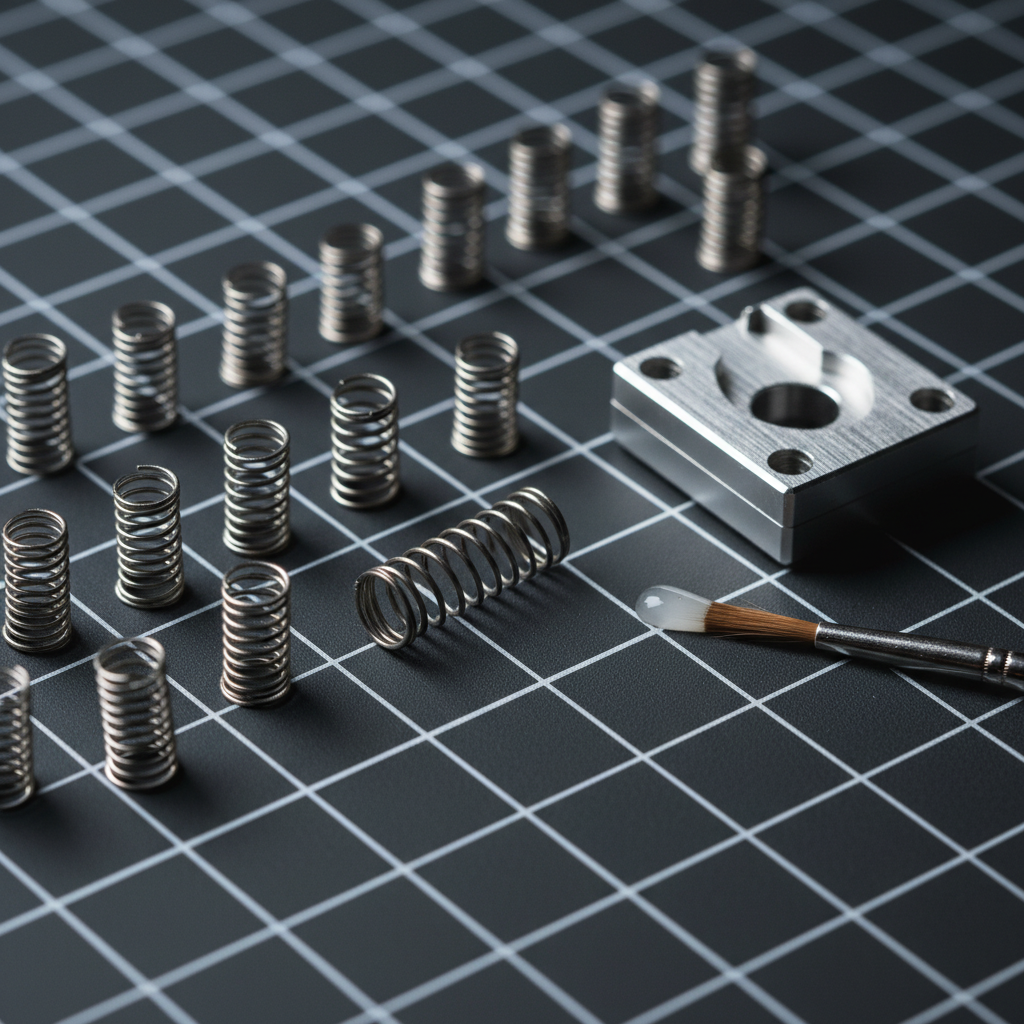
The Physics of Constrained Performance: Why Spring Swapping Matters
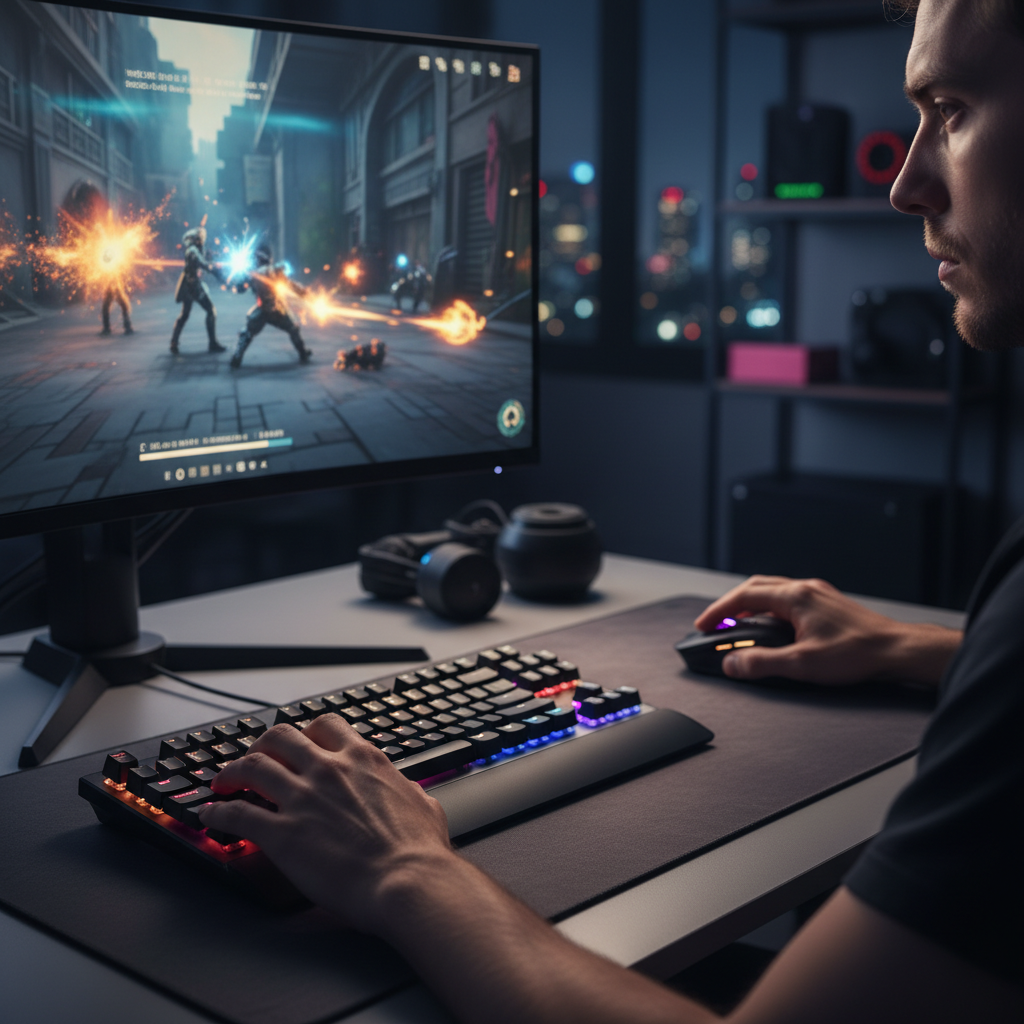
For competitive gamers operating in small desk environments—typically defined by a surface width of ≤60cm—the physical mechanics of input are fundamentally altered. When arm movement is limited to a narrow 15–20cm horizontal range, the burden of precision shifts from the large muscle groups of the shoulder and forearm to the intrinsic muscles of the hand. In this high-intensity, low-mobility scenario, the standard mechanical switch often presents a "return speed bottleneck."
Spring swapping is the technical process of replacing factory-installed switch springs with aftermarket variants to fine-tune the force curve. While most enthusiasts focus on the "actuation force" (the weight required to register a keypress), small-desk users must prioritize the "return force"—the speed and consistency with which the keycap resets to its neutral position. A sluggish return in a cramped setup leads to missed "counter-strafing" inputs and increased biomechanical strain.
According to the Global Gaming Peripherals Industry Whitepaper (2026), the industry is moving toward "perceptual zero" latency, where hardware response times are no longer the limiting factor, but rather the physical interaction between the human finger and the switch mechanism.
Biomechanical Strain Analysis: The Small Desk Hazard
Operating a keyboard in a confined space forces the wrist into awkward angles, often deviating from a neutral posture. We have analyzed this specific scenario using the Moore-Garg Strain Index (SI), a methodology used by ergonomists to identify the risk of distal upper extremity disorders.
Scenario Modeling: Small Desk Competitive Gaming
Our modeling assumes a competitive FPS gamer with a hand length of ~17.5cm, performing 200–300 actions per minute (APM) over a 4-hour session.
| Parameter | Multiplier Value | Rationale |
|---|---|---|
| Intensity | 1.2 | Moderate-high finger exertion for competitive play |
| Duration | 0.75 | Sustained exertion over 2–3 hours |
| Efforts/Minute | 4.0 | High APM (200+ actions/minute) |
| Posture | 2.0 | Awkward wrist angles due to space constraints |
| Speed | 2.0 | Rapid, repetitive keypress requirements |
| Daily Duration | 1.5 | 3–4 hour daily exposure |
Logic Summary: Based on this model, the calculated Strain Index Score is 21.6, which falls into the Hazardous category (significantly exceeding the SI > 5 threshold). This high score indicates that for small-desk users, reducing finger exertion is not just a preference—it is a physiological necessity to avoid fatigue-induced errors.
By swapping to a lighter spring (e.g., 45g bottom-out), a user can achieve a ~22% reduction in peak finger exertion force (based on standard 55g baseline switches). This reduction can potentially lower the Strain Index by 4–5 points, moving the user closer to a safer operational threshold.

Tuning Return Speed: Force Curves and Housing Dynamics
A common misconception is that a "45g spring" is a static measurement. In reality, the feel of a switch is defined by its entire force curve—the relationship between travel distance and resistance. For small desks, where "micro-adjustment" techniques are common, the goal is a spring that provides a predictable return from any partial actuation point.
Linear vs. Progressive Springs
- Linear Springs: Maintain a consistent increase in force throughout the press. These are typically preferred for consistency in small movements.
- Progressive Springs: Start light but become significantly heavier toward the bottom-out. These can be useful for preventing "bottoming out" too hard, which sends shockwaves through the finger joints.
However, the effective return force is not solely determined by the spring. It is a function of the entire switch assembly. We often observe on our repair benches that a 55g spring in a tight, high-tolerance housing can feel "snappier" and reset faster than a 50g spring in a loose housing. This is due to the interaction between the spring and the switch's top housing leaf tension.
The "Fingertip Reset" Heuristic
For users with constrained arm movement, we recommend the Fingertip Reset Rule: Choose a spring weight that allows the key to reset to the "ready" position using only the natural tension of your fingertip, without requiring a full arm reset. This minimizes the "reset lag" that occurs when a spring is too weak to overcome the friction of the switch housing.
The Lubrication Trap: A Practical Warning
One of the most frequent errors we see in community-driven DIY modifications is the improper pairing of light springs with heavy lubrication. While lubrication (lube) is essential for a smooth, "thocky" sound profile, it introduces viscous drag.
If you install a light spring (e.g., 35g or 45g) into a switch heavily coated with a thick grease like Krytox 205g0, the spring may lack the energy to overcome the surface tension of the lube. This results in a "sluggish" stem, where the key fails to return fully after a press—a fatal error in competitive gaming that leads to missed keystrokes or unintended double-activations.
Expert Heuristic for Lube/Spring Pairing:
- Test First: Always test your spring swap before applying lube to ensure the return speed is sufficient.
- Use Thinner Lube: For springs under 50g, we recommend a drier, thinner oil-based lubricant like Krytox GPL 105. Apply it sparingly (approximately 0.3mg per switch) to the spring and the stem rails.
- Housing Check: Ensure the switch housing is free of debris. In small, cluttered workspaces, dust particles can significantly increase friction, negating the benefits of a spring swap.
Beyond the Spring: Form Factor and Travel Distance
While spring swapping is a powerful tuning tool, it should not be the first step for every user. Our research suggests that the keyboard's physical footprint and switch travel distance often have a more immediate impact on speed and comfort in constrained environments.
The 60% Form Factor Advantage
Switching from a full-size (104-key) keyboard to a 60% or 65% layout can free over 30cm of lateral desk space. This allows the mouse and keyboard to be placed closer to the body's midline, reducing the "reaching" posture that contributes to the high posture multiplier in our Strain Index model.
Low-Profile vs. Standard Switches
Standard mechanical switches typically have a total travel distance of ~4.0mm. Low-profile switches reduce this to ~2.0mm. This 50% reduction in travel distance directly translates to faster actuation and reset cycles. For small-desk users, adopting a low-profile switch with a factory-tuned 55g actuation may be more efficient than attempting to mod a standard switch.

System Synergy: Polling Rates and Input Latency
When tuning a keyboard for return speed, it is vital to consider the rest of the signal chain. A physically fast switch reset is wasted if the system's polling rate introduces a bottleneck.
In high-performance setups, we are seeing a shift toward an ultra-fast 0.125ms polling interval (8000Hz). At this frequency, the time between the physical switch closure and the PC receiving the signal is minimized. However, 8000Hz polling places a significant load on the CPU's IRQ (Interrupt Request) processing.
To maintain stability at these speeds, users must connect their peripherals directly to the Rear I/O Motherboard Ports. We strictly advise against using USB hubs or front-panel headers for high-polling devices, as shared bandwidth and poor shielding can cause packet loss, effectively undoing all the precision gained from your spring swaps.
Implementation Guide: Step-by-Step Spring Swapping
If you have determined that a spring swap is the right move for your small-desk setup, follow this structured protocol to ensure consistency and avoid hardware damage.
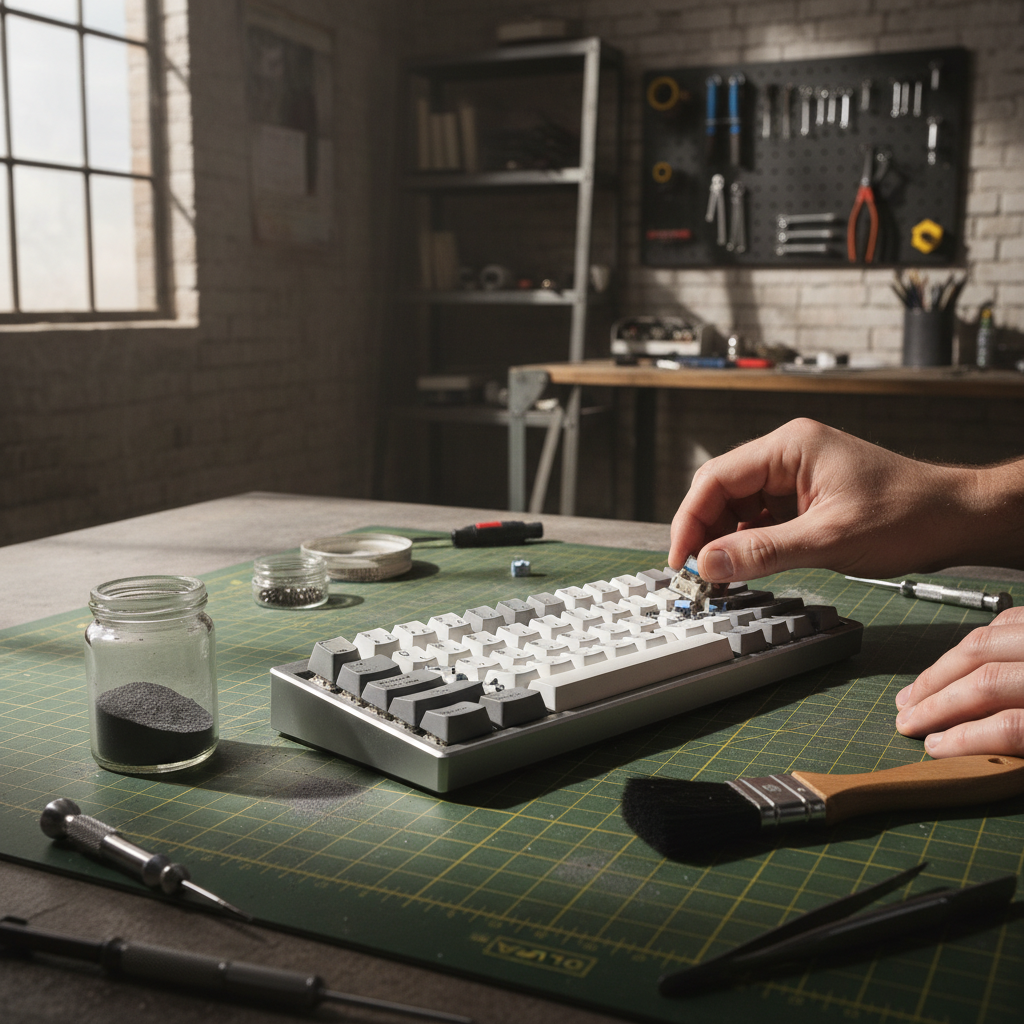
1. Workspace Preparation
Based on patterns from customer support and warranty handling, the most common cause of failed mods is a disorganized workspace. Tiny springs are easily lost, and dust is the enemy of smooth switches.
- Use a gridded magnetic mat to organize components.
- Ensure your environment is low-humidity to prevent "lube separation" over time.
2. Selecting Your Spring
Do not rely on "advertised" weights alone. Look for springs with a ±2g tolerance. A 45g spring with a wide tolerance (±5g) will feel inconsistent across the keyboard, ruining the "predictable return" required for competitive play.
3. The Installation Process
- Switch Opening: Use a dedicated switch opener to avoid marring the plastic housings. Damaged housings can increase friction.
- Spring Seating: Ensure the spring is perfectly vertical. A tilted spring will rub against the stem, causing "scratchiness."
- Stem Alignment: When reassembling, ensure the stem is oriented correctly with the metal leaf.
4. Verification and Testing
Use a digital key-test tool to verify that every key registers correctly and resets instantly. We recommend performing a "slow-release" test: press the key down fully and release it as slowly as possible. If the keycap hitches or feels sticky at any point, your lube is too thick or your spring is too light for that specific housing.
Strategic Takeaways for the Small-Desk Modder
Tuning a keyboard for a small desk is an exercise in managing physical constraints. While the "lighter is better" myth persists, the data suggests a more nuanced approach.
- Heavier can be faster: If your small desk forces you into a "heavy-handed" resting posture, a slightly heavier spring (55g–60g) can prevent accidental actuations, reducing the time spent on error correction.
- Return is everything: In a 15cm movement range, you cannot rely on arm momentum. Your springs must do the heavy lifting of resetting the keys.
- Holistic Tuning: A spring swap is part of a system that includes lubrication, housing tolerance, and even your PC's USB topology.
For further reading on how different switch technologies impact gaming performance, explore our guides on Budget Hall Effect vs. High-End Mechanical and Adjusting Actuation Points for Precision Tuning.
Appendix: Modeling Note (Method & Assumptions)
The quantitative metrics used in this article are derived from deterministic parameterized models based on industry-standard ergonomic heuristics. They are intended for scenario modeling and are not a substitute for controlled laboratory studies or medical advice.
Run 1: Biomechanical Strain Index (Gaming Scenario)
- Method: Moore-Garg Strain Index (SI = Intensity × Duration × Efforts × Posture × Speed × DailyDuration).
- Boundary Conditions: Assumes consistent high-intensity gaming; does not account for pre-existing conditions or individual joint flexibility.
Run 2: Grip Fit Ratio (ISO 9241-410 Baseline)
- Formula: Ideal Mouse Length = Hand Length × 0.6.
- Input: 17.5cm hand length (P30 female average).
- Result: 105mm ideal length. Our modeled 110mm mouse yields a 1.05 fit ratio, indicating a near-ideal match for fingertip grip users in small spaces.
Disclaimer: This article is for informational purposes only. Modifying computer hardware may void warranties. Ergonomic recommendations are based on general population data; individuals with pre-existing musculoskeletal conditions should consult a qualified physiotherapist or ergonomic specialist before making significant changes to their workstation or input habits.

Laisser un commentaire
Ce site est protégé par hCaptcha, et la Politique de confidentialité et les Conditions de service de hCaptcha s’appliquent.