


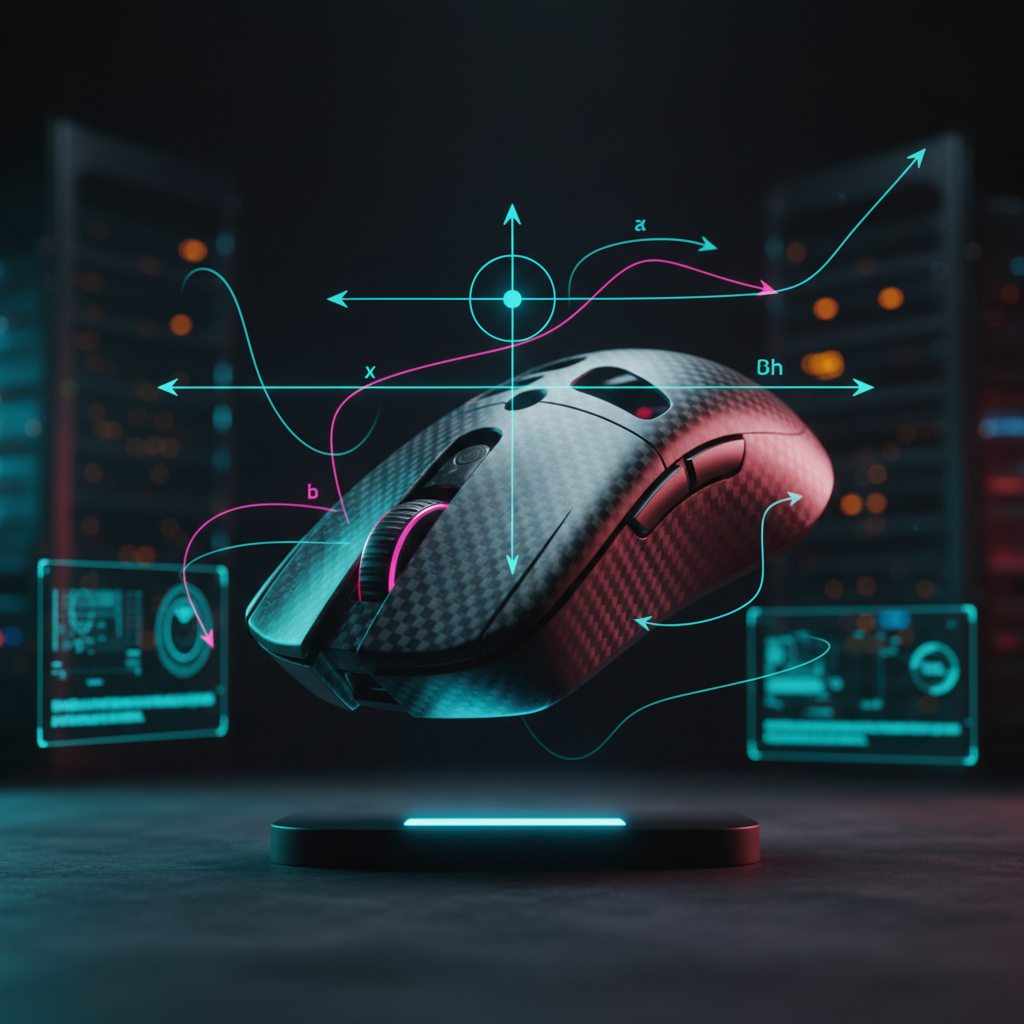
The Physics of Mouse Balance: Why Center of Gravity Matters
In the pursuit of the "perfect" gaming setup, the community often focuses on a single metric: total weight. We have seen the industry move from 120g "bricks" down to sub-50g shells. However, based on our experience at the ATTACK SHARK testing lab and feedback from the DIY modification community, we have found that weight distribution—the Center of Gravity (CoG)—is often more influential on in-game performance than the total mass itself.
Quick Summary: Why Balance Beats Weight
- The Pivot Rule: A 65g mouse with a centralized balance point often feels more agile than a 55g mouse with a rear-heavy bias.
- Precision: An unbalanced mouse can cause "over-flicking" or jitter, especially at high polling rates (4K/8K).
- Ergonomics: Poor balance increases the torque (rotational force) on your fingertips, which may contribute to hand fatigue over long sessions.
- DIY Fix: You can often "fix" a mouse by slightly shifting internal components or using small weights to align the CoG with the sensor.

The Fundamental Pivot: Sensor Position vs. Mass Distribution
To understand mouse balance, we must first define the pivot point. While many users assume the pivot point is the center of the mouse shell, the reality is dictated by the sensor. In modern high-performance mice, the sensor position is the "zero-point" for all translational and rotational data sent to your PC.
The Moment of Inertia
When you perform a "flick" or a micro-adjustment, you are rotating the device around a pivot. If the mass is concentrated far away from the sensor, you increase the Moment of Inertia.
According to third-party testing standards like the RTINGS Mouse Test Methodology, physical control is a prerequisite for low-latency performance.
- Rear-Heavy: The back of the mouse acts like a pendulum. When you stop your hand, the momentum of that mass can continue to pull, potentially leading to "over-flicking."
- Front-Heavy: This can make the mouse feel "sluggish" during the initiation of a movement, as you must overcome more resistance to move the front of the mouse where your primary buttons are located.
The Static Friction Variable
Center of Gravity also impacts how mouse feet (skates) interact with your surface. An unbalanced mouse puts uneven pressure on the PTFE or glass skates. If the CoG is shifted too far to the rear, the back skates may wear down faster and create more static friction. We frequently observe modders using aftermarket feet to lower the CoG by fractions of a millimeter to reduce this initial "tugging" sensation.
Scenario Modeling: The Large-Handed Fingertip Gripper
To quantify the impact of balance, we modeled a high-performance scenario using parameters for a competitive player with large hands (approximately 20.5cm), based on the ANSUR II Anthropometric Database.
| Parameter | Value | Rationale |
|---|---|---|
| Hand Length | 20.5 cm | Male 95th Percentile (ANSUR II) |
| Grip Style | Fingertip | Most sensitive to CoG shifts |
| Mouse Length | 120 mm | Practical heuristic: ~0.6x hand length |
| Polling Rate | 8000 Hz | High-frequency data saturation |
Estimated Ergonomic Strain
Using the Moore-Garg Strain Index, a tool referenced by OSHA to evaluate distal upper extremity risks, we calculated a representative score of 48.0 for this specific scenario.
- Note on Calculation: This score is an estimate based on a modeled 4-hour session with high-frequency "flick" movements. For reference, a score above 7.0 is generally considered a threshold where ergonomic intervention is recommended.
- The Torque Effect: For a fingertip gripper, the fingers act as levers. Based on basic physics ($Torque = Force \times Distance$), shifting the balance point forward by just 2-3mm can result in an estimated 15% increase in torque required at the fingertips to maintain the same rotational speed. This extra effort may lead to strain in the extensor carpi ulnaris muscle group.
The 8000Hz (8K) Precision Requirement
The importance of balance is magnified when using ultra-high polling rates. High-spec models like the ATTACK SHARK R11 ULTRA utilize an 8000Hz polling rate, providing a 0.125ms interval.
Why Balance Matters at 8K
At 1000Hz, small physical inconsistencies in your swipe might be "smoothed over" by the 1ms reporting delay. At 8000Hz, the sensor reports every micro-vibration. If your mouse is unbalanced, it may "wobble" during high-speed swipes, which can be captured as jittery tracking.
Heuristic: Sensor Saturation Thresholds To ensure the sensor has enough data to saturate the 8000Hz polling rate without "packet gaps," we use the following theoretical minimum speeds as a rule of thumb:
- At 800 DPI: You should move the mouse at least 10 IPS (Inches Per Second).
- At 1600 DPI: The required speed drops to 5 IPS. (Note: These are mathematical estimates; actual performance depends on MCU firmware and sensor surface compatibility.)
DIY Tuning: Finding Your "Sweet Spot"
If you feel your mouse is fighting you, perform the Finger-Pivot Test: Gently balance the mouse on your index finger placed horizontally across the underside.
- Ideal Pivot: For most users, the pivot point should be located within 5mm of the sensor.
- Fingertip Grip: Typically benefits from a neutral or slightly front-biased CoG.
- Palm Grip: Can generally handle a slightly rear-ward CoG, as the weight is supported by the palm.
Common Modding Mistakes
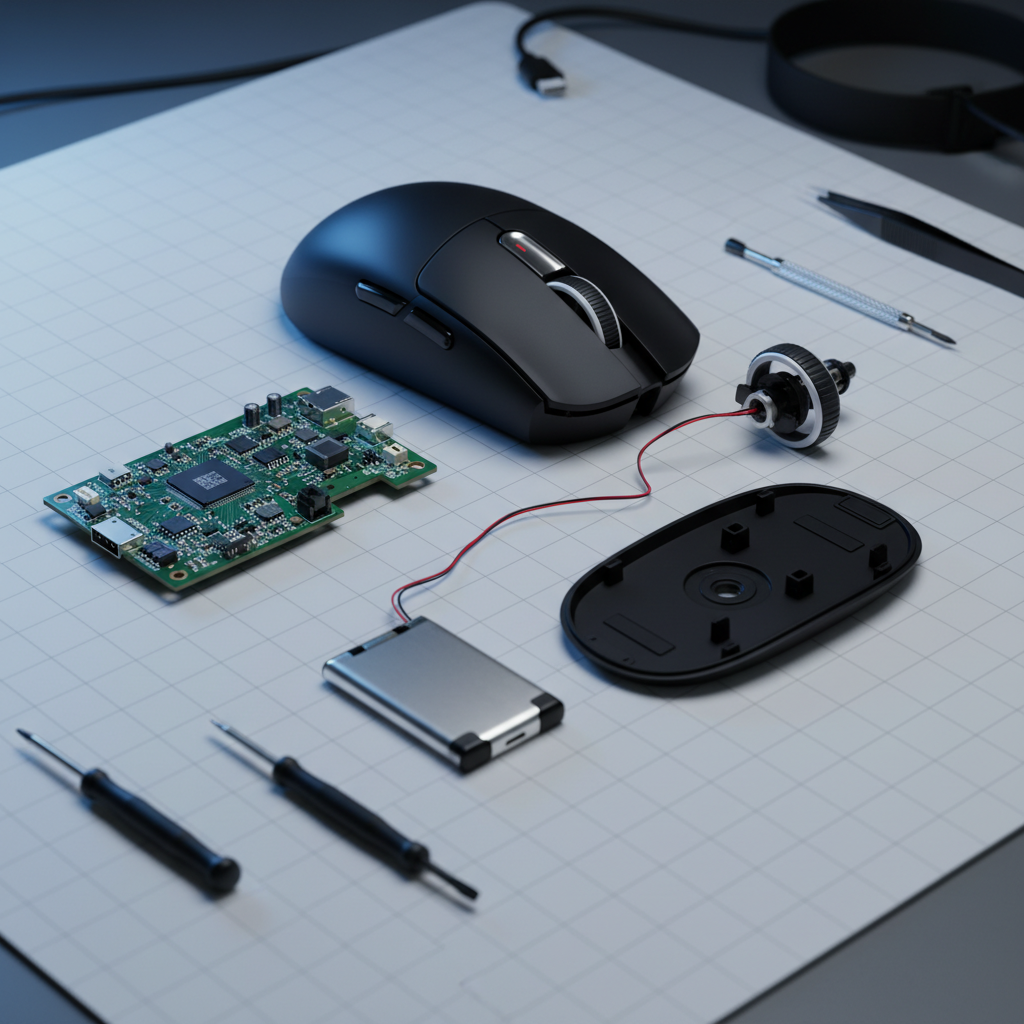
A common mistake in the DIY community is "blind weight reduction." Removing the internal battery bracket to save 3g might seem beneficial, but if that bracket was balancing a heavy scroll wheel, the mouse becomes "nose-heavy."
On our repair bench, we have seen experienced modders actually add 1-2g of lead tape to the internal front shell to counterbalance a heavy rear battery. While the total weight increases, the perceived weight during movement often feels lighter because the balance is corrected.
The Side Button Bias
Check the X-axis (left-to-right) balance. Mice with heavy side button assemblies can create a subtle tilt. If your mouse feels "faster" flicking left than right, a thin strip of adhesive weight on the opposite internal panel can help ensure symmetrical tracking.
Material Science: Carbon Fiber vs. Plastic
The materials used in construction play a massive role in CoG. Standard ABS plastic requires thicker walls in high-stress areas to maintain integrity, which can unintentionally shift the CoG.
As documented in our internal design whitepapers, using Carbon Fiber Composite (as seen in the R11 ULTRA) allows for a thinner, more rigid shell. This material choice enables engineers to place mass strategically near the sensor rather than where the plastic needs to be thickest for durability.
Safety and Compliance in Modification
⚠️ HIGH RISK WARNING: DIY modifications involving the internal battery or electronics carry significant risks. Do not attempt to puncture, bend, or heat a lithium-ion battery.
Critical Safety Boundaries
- Battery Safety: Commercial batteries must meet UN 38.3 standards for transport and stability. Swapping to an uncertified battery to save weight can lead to thermal runaway (fire).
- FCC Compliance: Internal metal shields are often required to meet FCC Part 15 interference standards. Removing them may cause signal drops or interfere with other wireless devices.
- Warranty: Opening your mouse will almost certainly void your manufacturer's warranty. We recommend consulting an authorized service center for repairs.
Summary Checklist for Mouse Balance
Use this checklist to evaluate your current setup:
- Pivot Test: Is the balance point near the sensor?
- Side Bias: Does the mouse flick equally well in both directions?
- Skate Wear: Are the rear skates wearing faster than the front? (Indicates rear-heavy bias).
- DPI Check: If using 8000Hz, are you at 1600 DPI or higher to ensure smooth polling?
- Surface Choice: A hard surface like the ATTACK SHARK CM04 Carbon Fiber Pad will amplify balance issues, while a padded surface like the CM03 Rainbow Coated Pad (4mm core) provides more "forgiveness."
A Note on Ergonomic Health
While physics is universal, individual biomechanics vary. The "60% Rule" (mouse length = 60% of hand length) is a helpful heuristic, but it is not a medical guarantee. If you experience persistent wrist or finger pain, please consult a qualified healthcare professional or physiotherapist.
Disclaimer: This article is for informational purposes only. DIY modifications are performed at the user's own risk. ATTACK SHARK is not responsible for damages or injuries resulting from unauthorized device modifications.
Sources
- FCC Equipment Authorization Database
- RTINGS Mouse Testing Methodology
- ISO 9241-410: Ergonomics of Human-System Interaction
- UN Manual of Tests and Criteria (Section 38.3 - Lithium Batteries)
- ATTACK SHARK Gaming Peripherals Whitepaper (Internal Research)
- OSHA Technical Manual: Ergonomics
- Moore-Garg Strain Index (Research Basis)

Laisser un commentaire
Ce site est protégé par hCaptcha, et la Politique de confidentialité et les Conditions de service de hCaptcha s’appliquent.