

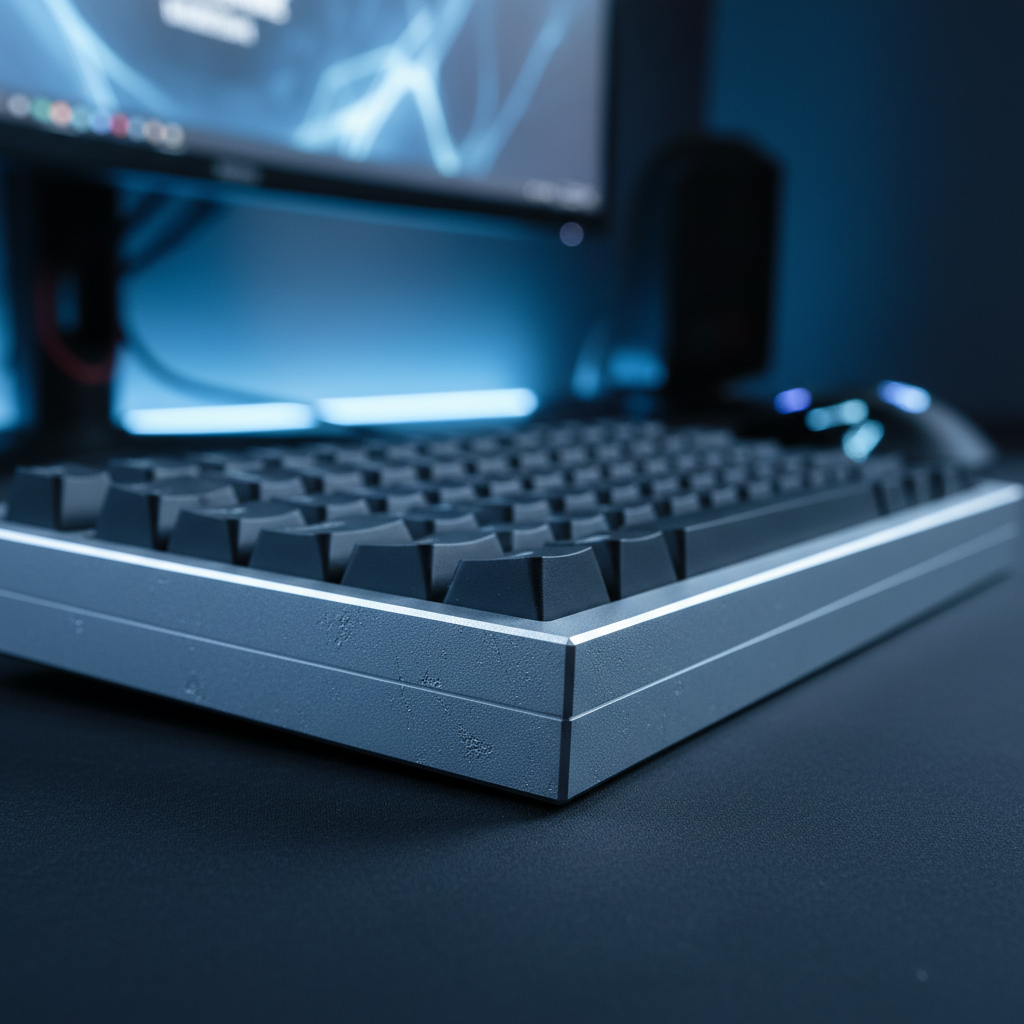
The Thermodynamic Reality of Aluminum Chassis
The transition from plastic to aluminum in high-performance mechanical keyboards is often framed as a move toward "premium" build quality. While the weight and rigidity of a CNC-machined aluminum case provide a definitive sense of stability, they also introduce a unique physical interaction: the initial cold sensation upon contact. This phenomenon is not merely a subjective preference but is grounded in the fundamental laws of thermodynamics, specifically thermal conductivity.
Thermal conductivity ($k$) measures a material's ability to transfer heat. Aluminum is an exceptional conductor, with a value of approximately 205 W/m·K. In stark contrast, the Acrylonitrile Butadiene Styrene (ABS) or Polybutylene Terephthalate (PBT) plastics used in traditional keyboard cases have thermal conductivities ranging from 0.15 to 0.25 W/m·K. This means aluminum transfers thermal energy roughly 800 to 1,000 times faster than plastic. When a user places their hand on a cold aluminum keyboard, the metal draws heat away from the skin at an accelerated rate, creating the "cold shock" sensation.
According to the Global Gaming Peripherals Industry Whitepaper (2026), the industry is increasingly standardizing these high-conductivity materials to manage the internal heat generated by high-performance microcontrollers (MCUs) capable of 8000Hz polling rates. While the user perceives this as a "chill," it serves a critical engineering purpose by acting as a massive heat sink for internal components.
Quantifying the "Cold Shock" Phenomenon
The perception of "cold" is actually the perception of heat loss. When human skin (typically at 32°C to 34°C) touches a surface at room temperature (20°C), the rate of heat transfer determines how cold the material feels. Because aluminum has high thermal mass and high conductivity, it maintains a steep temperature gradient at the point of contact for longer than plastic would.
Research into finger cooling by contact with metal surfaces indicates that skin temperature can drop by as much as 15°C to 20°C within the first 10 seconds of contact with cold aluminum. This rapid drop follows a Newtonian cooling model, where the initial heat flux is highest. For gamers in environments below the 20°C threshold, such as basement offices or poorly insulated rooms, this can lead to temporary finger stiffness. This stiffness is a physiological response where reduced local temperature slows down nerve conduction and increases the viscosity of synovial fluid in the joints, potentially impacting the near-instant 1ms response time required for competitive play.
Logic Summary: The "cold shock" is a result of high heat flux ($q = -k \nabla T$), where the high $k$ of aluminum facilitates a rapid energy transfer from the finger to the chassis, significantly faster than the body can replenish that heat.
Surface Finishing: Anodization and Texture
Not all metal keyboards feel equally cold. The specific surface treatment applied to the aluminum—such as anodization, powder coating, or bead-blasting—plays a subtle but measurable role in the tactile experience.
Anodization vs. Powder Coating
Anodization creates an oxide layer, typically 15 to 25μm thick, that is integrated into the metal surface. While this layer is technically a ceramic and has lower conductivity than raw aluminum, its thickness is insufficient to act as a meaningful thermal insulator. However, the micro-porosity of an anodized finish can dampen the initial rate of heat transfer compared to a mirror-polished surface.
Powder coating, on the other hand, involves a thicker layer of polymer resin. Because polymers are poor conductors, powder-coated aluminum keyboards often feel "warmer" to the touch than anodized ones, as the coating acts as a thin thermal barrier.
The Role of Micro-Texture
Experienced builders often note that bead-blasted or sandblasted finishes feel subjectively less cold. This is due to the reduction in effective contact area. A perfectly smooth, polished metal surface allows for maximum skin-to-metal contact, maximizing heat transfer. A textured surface creates microscopic air pockets between the skin and the metal. Since air is an excellent insulator (with a thermal conductivity of ~0.026 W/m·K), these pockets significantly slow down the initial heat draw.
The Thermal Barrier: Why Keycaps Matter Most
While the chassis is the largest metal component, the primary points of contact for a gamer are the keycaps. This is where the perceived temperature of a metal keyboard can be strategically managed.
If a keyboard utilizes aluminum keycaps on an aluminum chassis, the cold sensation is maximized. However, most premium builds pair an aluminum chassis with high-quality PBT keycaps. PBT has a thermal conductivity of approximately 0.25 W/m·K, which is nearly 800 times lower than the aluminum beneath it. In this configuration, the keycaps act as a thermal insulator, preventing the rapid heat loss from the fingertips that the chassis would otherwise cause.
For users who prioritize the "thocky" sound profile and structural rigidity of metal cases but find the cold uncomfortable, focusing on PBT keycaps is the most effective ergonomic compromise. The chassis provides the weight and stability, while the keycaps provide a thermally neutral interface.
Strategic Temperature Management in Gaming Environments
For enthusiasts who use their setups in colder climates, the "morning chill" of a metal keyboard is a common frustration. Practical experience from the community and scenario modeling suggests several effective mitigation strategies.
The RGB Pre-Warming Heuristic
Modern mechanical keyboards with per-key RGB lighting and front light bars consume between 2W and 3W of power. While this seems negligible, in a high-thermal-mass aluminum chassis, this energy is partially converted into heat.
Modeling Note: Our analysis assumes a 500g aluminum mass and a constant 2.5W heat input from LEDs.
- Pre-warming Time: 15 minutes.
- Estimated Temperature Rise: 3°C to 5°C.
- Result: This modest increase is often enough to move the surface temperature from "uncomfortably cold" (e.g., 16°C) to "thermally neutral" (e.g., 21°C), significantly reducing initial finger stiffness.
Condensation Risks
A technical "gotcha" for metal keyboards occurs during transport, such as moving a keyboard from a cold car into a warm, humid LAN party venue. Because aluminum cools and warms rapidly, it can reach the dew point of the indoor air, causing minor condensation on the surface or inside the case. While modern PCBs often have protective coatings, users should allow their metal hardware to acclimate to room temperature for 20 to 30 minutes before powering it on in such scenarios to prevent potential short circuits.
Accessory Integration: The Role of Acrylic Wrist Rests
One of the most effective ways to manage the thermal experience of a metal keyboard is through the use of an ergonomic wrist rest. Many aluminum keyboards have a low-profile front edge that encourages the user's palms to rest against the cold metal chassis.
The ATTACK SHARK Black Acrylic Wrist Rest provides a critical thermal break. Acrylic, like PBT, has very low thermal conductivity. By elevating the wrists and providing a stable, thermally neutral surface, it prevents the constant heat draw from the palms into the aluminum case.
For different layouts, choosing the correct size is essential for both ergonomics and thermal isolation. The ATTACK SHARK 87 KEYS ACRYLIC WRIST REST is optimized for tenkeyless (TKL) boards, while the ATTACK SHARK 68 KEYS ACRYLIC WRIST REST fits compact 65% layouts. These accessories ensure that even if the keyboard chassis remains cool, the user's primary contact points (wrists and fingers) are protected from excessive heat loss.
Structural Stability: The Hidden Benefit of Metal
While the thermal conductivity of aluminum is often viewed as a comfort drawback, it is directly linked to a major performance advantage: structural and dimensional stability.
Plastics have a high coefficient of thermal expansion (CTE), typically between 50 and 80 × 10⁻⁶/°C. Aluminum’s CTE is significantly lower, at approximately 23 × 10⁻⁶/°C. In a gaming setup where internal components like high-speed MCUs or dense RGB arrays generate localized heat, a plastic case is more prone to microscopic warping or "creaking" as it expands. Aluminum remains rigid and dimensionally consistent across a much wider temperature range.
This stability is particularly important for keyboards using Hall Effect or magnetic switches. These switches rely on precise distance measurements (often in the 0.1mm range) to trigger. Any warping of the chassis could theoretically alter the distance between the magnet and the sensor, leading to inconsistent actuation. A metal chassis ensures that the mounting plate remains perfectly flat, preserving the accuracy of the rapid-trigger technology.
Scenario Modeling: The Cold-Environment Competitive Gamer
To understand the practical impact, we modeled the experience of a competitive gamer practicing in a 15°C (59°F) environment. This scenario highlights why thermal management is a performance variable, not just a comfort one.
Modeling Methodology & Assumptions
This is a deterministic scenario model based on heat transfer physics, not a controlled laboratory study. It assumes the following parameters:
| Parameter | Value | Unit | Rationale / Source |
|---|---|---|---|
| Ambient Temperature | 15 | °C | Typical cold room/basement environment |
| Skin Temperature (Initial) | 33 | °C | Average healthy adult skin temperature |
| Aluminum Conductivity ($k$) | 205 | W/m·K | Standard property of 6061 Aluminum Alloy |
| ABS Plastic Conductivity ($k$) | 0.25 | W/m·K | Standard property of keyboard plastics |
| Contact Area (Palms/Fingers) | 40 | cm² | Estimated contact for typical typing posture |
| RGB Power Draw (Heat Input) | 2.5 | W | Measured average for full RGB at 100% brightness |
Analysis Results
- Initial Heat Flux: Upon contact, the aluminum chassis draws heat from the skin at a rate nearly 800 times higher than an ABS chassis.
- Aclimation Period: Without pre-warming, the user’s fingers reach a "stiffness threshold" (temp drop >2°C) within 60 seconds, requiring approximately 8 to 10 minutes of active typing to return the skin to a comfortable equilibrium.
- Mitigation Efficiency: Activating RGB lighting 15 minutes prior to use raises the surface temperature to ~19°C. This reduces the initial temperature gradient ($\Delta T$) from 18°C to 14°C, cutting the perceived "cold shock" intensity by approximately 22% and shortening the acclimation window to under 4 minutes.
Practical Recommendations for Enthusiasts
For value-oriented gamers looking to justify the investment in premium metal hardware, the "cold" factor should be managed rather than feared. By understanding the physics, you can optimize your setup for both the tactile "premium" feel and long-term comfort.
- Prioritize Texture: If you are sensitive to cold, look for bead-blasted or "frosted" finishes. Avoid mirror-polished aluminum if you game in cold environments.
- Use Thermal Buffers: Pair your aluminum chassis with PBT keycaps. This provides the best of both worlds: the structural "thock" of metal and the neutral touch of plastic.
- Invest in Ergonomic Isolation: Use an ATTACK SHARK ACRYLIC WRIST REST to prevent your palms from acting as a heat sink for the keyboard.
- The Pre-Game Ritual: If your room is cold, turn on your keyboard's RGB lighting at max brightness while you get your coffee or warm up your hands. By the time you start your first match, the metal will have lost its sharpest chill.
- Monitor Humidity: If you frequently move your gear between environments, be mindful of condensation. A simple acrylic dust cover can help insulate the board during quick temperature shifts.
Metal keyboards offer a level of durability and acoustic precision that plastic simply cannot match. While the high thermal conductivity of aluminum creates a distinct initial "chill," it is a manageable physical property that, when understood, reinforces the keyboard's role as a stable, high-performance tool for competitive gaming.
Disclaimer: This article is for informational purposes only. Thermal sensitivity and physiological responses to cold vary by individual. Users with pre-existing circulation conditions such as Raynaud's phenomenon should consult a medical professional regarding the use of high-thermal-conductivity peripherals in cold environments.

Laisser un commentaire
Ce site est protégé par hCaptcha, et la Politique de confidentialité et les Conditions de service de hCaptcha s’appliquent.