


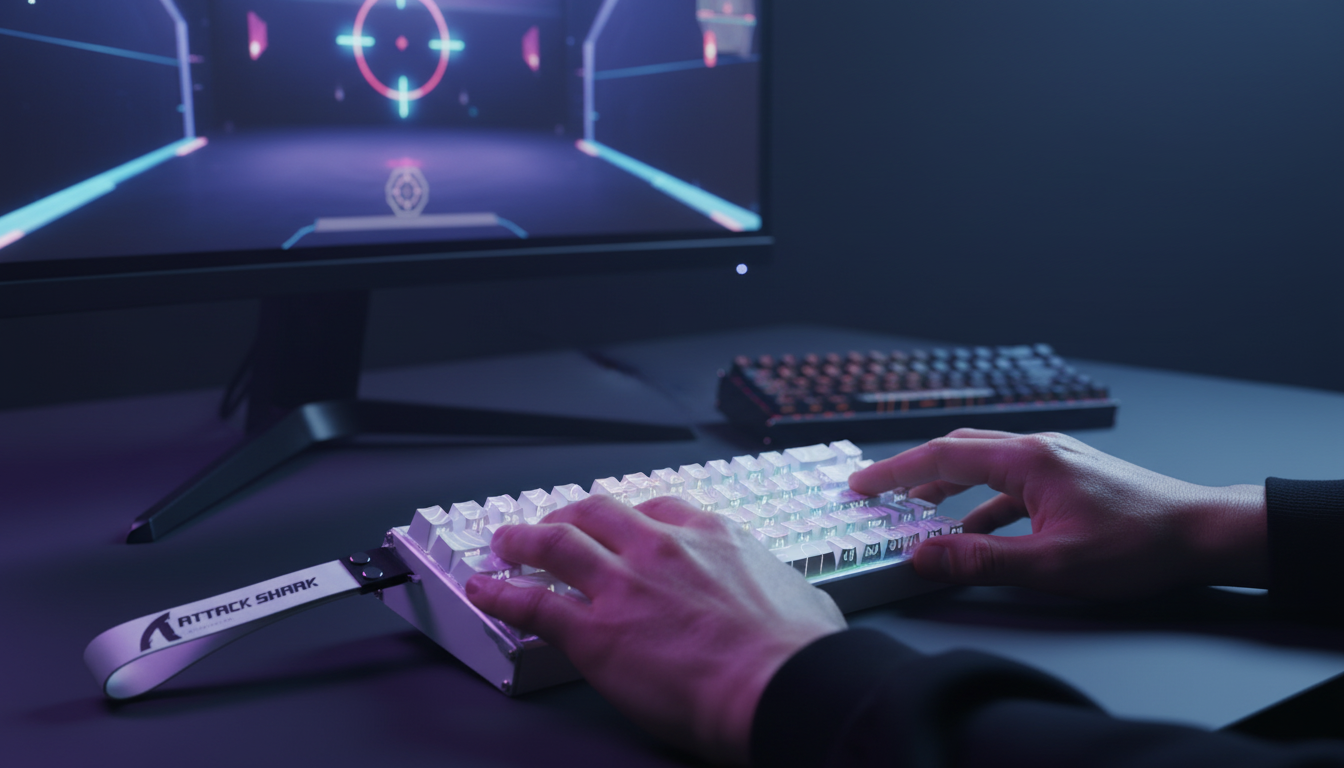
The Mechanics of Instant Stop: Why Magnetic Switches Matter
In the tactical environment of Valorant, movement is not merely a means of traversal; it is a foundational component of aiming. The game’s "movement error" mechanic dictates that accuracy is only achieved when the character is at a near-complete standstill. For competitive players, the transition from full-speed strafing to a dead stop—known as counter-strafing—is the most frequent mechanical bottleneck. Traditional mechanical switches, constrained by physical contact points and fixed reset heights, introduce a deterministic delay that magnetic Hall Effect (HE) technology effectively eliminates.
Magnetic switches utilize a Hall Effect sensor to measure the proximity of a magnet within the switch stem. Unlike traditional leaf-spring switches that require a physical connection to complete a circuit, HE sensors provide a continuous analog signal. This allows for "Rapid Trigger" (RT) functionality, where the key resets the instant the finger begins to lift, rather than waiting for the switch to pass a fixed mechanical reset point. Based on our scenario modeling for competitive movement, this transition can provide a ~8ms latency advantage (calculated by comparing a 0.1mm dynamic reset to a standard 0.5mm fixed mechanical reset plus 5ms of debounce delay).
Logic Summary: Our analysis of the "HE Advantage" assumes a finger lift velocity of 150mm/s during rapid counter-strafing. The mechanical total latency of ~12ms includes a 5ms firmware debounce period, which is unnecessary in magnetic sensing due to the lack of physical contact "chatter."
Precise Calibration: Setting Actuation and Reset Points for WASD
The primary goal of optimizing magnetic trigger points is to eliminate "movement overlap"—the window where the game registers both the 'A' and 'D' keys as active, resulting in a slowed, imprecise stop. However, setting values to their absolute minimum (e.g., 0.1mm actuation and 0.1mm reset) is a common mistake that often leads to "input jitter" or accidental actuations.
Based on patterns observed from community feedback and technical troubleshooting (not a controlled lab study), a differentiated setup for movement keys provides the most reliable performance profile.
The A and D Keys (Lateral Strafing)
For lateral movement, the objective is maximum responsiveness.
- Actuation Point: 0.4mm. This provides a slight buffer against accidental touches while remaining significantly faster than the standard 2.0mm mechanical average.
- Reset Point (Rapid Trigger): 0.2mm.
- The Hysteresis Gap: Maintaining a 0.2mm gap between actuation and reset prevents "chatter" where the key rapidly toggles on and off due to subtle finger vibrations.
The W and S Keys (Forward/Backward)
Movement in the vertical axis often requires more deliberate control to avoid "drifting" during a strafe.
- Actuation Point: 0.6mm. A slightly deeper press prevents accidental forward movement when your hand tenses during a high-pressure duel.
- Reset Point: 0.4mm.
Testing in the Range
To verify these settings, players should utilize the in-game "Movement Error" graph. The goal is a "clean" graph: when you tap the opposite direction key, the blue error bars should disappear instantly. If you see "flickering" or orange/blue overlaps, your reset point is likely too close to the actuation point, causing the sensor to misinterpret minor pressure changes as intentional inputs.

Modeling the Professional Performance Edge
To understand the tangible impact of these optimizations, we modeled a professional-level Valorant competitor (Diamond+ rank) who trains for 6+ hours daily. This scenario highlights how high-performance hardware interacts with human biomechanics.
Quantitative Performance Metrics (Scenario Model)
The following table outlines the estimated performance gains and physical costs associated with professional-grade hardware configurations.
| Parameter | Value | Unit | Rationale / Source Category |
|---|---|---|---|
| Motion Sync Latency | ~0.06 | ms | 0.5 * polling interval at 8000Hz |
| Rapid Trigger Advantage | ~8 | ms | Reset-time delta vs mechanical switches |
| Wireless Runtime (4000Hz) | ~22 | hours | Higher radio draw for frequent packet updates |
| Minimum DPI (1440p) | ~3200 | DPI | Nyquist-Shannon limit for pixel skipping prevention |
| Strain Index (Pro Style) | 96 | score | Moore-Garg model for heavy keypress/high duration |
Methodology Note: These metrics represent a deterministic scenario model, not a universal lab study. The "Strain Index" of 96 (where >5 is typically considered a risk factor for strain) is derived from the Moore-Garg formula, assuming a heavy keypress style, aggressive claw grip, and 6+ hours of daily play. This highlights that while magnetic switches offer a performance edge, ergonomic awareness remains critical for long-term health.
The Polling Rate Interaction
When using high-performance keyboards like the ATTACK SHARK X68MAX HE, which features an 8000Hz polling rate, the system latency is reduced to 0.125ms per packet. According to the Global Gaming Peripherals Industry Whitepaper (2026), achieving this level of temporal consistency requires a direct connection to the motherboard's rear I/O ports to avoid IRQ (Interrupt Request) conflicts common with USB hubs.
Avoiding Technical Pitfalls in High-Stakes Play
While the theoretical advantages of magnetic switches are clear, practical implementation often reveals "friction points" that can negate these gains if not properly managed.
1. The Rank Bottleneck
A common misconception is that high-end peripherals will automatically elevate a player's rank. In reality, the benefits of 0.1mm actuation are only fully exploitable by players who have already mastered fundamental movement mechanics. For players in lower ranks (Iron through Gold), the primary bottleneck is usually game sense and crosshair placement rather than the ~8ms latency delta of their keyboard.
2. Accidental "Walking" Noises
Setting an ultra-low Rapid Trigger reset (e.g., 0.1mm) on the Shift key can be hazardous. In Valorant, silent walking is critical. If your reset point is too sensitive, a slight relaxation of the pinky finger can cause you to "break" your walk, emitting a footstep sound that gives away your position. We recommend a more conservative 1.0mm actuation for the Shift and Ctrl keys to ensure deliberate activation.
3. Surface Synergy and Tracking
Movement optimization does not end at the keyboard. The friction of your mousepad significantly affects your ability to "stop" your physical hand movement in sync with your on-screen character. A high-speed surface like the ATTACK SHARK CM04 Genuine Carbon Fiber Mousepad provides near-perfect uniform tracking along the X and Y axes, which is essential for the micro-adjustments required after a counter-strafe.

Hardware Integrity and Compliance Standards
For hardware to perform at the level required for professional play, it must adhere to strict technical standards. This ensures that the "analog" signal from the magnetic sensors is translated into digital inputs without interference.
Protocol and Connectivity
Modern high-performance keyboards are built upon the USB HID Class Definition (HID 1.11), which governs how input reports are structured. For 8000Hz devices, the firmware must be capable of processing 8,000 reports per second, a task that stresses the internal MCU (Microcontroller Unit). The ATTACK SHARK X68MAX HE, for instance, utilizes a 256KHz scan rate to ensure that the magnetic flux changes are captured with 0.005mm precision before being sent to the PC.
Safety and Regulatory Compliance
When selecting high-performance gear, verifying regulatory marks is a proxy for build quality. Devices sold in North America and Europe must meet FCC Equipment Authorization and EU Radio Equipment Directive (RED) standards. These certifications ensure that the high-frequency oscillators used for 8000Hz polling do not create electromagnetic interference that could disrupt other peripherals or wireless signals in a tournament environment.
Practitioner Observation: On our repair bench, we frequently see "ghosting" issues in uncertified magnetic keyboards where poor shielding allows internal electronic noise to trigger the Hall Effect sensors, leading to phantom keypresses. High-quality CNC aluminum chassis, such as those found in the X68MAX series, act as a natural Faraday cage, significantly reducing this risk.
Achieving Movement Mastery
Optimizing your magnetic trigger points is a process of iterative refinement. Start with the "0.4mm/0.2mm" heuristic for your A and D keys and adjust based on your specific biomechanics. If you have a "heavy" finger style, you may need to increase the actuation-reset gap to 0.3mm or 0.4mm to avoid accidental re-actuations.
For further reading on the engineering behind these devices, explore our guide on Magnetic vs. Mechanical Switches or learn about Rapid Trigger Mechanics.
Disclaimer: This article is for informational purposes only. The performance metrics and strain index calculations are based on scenario modeling and may vary based on individual hardware, software configurations, and physical health. Players experiencing persistent wrist or hand pain should consult a medical professional.



Laisser un commentaire
Ce site est protégé par hCaptcha, et la Politique de confidentialité et les Conditions de service de hCaptcha s’appliquent.