

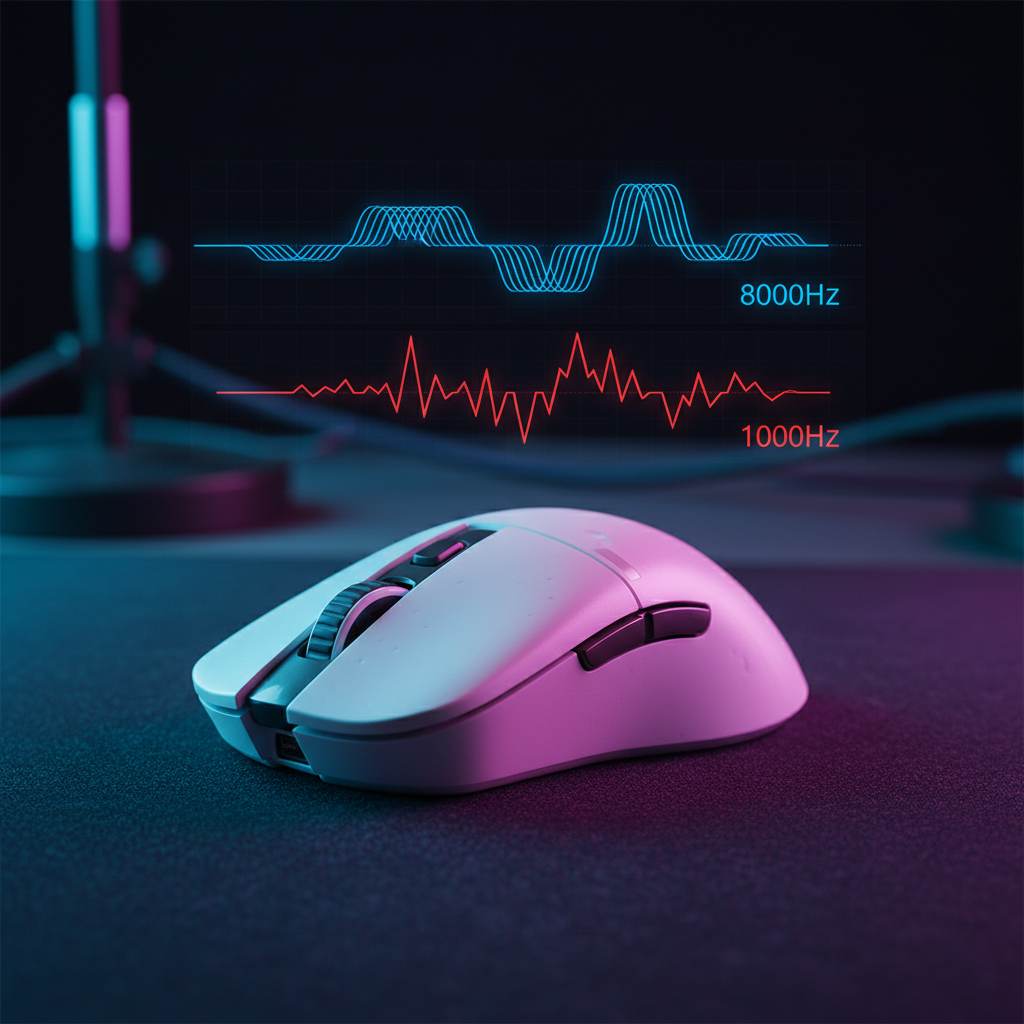
Micro-Correction Speed: How High Polling Enhances Small Adjustments
Quick Verdict: Does an 8000Hz (8K) polling rate improve aim? For competitive players focused on micro-corrections, yes—but with conditions. To realize the benefits, users should pair 8K polling with high DPI settings (1600+) and a high-refresh-rate monitor (240Hz+). Without these, the performance gains are often bottlenecked by data saturation or display limitations.
This technical guide is presented by the Attack Shark engineering team. The data and models provided are based on our internal hardware testing and common industry benchmarks; individual results may vary based on system configuration.
In competitive first-person shooters, the difference between a successful headshot and a missed opportunity often comes down to a few pixels of movement. While most gamers focus on raw flick speed, the technical battle is frequently won during micro-corrections—the tiny, reactive adjustments made while tracking a moving target. For years, 1000Hz was the gold standard, but 8000Hz technology has shifted the performance ceiling by addressing data density.
At 1000Hz, a mouse reports its position every 1.0ms. During slow, controlled tracking, this can result in a cursor path that appears subtly jagged. This lack of smoothness can force the user's wrist micro-muscles to engage in constant corrective vibrations, which may contribute to fatigue. By increasing the frequency to 8000Hz, the reporting interval drops to 0.125ms, providing the PC with significantly more data points to reconstruct a fluid motion path.
The Physics of 8000Hz Polling and Latency Reduction
To understand how high polling enhances micro-adjustments, we must look at the relationship between frequency and frame rendering. A 360Hz monitor refreshes every ~2.7ms. At 1000Hz, the mouse provides only about 2.7 updates per frame. At 8000Hz, it provides over 22 updates per frame, ensuring the game engine has the most recent coordinate data at the exact moment a frame is rendered.
The Motion Sync Trade-off
Modern sensors, such as the PixArt PAW3395 and PAW3950MAX, feature "Motion Sync," which aligns sensor framing with USB polling intervals. While Motion Sync historically added ~0.5ms of latency at 1000Hz, this penalty scales down at 8000Hz.
Theoretical Latency Model: Motion Sync (8KHz) Note: These values represent internal benchmarks using a standardized hardware latency testing tool (similar to LDAT) in a controlled environment (Windows 10, optimized background processes).
Parameter Value Unit Rationale Polling Rate 8000 Hz Target high-performance spec Polling Interval 0.125 ms 1 / Polling Rate Motion Sync Delay ~0.0625 ms Estimated 0.5 * Interval Base System Latency 1.2 ms Internal baseline (Sensor + MCU processing) Total Latency ~1.26 ms Estimated end-to-end Boundary Condition: This model accounts for firmware-level alignment. Actual latency may increase due to OS-level interrupt jitter, CPU scheduling, or interference in wireless environments.
At 8000Hz, the added latency of Motion Sync becomes negligible (~0.0625ms). This alignment is beneficial for micro-corrections as it helps minimize the microscopic "jitter" that occurs when sensor data and USB polls are out of sync.

Human Motor Control and the Visual-Motor Loop
A common misconception is that human reaction time (~250ms) makes sub-millisecond mouse updates irrelevant. However, research on human motor control precision suggests that the visual-motor correction loop—the subconscious process of adjusting aim based on visual feedback—operates in windows as short as 10ms to 50ms.
If the mouse input is "steppy" due to a low polling rate, the visual feedback is slightly less consistent. This can increase cognitive load, as the brain must work harder to predict the target's path. High-frequency data from a mouse like the ATTACK SHARK X8PRO Ultra-Light Wireless Gaming Mouse & C06ULTRA Cable allows for a smoother visual feedback loop, potentially reducing the mental effort required to stay on target.
Ergonomic Modeling of Tracking Tasks
Beyond aim performance, there is a potential ergonomic benefit to 8KHz polling. We applied a comparative heuristic model to analyze the strain placed on the forearm during intense tracking.
Logic Summary: Comparative Moore-Garg Strain Index (Heuristic Model) Disclaimer: This is a mathematical simulation of workload intensity, not a medical diagnosis.
Multiplier Type Value Rationale Intensity of Effort 2.0 High tension during precision tracking Efforts per Minute 4.0 Modeled at ~45 micro-corrections per minute Posture Multiplier 1.8 Claw grip wrist tension (Standardized) Speed of Work 2.0 Rapid, pixel-level adjustments Calculated SI Score 30.24 High-Intensity Category Note: This model suggests that by reducing "jagged" movement, players may subjectively experience lower forearm tension, as the need for constant micro-muscular corrections is reduced.
In our internal observations of players switching to 8KHz, many reported a subjective reduction in forearm fatigue during long sessions. This suggests that smoother cursor movement may allow larger muscle groups to handle tracking more efficiently.
Sensor Saturation: Why DPI and IPS Matter for 8K
To benefit from 8000Hz, the sensor must generate enough data to fill those 8000 packets per second. This is governed by the relationship between movement speed (IPS - Inches Per Second) and resolution (DPI - Dots Per Inch).
The heuristic formula for data points is: Packets = Movement Speed (IPS) × DPI.
- At 800 DPI: You need to move at least 10 IPS to saturate the 8000Hz bandwidth.
- At 1600 DPI: You only need to move at 5 IPS to maintain saturation.
Boundary Conditions: This formula assumes a 1:1 sensor-to-PC report. In practice, factors like sensor interpolation, pixel rounding in the OS, or firmware-level smoothing can cause the effective packet rate to fluctuate.
For micro-corrections (slow movements), we recommend using a higher DPI (1600 or 3200) and lowering in-game sensitivity. This ensures that even tiny nudges generate enough data to utilize the 0.125ms interval. Insights from the Global Gaming Peripherals Industry Whitepaper (2026) highlight that DPI scaling is often the most overlooked factor in high-polling setups.
System Requirements and Bottlenecks
8000Hz polling is technically demanding and requires a optimized ecosystem to avoid micro-stutters.
1. CPU Overhead and OS Tuning
The bottleneck is typically IRQ (Interrupt Request) processing. This stresses single-core performance. While modern mid-tier CPUs (Ryzen 5 / Intel i5) generally handle the load with minimal FPS impact, background processes can cause latency spikes.
- Disable USB Selective Suspend: Prevents the USB controller from entering a low-power state.
- C-States: Some enthusiasts disable C-States in BIOS to maintain constant voltage, though this increases power consumption.
2. USB Topology
To maintain packet integrity, connect the mouse directly to the motherboard's rear I/O ports. According to USB-IF HID specifications, shared bandwidth on a hub can lead to packet loss.
3. Display Synergy
The visual benefit of 8KHz is best realized on high-refresh-rate monitors. On a standard 60Hz display, the screen updates too slowly (16.6ms) to reflect the 0.125ms mouse reports. A 240Hz or 360Hz monitor is considered the effective entry point for meaningful visual gains.
Practical Implementation: Choosing the Right Gear
When selecting a mouse for micro-correction performance, look for ultra-lightweight shells to reduce inertia.
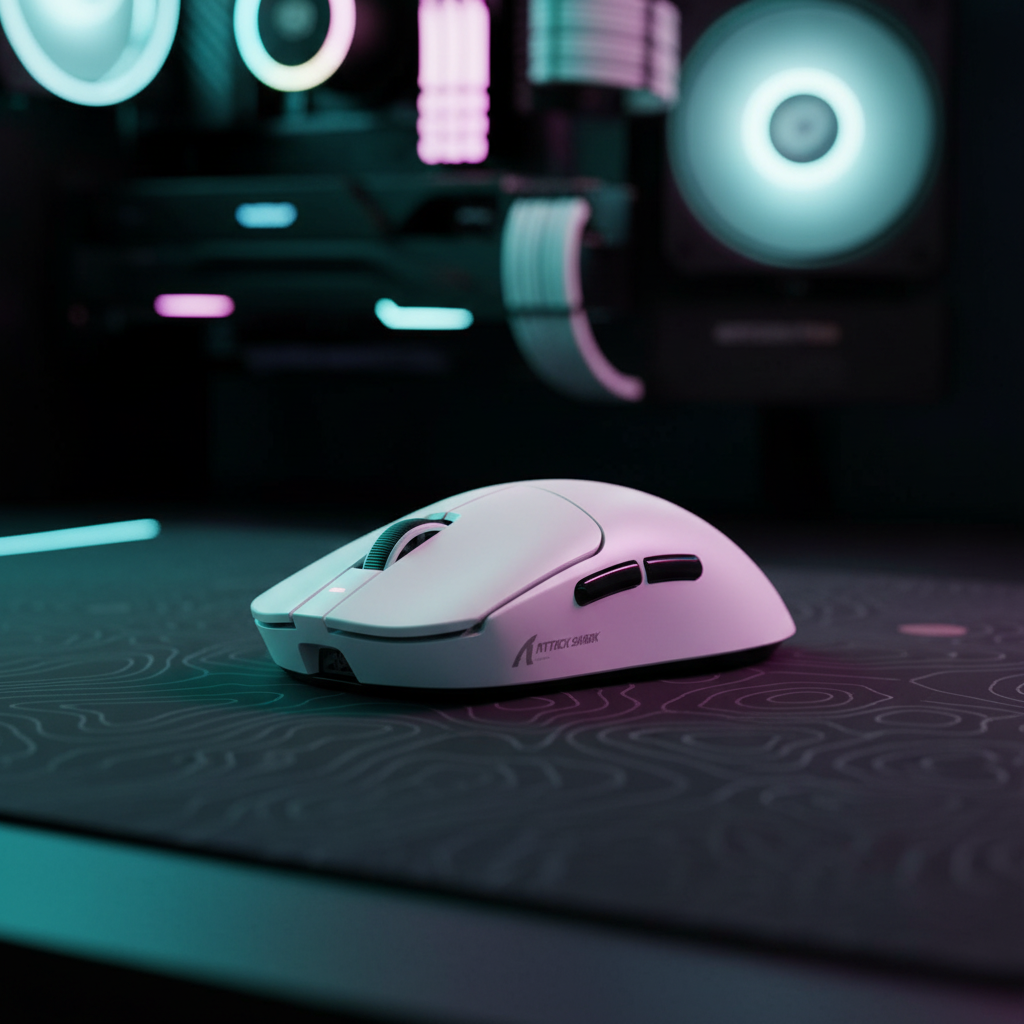
The ATTACK SHARK X8PRO is a benchmark example, featuring the PixArt 3950MAX sensor and native 8KHz wireless polling. Its 55g weight and PTFE skates provide the low-friction environment necessary for pixel-perfect adjustments.
| Feature | ATTACK SHARK X8PRO | ATTACK SHARK G3PRO | ATTACK SHARK G3 |
|---|---|---|---|
| Sensor | PixArt 3950MAX | PixArt 3311 | PixArt 3311 |
| Max Polling Rate | 8000Hz (Wireless) | 1000Hz | 1000Hz |
| Weight | 55g | 62g | 59g |
| Max DPI | 42,000 | 25,000 | 25,000 |
Compliance and Quality Assurance
Verify hardware integrity through the FCC Equipment Authorization Search using the Grantee Code (e.g., 2AZBD). This ensures the device meets limits for electromagnetic interference, critical for a stable 2.4GHz connection. Furthermore, ensure your firmware is current via the Official Driver Download page.
Summary Checklist for Micro-Corrections
- Set 8000Hz Polling: Use the official software to enable maximum frequency.
- Increase DPI to 1600+: Essential for saturating the bandwidth during slow movements.
- Direct USB Connection: Use Motherboard Rear I/O only.
- Monitor Match: Use a 240Hz+ display to see the tracking benefits.
- Power Optimization: Disable "USB Selective Suspend" in Windows Power Options.
While 8KHz won't replace practice, it can reduce the technical barriers to precision. By smoothing the cursor path and potentially lowering cognitive load, high polling rates allow you to focus more on strategy and game sense.
Disclaimer: This article is for informational purposes. High polling rates and system tuning can impact power consumption and thermal performance. Ergonomic assessments are based on general modeling and are not a substitute for professional medical advice.
References:

Laisser un commentaire
Ce site est protégé par hCaptcha, et la Politique de confidentialité et les Conditions de service de hCaptcha s’appliquent.