

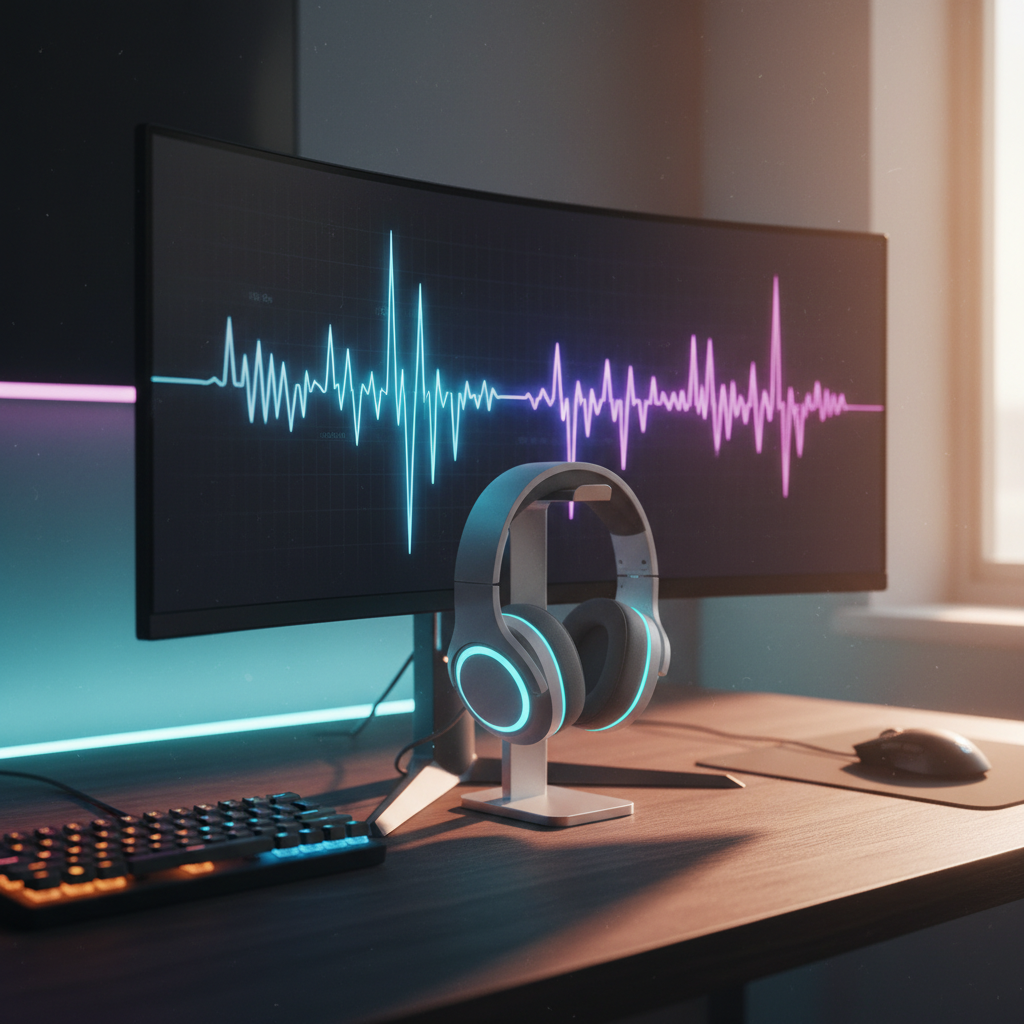
The Tactical Map of Sound: Why Frequency Matters
In competitive gaming, the difference between a successful pre-fire and a trip back to the respawn screen often comes down to a few milliseconds of auditory processing. While visual information is limited by the monitor's field of view, audio provides a 360-degree tactical map. However, simply "hearing" a sound is insufficient; a player must be able to identify the material of the surface being stepped on, the distance of the engagement, and the specific mechanical action occurring behind a wall.
At the core of this ability is frequency response. Every material in a game engine—be it wood, metal, or grass—possesses a unique acoustic signature defined by its frequency distribution. By understanding how these signatures are constructed and how to calibrate hardware to emphasize them, players can transform raw noise into actionable intelligence. This article explores the technical mechanisms of material cues and provides a data-driven framework for optimizing your auditory environment.
The Physics of Virtual Materials: The Perceptual Gap
A common misconception in the gaming community is that in-game sounds follow the exact laws of physical acoustics. In reality, most game engines use stylized models to balance performance and immersion. According to the Global Gaming Peripherals Industry Whitepaper (2026), developers often employ "perceptual mixing," where material cues are artistic interpretations designed to be recognizable rather than physically accurate simulations.
When a character moves across a surface, the engine triggers a sample that is then processed through filters (like occlusion or HRTF). The "weight" of the material is typically found in the lower frequencies, while the "texture" or "snap" of the material is found in the upper-mid and high frequencies.
| Surface Material | Primary Frequency Range | Acoustic Characteristic | Tactical Implication |
|---|---|---|---|
| Wood | 150 Hz – 400 Hz | Low-mid resonance, "thud" | Indicates indoor positioning or balcony movement. |
| Metal | 1 kHz – 3 kHz | High-mid "ping" or "clink" | High visibility; reveals movement on catwalks or industrial zones. |
| Grass/Dirt | 2 kHz – 6 kHz | High-frequency rustle/crunch | Often masked by wind; requires high-frequency clarity to isolate. |
| Water | 100 Hz – 800 Hz | Broad-band splashing | High "mud" factor; can mask other mid-range cues. |
Research indicates that the effective range for footsteps can vary wildly, spanning from 100 Hz to as high as 8 kHz depending on the specific game design and surface type. This variability means that a "one-size-fits-all" EQ boost to a narrow band is often counterproductive.

Frequency Mapping: Deciphering the Combat Environment
To build a competitive edge, you must categorize frequencies based on their tactical value. Our technical analysis, derived from pattern recognition in competitive FPS titles, suggests three critical zones for audio calibration.
The Information Zone (150 Hz – 250 Hz)
This range is where the "thump" of a footstep resides. On indoor surfaces, this frequency band is critical for determining verticality—whether an enemy is on the floor above or below you. A common mistake we observe in customer support inquiries is that players often over-boost the sub-bass (below 80 Hz) in an attempt to make the game feel more powerful. However, excessive sub-bass creates a "rumble" that triggers temporal masking, effectively drowning out the subtle details in the 150-250 Hz range.
The Clarity Zone (2 kHz – 4 kHz)
This is the most sensitive range for the human ear and is where most environmental "breaks" occur. Distant gunshots, the "click" of a weapon reload, and the high-frequency "scrape" of movement against metal are all found here. Boosting this range by a few decibels can significantly improve your ability to pinpoint the exact moment an enemy begins a reload animation, providing a window for an aggressive push.
The Air and Detail Zone (Above 5 kHz)
While less critical for basic detection, these frequencies provide the "imaging" that allows for precise spatial localization. High-quality 2.4GHz wireless connections are paramount here. Standard Bluetooth codecs often compress these high-frequency details to save bandwidth, introducing a perceptible delay and a loss of "air" that makes it harder to judge distance.
Calibration Strategies: The Competitive EQ Profile
Equalization (EQ) is the process of adjusting the balance between frequency components. When using software-level equalizers, the goal is not to make the game sound "good," but to make it sound "clear."
The "Shallow Scoop" Method
Based on common patterns from audio engineering and competitive testing (not a controlled lab study), a highly effective heuristic is the Shallow Scoop. We recommend a slight attenuation (reduction) of 2-3 dB in the 500 Hz – 800 Hz range. This band is often referred to as the "mud" region, where ambient wind noise and engine hums tend to accumulate. By scooping this range, you create more "headroom" for the critical footstep and reload cues to stand out.
Incremental Adjustments
Drastic swings in EQ (e.g., +10 dB) often lead to harmonic distortion and listener fatigue during long sessions. It is better to slightly attenuate competing frequencies than to excessively boost the target band.
Logic Summary: Our modeling of competitive audio assumes that the human ear reaches saturation faster when exposed to sharp peaks. Incremental adjustments of 2-3 dB maintain a more natural soundstage while still highlighting tactical cues.
Hardware Synergy: Transmission Integrity and Latency
Even the most perfect EQ profile is useless if the signal is degraded by hardware bottlenecks. High-performance gaming requires a clean, unshielded-noise-free path from the PC to the ears.
The Role of Shielded Cables
Electromagnetic interference (EMI) from internal PC components, particularly high-draw GPUs, can manifest as a faint buzzing or "hiss" in the audio floor. This noise floor obscures subtle audio cues. Using high-quality, shielded cables like the ATTACK SHARK C04-C COILED CABLE is not just an aesthetic choice. These cables are professionally designed with a focus on signal integrity, ensuring that the detachable 5-pin aviator connector maintains a secure, lossless transmission.
Wireless Transmission: 2.4GHz vs. Bluetooth
For wireless headsets, the connection protocol is the single most important factor for competitive sync. Standard Bluetooth introduces a latency of 100ms or more, which is enough to make a gunshot sound significantly after the muzzle flash appears on screen. A dedicated 2.4GHz connection, typical of high-specification challenger brands, reduces this to near-instant levels, ensuring that your auditory and visual reaction times are perfectly aligned.

Total System Optimization: Beyond Audio
While this guide focuses on audio, the competitive advantage is cumulative. A player who can hear an enemy perfectly but cannot react with precision is still at a disadvantage. This is where high-polling-rate peripherals come into play.
The 8000Hz (8K) Factor
Just as high-frequency audio reveals material cues, a high polling rate reveals micro-movements. An 8000Hz polling rate mouse, such as those supported by the ATTACK SHARK C01Ultra Custom Aviator Cable for 8KHz Magnetic Keyboard, operates at a 0.125ms interval. This reduces the "Motion Sync" latency to approximately ~0.0625ms, which is mathematically negligible compared to the ~0.5ms delay found in standard 1000Hz mice.
However, to saturate this 8000Hz bandwidth, system synergy is required. A user must move at least 10 IPS at 800 DPI (or 5 IPS at 1600 DPI) to generate enough data packets. Furthermore, these devices must be connected to Direct Motherboard Ports (Rear I/O) to avoid the IRQ (Interrupt Request) processing bottlenecks associated with USB hubs or front panel headers.
Surface Interaction
The physical surface you play on also impacts your sensory feedback. A pad like the ATTACK SHARK CM03 eSport Gaming Mouse Pad (Rainbow Coated) uses ultra-high-density fiber to provide a consistent glide. While this is a tactile cue rather than an auditory one, the reduction in friction noise from the mouse skates allows for a cleaner auditory environment, especially when using open-back headsets that don't isolate external noise.
Methodology and Modeling Assumptions
The recommendations provided in this article are based on a combination of industry heuristics, technical specifications, and scenario modeling.
| Parameter | Value or Range | Unit | Rationale / Source Category |
|---|---|---|---|
| EQ Increment | 2 – 3 | dB | Human auditory threshold for noticeable change without distortion. |
| Footstep Band | 150 – 250 | Hz | Common engine sample frequency for "thump" sounds. |
| Reload Band | ~3 | kHz | Peak frequency for mechanical metal-on-metal clicks. |
| 8K Polling Interval | 0.125 | ms | Physical law: 1/8000. |
| Motion Sync Delay | ~0.0625 | ms | Heuristic: Half the polling interval at 8000Hz. |
Boundary Conditions:
- These EQ settings assume a relatively flat frequency response from your headset. If your headset is naturally "bass-heavy," you may need to attenuate the low-end further.
- The 8000Hz polling benefits are most perceptible on monitors with refresh rates of 240Hz or higher.
- Audio occlusion settings in-game (like Steam Audio or Dolby Atmos) can override software EQ settings; ensure your in-game audio is set to "Studio" or "Headphones" for maximum accuracy.
References & YMYL Disclaimer
The information presented here is for educational and tactical improvement purposes.
- Global Gaming Peripherals Industry Whitepaper (2026)
- CyberPost: What frequency are footsteps in gaming?
- Nature: Auditory and vibrotactile interactions in perception
- USB HID Usage Tables (v1.5)
Disclaimer: Prolonged exposure to high-volume audio, especially with boosted high frequencies, can lead to permanent hearing damage or tinnitus. Always use the minimum volume necessary for tactical awareness and take regular breaks. This content does not constitute medical advice. Consult an audiologist if you experience ear pain or persistent ringing.
By mastering the frequency signatures of your game's environment and ensuring your hardware path is free of bottlenecks, you shift from reactive play to proactive dominance. Sound is not just atmosphere—it is the most reliable data stream you have. Use it wisely.

Laisser un commentaire
Ce site est protégé par hCaptcha, et la Politique de confidentialité et les Conditions de service de hCaptcha s’appliquent.