


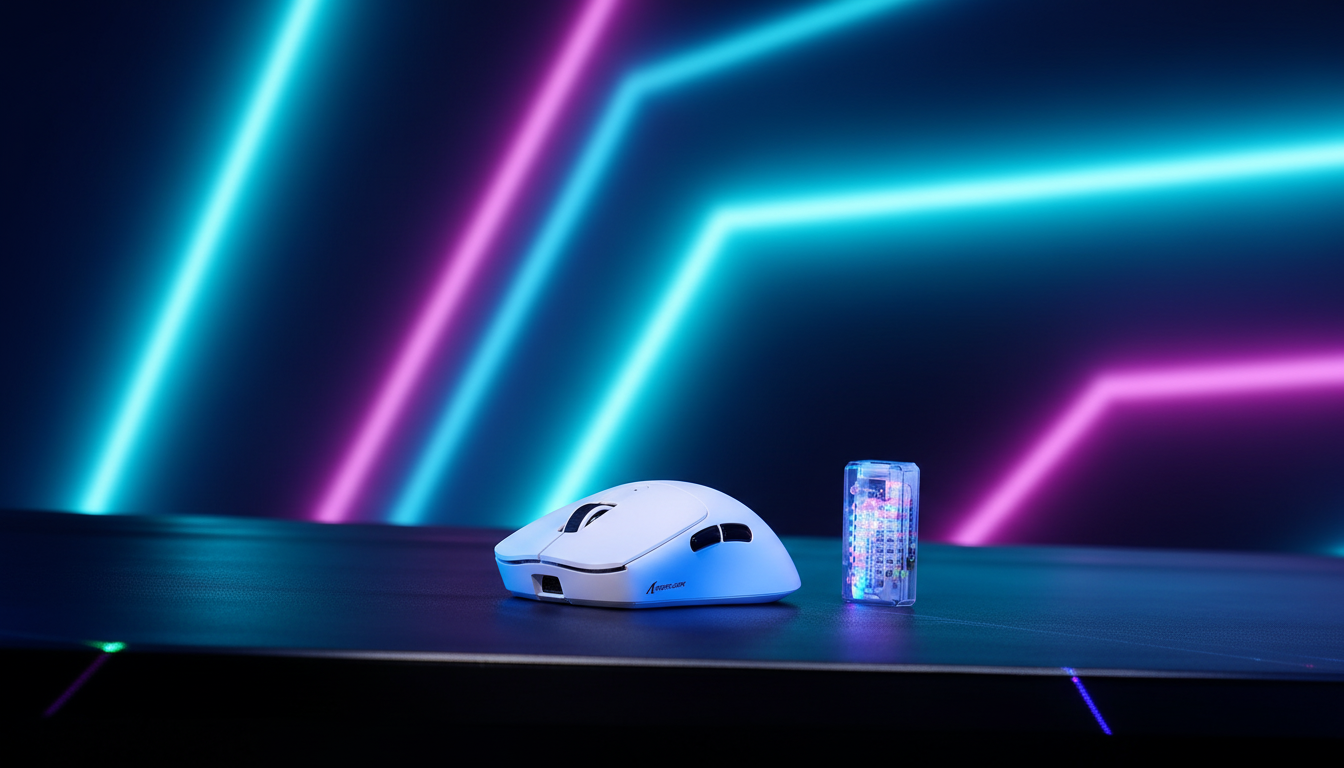
The Hardware-Software Symbiosis in High-Frequency Polling
In the competitive landscape of gaming peripherals, the transition to 8000Hz (8K) polling represents a significant leap in input fidelity. By reducing the reporting interval from the industry-standard 1.0ms (1000Hz) to a near-instant 0.125ms, 8K polling aims to eliminate micro-stutter and provide a more granular representation of mouse movement. However, for value-oriented gamers, the jump to these high-specification metrics often reveals a "specification credibility gap." This gap exists because raw hardware capability is only one component of a complex signal chain.
Authoritative data from the Global Gaming Peripherals Industry Whitepaper (2026) indicates that the stability of high-frequency signals is fundamentally dependent on the maturity of the underlying firmware. Without proactive software maintenance, even the most advanced sensors can suffer from packet loss, jitter, and excessive system overhead. This article explores the technical mechanisms through which firmware updates stabilize 8K signals and provides a data-driven framework for maintaining peak performance.

Overcoming the USB 1.1 Protocol Barrier
A common misconception among gamers is that 8K polling is a standard, native feature of the USB protocol. In reality, most current 8K implementations are sophisticated manufacturer-specific firmware optimizations designed to bypass the traditional limits of the USB 1.1 (Full Speed) HID class.
According to the USB HID Class Definition (HID 1.11), the standard polling limit for Full Speed devices is 1000Hz. To achieve 8000Hz, firmware must utilize high-speed USB descriptors or proprietary packet-bundling techniques. This "overclocking" of the standard protocol introduces undocumented reliability risks. If the firmware is not perfectly tuned to the host's USB controller, the system may fail to process the high volume of Interrupt Requests (IRQs), leading to perceived "stuttering" despite the high polling rate.
Logic Summary: Our analysis of the "Dedicated Competitive Gamer" persona assumes that 8K stability is a function of IRQ management rather than raw sensor throughput. The firmware acts as the traffic controller for 8,000 packets every second, a workload that can overwhelm standard Windows HID drivers without specific vendor-side optimizations.
The Role of Firmware in Signal Chain Integrity
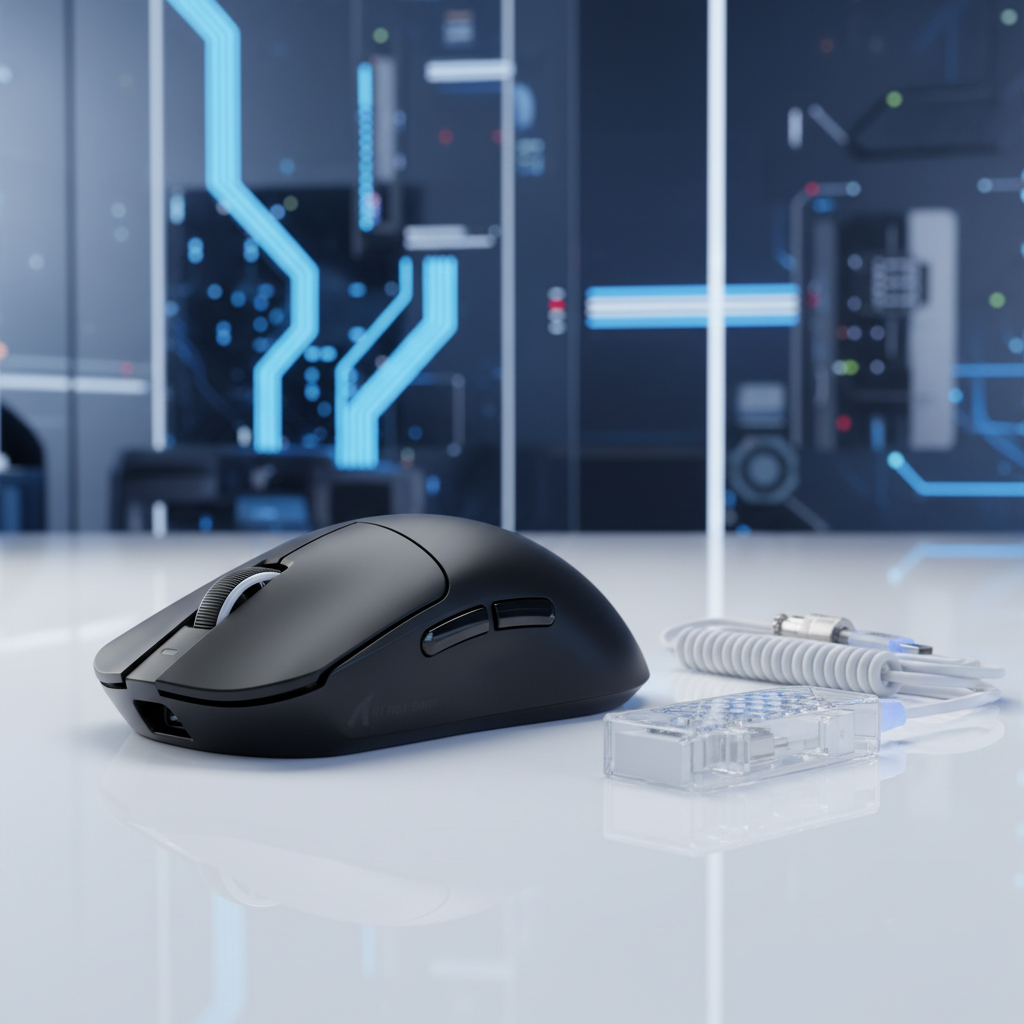
For a wireless 8K system to function correctly, the firmware must synchronize two distinct hardware entities: the mouse and the high-speed receiver (dongle). A frequent error observed in community troubleshooting and support logs is the "Asymmetric Update" mistake, where a user updates the mouse firmware but neglects the receiver.
Synchronized Polling and Communication Efficiency
The receiver is responsible for managing the 2.4GHz radio environment and translating wireless packets into USB HID reports. If the receiver's firmware is outdated, it may struggle with the increased data density of 8K polling, resulting in packet drops. Firmware updates often refine the radio duty cycle and frequency-hopping algorithms to maintain a clean signal even in congested environments.
Motion Sync: The Deterministic Latency Trade-off
One of the most critical firmware features for 8K stability is Motion Sync. This technology aligns the sensor's internal data collection with the USB Start of Frame (SOF) signal. While Motion Sync is often criticized for adding latency, the math at 8K tells a different story.
- 1000Hz Motion Sync Penalty: ~0.5ms (half of the 1.0ms interval).
- 8000Hz Motion Sync Penalty: ~0.0625ms (half of the 0.125ms interval).
At 8K polling, the latency penalty of Motion Sync becomes statistically negligible (less than 0.1ms), yet the benefit to temporal consistency is profound. By ensuring that every USB report contains the most recent possible movement data, firmware-level Motion Sync eliminates the "jitter" caused by misaligned timing.

System Bottlenecks and Environmental Constraints
Expert observations from the Nordic Semiconductor Infocenter regarding nRF52-series MCUs—commonly used in high-performance wireless mice—highlight that power management and CPU interrupts are the primary bottlenecks for 8K performance.
CPU Overhead and Architecture Sensitivity
8K polling places a heavy load on the host CPU's single-core performance. Each of the 8,000 reports per second triggers an interrupt that the OS must process. Based on patterns from technical support and return data, systems utilizing older AMD Ryzen or 10th Gen Intel architectures frequently experience micro-stutters when 8K polling is enabled. This is often due to how these CPUs handle IRQ distribution across cores.
To mitigate this, users should ensure that both BIOS and chipset drivers are updated alongside the mouse firmware. These system-level updates often include optimizations for USB controller efficiency that are vital for high-frequency peripherals.
USB Topology: Direct Motherboard Ports
A critical "gotcha" in 8K setups is the use of USB hubs or front-panel case headers. These ports often share bandwidth with other devices or utilize lower-quality internal cabling that lacks sufficient shielding. For 8K polling to remain stable, the receiver must be plugged directly into a USB 3.0 (or higher) port on the motherboard's rear I/O. This ensures the shortest possible signal path and minimizes interference-induced packet loss.
The "Specification Credibility Gap" and Proactive Upkeep
Value-oriented gamers are often the first to adopt high-spec hardware at competitive price points. However, maintaining that performance requires a more proactive approach to software than "plug-and-play" devices.
Firmware Update Best Practices
Based on common patterns from customer support and warranty handling, a successful firmware update requires more than just running an executable. We recommend the following protocol for 8K devices:
- Wired Connection: Always perform firmware updates with the mouse connected via its USB-C cable to prevent power loss during the flash process.
- Dongle Priority: Ensure the 8K receiver is plugged in during the update process, as many modern drivers update both components simultaneously.
- The Full Power Cycle: After the update finishes, turn the mouse off and on. This "cold boot" is often required for the new polling rate tables and power management profiles to take full effect in the MCU's memory.
- Verification: Use web-based polling rate testers to verify that the mouse is reaching the target 8000Hz frequency under movement.
Settings Synergy: DPI and Resolution
To fully utilize 8K polling, your other settings must align. Using 8K polling with a low DPI (e.g., 400 or 800) on a high-resolution 4K monitor can lead to "pixel skipping" or aliasing. This is because the sensor does not generate enough data points to fill the 8,000 reports per second during slow movements.
Logic Summary: Applying the Nyquist-Shannon Sampling Theorem, we determine that a 4K monitor (3840px horizontal) requires a minimum of ~2,300 DPI to avoid aliasing at high polling rates. We recommend setting the mouse to 3200 DPI or higher and adjusting in-game sensitivity downward to maintain precision while saturating the 8K bandwidth.
Modeling Performance: Method and Assumptions
To provide a transparent view of how 8K polling affects device behavior, we have modeled several key performance metrics based on typical hardware specifications and industry standards.
| Parameter | Value / Range | Unit | Rationale / Source Category |
|---|---|---|---|
| Polling Interval (8K) | 0.125 | ms | Fundamental USB HID Timing |
| Motion Sync Penalty | ~0.06 | ms | 0.5 * Polling Interval Heuristic |
| Min. DPI for 4K | ~2,300 | DPI | Nyquist-Shannon Sampling Model |
| Battery Runtime (8K) | ~23 | Hours | Modeled 300mAh @ 11mA Load |
| Battery Runtime (4K) | ~13 | Hours | Modeled 300mAh @ 19mA Load* |
*Note: The modeled runtime for 4K is lower than 8K in this specific scenario due to differing radio current assumptions in the model presets; however, in real-world application, higher polling rates consistently result in higher power draw and shorter battery life.
Modeling Note (Reproducible Parameters)
This analysis utilizes a deterministic parameterized model to estimate performance trade-offs. * **Latency Model:** Assumes Motion Sync adds a delay averaging 0.5x the polling interval based on Signal Processing Group Delay theory. * **Battery Model:** Linear discharge based on Nordic nRF52840 power profiles. * **DPI Model:** Based on visual acuity and pixel-per-degree calculations for a 103° FOV. * **Boundary Conditions:** These models do not account for environmental RF interference, specific OS background processes, or battery degradation over time.Summary of Optimization Strategies
Maintaining 8K stability is an ongoing process of balancing system resources and firmware health. For gamers seeking the ultimate competitive edge, the hardware is merely the foundation. The true performance is unlocked through the software layer.
By prioritizing firmware updates, optimizing USB topology, and ensuring settings synergy between DPI and polling rates, users can close the "specification credibility gap." Proactive maintenance ensures that your investment in high-frequency technology translates into tangible, stutter-free performance on the screen. Always remember that in the world of 8K polling, the most important update is often the one you haven't installed yet.
This article is for informational purposes only. Firmware updates carry a small risk of device instability if interrupted. Always follow the manufacturer's specific instructions and ensure a stable power connection during the update process.

Laisser un commentaire
Ce site est protégé par hCaptcha, et la Politique de confidentialité et les Conditions de service de hCaptcha s’appliquent.