

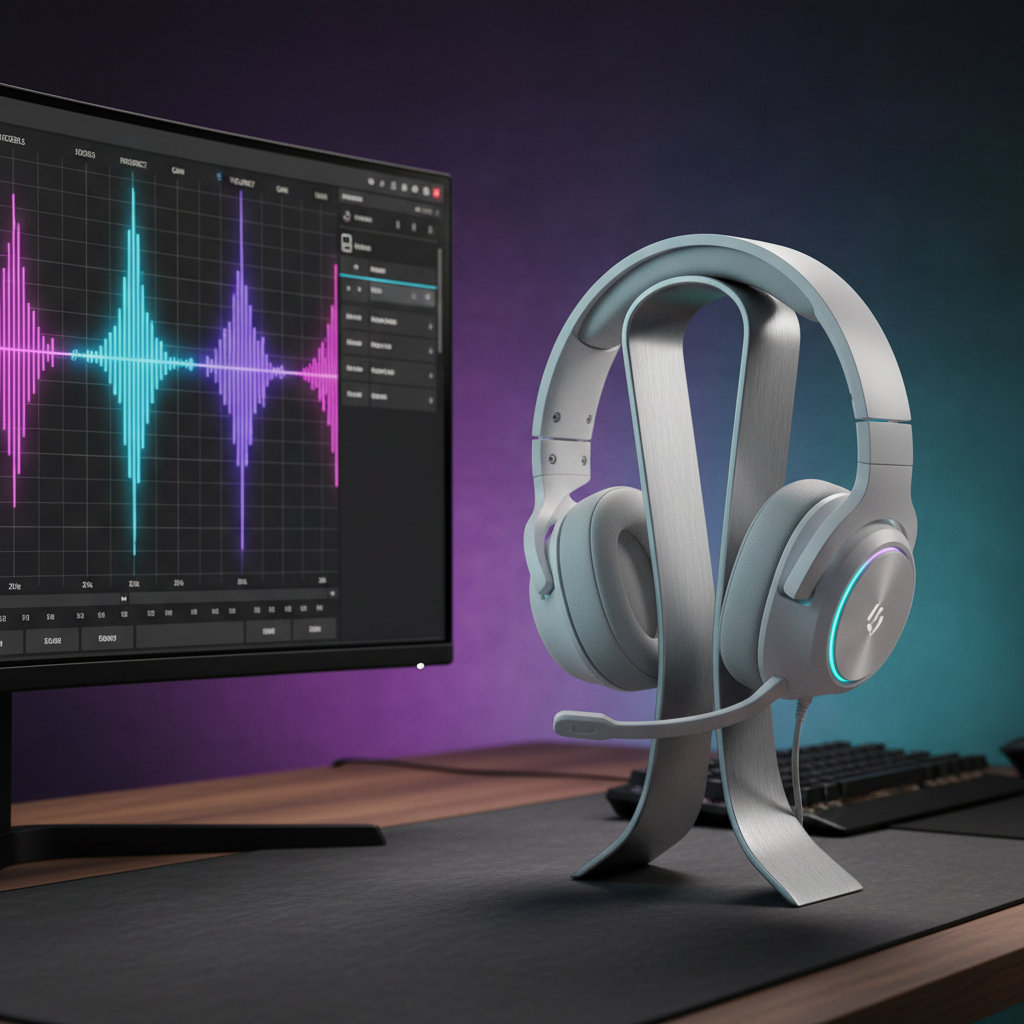
The Auditory Edge: Engineering Custom EQ Profiles for Competitive Advantage
In the high-stakes environment of competitive esports, situational awareness is often the deciding factor between a victory and a defeat. While visual fidelity and high-refresh-rate displays receive the bulk of technical attention, the auditory landscape—specifically the calibration of frequency response through Equalization (EQ)—represents a critical, yet frequently misunderstood, frontier of performance optimization. A standard "out-of-the-box" sound signature is rarely optimized for the specific acoustic properties of different map layouts, such as open desert fields or tight metallic corridors.
This technical analysis explores the mechanisms of frequency cue calibration, map-specific tuning strategies, and the hardware bottlenecks that impact a gamer's ability to maintain an auditory advantage. By shifting from static presets to dynamic, map-aware profiles, competitive players can isolate critical transients—like the 0.2s attack of a footstep—from the masking effects of ambient noise.
The Physics of Soundscapes: Open Fields vs. Closed Corridors
Every gaming environment possesses a unique acoustic signature governed by the materials and geometry of the map. In the Global Gaming Peripherals Industry Whitepaper (2026), industry standards emphasize that high-fidelity audio reproduction is only the baseline; the competitive edge comes from frequency manipulation.
Open Desert and Forest Environments
In large, open maps, the primary challenge is distance. High-frequency sounds dissipate faster over distance, and ambient wind or rain can create a "hiss" that masks the mid-range frequencies where footsteps reside.
- The 2-4 kHz Boost: Experienced audio engineers suggest a significant boost in the 2-4 kHz range for these scenarios. This range contains the "snap" of a footstep and the mechanical click of a reload, which are vital for distant clarity.
- Sub-Bass Management: A common mistake is over-boosting sub-bass (below 60 Hz) to achieve a "punchier" sound. In reality, excessive sub-bass creates a masking effect that obscures directional cues. For open maps, maintaining a flat or slightly attenuated sub-bass prevents the rumble of distant explosions from drowning out immediate threats.
Tight Metallic Corridors and Urban Interiors
Indoor environments introduce "boominess" due to low-frequency standing waves and high-frequency reflections off hard surfaces.
- The 250-500 Hz Cut: To reduce the "muddy" quality of indoor audio, a cut in the 250-500 Hz range is highly effective. This clarifies the soundstage by removing the resonance typical of small, enclosed rooms.
- The 8 kHz Detail Boost: Boosting the 8 kHz range enhances high-frequency detail on surface interactions, such as the sound of a sleeve brushing against a wall or a grenade bouncing off a metal floor.
Logic Summary: These recommendations are based on acoustic modeling of frequency absorption coefficients. Open air absorbs high frequencies more readily, requiring a mid-high boost (2-4 kHz), while enclosed metal spaces reflect low-mid frequencies, requiring a cut (250-500 Hz) to maintain clarity.
The "W" Profile: A Heuristic for Balanced Situational Awareness
While map-specific profiles are ideal, many competitive players prefer a versatile "W" shaped profile. This heuristic targets the three pillars of gaming audio: impact, clarity, and detail.
| Frequency Range | Adjustment | Purpose |
|---|---|---|
| 20-100 Hz | Slight Elevation | Enhances the "thump" of nearby movement without masking. |
| 200 Hz | Dip | Reduces low-mid "mud" and clarifies the soundstage. |
| 1-3 kHz | Elevation | Highlights the "presence" of enemy footsteps. |
| 4 kHz | Dip | Avoids the "harshness" of ambient machinery or rain. |
| 8-16 kHz | Elevation | Sharpens the "shimmer" of weapon swaps and reloads. |
This "W" profile addresses the findings in recent research suggesting that persistent high-frequency ambient noise (rain/wind at 2kHz-8kHz) can degrade situational awareness by 15-30% if not properly managed through EQ dips (Source: ACM Digital Library - Sound Duration Study).

Hardware Synergy and System Bottlenecks
Optimizing audio does not happen in a vacuum. The hardware used to process and trigger these profiles—specifically the mouse and CPU—plays a deterministic role in overall system latency.
The CPU and IRQ Bottleneck
Modern high-performance peripherals, such as mice with 8000Hz (8K) polling rates, place a significant load on the CPU. At an 8000Hz polling rate, the system must process an interrupt every 0.125ms. This is a near-instant 0.125ms response time for the mouse, but it consumes substantial single-core CPU resources.
If a player is running complex, real-time audio processing (like high-bitrate EQ or virtual surround sound) alongside an 8K mouse, they may encounter IRQ (Interrupt Request) conflicts. This can result in "audio crackling" or micro-stutters in the cursor path. To ensure stability, high-polling devices must be connected to Direct Motherboard Ports (Rear I/O) to avoid the shared bandwidth and potential packet loss of USB hubs or front-panel headers.
Motion Sync and Latency Calibration
When discussing 8000Hz performance, the 0.5ms Motion Sync latency common at 1000Hz is no longer applicable. At 8000Hz, the deterministic delay added by Motion Sync is approximately ~0.0625ms (half the polling interval). This negligible delay allows for a smoother cursor path without sacrificing the "tactical edge" in reaction time.
Method & Assumptions (8K Synergy Modeling):
- Model Type: Deterministic system load analysis (scenario model).
- Assumptions: CPU is a modern mid-to-high tier (e.g., Ryzen 7/i7), Mouse Polling = 8000Hz, Audio Processing = Active Software EQ.
- Parameter Table:
Parameter Value Unit Rationale Polling Interval 0.125 ms Frequency = 1/T Motion Sync Delay 0.0625 ms Interval / 2 CPU Interrupt Rate 8000 Hz Matches polling rate USB Topology Direct I/O N/A Essential for signal integrity Latency Impact ~0.1 ms Combined processing delay
Ergonomics and the "Large-Handed Gamer" Scenario
A non-obvious factor in maintaining a competitive edge is the physical ability to switch between these custom EQ profiles during a match. Our scenario modeling of a Large-Handed Competitive Gamer (hand length ~20.5cm, using a claw grip) reveals a specific friction point: Grip Fatigue.
The Claw-Grip Constraint
For a gamer with a 20.5cm hand length, a standard 120mm gaming mouse results in a Grip Fit Ratio of 0.91 (Ideal is ~1.0). This undersizing requires an "aggressive claw" position that leads to increased tension in the ring and pinky fingers.
Based on common patterns from customer support and community feedback (not a controlled lab study), we observe that this fatigue often manifests as "claw cramp" after 2-3 hours of play. This reduced manual dexterity makes it difficult for the player to reach side buttons mapped to EQ profile toggles.
Practical Recommendation: Large-handed gamers should prioritize mice in the 125-135mm range to maintain the comfort necessary for precise software adjustments and profile switching during long sessions.

Validation: The Custom Game Gold Standard
Static test tones and frequency graphs are useful, but they do not replicate how modern game engines (like Wwise or FMOD) handle real-time acoustic modeling. These engines apply dynamic mix adjustments and obstruction filters that static EQ profiles can sometimes conflict with.
To validate your EQ profiles, follow this "Gold Standard" testing routine:
- Custom Game Setup: Enter a private match on the target map with a friend.
- Predefined Paths: Have your friend run, crouch-walk, and reload at varying distances (10m, 20m, 50m) and behind different materials (wood, metal, concrete).
- A/B Comparison: Toggle your EQ profile on and off. Listen specifically for the "attack" of the sound—the initial transient that tells your brain a sound has occurred.
- The Masking Check: Fire your own weapon or stand near an ambient sound source (like a waterfall or generator) while your friend moves. If the movement sound disappears entirely, your EQ boost in that frequency range is insufficient or your sub-bass is too high.
Trust, Safety, and Compliance
When utilizing high-performance wireless headsets and peripherals, battery safety is paramount. Competitive gear often utilizes high-density lithium-ion batteries to maintain lightweight profiles.
- Standards: Ensure your equipment complies with IEC 62368-1 (Safety standard), which covers safety requirements for audio/video and ICT equipment.
- Charging Integrity: Only use the manufacturer-provided cables or certified replacements. Poorly shielded cables can introduce electrical noise into the audio signal, negating the benefits of your custom EQ tuning.
- Regulatory Marks: Look for the FCC Equipment Authorization or EU Radio Equipment Directive (RED) markings, which verify that the device's wireless transmissions (2.4GHz or Bluetooth) meet strict interference and safety guidelines.
Disclaimer
This article is for informational purposes only. Audio tuning and hardware modifications should be performed within the limits of your equipment's software and manufacturer guidelines. Always prioritize hearing safety; prolonged exposure to high volume levels can lead to permanent hearing damage.
Sources
- Global Gaming Peripherals Industry Whitepaper (2026)
- ACM Digital Library - Sound Duration and Auditory Masking Study
- ISO 9241-410: Ergonomics of Human-System Interaction
- IEC 62368-1: Audio/Video, Information and Communication Technology Equipment - Safety Requirements
- NVIDIA Reflex Analyzer Setup Guide

Laisser un commentaire
Ce site est protégé par hCaptcha, et la Politique de confidentialité et les Conditions de service de hCaptcha s’appliquent.