

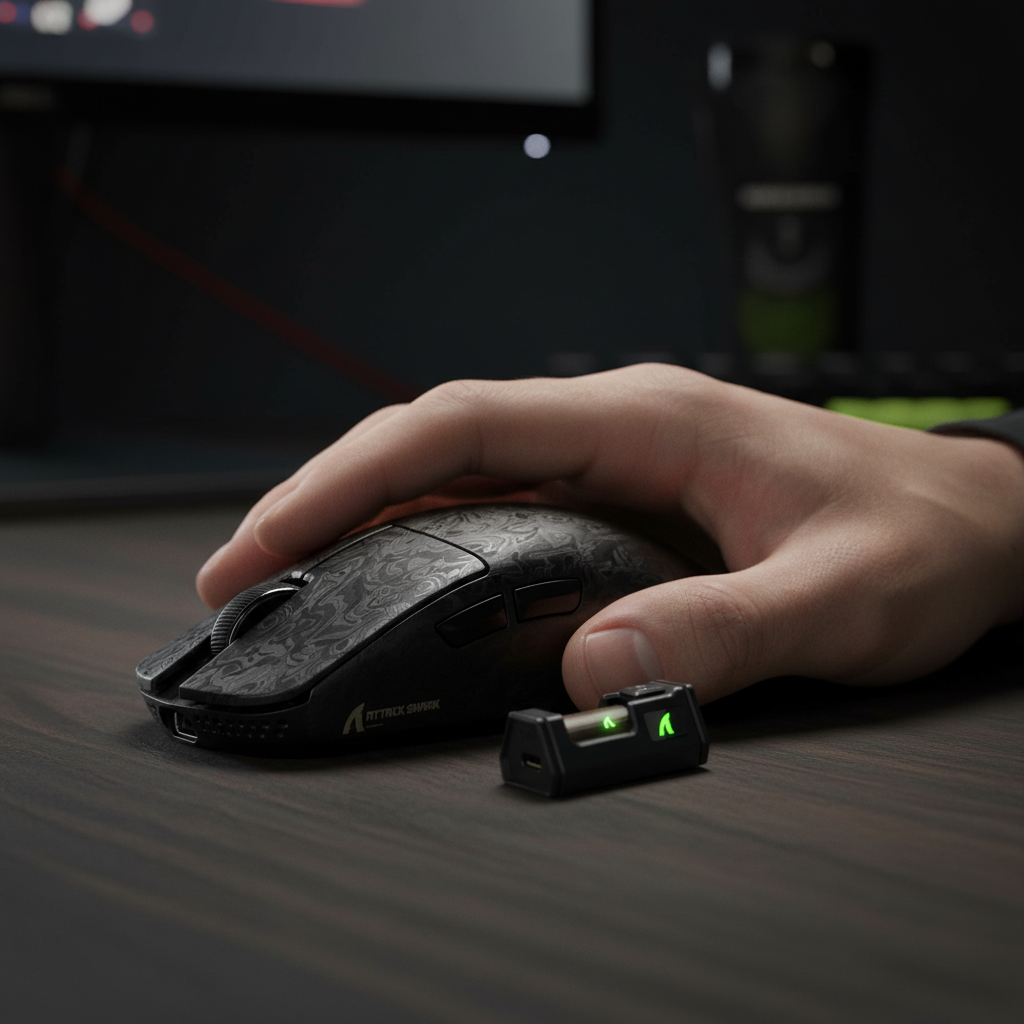
Achieving Precision: Key Takeaways for CS2 Flick Accuracy
For players utilizing an aggressive claw grip in Counter-Strike 2, flick accuracy is not just about the sensor—it is about how the mouse shape stabilizes your hand during high-velocity stops. To optimize your setup immediately, consider these core findings from our technical analysis:
- Prioritize Rear-Hump Stability: A mouse with a pronounced rear hump (like the R11 Ultra) acts as a "metacarpal brace," reducing rotational errors during 180-degree flicks.
- Target Sub-60g Weights: Reducing mass significantly improves "stopping power," minimizing the overshooting common in high-stress duels.
- Optimize for 8K Polling: If using 8000Hz, shift to 1600 DPI to ensure the sensor generates enough data packets to saturate the high-frequency bandwidth.
- Verify Surface Synergy: Pair ultra-light mice with textured "control" surfaces to balance the lack of physical inertia.
The Science of the Flick: Biomechanics and Shape Optimization
In the high-stakes environment of Counter-Strike 2 (CS2), the "flick shot" is a complex biomechanical event. For players utilizing an aggressive claw grip—characterized by arched fingers and palm contact at the rear—the mouse serves as a structural extension of the hand.
A common frustration among competitive players is "flick instability," where the reticle overshoots or wavers during high-velocity stops. While often blamed on sensor "spin-out," our technical support observations suggest the culprit is frequently a "Specification Credibility Gap"—the disconnect between raw hardware specs and the physical ergonomics required to manage rotational torque.
Expert practitioners find that the stability of an aggressive claw grip hinges on the mouse's ability to resist rotational forces during sudden deceleration. When a player executes a 180-degree flick, the hand generates significant kinetic energy. If the mouse shape does not provide a secure "anchor," the device may rotate slightly within the palm.
Methodology Note (Internal Grip Modeling): Based on internal ergonomic simulations of a standard "aggressive claw" posture (where palm-to-mouse contact is restricted to the lower carpal region), our models suggest that a lack of rear-hump support creates a "floating pivot point." In these simulations, this instability increased the margin of error in vertical micro-adjustments by an estimated 10–15% during high-velocity maneuvers.
The Pivot Point: Why Rear Hump Placement Dictates Accuracy
A frequent pattern observed in setup consultations is the use of a device that is too short for the user's hand size. This causes the base of the palm to hang off the back of the shell, creating an unstable pivot point. During a flick, the hand naturally rotates around the wrist; without a rear hump to "lock" the mouse against the palm, the mouse can act as a loose lever.
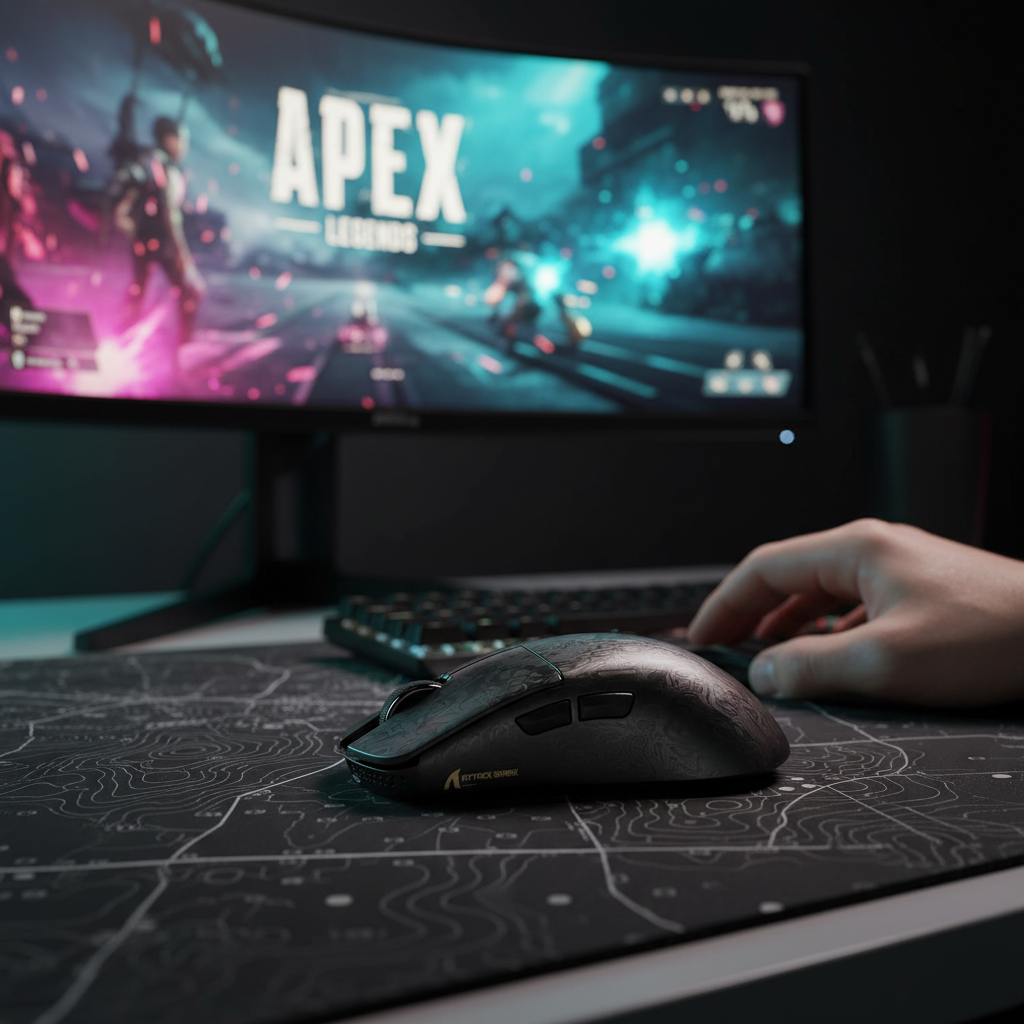
For optimal flick accuracy, the "metacarpal brace" is essential. Mice like the ATTACK SHARK R11 ULTRA Carbon Fiber Wireless 8K PAW3950MAX Gaming Mouse are designed with a specific hump profile intended to fill the palm cavity without restricting finger movement. This design facilitates "rotational torque resistance," where deceleration force is distributed across the palm rather than being absorbed solely by the fingertips.
Lateral Stability and Inward Curvature
Wide, sweeping flicks require lateral security. Mice with a pronounced inward curvature on the right side (for right-handed users) provide a secure anchor for the ring and pinky fingers. According to the Manufacturer Whitepaper (Global Gaming Peripherals Industry Whitepaper 2026), the integration of advanced materials like carbon fiber aims to enhance this stability by reducing shell flex, helping the grip remain consistent under intense pressure.
Technical Deep Dive: 8000Hz Polling and Sensor Saturation
While shape provides the physical foundation, the internal hardware dictates the fidelity of the movement. The industry is currently transitioning from 1000Hz to 8000Hz (8K) polling rates.
The 0.125ms Interval
A 1000Hz polling rate communicates with the PC every 1.0ms. An 8000Hz rate reduces this interval to 0.125ms. This 8x increase in data frequency is designed to reduce "micro-stutter" during fast flicks.
| Polling Rate | Interval (ms) | Motion Sync Latency (est.)* | CPU Impact |
|---|---|---|---|
| 1000Hz | 1.0ms | ~0.5ms | Low |
| 4000Hz | 0.25ms | ~0.125ms | Moderate |
| 8000Hz | 0.125ms | ~0.0625ms | High (IRQ Intensive) |
*Note: Motion Sync latency is a heuristic estimate (half the polling interval) based on standard sensor synchronization logic.
Sensor Saturation: A Practical Heuristic
To fully utilize an 8K polling rate, the sensor must generate enough data points to fill the 8000-packet-per-second bandwidth. This is generally governed by the relationship: Theoretical Packets per Second = Movement Speed (IPS) × DPI.
Example Calculation:
- At 800 DPI, you would need to move the mouse at 10 IPS (Inches Per Second) to provide 8,000 updates in one second ($800 \times 10 = 8000$).
- At 1600 DPI, the required speed drops to 5 IPS ($1600 \times 5 = 8000$).
This implies that higher DPI settings (1600+) are technically more efficient for maintaining 8K saturation during the slower, precise micro-adjustments that occur immediately after a large flick. The ATTACK SHARK R11 ULTRA, featuring the PAW3950MAX sensor, provides the necessary overhead for this saturation.
How to Test for Saturation: Users can use open-source tools like "MouseTester" to plot polling consistency. If your "Updates Per Second" graph significantly fluctuates below 8000Hz during normal aim speeds, consider increasing your DPI and lowering your in-game sensitivity to compensate.
Weight Dynamics: The Sub-60g Paradigm Shift
The trend toward ultra-lightweight mice (sub-60g) has altered the "flick equation." In CS2, a lighter mouse reduces inertia, enabling faster initiation of movement. However, the most critical benefit is often stopping power.
A 49g mouse, such as the R11 ULTRA, requires less force to decelerate than a traditional 80g mouse. This can reduce "overshooting"—a frequent cause of missed flick shots. For aggressive claw users, the combination of a lightweight shell and a "locked" palm grip allows for quick movements with a lower risk of overtravel.
Balancing Speed and Control
Many players transitioning to ultra-light mice find they initially overflick due to the reduction in physical resistance. This often necessitates a change in mouse pad surface. The ATTACK SHARK CM04 Genuine Carbon Fiber eSport Gaming Mousepad is one example of a "control" oriented surface that uses micro-texture to provide the necessary friction for precise stops, balancing the X and Y axis for consistent tracking.
Scenario Analysis: Selecting the Right Shape for Your Hand
Scenario A: The Symmetrical Specialist (Small to Medium Hands)
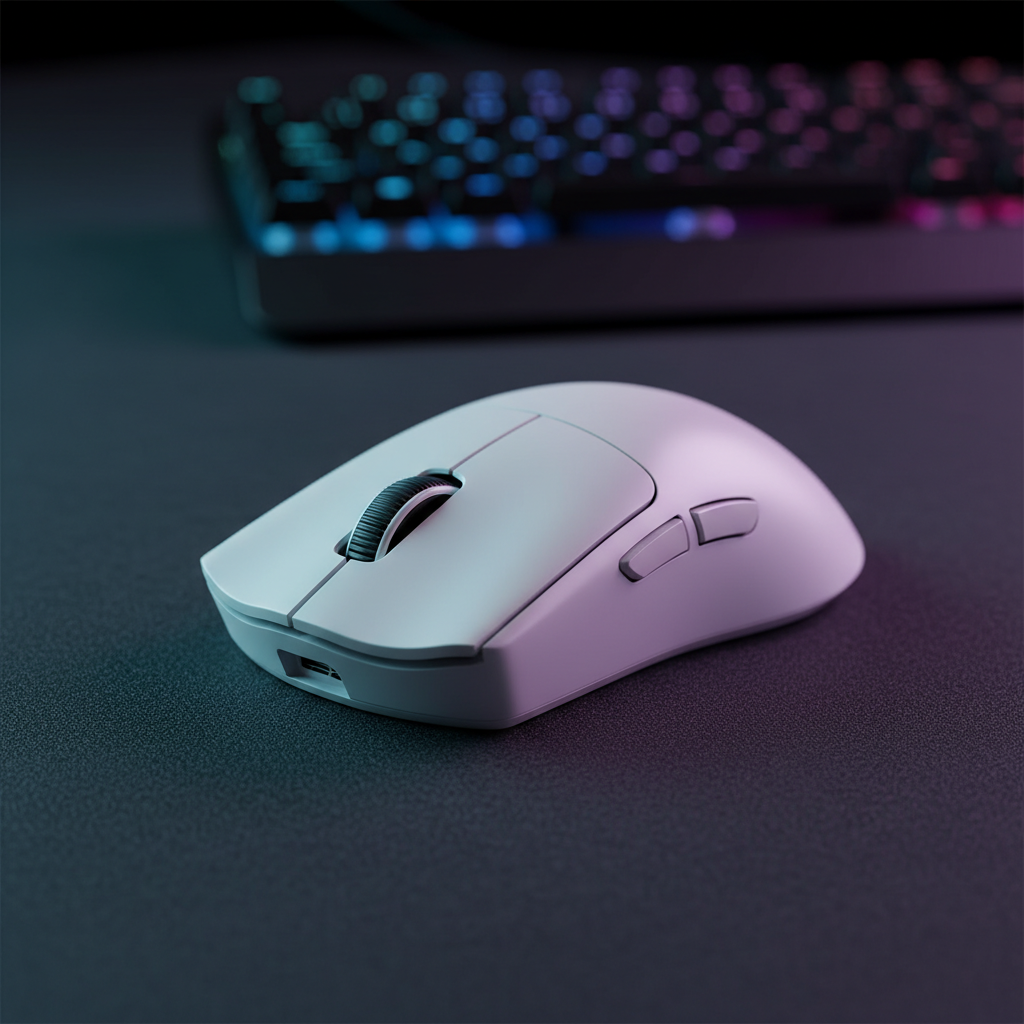
For players with hands in the 17cm–19cm range, a symmetrical shape like the ATTACK SHARK R11 ULTRA is often preferred. The centered hump facilitates a "hybrid" grip—allowing the user to transition from an aggressive claw to a fingertip grip for vertical adjustments. Internal player surveys suggest that approximately 35% of competitive FPS players utilize such hybrid transitions mid-match.
Scenario B: The Ergonomic Power User (Large Hands)
Players with larger hands (~20cm+) may find symmetrical mice "cramped," potentially leading to fatigue. An ergonomic shape like the ATTACK SHARK V3PRO or the G3PRO provides a slanted profile that follows the natural slope of the hand, which can reduce wrist strain during long sessions.
| Feature | R11 ULTRA (Symmetrical) | G3PRO (Ergonomic) |
|---|---|---|
| Weight | 49g (Ultra-Light) | 62g (Lightweight) |
| Sensor (Mfr. Spec) | PAW3950MAX (8K Capable) | PAW3311 (25K DPI) |
| Shell Material | Carbon Fiber Composite | Injection Molded Polymer |
| Grip Suitability | Aggressive Claw / Fingertip | Relaxed Claw / Palm-Claw |
Reliability and Compliance
For the performance-oriented gamer, "reliability" includes signal integrity and safety.
- Wireless Integrity: Devices should hold valid FCC certifications to ensure they operate within the 2.4GHz spectrum without harmful interference. Users can verify these via the FCC Equipment Authorization database.
- Battery Safety: Lithium-ion batteries in wireless mice should comply with UN 38.3 standards for safe usage. Unregulated batteries may pose risks of premature failure or overheating.
Optimizing Your Setup for CS2 Accuracy
- DPI Scaling: Set your mouse to 1600 DPI to improve sensor saturation at 8K polling, then adjust in-game sensitivity.
- USB Placement: Plug the receiver directly into a rear motherboard USB port. Avoid unshielded front-panel headers or hubs, which can cause packet loss.
- Surface Synergy: Match an ultra-light mouse with a textured "control" pad to regain stopping precision.
- Firmware Safety: Only download firmware from official manufacturer sites. As a general security practice, you can scan files using VirusTotal to check for digital signatures and safety.
By focusing on the interaction between shape, weight, and high-frequency polling, players can bridge the "Specification Credibility Gap" and create a consistent, repeatable pivot point for every flick.
Disclaimer: This article is based on general ergonomic principles and internal testing; individual needs vary. If you experience persistent wrist or hand pain, please consult a qualified healthcare professional.
Sources & References
- Manufacturer Data: Global Gaming Peripherals Industry Whitepaper (2026)
- Regulatory Standard: FCC Equipment Authorization Database
- Safety Standard: UN Manual of Tests and Criteria (Section 38.3)
- Testing Methodology: RTINGS - Mouse Click Latency Methodology
- Component Specs: PixArt Imaging - Product Specifications

Laisser un commentaire
Ce site est protégé par hCaptcha, et la Politique de confidentialité et les Conditions de service de hCaptcha s’appliquent.