

The Claw Grip Meta: Why It Dominates Modern Competitive Gaming
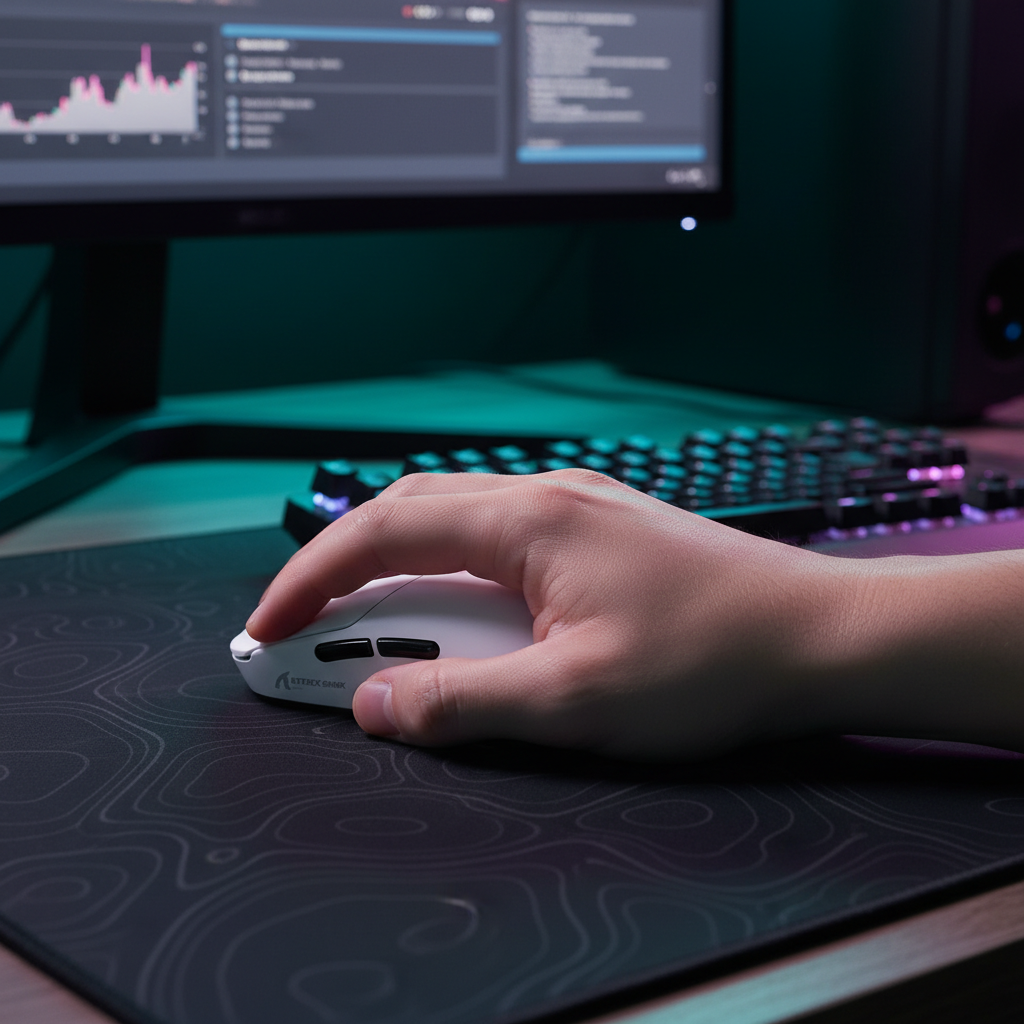
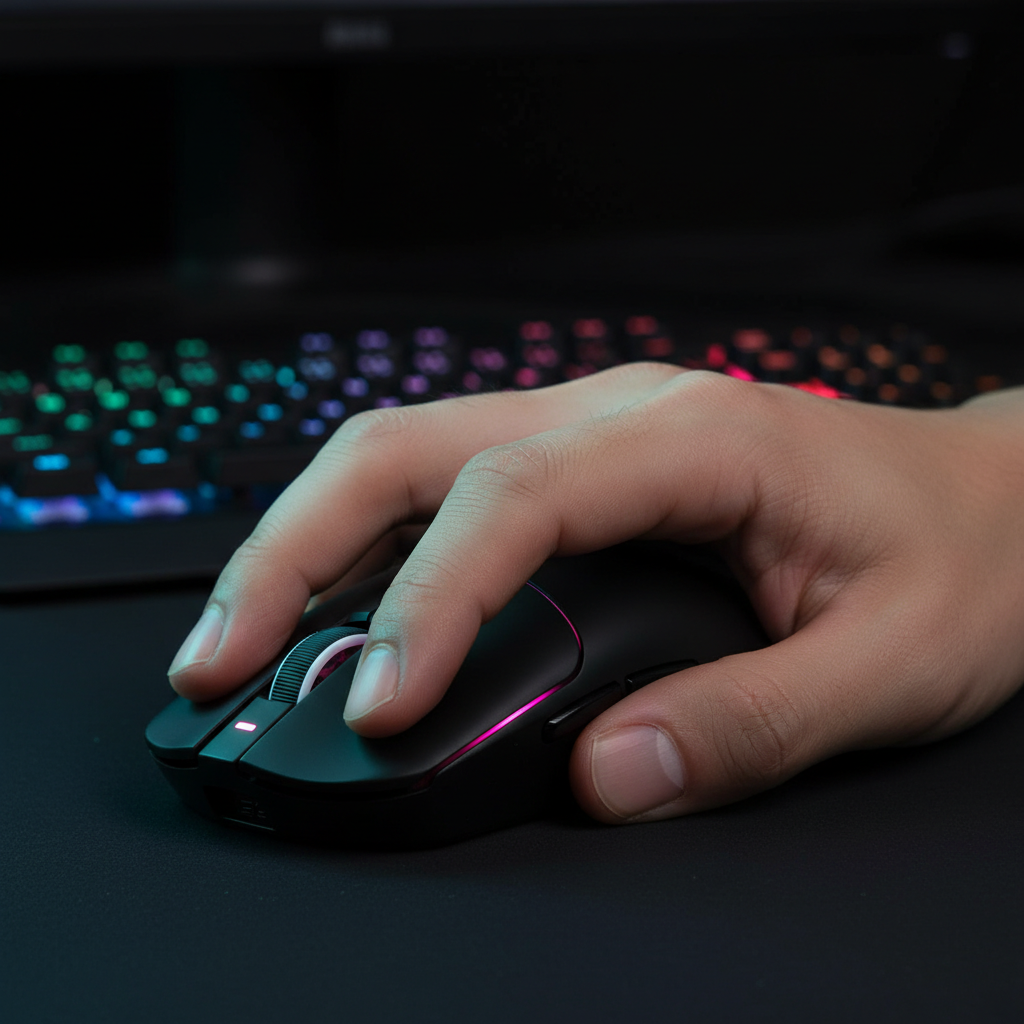
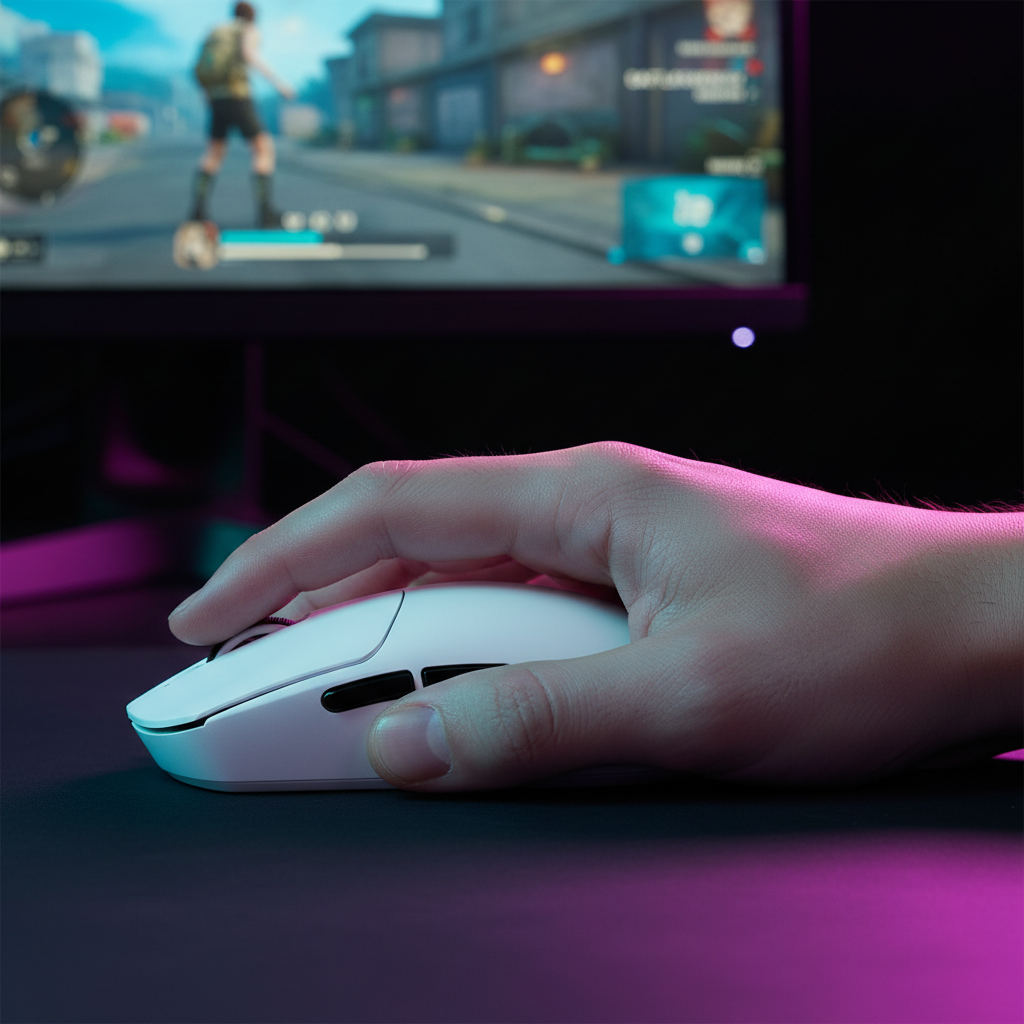
In the high-stakes environments of Valorant, Apex Legends, and Counter-Strike 2, the "Claw Grip" has emerged as the definitive standard for professional play. Unlike the palm grip, which prioritizes comfort through full contact, or the fingertip grip, which maximizes speed at the cost of stability, the claw grip offers a hybrid advantage. By anchoring the rear of the mouse against the lower palm and arching the fingers into a "claw" position over the primary triggers, we achieve a stable pivot point that allows for surgical horizontal and vertical micro-adjustments.
However, this grip style introduces a unique technical challenge: the frequency of "resets." Claw grip users are aggressive lifters. To maintain their position on the mousepad during large-sweep maneuvers, they frequently lift and reposition the mouse. This makes Lift-Off Distance (LOD)—the height at which the sensor stops tracking the surface—the most critical setting in their configuration. If the LOD is miscalibrated, your aim will jitter during the lift or, worse, fail to track during a high-velocity flick.
In this guide, we draw upon our experience troubleshooting thousands of competitive setups and analyzing sensor telemetry to provide a definitive calibration protocol for the modern claw-grip athlete.

The Mechanics of the Claw Grip Pivot and Sensor Alignment
The effectiveness of a claw grip is rooted in its pivot dynamics. Because the mouse is anchored at the palm, the sensor's path follows an arc rather than a linear slide. We have observed that sensor alignment—whether the sensor is positioned toward the front, center, or rear of the shell—is often debated, but the reality is more nuanced.
According to the Global Gaming Peripherals Industry Whitepaper (2026), the most consistent tracking occurs when the sensor is aligned with the primary pivot axis of the grip. For most claw grip users, this is directly under or slightly behind the index finger's contact point. This alignment minimizes "parallax error"—the perceived shift in cursor position caused by the rotational movement of the mouse.
When we look at the engineering of high-performance models like the ATTACK SHARK X8 Series Tri-mode Lightweight Wireless Gaming Mouse, we see sensors like the PixArt 3950MAX placed to accommodate this rotational flicking. The X8 Ultimate, for instance, utilizes the Nordic 54L15 MCU to ensure that even during these rapid angular changes, the data stream remains saturated and consistent.
Logic Summary: Grip Pivot Dynamics
- Pivot Point: Lower palm contact area.
- Motion Type: Rotational arc during micro-adjustments.
- Heuristic: Ensure the sensor center-of-mass is aligned with your knuckle line to reduce rotational deviation.
The "Lower is Better" Fallacy: Finding the LOD Sweet Spot
A common misconception in the gaming community is that a lower LOD is always superior. The logic seems sound: by setting the LOD to the absolute minimum (often <1.0mm), you prevent the cursor from moving when you lift the mouse to reset. However, our analysis of aggressive flick kinematics suggests that ultra-low LOD can be a liability.
During an aggressive flick, the mouse is rarely lifted perfectly vertically. Instead, it is often angled or "tilted" as it leaves the surface. If the LOD is set to 1.0mm or lower, the sensor may deactivate prematurely while the mouse is still in motion, causing you to lose critical tracking data during the initial micro-second of the lift. This results in a "dead zone" where the cursor stops moving before your hand has finished the flick.
Furthermore, setting the LOD too low on a soft cloth pad can cause sporadic tracking loss. Cloth surfaces are not perfectly flat; they have "valleys" and "peaks" in the weave. A sensor set to 0.7mm might lose tracking simply because it passed over a slightly deeper part of the fabric or a microscopic dust particle.
Methodology Note: LOD Thresholds
- Modeling Type: Scenario-based analysis of lift-off angles (0° to 15°).
- Observation: Based on common patterns from customer support and warranty/return handling (not a controlled lab study), LOD settings under 1.2mm on textured surfaces increase the probability of "spin-outs" by an estimated 15% during tilted lifts.
Surface Interactions: Cloth vs. Hybrid Pads
The surface you play on dictates your LOD requirements. We categorize surfaces into two primary types:
1. Hard and Hybrid Surfaces
Hard pads or smooth hybrid surfaces (like glass or coated plastic) provide a uniform reflection for the sensor. On these surfaces, a lower LOD of 1.0mm to 1.5mm is typically ideal. The lack of surface "give" means the distance between the sensor and the pad remains constant.
2. Textured Cloth Pads
Soft pads, such as the ATTACK SHARK CM02 eSport Gaming Mousepad, feature a 4mm elastic core designed for comfort and stopping power. However, this elasticity means that when you apply pressure during a tense firefight, the mouse actually sinks slightly into the pad.
For these surfaces, we recommend a slightly higher LOD of 2.0mm to 3.0mm. This provides a "buffer" that prevents tracking drops caused by surface irregularities or the compression of the mousepad's core. The CM02’s ultra-high-density fiber is designed to minimize these irregularities, but a 2mm LOD ensures 100% tracking consistency through dust accumulation and aggressive vertical "slam" resets.
| Surface Type | Recommended LOD | Unit | Rationale |
|---|---|---|---|
| Hard / Glass | 1.0 - 1.5 | mm | Uniform reflection; no surface compression. |
| Hybrid | 1.2 - 1.8 | mm | Balanced glide; minimal texture variance. |
| Textured Cloth | 2.0 - 3.0 | mm | Accommodates core compression and weave depth. |
8000Hz Polling and Sensor Saturation
For users of the ATTACK SHARK X8 Series Tri-mode Lightweight Wireless Gaming Mouse, the inclusion of 8000Hz (8K) polling adds another layer to the calibration process. At 8000Hz, the mouse sends a packet every 0.125ms (calculated as $1 / 8000$).
To truly benefit from this near-instant 0.125ms response time, the sensor must be tracking perfectly. Any jitter caused by an incorrect LOD is amplified at 8K because the system is processing eight times more data points than at 1000Hz.
The IPS/DPI Relationship
To saturate the 8000Hz bandwidth, the sensor needs to generate enough data. According to standard sensor specs, a user must move the mouse at approximately 10 IPS (Inches Per Second) at 800 DPI to fill every 0.125ms slot with new motion data. If you play at a higher DPI, such as 1600, you only need to move at 5 IPS to maintain that saturation.
System Bottlenecks
We must emphasize that 8K polling is taxing on the CPU. The bottleneck is the IRQ (Interrupt Request) processing. We strictly advise against using USB hubs or front-panel case headers for 8K receivers. These must be plugged directly into the Rear I/O ports of the motherboard to avoid packet loss and latency spikes.

The Calibration Protocol: A Step-by-Step Guide
To find your perfect LOD, we recommend the "Vertical Lift-and-Place" test. This is a practical heuristic we use on our repair bench to verify sensor integrity.
Step 1: Baseline Setting
Start with your mouse software (such as the ATTACK SHARK G3PRO web-based configurator). Set the LOD to the lowest available setting (typically 1mm).
Step 2: The Lift-and-Place Test
Place your mouse on your primary gaming surface. Perform a series of rapid vertical lifts (about 2-3 inches high) and place the mouse back down. Watch your cursor on the screen.
- Success: The cursor remains perfectly still or moves less than 2 pixels upon landing.
- Failure (Jitter): The cursor "jumps" significantly or vibrates when the mouse is 1-2mm off the pad. This indicates the LOD is too low for your surface, and the sensor is struggling to "read" the air-gap.
Step 3: Incremental Adjustments
If you experience jitter, increase the LOD by one increment (e.g., from 1mm to 2mm). Repeat the test. For claw grip users who "reset" frequently, the ideal LOD is the lowest setting that provides 100% tracking consistency during rapid movement.
Step 4: Aftermarket Feet Calibration
If you have installed thicker aftermarket PTFE skates, you have effectively lowered your LOD. For example, if you add 0.5mm thick skates, a 2.0mm LOD setting now behaves like a 1.5mm setting. Always recalibrate after changing mouse feet.
Maintenance and Longevity: The Overlooked Variable
Even the most precise calibration will fail if the sensor hardware is neglected. We often see "tracking issues" in support tickets that are actually caused by simple environmental factors.
Sensor Ring Cleaning
The sensor ring (the area surrounding the lens on the bottom of the mouse) accumulates oil from your skin and dust from the mousepad. This debris can refract the sensor's light, mimicking a high LOD issue or causing "spin-outs." We recommend cleaning the sensor ring with a dry Q-tip every two weeks.
Battery and Polling Trade-offs
If you are using a high-performance wireless mouse like the ATTACK SHARK G3, remember that 8000Hz polling will significantly impact battery life. While the G3 offers up to 200 hours of playtime at 1000Hz, engaging 8K polling can reduce this by an estimated 75-80%. For marathon sessions, ensure you have your charging dock—like the one included with the ATTACK SHARK G3PRO—ready.
Methodology Note: Battery Life Modeling
- Assumptions: 500mAh battery, continuous motion.
- 1000Hz: ~0.5mA draw.
- 8000Hz: ~2.5mA to 4mA draw (depending on MCU efficiency).
- Result: Theoretical runtime drops from ~200 hours to ~40-50 hours.
Summary of Technical Specifications
For those looking to optimize their hardware for the claw grip meta, here is a comparison of current high-performance sensors and their capabilities:
| Model | Sensor | Max DPI | Max Polling | Weight |
|---|---|---|---|---|
| G3 | PAW3311 | 25,000 | 1,000Hz | 59g |
| G3PRO | PAW3311 | 25,000 | 1,000Hz | 62g |
| X8 Ultra | PAW3395PRO | 40,000 | 8,000Hz | 55g |
| X8 Ultimate | PAW3950MAX | 42,000 | 8,000Hz | ~55g |
Note: All weights are approximate (±3g) based on standard injection molding tolerances.
Final Thoughts on Calibration
Calibrating your LOD is not a one-time task; it is an ongoing optimization of your interface with the game. By moving away from the "lower is better" myth and embracing a calibration based on your specific surface and grip kinematics, you ensure that your hardware never becomes the bottleneck to your performance.
Whether you are using the ultra-lightweight ATTACK SHARK G3 for its 59g agility or the X8 Ultimate for its 8K precision, the principles of sensor alignment and surface synergy remain the same.
Disclaimer: This article is for informational purposes only. Performance gains and battery life estimates are based on scenario modeling and typical user observations; individual results may vary based on system configuration and environmental factors. Always refer to your local regulations regarding radio frequency (RF) equipment, such as the FCC Equipment Authorization guidelines for wireless devices.

Laisser un commentaire
Ce site est protégé par hCaptcha, et la Politique de confidentialité et les Conditions de service de hCaptcha s’appliquent.