


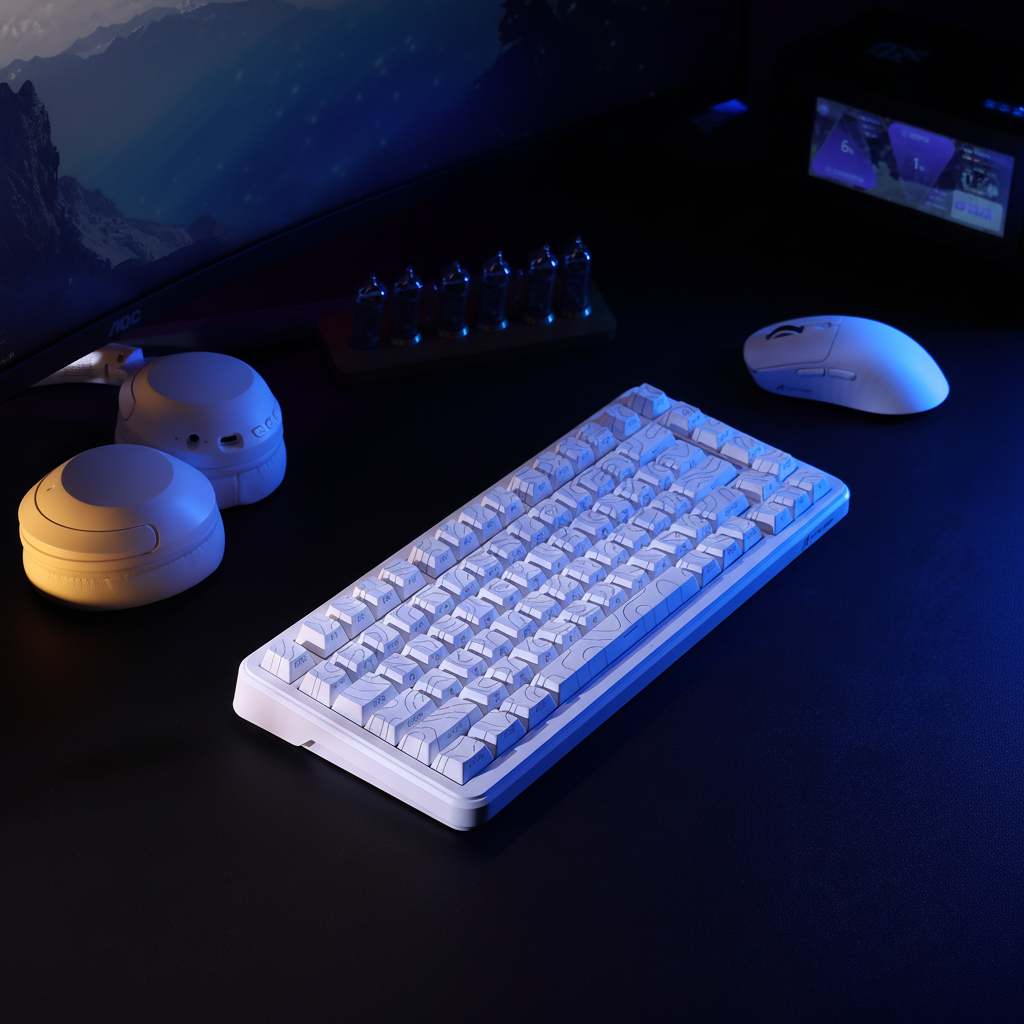
The evolution of wireless peripherals has reached a critical inflection point where the performance gap between tethered and untethered devices has effectively closed. For the modern enthusiast, the question is no longer whether wireless is viable, but which wireless protocol—2.4GHz or Bluetooth—best suits a specific hardware environment and performance requirement. Most high-end peripherals now feature "tri-mode" connectivity, offering a choice between wired, 2.4GHz proprietary wireless, and standardized Bluetooth. Each mode operates on the same 2.4GHz ISM (Industrial, Scientific, and Medical) radio frequency band, yet they utilize fundamentally different communication stacks to manage data throughput, latency, and power efficiency.
Understanding these trade-offs requires moving beyond marketing labels and examining the underlying mechanisms of packet transmission and radio frequency (RF) management. This guide provides a technical deep dive into the selection logic for wireless modes, grounded in industry standards and empirical performance modeling.
Protocol Architecture: 2.4GHz Proprietary vs. Bluetooth Standards
The primary distinction between the two wireless modes lies in the protocol stack. Bluetooth is a globally standardized protocol governed by the Bluetooth Special Interest Group (SIG), designed for universal compatibility across a massive ecosystem of devices. In contrast, 2.4GHz wireless typically refers to proprietary radio protocols developed by hardware manufacturers using high-performance microcontrollers (MCUs) from vendors like Nordic Semiconductor or Broadcom.
According to the USB Implementers Forum (USB.org) HID Class Definition, human interface devices (HID) must adhere to specific report descriptors to ensure the operating system can interpret movement and click data. 2.4GHz proprietary modes often bypass standard Bluetooth stacks to implement leaner, faster communication layers. These proprietary stacks prioritize "near-instant" 1ms response times by reducing the overhead associated with the complex Bluetooth handshake and security protocols.
Performance Metrics: The Latency and Polling Gap
The most cited metric in the "Bluetooth vs. 2.4GHz" debate is the polling rate—the frequency at which the device reports its position to the computer.
- 2.4GHz Performance: Most 2.4GHz gaming mice operate at a 1000Hz polling rate, delivering a 1ms polling interval. Advanced "8K" models can reach 8000Hz, reducing the interval to a mere 0.125ms. This mode is essential for competitive gaming where micro-adjustments and "flick" shots require the highest level of temporal resolution.
- Bluetooth Constraints: Historically, Bluetooth polling has been limited to 125Hz (8ms interval) to conserve power and maintain compatibility. However, recent counter-consensus evidence suggests that high-end implementations using Bluetooth 5.3 can achieve higher polling rates, sometimes matching the 1000Hz standard of 2.4GHz devices. Despite this, the standard Bluetooth stack still introduces more system-level jitter than a dedicated 2.4GHz dongle.
The Global Gaming Peripherals Industry Whitepaper (2026) notes that while 1000Hz is the baseline for modern competitive play, the introduction of "Motion Sync" technology adds a deterministic delay—typically ~0.5ms at 1000Hz—to synchronize sensor data with the USB polling event. In a 2.4GHz environment, this results in a total end-to-end latency of approximately 1.5ms. In contrast, a standard Bluetooth connection at 125Hz results in an 8.0ms latency, an 81% increase that is perceptible during high-intensity gameplay.
Signal Integrity and Interference Mitigation
The 2.4GHz ISM band is notoriously congested, shared by Wi-Fi routers, microwave ovens, and other wireless peripherals. Maintaining signal integrity in this "noisy" environment is a significant technical challenge.
- Adaptive Frequency Hopping (AFH): Bluetooth utilizes a sophisticated AFH mechanism. It dynamically identifies "bad" channels with high interference and removes them from its hopping sequence. This makes Bluetooth remarkably resilient in environments like dense urban offices or coffee shops where dozens of Wi-Fi networks overlap.
- 2.4GHz Proprietary Resilience: High-performance 2.4GHz dongles also use frequency hopping, but their effectiveness depends on the quality of the manufacturer's firmware. A common friction point is the "RF noise floor" of a desktop PC. If a 2.4GHz receiver is plugged directly into a rear I/O port, the electromagnetic interference (EMI) from the motherboard and GPU can cause packet loss, leading to "stutter." For optimal stability, the receiver should be placed within clear line-of-sight of the device, ideally using a shielded extension cable or a front-panel USB port.
Power Consumption and Battery Life
Battery endurance is a direct trade-off with performance. 2.4GHz mode, especially at high polling rates, requires the radio and the MCU to remain in a high-power state more frequently.
Based on performance modeling for a device with a 300mAh lithium-ion battery:
- 1000Hz 2.4GHz Mode: Estimated runtime is ~36.4 hours of continuous use.
- 125Hz Bluetooth Mode: Estimated runtime is ~46.4 hours of continuous use.
This 27.5% increase in battery life makes Bluetooth the superior choice for productivity and travel. Bluetooth Low Energy (LE) protocols are designed to minimize the duty cycle of the radio, allowing the device to enter deep sleep states between reports more effectively than proprietary 2.4GHz protocols.
Information Gain: Scenario-Based Analysis
To choose the right mode, users must evaluate their specific physical environment and mobility patterns. We have identified two primary personas based on empirical performance data.
| Metric | Scenario A: The Urban Competitive Gamer | Scenario B: The Mobile Professional |
|---|---|---|
| Primary Mode | 2.4GHz (Dongle) | Bluetooth 5.0+ |
| Environment | High RF Congestion (Apartment) | Variable (Coffee Shops, Travel) |
| Polling Rate | 1000Hz - 8000Hz | 125Hz |
| Target Latency | < 2.0 ms | ~8.0 ms |
| Battery Priority | Secondary (Daily Charge) | Primary (Multi-day use) |
| Key Advantage | Near-instant response for FPS/MOBA | Multi-device pairing & port saving |
Scenario A: The Urban Competitive Gamer
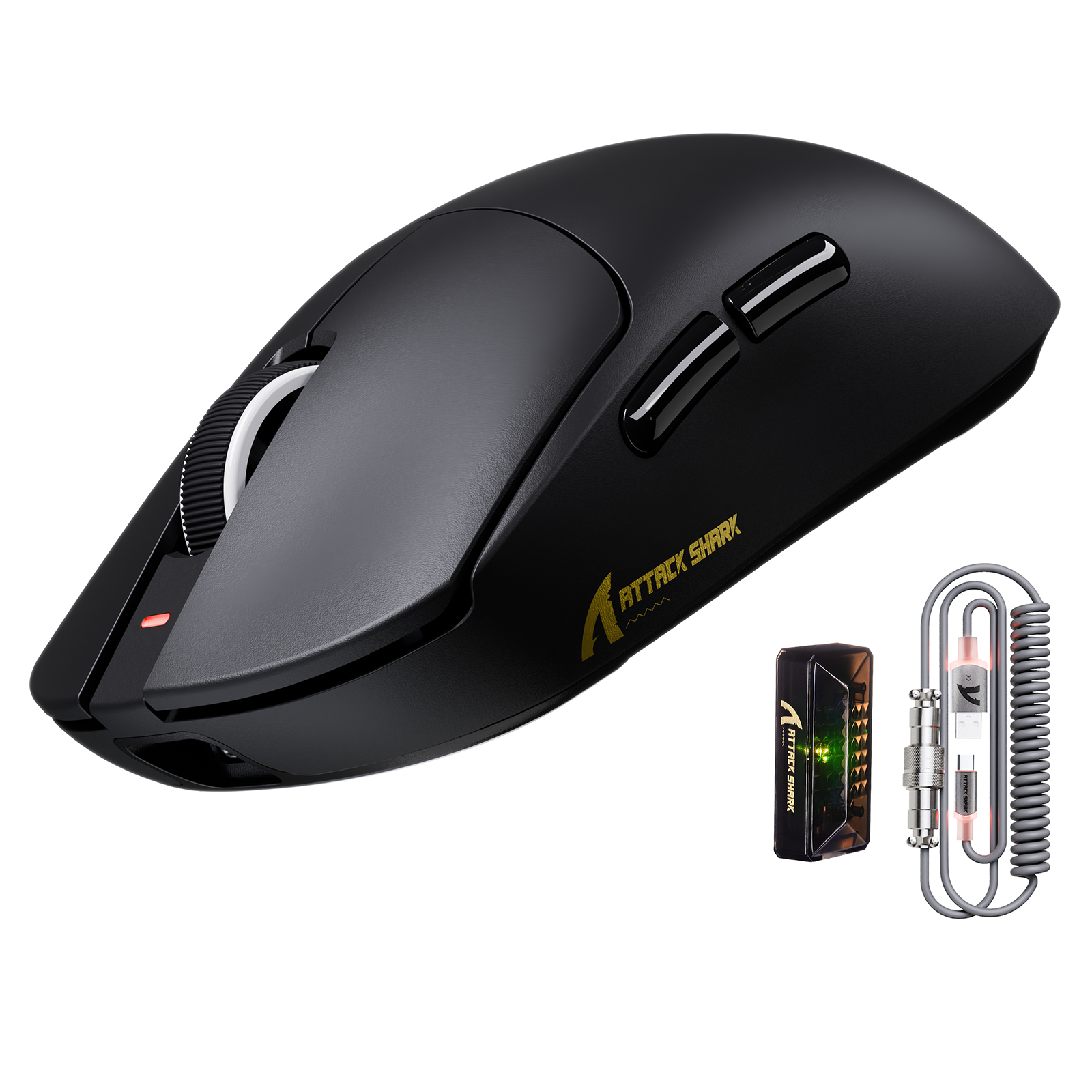
In a dense urban setting, 2.4GHz is mandatory for performance, but it is vulnerable. The user must mitigate "stutter" by ensuring the receiver is not shielded by the PC case. Using a dedicated external USB adapter or a high-quality coiled cable for the receiver can significantly improve signal-to-noise ratios. For this user, the 6.5ms latency advantage of 2.4GHz is the difference between a successful micro-adjustment and a missed shot.
Scenario B: The Mobile Professional
For users pairing a mouse with a laptop or tablet, Bluetooth is the clear winner. It eliminates the need for a dongle—which can be lost or occupy a valuable USB-C port—and leverages the laptop's internal radio. While Bluetooth can suffer from "bus sharing" latency (where the internal USB bus is shared with other components), the 8ms latency is irrelevant for spreadsheets, coding, or web browsing. The 10-hour battery extension ensures a full work week of use without anxiety.
Compliance and Safety: The Regulatory Backbone
When selecting wireless gear, authoritativeness is reflected in regulatory compliance. All wireless devices sold in the US must receive FCC Equipment Authorization to ensure they do not exceed safe RF exposure limits or interfere with critical infrastructure.
Furthermore, because these devices rely on lithium-ion batteries, they must adhere to the UN Manual of Tests and Criteria (Section 38.3). This standard ensures that the battery can withstand the pressures of air transport and daily use without risk of thermal runaway. Users should verify that their high-performance peripherals carry the necessary FCC, CE, or UKCA markings, indicating that the hardware has undergone rigorous safety and electromagnetic compatibility (EMC) testing.
Technical Optimization: Pro-Tips for Peak Performance
To maximize the potential of a tri-mode setup, enthusiasts should implement the following "non-obvious" tweaks:
- Direct Motherboard Ports: For 2.4GHz gaming, always use the rear I/O ports on the motherboard. Front-panel headers often use unshielded cables that run past noisy components like the power supply, introducing packet jitter.
- Driver Profiles: High-end peripherals allow for per-mode profiles. Set a high DPI and 1000Hz polling for your 2.4GHz "Gaming" profile, and a lower DPI with power-saving settings for your Bluetooth "Office" profile. This prevents configuration loss when switching between devices.
- The "Line-of-Sight" Rule: Even a few inches of desk material can degrade a 2.4GHz signal. If your PC is under your desk, use a USB extension dock to bring the receiver up to the desk surface, placing it within 12-18 inches of the mouse.
- Firmware Maturity: Always check the manufacturer's support page for firmware updates. Early-release "tri-mode" devices often have bugs in their sleep-wake cycles or frequency hopping logic that are resolved in later software revisions.
Decision Framework: When to Switch
The choice between Bluetooth and 2.4GHz is not binary but contextual. Use 2.4GHz when performance is the sole priority and you are in a controlled environment where you can manage receiver placement. Switch to Bluetooth when you are on the move, prioritizing battery longevity and the convenience of a dongle-free setup. By understanding the underlying physics of these protocols, users can optimize their gear to match their specific workflow and competitive needs.
Disclaimer: This article is for informational purposes only. Performance metrics like battery life and latency are estimates based on standard industry benchmarks and may vary depending on specific hardware configurations, firmware versions, and environmental RF interference. Always refer to the manufacturer's safety manual regarding the handling and charging of lithium-ion batteries.


Laisser un commentaire
Ce site est protégé par hCaptcha, et la Politique de confidentialité et les Conditions de service de hCaptcha s’appliquent.