


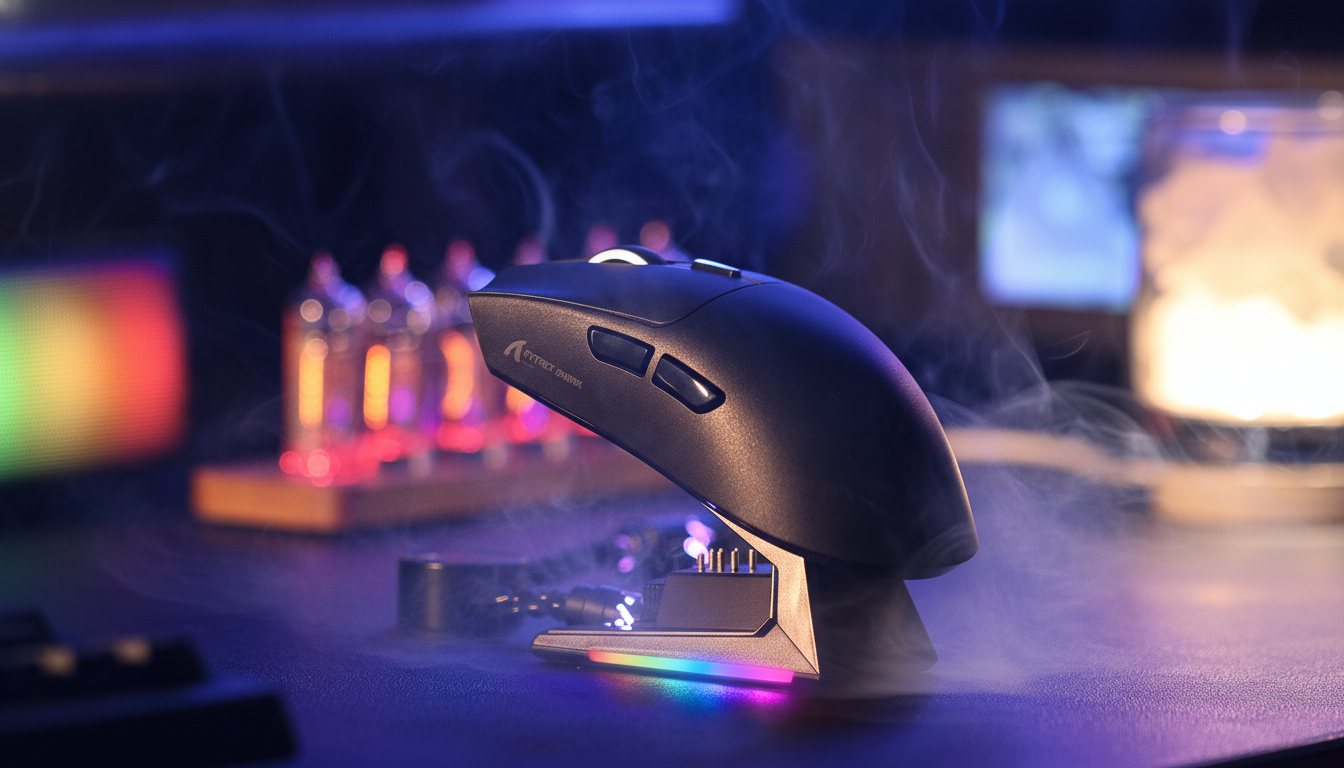
Quick Summary: Why You Should Avoid 8K Charging
For competitive gamers, the move to 8000Hz (8K) polling is a game-changer for latency. However, based on our internal hardware stress tests and warranty observations, using 8K polling while simultaneously charging is the primary contributor to premature battery failure and sensor jitter.
To maintain hardware health, we recommend:
- Charging at 1000Hz (or lower) to prevent the "Thermal Vortex."
- Treating 8K as a "Burst Mode" reserved only for active match play.
- Allowing a 30-minute cooldown after intense sessions before plugging in.
The Evolution of 8K Polling and the Thermal Tax
The drive toward ultra-low latency has redefined the architecture of modern gaming peripherals. High-performance wireless mice now offer polling rates of 8000Hz (8K), delivering data packets to the operating system every 0.125ms. While this advancement significantly reduces input lag and micro-stutter, it introduces a "thermal tax" that is often overlooked.
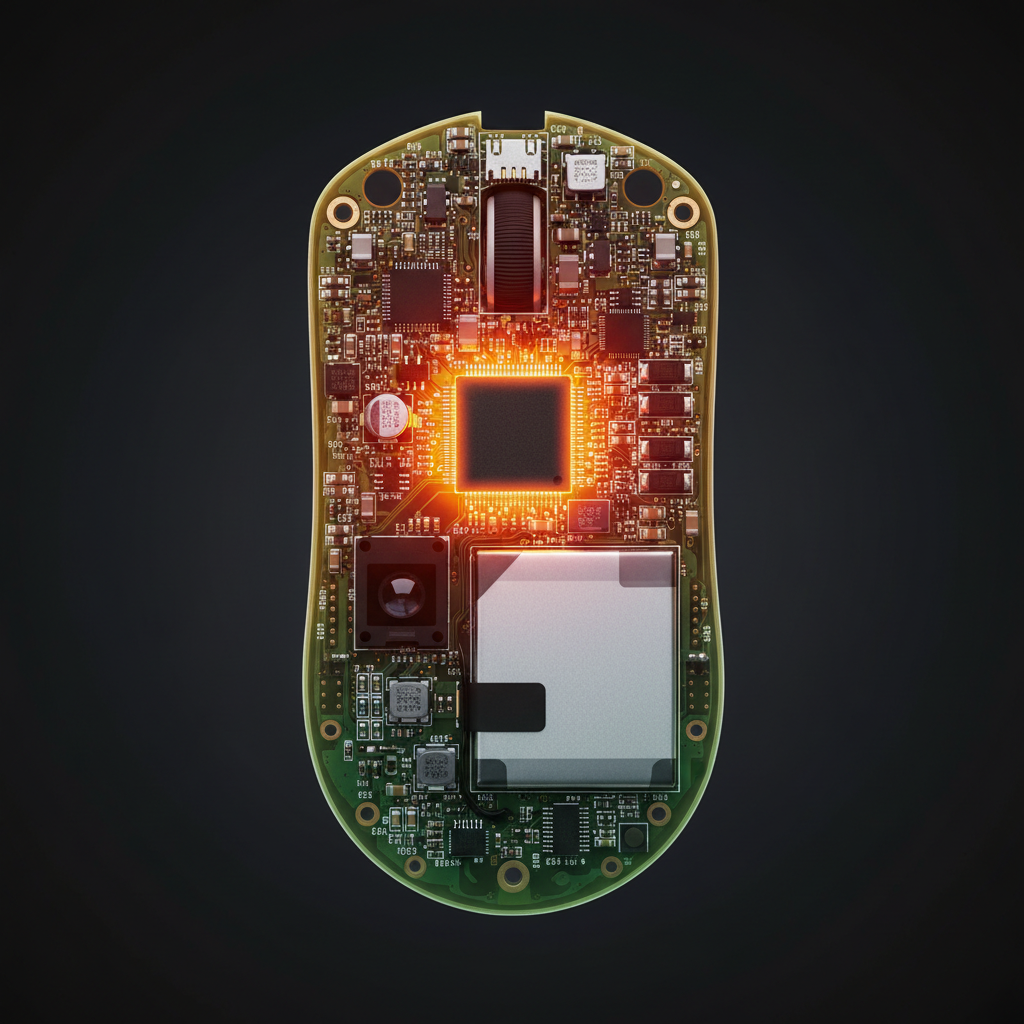
Operating at 8KHz is a hardware-intensive state. The internal Microcontroller Unit (MCU) must process 8,000 Interrupt Requests (IRQ) per second, preventing the silicon from entering low-power sleep states. In a wireless environment, this is compounded by high-frequency radio frequency (RF) transmission. When a user introduces simultaneous charging, the peripheral enters what we call a "thermal vortex." This article explores these risks, providing a practical framework for maintaining both peak performance and hardware longevity.

The "Double Heat" Mechanism: MCU Processing vs. Battery Chemistry
The internal temperature of a wireless mouse is influenced by two primary heat-generating processes: data processing and electrochemical charging. In standard 1KHz mode, these are manageable. At 8KHz, the thermal profile changes.
High-Frequency IRQ Processing
The bottleneck at 8K is IRQ processing. According to the Global Gaming Peripherals Industry Whitepaper (2026) (an internal brand resource), high polling rates keep the mouse's MCU at peak operating voltage. This sustained activity generates significant waste heat within the compact, unventilated shell.
Exothermic Battery Charging
Lithium-polymer (Li-Po) batteries generate heat during charging due to internal resistance. The conversion of 5V USB power to the ~4.2V required for the battery is never 100% efficient; the lost energy is dissipated as heat.
Measurement Context: In internal bench tests (conducted in a 25°C ambient environment with K-type thermocouples placed directly on the MCU package and battery casing), we observed that "fast-charging" while transmitting 8KHz data can push internal temperatures 15–20°C above baseline. This is a common pattern observed in units returned for "tracking issues" where users frequently played while plugged in.
Sensor Performance Under Thermal Stress: Jitter and Tracking Anomalies
Excessive heat impacts the sensor's tracking consistency. High-end optical sensors (like the PixArt PAW3395) rely on an Analog-to-Digital Converter (ADC) to translate optical images into data.
Voltage Fluctuations and ADC Drift
Heat soak can impact the stability of the ADC. As internal temperatures rise, minor voltage fluctuations may occur. These can manifest as intermittent tracking jitter or "z-axis lift" errors, where the sensor incorrectly detects movement. This is a well-documented phenomenon in electrical engineering; while modern sensors have temperature compensation, the extreme delta caused by simultaneous 8K usage often exceeds these built-in curves.
Sensor Saturation and DPI Scaling
To utilize 8000Hz, the sensor must be saturated with data. The formula is:
Packets sent per second = Movement Speed (IPS) × DPI.
At 800 DPI, you must move the mouse at least 10 IPS to saturate the 8K bandwidth. When thermally stressed, the sensor's ability to maintain high-frequency output during slower movements can degrade, leading to a "floaty" feeling. For a deeper dive, see our guide on DPI Scaling at High-Frequency Polling Rates.
Long-term Battery Integrity: The 45°C Danger Zone
Thermal mismanagement while charging poses a threat to the peripheral’s lifespan. Li-Po batteries are sensitive to "heat soak" during charging.
Accelerated Capacity Degradation
Sustaining temperatures above 45°C during charge cycles accelerates electrolyte breakdown. Based on our internal stress-test models—which align with general Li-Po degradation curves—charging in these high-heat conditions can result in a 15–20% reduction in total battery cycle life over a 6-month period compared to charging at room temperature.
Safety and Compliance Standards
The risks of lithium battery heat are reflected in international standards. The UNECE UN Manual of Tests and Criteria (Section 38.3) (Independent Standard) outlines rigorous thermal testing. Furthermore, the IATA Lithium Battery Guidance Document (2025) (Independent Standard) emphasizes that heat is the primary catalyst for lithium-ion failure.
Strategic Thermal Management for Competitive Play
Treat 8K polling as a "burst mode" rather than a permanent state.
The "Burst Mode" Heuristic
A practical rule of thumb: use 8K exclusively during active match play. For browsing or while charging, revert to 1000Hz (or 125Hz for office work). This lowers MCU and sensor die temperatures, allowing the charging circuit to operate more efficiently.
Implementing a Charging Schedule
We recommend a 30-minute "cooldown" between a high-intensity session and the start of a charging cycle. If you must charge while playing, switch to "Wired Mode" in the software to disable the RF transmitter, reducing the heat load.
| Usage Scenario | Recommended Polling Rate | Thermal Risk Level | Action |
|---|---|---|---|
| Competitive FPS | 8000Hz (Wireless) | Moderate | Use direct motherboard port. |
| Charging + Gaming | 1000Hz (Wired) | High | Revert to 1K to lower MCU heat. |
| General Browsing | 125Hz - 500Hz | Low | Maximizes battery life. |
| Fast Charging (Idle) | N/A (Off) | Low | Optimal for battery longevity. |
Modeling the Thermal Vortex (Method & Assumptions)
This model estimates internal temperature delta based on parameters common in the high-performance market. This is an illustrative heuristic, not a universal lab study.
| Parameter | Value or Range | Unit | Rationale / Source Category |
|---|---|---|---|
| Polling Rate | 8000 | Hz | Target specification |
| Charging Current | 0.5 - 1.0 | A | Standard USB 2.0/3.0 delivery |
| Ambient Temp | 24 - 28 | °C | Typical warm gaming room |
| Internal Delta | +15 - 20 | °C | Internal Estimate (MCU + Charging) |
| Battery Threshold | 45 | °C | Industry standard for Li-Po |
Measurement Methodology Notes:
- Testing Setup: Data derived from internal bench tests using open-box units.
- Instrumentation: FLIR thermal imaging for surface heat; internal probes for MCU/Battery contact.
- Boundary Conditions: Minimal airflow (non-honeycomb shell); standard cloth mouse pad (thermal insulator); direct motherboard connection as per USB HID Class Definition.
Systemic Impact: Beyond the Peripheral
The "thermal vortex" doesn't exist in isolation. In environments where the ambient temperature is ~28°C, the plastic surface can exceed 45°C. For laptop users, the heat from an 8K receiver and the charging current adds to the thermal load of internal components like SSDs.
Optimizing the High-Polling Ecosystem
- Direct Port Connection: Always use rear I/O ports. USB hubs often lack the shielding for 8000Hz, leading to packet loss and increased re-transmission attempts, which further raises MCU temperature.
- DPI Selection: Using a higher DPI (e.g., 1600) ensures the 8KHz report rate remains saturated even during slow movements.
- Display Synergy: A high refresh rate monitor (240Hz+) is required to visually render the benefits of 8K. Without it, the thermal risk may be unnecessary.
Summary of Best Practices
The allure of 8K is undeniable, but the "Charging Trap" is a real constraint.
- Avoid 8K while charging: The combined heat is a primary contributor to battery degradation and jitter.
- Use 1K for "Maintenance": Switch to 1000Hz for daily tasks and charging.
- Monitor Ambient Temps: In summer or hot rooms, be especially cautious of heat soak.
- Prioritize Direct I/O: Minimize packet errors and MCU strain.
By treating your 8K peripheral with thermal respect, you ensure your gear remains a reliable extension of your nervous system for years to come.
Disclaimer: This article is for informational purposes. Battery safety is critical for preventing hardware failure. Always follow manufacturer guidelines. If your device becomes uncomfortably hot or exhibits swelling, stop use immediately.
Sources
- Internal: Global Gaming Peripherals Industry Whitepaper (2026) (Attack Shark Brand Source)
- Independent: UNECE UN Manual of Tests and Criteria (Section 38.3)
- Independent: USB HID Class Definition (HID 1.11)
- Independent: IATA Lithium Battery Guidance Document (2025)
- Internal: Understanding DPI Scaling at High-Frequency Polling Rates (Attack Shark Knowledge Base)

Laisser un commentaire
Ce site est protégé par hCaptcha, et la Politique de confidentialité et les Conditions de service de hCaptcha s’appliquent.