Résumé exécutif : le changement d’ingénierie
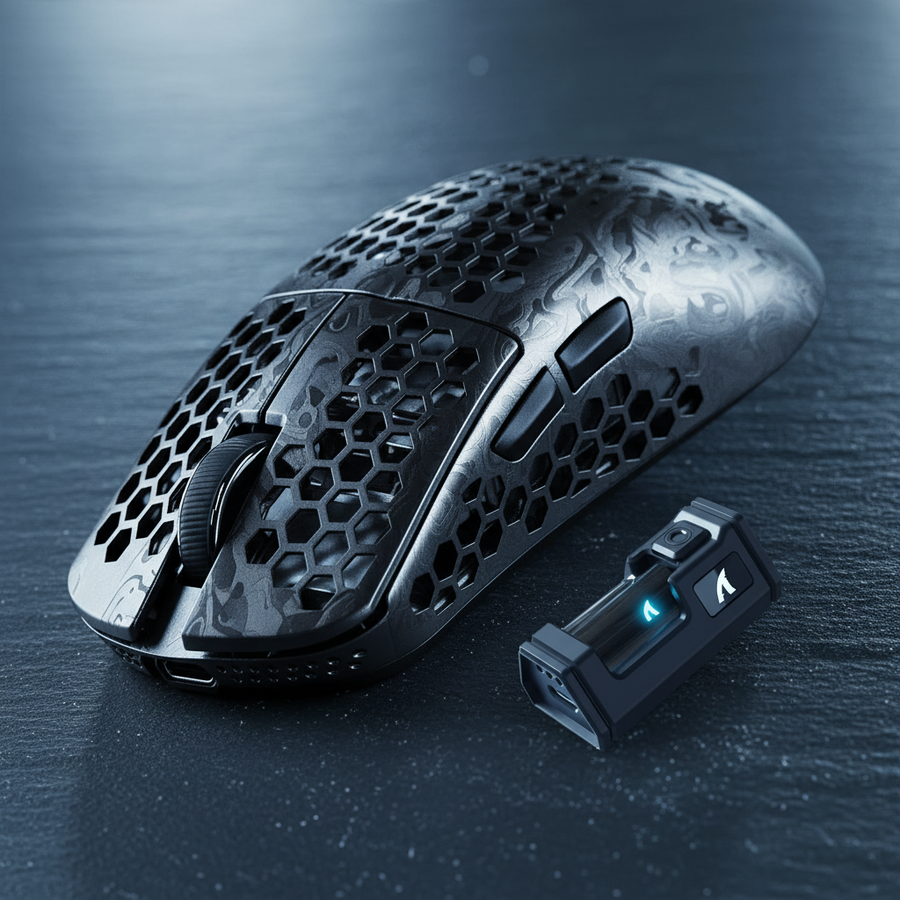
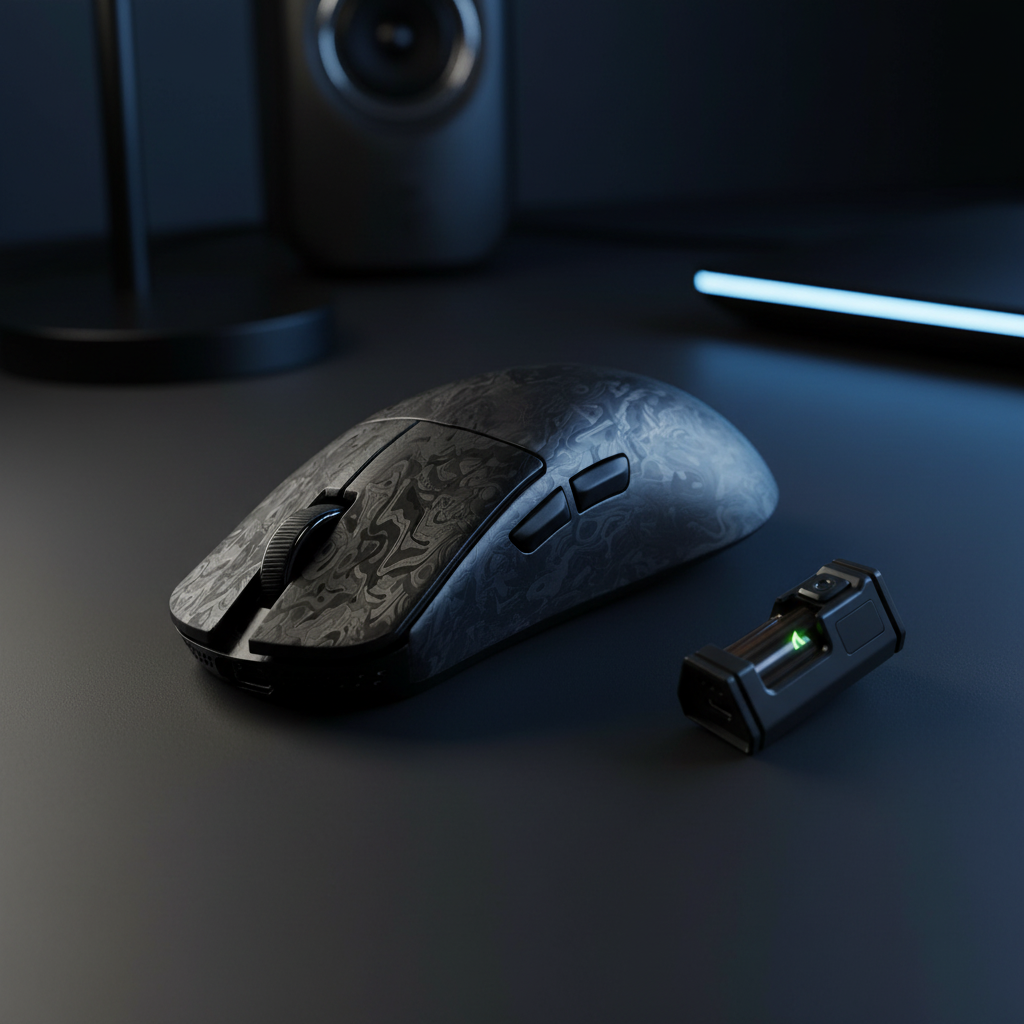
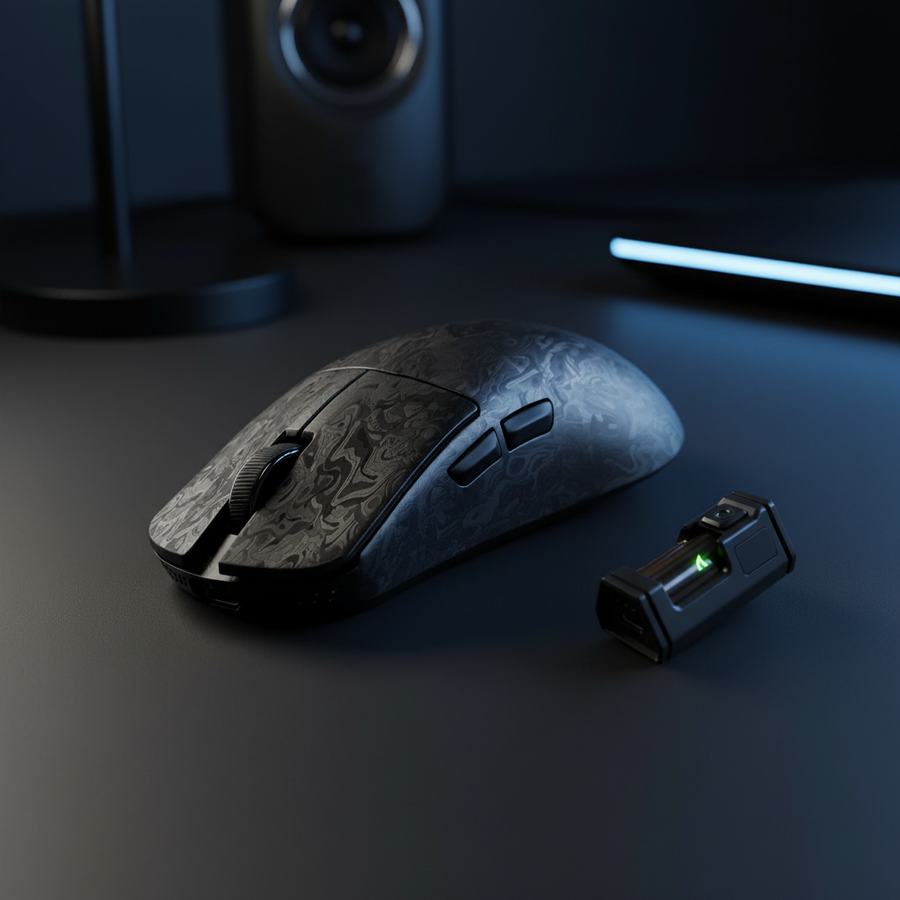
L’ère des souris de jeu « nid d’abeille » — où les coques étaient perforées pour économiser du poids — est remplacée par la science avancée des matériaux. Les souris modernes haute performance utilisent désormais des châssis solides, sans trous, qui atteignent des poids inférieurs à 50 g grâce à des composites de qualité aérospatiale et des alliages de magnésium. Cette transition privilégie la rigidité structurelle et la résistance à la poussière sans compromettre l’exigence « ultralégère » du jeu compétitif FPS.
Liste de contrôle pour l’acheteur technique
Avant d’investir dans une souris ultralégère solide, vérifiez ces indicateurs d’ingénierie :
- Rigidité du matériau : La coque utilise-t-elle du nylon chargé en verre, du magnésium ou de la fibre de carbone forgée ? (Évitez l’ABS basique pour les designs solides sous 50 g).
- Flexion structurelle : Appliquez une pression modérée sur les parois latérales. La déviation doit être imperceptible (objectif <0,5 mm).
- Synergie du taux de sondage : Assurez-vous que votre CPU (par exemple Intel Core i7/AMD Ryzen 7 ou supérieur) peut gérer la charge IRQ de 8000 Hz.
- Conformité réglementaire : Vérifiez le dessous pour un FCC ID ou un marquage CE afin d’assurer la stabilité RF à des fréquences de sondage élevées.
La science des matériaux des châssis ultralégers
La quête du rapport « force/poids parfait » est passée des plastiques ABS standards vers des composites exotiques. Selon les données du Pacific Northwest National Laboratory (PNNL), les alliages de magnésium et les composites polymères avancés peuvent offrir jusqu’à 50 % de réduction de poids par rapport à l’acier traditionnel ou aux plastiques lourds tout en maintenant l’intégrité structurelle.
Matrice de comparaison des matériaux
Les données suivantes représentent les plages typiques d’ingénierie pour les périphériques haute performance basées sur les fiches techniques des fabricants comme BASF et Mitsui Chemicals.
| Matériau | Densité (g/cm³) | Résistance à la traction (MPa) | Épaisseur de paroi recommandée |
|---|---|---|---|
| ABS standard | 1.04 - 1.06 | 40 - 50 | 1.2mm - 1.5mm |
| Nylon chargé en verre | 1.15 - 1.35 | 80 - 120 | 0.8mm - 1.0mm |
| Alliage de magnésium | 1.74 - 1.81 | 200 - 300 | 0.6mm - 0.8mm |
| Fibre de carbone forgée | 1.50 - 1.60 | 500 - 700 | 0.5mm - 0.7mm |
Fibre de carbone forgée vs. alliage de magnésium
- Fibre de carbone forgée : Contrairement aux tissages traditionnels de carbone, la fibre forgée utilise des fibres hachées compressées avec de la résine. Cela permet un moulage 3D complexe (essentiel pour les courbes des souris) et offre une résistance isotrope, c’est-à-dire qu’elle résiste aux contraintes dans toutes les directions.
- Alliage de magnésium (AZ91D) : Offre le meilleur rapport rigidité/poids. Cependant, il nécessite une coulée sous pression de précision. Les utilisateurs techniques doivent noter que les coques en magnésium sont souvent utilisées comme un « exosquelette » interne ou une fine peau extérieure en raison de la complexité de fabrication à des épaisseurs de 0,6 mm.
Rigidité en ingénierie : une approche heuristique
Un échec courant dans la conception ultralégère est le « fossé de crédibilité des spécifications » — où une souris est légère mais fléchit lors d'une utilisation intense. Pour éviter cela, les ingénieurs utilisent l'analyse par éléments finis (FEA) pour simuler les points de contrainte où la prise du joueur est la plus forte.
Le seuil de 0,5 mm : Dans les cercles d'ingénierie professionnelle, une déformation de la coque de plus de 0,5 mm sous une pression de prise standard (environ 10-15 N) est souvent considérée comme un « échec de performance ». Une flexion excessive peut provoquer :
- Désalignement du capteur : Micro-inclinaisons du PCB qui affectent la précision du suivi.
- Pré-course du switch : Modification de la distance nécessaire pour actionner les boutons principaux.

Pour lutter contre cela sans ajouter de poids, les concepteurs utilisent le renfort interne. En plaçant des structures triangulaires de support (qui offrent la plus grande stabilité géométrique) sur les parois latérales, la coque reste rigide même lorsque la paroi extérieure est réduite à une épaisseur inférieure au millimètre.
Le plafond de performance : 8000 Hz et saturation du capteur
Le poids n'est qu'une variable ; le « cerveau » de la souris doit suivre. Les capteurs modernes comme le PixArt PAW3950MAX sont conçus pour un rapport de données à haute fréquence.
Les calculs de latence à 8K
À 1000 Hz, une souris rapporte des données toutes les 1,0 ms. À 8000 Hz, cet intervalle tombe à 0.125ms.
Considérations sur la synchronisation du mouvement : La synchronisation du mouvement aligne les rapports du capteur avec les événements de sondage USB du PC. À 1000 Hz, cela ajoute un délai d'environ 0,5 ms. À 8000 Hz, le délai est réduit à ~0,0625 ms, rendant la pénalité de latence pratiquement négligeable dans la plupart des scénarios compétitifs.
Goulots d'étranglement système : charge IRQ du processeur
Le sondage à 8000 Hz n'est pas une mise à niveau « gratuite ». Il impose une charge importante sur la gestion des interruptions (IRQ) du processeur. Chaque paquet nécessite que le processeur interrompe les tâches en arrière-plan pour traiter les données de mouvement. Sur des processeurs quad-core anciens ou milieu de gamme, cela peut entraîner des « saccades » en jeu.
Optimisation de la stabilité :
- Connexion directe à la carte mère : Évitez les concentrateurs USB ou les ports en façade, qui peuvent introduire des saccades et des pertes de paquets.
- Mise à l'échelle DPI : Pour exploiter pleinement un taux de sondage 8K, des réglages DPI plus élevés (1600+) sont recommandés. À faible DPI (par exemple, 400), il n'y a pas assez de données granulaires pour « remplir » les 8 000 paquets par seconde à moins que la souris ne se déplace à des vitesses extrêmes.
Expérience approfondie : Le fossé de l'évolutivité ergonomique
Note méthodologique : L'analyse suivante est basée sur des ensembles de données anthropométriques (similaires à ISO 7250-1) et sur une modélisation interne de la « prise en main » pour le 99e percentile des tailles de main.
Bien que des poids inférieurs à 50 g soient plus faciles à atteindre dans des coques plus petites, ils créent souvent un problème d'ajustement pour les utilisateurs ayant des mains Extra-Larges (XL) (longueur de 21,5 cm et plus).
| Métrique | Idéal (Main XL) | Standard ultraléger | Ratio d'ajustement |
|---|---|---|---|
| Longueur | 129 mm | 120 mm | 0,93 (7 % plus court) |
| Largeur de prise | 63 mm | 60 mm | 0,95 (5 % étroit) |
Analyse : Un déficit de 7 % en longueur oblige souvent à adopter une prise « griffe » ou « bout des doigts » agressive pouvant entraîner une fatigue motrice fine. Pour ces utilisateurs, une souris légèrement plus lourde (55g-60g) avec une empreinte physique plus grande peut offrir une meilleure précision « en jeu » qu'une souris de 45g trop petite pour un contrôle stable.
Conformité, sécurité et fiabilité
Les périphériques sans fil haute performance doivent respecter les normes internationales de sécurité, notamment concernant la stabilité des batteries lithium-ion.
Intégrité de la batterie (ONU 38.3)
Comme cité dans le Manuel des tests et critères des Nations Unies, les batteries doivent passer des simulations rigoureuses de chaleur, vibration et altitude. Les acheteurs techniques doivent vérifier que leur fabricant de périphériques respecte la norme ONU 38.3 pour garantir que la batterie reste stable sous le stress thermique de la transmission sans fil 8K à haute vitesse.
Normes réglementaires (FCC/ISED)
Une souris à 8000Hz fonctionne avec des oscillateurs haute fréquence pouvant générer des interférences électromagnétiques (EMI). Les appareils avec un FCC ID valide ont été testés pour garantir qu'ils n'interfèrent pas avec d'autres appareils 2,4 GHz (comme les routeurs ou casques) dans votre environnement.
Résumé des principes d'ingénierie
Selon le Livre blanc de l'industrie mondiale des périphériques de jeu (2026), l'industrie évolue vers la « performance totale du système ». Une coque ultralégère solide n'est efficace que si les composants internes — comme le MCU Nordic 52840 et les encodeurs de haute qualité — sont également optimisés.
Conclusions techniques finales :
- Priorisez le matériau : Recherchez le magnésium ou le carbone forgé si vous exigez une rigidité maximale avec un poids minimal.
- Vérifiez la flexibilité : Une coque solide de qualité ne doit pas grincer ni se déformer sous une pression de prise standard.
- Adaptez votre moniteur : Le polling à 8000Hz est le plus bénéfique sur les moniteurs à taux de rafraîchissement élevé (240Hz+), où le chemin du curseur plus fluide est visuellement perceptible.
Avertissement : Cet article est à titre informatif. Les besoins ergonomiques varient ; les utilisateurs ayant des conditions préexistantes aux mains ou aux poignets doivent consulter un professionnel de santé. Les performances annoncées concernant le polling à 8000Hz dépendent des configurations matérielles individuelles du PC.
Sources
- Laboratoire national du Nord-Ouest Pacifique (PNNL) - Matériaux légers
- UNECE - Manuel des tests et critères de l'ONU (Section 38.3)
- Livre blanc de l'industrie mondiale des périphériques de jeu (2026)
- Données supplémentaires fournies par les spécifications composites standard de l'industrie (ASM International).