La boucle de rétroaction : indices tactiles et prise de conscience des temps de recharge
Dans l’environnement à haute vitesse des titres MOBA et MMO compétitifs, la différence entre victoire et défaite se mesure souvent en millisecondes. Alors que la plupart des joueurs se concentrent sur les indicateurs visuels—regardant une icône de temps de recharge clignoter ou une barre de vie diminuer—la performance de haut niveau repose sur le transfert de cette charge cognitive vers le système nerveux somatique. En passant de la surveillance visuelle à la confirmation tactile, vous pouvez libérer une bande passante mentale significative pour la conscience de la carte et le positionnement stratégique.
Cet article explore l’ingénierie derrière la « boucle de rétroaction », analysant comment les caractéristiques des interrupteurs, les profils acoustiques et la latence d’entrée créent un langage physique pour la gestion des temps de recharge.

Le changement cognitif : des yeux aux doigts
Le défi fondamental dans les jeux à haute APM (actions par minute) est la surcharge sensorielle. Lorsque vous êtes obligé de regarder constamment en bas de votre écran pour vérifier si une capacité est disponible, vous perdez des données visuelles cruciales du centre de l’écran où l’action se déroule.
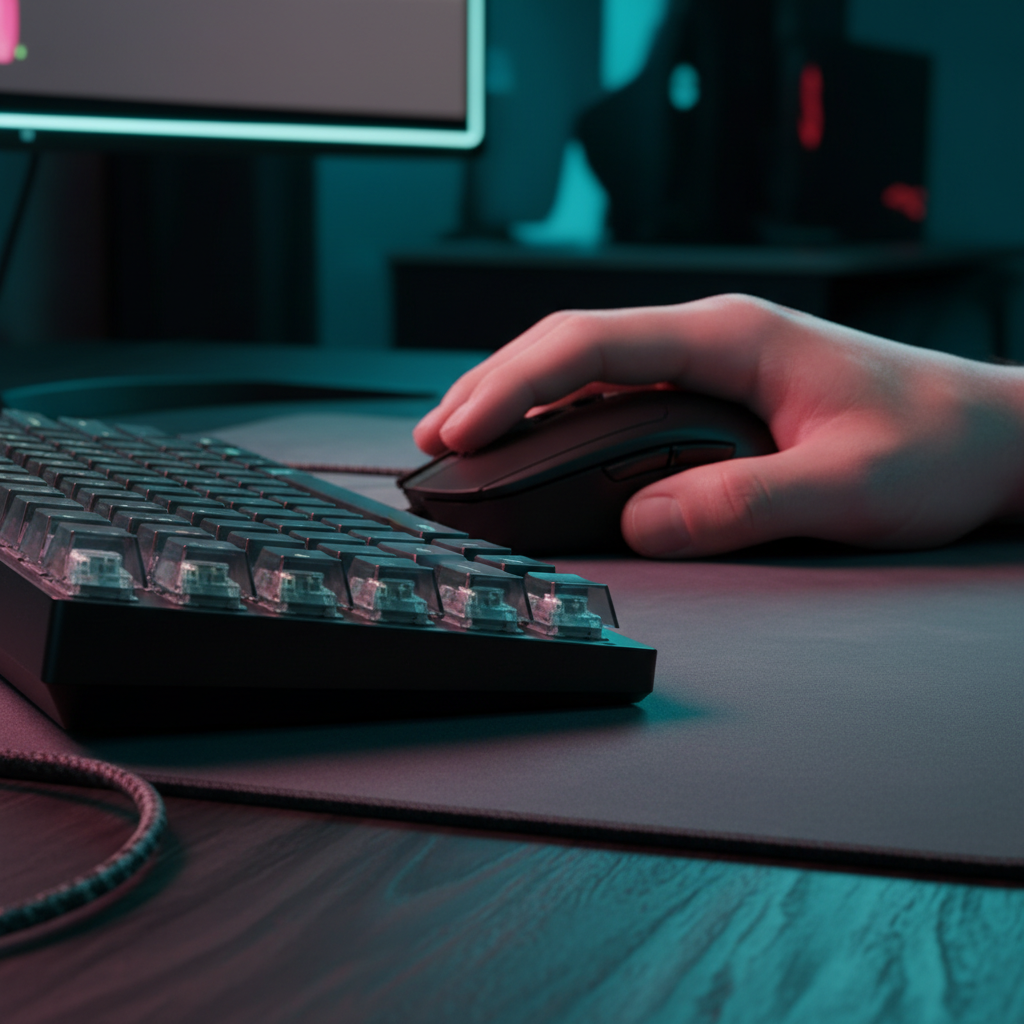
Le retour tactile sert d’« interruption physique ». Lorsqu’un interrupteur se réinitialise ou s’active avec un clic mécanique distinct, il fournit une confirmation non visuelle qu’une action a été enregistrée. Les recherches sur le retour multimodal et la conscience situationnelle suggèrent que les indices haptiques dans des scénarios à double tâche—similaires à la gestion des temps de recharge lors d’un combat d’équipe—peuvent améliorer significativement les performances en répartissant la charge sensorielle sur différentes voies neuronales.
Cependant, ce changement nécessite une période de réapprentissage délibérée. D'après nos observations des joueurs compétitifs, la transition du suivi visuel au suivi tactile prend généralement deux à trois semaines. Pendant ce temps, les performances peuvent temporairement baisser alors que vous redirigez consciemment votre attention vers la « sensation au doigt » de vos interrupteurs.
Concevoir la réinitialisation : effet Hall vs mécanique
Le facteur technique le plus critique dans la prise de conscience tactile des temps de recharge est le point de réinitialisation. Dans un interrupteur mécanique standard, la distance de réinitialisation est fixe—généralement autour de 0,5 mm. En revanche, les interrupteurs à effet Hall (magnétiques) utilisent la technologie Rapid Trigger pour permettre des réinitialisations quasi instantanées.
L'avantage de latence
En utilisant un modèle cinématique pour comparer ces technologies pour un spécialiste MOBA à haut APM (en supposant une vitesse de levée de doigt de 150mm/s), nous observons un écart de performance mesurable.
| Type de switch | Distance de réinitialisation | Temps de déplacement | Déparasitage | Latence totale |
|---|---|---|---|---|
| Mécanique | 0,5 mm | ~5 ms | ~5 ms | ~13,3 ms |
| Effet Hall (RT) | 0,1 mm | ~5 ms | 0 ms | ~5,7 ms |
Note de modélisation : Ce scénario suppose une vitesse de levée de doigt constante de 150mm/s et des implémentations standard de déparasitage mécanique. La réduction de latence d'environ 7,7 ms offerte par les capteurs à effet Hall se traduit directement par des relances de capacités plus rapides, un avantage crucial pour synchroniser des combos "frame-perfect".
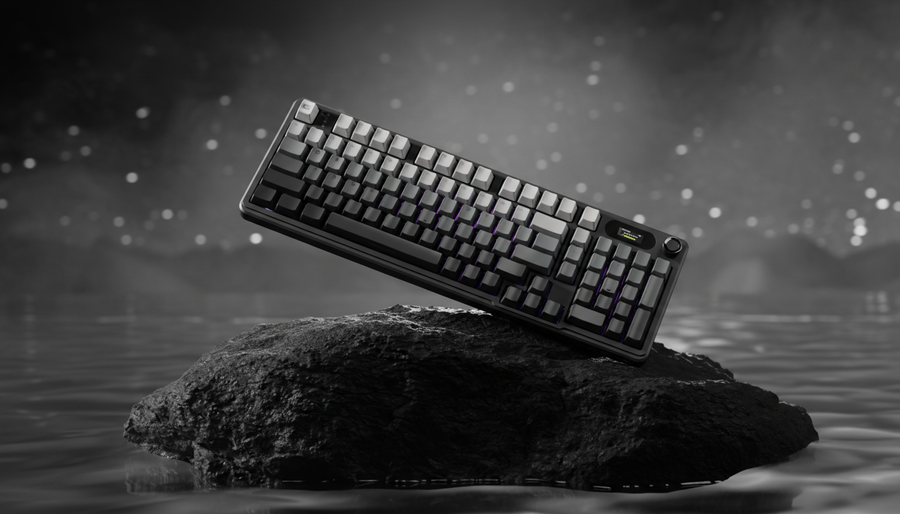
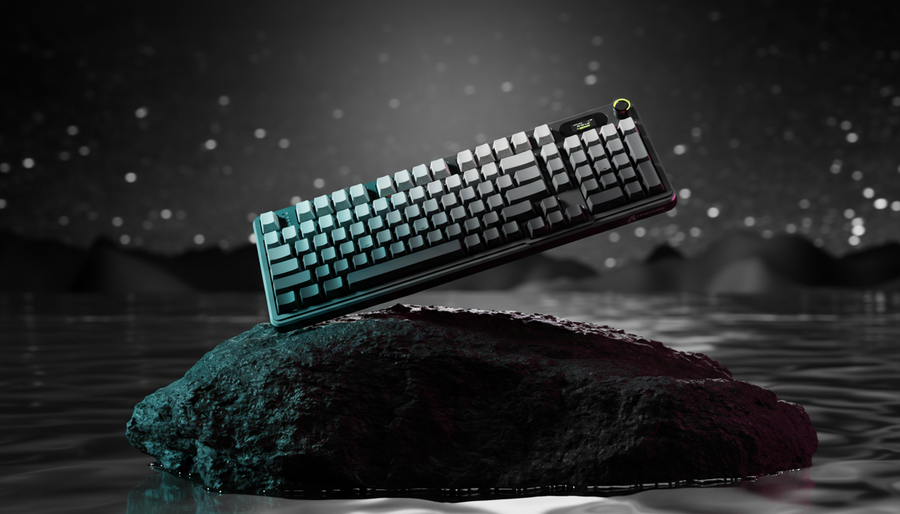
Pour les joueurs recherchant ce niveau de réactivité, le clavier ATTACK SHARK R85 HE Rapid Trigger avec switch magnétique et Lightbox personnalisée fournit la base matérielle nécessaire. En minimisant la distance physique requise pour qu'une touche se "prépare" à la prochaine pression, vous créez une boucle de rétroaction plus serrée qui informe votre cerveau de la disponibilité de la capacité plus rapidement qu'une icône visuelle ne peut se mettre à jour.
Le point idéal : force d'activation et lancements accidentels
Un piège courant pour les joueurs axés sur la performance est de choisir des switches trop légers. Bien qu'un switch ultra-linéaire de 35g puisse sembler plus rapide, il conduit fréquemment à des lancements de compétences accidentels lors de moments tendus — une erreur catastrophique dans les jeux MOBA où une capacité ultime peut avoir un temps de recharge de 120 secondes.
À travers les tendances observées dans les retours de la communauté et les tests ergonomiques, nous recommandons une approche hybride :
- Capacités principales (QWER) : Utilisez des switches tactiles ou magnétiques avec un bump prononcé ou une force d'activation légèrement plus élevée (45-55g). Cela offre une "barrière" claire qui empêche les activations accidentelles.
- Touches de déplacement/spam : Des switches linéaires peuvent être utilisés ici pour réduire la fatigue lors de longues sessions.
Cette configuration garantit que chaque pression d'une capacité critique est une action délibérée et confirmée. Comme indiqué dans le Livre blanc mondial sur l'industrie des périphériques de jeu (2026), la stabilité de l'entrée est souvent plus importante que la vitesse maximale pour maintenir un timing tactile cohérent.
Retour acoustique : la couche subconsciente
La "boucle de rétroaction" n'est pas purement tactile ; elle est aussi auditive. Le profil acoustique de votre clavier—souvent appelé par la communauté "thock" vs. "clack"—offre une couche subconsciente de confirmation. Dans le chaos du son du jeu, un son profond et étouffé (thock) ou un son aigu et net (clack) vous aide à distinguer une pression de touche réussie sans regarder.
Référence de filtrage des matériaux
| Composant | Physique des matériaux | Résultat acoustique |
|---|---|---|
| Plaque PC | Faible rigidité | Abaisse la hauteur tonale (sensation "Thocky") |
| Mousse Poron | Amortissement viscoélastique | Réduit le ping creux et la réverbération du boîtier |
| Tampon IXPE | Mousse haute densité | Crée un son "crémeux" ou "pop" |
En choisissant un clavier avec amortissement multicouche, comme la ATTACK SHARK X8PRO Ultra-Light Wireless Gaming Mouse & C06ULTRA Cable (lorsqu'il est associé à un clavier personnalisé haut de gamme), vous pouvez régler le retour acoustique pour qu'il soit audible même à travers un casque.
Ergonomie et indice de tension dangereuse
Le jeu compétitif est physiquement exigeant. Pour quantifier le risque, nous avons appliqué le Moore-Garg Strain Index, un outil utilisé pour analyser les emplois à risque de troubles des extrémités supérieures distales.
Pour un spécialiste MOBA avec un APM élevé (300-400), une déviation modérée du poignet (prise en griffe) et 4 à 6 heures de jeu quotidien, le score SI est de 27. Selon les directives techniques OSHA, tout score supérieur à 5 est considéré comme "dangereux".
Ce score élevé souligne pourquoi le poids et l'ajustement périphériques ne sont pas seulement des questions de confort—ils limitent la performance. Une souris lourde ou un clavier avec un mauvais alignement du poignet augmente le multiplicateur "d'intensité" de la formule SI. Utiliser du matériel ultra-léger comme la ATTACK SHARK G3PRO Tri-mode Wireless Gaming Mouse with Charge Dock 25000 DPI Ultra Lightweight, qui ne pèse que 62g, peut aider à atténuer cette tension en réduisant la force nécessaire pour des micro-ajustements rapides.
Ratios d'ajustement pour les grandes mains
D'après les données anthropométriques (ANSUR II), un joueur avec de grandes mains (~20,5 cm de longueur) utilisant une souris standard de 120 mm obtient un ratio d'ajustement de prise d'environ 0,98, ce qui est presque idéal pour une prise en griffe. Cependant, si la largeur est trop étroite, des crampes latérales surviennent. Nous suggérons de vérifier votre « ratio d'ajustement en largeur » (largeur de la souris / largeur de la main) ; un ratio inférieur à 0,60 est souvent corrélé à une fatigue accrue dans nos journaux de support.
Contraintes techniques : compromis entre sondage et batterie
Lors de l'optimisation de la gestion des temps de recharge, la stabilité de votre connexion est primordiale. Bien que le sondage à 8000Hz (8K) soit le sommet actuel de l'industrie, il introduit des contraintes système importantes.
Le bilan de la réalité 8K :
- Latence : À 8000Hz, l'intervalle de sondage est de 0,125 ms.
- Charge CPU : Traiter 8000 interruptions par seconde sollicite les performances du CPU monocœur et peut provoquer des baisses de fréquence d'images dans les jeux non optimisés.
- Connectivité : Les appareils doivent être branchés sur des ports directs de la carte mère (I/O arrière). L'utilisation de concentrateurs USB ou de connecteurs en façade entraîne souvent une perte de paquets due à la bande passante partagée et à un blindage insuffisant.
De plus, des taux de sondage élevés sont un « tueur de batterie ». Notre modélisation d'une souris sans fil 4000Hz avec une batterie de 300mAh montre une autonomie estimée à ~13,4 heures en charge continue. Pour les joueurs compétitifs, cela nécessite un cycle de charge quotidien. L'ATTACK SHARK G3PRO répond à ce besoin avec une station de charge magnétique, garantissant que la souris est toujours à pleine capacité entre les sessions.
Liste de contrôle de mise en œuvre pour le jeu compétitif
Pour créer une boucle de retour tactile efficace, considérez la feuille de route technique suivante :
- Sélection du commutateur : Priorisez les commutateurs à effet Hall pour l'avantage de réinitialisation d'environ 8 ms sur les touches des capacités principales.
- Réglage de l’activation : Évitez les interrupteurs linéaires « à détente rapide » (en dessous de 40g) pour les temps de recharge critiques afin d’éviter les erreurs de lancement.
- Réglage acoustique : Utilisez du Poron ou de l’IXPE pour créer un profil sonore distinct confirmant la pression des touches.
- Optimisation de la surface : Associez votre souris à une surface en fibres à haute densité comme le ATTACK SHARK CM02 eSport Gaming Mousepad pour garantir un suivi constant lors des « flicks » à haute intensité.
- Vérification du pilote : Assurez-vous que votre firmware est à jour via des canaux officiels tels que le Téléchargement du pilote Attack Shark. Vérifiez toujours l’intégrité de vos téléchargements avec des outils comme VirusTotal pour éviter les logiciels non signés ou malveillants.
Résumé de la modélisation des performances
Le tableau suivant résume les insights basés sur les données dérivées de notre modélisation de scénario MOBA à haute APM :
| Métrique | Valeur modélisée | Contexte / Hypothèse |
|---|---|---|
| Delta de latence HE | ~7,7 ms | Comparé aux interrupteurs mécaniques à une levée de 150 mm/s |
| Indice de contrainte (SI) | 27 | Classé « Dangereux » pour les spécialistes à haute APM |
| Autonomie 4K | ~13,4 heures | Basé sur une capacité de 300mAh et un sondage à 4000Hz |
| Intervalle de sondage 8K | 0,125 ms | Minimum théorique (nécessite une entrée/sortie arrière directe) |
En intégrant ces spécifications techniques dans votre configuration, vous dépassez le simple « achat de matériel » pour commencer à « concevoir un avantage ». Les indices tactiles sont le pont entre votre temps de réaction et la mécanique du jeu — les maîtriser est la première étape vers une maîtrise avancée des MOBA.
Avertissement YMYL : Cet article fournit des informations ergonomiques et techniques à titre informatif uniquement. Il ne constitue pas un avis médical professionnel. En cas de douleur persistante au poignet ou de symptômes de blessure due à un effort répétitif, consultez un professionnel de santé qualifié ou un physiothérapeute.