La friction cachée de la performance FPS : timing du décollage et de la réinitialisation
Dans les shooters tactiques de haut niveau, la différence entre un contre-strafe propre et un tir à la tête manqué réside souvent dans la fenêtre microscopique entre le soulèvement de la souris et la réinitialisation de la touche de mouvement. Pour les joueurs techniquement avertis, optimiser des spécifications brutes comme un taux de rafraîchissement de 8000 Hz ou 42 000 DPI ne représente que la moitié du combat. Le véritable plafond de performance est dicté par la synergie entre la distance de décollage (LOD) du capteur de souris et le point de réinitialisation du déclencheur rapide (RT) du clavier.
Lorsque ces deux variables sont mal alignées, les joueurs subissent un phénomène subtil mais fatal appelé "désynchronisation d'entrée". Cela se produit lorsque le capteur de la souris reprend le suivi avant que le signal d'arrêt du mouvement n'ait été traité par le PC, entraînant une fraction de seconde de dérive incontrôlée. Cet article propose une analyse technique approfondie pour équilibrer ces seuils et garantir une acquisition de cible fluide.
La mécanique de la distance de décollage (LOD)
La distance de décollage est la hauteur à laquelle un capteur de souris cesse de suivre la surface. En jeu compétitif, un LOD bas est généralement préféré pour éviter que le curseur ne "saute" lors de repositionnements rapides. Cependant, les pratiquants constatent que viser le LOD minimum absolu peut introduire des erreurs de suivi non déterministes.
Le seuil du capteur : 0,7 mm vs. 2,0 mm
Les capteurs modernes haute performance, comme le PixArt PAW3950MAX présent dans la ATTACK SHARK R11 ULTRA Carbon Fiber Wireless 8K PAW3950MAX Gaming Mouse, offrent des réglages granulaires du LOD. Bien qu'un réglage à 0,7 mm minimise la dérive du curseur lors du décollage, il nécessite une surface exceptionnellement homogène.
Selon des recherches sur l'impact du type de surface sur la cohérence du LOD, les tapis en tissu présentent souvent des variations microscopiques de surface dépassant 0,7 mm. Si le LOD est réglé trop bas sur un tapis en tissu usé, le capteur peut subir des "pertes de suivi" lors de micro-ajustements où il perçoit un événement de décollage qui n'a en réalité pas eu lieu.
Le phénomène de "dérive au survol" sur les tapis en verre
Pour les utilisateurs de surfaces ultra-lisses en verre ou de tapis hybrides durs, comme le ATTACK SHARK CM02 eSport Gaming Mousepad, le problème inverse se produit. Ces surfaces offrent une réflectivité si élevée que la distance de calibration du capteur peut varier. Régler le LOD à un seuil légèrement plus élevé (par exemple, 2 mm) offre souvent un point de "capture" plus indulgent. Cela empêche le curseur de dériver pendant la phase de survol microscopique d'un mouvement rapide, où un réglage à 1 mm pourrait provoquer un "bégaiement" du capteur lorsqu'il franchit le seuil de suivi.
| Type de surface | LOD recommandé | Logique / Heuristique |
|---|---|---|
| Tissu standard | 1.0mm - 1.5mm | Équilibre la prévention de la dérive avec la tolérance aux variations de surface. |
| Verre / Dur | 2.0mm | Compense la réflectivité ultra-lisse et l'instabilité du survol. |
| Usé / Inégal | 2,0 mm+ | Évite la perte accidentelle de suivi due aux "vallées" du tapis. |
Note heuristique : Une règle empirique éprouvée est de régler votre LOD un cran au-dessus de la calibration stable minimale pour votre tapis spécifique. Cela ajoute une "marge" pour les réinitialisations de mouvement agressives.
Synchronisation de la réinitialisation : Rapid Trigger et latence de mouvement
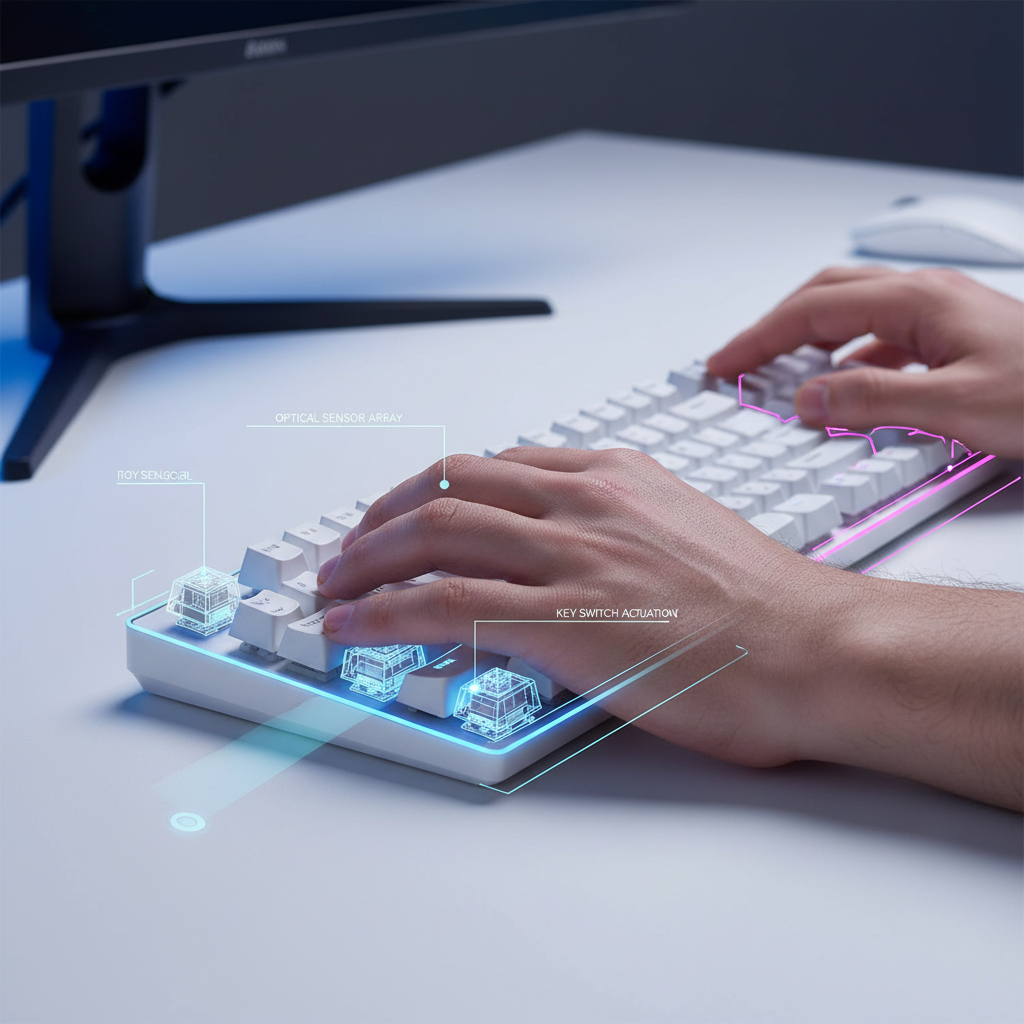
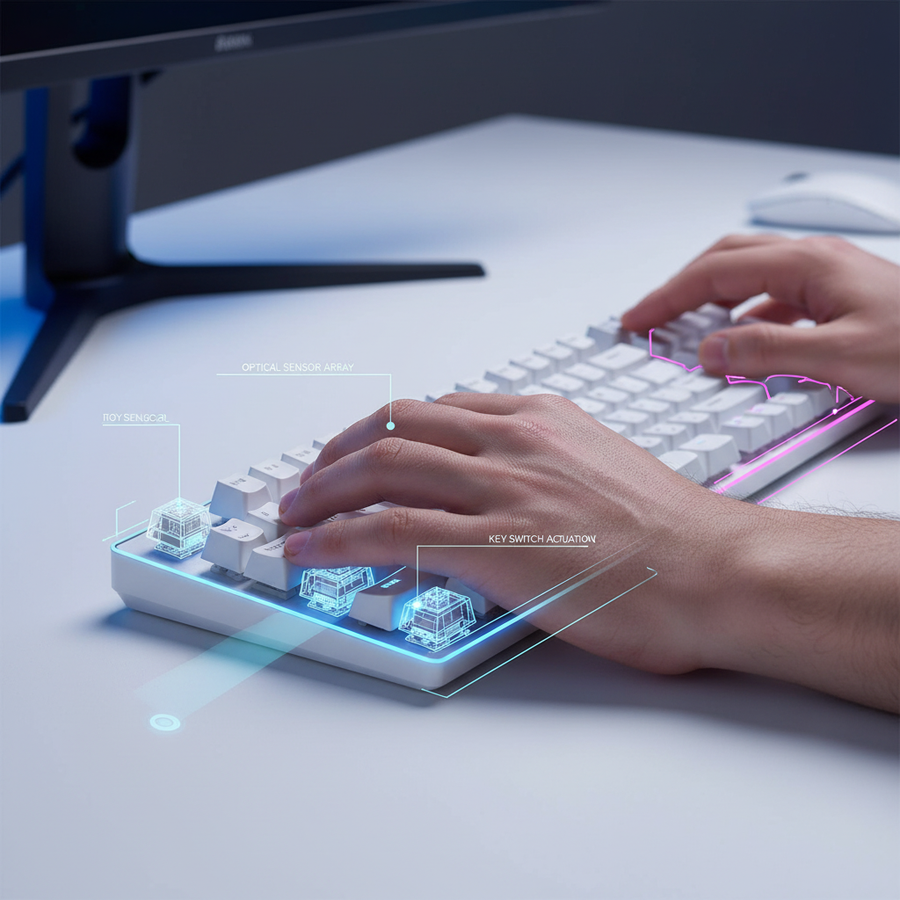
Le signal d'arrêt de mouvement est aussi critique que le signal de début de visée. Les claviers mécaniques traditionnels ont un point de réinitialisation fixe (hystérésis), ce qui introduit un délai lors du relâchement d'une touche pour arrêter le mouvement. Les claviers à effet Hall (HE) résolvent cela grâce à la technologie Rapid Trigger, qui permet à la touche de se réinitialiser dès qu'elle commence à remonter.
L'avantage théorique de 7 ms
D'après la modélisation de scénario pour un joueur avec une vitesse de soulèvement rapide du doigt (~200 mm/s), un clavier Rapid Trigger offre un avantage d'environ 7 ms par rapport aux interrupteurs mécaniques standard.
- Latence mécanique : Temps de déplacement (5 ms) + anti-rebond (5 ms) + distance de réinitialisation (2,5 ms) = ~12,5 ms.
- HE Rapid Trigger : Temps de déplacement (5 ms) + temps de réinitialisation RT (0,5 ms) = ~5,5 ms.
Ce delta d'environ 7 ms est la différence entre arrêter l'élan de votre personnage à couvert ou glisser dans la ligne de mire d'un ennemi. Cependant, régler la "Sensibilité du déclencheur rapide" trop bas (par exemple, 0,1 mm) peut provoquer un "tremblement numérique" — des réactivations involontaires lors d'un positionnement tendu des doigts qui perturbent les contre-strafes propres.
Synergie d'entrée dans le contre-strafing
Si le capteur de votre souris reprend le suivi (après un soulèvement) avant que le clavier n'envoie le signal "stop", vous ressentez un effet de "glissement". Cela est souvent attribué à tort à l'accélération de la souris. En réalité, c'est un décalage temporel où le joueur vise alors que le moteur du jeu croit encore que le personnage est en mouvement, entraînant une pénalité d'imprécision de mouvement.
La synergie du sondage 8K et de Motion Sync
Pour réduire encore cette fenêtre d'incertitude, des taux de sondage élevés (4000Hz à 8000Hz) sont utilisés. Un taux de sondage de 8000Hz réduit l'intervalle de rapport à un quasi instantané de 0,125 ms.
Motion Sync : Latence vs. Cohérence
Motion Sync aligne les paquets de données du capteur avec le "Start of Frame" (SOF) USB. Bien que cela assure un suivi plus fluide, cela introduit une latence déterministe.
- À 1000Hz, la pénalité est d'environ 0,5 ms.
- À 8000Hz, la pénalité tombe à ~0,0625ms (la moitié de l'intervalle de polling).
Pour le jeu FPS compétitif, la cohérence obtenue grâce à la synchronisation de mouvement à 8K compense largement le délai négligeable de 0,06 ms. Cet alignement garantit que lorsque vous effectuez un "Panic Flick," les coordonnées envoyées au système d'exploitation sont parfaitement synchronisées avec le cycle de rafraîchissement de l'écran.
Goulots d'étranglement système et topologie USB
Comme indiqué dans le Livre blanc mondial sur les standards des périphériques gaming (2026), le polling à 8K impose une charge importante sur le traitement des requêtes d'interruption (IRQ) du CPU. Pour éviter la perte de paquets, des appareils comme la ATTACK SHARK X8 Series Tri-mode Lightweight Wireless Gaming Mouse doivent être connectés directement aux ports I/O arrière de la carte mère. Évitez les hubs USB ou les connecteurs en façade, car la bande passante partagée et les interférences peuvent provoquer des "micro-saccades," annulant les avantages du suivi haute vitesse.
Guide de calibration technique : l'exercice "Panic Flick"
Pour vérifier si vos réglages LOD et Rapid Trigger sont synchronisés, effectuez l'exercice "Panic Flick". Ce test heuristique identifie les décalages temporels dans votre chaîne matérielle spécifique.
- L'exercice : Balayez rapidement votre souris hors du tapis puis remettez-la dessus tout en tapant simultanément une touche de mouvement (par exemple, 'D' pour arrêter une strafe vers la gauche).
- L'observation : Votre réticule atterrit-il toujours sur la cible, ou "glisse-t-il" au-delà du point d'impact ?
-
La solution :
- Si le réticule "glisse," la latence d'entrée de votre clavier est probablement trop élevée (réduisez le point de réinitialisation RT) ou votre LOD de souris est trop élevé (permettant le suivi avant que la souris ne soit complètement posée).
- Si le réticule "saccade" ou semble peu réactif, votre LOD est probablement trop bas pour votre vitesse de déplacement, ce qui fait que le capteur perd la trace prématurément.
Le minimum de DPI selon Nyquist-Shannon
Beaucoup de joueurs utilisant des configurations à haute sensibilité (par exemple, 25cm/360°) sous-échantillonnent involontairement la résolution de leur écran. Pour éviter le "saut de pixel" en 1440p, notre modélisation impose un DPI minimum d'environ 1850.
- Formule : DPI > 2 * Pixels Par Degré (PPD).
- Pourquoi ce chiffre : Utiliser un DPI plus bas (comme 400 ou 800) avec un multiplicateur élevé en jeu peut entraîner de l'aliasing, où le curseur "saute" des pixels lors de micro-ajustements. Cela s'aggrave avec l'instabilité du LOD, rendant la visée "flottante."
Pour une configuration équilibrée, nous recommandons d’utiliser la souris de jeu sans fil ATTACK SHARK G3 Tri-mode à 1600 ou 3200 DPI, avec une réduction correspondante de la sensibilité en jeu pour maintenir votre cm/360 préféré.
Transparence de la modélisation : méthode & hypothèses
Cette analyse utilise une modélisation déterministe de scénarios pour estimer l'impact des réglages matériels sur la performance du joueur. Ce sont des estimations théoriques basées sur les spécifications des composants et peuvent varier selon la technique individuelle.
| Paramètre | Valeur | Unité | Justification |
|---|---|---|---|
| Taux de sondage | 4000 - 8000 | Hz | Norme esports haut de gamme |
| Vitesse de levée du doigt | 200 | mm/s | Vitesse estimée pour contre-strafes rapides |
| Distance de réinitialisation RT | 0.1 | mm | Seuil minimum pour capteurs à effet Hall |
| Résolution d'affichage | 2560 x 1440 | px | Norme cible pour FPS haute fidélité |
| FOV (Horizontal) | 103 | deg | FOV par défaut pour les shooters tactiques (ex. Valorant) |
Conditions aux limites :
- Limitation CPU : Le modèle suppose un CPU moderne 8 cœurs capable de gérer les requêtes IRQ 8K sans limitation thermique.
- Consistance de la surface : Les calculs pour le LOD supposent une surface propre en tissu non réfléchissant sauf indication contraire (par exemple, scénario de tapis en verre).
- Latence humaine : Ce modèle se concentre sur la latence matériel-vers-OS ; il ne prend pas en compte la variation du temps de réaction humain (~150 ms - 250 ms).
Optimisation de la chaîne visée-mouvement
Atteindre une configuration de niveau benchmark nécessite de dépasser les réglages « plug-and-play » par défaut. En équilibrant le seuil de suivi du capteur avec la vitesse de réinitialisation du clavier, vous éliminez la « friction cachée » qui cause l'incohérence de visée.
- Pour les tapis en verre : Utilisez un LOD de 2 mm et un DPI supérieur à 1850 pour retrouver un contrôle pixel-parfait.
- Pour le contre-strafing : Utilisez HE Rapid Trigger avec un point de réinitialisation d'environ 0,2 mm pour éviter les tremblements numériques tout en conservant un avantage de 7 ms.
- Pour un taux de sondage 8K : Assurez la connectivité Rear I/O et activez Motion Sync pour une cohérence inférieure à 0,1 ms.
En traitant votre souris et votre clavier comme une chaîne d'entrée unique et synchronisée, vous assurez que chaque réinitialisation de mouvement se traduit par un tir parfaitement stable.
Avertissement : Cet article est à titre informatif uniquement. Les configurations de jeu haute performance impliquent des mouvements rapides et répétitifs qui peuvent contribuer à la fatigue. En cas de douleur persistante au poignet ou aux doigts, consultez un professionnel qualifié en ergonomie ou un kinésithérapeute.
Sources :