La mécanique de la latence de clic : comment la tension mécanique par ressort améliore la performance
Dans le jeu compétitif, l'intervalle entre une commande mentale et une action à l'écran se mesure en millisecondes. Alors que l'industrie se concentre principalement sur la résolution du capteur (DPI) et les taux de rafraîchissement (Hz), l'architecture physique du bouton de la souris — en particulier le montage de l'interrupteur et le système de tension — représente l'une des opportunités les plus significatives de réduction de latence. La tension mécanique par ressort est une solution d'ingénierie conçue pour éliminer la "zone morte" des clics de souris, garantissant que les boutons principaux restent prêts pour une activation quasi instantanée.
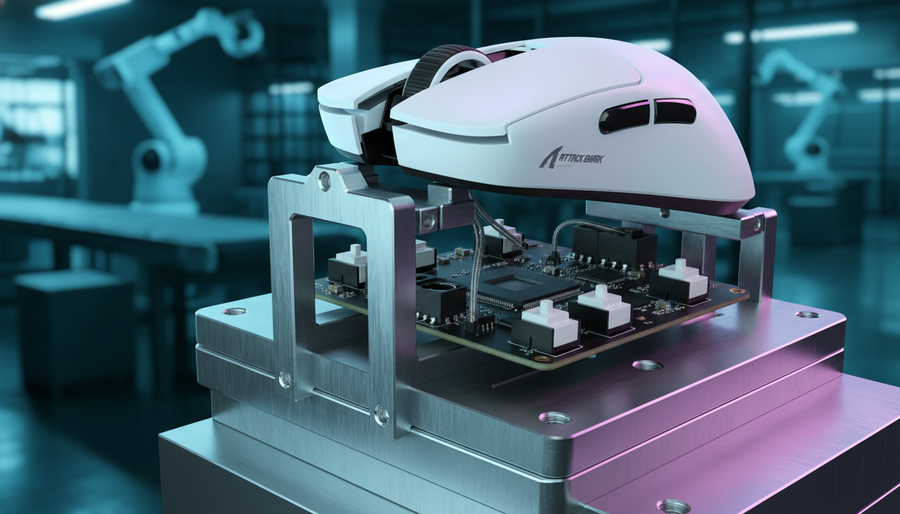
Les conceptions traditionnelles de souris reposent souvent sur la flexibilité naturelle de la coque en plastique ou sur de simples ressorts à lame pour ramener le bouton à sa position neutre. Cependant, pour les joueurs professionnels d'esports, ces implémentations standard peuvent introduire des incohérences, telles que des oscillations après déplacement ou un pré-déplacement excessif. La tension mécanique par ressort résout ces problèmes en utilisant des ressorts calibrés pour appliquer une force de "précharge" constante aux poussoirs de la souris. Cela maintient la surface du bouton en contact direct avec le micro-interrupteur, réduisant la distance physique nécessaire pour déclencher une commande.
L'ingénierie derrière les systèmes d'interrupteurs pré-tensionnés
L'objectif principal d'un système mécanique de tension est de minimiser le pré-déplacement — la distance qu'un bouton parcourt avant d'atteindre le point d'activation de l'interrupteur. Dans une souris de jeu standard, le pré-déplacement varie généralement de 1,0 mm à 1,2 mm. En intégrant un mécanisme de tension, les ingénieurs peuvent réduire cette distance à environ 0,3 mm à 0,5 mm.
Ressorts de torsion vs ressorts de compression
Il existe deux méthodes principales pour mettre en œuvre la tension des boutons : les ressorts de compression et les ressorts de torsion.
- Ressorts de compression : Ceux-ci offrent une résistance initiale élevée et une sensation de "rebond" rapide. Cependant, ils peuvent parfois entraîner des courbes de force incohérentes si le ressort n'est pas parfaitement centré sous le poussoir.
- Ressorts de torsion : Ceux-ci sont généralement préférés dans les souris de performance haut de gamme. Selon les guides techniques sur la minimisation de l'hystérésis dans les ressorts techniques, les ressorts de torsion offrent une performance plus constante sur des millions de cycles en réduisant la perte d'énergie lors des phases de chargement et de déchargement.
Un système de ressort de torsion bien calibré utilise généralement une tension de précharge de 50g à 80g. Cette plage spécifique est cruciale ; si la tension est inférieure à 50g, la souris devient sujette aux clics accidentels lors de mouvements rapides. Si elle dépasse 80g, la force physique nécessaire pour cliquer augmente, ce qui peut entraîner une fatigue de l'index et une réduction de la vitesse globale de clic.

Uniformité de la sensation de clic et architecture de montage de l'interrupteur
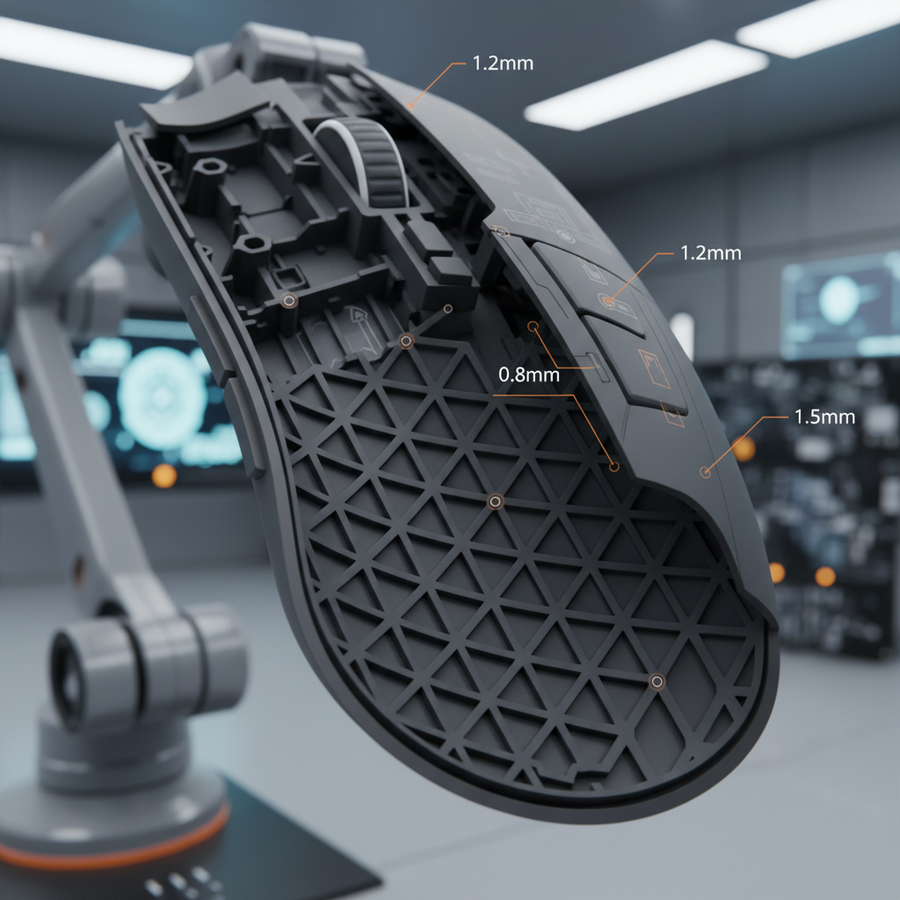
Une frustration courante chez les joueurs compétitifs est la sensation « molle » qui se produit lorsqu'un bouton est pressé sur ses bords plutôt que directement sur l'interrupteur. Cela est souvent causé par un mauvais alignement du plongeur ou une flexion structurelle de la coque de la souris. L'architecture de montage de l'interrupteur résout ce problème en assurant que la force appliquée au bouton est répartie uniformément sur toute la surface.
Alignement et stabilité du plongeur
Dans un système sous tension, le plongeur — la partie du bouton qui touche physiquement l'interrupteur — est souvent stabilisé par un rail de guidage dédié ou une charnière renforcée. Cela empêche les mouvements latéraux (oscillations) et garantit que l'interrupteur est toujours actionné sous le même angle. Les références industrielles pour une ingénierie de haute qualité exigent une variance inférieure à 10 % de la force d'activation sur toute la surface principale du bouton. Ce niveau de constance est vital pour les joueurs utilisant différents styles de prise, comme la « griffe » ou le « bout des doigts », où le doigt ne repose pas toujours au centre du bouton.
Réduction de l'hystérésis du ressort
L'hystérésis fait référence au décalage entre l'application de la force et la réponse physique du ressort. Dans les scénarios de clics rapides, comme dans les jeux MOBA ou RTS, une hystérésis élevée peut empêcher le bouton de revenir assez vite à sa position « zéro » pour le clic suivant. En choisissant des matériaux à faible friction interne et des valeurs k optimisées (raideur), les ingénieurs peuvent garantir que le bouton revient en place instantanément, prêt pour la prochaine action en quelques microsecondes.
Impact sur la performance : analyse quantitative pour les joueurs compétitifs
Pour comprendre les bénéfices tangibles de la tension du ressort, il faut examiner le « cycle de clic » — le temps total depuis le début de la pression du doigt jusqu'au moment où l'interrupteur se réinitialise et est prêt pour la pression suivante.
Modélisation de scénario : le profil à 400 APM
Nous avons modélisé un joueur compétitif de MOBA/RTS maintenant 400 actions par minute (APM). Dans ce scénario, le joueur s'appuie sur des clics rapides et précis pour la micro-gestion des unités et les combos de capacités. En réduisant le pré-déplacement de 1,0 mm à 0,5 mm et en optimisant le temps de réinitialisation, la tension mécanique offre un avantage cumulatif mesurable.
Note de modélisation (paramètres reproductibles) : Cette analyse est basée sur un modèle de scénario déterministe pour un joueur à haut APM. Il s'agit d'un modèle de scénario, pas d'une étude de laboratoire contrôlée.
Paramètre Valeur Unité Justification APM de base 400 APM Référence compétitive de haut niveau Vitesse du doigt 150 mm/s Biomécanique des joueurs professionnels Pré-déplacement standard 1.0 mm Norme industrielle pour les souris non tendues Pré-déplacement sous tension 0.5 mm Réduction ciblée pour les modèles de performance Ratio de clics stratégiques 75% % Pourcentage de clics nécessitant un timing précis Économies de vitesse de clic ~3 ms Dérivé de la réduction de déplacement à 150 mm/s
Principales conclusions du modèle :
- Temps récupéré : Pour un joueur à 400 APM, la tension du ressort permet de récupérer environ 1,8 seconde de temps effectif par minute. Cela est calculé par les 3 ms économisées par cycle de clic plus les 2 ms économisées dans le déplacement stratégique.
- Augmentation effective de l'APM : La réduction de la latence physique permet une augmentation effective de l'APM d'environ 3 %, portant un joueur à 400 APM à une efficacité théorique de 412 APM.
- Delta de latence : Combiné à un firmware haute vitesse, l'avantage total du clic physique peut atteindre ~8 ms par cycle. Dans un jeu comme League of Legends ou StarCraft II, où une seule image à 144Hz dure environ 7 ms, cet avantage peut faire la différence entre un lancement d'aptitude réussi et une occasion manquée.
Intégration avec les écosystèmes à polling 8000Hz (8K)
Alors que la tension du ressort optimise l'entrée physique, la transmission numérique de cette entrée est gérée par le taux de polling. Les souris ultra-légères modernes disposent souvent d'un polling à 8000Hz (8K), ce qui réduit l'intervalle de communication entre la souris et le PC à 0,125 ms.
La chaîne de latence
Pour maximiser les avantages d'un bouton avec un pré-déplacement de 0,3 mm, toute la chaîne de latence du système doit être optimisée. À 8000Hz, le délai introduit par l'intervalle de polling USB est négligeable (0,125 ms). Cependant, cette fréquence élevée exerce une pression importante sur le processeur du système, notamment en ce qui concerne le traitement des requêtes d'interruption (IRQ).
Selon le Livre blanc mondial sur l'industrie des périphériques gaming (2026), la synergie entre la tension mécanique et le polling 8K est la plus efficace lorsque l'utilisateur utilise également un moniteur à taux de rafraîchissement élevé (240Hz+). Bien que la "règle du 1/10" (selon laquelle le Hz du moniteur doit être le dixième du Hz du polling) soit une idée reçue courante et mathématiquement impossible avec la technologie actuelle, la fluidité perceptuelle d'un capteur 8K ne peut être représentée visuellement que sur des écrans capables de rendre le trajet du curseur avec un minimum d'interruptions entre les images.
Contraintes techniques de la performance 8K
Les utilisateurs doivent savoir que le polling à 8000Hz est un outil spécialisé. Il réduit généralement l'autonomie de la batterie sans fil de 75 à 80 % par rapport à 1000Hz. De plus, pour éviter la perte de paquets, ces appareils doivent être connectés directement aux ports I/O arrière de la carte mère plutôt que via des concentrateurs USB ou des connecteurs en façade, qui souffrent souvent d'une bande passante partagée et d'un blindage insuffisant.
Durabilité et normes de contrôle qualité
Les ressorts mécaniques sont soumis à la fatigue avec le temps. Un ressort qui semble "net" le premier jour peut perdre sa tension après des millions de clics. Les souris haute performance sont testées à l'aide de dispositifs spécialisés simulant de 70 à 100 millions de clics.
Fatigue et variation du ressort
Les données suggèrent que la fatigue du ressort peut réduire la tension de 10 à 15 % après 10 millions de clics. Pour y remédier, les fabricants utilisent des alliages de haute qualité qui maintiennent leur valeur k sur une plage de températures plus large. Les variations de température entre 15°C et 35°C peuvent modifier la force d'activation de 5 à 8 % dans les ressorts de moindre qualité. Garantir qu'une souris maintienne une variation inférieure à 10 % tout au long de sa durée de vie est une marque d'ingénierie supérieure.
Encadré Sécurité et Conformité
Lors de la sélection de souris sans fil haute performance, il est essentiel de vérifier que les composants internes respectent les normes internationales de sécurité.
- Sécurité des batteries : Les batteries lithium-ion utilisées dans les souris sans fil doivent respecter les normes UN 38.3 pour un transport et une utilisation sûrs.
- Conformité RF : Les dispositifs sans fil fonctionnant sur la bande 2,4 GHz sont régulés par la FCC (Federal Communications Commission) aux États-Unis et par l'ISED (Innovation, Sciences et Développement économique) au Canada pour garantir qu'ils ne causent pas d'interférences nuisibles.
- Sécurité chimique : Les matériaux doivent être vérifiés par rapport à la liste SVHC (Substances extrêmement préoccupantes) de l'ECHA pour garantir qu'ils sont exempts de substances dangereuses restreintes.
Résumé des avantages techniques
La mise en œuvre de la tension mécanique par ressort n'est pas simplement une amélioration de la « sensation » ; c'est une optimisation structurelle de la chaîne d'entrée. En maintenant les plongeurs préchargés, le système élimine le jeu mécanique qui affecte les conceptions de souris standard.
| Caractéristique | Souris standard | Souris tendue par ressort | Bénéfice de performance |
|---|---|---|---|
| Course avant | 1.0mm - 1.2mm | 0.3mm - 0.5mm | Activation physique ~50% plus rapide |
| Force d'activation | Variable (±15g) | Constante (<10% de variance) | Sensation de clic prévisible sur tout le bouton |
| Vitesse de réinitialisation | Dépend de la flexion de la coque | Retour assisté par ressort | Clics de suivi plus rapides (APM plus élevé) |
| Durabilité | Risque élevé de sensation « molle » | Ressorts de torsion calibrés | Cohérence tactile à long terme |
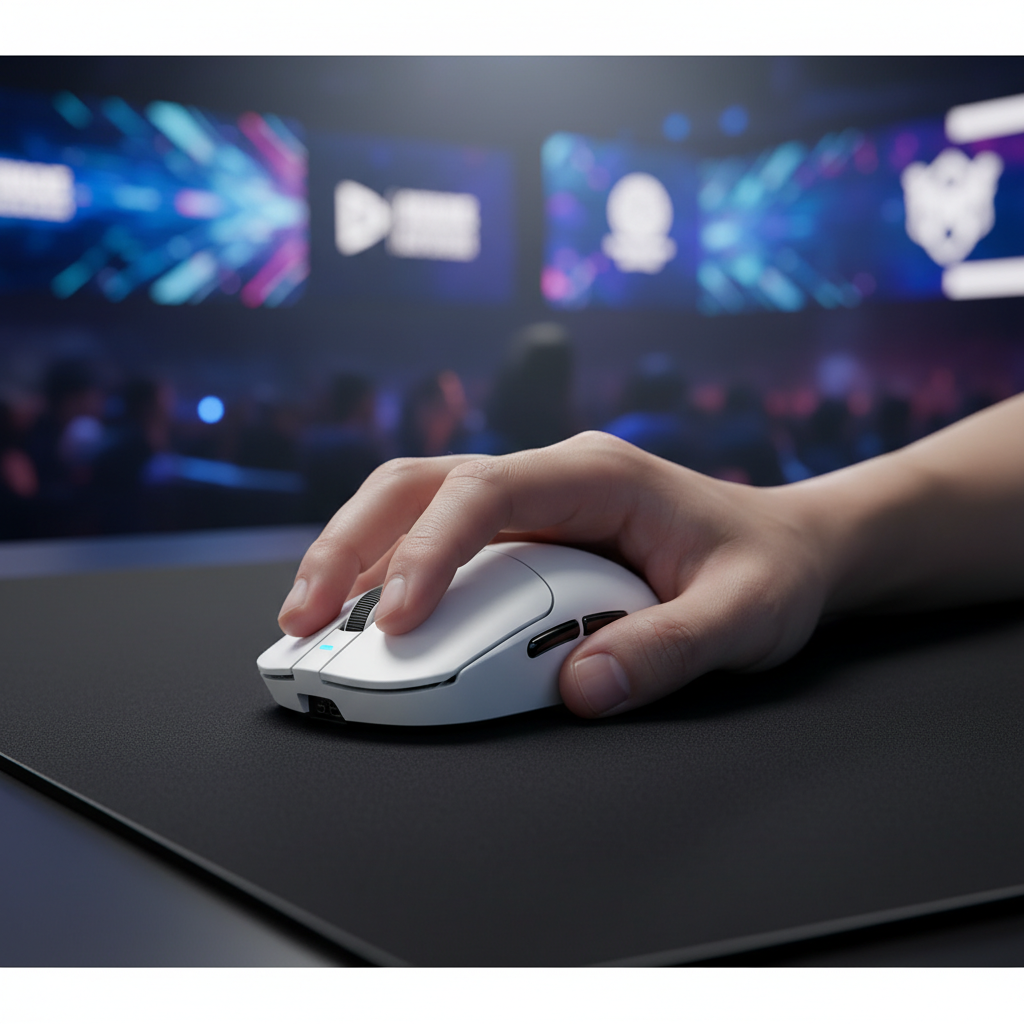
Pour le joueur compétitif, ces améliorations se traduisent par une interface plus réactive. Quand chaque milliseconde compte — que vous mainteniez un angle pixel-parfait dans un jeu de tir tactique ou exécutiez un combo frame-perfect dans un jeu de combat — l'intégrité mécanique des boutons de votre souris est aussi importante que le capteur à l'intérieur. En privilégiant l'architecture de montage des interrupteurs et une sensation de clic uniforme, les marques axées sur l'ingénierie offrent un avantage tangible qui distingue le matériel professionnel des périphériques standards.
Avertissement : Cet article est à titre informatif uniquement et ne constitue pas un conseil technique ou de jeu professionnel. Les gains de performance sont des estimations basées sur la modélisation de scénarios et peuvent varier en fonction de la biomécanique individuelle du joueur, des configurations système et des limitations spécifiques au moteur du jeu. Consultez toujours les manuels officiels des produits pour les instructions spécifiques d'entretien et de sécurité.
Sources
- RTINGS - Méthodologie de latence de clic de souris et de force tactile
- Tevema - Minimiser l'hystérésis dans les ressorts techniques
- UNECE - Manuel des tests et critères de l'ONU (Section 38.3)
- FCC - Recherche d'autorisation d'équipement
- Livre blanc mondial sur l'industrie des périphériques de jeu (2026)