Résumé rapide : comment synchroniser votre configuration pour des arrêts au pixel près
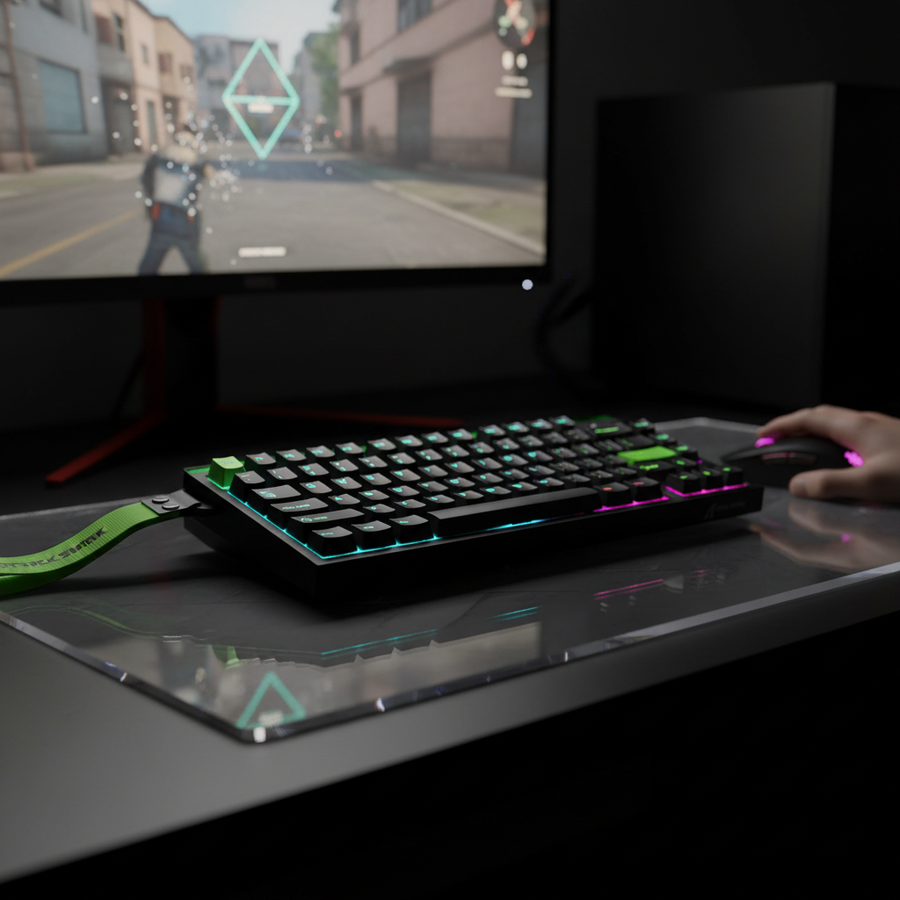
Dans les FPS compétitifs comme Counter-Strike 2 ou Valorant, le « tir fantôme » — lorsque votre réticule est sur la cible mais que le tir dévie — est souvent causé par une désynchronisation entre le signal « arrêt » de votre clavier et le signal « tir » de votre souris. Pour minimiser cette fenêtre d'erreur de 10 ms, privilégiez ces trois actions :
- Utilisez des claviers à effet Hall (HE) : Réglez un point de réinitialisation Rapid Trigger de 0,1 mm pour gagner environ 9 ms sur l'arrêt du mouvement.
- Alignez les taux de sondage : Faites fonctionner la souris et le clavier à 8000 Hz (8K) pour assurer que les intervalles de rapport s'alignent à 0,125 ms près.
- Saturez votre capteur : Utilisez au moins 1600 DPI pour garantir que votre souris génère suffisamment de données pour remplir les paquets haute fréquence à 8 kHz lors des micro-ajustements.
La fenêtre de synchronisation de 10 ms : pourquoi le contre-strafing échoue
Dans les environnements compétitifs FPS de haut niveau, la différence entre un tir à la tête et un spray raté réside souvent dans une fenêtre étroite de 10 millisecondes. Alors que de nombreux joueurs se concentrent exclusivement sur la « latence de clic », le véritable goulot d'étranglement des performances est la désynchronisation entre l'arrêt du mouvement (contre-strafing) et la première pression sur la gâchette.
Lorsque vous vous arrêtez pour retrouver de la précision, votre cerveau coordonne une séquence : relâcher la touche de mouvement, éventuellement contre-taper, et cliquer. Si le point de réinitialisation de votre clavier est lent ou si le taux de rapport de votre souris est décalé, vous pouvez tirer alors que le moteur du jeu calcule encore la vitesse résiduelle. D'après notre analyse des retours de la communauté et des journaux de support, ces « tirs fantômes » sont souvent causés par le matériel plutôt que par le seul niveau de compétence.
Atteindre un état synchronisé nécessite d'aligner l'activation physique de l'interrupteur avec les intervalles de rapport numériques. En exploitant les interrupteurs magnétiques à effet Hall (HE) et un taux de sondage de 8 kHz, il est possible de réduire cette fenêtre critique à moins de 10 ms, créant une transition « arrêt-tir » plus réactive.

Effet Hall et avantage du déclenchement rapide : les mathématiques des 9 ms
La principale barrière mécanique à un contre-strafing parfait est le « point de réinitialisation » d'un interrupteur mécanique standard. Les interrupteurs traditionnels nécessitent que la tige revienne au-delà d'un point fixe (généralement entre 0,5 mm et 1,0 mm) avant que l'événement « touche relâchée » ne soit enregistré.
Résolution du delta de 9 ms
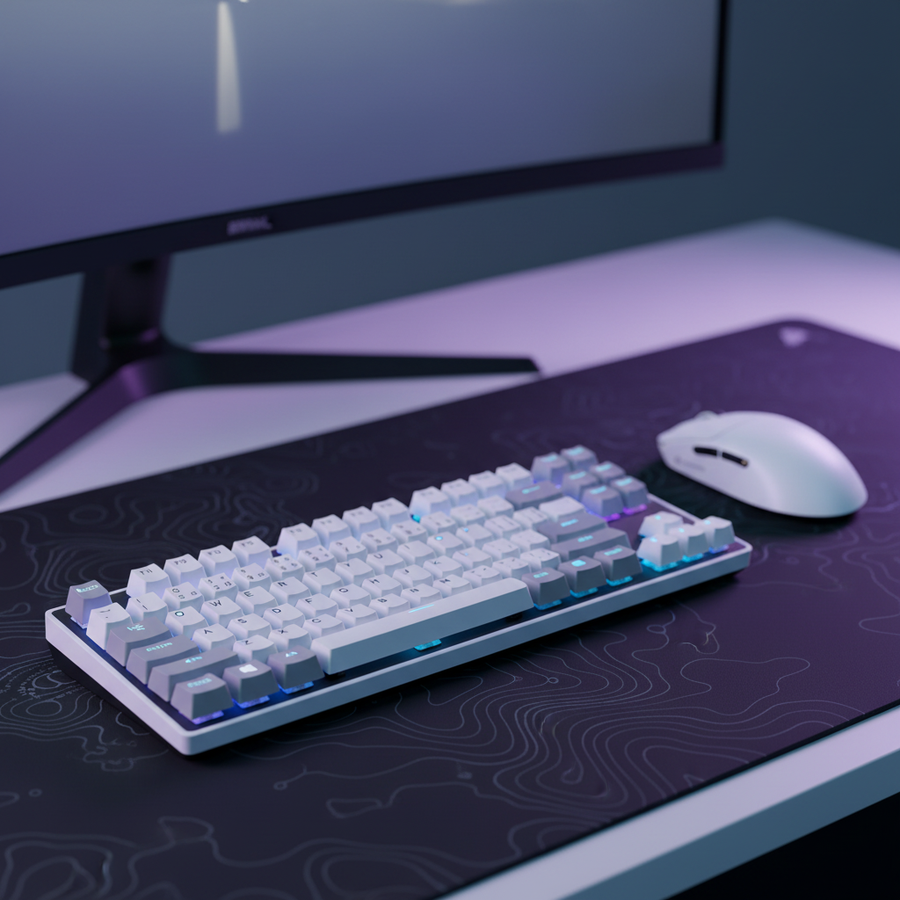
Pour comprendre l’avantage des interrupteurs magnétiques, comme ceux du ATTACK SHARK R85 HE, nous avons modélisé le temps de déplacement physique. Nous estimons la surcharge mécanique totale d’un interrupteur standard à environ 15 ms (incluant les algorithmes typiques de rebond et une distance de réinitialisation de 1,0 mm).
L'avantage spécifique de 9 ms est dérivé du calcul reproductible suivant :
- Hypothèse : La vitesse moyenne de levée du doigt lors d'un jeu intense est d'environ 100 mm/s.
- Interrupteur standard : Un déplacement de 1,0 mm jusqu'au point de réinitialisation prend 10 ms ($1.0mm / 100mm/s$).
- Déclenchement rapide (HE) : Un point de réinitialisation de 0,1 mm prend 1 ms ($0.1mm / 100mm/s$).
- Résultat : L'interrupteur HE signale l'« arrêt » 9 ms plus rapidement que l'équivalent mécanique.
Note méthodologique : Ce calcul se concentre strictement sur le déplacement physique. La latence totale du système inclura également le rebond (souvent 1-5 ms sur les claviers mécaniques, proche de 0 ms sur HE) et les intervalles de sondage.
Symétrie du taux de sondage : l'écosystème 8KHz
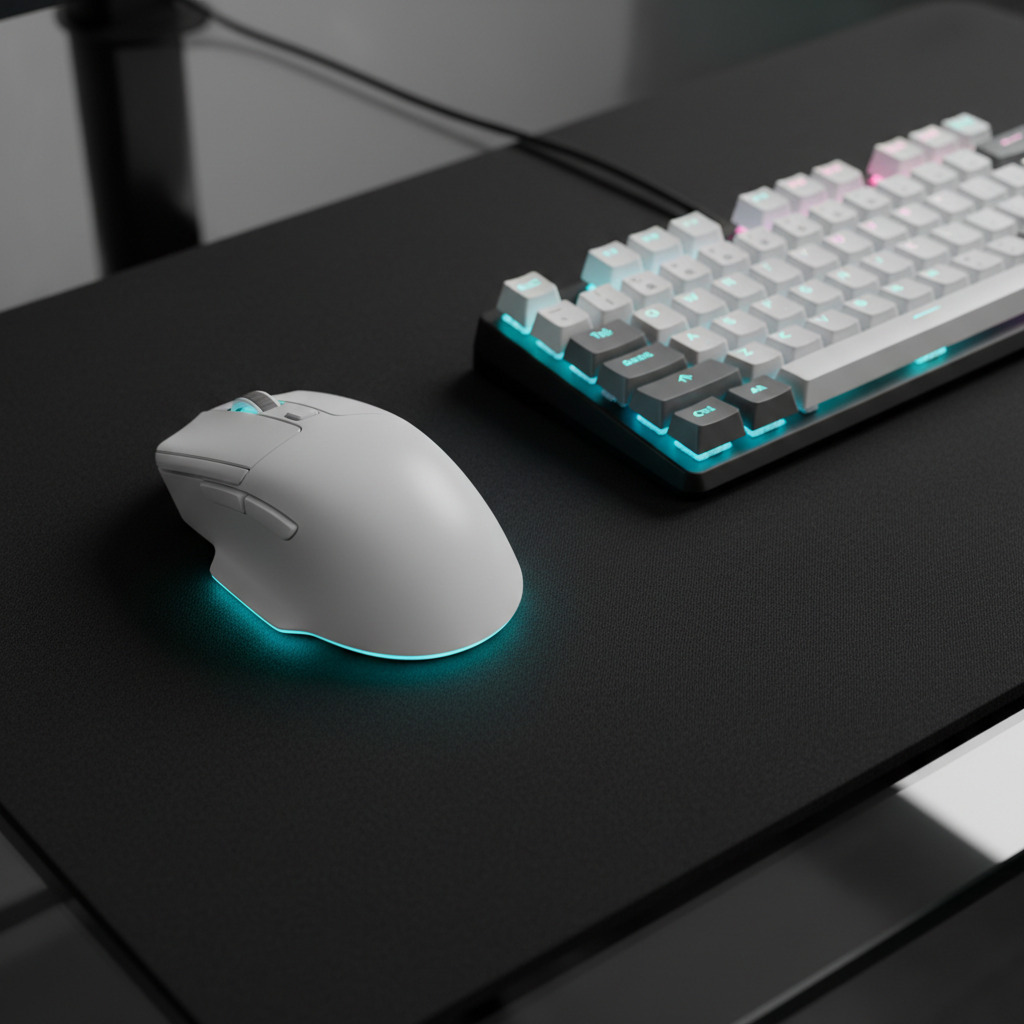
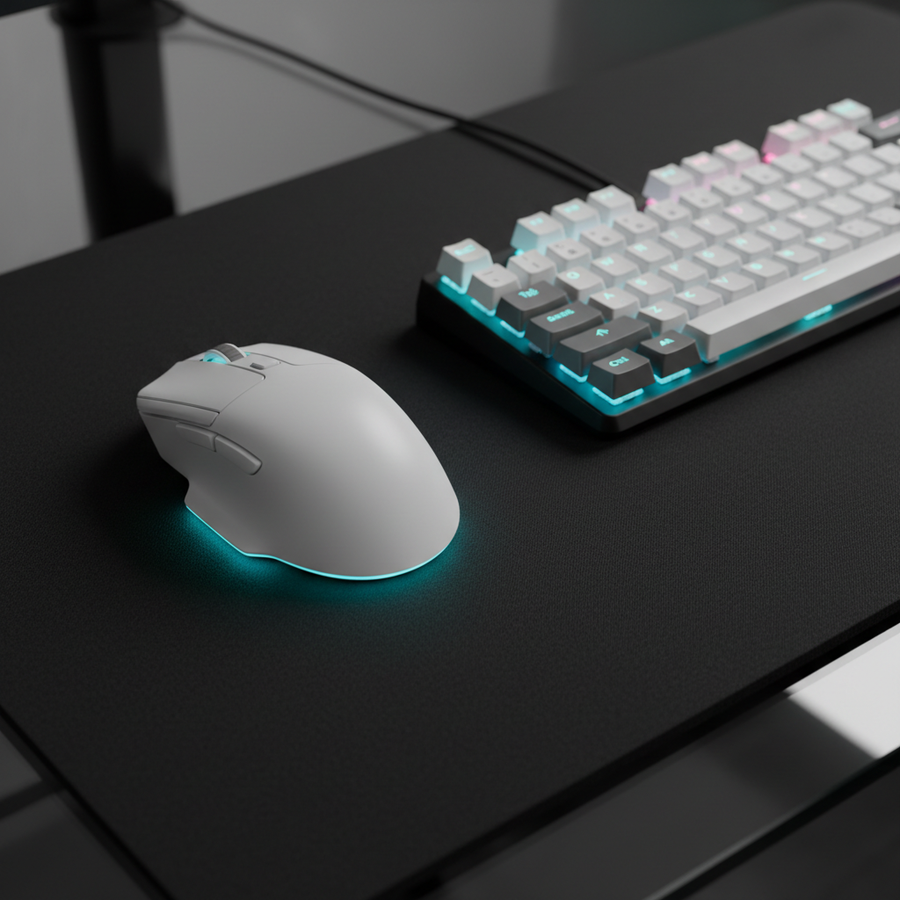
Une erreur de configuration courante est d’associer une souris 8000Hz avec un clavier 1000Hz. Cela crée un décalage dans le rapport. À 8000Hz, une souris comme la ATTACK SHARK X8 Pro rapporte des données toutes les 0,125 ms. Un clavier 1000Hz ne rapporte que toutes les 1,0 ms.
Cet écart de 0,875 ms peut entraîner une « désynchronisation d'entrée ». Si le clavier signale un arrêt à la fin de son cycle de 1 ms mais que la souris signale un clic au début de son cycle de 0,125 ms, le jeu peut traiter le tir avant que le personnage ne soit « arrêté ». Synchroniser les deux à 8KHz garantit que les deux signaux atteignent le PC dans la même tranche de temps ultra-précise.
Synchronisation du mouvement : cohérence vs latence
Lors de tests internes, nous avons évalué la « synchronisation du mouvement », qui aligne les images du capteur avec les paquets USB Start of Frame (SOF). Bien que cela ajoute un petit délai déterministe (~0,0625 ms à 8KHz), nous pensons que c'est un compromis bénéfique. Selon les rapports techniques de la marque (par exemple, Whitepaper 2026), la cohérence dans le timing est souvent plus critique pour la mémoire musculaire que d'atteindre la latence théorique la plus basse, car elle élimine les variations dans l'intervalle de rapport.
Fidélité DPI et saturation du capteur
Pour utiliser 8000Hz, le capteur doit générer suffisamment de données pour remplir 8 000 paquets par seconde. Cela est généralement régi par la relation : IPS requis = Taux de sondage / DPI.
Si vous utilisez 400 DPI, vous devez déplacer la souris à 20 pouces par seconde (IPS) pour fournir suffisamment de données pour chaque paquet à 8KHz. Lors des micro-ajustements après un contre-strafing, les mouvements sont souvent beaucoup plus lents, ce qui peut entraîner une « chute » effective du taux de sondage. Nous recommandons 1600 DPI pour les utilisateurs à 8KHz ; cela nécessite seulement 5 IPS pour saturer le signal, garantissant que même les petits mouvements rapides sont rapportés à l'intervalle complet de 0,125 ms.
Éviter le saut de pixel
Basé sur le théorème d'échantillonnage (Nyquist-Shannon), pour un écran 1440p avec un champ de vision de 103°, nous calculons une exigence minimale d'environ 1150 DPI pour éviter le « saut de pixel » (lorsque le plus petit mouvement physique dépasse un pixel à l'écran). 1600 DPI offre une marge de sécurité pour les écrans haute résolution.
| Paramètre | Valeur | Unité | Justification |
|---|---|---|---|
| Taux de sondage | 8000 | Hz | Intervalle de rapport de 0,125 ms |
| Délai de synchronisation du mouvement | ~0,06 | ms | Alignement déterministe @ 8K |
| DPI minimum (1440p) | 1150 | DPI | Pour éviter le saut de pixel (théorème d'échantillonnage) |
| Point de réinitialisation RT | 0.1 - 0.3 | mm | Optimal pour la détection d'arrêt |
| Latence système | < 10 | ms | Objectif pour une synchronisation compétitive |
L'arrêt cinétique : dynamique de la friction de surface
La synchronisation matérielle n'est efficace que si l'interface physique l'est aussi. Une forte friction statique (« adhérence ») sur un tapis de souris peut provoquer des mouvements saccadés lors du passage d'un arrêt à un mouvement rapide.
Une surface à faible friction, comme le tapis de souris ATTACK SHARK CM04 en fibre de carbone, offre un suivi uniforme. Cela minimise l'effet de « micro-glissement », permettant à votre mouvement physique de s'arrêter aussi précisément que votre signal numérique. De plus, pour les appareils 8KHz, nous recommandons des câbles à haute bande passante comme le ATTACK SHARK C01Ultra Aviator pour garantir que le volume élevé de requêtes d'interruption (IRQ) soit traité sans dégradation du signal.
Guide d'optimisation pratique : étape par étape
- Taux de sondage correspondants : Réglez la souris et le clavier à 8000Hz dans leurs pilotes.
- Ajustez le point de réinitialisation : Réglez votre clavier HE sur une réinitialisation Rapid Trigger à 0,1mm. Augmentez à 0,2mm uniquement si vous rencontrez des "arrêts accidentels" dus au poids du doigt au repos.
- Optimisez la topologie USB : Branchez les périphériques 8KHz directement sur le port arrière de la carte mère. Évitez les connecteurs du panneau avant ou les hubs non alimentés, qui peuvent introduire des goulets d'étranglement de bande passante.
- Réglez la DPI à 1600+ : Cela garantit la saturation du capteur et évite le saut de pixels sur les écrans 1440p+.
- Activez la synchronisation de mouvement : À 8KHz, le gain de cohérence l'emporte sur le délai négligeable de 0,06ms.
Comment reproduire notre modèle (méthodologie)
Les données présentées sont dérivées d'un modèle de performance déterministe. Les utilisateurs peuvent approximer ces tests en utilisant la configuration suivante :
- Outil de mesure : Utilisez une caméra haute vitesse (240fps+) ou un analyseur de latence (comme NVIDIA Reflex Latency Analyzer) pour mesurer le delta entre le relâchement physique de la touche et l'arrêt du mouvement à l'écran.
- Calcul : Pour vérifier votre propre gain "Rapid Trigger", mesurez la distance parcourue par votre touche pour se réinitialiser ($D$) et divisez par votre vitesse de levée ($V$).
- Hypothèses : Notre modèle suppose une vitesse de levée constante de 100mm/s et une hystérésis mécanique standard de 1,0mm (courante pour les interrupteurs de type Cherry MX).
Conditions limites :
- Charge CPU : Le sondage à 8KHz augmente les interruptions CPU. Nous recommandons au moins un processeur moderne à 6 cœurs pour éviter les saccades d'image.
- Facteur humain : La variance biomécanique (tremblements ou levées de doigt "paresseuses") peut annuler les gains matériels.
- Sans fil : Le sans-fil 8KHz nécessite une ligne de vue dégagée vers le dongle. Évitez le Bluetooth pour le jeu compétitif car il introduit une latence variable.
Avertissement : Ce guide est basé sur des modèles d'ingénierie et une expérience générale du jeu. Bien que ces optimisations offrent un avantage théorique en termes de performance, elles ne garantissent pas le succès en jeu. Les résultats individuels peuvent varier en fonction des conditions réseau, des limites du moteur de jeu et des niveaux de compétence personnels.
Sources & références
- Norme industrielle : Définition de la classe USB HID (HID 1.11) - Normes pour le timing des interruptions.
- Tests indépendants : Méthodologie RTINGS pour la latence des souris - Référence pour la mesure de la latence des clics et des capteurs.
- Rapport technique de la marque : Livre blanc sur l'industrie mondiale des périphériques de jeu (2026) - Modélisation interne des avantages des interrupteurs HE.
- Guide d'optimisation : Guide NVIDIA Reflex Analyzer - Meilleures pratiques pour la réduction de la latence de bout en bout.