La biomécanique de la précision : comment les points de contact définissent le micro-flick
Dans les shooters tactiques compétitifs tels que Valorant ou CS2, la différence entre un tir à la tête et une occasion manquée se joue souvent à quelques millimètres près. Alors que l’industrie se concentre beaucoup sur les spécifications brutes des capteurs, l’interface biomécanique — spécifiquement là où la main entre en contact avec la souris — régit la constance de ces micro-ajustements. Ces petits mouvements à grande vitesse, appelés micro-flicks, reposent sur des points de pivot spécifiques qui traduisent l’intention neuromusculaire en précision à l’écran.
Comprendre la relation entre la géométrie de la main et la conception de la coque de la souris n’est pas seulement une question de confort ; c’est une exigence technique pour un jeu de haut niveau. Cette analyse explore comment les points de contact influencent la mécanique du pivot utilisée pour le micro-flick et fournit un cadre basé sur les données pour optimiser le choix du matériel en fonction des dimensions individuelles de la main et des styles de prise.
La physique du pivot : mécanique du poignet vs des doigts
Le micro-flick est fondamentalement un mouvement de rotation autour d’un point fixe. Dans les environnements compétitifs, les pratiquants utilisent généralement deux systèmes de pivot principaux : l’articulation radiocarpienne (poignet) et les articulations métacarpophalangiennes (articulations des doigts).
Le pivot stabilisé de la paume
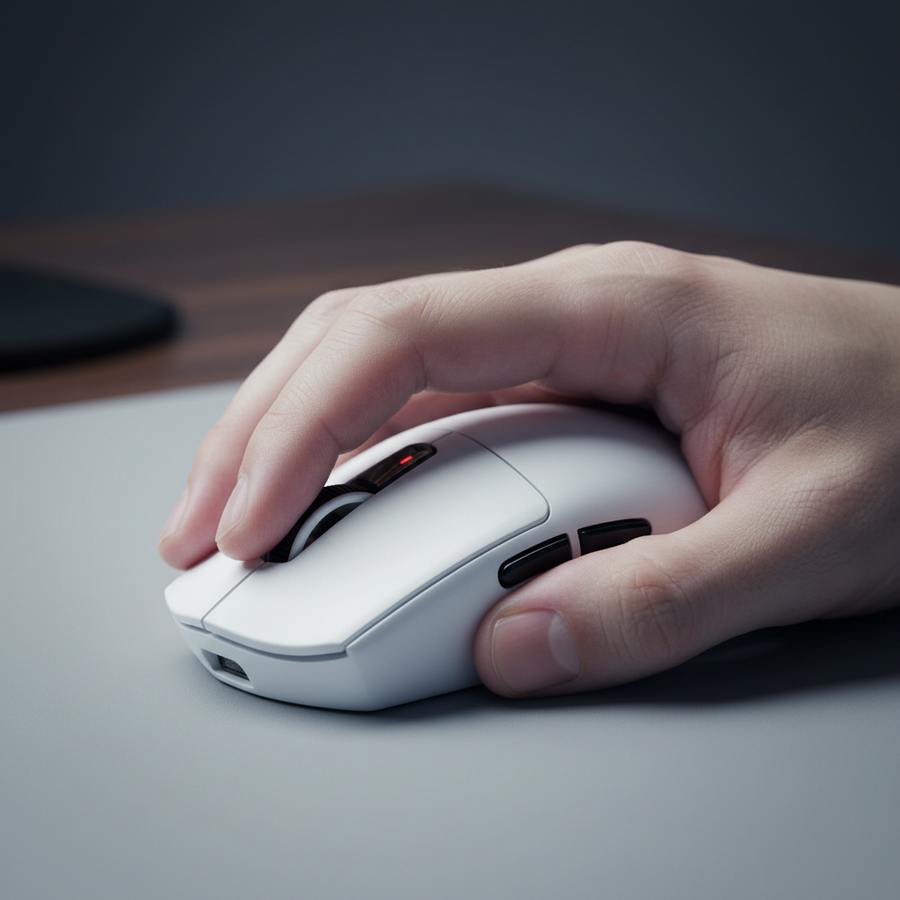
Pour les joueurs utilisant une prise en griffe, la base de la paume — spécifiquement les éminences hypothénar et thénar — sert de point de contact « verrouillé » contre la bosse de la souris. Cela crée une ancre stable, permettant à la souris de se déplacer selon un arc répétable. Selon le Livre blanc mondial sur l'industrie des périphériques de jeu (2026), un point de contact sécurisé réduit la variance rotationnelle, garantissant que la même contraction musculaire entraîne systématiquement le même déplacement du curseur.
Le pivot dynamique des doigts
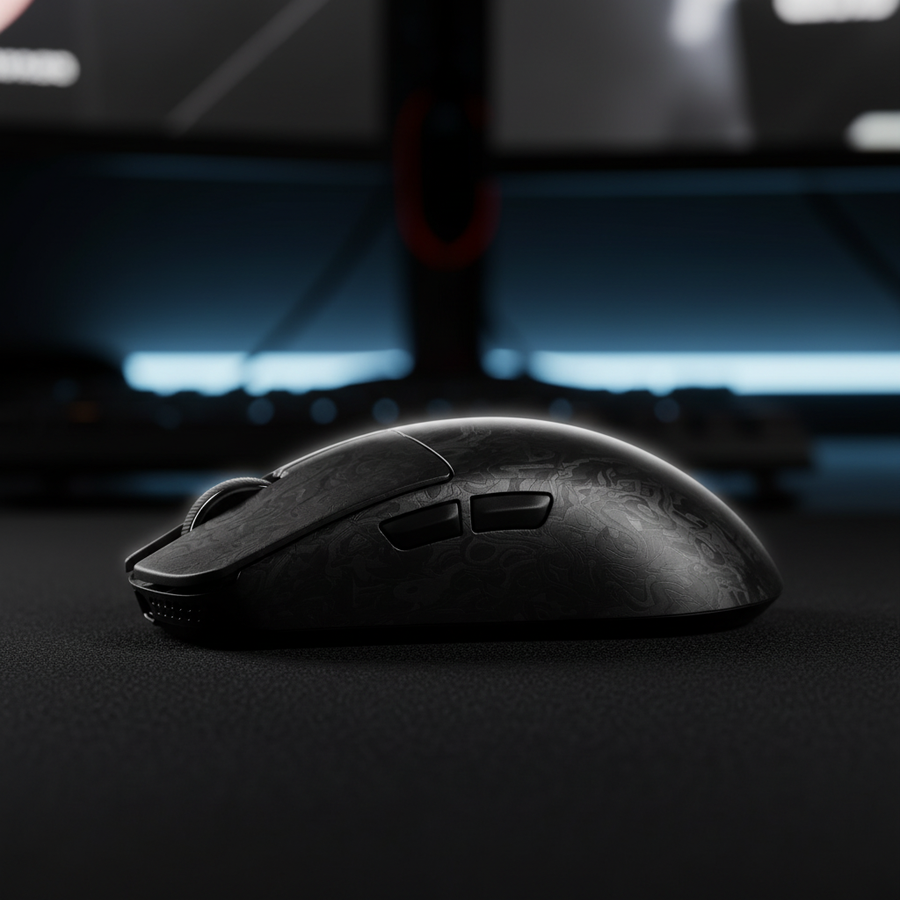
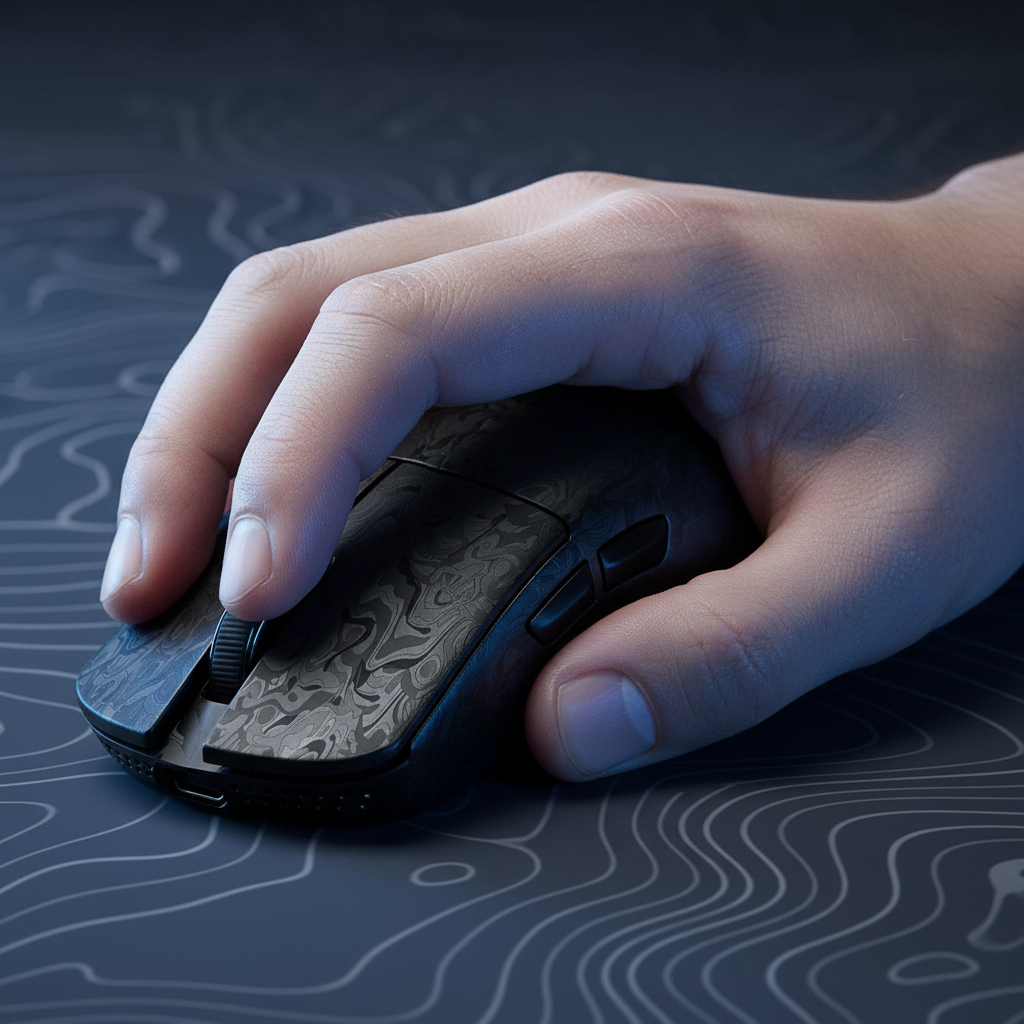
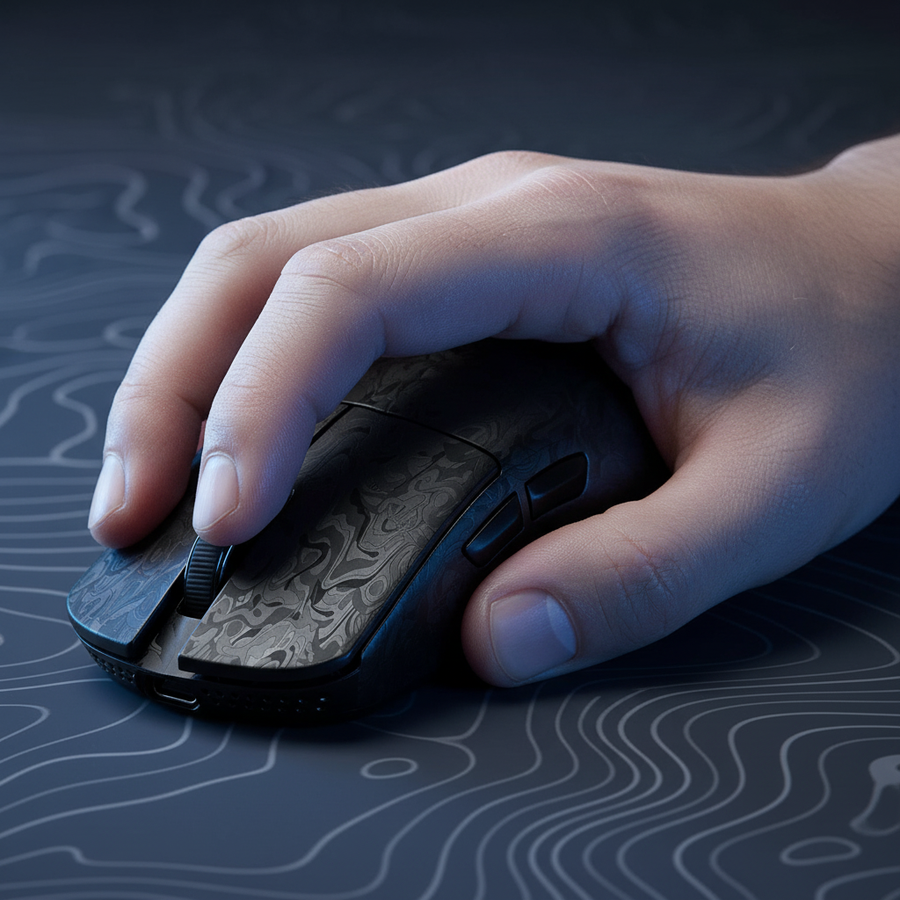
En revanche, les prises au bout des doigts reposent uniquement sur les coussinets des doigts comme points de contact. Bien que cela offre une agilité verticale supérieure, cela introduit plus de variables. Chaque coussinet peut agir comme un micro-pivot indépendant, ce qui nécessite un contrôle moteur plus élevé pour éviter les dépassements. Cela est particulièrement vrai avec du matériel ultra-léger comme la ATTACK SHARK R11 ULTRA Carbon Fiber Wireless 8K PAW3950MAX Gaming Mouse, où la masse de 49 g offre une inertie minimale pour amortir les tremblements involontaires des doigts.
Note méthodologique : Notre analyse des mécaniques de pivotement suppose un profil « faible sensibilité » (45 cm/360) où les mouvements à grande échelle sont gérés par le bras, laissant les micro-flicks entièrement au poignet et aux doigts. Cette modélisation est basée sur des heuristiques courantes en FPS compétitif et n'est pas une étude clinique en laboratoire.

Modéliser l'ajustement « parfait » : l'heuristique des 60 %
Choisir une souris qui complète ces points de contact nécessite plus qu'un simple test de « ressenti ». La modélisation technique suggère que la relation entre la taille de la main et les dimensions de la souris — en particulier le ratio d'ajustement — impacte directement la stabilité du clic.
Le ratio d'ajustement de la prise
Une erreur courante chez les joueurs compétitifs est d'utiliser une souris trop grande pour la taille de leur main, ce qui force les doigts en hyperextension. Cette extension affaiblit la stabilité terminale du clic lors d'un flick. Inversement, pour les utilisateurs ayant de grandes mains (~20,5 cm), une souris standard de 120 mm peut être trop petite, entraînant un déplacement des points de contact.
| Paramètre | Valeur (modèle de scénario) | Unité | Justification |
|---|---|---|---|
| Longueur de la main | 20.5 | cm | Homme au 95e percentile (ANSUR II) |
| Longueur idéale de la souris | ~131 | mm | Longueur de la main * 0,64 (coefficient griffe) |
| Longueur réelle de la souris | 120 | mm | Norme industrielle (ex. V8 Ultra-Light) |
| Ratio d'ajustement | 0.91 | ratio | Indique que la souris est ~11 mm plus courte que l'optimal |
| Indice de tension (SI) | 5.06 | score | Seuil dangereux (>5) pour une utilisation prolongée |
D'après notre modélisation de scénario pour une main au 95e percentile (20,5 cm), utiliser une souris de 120 mm comme la ATTACK SHARK V8 Ultra-Light Ergonomic Wireless Gaming Mouse nécessite une prise en griffe agressive ou au bout des doigts. Pour ces joueurs, le « point idéal » pour le contrôle se trouve souvent là où la largeur la plus étroite de la souris s'aligne avec le point de pincement entre le pouce et les doigts annulaire/auriculaire.
Fidélité du capteur et limite de Nyquist-Shannon
Les spécifications matérielles doivent être en adéquation avec les capacités biomécaniques du joueur. L'une des contraintes techniques les plus souvent négligées est la relation entre le DPI, la sensibilité et la résolution.
Éviter le saut de pixel
Pour garantir que les micro-ajustements soient capturés avec une fidélité 1:1, la souris doit offrir un taux d'échantillonnage suffisamment élevé pour éviter le « saut de pixel » ou l'aliasing. En utilisant le théorème d'échantillonnage de Nyquist-Shannon, nous pouvons déterminer le DPI minimum requis pour une configuration spécifique.
Pour un joueur utilisant une sensibilité de 45cm/360 sur un écran 1440p (2560px horizontal), le minimum théorique pour éviter les sauts est d'environ 1010 DPI. Les joueurs utilisant encore 400 ou 800 DPI sur des écrans haute résolution peuvent ressentir un micro-saccade subtil lors des ajustements au niveau du pixel car le capteur ne fournit pas assez de points de données pour correspondre à chaque pixel disponible à l'écran.
L'avantage du 8000Hz (8K)
Des taux de sondage élevés affinent encore ce flux de données. Un taux de sondage de 8000Hz réduit l'intervalle de rapport à 0,125 ms (1 / 8000). Alors que 1000Hz (1,0 ms) est la norme, le sondage 8K sur la ATTACK SHARK R11 ULTRA minimise le délai entre le mouvement physique et l'entrée système.
Contraintes techniques critiques pour le taux de sondage 8K :
- Synchronisation du mouvement : À 8000Hz, la synchronisation du mouvement ajoute un délai négligeable d'environ 0,0625 ms (la moitié de l'intervalle).
- Saturation : Pour saturer pleinement la bande passante 8K à 1600 DPI, une vitesse de déplacement de seulement 5 IPS est nécessaire, ce qui le rend très efficace pour les micro-ajustements lents.
- Configuration requise : Un taux de sondage 8K sollicite le traitement des requêtes d'interruption (IRQ) du processeur. Les utilisateurs doivent connecter l'appareil directement au port I/O arrière de la carte mère ; les concentrateurs USB ou les connecteurs du panneau avant provoqueront des pertes de paquets et des pics de latence.
Texture, friction et résistance au glissement
La fiabilité d'un point de contact dépend également de l'interface matérielle. Pendant les sessions de tournoi intenses, la sueur palmaire peut réduire significativement le coefficient de friction entre la main et la coque de la souris.
Les observations issues du support client et des retours de la communauté (par exemple, Reddit r/MouseReview) suggèrent que les finitions mates, légèrement granuleuses, sont supérieures aux revêtements brillants pour la tenue en main. Une finition mate maintient une friction statique constante, empêchant le « micro-glissement » qui se produit lors de la phase d'accélération rapide d'un flick.
La souris de jeu sans fil ATTACK SHARK G3 Tri-mode utilise un procédé de moulage par injection refroidi à l'azote pour atteindre un poids de 59g avec une coque solide sans trous. Ce design maximise la surface disponible pour les points de contact, offrant plus de stabilité que les coques en nid d'abeille pour les joueurs qui comptent sur la stabilisation par la paume.

Pièges courants : le coût de l'adaptation
Bien qu'optimiser les points de contact puisse améliorer les performances, les joueurs doivent être conscients de la « taxe d'adaptation ». Changer de style de prise pour modifier les points de contact principaux nécessite de reprogrammer des schémas neuromusculaires profondément ancrés.
Risques de TMS et indice de contrainte
Notre modélisation des prises en griffe agressive sur des souris sous-dimensionnées a donné un indice de contrainte Moore-Garg de 5.06. Ce score dépasse le seuil dangereux, indiquant un risque accru de troubles des extrémités supérieures distales comme la tendinite. La tension inhabituelle sur les tendons, tels que l'extenseur ulnaire du carpe utilisé pour certains pivots du poignet, peut entraîner des troubles musculo-squelettiques (TMS) si la transition n'est pas gérée avec précaution.
Décalage du capteur et couple
Un autre point technique important est le positionnement du capteur. Un décalage de 3 mm du capteur par rapport au centre de la prise peut créer un déséquilibre perçu équivalent à ajouter 8 à 12 g de poids d'un côté. Cela génère un couple de rotation involontaire lors des mouvements rapides. Lors de l'évaluation d'une nouvelle souris, assurez-vous que le capteur s'aligne aussi précisément que possible avec le « point de pincement » de votre prise pour garantir que le curseur suit intuitivement la rotation de votre main.
Résumé technique des souris haute performance
| Caractéristique | ATTACK SHARK R11 ULTRA | ATTACK SHARK G3PRO | ATTACK SHARK V8 |
|---|---|---|---|
| Poids | 49g (fibre de carbone) | 62g | ~50-55g |
| Capteur | PAW3950MAX (42K DPI) | PAW3311 (25K DPI) | Optique haute précision |
| Taux de rafraîchissement | Jusqu'à 8000Hz | 1000Hz | Standard compétitif |
| Adaptation à la prise en main | Pointe des doigts / griffe agressive | Griffe détendue / paume | Ergonomique droitier |
| Idéal pour | Agilité maximale | Valeur & commodité | Stabilité ergonomique |
Confiance et sécurité : conformité sans fil
Lors de l'achat de périphériques sans fil haute performance, la conformité technique assure à la fois la sécurité et la stabilité des performances. Des appareils comme le ATTACK SHARK G3PRO subissent des tests rigoureux pour répondre aux normes internationales.
- Certification FCC/ISED : Garantit que le signal sans fil 2,4 GHz n'interfère pas avec les autres appareils électroniques domestiques et reste dans les limites sûres d'exposition aux radiofréquences.
- Sécurité de la batterie : Les souris compétitives utilisent des batteries lithium-ion à haute densité. La conformité aux normes UN 38.3 est requise pour un transport sûr et pour prévenir les risques de emballement thermique lors de la charge.
- Intégrité du pilote : Téléchargez toujours les logiciels de configuration depuis des sources officielles comme la Page de téléchargement des pilotes Attack Shark. Les pilotes non signés ou tiers peuvent présenter des risques de sécurité ou introduire une latence d'entrée.
Conclusion : Le chemin vers la précision
La constance dans le jeu FPS compétitif est le produit à la fois du matériel et de l'alignement biomécanique. En identifiant les points pivots naturels de votre main et en choisissant un matériel qui soutient ces points de contact — comme l'ATTACK SHARK R11 ULTRA pour les spécialistes du bout des doigts ou l'ATTACK SHARK G3 pour la stabilité en prise griffe — vous pouvez minimiser les variables qui conduisent aux tirs manqués.
Priorisez les ratios d'ajustement et la texture de surface pour garantir que vos points de contact « verrouillés » restent sécurisés sous pression. Bien que les spécifications techniques comme le polling 8K et les capteurs haute DPI définissent le plafond de performance, c'est l'interface de votre main avec la coque qui détermine la fréquence à laquelle vous l'atteignez.
Avertissement : Cet article est à titre informatif uniquement et ne constitue pas un conseil ergonomique ou médical professionnel. Consultez un spécialiste qualifié si vous ressentez une douleur ou un inconfort persistant lors des sessions de jeu.
Annexe : Note de modélisation (Paramètres reproductibles)
Les métriques utilisées dans cet article sont dérivées d'un modèle de scénario déterministe pour un « Joueur compétitif à grandes mains ».
| Paramètre | Valeur | Unité | Source / Hypothèse |
|---|---|---|---|
| Longueur de la main | 20.5 | cm | Homme au 95e percentile (ANSUR II) |
| Style de prise | Griffe agressive | - | Pivot stabilisé à la base de la paume |
| Sensibilité | 45 | cm/360 | Référence de sensibilité faible pour tireur tactique |
| Résolution | 2560 x 1440 | px | Écran compétitif standard 1440p |
| Taux de rafraîchissement | 8000 | Hz | Réglage haute performance 8K |
Conditions Limites : Ce modèle peut ne pas s'appliquer aux utilisateurs ayant des problèmes articulaires préexistants, à ceux utilisant une sensibilité extrême (>10cm/360), ou aux utilisateurs dont la longueur de la main est inférieure au 20e percentile (<17,5cm). Des métriques telles que l'Indice de Tension sont des indicateurs de risque, pas des diagnostics médicaux.