Agilité dans les shooters d'arène : réglage des capteurs pour le combat à forte verticalité
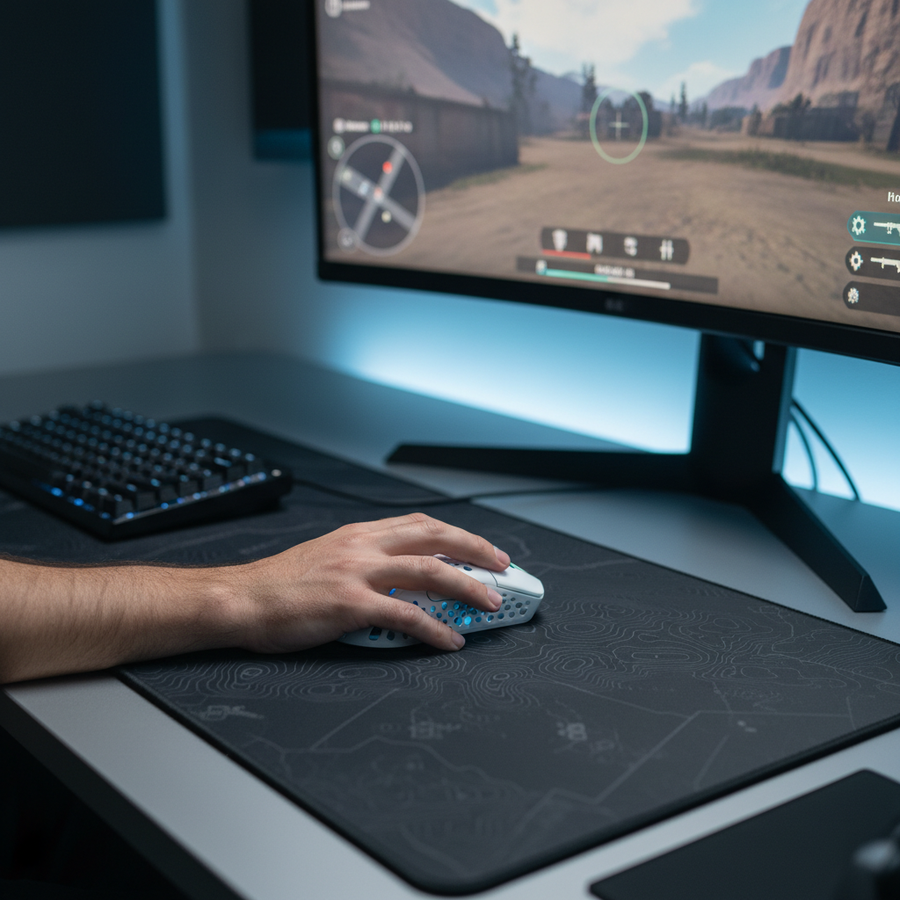
Dans l'écosystème des shooters d'arène compétitifs, tels qu'Apex Legends et Overwatch, la boucle de combat est définie par la mobilité tridimensionnelle. Contrairement aux shooters tactiques qui privilégient le placement horizontal du réticule, les shooters d'arène exigent un suivi vertical à grande vitesse et des transitions "flick-to-track". Obtenir de la cohérence dans ces environnements nécessite plus que des spécifications matérielles brutes ; cela nécessite une compréhension approfondie de la façon dont le firmware du capteur, les taux de rafraîchissement et l'ergonomie physique s'entrelacent avec la latence au niveau système.
Pour les joueurs axés sur la performance, l'objectif est d'éliminer la sensation de "flottement" souvent associée aux périphériques sans fil et de garantir que les micro-ajustements lors du suivi en vol restent parfaits au pixel près. Cette analyse technique explore les protocoles de réglage nécessaires pour optimiser les capteurs optiques modernes pour les engagements à forte verticalité, basés sur les principes du traitement du signal et la modélisation matérielle.
Le moteur du capteur : mise en œuvre du PAW3395 vs PAW3950
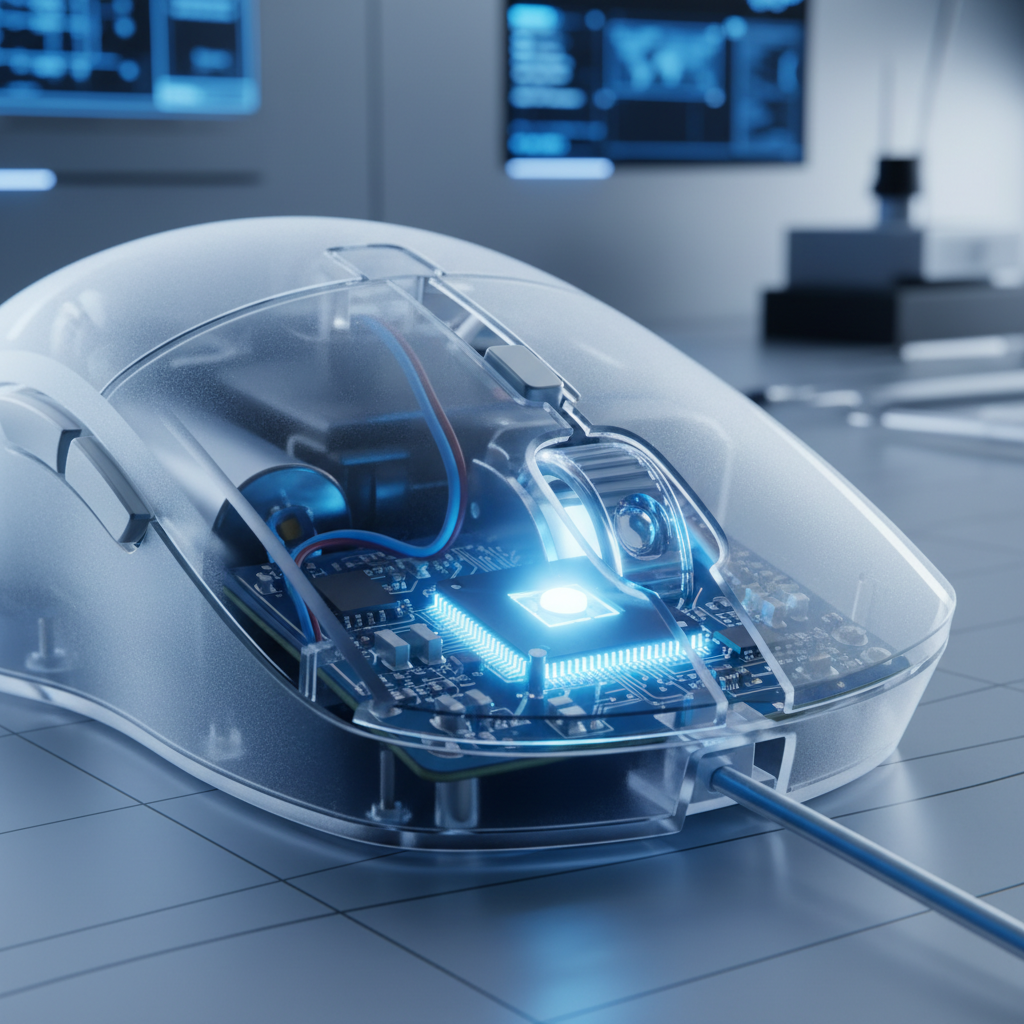
Alors que le marketing met souvent l'accent sur le DPI maximal, la différence pratique entre les capteurs phares comme le PixArt PAW3395 et le plus récent PAW3950 réside dans l'efficacité énergétique et la stabilité aux limites du mouvement. En combat à forte verticalité, où les balayages agressifs sont fréquents, la capacité du capteur à maintenir la linéarité du suivi est primordiale.
Selon les spécifications techniques de PixArt Imaging, les deux capteurs offrent des performances IPS (pouces par seconde) exceptionnelles, mais la mise en œuvre de la lentille et du firmware dicte souvent la performance réelle. Un PAW3395 bien réglé avec une synchronisation de mouvement optimisée et un firmware à faible latence peut surpasser un PAW3950 mal implémenté. L'avantage principal du 3950 en suivi vertical est sa stabilité affinée à des DPI extrêmes et sa gestion d'énergie légèrement améliorée, ce qui est crucial lors de l'utilisation de taux de rafraîchissement élevés qui consomment traditionnellement la batterie.
Heuristiques de stabilité du capteur
- Linéarité du suivi : Le capteur doit rapporter un mouvement en 1:1 avec le trajet physique. Toute "lissage" interne ou "contrôle des ondulations" peut introduire une latence non nulle, ce qui est préjudiciable lors des changements rapides de direction d'un "tap-strafe" ou d'une course "Genji".
- La cohérence plutôt que la spécification maximale : La cohérence dans l'intervalle de rapport est plus précieuse qu'un plafond DPI plus élevé. La plupart des joueurs professionnels constatent que la fluidité perçue atteint un plateau une fois qu'ils dépassent une base de 1600 DPI, faisant de l'optimisation du firmware le véritable goulot d'étranglement.
Taux de rafraîchissement élevés et la frontière des 8K
La transition de 1000Hz à 8000Hz (8K) en taux de rafraîchissement est souvent mal comprise comme une simple amélioration de la "vitesse". En réalité, il s'agit d'un exercice visant à réduire les micro-saccades et à réduire l'écart entre le rapport de données de la souris et le cycle de rafraîchissement du moniteur.
Les calculs du sondage 8K
Comme défini dans la définition de la classe USB HID, le taux de sondage détermine l'intervalle auquel le PC demande des données à la souris.
- 1000Hz : intervalle de 1,0 ms.
- 4000Hz : intervalle de 0,25 ms.
- 8000Hz : intervalle de 0,125 ms.
Une idée reçue courante est que Motion Sync — une fonction qui aligne les trames du capteur avec les paquets USB Start-of-Frame (SOF) — ajoute toujours une latence significative. Cependant, selon les modèles de traitement du signal, le délai ajouté est déterministe et évolue avec le taux de sondage. À 8000Hz, le délai de Motion Sync est d'environ 0,0625 ms (la moitié de l'intervalle de sondage), ce qui est négligeable comparé au délai de 0,5 ms observé à 1000Hz.

Goulots d'étranglement système et traitement des IRQ
Des taux de sondage plus élevés ne sollicitent pas seulement la souris ; ils mettent à rude épreuve le traitement des requêtes d'interruption (IRQ) du système. Pour atteindre une performance stable à 8K, l'appareil doit être connecté à un port direct de la carte mère (I/O arrière) afin d'éviter la latence et la perte de paquets associées aux concentrateurs USB ou aux connecteurs avant. Les utilisateurs rapportent souvent des saccades lorsque le CPU ne peut pas suivre les 8000 interruptions par seconde, en particulier sur les architectures plus anciennes.
Note de modélisation : Notre analyse d'un scénario spécialisé haute performance suppose un processeur multi-cœur moderne et un moniteur à haute fréquence de rafraîchissement (240Hz+). Sur des systèmes avec une capacité CPU moindre, un taux de sondage stable de 1000Hz ou 2000Hz offre généralement une expérience plus cohérente qu'un 8000Hz instable.
Échelle de DPI et minimum de Nyquist-Shannon
Dans les jeux de tir en arène, la résolution de votre moniteur et votre champ de vision (FOV) en jeu dictent le DPI minimum requis pour éviter le "saut de pixel". C'est une application du théorème d'échantillonnage de Nyquist-Shannon, qui stipule qu'un signal doit être échantillonné à deux fois sa fréquence la plus élevée pour être reconstruit avec précision.
Pour un joueur utilisant une résolution de 2560x1440 (1440p) avec un FOV de 103° et une haute sensibilité (par exemple, 25 cm/360), le minimum mathématique pour maintenir une précision sous-pixel est d'environ 1818 DPI. Utiliser 800 DPI dans ce scénario peut entraîner un "aliasing" dans le mouvement, où le curseur saute des pixels lors de micro-ajustements lents.
Logique de saturation de la bande passante
Pour exploiter pleinement la bande passante de 8000Hz, le capteur doit générer suffisamment de points de données.
- À 800 DPI : Une vitesse de déplacement d'au moins 10 IPS est requise pour saturer le poll de 8K.
- À 1600 DPI : Seuls 5 IPS sont nécessaires.
Cela suggère que les joueurs compétitifs devraient considérer 1600 ou 3200 DPI comme leur base "native" pour les souris à taux de rafraîchissement élevé afin de garantir que le système reçoive un flux constant de données même lors de mouvements de suivi plus lents.
Réglage de la distance de soulèvement (LOD) pour la verticalité
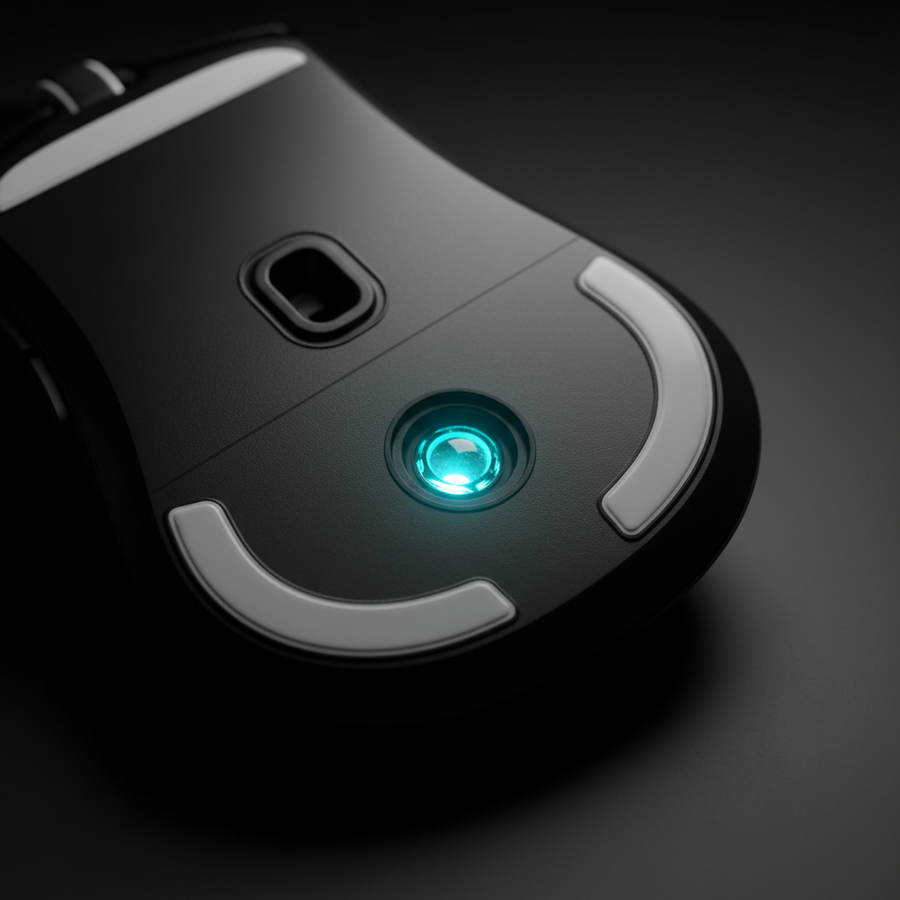
Le combat vertical implique un repositionnement fréquent de la souris. Si la distance de soulèvement (LOD) est trop élevée, le capteur continuera à suivre lorsque le joueur soulève la souris pour se repositionner, ce qui fera « trembler » ou déplacer involontairement le réticule. Si elle est trop basse, le capteur peut « décrocher » sur certains tapis texturés lors de balayages agressifs.
L'heuristique du balayage agressif
D'après les tendances observées via les retours de la communauté et le dépannage technique (pas une étude en laboratoire contrôlée), le réglage optimal de la LOD est la valeur la plus basse possible qui ne provoque pas de perte de suivi lors d'un balayage à haute vitesse.
- Réglez la distance de soulèvement (LOD) à 1 mm.
- Effectuez un balayage diagonal agressif (simulant un virage à 180 degrés pour suivre une cible sautante).
- Si le capteur perd le suivi, augmentez à 2 mm.
- L'objectif est de s'assurer qu'un soulèvement délibéré arrête immédiatement le suivi, mais qu'un balayage rapide sur une surface texturée soit toujours enregistré.
Les outils de calibration de surface fournis dans les pilotes modernes peuvent aider à aligner la matrice CMOS du capteur avec le tissage spécifique d'un tapis de souris, comme expliqué dans le Livre blanc de l'industrie mondiale des périphériques de jeu (2026).
Ergonomie : stabilité latérale et ratios d'ajustement
La forme physique de la souris influence l'efficacité avec laquelle un joueur peut effectuer des mouvements verticaux rapides. En prise en griffe ou au bout des doigts — les styles dominants pour les jeux de tir en arène — la largeur de la souris assure la stabilité latérale.
L'heuristique de largeur à 60 %
Une règle empirique courante pour le choix d'une souris est la « règle des 60 % ». Pour un joueur avec une largeur de main de 95 mm, une souris avec une largeur de prise d'environ 57 mm est souvent considérée comme idéale. Cependant, dans les jeux à forte verticalité, une prise légèrement plus large (par exemple, 65 mm) peut offrir un ratio de largeur de 1,14, apportant une stabilité supplémentaire lors de mouvements verticaux agressifs où la main pourrait autrement s'incliner ou « dévier ».
Modélisation du ratio d'ajustement
| Paramètre | Valeur | Unité | Source/Raisonnement |
|---|---|---|---|
| Longueur de la main | 20.5 | cm | 95e percentile masculin (grand) |
| Longueur idéale de la souris | 131.2 | mm | ISO 9241-410 (k≈0,6) |
| Longueur réelle de la souris | 125 | mm | Souris haute performance modélisée |
| Ratio d'ajustement de la prise | 0.95 | rapport | Légèrement courte pour les grandes mains |
Un ratio d'ajustement de 0,95 suggère que la souris est légèrement courte pour une prise en paume pure mais est optimisée pour la prise en griffe préférée par les spécialistes des jeux de tir en arène. Cette longueur plus courte permet une plus grande « amplitude de mouvement » dans la paume pour des micro-ajustements verticaux avec les doigts.
Performance et gestion de la batterie
Faire fonctionner une souris sans fil à 4000Hz ou 8000Hz augmente considérablement la consommation de courant. Selon les modèles de consommation d'énergie pour la série nRF52 de Nordic Semiconductor, qui est la référence industrielle pour les MCU sans fil à haute vitesse, la consommation de courant du radio augmente linéairement avec la fréquence de sondage.
Modélisation de l'autonomie sans fil (scénario de sondage 4K)
- Capacité de la batterie : 500 mAh
- Efficacité : 85%
- Charge totale en courant (Capteur + Radio + MCU) : ~19 mA
- Autonomie estimée : ~22 heures
Pour un joueur compétitif, cela signifie qu'une charge quotidienne est nécessaire lorsqu'on utilise des réglages haute performance. Pour maximiser la longévité, les joueurs doivent automatiser leur taux de sondage pour qu'il descende à 125Hz ou 500Hz lorsqu'ils sont sur le bureau et n'activer le 4K/8K que dans les applications de jeu.
Transparence de la modélisation & hypothèses
Les analyses quantitatives présentées dans cet article proviennent d'un modèle paramétré déterministe conçu pour simuler le profil du « Spécialiste Haute Performance ».
Méthodologie & limites du champ d'application :
- Latence : Modélisée en utilisant un délai déterministe basé sur l'intervalle de sondage (0,5 * T_poll). Cela ne prend pas en compte les facteurs externes comme le retard d'entrée du moniteur ou les interférences du gestionnaire de fenêtres DWM au niveau du système d'exploitation.
- Batterie : Utilise un modèle de décharge linéaire basé sur les données PS (Spécification Produit) de Nordic Semiconductor. L'autonomie réelle peut varier en fonction de l'éclairage RVB, de la température ambiante et du vieillissement de la batterie.
- DPI minimum : Calculé selon le théorème d'échantillonnage de Nyquist-Shannon (DPI > 2 * Pixels par degré). Il s'agit d'un seuil mathématique pour la fidélité du signal ; le contrôle moteur humain ne perçoit pas toujours la différence.
- Ergonomie : Basé sur les directives ISO 9241-410 et les données anthropométriques ANSUR II. Le confort individuel et la morphologie de la main (par exemple, la longueur des doigts par rapport à la taille de la paume) peuvent primer sur ces heuristiques.
Résumé du protocole d'optimisation
Pour optimiser le combat en arène à forte verticalité, les joueurs doivent privilégier une base DPI élevée (1600+) afin de saturer la bande passante de sondage et éviter le saut de pixels à haute résolution. Bien que le sondage 8K offre la latence théorique la plus faible, il nécessite une configuration système robuste et une connexion USB directe pour éviter les saccades. Enfin, régler le LOD au paramètre stable le plus bas garantit que les réinitialisations verticales n'introduisent pas de tremblements perturbant la visée.
En alignant les réglages matériels avec les réalités physiques du moteur du jeu et l'ergonomie du joueur, la sensation de flottement des entrées sans fil est remplacée par la cohérence parfaite image par image requise pour la compétition de niveau élite.
Avertissement : Cet article est à titre informatif uniquement. Les performances matérielles peuvent varier en fonction des configurations système individuelles, des versions du firmware et des facteurs environnementaux. Référez-vous toujours à la documentation officielle du fabricant avant d'apporter des modifications importantes aux paramètres système.