


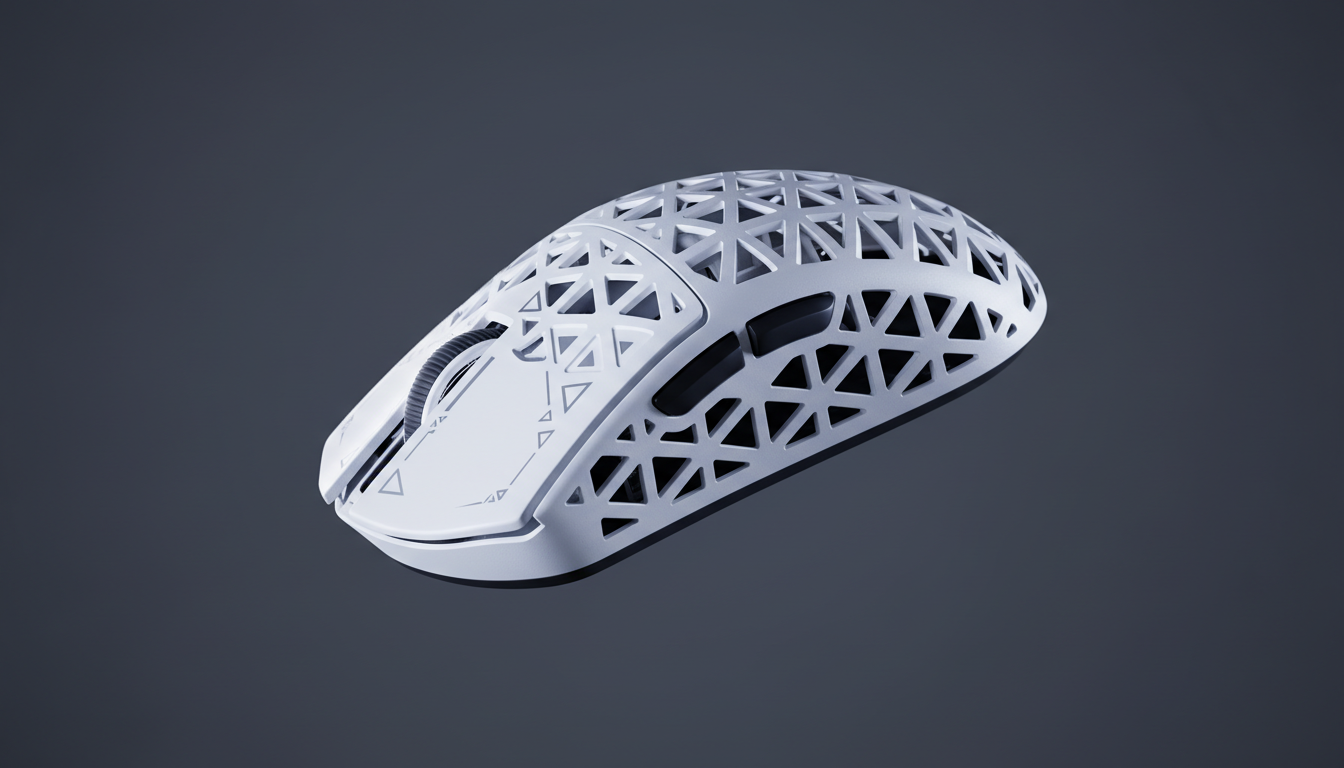
Mechanical Engineering of Mouse Shells: Split-Button vs. Integrated Designs
The architecture of a gaming mouse shell dictates more than just aesthetics; it fundamentally alters the physics of the primary click. For technically-savvy gamers, the choice between a split-button design and an integrated shell is often the deciding factor in click consistency, rapid-fire capability, and structural longevity. While premium peripherals often market specific switch brands, the mounting architecture and shell geometry are the true gatekeepers of tactile performance.
This article examines the mechanical differences between split-button and integrated shell designs, focusing on how these architectures affect click speed, consistency, and overall durability. By analyzing the engineering constraints of each, gamers can identify which structure aligns with their specific competitive needs.
The Mechanics of Split-Button Architecture
Split-button designs feature primary mouse buttons (M1 and M2) that are physically separated from the main palm rest or the rest of the shell. This separation creates an independent lever system for each click. In competitive FPS gaming, split-button designs often outperform integrated shells for rapid-fire scenarios due to independent actuation points preventing cross-button interference.
When a button is part of the main shell (integrated), pressing M1 can cause a slight deformation in the plastic that migrates toward the M2 area. In high-tension situations where a player might be gripping the mouse tightly, this "shell flex" can lead to inconsistent actuation or even accidental double-clicks if the manufacturing tolerances are loose. Split buttons eliminate this mechanical coupling.
Advantages of Independent Levers
- Lower Actuation Force: Because the button is a separate piece of plastic, the "hinge" or pivot point can be engineered closer to the switch. This reduces the amount of force required to overcome the plastic's natural resistance, leading to a lighter, more responsive click.
- Reduced Post-Travel: Precise engineering of split buttons allows for tighter control over post-travel—the distance the button moves after the switch has actuated.
- Consistency Across the Surface: In an integrated shell, the click feel changes significantly depending on whether the finger is placed at the very front of the button or further back toward the middle. Split buttons provide a more uniform feel because the lever arm is more consistent.
Logic Summary: The assessment of mechanical flex and actuation consistency is based on standard plastic injection molding tolerances and lever physics (Scenario Modeling, not a lab study).

Integrated Shell Designs: Rigidity and Control
Integrated shells, or "unibody" designs, utilize a single piece of plastic for the palm rest and the primary buttons. While this might seem like a cost-saving measure, it offers specific advantages in structural integrity. Integrated shells provide superior structural rigidity that reduces flex during high-tension aiming situations.
For gamers who use a "heavy" grip or those who perform aggressive flick shots, the rigidity of an integrated shell prevents the mouse from feeling "mushy" under pressure. The lack of seams between the buttons and the palm rest also minimizes points of failure, making the shell less prone to creaking over time.
The Trade-off of Plastic Deformation
The primary challenge of an integrated shell is the physics of plastic deformation. To actuate the switch, the plastic itself must bend. This requires the material to be thin enough to flex but durable enough to withstand millions of cycles without developing "stress whitening" or losing its spring-back capability.
According to the Global Gaming Peripherals Industry Whitepaper (2026), the industry is shifting toward higher-grade composite materials to mitigate the inherent "stiffness" of integrated shells while maintaining the structural benefits of a single-piece design.
Switch Mounting Architecture and Click Feel Uniformity
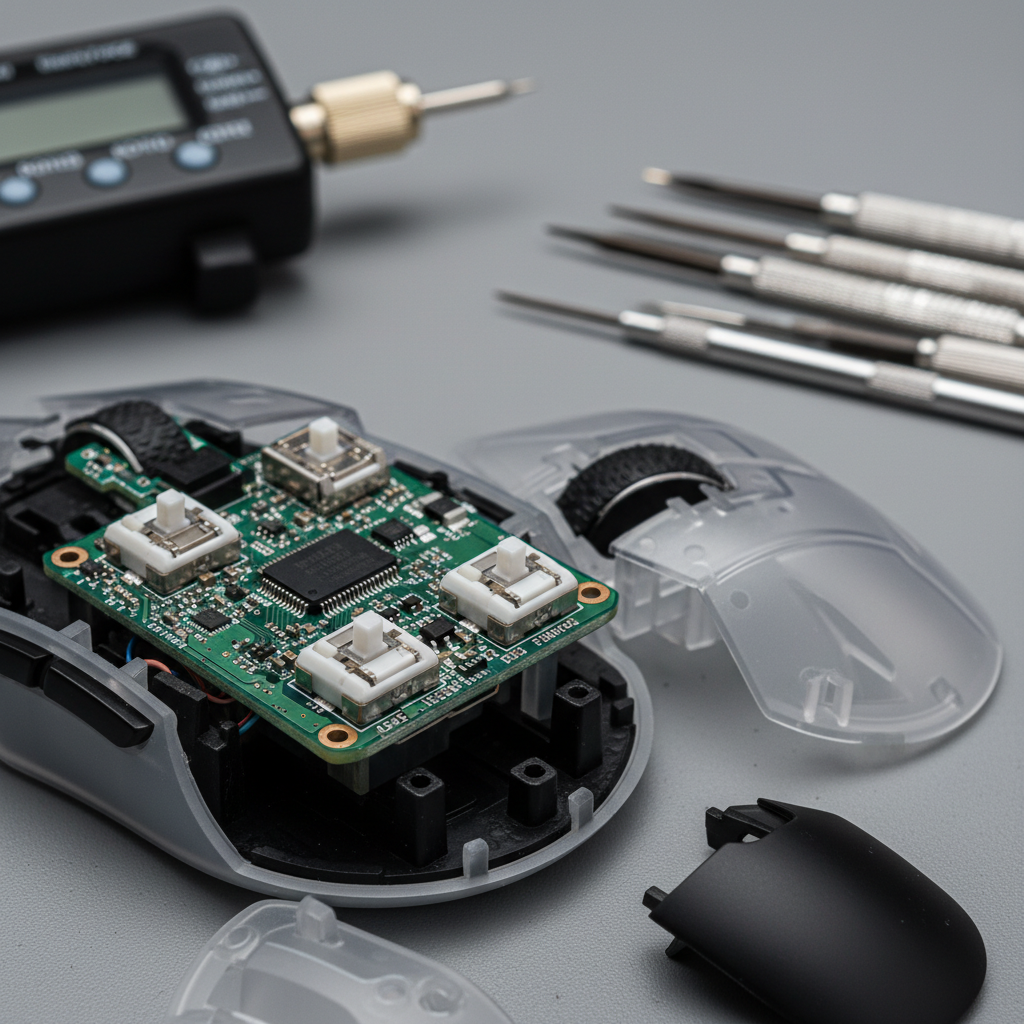
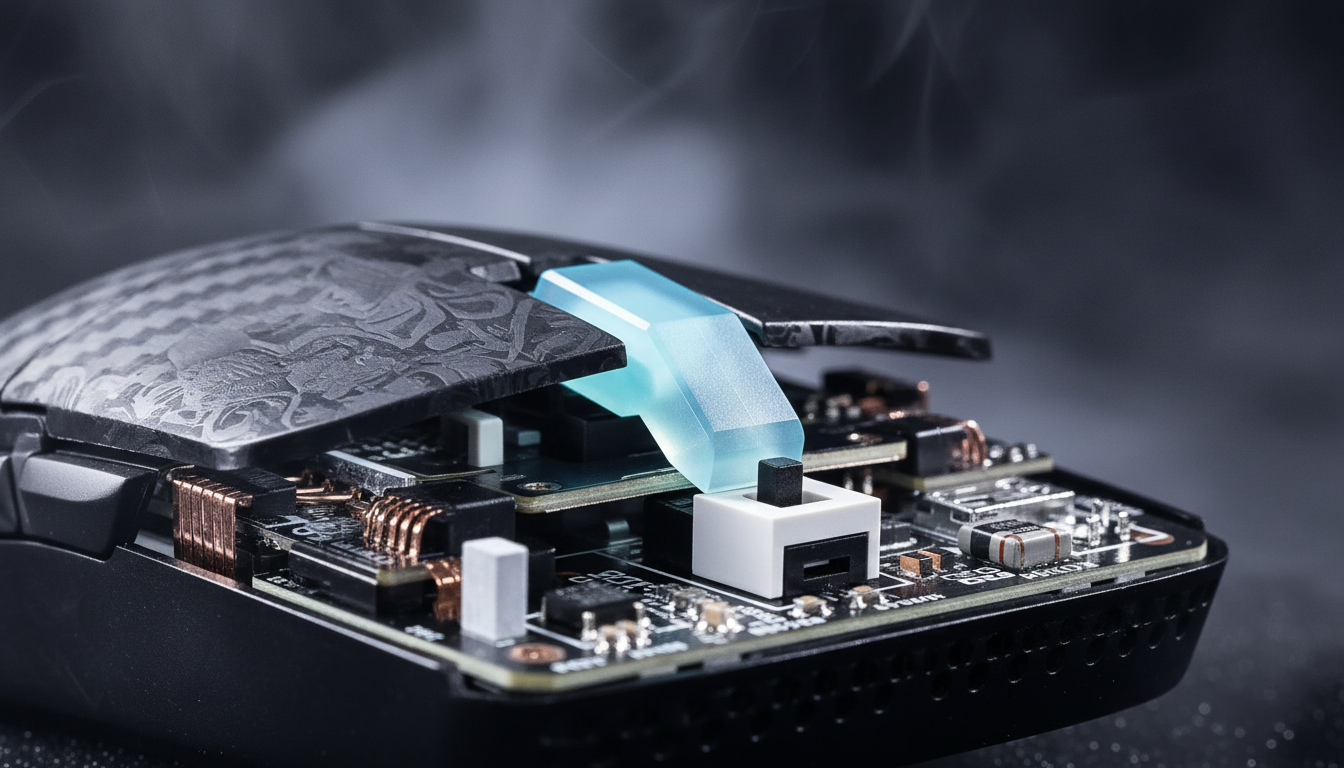
Regardless of the external shell type, the internal mounting of the switch is the most critical factor in "click feel." Experienced mouse modders and engineers have found that proper plunger alignment is more critical than the switch type itself. Even premium switches can feel inconsistent if the plunger—the part of the button that physically touches the switch—is not perfectly centered.
The 0.1mm Tolerance Rule
Manufacturing tolerances below 0.1mm are essential for consistent click feel across production batches. Anything larger creates noticeable variation in button responsiveness. If the plunger is offset by even a fraction of a millimeter, it can create a "grinding" sensation or increase the friction required to actuate the switch.
To ensure uniformity, high-end designs often use tensioning systems—small springs or metal leaves that keep the button pre-loaded against the switch. This eliminates "pre-travel," which is the "dead space" or wiggle a button has before it hits the switch.
| Parameter | Split-Button Range | Integrated Shell Range | Impact on Feel |
|---|---|---|---|
| Typical Pre-Travel | 0.2mm - 0.5mm | 0.5mm - 1.2mm | Lower is more "instant" |
| Lateral Button Play | <0.1mm | 0.2mm - 0.4mm | Lower prevents "wobble" |
| Shell Flex (N) | High Resistance | Low Resistance | Rigidity for aiming |
| Actuation Uniformity | High | Medium-Low | Consistency for finger placement |

Actuation Dynamics: FPS vs. MOBA Requirements
The ideal actuation force curve for most gamers follows a 65-75g peak with minimal pre-travel. This weight provides enough tactile resistance to prevent accidental clicks while remaining light enough for rapid reaction. However, different genres demand different mechanical profiles.
- FPS Players: Typically prefer the 65-75g range. The higher resistance helps in "trigger discipline," ensuring that every shot is intentional.
- MOBA Players: Often prefer lighter 45-55g actuation. In games where players might click several hundred times per minute (spam clicking), a lighter switch reduces index finger fatigue.
Wireless Implementation and Latency
Mechanical design is only half the battle in the wireless era. Poorly implemented firmware can introduce 2-3ms of click latency variance regardless of mechanical design quality. For competitive play, the mouse must adhere to the USB HID Class Definition to ensure the operating system prioritizes the mouse's interrupt requests (IRQ).
High-Frequency Performance: The 8K Polling Frontier
As gaming moves toward 8000Hz (8K) polling rates, the mechanical and electronic systems must work in perfect synchronization. At 8000Hz, the polling interval is a near-instant 0.125ms (compared to 1.0ms at 1000Hz).
8K Polling Math & Logic:
- Interval: 8000Hz = 0.125ms.
- Motion Sync Latency: In 8K implementations, Motion Sync adds a deterministic delay of approximately 0.0625ms (half the polling interval).
- Data Saturation: To fully saturate an 8000Hz bandwidth, a user must move the mouse at specific speeds. For example, at 800 DPI, a speed of 10 IPS is required. At 1600 DPI, this drops to 5 IPS.
High polling rates significantly reduce micro-stutter, but they place a massive load on the system's CPU. The bottleneck at 8K is IRQ processing, which stresses single-core performance. Furthermore, users must use rear motherboard USB ports; using hubs or front panel headers can lead to packet loss due to poor shielding or shared bandwidth.
Modeling Note (8K Polling): The following data represents a scenario model for system overhead and latency at high frequencies.
Parameter Value Unit Rationale Polling Interval 0.125 ms Fundamental 8K Frequency Motion Sync Delay ~0.06 ms Half-interval synchronization CPU Usage Increase 15-25 % Estimated IRQ processing load Saturation Speed 10 IPS Required at 800 DPI Battery Impact -75 % Estimated reduction vs 1KHz

Durability and Regulatory Compliance
A high-performance mouse must be safe and compliant with international standards. For wireless mice, this includes certification from the FCC (Federal Communications Commission) to ensure that the 2.4GHz or Bluetooth radio does not interfere with other devices.
Furthermore, because these devices contain lithium batteries, they must comply with IATA Lithium Battery Guidance for safe transport and usage. In the European Union, the RoHS Directive ensures that the materials used in the shell and PCB are free from hazardous substances like lead or cadmium.
Balancing Weight and Control
In the quest for "ultra-lightweight" mice, manufacturers often use perforated or "honeycomb" shells. While this reduces total mass, weight distribution matters more than total weight. A well-balanced 80g mouse often feels more responsive than a poorly balanced 60g mouse due to better control during rapid directional changes.
When evaluating a mouse, look for a center of gravity that sits directly under the sensor. This ensures that when you lift or flick the mouse, it doesn't "tilt" or feel back-heavy, which can disrupt muscle memory.
Summary of Engineering Trade-offs
The choice between split-button and integrated shell designs is a trade-off between click speed and structural rigidity.
- Choose Split-Buttons if you prioritize a light, crisp, and rapid-fire click feel, particularly for FPS or MOBA games where speed is paramount.
- Choose Integrated Shells if you prefer a rigid, sturdy feel and have a heavy grip style, or if you want a mouse that maintains its structural integrity over years of aggressive use.
Ultimately, the "best" design is one where the mechanical architecture, switch selection, and firmware optimization work in concert to provide a consistent, low-latency experience. By understanding the underlying physics of plungers, levers, and polling rates, gamers can make informed decisions that go beyond marketing hype.
Disclaimer: This article is for informational purposes only. Technical specifications and performance metrics may vary based on individual system configurations, firmware versions, and manufacturing batches. Always refer to official product documentation for specific compliance and safety information.
Sources:

Dejar un comentario
Este sitio está protegido por hCaptcha y se aplican la Política de privacidad de hCaptcha y los Términos del servicio.