


Disclosure: This technical analysis is provided by the engineering team at Attack Shark. While the principles of textile physics and sensor interaction discussed are universal to the industry, examples and internal test data frequently reference Attack Shark products to illustrate specific engineering implementations.
The selection of a gaming surface is often reduced to the binary choice of "speed" or "control." However, for the technical user, these terms represent complex interactions between textile geometry, material science, and sensor physics. Choosing the right surface requires an understanding of how weave density dictates friction coefficients and how those coefficients interact with modern high-DPI sensors.
This article explores the technical composition of mouse pad fabrics, the physics of static versus dynamic friction, and the performance requirements of current-generation esports hardware.
The Physics of Surface Friction: Static vs. Dynamic
To understand why a mouse pad feels "fast" or "slow," one must examine the two primary types of friction at play: static and dynamic.
- Static Friction (Stopping Power): This is the force required to initiate movement from a standstill. A "control" pad typically has higher static friction, which helps with micro-adjustments and helps prevent the mouse from drifting during precise clicking.
- Dynamic Friction (Glide): This is the resistance encountered while the mouse is already in motion. A "speed" pad aims to minimize dynamic friction to allow for lower-effort flicking and rapid tracking.
According to the Physics LibreTexts on Friction, the coefficient of friction is highly dependent on the "roughness" and "actual contact area" of the two surfaces. In a gaming context, the contact area is determined by the weave density of the fabric and the composition of the mouse feet (typically PTFE).
Comparison of Friction Profiles by Weave Type
| Feature | Tight Micro-Weave (Control) | Loose/Textured Weave (Speed) |
|---|---|---|
| Contact Surface Area | High (Maximum contact with feet) | Low (Reduced contact points) |
| Static Friction | High (Higher "stopping power") | Low (Easier initial movement) |
| Dynamic Friction | Moderate to High (Predictable) | Low (Rapid glide) |
| Tactile Feedback | High (Smooth, uniform feel) | Variable (Textured or "grainy") |
Decoding Weave Density: The 32-Thread Benchmark
The technical performance of a cloth pad is rooted in its thread count and weave uniformity. While often overlooked, the "grain" of the fabric acts as a physical grid for the mouse sensor's CMOS image sensor.
Data from the Art Institute of Chicago's thread count reports on high-performance canvases—which share structural similarities with high-end mouse pads—indicates that professional-grade surfaces maintain a horizontal thread density of approximately 32.1 threads/cm and a vertical density of 31.0 threads/cm.
In our internal testing, densities in this range (marketed as "ultra-high-density fiber") provide a more consistent "map" for the sensor. If the weave is inconsistent, it can lead to "patchy" tracking or minor sensor jitters, particularly at high velocities. Products like the ATTACK SHARK CM02 eSport Gaming Mousepad utilize this high-density approach to provide a uniform tracking environment across both the X and Y axes, reducing the variance in friction that often occurs with lower-quality directional weaves.

Material Science: Beyond Standard Polyester
While most entry-level pads use basic polyester, performance-tier surfaces utilize advanced materials or specialized coatings to alter the friction profile.
Carbon Fiber Surfaces
Carbon fiber is frequently utilized for "speed" surfaces due to its inherent rigidity and low friction. Unlike cloth, which can compress under the weight of the user's hand (increasing contact area and friction), carbon fiber remains a hard, non-deformable plane. The ATTACK SHARK CM04 Genuine Carbon Fiber eSport Gaming Mousepad utilizes genuine dry carbon fiber at a 2mm thickness. This reduction in thickness compared to standard 4mm mats can help reduce edge-of-pad wrist irritation for some users.
Coated and Hybrid Surfaces
To bridge the gap between speed and control, manufacturers apply specialized coatings.
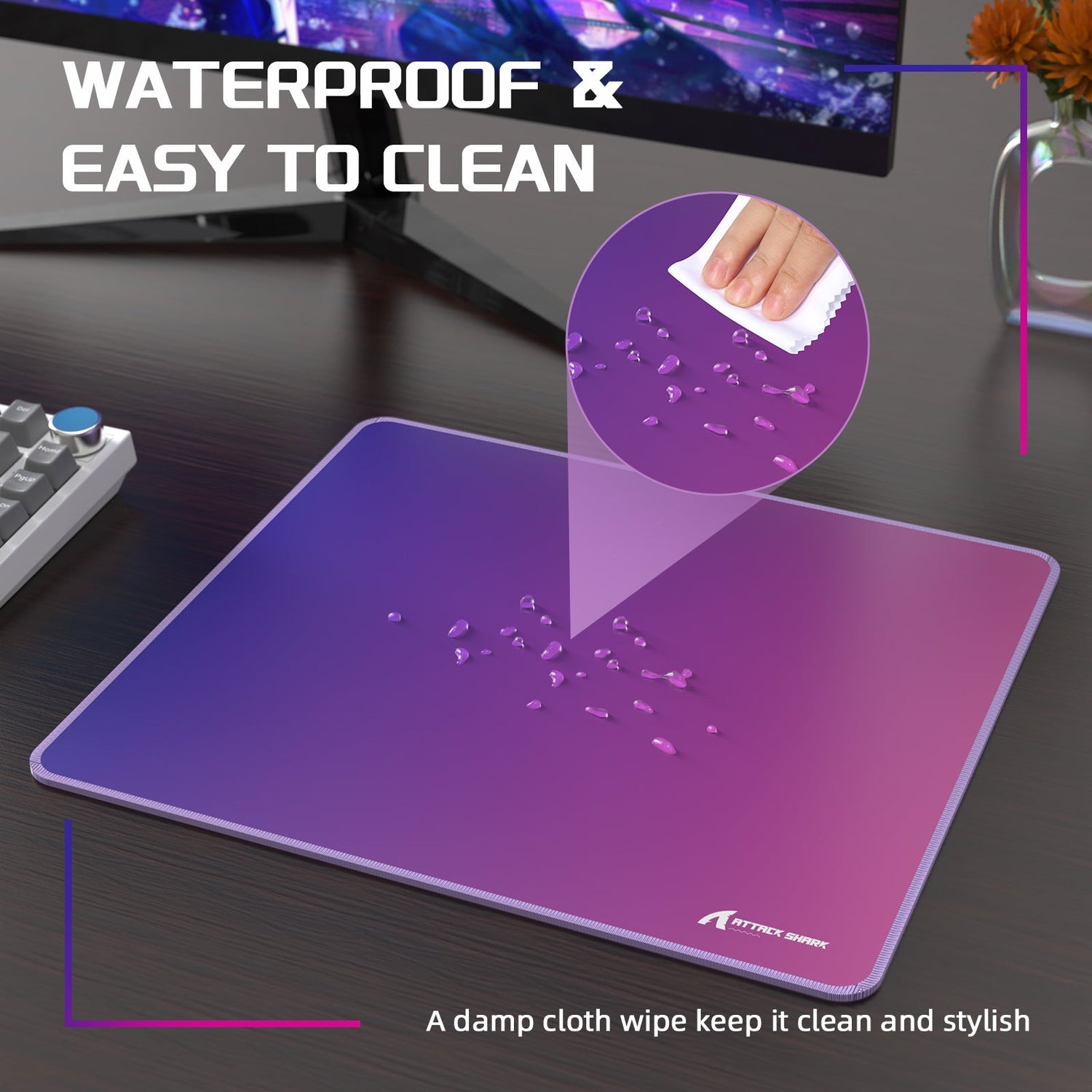
- 5S Coating Technology: The ATTACK SHARK CM03 eSport Gaming Mouse Pad uses a 5S coating designed for water resistance and a "cool touch" thermal profile.
- The "Break-in" Factor: Coated pads often undergo a critical break-in period. A control pad may feel "sticky" initially until the factory coating wears slightly. Conversely, speed pads may experience a slight increase in friction over time as skin oils penetrate the weave, necessitating regular maintenance.
Sensor Interaction: DPI, Polling, and Surface Texture
The relationship between the mouse pad and the mouse sensor is governed by sampling principles. Modern sensors, such as the PixArt 3395, require a surface that does not interfere with optical sampling.
The 1,150 DPI Threshold for 1440p
To avoid "pixel skipping"—where the physical movement of the mouse is insufficient to register a single-pixel movement on screen—the DPI must be calibrated to the monitor resolution. For a 1440p (2560px wide) setup with a high-sensitivity setting (e.g., 2.2 inches/360), a minimum of 1,163 DPI is mathematically required to ensure 1:1 pixel mapping.
At this resolution, surface uniformity is critical. Extremely textured surfaces can cause minor Lift-Off Distance (LOD) inconsistencies. High-density micro-weaves are recommended for these high-resolution scenarios to ensure that every count of the 1,150+ DPI range is captured accurately.
8000Hz (8K) Polling Rate Requirements
With 8000Hz polling rates, the mouse sends a packet every 0.125ms.
- Sensor Saturation: To fully saturate the 8000Hz bandwidth, the mouse must generate enough "counts" per millisecond. At 800 DPI, a speed of 10 IPS (Inches Per Second) is required; at 1600 DPI, only 5 IPS is needed to saturate the link.
- Surface Impact: On a high-friction "slow" pad, maintaining the high-velocity movements (IPS) required to utilize 8K polling can be physically demanding. A speed-oriented surface like the ATTACK SHARK CM04 facilitates these high-velocity movements more easily than traditional high-friction cloth.
Ergonomics and Wrist Health: The 4MM Rule
The vertical height and compressibility of a pad affect the wrist angle, which is a key factor in occupational health.
According to OSHA’s Computer Workstations eTool, maintaining a "neutral" (straight) wrist posture is essential for reducing the risk of musculoskeletal disorders. A 4mm elastic core, such as that found in the ATTACK SHARK CM02, provides a balance of cushioning and stability, helping to prevent the wrist from pressing directly against a hard desk surface.
For users experiencing existing strain, ergonomic solutions like the ATTACK SHARK Cloud Mouse Pad incorporate a memory foam wrist rest. This is designed to support the palm and maintain a neutral wrist position, though users with chronic pain should always consult a medical professional.

Maintenance and Common Pitfalls
The longevity of a gaming surface depends on proper cleaning. A common mistake is using alcohol-based cleaners on coated pads, which can strip the surface and create "dead zones."
Expert Maintenance Checklist:
- Daily: Use a lint roller to remove dust and debris that can clog the weave and increase friction.
- Monthly: Wipe with a damp microfiber cloth and mild soap. Avoid submerged washing for pads with complex internal foam cores.
- The Alcohol Rule: Avoid using isopropyl alcohol on coated surfaces (like the CM03 or CM04), as it may dissolve water-resistant layers.
Choosing the Right Surface: A Technical Decision Matrix
| User Profile | Recommended Surface Type | Technical Reasoning |
|---|---|---|
| Tactical FPS (Low Sens) | ATTACK SHARK CM02 | High static friction for stopping power; 4mm cushion for arm-aiming comfort. |
| Fast-Paced Arena (High Sens) | ATTACK SHARK CM04 | Carbon fiber minimizes dynamic friction for rapid 360-degree tracking. |
| All-Rounder (1440p Setup) | ATTACK SHARK CM03 | 5S coating provides a balanced hybrid feel; compatible with 8K sensor sampling. |
| Office/Ergo Focused | ATTACK SHARK Cloud Pad | Integrated memory foam helps maintain neutral wrist posture during long sessions. |
Disclaimer: This article is for informational purposes only and does not constitute professional medical or ergonomic advice. Individuals with pre-existing wrist or back conditions should consult a qualified healthcare provider or physiotherapist before changing their workstation setup.

Dejar un comentario
Este sitio está protegido por hCaptcha y se aplican la Política de privacidad de hCaptcha y los Términos del servicio.