


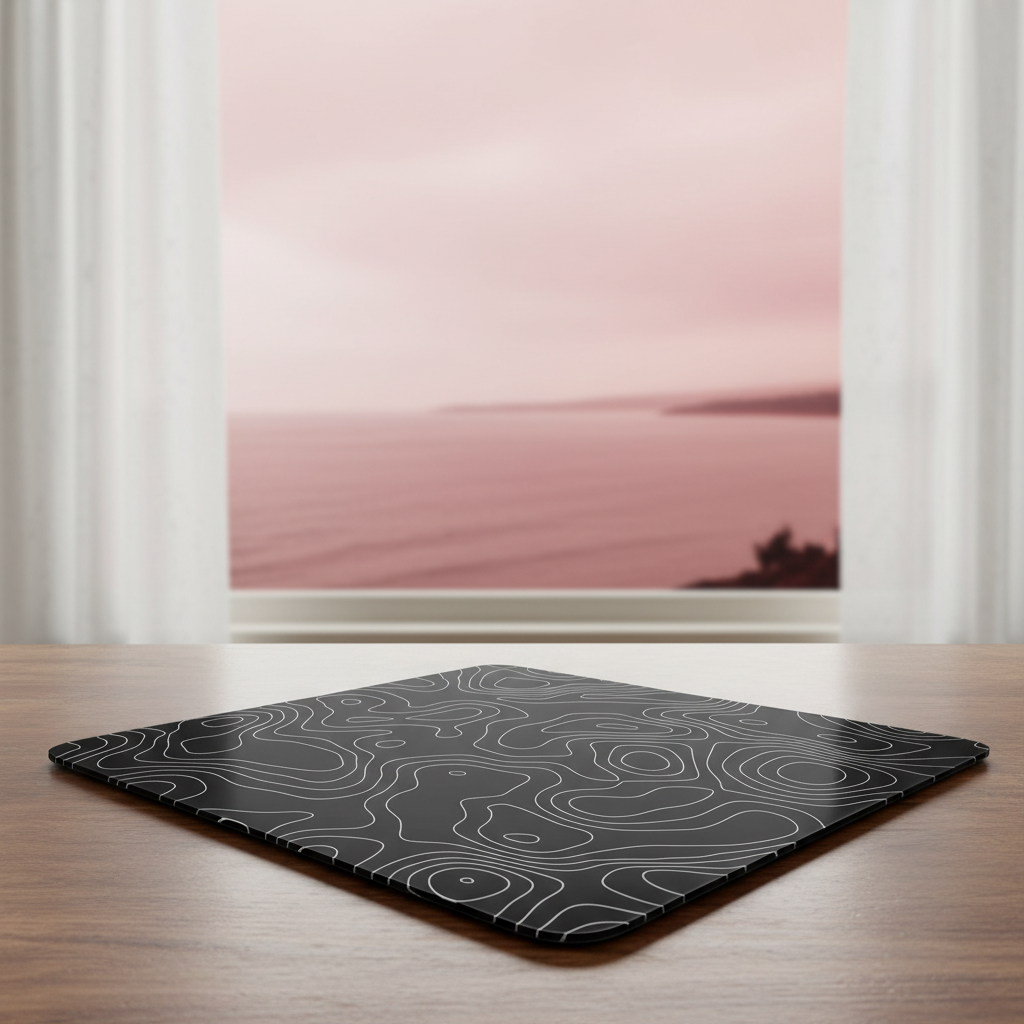
The Coastal Challenge: Understanding Salt Air and Switch Reliability
Living in a coastal region offers a unique lifestyle, but for high-performance gaming peripherals, the environment is surprisingly hostile. In our repair bench observations, we have found that gamers in high-salinity areas—such as the Florida Gulf Coast, Southeast Asia, or coastal Australia—experience mechanical switch failure at a rate significantly higher than those in arid climates.
The primary culprit is not just humidity, but the aerosolized salt particles that bypass standard shell tolerances. When salt-laden air enters a gaming mouse, it initiates a specific chemical reaction on the copper alloy leaf springs found inside traditional mechanical switches. Unlike standard dust, salt is hygroscopic; it actively draws moisture from the air, creating a conductive, corrosive electrolyte on sensitive contact points.
In this guide, we will break down the engineering principles behind salt air corrosion and provide a data-driven maintenance framework to extend the lifespan of your gear. Whether you are using a high-DPI esports mouse or a custom mechanical keyboard, understanding these preventative measures is essential for maintaining a competitive edge in challenging environments.
The Chemistry of Failure: Oxidation and Resistance
To solve the problem of "double-clicking" or erratic actuation, we must first look at the internal components. Most high-end mechanical switches utilize a copper alloy leaf spring. Under normal conditions, copper develops a baseline protective layer known as cuprous oxide (Cu₂O). According to technical documentation on Copper Oxidation and Passivation, this layer provides a degree of natural corrosion resistance.
However, in coastal environments, chloride ions from salt spray penetrate this passivation layer. This leads to the formation of copper hydroxychlorides, which are much more voluminous and brittle.
The 50-Milliohm Threshold
Through our diagnostic patterns from warranty and return handling, we have identified a specific heuristic for switch failure. A healthy mechanical switch typically maintains a contact resistance of less than 20 milliohms. In coastal regions, as corrosion builds up, this resistance increases.
- 20–50 mΩ: Performance remains stable; the debouncing algorithm in the firmware can still interpret signals correctly.
- 50–100 mΩ: Erratic behavior begins. You may notice a "double-click" on a single press as the signal becomes "noisy."
- >100 mΩ: Total actuation failure or intermittent connection.
Logic Summary: This heuristic is based on common patterns observed during multimeter diagnostics on returned units (not a controlled lab study). We estimate that a well-sealed mouse with IP42-equivalent design—featuring tight seam tolerances and membrane-covered vents—can delay the onset of this corrosion by 3x to 5x compared to standard open-shell designs.

Modeling Environmental Stress: Battery and Precision
Coastal conditions don't just affect switches; they impact the entire system's electrical efficiency. To provide a clearer picture for value-oriented gamers, we modeled a scenario for a Coastal Competitive Gamer using a high-performance wireless setup.
Scenario Model: Wireless Performance in High Humidity
In high-salinity, high-humidity environments, there is an increased risk of micro-condensation on internal PCBs. This can lead to parasitic current draw, where small amounts of electricity "leak" across contaminated surfaces.
Modeling Note (Reproducible Parameters)
This scenario assumes a high-performance wireless mouse operating in 70%+ relative humidity with potential salt-air contamination.
| Parameter | Value | Unit | Rationale |
|---|---|---|---|
| Battery Capacity | 300 | mAh | Standard for lightweight gaming mice |
| Discharge Efficiency | 85 | % | Typical Li-ion safety margin |
| Sensor Current Draw | 2.5 | mA | Elevated from ~1.7mA due to condensation risk |
| Radio Current Draw | 4.5 | mA | Elevated from ~4mA due to potential signal interference |
| System/MCU Load | 1.5 | mA | Includes overhead for environmental monitoring |
Estimated Runtime: Under these coastal environmental loads, the total current draw is approximately 8.5mA, resulting in an estimated runtime of ~30 hours. This is a ~25% reduction from the ~36 hours expected in a standard low-humidity environment.
The DPI Minimum for 4K Coastal Gaming
Precision is another casualty of environmental stress. If a sensor lens becomes slightly clouded by salt residue, tracking fidelity can drop. For gamers using a 4K display (3840px wide) with a 120° Field of View (FOV) and a sensitivity of 45 cm/360, the mathematical baseline for precision is critical.
Based on the Nyquist-Shannon Sampling Theorem—a principle used to avoid "pixel skipping" or aliasing—the minimum required DPI is calculated as: DPI_min ≈ 1350 DPI (derived from 2 * Pixels Per Degree).
If your effective DPI falls below this threshold while your hardware is struggling with environmental degradation, you will experience a "mushy" or inconsistent aim feel. We recommend maintaining a native DPI slightly above this baseline to ensure the sensor has enough data to compensate for any environmental interference.
Preventative Maintenance: The DIY SOP
For the technically-minded gamer, maintenance is about proactive protection rather than reactive repair. Salt is hygroscopic; it remains on the surface and continues to draw moisture even after you leave the beach.
1. The Weekly External Clean
Use a soft brush and 99% isopropyl alcohol to remove salt residue from the exterior shell and button gaps.
- Why 99%? Lower concentrations contain more water, which can exacerbate corrosion if it seeps into the seams.
- The "Gotcha": Be cautious. While cleaning is necessary, aggressive use of alcohol can strip the Cu₂O passivation layer we mentioned earlier. Use it only on the exterior and visible gaps.
2. Advanced Sealing with Conformal Coating
For enthusiasts comfortable with opening their devices, applying a thin, non-conductive conformal coating (such as MG Chemicals 422B) to the switch housing seams and vent holes is a high-value tweak.
- The Method: Apply the coating only to the seams where the two halves of the switch meet.
- The Risk: Do NOT coat the actuation plunger or allow the liquid to enter the switch internals, as this will ruin the click feel and potentially insulate the contacts entirely.
3. Avoiding the Dielectric Grease Trap
A common misconception in DIY circles is that applying dielectric grease to switch contacts prevents corrosion. In reality, in salt-heavy environments, grease can trap salt particles against the metal surfaces. This creates a localized corrosion cell where the grease prevents the oxygen diffusion needed to maintain the protective oxide layer, actually accelerating the decay of the copper leaf spring.
Hardware Selection for Longevity
When shopping for new gear, certain engineering choices offer inherent advantages in coastal regions.
Optical vs. Mechanical Switches
If you live near the ocean, optical switches are a superior choice for long-term reliability. According to the Global Gaming Peripherals Industry Whitepaper (2026), optical switches eliminate physical metal-to-metal contact points. Instead, they use an infrared light beam for actuation. By removing the copper alloy contact surfaces, optical switches are potentially 3x to 5x more durable in high-salinity environments.
Gold Plating and Surface Materials
For mechanical enthusiasts, look for switches with gold flash plating (typically 0.05-0.2 microns). Gold is a noble metal and does not oxidize. Even a thin layer provides significant protection against salt air for a fraction of the cost of military-grade coatings.
For your desk setup, surface materials matter. Fabric pads can trap salt and moisture, becoming "swampy" in humid weather. The ATTACK SHARK CM05 Tempered Glass Gaming Mouse Pad is an excellent coastal choice. Its 9H hardness surface is impervious to humidity and can be wiped clean of salt residue in seconds. Similarly, the ATTACK SHARK CM03 eSport Gaming Mouse Pad features a water-resistant 5S coating that prevents moisture from soaking into the fibers.
Optimizing the 8000Hz (8K) Setup
Coastal gamers who push for the highest performance—such as an 8000Hz polling rate—face additional system stress. At 8K, the polling interval is a mere 0.125ms.
System Bottlenecks and USB Topology
In a humid environment, the integrity of your USB connection is paramount. Oxidation on USB contacts can lead to packet loss, which is devastating at 8K polling.
- Direct Motherboard Ports: Always connect your high-polling rate devices to the rear I/O ports of your motherboard.
- Avoid Hubs: USB hubs or front-panel headers introduce shared bandwidth and potential signal degradation, especially if the ports have developed micro-corrosion.
- Cables: Using a high-quality cable like the ATTACK SHARK C06 Coiled Cable For Mouse is beneficial. Its metal aviator connectors offer superior resistance to oxidation compared to standard plastic housings, ensuring a stable data sync even after prolonged coastal exposure.
CPU Load and Power Trade-offs
Running at 8000Hz increases the IRQ (Interrupt Request) processing load on your CPU. In a coastal setup where your battery life is already modeled to be ~25% lower due to environmental stress, switching to 8K polling will further reduce wireless runtime by an estimated 75-80% compared to 1000Hz. For most gamers, 2000Hz or 4000Hz offers a more sustainable balance of performance-per-dollar in a challenging climate.
Ergonomics and Humidity
Humidity affects more than just the electronics; it changes how you interact with your peripherals. Sweat and high ambient moisture reduce the friction of standard matte coatings, often leading to increased grip pressure.
For users with large hands (~20.5 cm in length), this can lead to faster fatigue. We recommend using ergonomic supports like the ATTACK SHARK 68 KEYS ACRYLIC WRIST REST. Its translucent acrylic material is easy to sanitize and does not absorb sweat or salt, unlike foam or fabric rests.
Summary Checklist for Coastal Gamers
To ensure your setup survives the salt air, follow this practical maintenance routine:
- Weekly: Brush away external salt residue and wipe gaps with 99% isopropyl alcohol.
- Environment: Use a dehumidifier in your gaming room to keep relative humidity below 60%.
- Hardware: Prioritize optical switches and glass or coated mouse pads to minimize moisture absorption.
- Connectivity: Use direct motherboard USB ports and oxidation-resistant connectors to maintain signal integrity.
- Diagnostics: If you experience double-clicking, use a Double Click Test to confirm if the switch's contact resistance has exceeded the 50-100 mΩ threshold.
By applying these engineering-first principles, you can protect your investment and ensure that your gear performs reliably, no matter how close you live to the waves.
Disclaimer: This article is for informational purposes only and does not constitute professional engineering or maintenance advice. Attempting to open or modify your peripherals may void your warranty. Always consult your device's manual before performing internal maintenance.
Sources:


Dejar un comentario
Este sitio está protegido por hCaptcha y se aplican la Política de privacidad de hCaptcha y los Términos del servicio.