


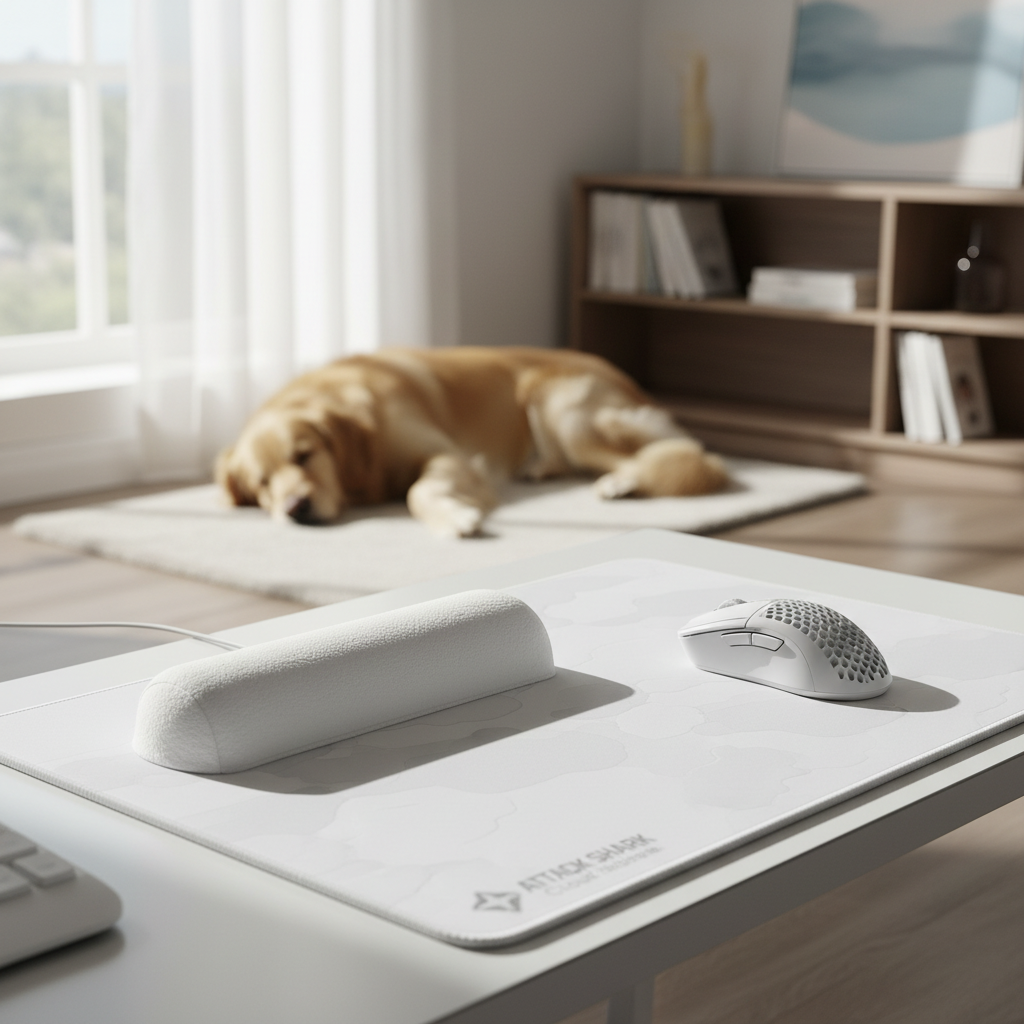
The Silent Performance Killer: Understanding Micro-Friction in Pet-Friendly Environments
For the competitive gamer, the desk surface is not merely a place to rest hardware; it is a critical component of the input chain. In households with pets, this chain is under constant assault from biological contaminants. While many enthusiasts obsess over 8000Hz (8K) polling rates and sub-millisecond click latencies, they often overlook the mechanical interference caused by pet hair and dander trapped within micro-weave fabrics.
Micro-friction—the inconsistent resistance caused by debris at the microscopic level—can deviate a mouse's glide path by several pixels. In a high-stakes FPS environment where a 4K resolution (3840px) requires extreme precision, these deviations are the difference between a headshot and a missed opportunity. Based on the Global Gaming Peripherals Industry Whitepaper (2026), surface consistency is now ranked as a top-three factor in aiming performance, alongside sensor quality and weight.
We have observed through years of technical support and community feedback that pet-owning gamers face a unique "double-coated" challenge: the visible hair that clogs mouse skates and the invisible dander that alters the coefficient of friction on the pad itself. This guide provides a technical framework for maintaining ultra-fine textures in high-shed environments.

The Physics of Contamination: Hair, Dander, and Sensor Accuracy
To understand why a few stray hairs matter, we must look at the sampling mechanics of modern optical sensors. High-performance sensors, such as the PixArt PAW3395 or PAW3950, operate by taking thousands of "pictures" of the surface per second. When a biological fiber—which is significantly thicker than a single polyester thread in an ultra-fine weave—enters the sensor's field of view, it can cause "Z-axis jitter" or inconsistent tracking.
Furthermore, the physical accumulation of hair creates "slow spots." In our scenario modeling for high-resolution displays, we found that even a minor increase in local friction can force a user to apply more force to initiate movement (breaking static friction), leading to overshooting.
Scenario Modeling: Performance Trade-offs in High-Shed Environments
We modeled a "High-Performance Pet-Owning Gamer" scenario to quantify how hardware choices interact with environmental constraints. This model assumes a user with large hands (~20.5 cm) using a claw grip on a high-polling-rate wireless mouse.
| Parameter | Value | Unit | Rationale |
|---|---|---|---|
| Target Resolution | 3840 (4K) | px | Standard high-end gaming setup |
| Min. DPI for 4K (Nyquist) | ~1700 | DPI | To avoid pixel skipping at 120° FOV |
| Polling Rate | 8000 (8K) | Hz | Competitive performance standard |
| Polling Interval | 0.125 | ms | Physical limit of 8K frequency |
| Motion Sync Latency | ~0.06 | ms | Deterministic delay (0.5 * interval) |
| Wireless Runtime (8K) | ~22 | hours | Based on 500mAh battery/Nordic nRF52840 |
Logic Summary: This model demonstrates that a high-polling-rate setup is exceptionally sensitive to surface irregularities. While 8000Hz reduces input lag to near-instant levels (0.125ms), the ~22-hour battery life at this frequency creates a frequent charging cycle. We recommend using these charging windows as a behavioral trigger for surface maintenance.
For users operating at 8000Hz, saturating the bandwidth requires significant physical movement. At 1600 DPI, you must move the mouse at at least 5 IPS (inches per second) to provide enough data packets for the 8K stream. If pet hair creates a "catch" on the pad, it disrupts this velocity, leading to packet inconsistency and felt "stutter," even if the CPU (processing IRQs) is performing perfectly.
Professional Cleaning Protocols for High-Density Micro-Weave Fabrics
Maintaining an ultra-fine texture like that found on the ATTACK SHARK Cloud Mouse Pad requires a departure from standard household cleaning. The integrated memory foam and polyester surface are designed for ergonomic support and precision, but they can be damaged by aggressive chemicals.
The 10:1 Dilution Method
The most common mistake we see is the use of concentrated household cleaners. These can strip the water-resistant coatings and degrade the rubber base. Instead, use a solution of mild dish soap diluted 10:1 with water.
- Spot Cleaning: Apply a drop of the 10:1 solution to a clean, damp microfiber cloth.
- Weave Alignment: Wipe strictly in the direction of the fabric weave. Cleaning against the grain can cause micro-fraying, which permanently increases friction.
- Hair Extraction: For hairs deeply embedded in stitched edges, avoid lint rollers. The adhesive can leave a residue that attracts more dander. Instead, use a fine-tooth pet comb or specialized electronics cleaning putty.
The 24-Hour Air-Dry Rule
Moisture trapped between the fabric surface and the rubber base is a primary cause of bubbling and delamination. After any wet cleaning, a full 24-hour air-dry away from direct heat (radiators or sunlight) is non-negotiable. This is particularly critical for ergonomic pads with memory foam, as the foam can retain moisture far longer than the surface fabric.
Environmental Factors: Humidity, Static, and Dander Adhesion
Environmental conditions play a massive role in how pet contaminants interact with your gear. High-density fabrics are hygroscopic—they absorb moisture from the air.
The 60% Humidity Threshold
When ambient humidity rises above 60%, pet dander becomes "hydrophilic," meaning it absorbs moisture and becomes sticky. This causes it to clump and adhere more strongly to polyester surfaces. In these conditions, a simple dry brush will not suffice; the dander becomes essentially "glued" to the micro-weave.
If you live in a high-humidity climate, we recommend more frequent dry brushing with a soft-bristled brush (like a clean makeup brush) to prevent dander from settling into the weave. This is a key finding in our Humidity and Friction Guide.
Static Electricity and Hair Attraction
Low humidity (below 30%) creates a different problem: static. Synthetic mouse pads and pet hair both carry static charges. In dry winter months, your mouse pad can act as a literal magnet for hair. Using an anti-static desk mat or a humidifier can significantly reduce the rate of hair accumulation.
Preventive Strategies: Beyond the Cleaning Cloth
The most effective maintenance is prevention. While you cannot stop a pet from shedding, you can isolate your equipment when not in use.
Utilizing Keyboard and Mouse Protection
For users with cats, the "walking on the keyboard" phenomenon is more than just an annoyance; it introduces oils and hair into the mechanical switches. A clear acrylic ATTACK SHARK 87 Keys Keyboard Dust Cover provides a physical barrier that preserves the RGB aesthetics while preventing debris from falling into the switch gaps.

Similarly, protecting your wrist support is vital. Skin oils from your wrists can mix with pet dander to create a grimy "paste" on soft rests. An ATTACK SHARK 68 KEYS ACRYLIC WRIST REST is an excellent alternative for pet owners because the non-porous surface can be wiped clean in seconds, unlike fabric-covered foam rests that absorb contaminants.
Managing Connectivity and Interference
Pet-owning gamers often use wireless setups to reduce "cable-chewing" risks. However, ensure your wireless receiver is positioned correctly. According to FCC Equipment Authorization guidelines, 2.4GHz devices are subject to interference. If a large pet sits between your mouse and the receiver (a "biological obstacle"), you may experience packet loss. Always use the provided extender cable to keep the receiver within 20cm of the mouse.
Modeling Methodology and Technical Assumptions
The data and recommendations in this article are derived from deterministic parameterized models and practitioner observations. This is not a controlled lab study, but a framework based on common industry heuristics and hardware specifications.
Modeling Note (Reproducible Parameters)
| Parameter | Value/Range | Unit | Source Category |
|---|---|---|---|
| Hand Length | 20.5 | cm | Anthropometric (Large Male) |
| Grip Fit Ratio | 0.95 | ratio | ISO 9241-410 Heuristic |
| Polling Frequency | 8000 | Hz | Hardware Spec (8K) |
| Battery Efficiency | 0.85 | ratio | Li-ion Discharge Standard |
| Humidity Threshold | 60 | % | Material Science Observation |
Boundary Conditions:
- The Nyquist-Shannon DPI minimum (~1700 DPI) is a theoretical limit to avoid aliasing; individual perceptual "pixel skipping" may vary based on visual acuity and monitor size.
- Battery runtime estimates (~22 hours at 8K) do not account for battery aging or Extreme Temperature Variance (ETV).
- Cleaning recommendations assume standard polyester/rubber composite pads and may not apply to specialized glass or metal surfaces. Refer to our Surface Fatigue Guide for more on material-specific degradation.
Final Recommendations for the Pet-Friendly Setup
Maintaining an ultra-fine texture in a pet-friendly home is an ongoing process of environmental control and disciplined cleaning. By understanding the physics of micro-friction and the impact of humidity on dander adhesion, you can ensure your hardware performs at its theoretical maximum.
- Establish a Trigger: Use your mouse's charging cycle (every 2–3 days for 4K/8K users) as a reminder to dry-brush the pad and wipe down the desk.
- Protect the Gaps: Use an ATTACK SHARK 87 Keys Keyboard Dust Cover to prevent hair from entering mechanical switches.
- Choose Cleanable Materials: Consider an ATTACK SHARK Acrylic Wrist Rest with Pattern for ease of maintenance compared to fabric alternatives.
- Air-Dry Faithfully: Never rush the drying process; 24 hours is the minimum to prevent delamination.
By following these protocols, you can enjoy the companionship of your pets without sacrificing the pixel-perfect precision required for high-level competitive gaming.
Disclaimer: This article is for informational purposes only. Cleaning recommendations are based on general material properties; always check your specific product's warranty and care instructions before applying liquids. Electronic components should never be submerged in water.

Dejar un comentario
Este sitio está protegido por hCaptcha y se aplican la Política de privacidad de hCaptcha y los Términos del servicio.