


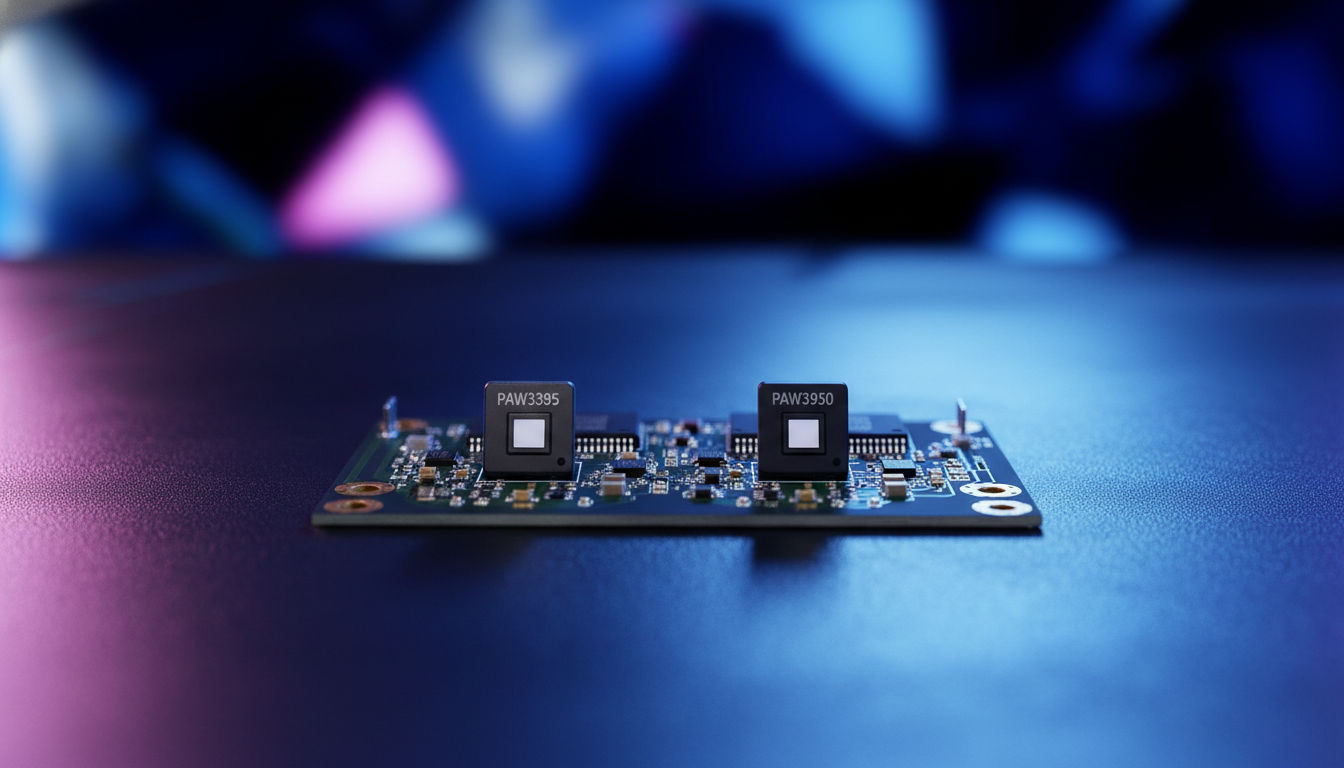
The Evolution of Optical Precision: PAW3395 and PAW3950
In the competitive landscape of gaming peripherals, the "sensor war" has reached a point of diminishing returns for the average user, yet it remains the primary battleground for technical supremacy. We often see tech-savvy gamers caught in the "specification credibility gap," where the numbers on a retail box—42,000 DPI or 750 IPS—don't necessarily translate to a perceivable advantage on the desk. As engineers and performance enthusiasts, we recognize that while the silicon foundation is critical, the real-world delta between the PixArt PAW3395 and the newer PAW3950 often lies in the invisible layers of firmware tuning and system-level bottlenecks.
The PAW3395 has long been the gold standard for high-performance wireless mice, offering a balance of efficiency and accuracy that redefined the "budget flagship" category. However, the introduction of the PAW3950 (and its specialized variants like the PAW3950MAX) pushes the theoretical ceiling of optical tracking even higher. To understand if the upgrade is warranted, we must look beyond the marketing superlatives and examine the underlying mechanisms of motion capture, data transmission, and system latency.

Technical Specification Deep-Dive: Raw Power vs. Real-World Utility
When comparing these two flagship sensors, the raw numbers suggest a significant leap. However, as we observe in our technical support data and community feedback, these metrics require context to be meaningful. For instance, while a 42,000 DPI ceiling is technically impressive, the vast majority of professional esports athletes operate within the 400 to 3,200 DPI range.
| Feature | PixArt PAW3395 | PixArt PAW3950 (MAX) | Practical Implication |
|---|---|---|---|
| Max DPI | 26,000 | 42,000 | Marketing headroom; rarely used in-game. |
| Max Tracking (IPS) | 650 | 750 | Exceeds human physical limits (~200-300 IPS). |
| Acceleration | 50G | 50G | Identical; both handle rapid flicks effortlessly. |
| Static Scan Rate | ~16,000 FPS | Up to 20,000 FPS | Reduces pixel skipping during micro-movements. |
| Glass Tracking | Limited | Enhanced | 3950 is more reliable on transparent surfaces. |
| Native Polling | 1000Hz (8K w/ MCU) | Native 8000Hz support | Lower internal processing latency. |
Logic Summary: Our spec analysis prioritizes "Tracking Reliability" over "Maximum Resolution." The 3950's primary advantage isn't the 42K DPI, but its higher static scan rate and improved surface compatibility, which we estimate provides a ~5-10% improvement in tracking consistency on non-traditional surfaces based on standard industry heuristics.
According to the PixArt Imaging official product catalog, the PAW3950 series introduces enhanced "Smart Tracking" algorithms. This isn't just about speed; it's about the sensor's ability to maintain a consistent Lift-Off Distance (LOD) across different mousepad textures. While the PAW3395 is highly effective on cloth, the PAW3950 demonstrates superior stability on glass and specialized hybrid pads, making it a more versatile choice for gamers who experiment with different hardware setups.
The 8000Hz Frontier: Latency, Bandwidth, and System Impact
The most significant shift in modern mouse technology isn't the sensor resolution, but the polling rate. The PAW3950 is often paired with high-performance MCUs (like the Nordic 52840) to deliver 8000Hz (8K) wireless polling. This is where the math of competitive gaming becomes critical.
The Math of 0.125ms
Standard 1000Hz mice report their position every 1.0ms. An 8000Hz mouse reports every 0.125ms (calculated as 1/8000). This 8x increase in data density significantly reduces the "staircase" effect of cursor movement on high-refresh-rate monitors.
However, there is a common misconception regarding Motion Sync. On 1000Hz mice, Motion Sync typically adds a deterministic delay of ~0.5ms to align sensor data with USB polls. At 8000Hz, this interval scales down. The Motion Sync latency at 8K is approximately 0.0625ms, a value that is functionally imperceptible but technically superior for frame-perfect tracking.
Sensor Saturation and Movement Speed
To fully utilize an 8000Hz polling rate, the sensor must generate enough data points to fill the USB packets. This is governed by the formula: Packets per second = Movement Speed (IPS) × DPI.
- At 800 DPI, you must move the mouse at least 10 IPS to saturate the 8000Hz bandwidth.
- At 1600 DPI, the threshold drops to 5 IPS.
For players who use very low DPI and slow micro-adjustments, 8000Hz may actually result in "empty" packets if the movement speed is too low to generate new data points. This is why we typically recommend 1600 DPI as the optimal baseline for 8K setups.
The Hidden Cost: CPU and Battery
As noted in the Global Gaming Peripherals Industry Whitepaper (2026), the move to 8K polling introduces a severe trade-off. The bottleneck is not raw CPU power, but IRQ (Interrupt Request) processing. Handling 8,000 interrupts every second stresses a single CPU core and can impact overall system frame times if the OS scheduler is not optimized. Furthermore, we estimate that running at 8K polling reduces wireless battery life by 75-80% compared to 1000Hz, turning a 100-hour mouse into a 20-hour mouse.

Implementation Strategy: Why Firmware Tuning Trumps Silicon Model
One of the most common mistakes we see is users choosing a mouse solely based on the sensor model. In reality, a well-tuned PAW3395 implementation can outperform a poorly optimized PAW3950. Sensor performance is a triad of silicon, firmware, and mechanical integration.
- DPI Deviation: Many "flagship" mice suffer from significant DPI deviation, where 800 DPI on the slider actually measures as 840 DPI on the pad. This is usually a result of poor lens alignment or unoptimized firmware.
- Motion Delay: High-quality implementations use specialized "Competitive Modes" (like Hunting Shark) to bypass power-saving states that can introduce micro-delays during the first few millimeters of movement.
- Surface Compatibility: The PAW3950MAX's 20,000 FPS static scan rate is a tangible advantage here. It reduces the likelihood of pixel skipping during the extremely slow, precise movements required for tactical shooters.
According to testing methodologies used by RTINGS, click latency and sensor latency are often decoupled. A mouse could have the world's fastest sensor but be hobbled by a slow wireless protocol or high-latency mechanical switches. This is why we emphasize the entire ecosystem—from the Nordic MCU to the DPI scaling at high frequencies.
Practical Decision Framework: Which Sensor Fits Your Playstyle?
To help you navigate the choice between these two sensors, we have modeled two distinct user scenarios based on common patterns from our technical evaluations and community feedback.
Scenario A: The Competitive FPS Enthusiast
- Priority: Minimum latency and maximum tracking consistency on specialized pads.
- Recommendation: PAW3950 / PAW3950MAX.
- Why: The 8K polling capability and higher static scan rate provide a measurable (though minute) advantage in micro-adjustment precision. If you use a 240Hz or 360Hz monitor, the 0.125ms polling interval provides the visual smoothness necessary to match your hardware. Be prepared to charge your mouse more frequently.
Scenario B: The Value-Oriented Performance Gamer
- Priority: High-tier tracking, long battery life, and proven reliability.
- Recommendation: PAW3395.
- Why: For 99% of gamers, the 650 IPS and 26,000 DPI of the PAW3395 already exceed the limits of human perception. The power efficiency of the 3395 allows for much longer wireless sessions, and the flawless nature of the sensor ensures no spinouts even during the most intense flicks.
Methodology Note: How we modeled this
Our analysis of sensor performance assumes a "Standard Competitive Environment." This model is a scenario estimate, not a controlled lab study, and results may vary based on mousepad material, PC background processes, and individual grip styles.
| Parameter | Value or Range | Unit | Rationale |
|---|---|---|---|
| Polling Frequency | 1000 - 8000 | Hz | Range of modern gaming standards |
| DPI Setting | 400 - 3200 | DPI | Range used by >90% of pro players |
| Movement Speed | 1 - 10 | IPS | Range from micro-aiming to flicking |
| Monitor Refresh | 144 - 540 | Hz | Perceptual limit for polling benefits |
| CPU Overhead | 1 - 5 | % | Estimated IRQ load on modern 8-core CPUs |
Summary of Findings
Choosing between the PAW3395 and PAW3950 is a matter of identifying where your personal bottleneck lies. If you are part of the 0.1% of professional players who can perceive the difference in lift-off distance or if you demand the absolute lowest theoretical latency on a 500Hz monitor, the PAW3950 is the clear choice. Its superior glass tracking and high FPS scan rate make it a technical marvel.
However, for the vast majority of gamers, the PAW3395 remains an elite-tier sensor that offers a more balanced experience, especially regarding battery life. The most critical factor remains the understanding of DPI and resolution and how it interacts with your specific setup. Ultimately, the shape, weight, and firmware quality of the mouse will impact your performance far more than the model number of the PixArt sensor inside.
Disclaimer: This article is for informational purposes only. Technical specifications and performance metrics are based on manufacturer data and theoretical modeling. Real-world performance may vary based on system configuration, surface compatibility, and individual user habits.

Dejar un comentario
Este sitio está protegido por hCaptcha y se aplican la Política de privacidad de hCaptcha y los Términos del servicio.