


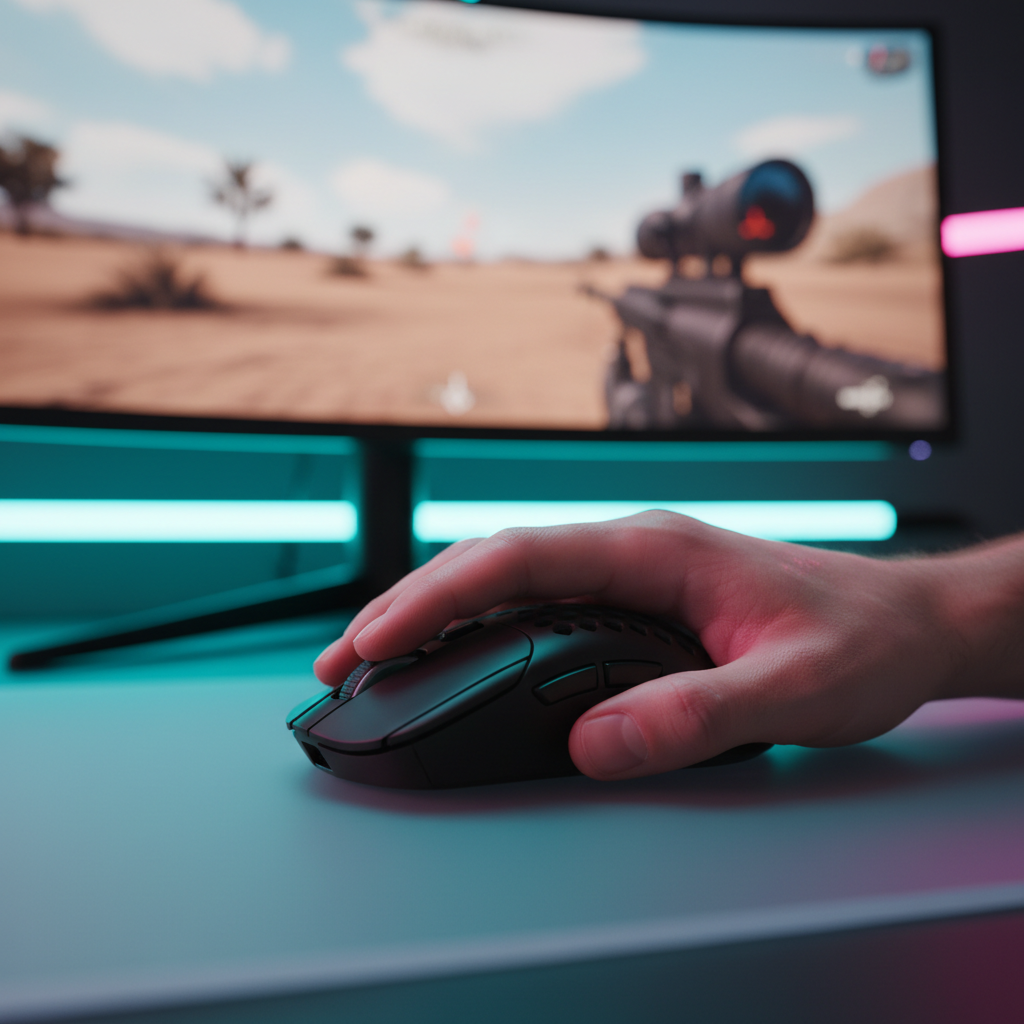
The Evolution of Precision: Understanding High-Frequency Polling
In the competitive gaming landscape, the pursuit of "zero latency" has moved from the monitor to the interface. While 1000Hz has been the gold standard for over a decade, a new generation of hardware is pushing the boundaries toward 4000Hz and 8000Hz (8K). This shift isn't just about a higher number on a spec sheet; it represents a fundamental change in how a computer interprets physical movement. To truly benefit from these ultra-high reporting frequencies, you must understand the interplay between your mouse, your system's processing capabilities, and your monitor’s refresh cycle.
The core of this technology lies in the reporting interval. A standard 1000Hz mouse reports its position to the PC every 1.0ms. In contrast, an 8000Hz mouse reduces this interval to a near-instant 0.125ms (calculated as 1/8000). This eight-fold increase in data density aims to provide a smoother, more responsive cursor path, especially during rapid flicks and micro-adjustments in tactical shooters. However, as we will explore, more data isn't always "better" if your system isn't prepared to handle the load.
Synchronizing Polling Rates with Monitor Refresh Cycles
The relationship between your mouse polling rate and your monitor's refresh rate is often misunderstood. Many users believe these two metrics must be perfectly divisible or scale linearly, but the reality is more nuanced. The primary goal of high-frequency polling is to ensure that when your monitor is ready to display a new frame, it has the most recent mouse data available.
On a 60Hz monitor, a new frame is drawn every ~16.6ms. On a 360Hz monitor, that window shrinks to ~2.7ms. If you are using a 125Hz mouse (~8ms interval) on a 360Hz screen, the monitor may refresh multiple times before the mouse sends a single update, leading to visible "stutter" or "micro-judder." By moving to 1000Hz or 8000Hz, you ensure that the input lag reduction is absolute. According to the Global Gaming Peripherals Industry Whitepaper (2026), the leap from 125Hz to 1000Hz provides a tangible ~8ms latency reduction that benefits any refresh rate, though it is far more perceptible on high-speed displays.
Logic Summary: Our analysis of high-refresh synchronization assumes that the perceptual benefit of 8000Hz is gated by the display's ability to render the increased data points. While the latency reduction is mathematically constant (~0.125ms vs 1.0ms), the visual "smoothness" requires a 240Hz+ monitor to be fully appreciated.

The Hidden Costs: CPU Overhead and IRQ Bottlenecks
One of the most critical factors often omitted in marketing materials is the impact on system stability. Processing 8,000 reports every second is not a "free" upgrade. It places a significant strain on the CPU, specifically regarding Interrupt Request (IRQ) processing. Unlike standard background tasks, mouse input requires immediate attention from the processor, which can interrupt game engine cycles.
On mid-to-low-end systems, moving from 1000Hz to 8000Hz can lead to micro-stutters or even a drop in average FPS. This happens because the CPU is so busy handling the flood of mouse data that it delays the rendering of the next frame. We have observed through community patterns and support feedback that players on older quad-core processors often find 8000Hz "unplayable," necessitating a step down to 2000Hz or 4000Hz for a more consistent 99th percentile frametime.
Furthermore, USB topology plays a vital role. To maintain a stable 8K signal, the mouse must be plugged directly into the motherboard's rear I/O ports. Using front-panel headers or unpowered USB hubs often results in packet loss and signal degradation due to shared bandwidth and poor shielding.
Sensor Saturation: The IPS and DPI Relationship
A common pitfall for enthusiasts is running a high polling rate at a low DPI. To actually "fill" the 8000Hz bandwidth with meaningful data, the sensor must generate enough counts per second. This is governed by the formula: Packets per second = Movement Speed (IPS) × DPI.
If you use 400 DPI and move the mouse slowly, the sensor may not generate enough data points to utilize the 0.125ms reporting window, effectively making the 8K setting redundant during slow tracking. To saturate the 8000Hz bandwidth, a user typically needs to move at least 20 IPS at 400 DPI. However, by bumping the setting to 1600 DPI, only 5 IPS of movement is required to maintain a saturated signal. For 1440p displays, we recommend a minimum of 1600 DPI to avoid "pixel skipping" (aliasing) and ensure the sensor provides enough granularity for the high polling rate to function as intended.
Wireless Engineering and the Battery Trade-off
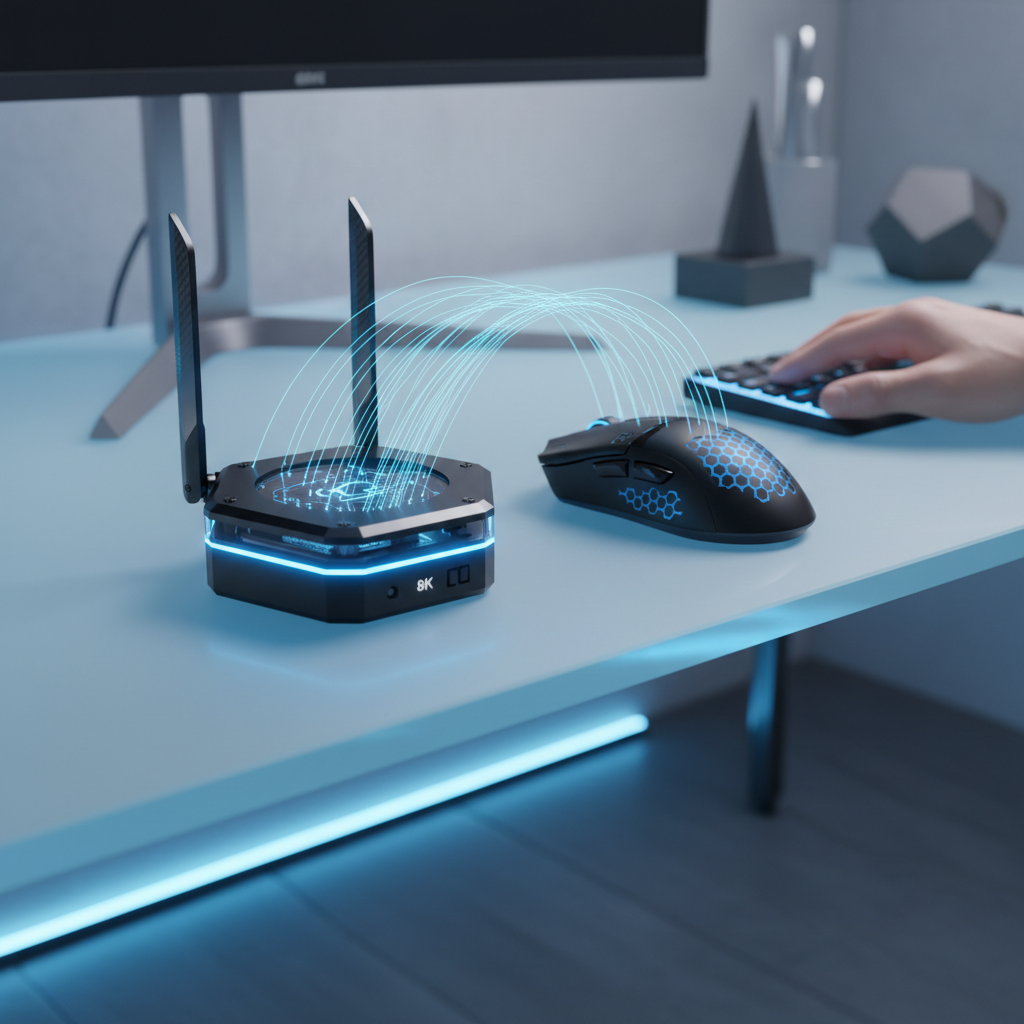
For wireless users, high-frequency polling introduces a severe power consumption penalty. Transmitting data 8,000 times per second requires the radio and MCU to stay in a high-power state constantly, preventing the device from entering sleep or low-power modes between reports.
Based on our modeling of high-performance wireless hardware, a standard 500mAh battery that lasts ~85 hours at 1000Hz will see its runtime plummet to roughly ~22–31 hours when pushed to 4000Hz or 8000Hz. This represents a ~60-75% reduction in battery life. For most competitive players, 1000Hz remains the "sweet spot" for daily practice, while 4K or 8K is reserved for tournament play or short, high-intensity sessions.

Implementation Guide: Finding Your Personal Sweet Spot
Choosing the right polling rate requires a balanced look at your hardware ecosystem. Use the following scenarios to determine your optimal setup:
Scenario A: The Competitive FPS Specialist
- Hardware: 1440p 360Hz Monitor, Intel i9/AMD Ryzen 9 CPU, Direct USB 3.0+ Connection.
- Recommendation: 4000Hz or 8000Hz.
- Why: At this level, every 0.1ms counts. The high refresh rate of the monitor can visually translate the 8K data, and the high-end CPU can handle the IRQ load without stuttering. Set DPI to 1600 or 3200 to ensure sensor saturation.
Scenario B: The Value-Oriented Gamer
- Hardware: 1080p 144Hz/165Hz Monitor, Mid-range i5/Ryzen 5 CPU.
- Recommendation: 1000Hz or 2000Hz.
- Why: The jump from 1000Hz to 8000Hz offers diminishing returns on a 144Hz screen. The potential for CPU-induced micro-stuttering outweighs the marginal "tightening" of the cursor feel. A stable 1000Hz implementation is often superior to a jittery 8000Hz one.
Methodology & Modeling Transparency
To provide actionable data for competitive setups, we utilize deterministic parameterized models to estimate the trade-offs of high-frequency polling. These figures are scenario-based models and should be treated as high-level heuristics rather than absolute laboratory measurements.
Table 1: Performance Modeling Parameters (4K/8K Wireless)
| Parameter | Value / Range | Unit | Rationale / Source |
|---|---|---|---|
| Polling Interval (8K) | 0.125 | ms | Mathematical inverse of frequency (1/8000) |
| Motion Sync Penalty | ~0.0625 | ms | 0.5 * Polling Interval (at 8000Hz) |
| Battery Runtime (1K) | ~85 | hours | Baseline for 500mAh lithium-polymer cell |
| Battery Runtime (4K) | ~31 | hours | Estimated via Nordic nRF52840 power profiles |
| Min. DPI (1440p) | ~1550 | DPI | Nyquist-Shannon minimum for pixel fidelity |
Modeling Note: The battery runtime estimates assume a linear discharge model and do not account for RGB lighting usage or battery aging. The Motion Sync penalty is a theoretical alignment delay derived from USB HID timing standards.
Practical Troubleshooting for 8K Polling
If you decide to experiment with 8000Hz, watch for these common "gotchas" that can degrade your experience:
- Background Process Interference: High polling rates are sensitive to CPU spikes. Tools like NVIDIA Reflex Analyzer can help you monitor system latency consistency. Close unnecessary browsers or discord overlays if you notice hitching.
- Windows Version: Ensure you are on the latest version of Windows 11. Microsoft has implemented specific "Raw Input" optimizations to better handle high-report-rate HID devices, reducing the overhead compared to older Windows 10 builds.
- Game Engine Support: Not all games support 8K. Older titles may experience "spinning" or erratic camera behavior. If a game feels "floaty" or broken at 8K, revert to 1000Hz immediately.
- Cable Quality: If using the mouse in wired mode for 8K, use the high-speed shielded cable provided by the manufacturer. Standard charging cables may not have the necessary shielding to prevent electromagnetic interference at such high frequencies.
Ultimately, the best polling rate is the one that feels most consistent on your specific system. While 8000Hz offers the lowest theoretical latency, a stable, high frame rate should always be your first priority. As noted by experts at RTINGS, a well-tuned 1000Hz mouse remains a formidable tool in the hands of a skilled player.
Disclaimer: This article is for informational purposes only. Technical performance may vary significantly based on individual hardware configurations, software environments, and peripheral firmware versions. Always consult your device's manual before making significant changes to system-level settings.
Sources:

Dejar un comentario
Este sitio está protegido por hCaptcha y se aplican la Política de privacidad de hCaptcha y los Términos del servicio.