






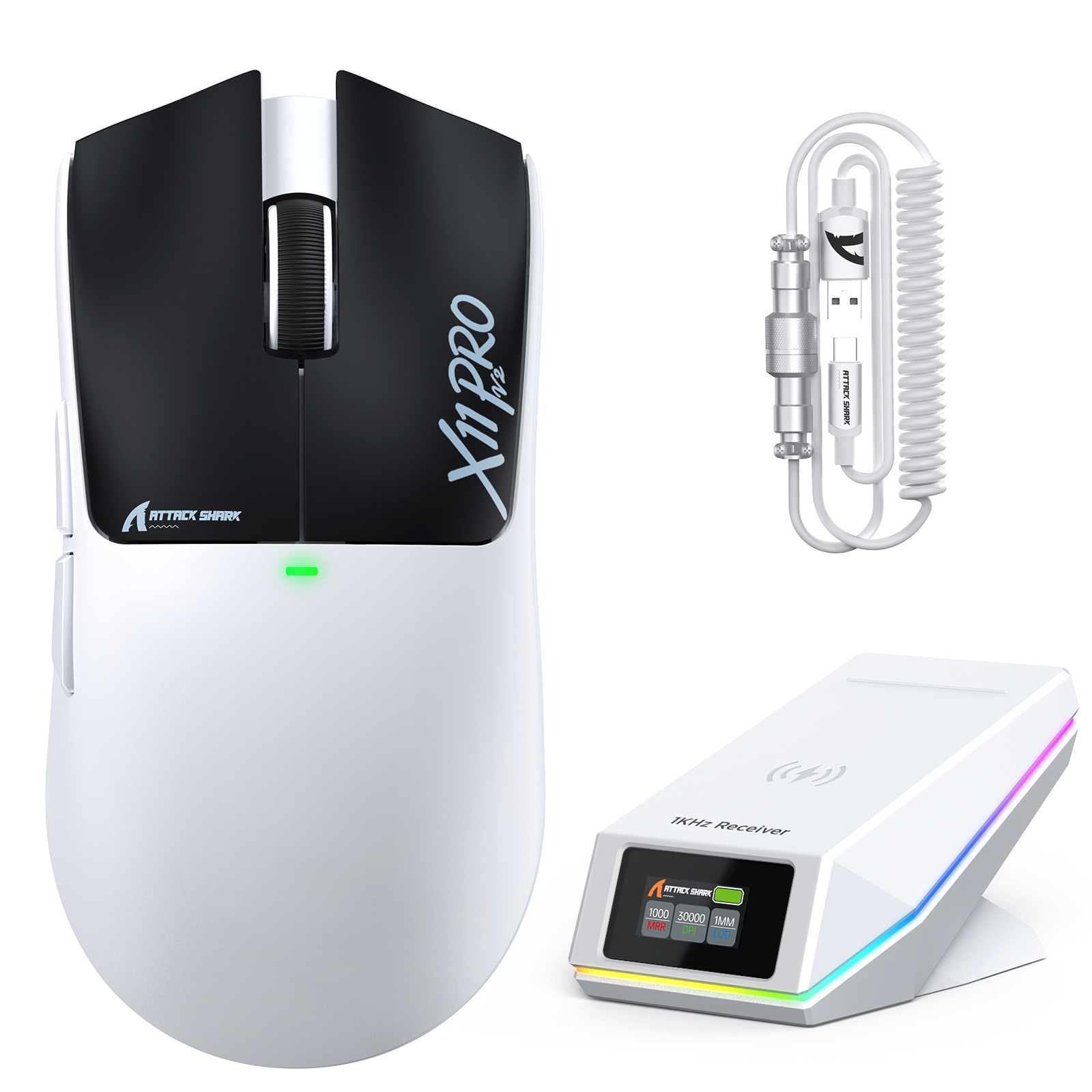
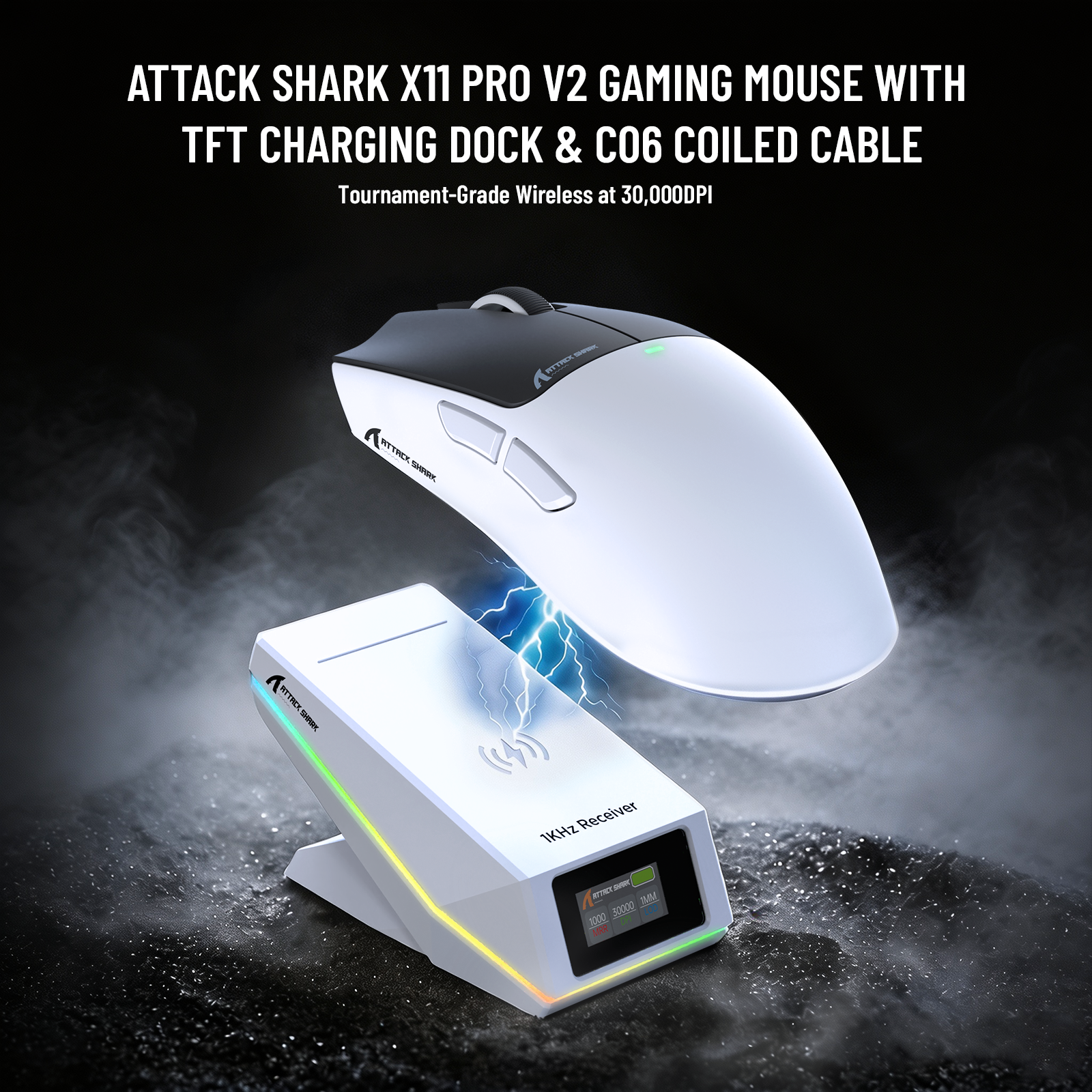
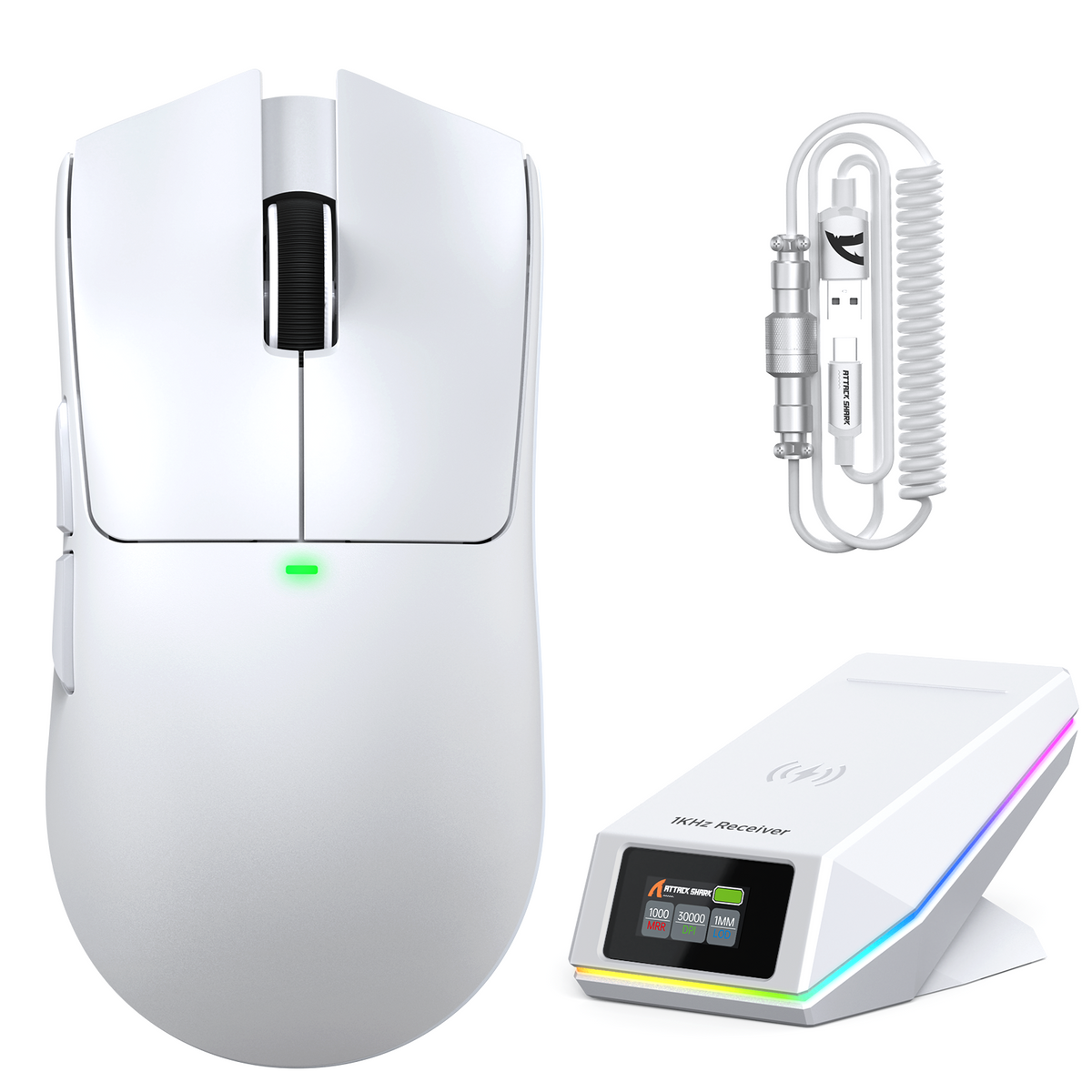
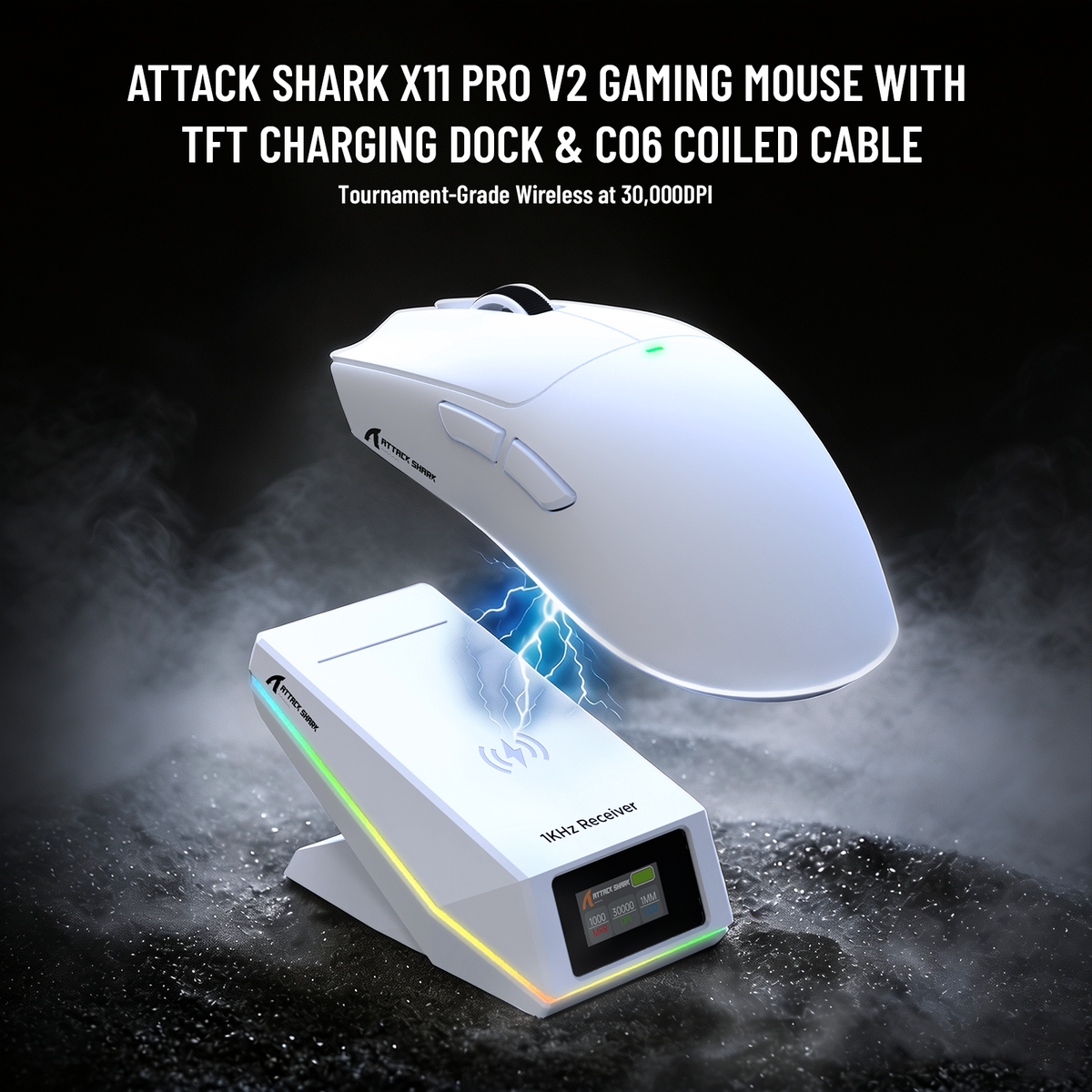

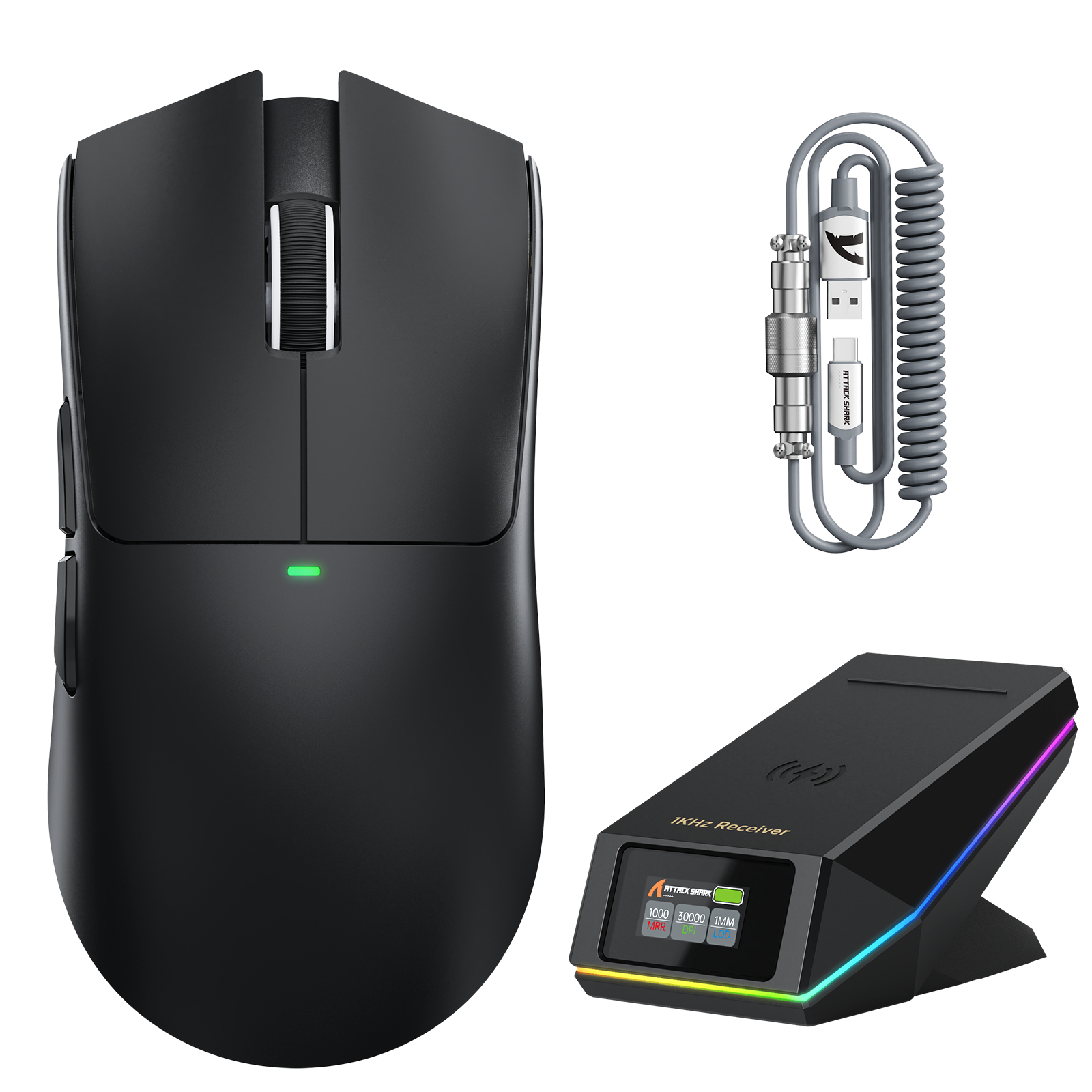
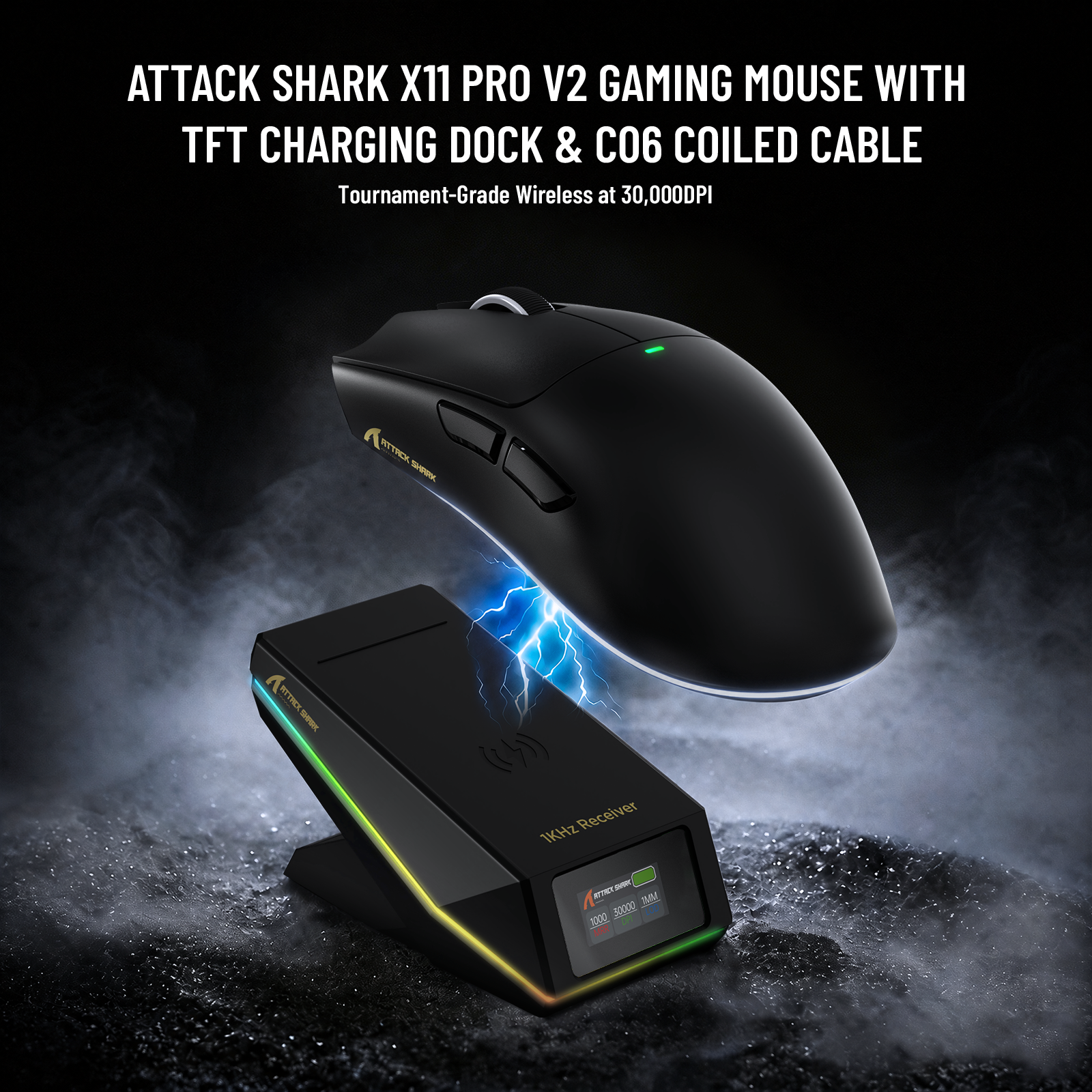
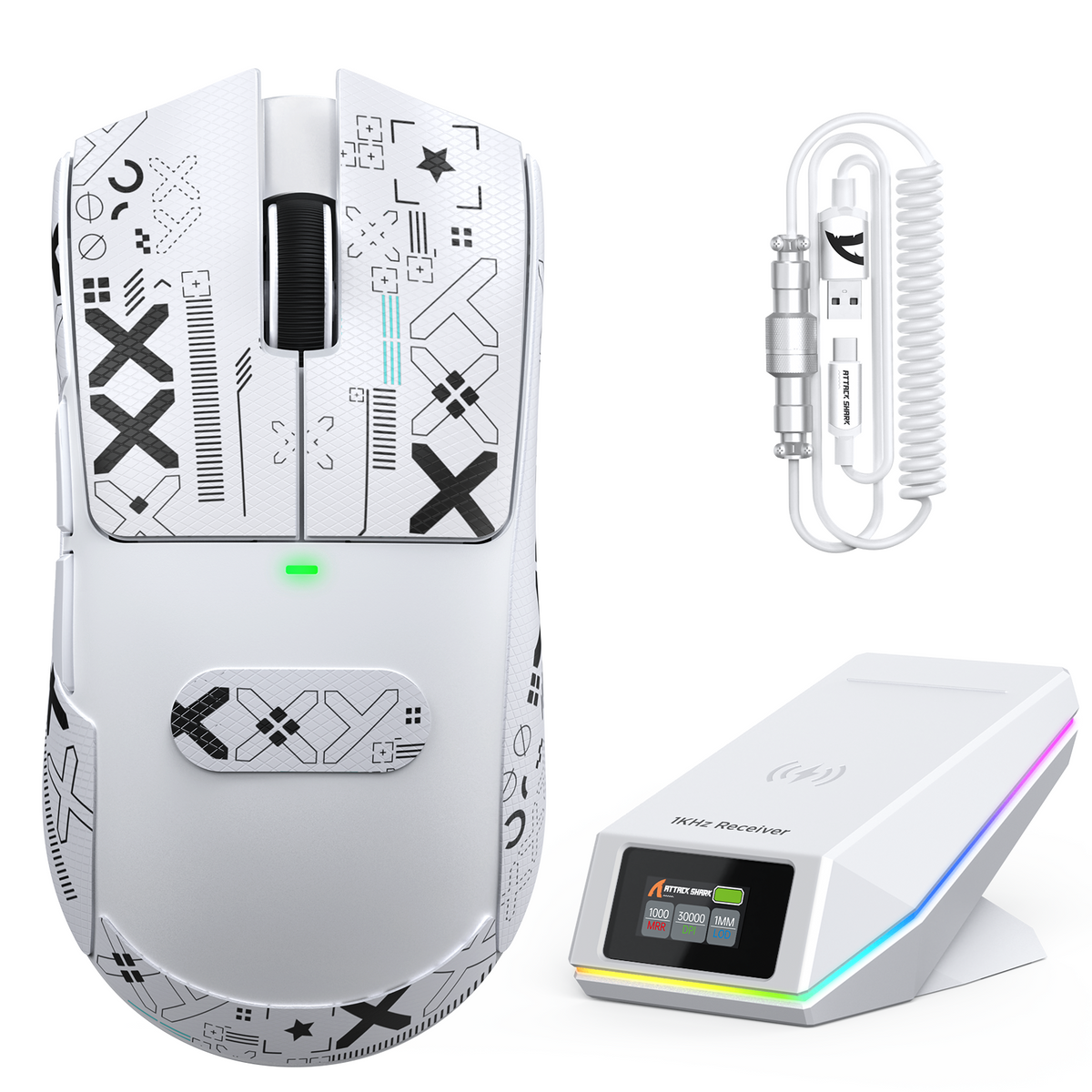
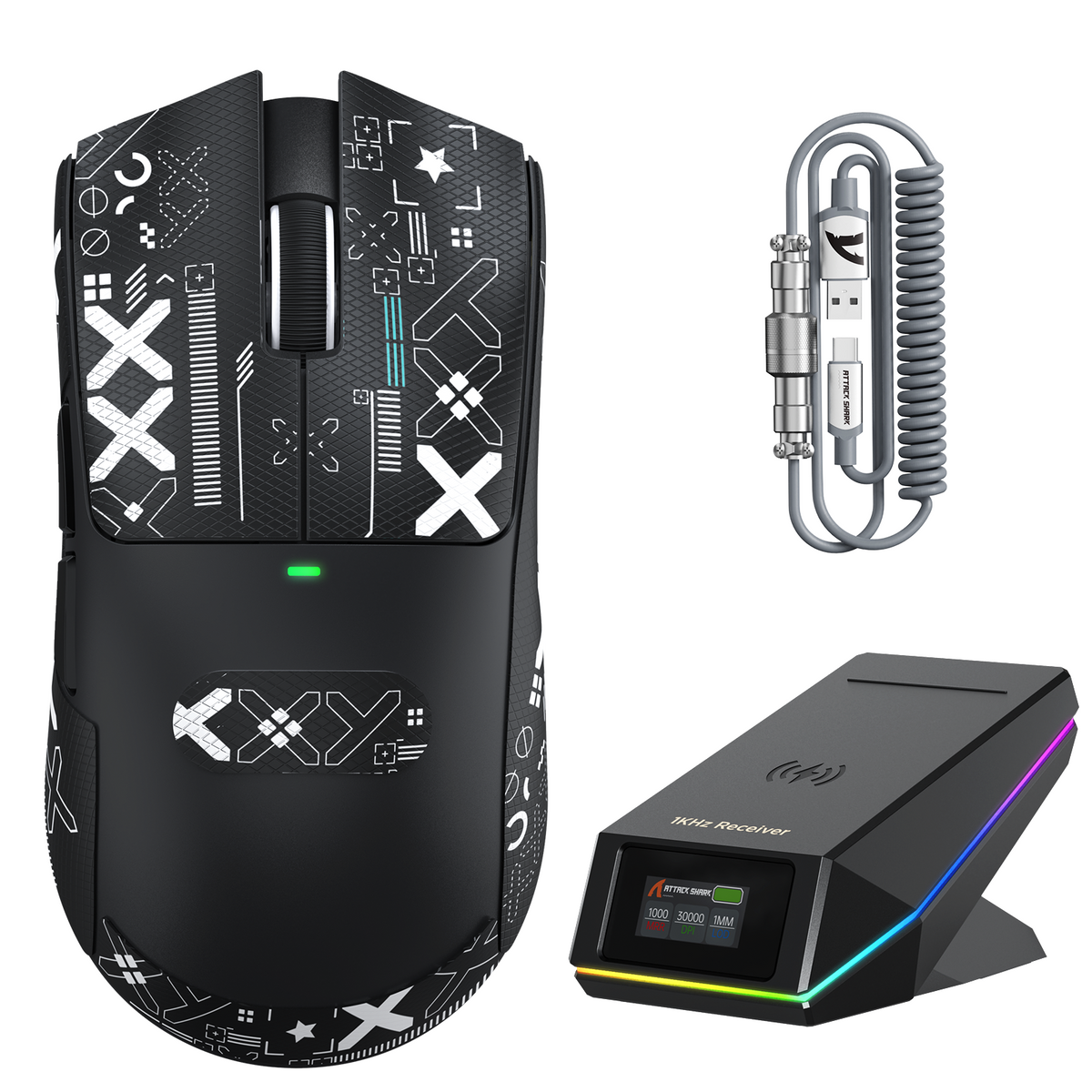
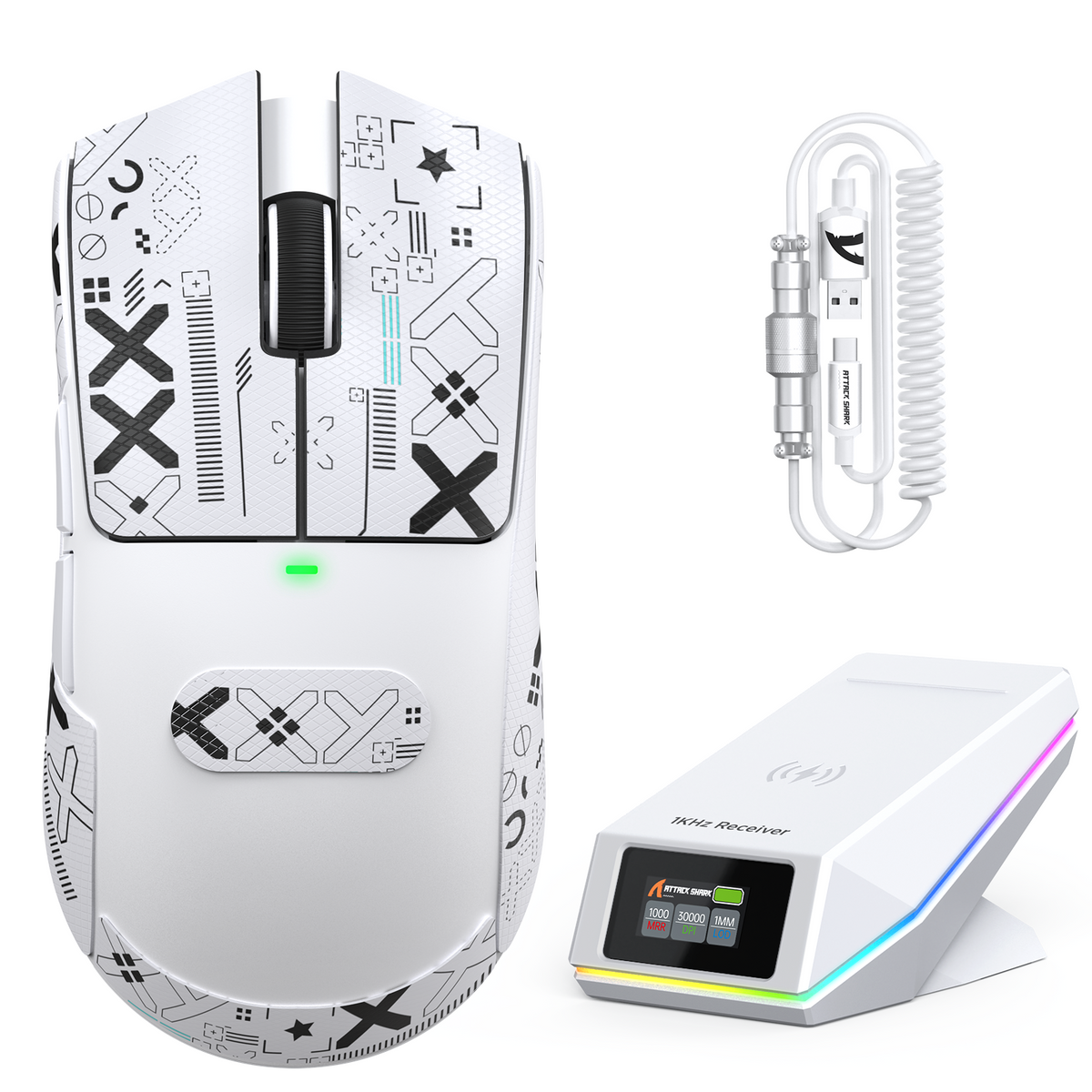
ATTACK SHARK X11 PRO V2 Kabellose Gaming-Maus mit TFT-Display, Ladestation und C06 Spiralkabel
- Share:
-

-

-

-


Technical Specifications
DOWNLOADS
WEB DRIVER
Dual-Chip Hochpräzise Gaming-Leistung
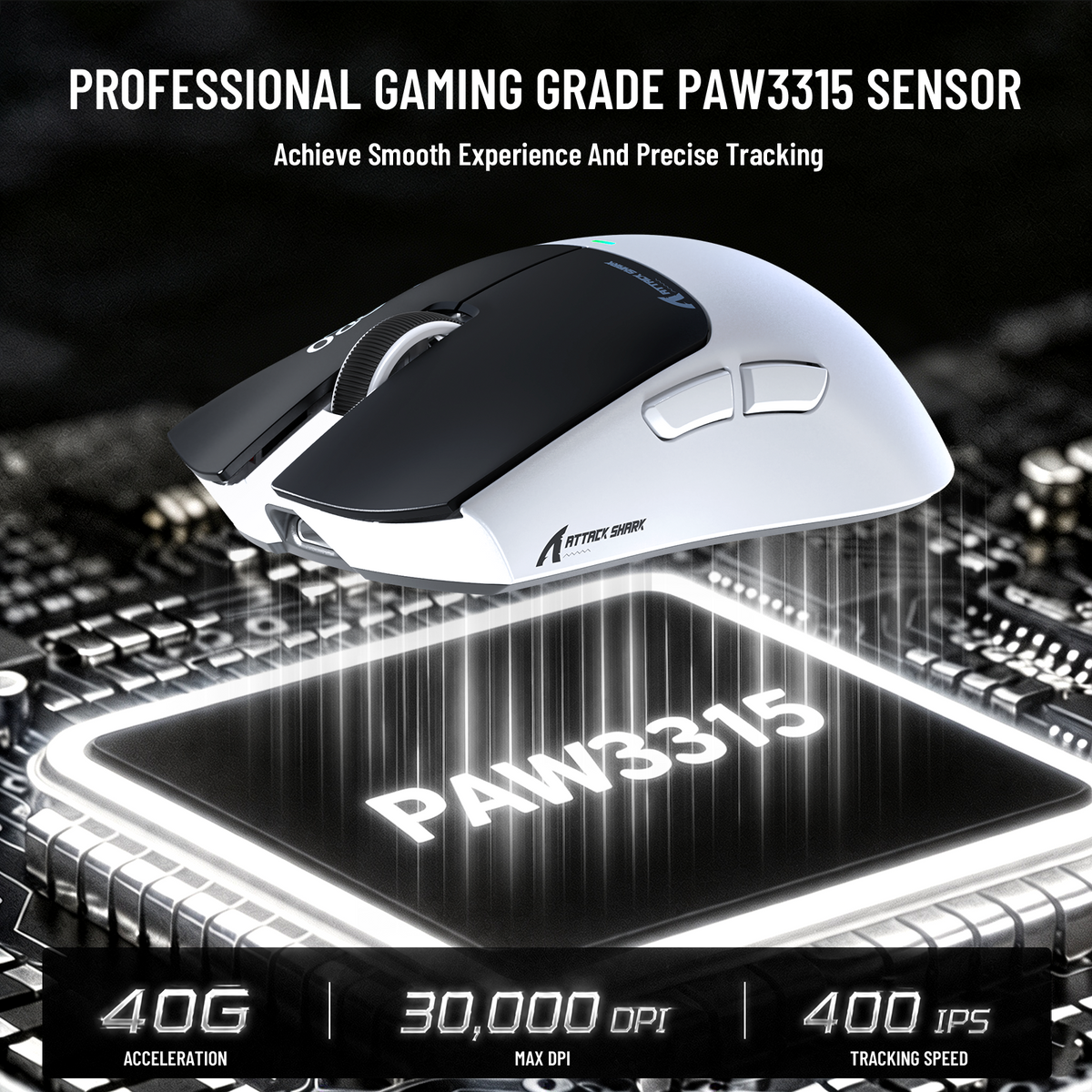
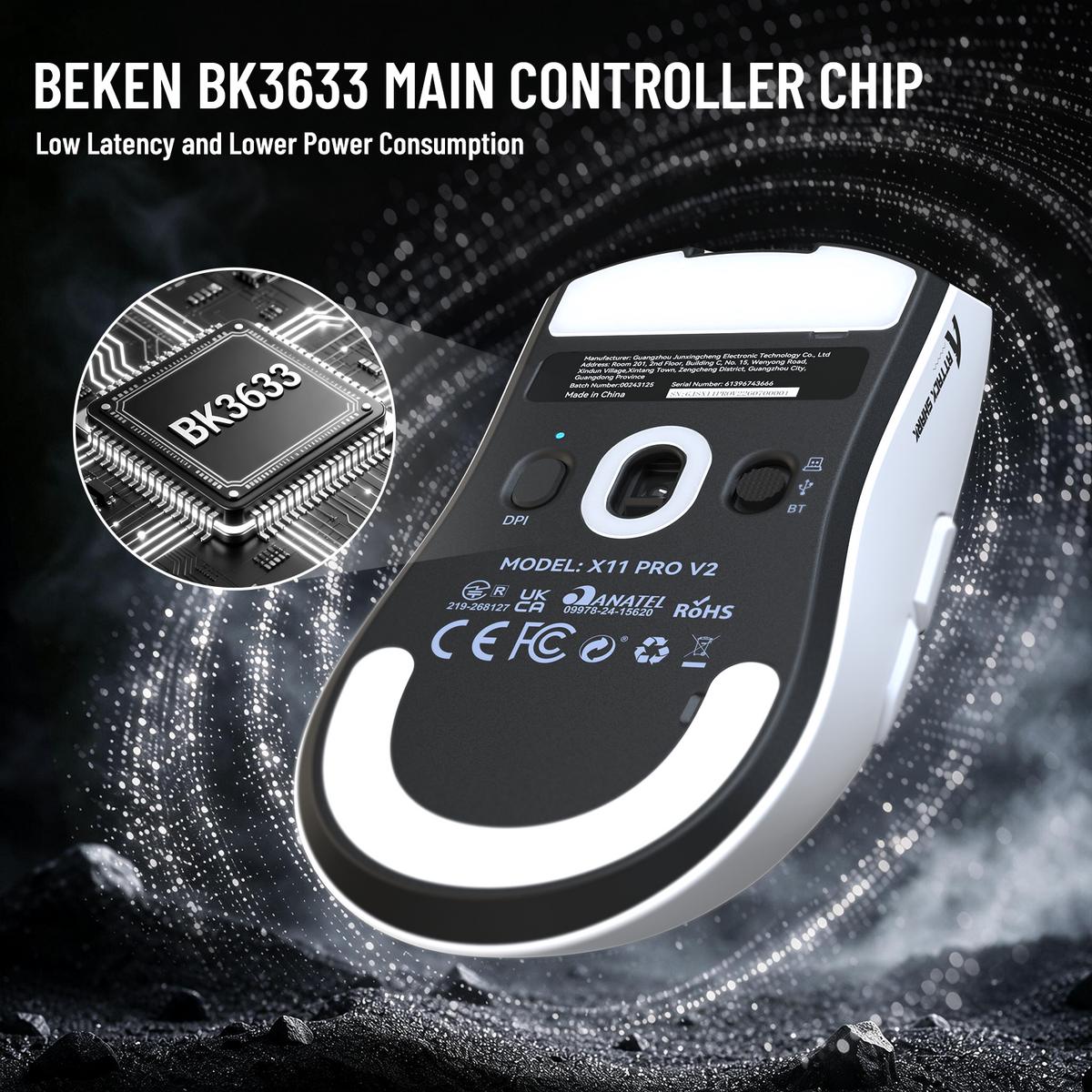
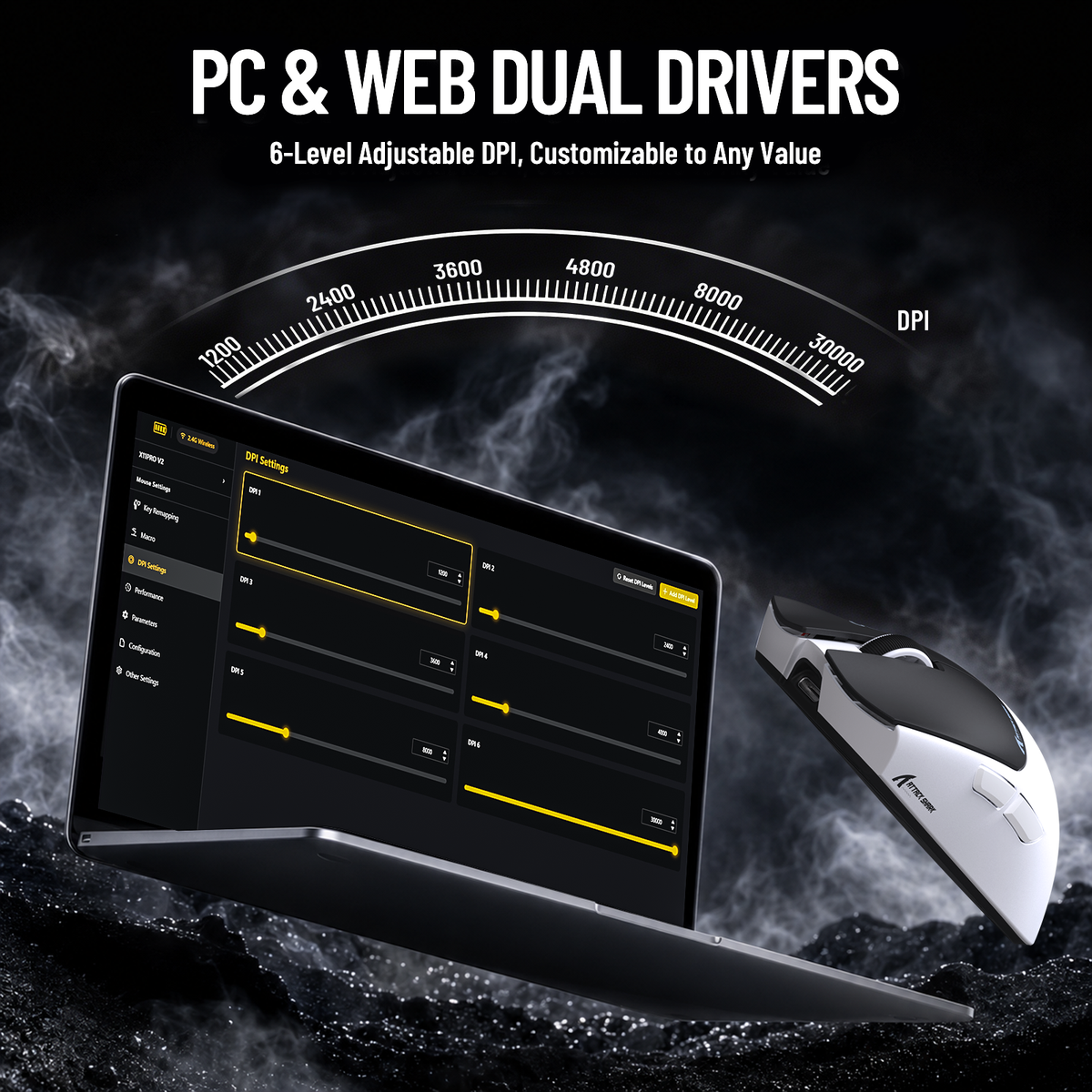
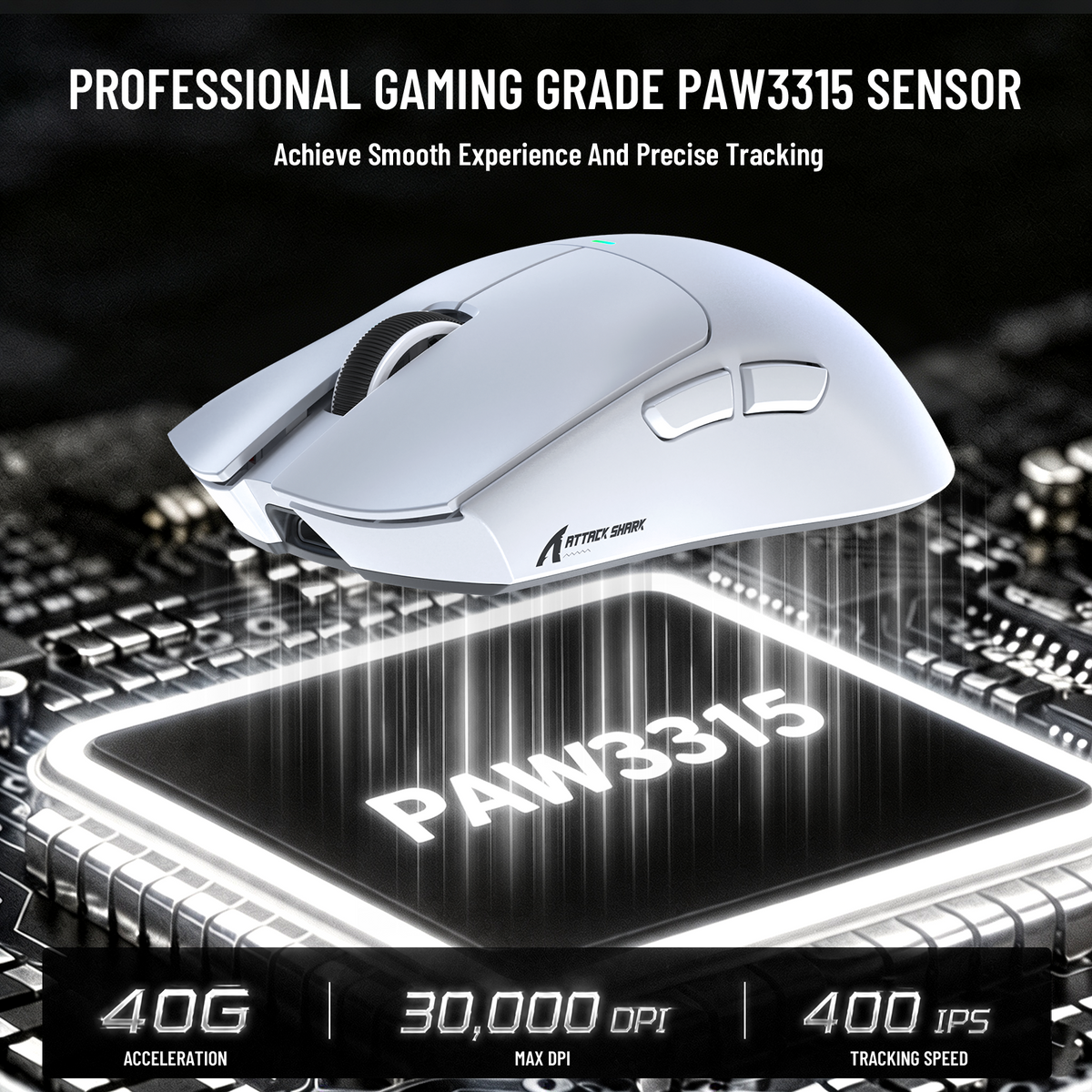
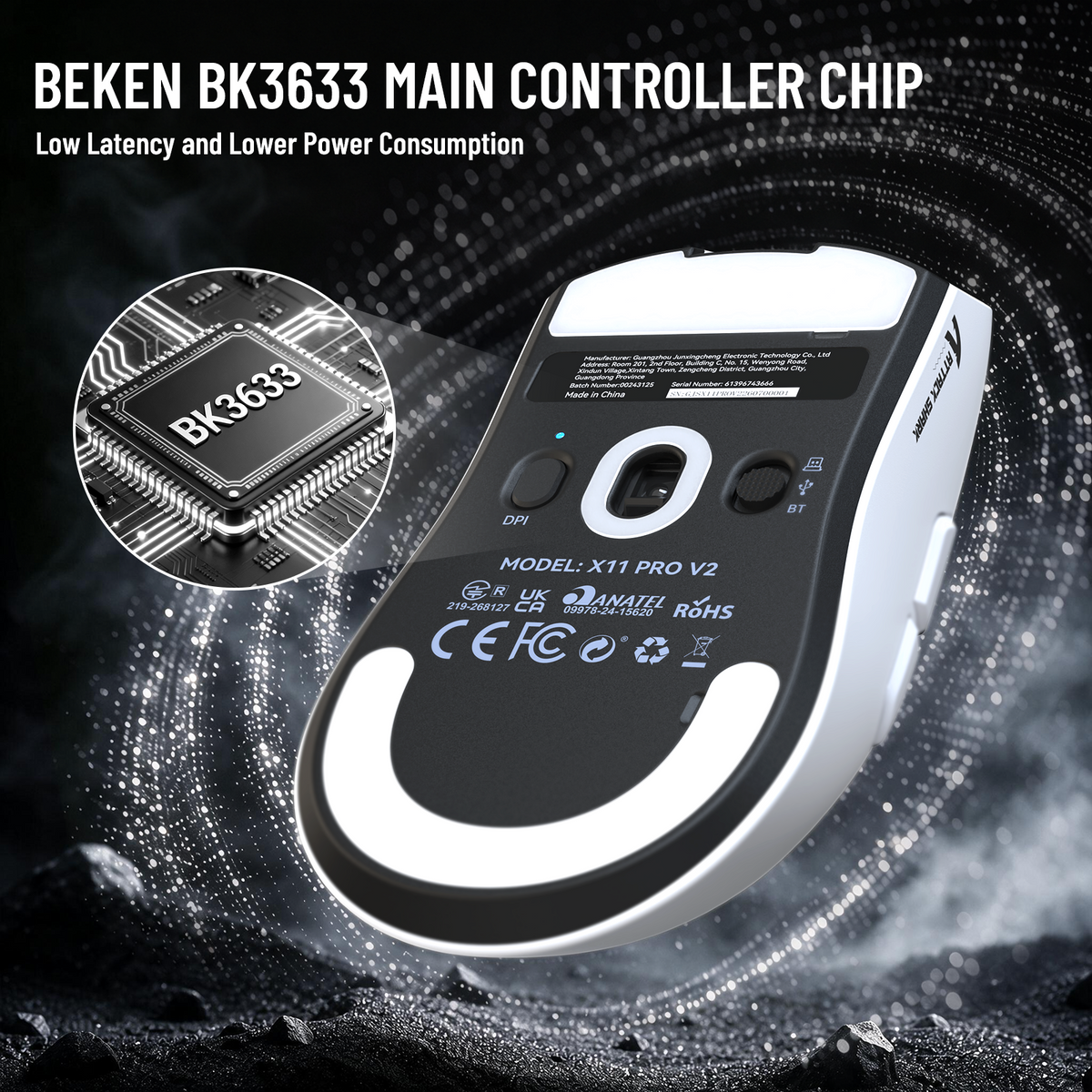
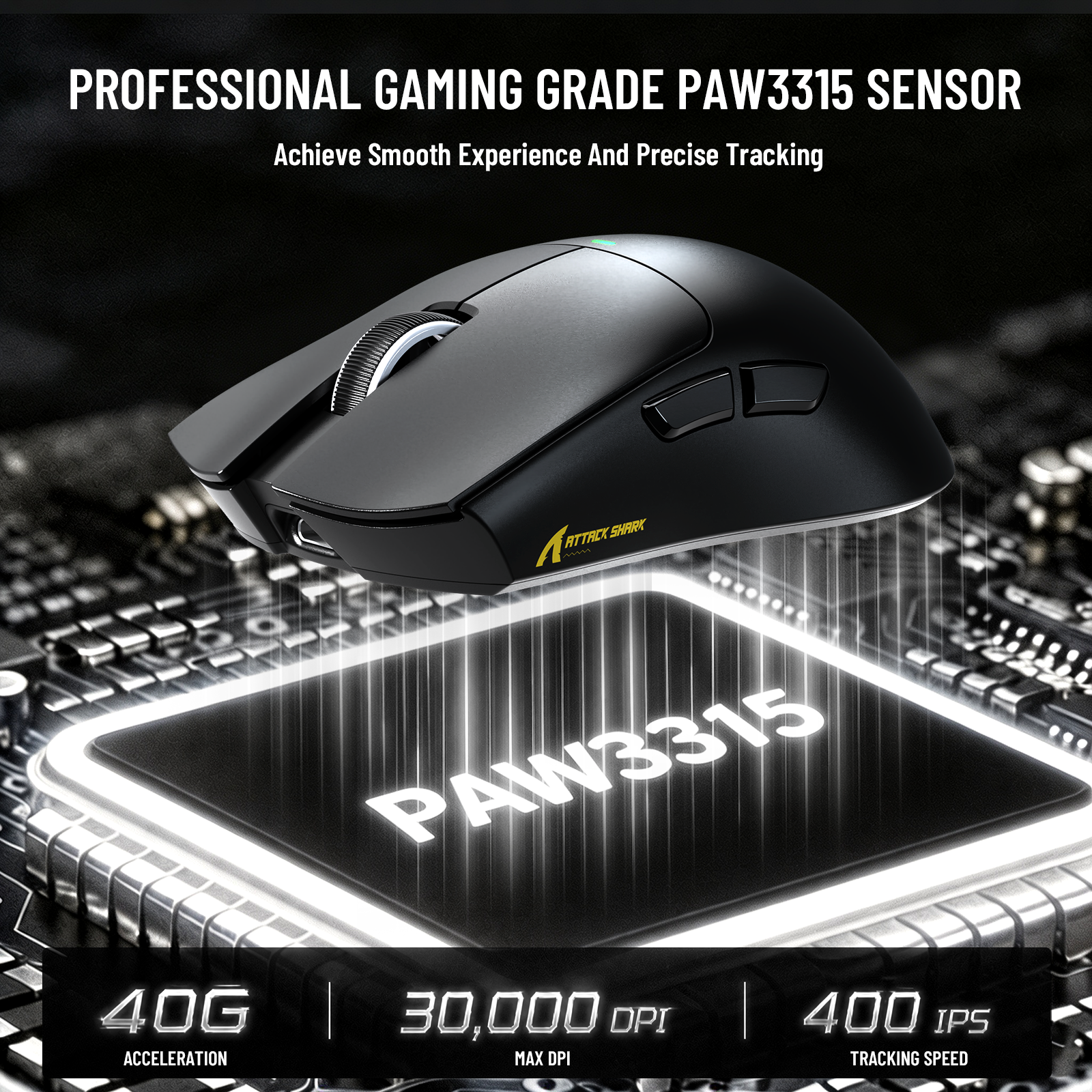
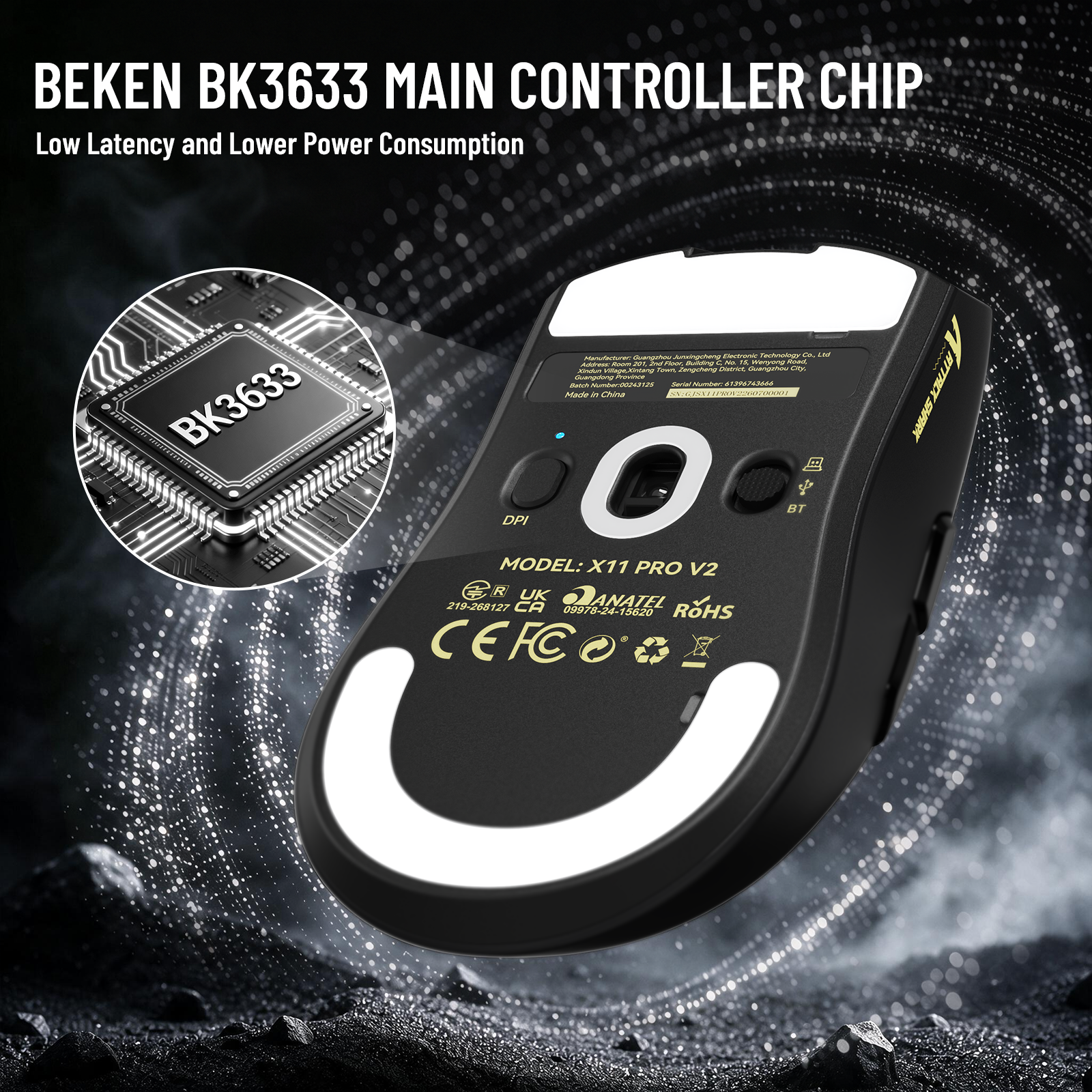
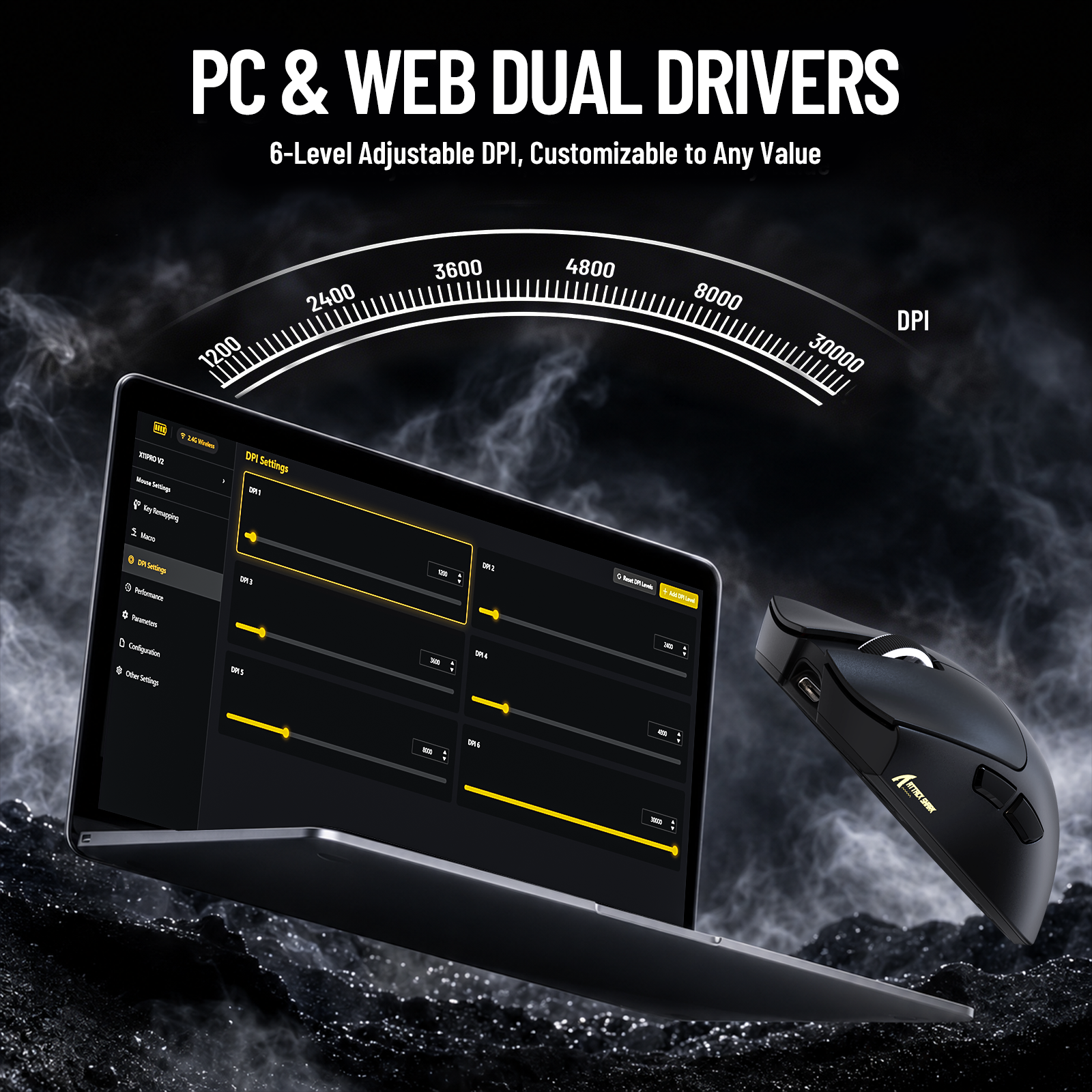
Ausgestattet mit aufgerüstetem PAW3315 optischem Sensor und BK3633 Hauptsteuerchip, unterstützt 400 IPS Tracking-Geschwindigkeit und 6 einstellbare DPI-Stufen (1200-30000) für ultra-präzise FPS-Spielpositionierung.
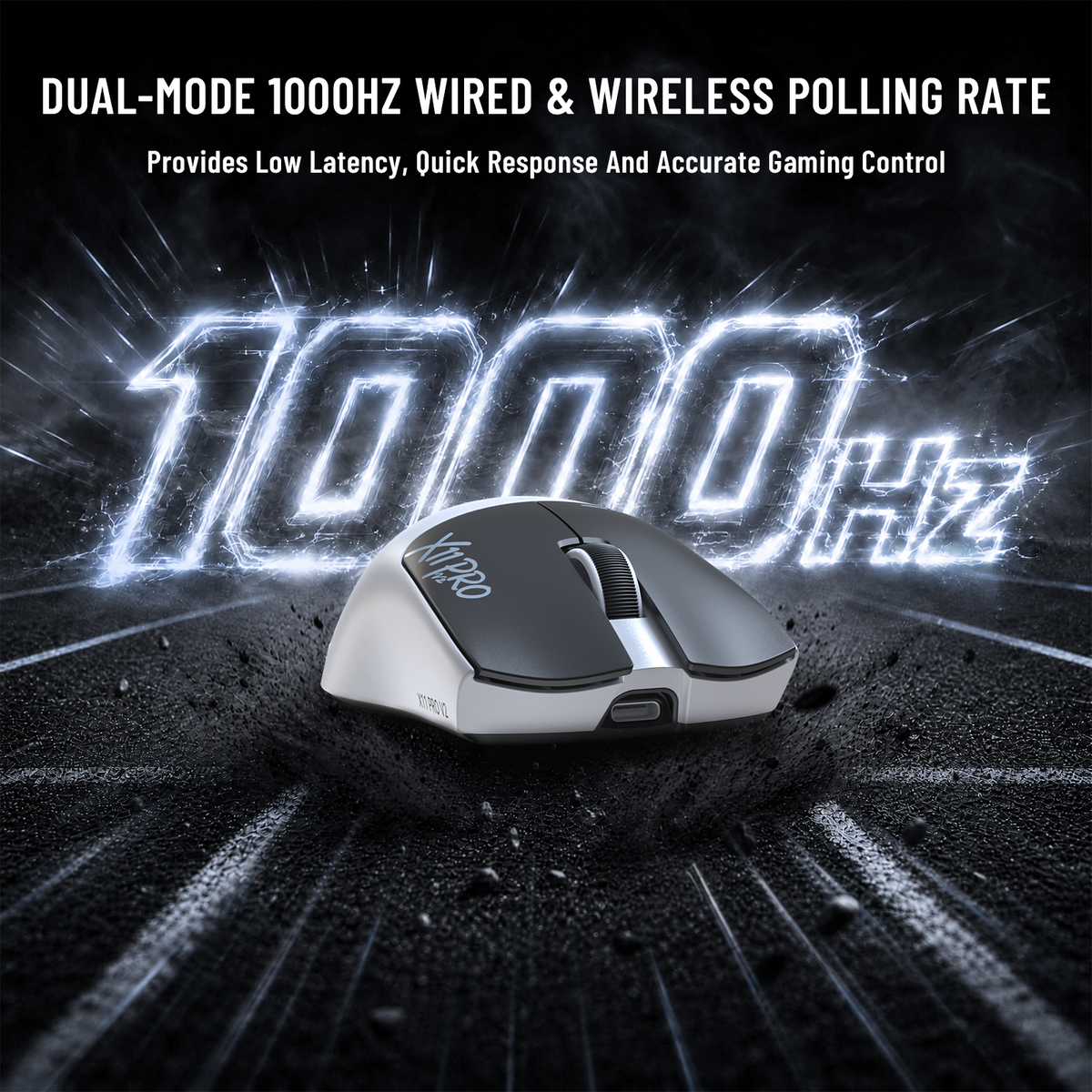
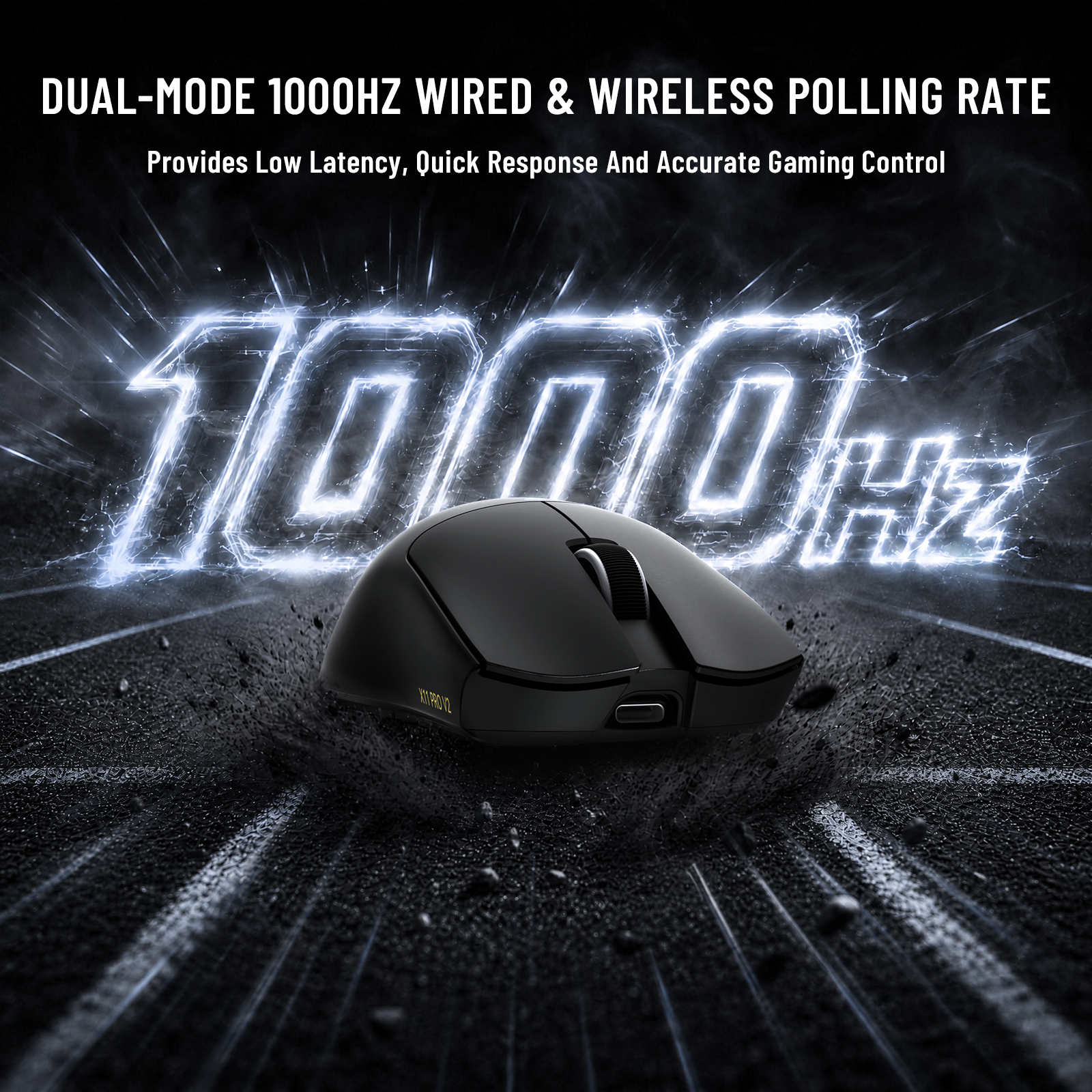
1000Hz Kabelgebundene & Kabellose Abtastrate + Premium Aviator-Kabel
Bietet verzögerungsfreie 1000Hz hohe Abtastrate für kabelgebundene und kabellose Modi. Kombiniert mit dem offiziellen Attack Shark C06 abnehmbaren Spiralkabel für stabile Signalübertragung und aufgeräumtes Desktop-Layout.
Robuste Kernhardware & Ergonomisches Leichtbau-Design
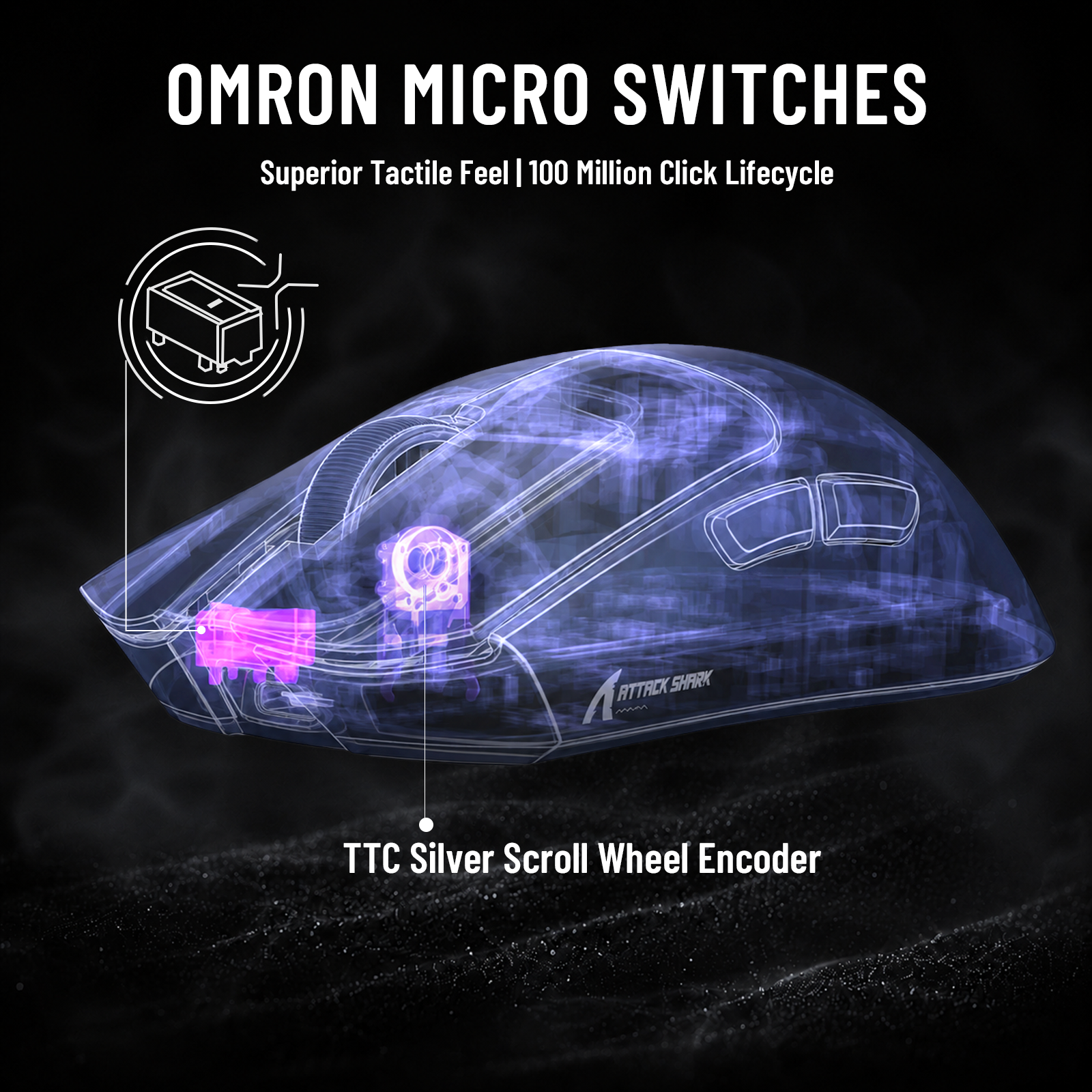
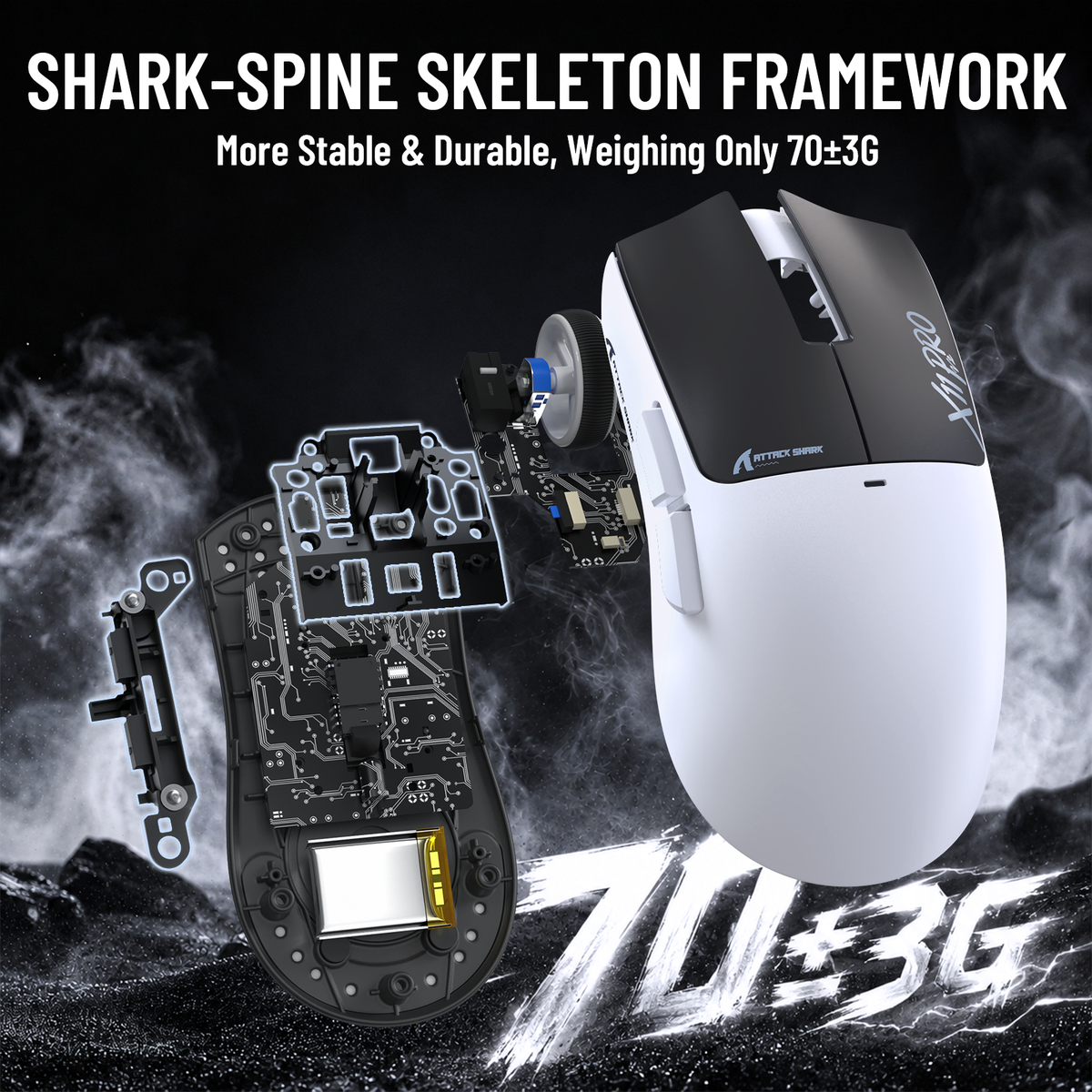
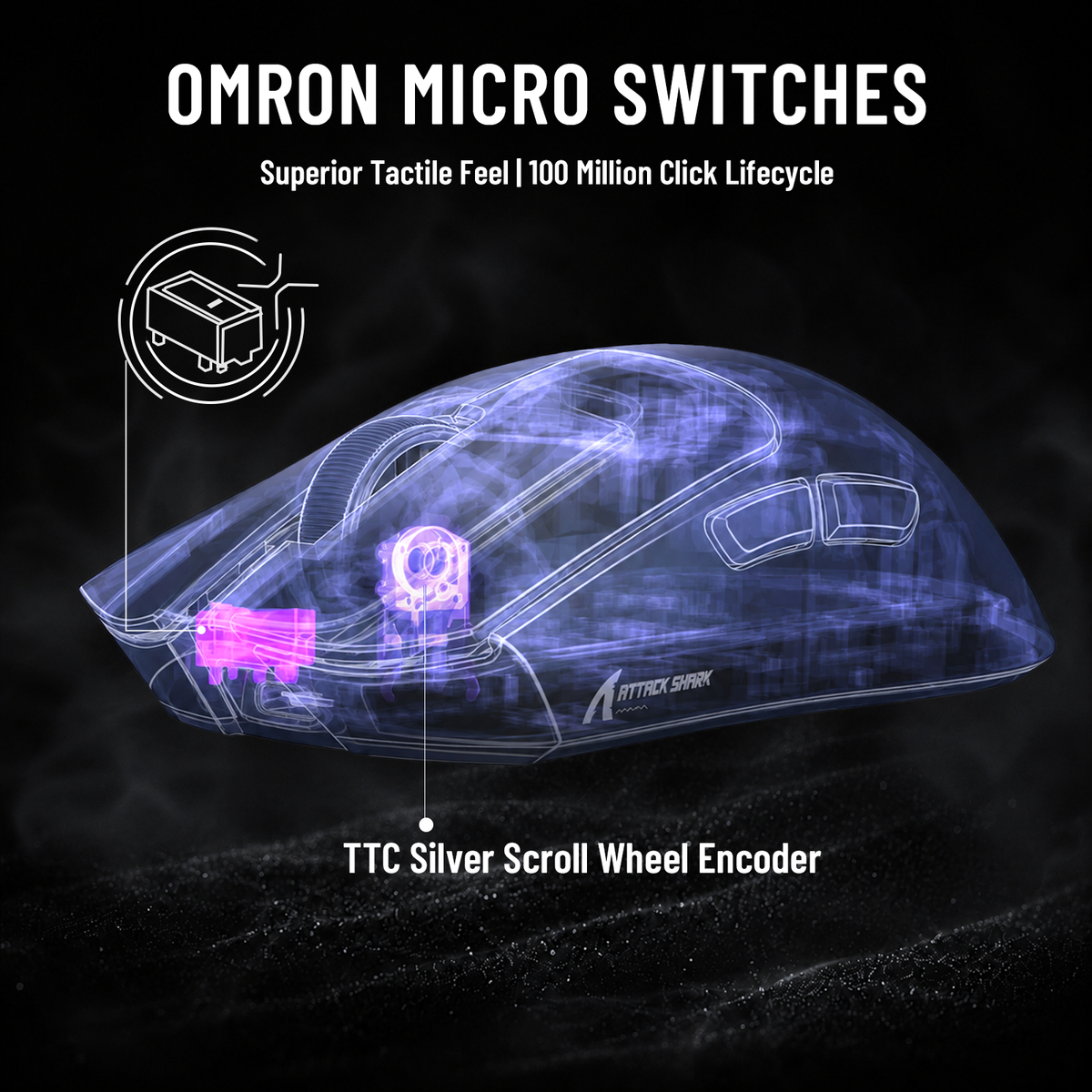
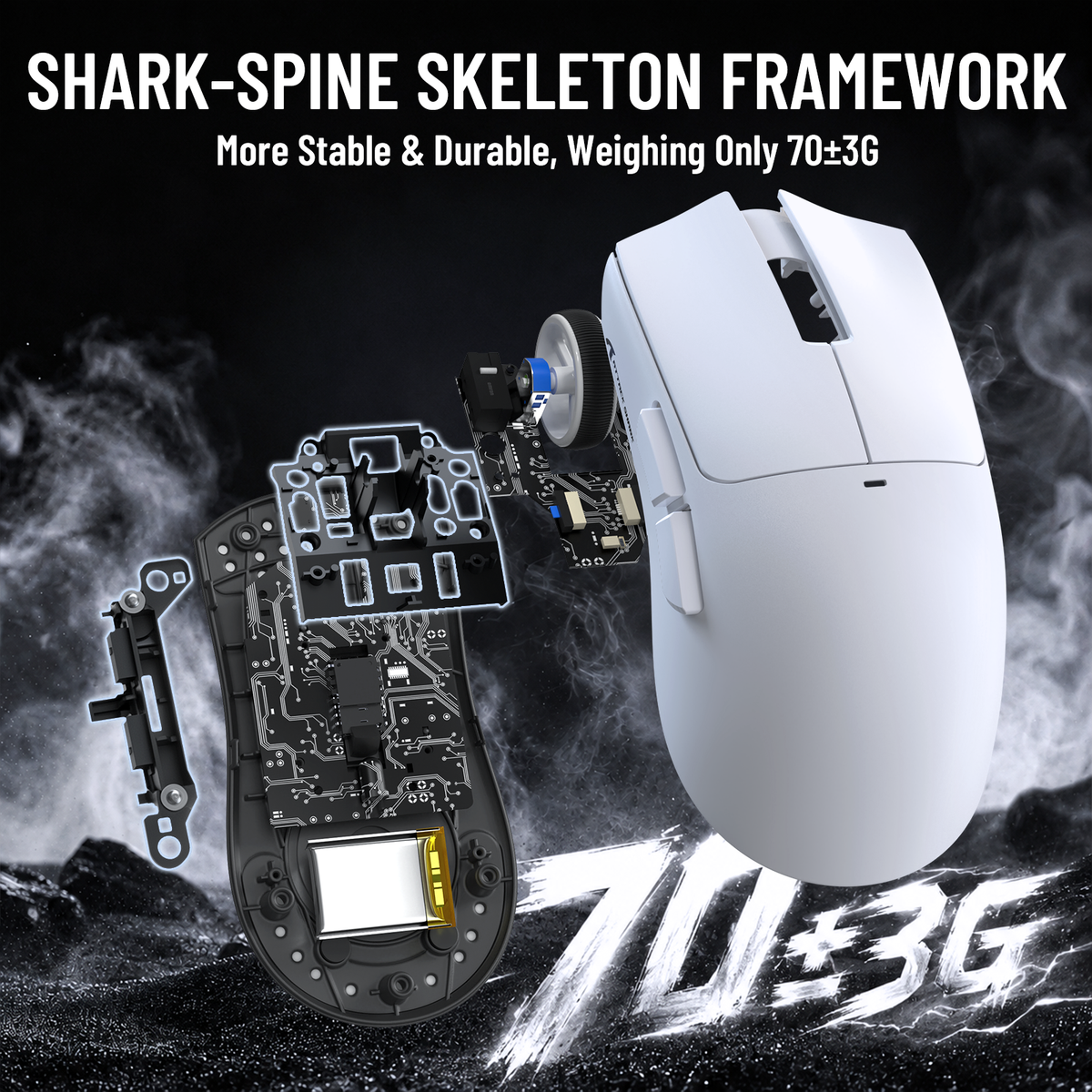
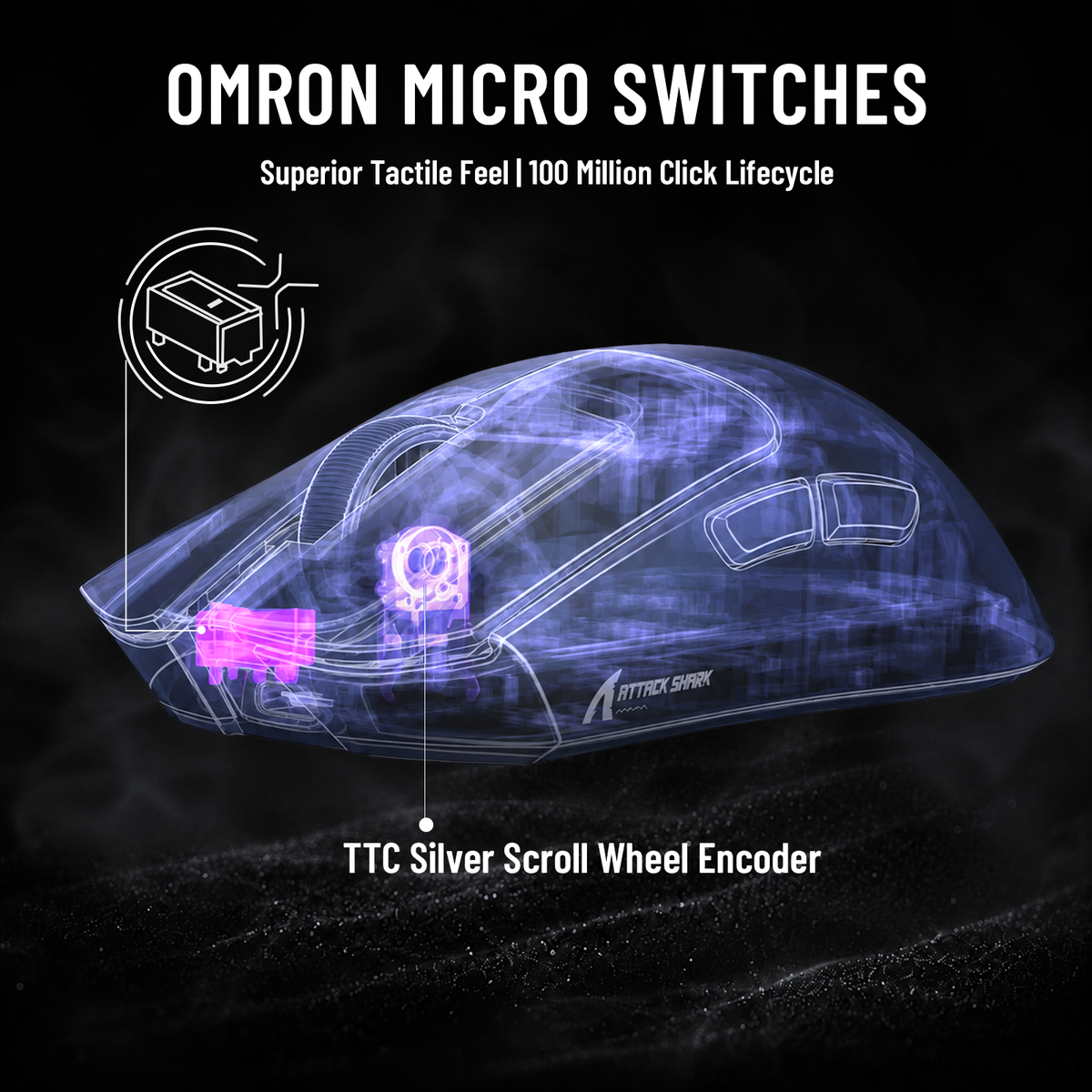
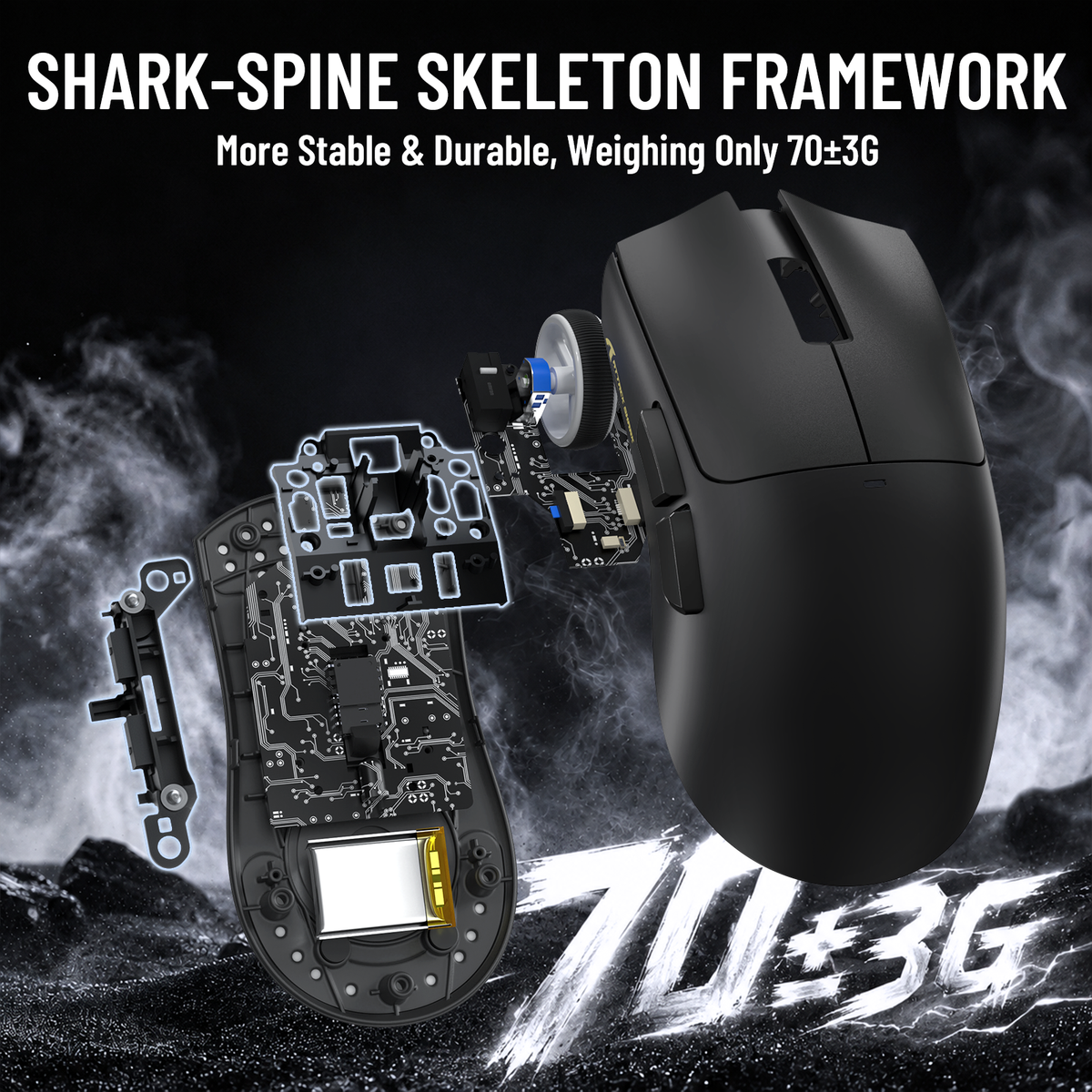
Verfügt über 100-Millionen-Klick Omron Links/Rechts-Schalter und TTC silbernes Scrollrad-Encoder; integrierter 500mAh Hochleistungsakku für bis zu 260 Stunden Standby-Zeit. 66g leichtes Design übernimmt die klassische ATTACK SHARK X11 Kontur und passt perfekt zu mittelgroßen und großen Händen.
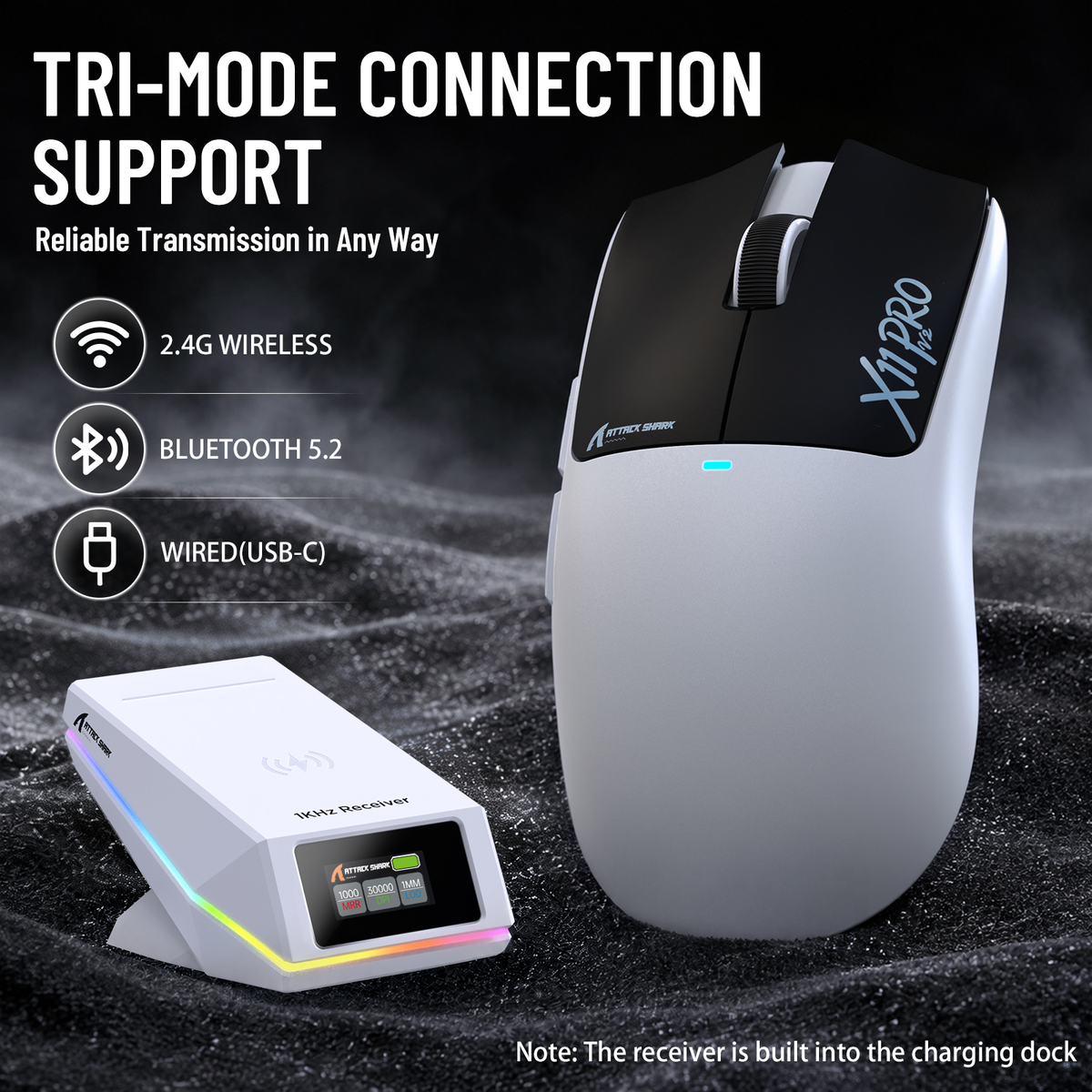
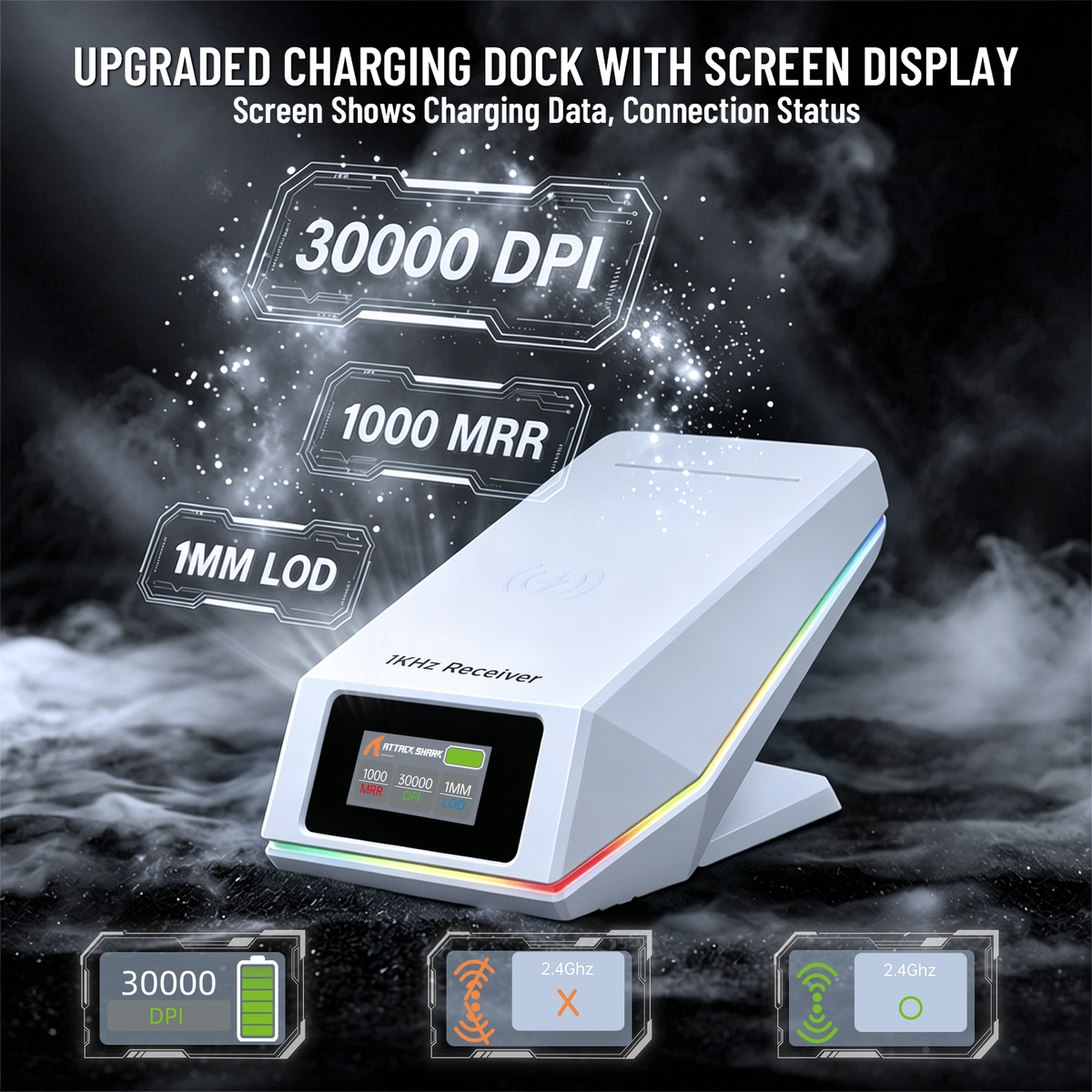
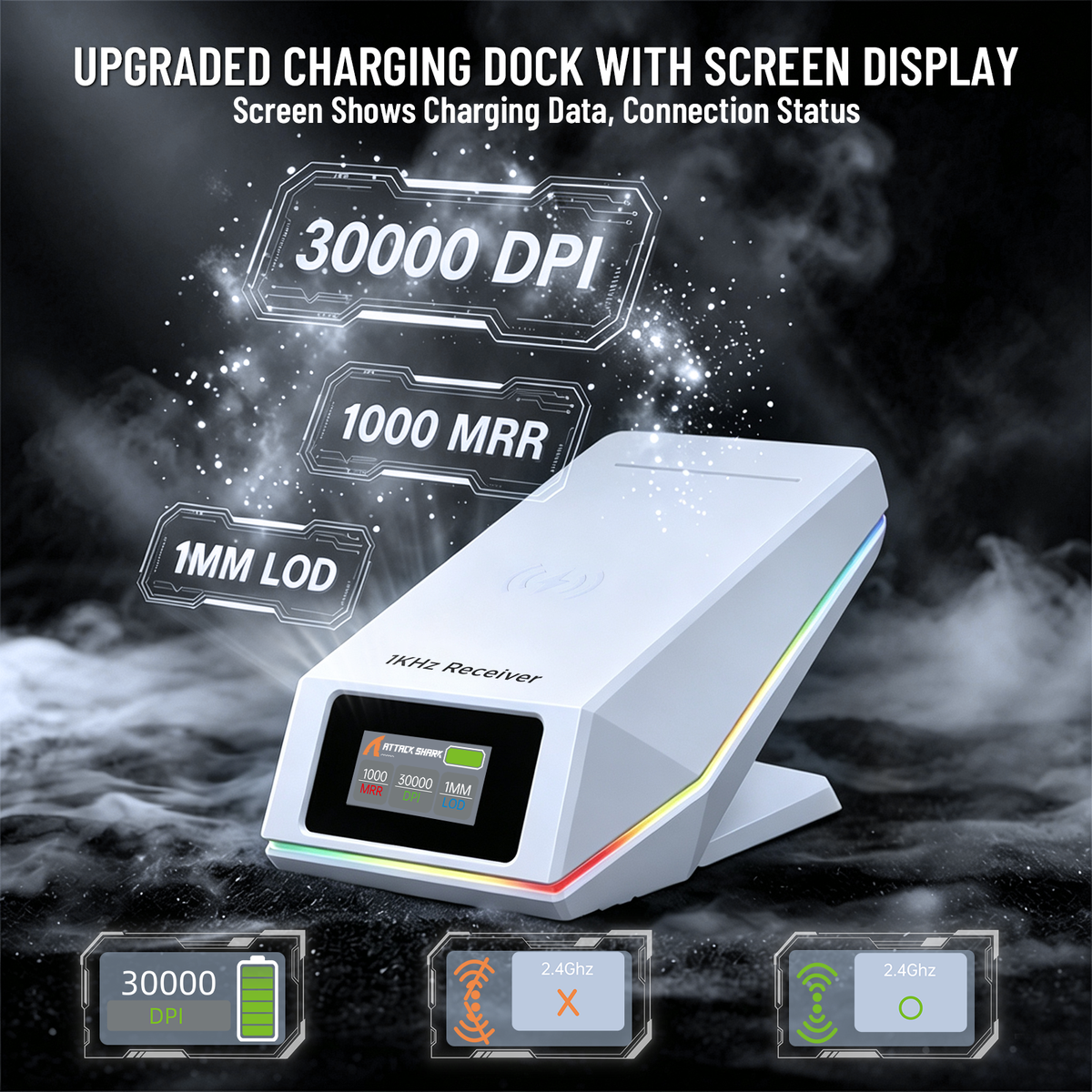
Aufgerüstete Ladestation mit Datenvisualisierung
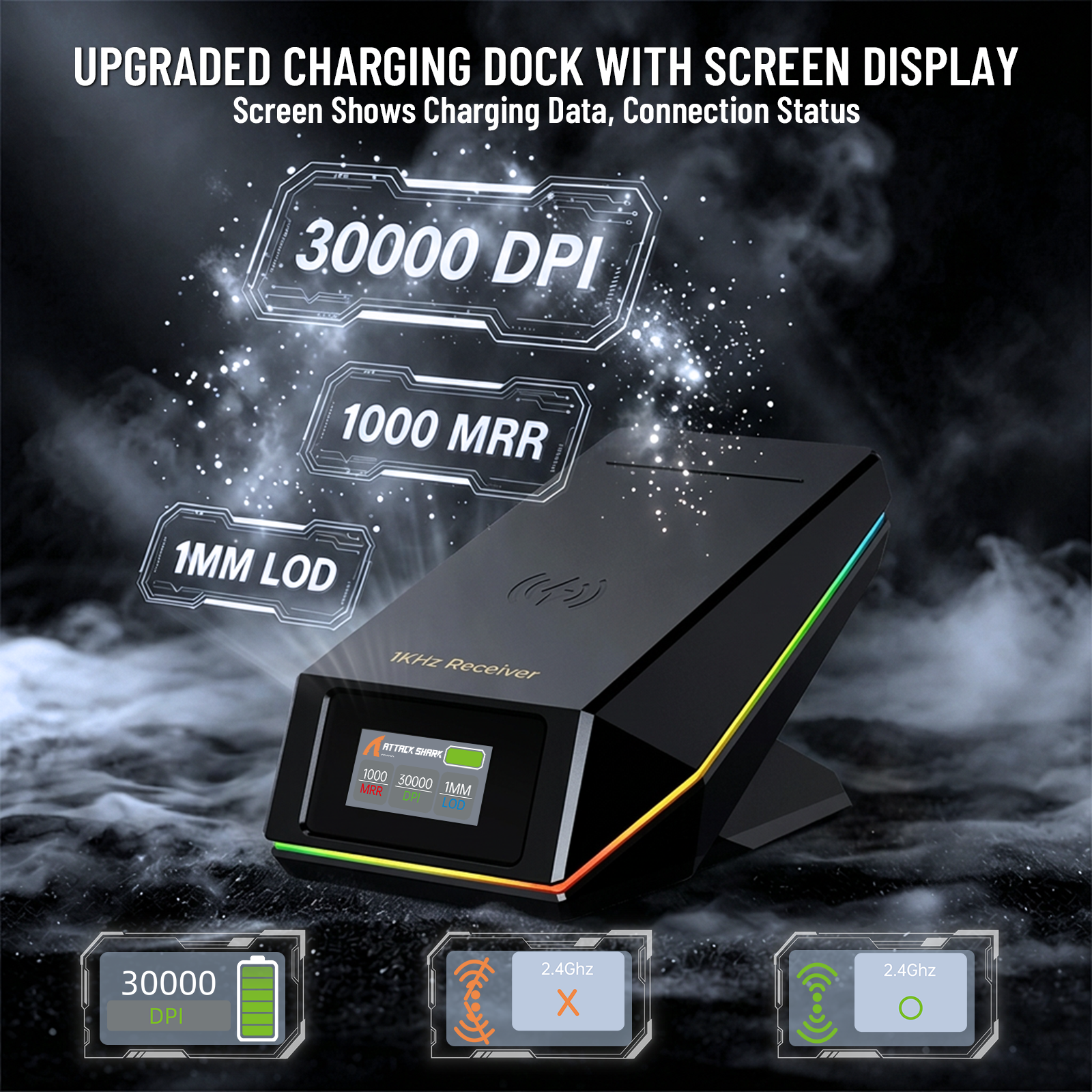
Wird mit einer intelligenten Ladestation mit digitalem Bildschirm geliefert, die intuitiv den Verbindungsstatus und die Kernbetriebsparameter für die Echtzeitüberwachung anzeigt.
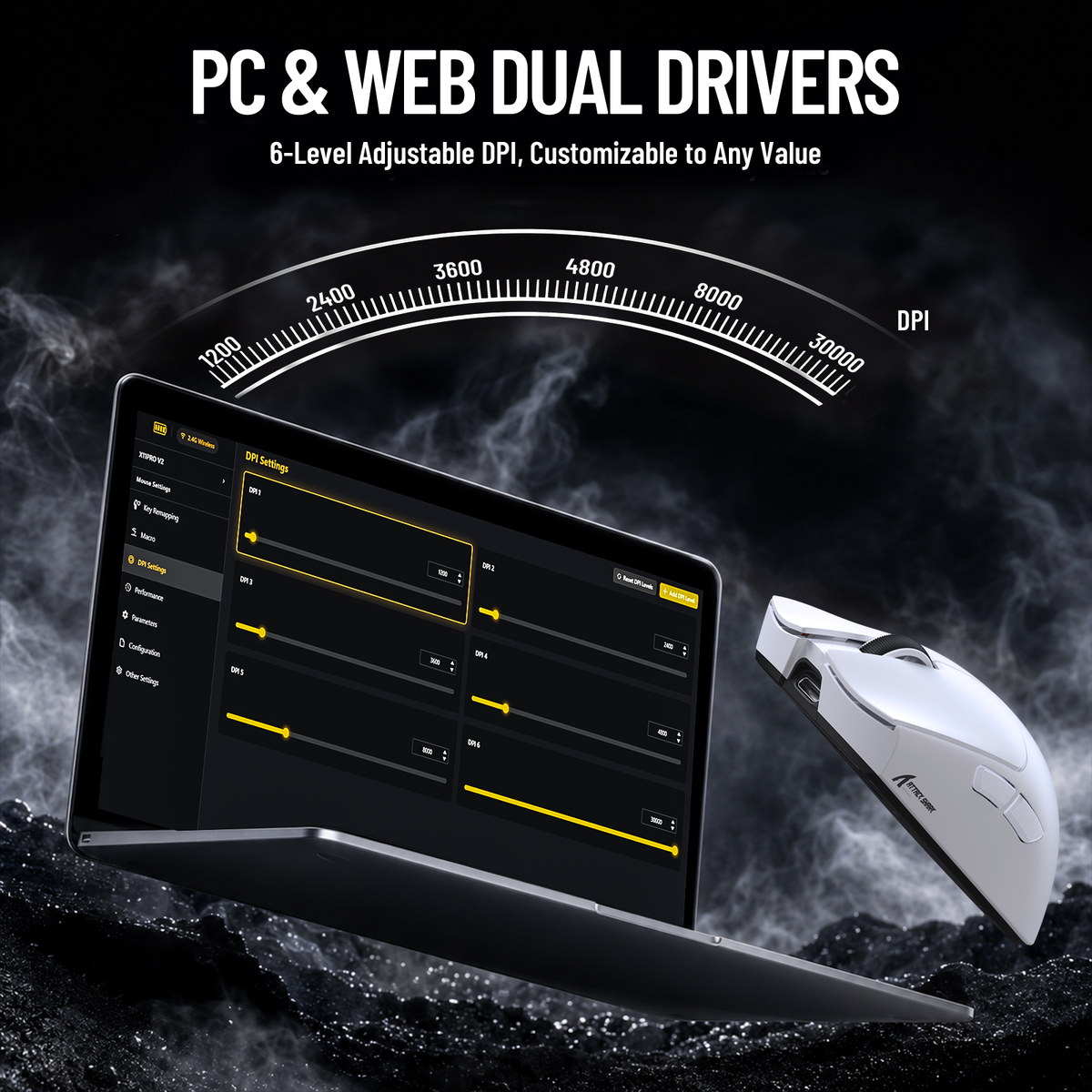
PC- & Web-Dual-Treiber Vollständige Anpassung
Unterstützt sowohl PC-Client als auch Web-Treiber für personalisierte Einstellungen, einschließlich Hintergrundbild, Text- und Lichtfarbenanpassung. Ein registriertes Konto ermöglicht das Speichern von Parametern und das Teilen von Spieldaten mit einem Klick.
Lightweight mouse with it's own charging dock. I weighed it and it came in at 70g not sure if my scale is super accurate though. The receiver is built into the dock so you have to plug that in if you want to use that in wireless mode. I haven't had any issues with connectivity and the mouse is very responsive, but I mostly play strategy games. You can use it as a corded mouse if you're having issues. Build quality seems good and everything looks great. The plastic on the mouse isn't too thick to keep it lightweight.There's no software so I guess you can't really fine tune it. All you can do is switch between the preset DPI with a button press. Battery life is good out of the box I've been using it for two weeks without a charge. You can't change the batteries in this though.

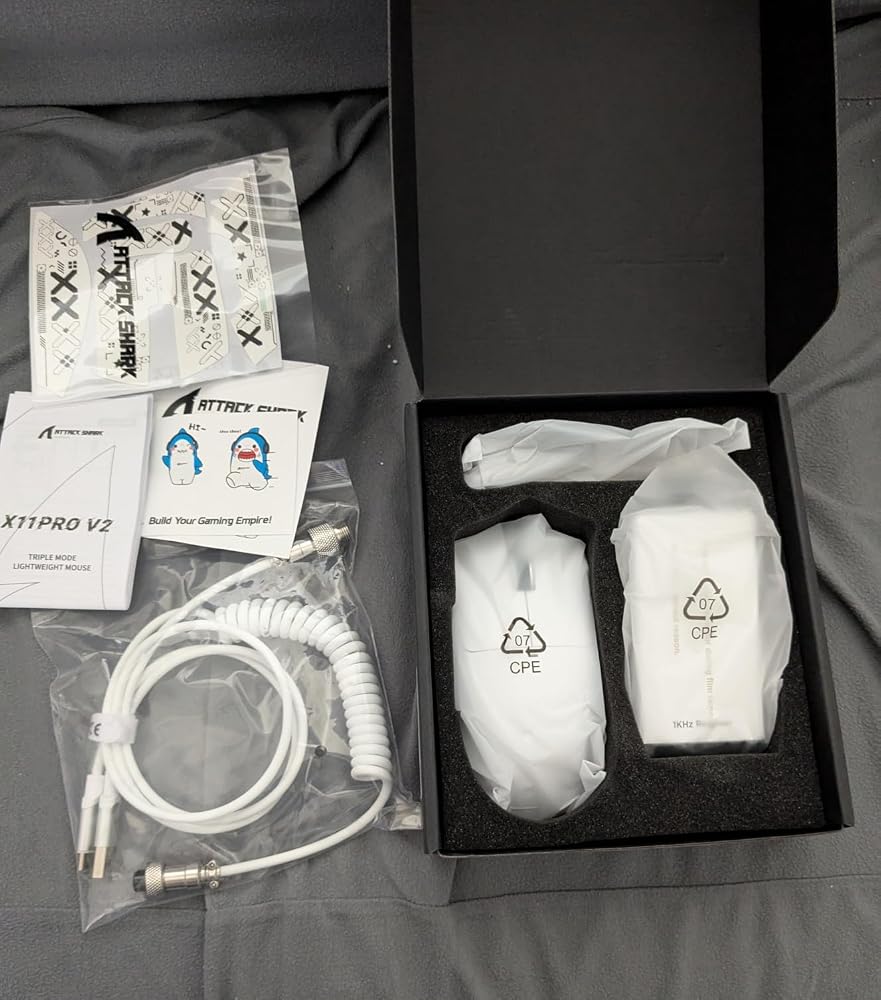


Die X11 Pro V2 von ATTACK SHARK erfüllt ihren Zweck und bietet ein sehr gutes Preis- Leistungsverhältnis.Geliefert wird das gute Stück ordentlich verpackt und macht bereits auf den ersten Blick einen vernünftigen Eindruck.Die Verarbeitung wirkt wertig.Größe und Lieferumfang sind wie vom Verkäufer beschrieben.Die Maus funktioniert Plug-and-Play, einfach das Kabel einstecken oder per Bluetooth verbinden und schon geht's los.Sie liegt gut in der Hand und lässt sich völlig problemlos bedienen. Das Scrollrad läuft angenehm und hat einen vernünftigen Wiederstand.Die Abtastrate ist Gut, man kann sehr präzise damit umgehen und das ganze vielfältig verstellen. Schnell reagieren ist damit gar kein Problem.Ich bin sehr zufrieden mit der Maus und kann sie guten Gewissens weiterempfehlen. Hier wird man definitiv nicht enttäuscht.


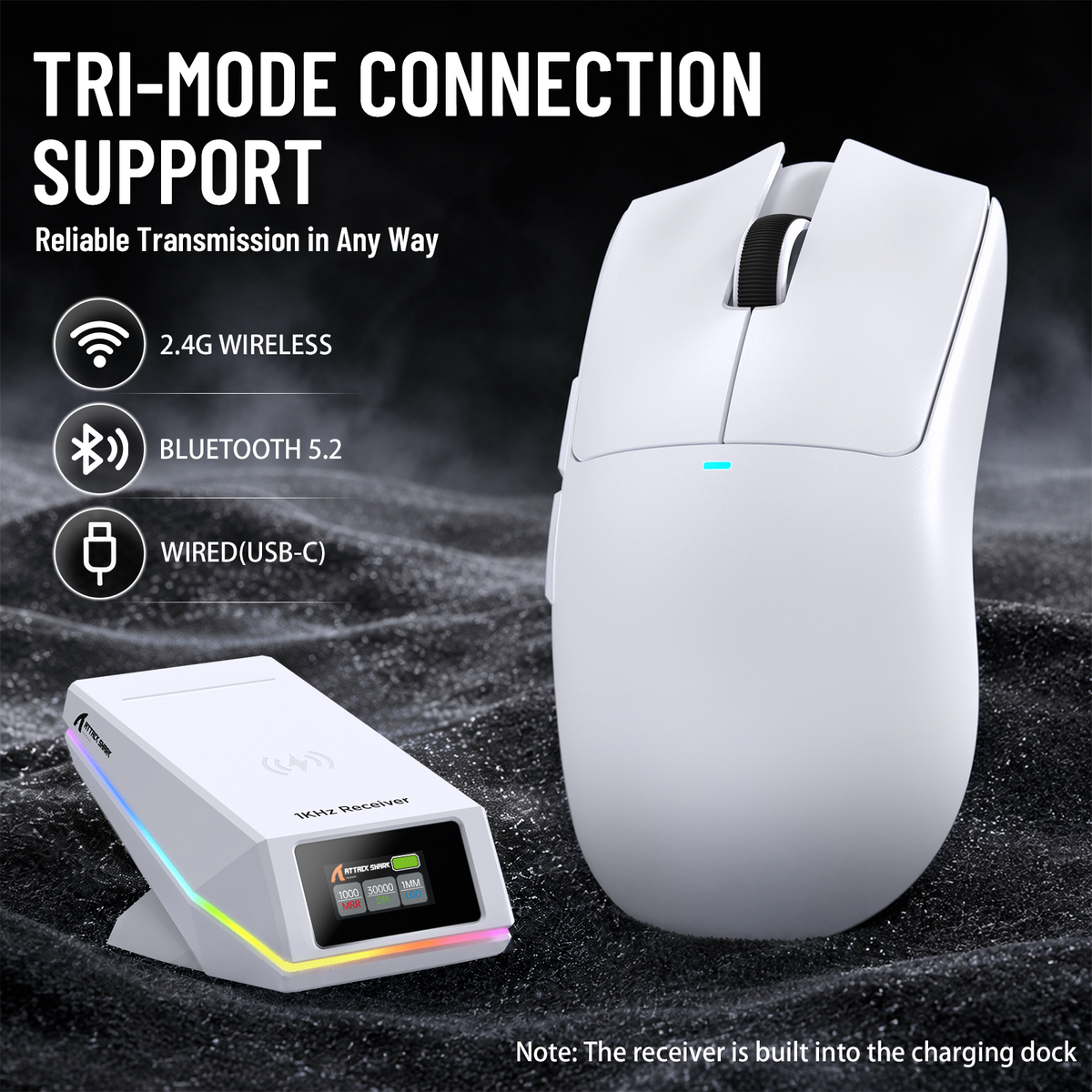
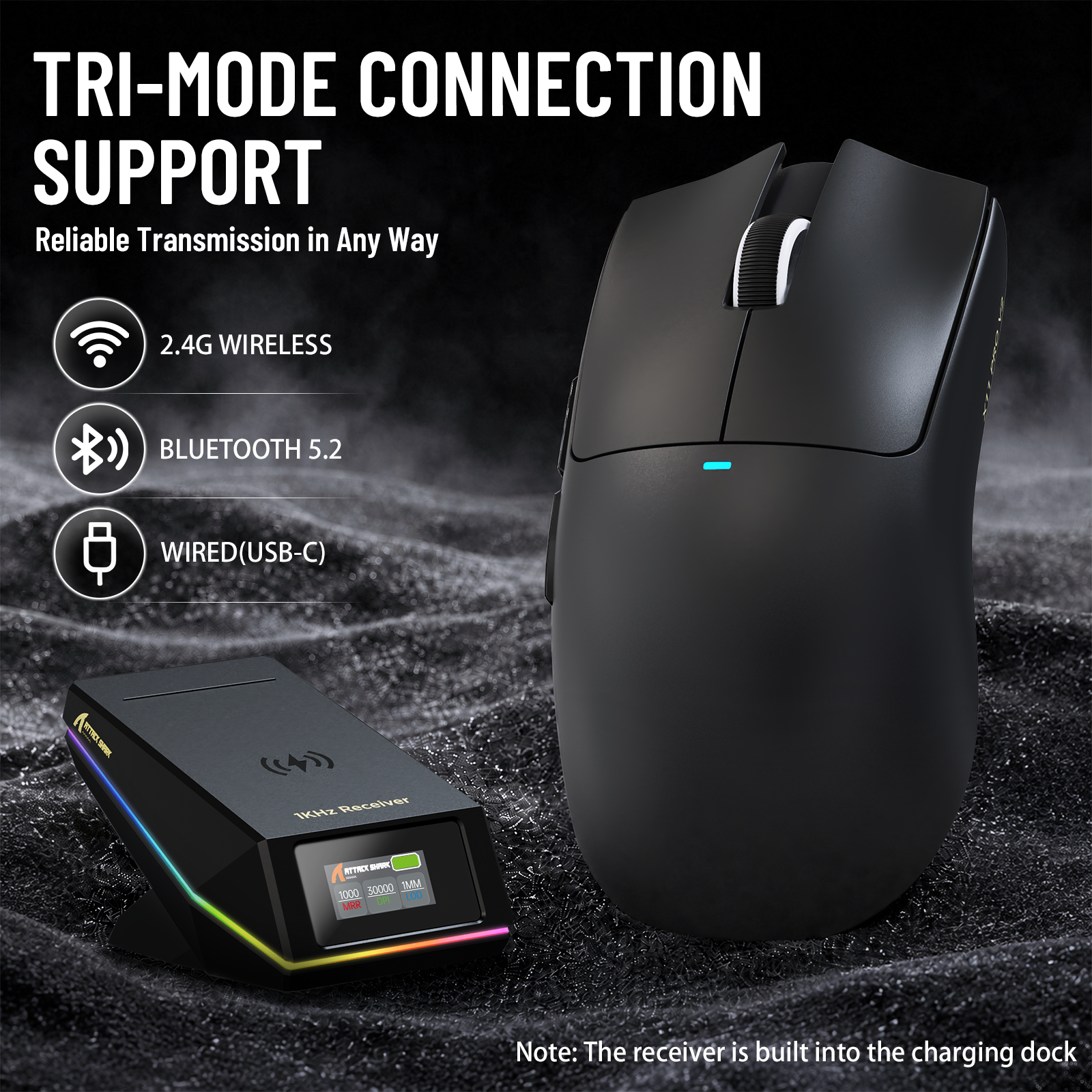
Attack Shark consistently makes affordable gaming mice, and this budget gaming mouse has cool features at a good price.The mouse has a symmetric shape, with the side buttons on the left side of the mouse. All the buttons feel responsive and have an audible click when pressed. The mouse wheel feels good, with a grippy rubber texture. I have small hands and the mouse is comfortable to hold and pick up. It's very light weight and easy to use.I used this mouse on my Windows 11 PC. Setting up the mouse was very easy. I just plugged it dock into my PC and it started working. I downloaded the dedicated software for the mouse but there's also a web app version. The software was easy to use and let me adjust the polling rate and lighting effects.There's a switch on the bottom of the mouse to choose between the connectivity modes. The mouse supports wired, Bluetooth and 2.4 wireless. I love the magnetic dock on this mouse. It makes the wireless mode so much easier to use because I don't need to plug in the mouse periodically. It makes the desk a little more organized. The dock also has a small RGB strip which adds to the gaming feel. I also love that the dock has a TFT screen that gives me the mouse status.This mouse also comes with a small coiled cable which is a cool little extra. The coiled cable has a four pin aviator adapter. It's not braided and cable has a rubber coating.This is a great price for a mouse with a lot of cool extras. It's feels good, has a great sensor and the dock makes charging the mouse easy.

画面付きの充電ドックが目を引きますが、実際に使って便利なのは、使い終わったら所定の場所へ戻すだけで充電できるところです。ケーブルを抜き差しする手間がなく、充電忘れをかなり減らせます。ドックの表示で状態を確認できるのも分かりやすいです。本体は軽く、手のひらを乗せる持ち方でも安定しました。中~大きめの手向けとありますが、極端に大きい形ではなく、ゲーム以外のブラウザ操作や書類作業にも使いやすい印象です。クリックは浅めで軽く、ホイールは一段ずつの感触が残っています。素早く動かしてもカーソルの追従に不満はありませんでした。2.4GHz、Bluetooth、有線を切り替えられるので、ゲーム用PCと仕事用端末で使い分けやすいです。感度やボタンはドライバーで細かく調整できます。寝室で使うと充電中の発光が気になるかも。派手な外観だけの商品ではなく、軽さ、接続方法、充電のしやすさがうまくまとまっています。ゲームと普段のPC操作を一台でこなしたい人に使いやすいマウスです。

形状はX11シリーズ共通のもので、全体的なフィット感は良好です。見た目は左右対称に近く見えますが、実際には右側面がやや絞られた形状になっています。センサー性能にも特に不満はありません。カーソル飛びやブレなどはなく、2.4GHz接続も安定しています。ソールの滑りも良好で、マウスパッドの上をスムーズに動かせました。メインクリックとサイドボタンの感触も良好です。ホイールは少しゴロゴロとした回転感があり、軽すぎず重すぎずといった印象です。重量は約66g。個人的にはこれ以上の軽量化を求めていないこともあり、非常に軽快に感じました。マウスを大きく動かす操作でも扱いやすく、長時間使っていても負担になりにくい重量です。今回選んだモノトーンカラーは、どこかで見たことのあるような配色ですが、これが意外と良いところです。価格を考えると外装に多少のチープさは感じますが、この配色のおかげで見た目にはそれほど安っぽさがありません。近くで細かく見ると価格相応の部分はあるものの、デスクに置いている状態では十分見栄えします。このモデルの特徴の一つが、画面付きの磁気充電ドックです。マウスを置くと軽い磁力でくっつくので扱いやすく、使用後に戻すだけで充電できます。ドック自体には若干のチープさがありますが、少し離れて見ればそれほど気になりません。画面にはポーリングレート、DPI、LOD、バッテリー残量などが表示され、現在の設定を視覚的に確認できます。充電中は赤く点灯し、通常時はレインボーなど設定したパターンで光ります。ドック上部の裏側にもボタンがあり、そこからライティングパターンを変更できるのも便利です。ドックは本体が軽いため、マウスを取り外すときにドックまで一緒に浮いてしまうことがあります。取り外す際にドックを軽く押さえれば済むので大きな問題ではありませんが、頻繁に気になる場合は両面テープなどでデスクに固定する方法もありです。ソフトウェアは新しくなったようで、以前のものと比べて見た目が洗練され、大きく見やすくなっています。インストール型だけでなくWebドライバーにも対応しており、DPIやポーリングレートなど基本的な設定も分かりやすいです。一方で、今回の環境ではソフトウェアとWebドライバーのどちらを確認してもLOD(リフトオフディスタンス)の設定項目を見つけられませんでした。ドックの画面にはLODが表示されるため、設定自体がどのような扱いになっているのかは少し気になるところです。このあたりは今後のソフトウェア対応に期待したいです。付属品も充実しています。通常のUSBケーブルに加えてコイルケーブル、グリップシール、予備のType-Cケーブルなどが入っており、いつものサメのステッカーも付属しています。ATTACK SHARKはコイルケーブルをセットにした製品が多いですが、後から追加されたような形で化粧箱に無理に収められていて、箱がパンパンになっているのは少し気になるところです。上位モデルのX11 Ultraと比べると付加機能やセンサー性能は控えめですが、基本的な形状や使用感は大きく変わりません。スペック上はハイエンドモデルに及ばないものの、普段使いや一般的なゲーム用途であれば十分実用的な性能です。これだけの機能と付属品が揃っていて、クーポン利用なら5000円を切る価格なのは魅力的です。高級感こそ価格相応ですが、軽量・ワイヤレス・安定したセンサー性能に加えて、画面付きの充電ドックまで付いていることを考えると、コストパフォーマンスはかなり高く感じました。有名メーカーにこだわらず、できるだけ多くの機能を手頃な価格で揃えたい人なら、有力な選択肢になるゲーミングマウスです。


I've never been a huge fan of wireless mice, because the batteries always seem to die at the worst possible time. This one is a little different, in a good way. There are several factors. For one, it has a magnetic base that you can charge the mouse on when you're not using it. It takes up a little desk space, but so would your mouse if you weren't using it. The front of the base has a little LCD panel that shows your current DPI, which is very nice (especially since newer versions of Windows seem to change my DPI on a whim for no reason) and there's a DPI change button on the bottom of the mouse. One other nice feature is that you can actually opt to bypass the base altogether and just plug a USB-C cable into the front slot on the mouse and use it as a corded one, and you don't even need the base at that point. The one thing is that even though it's advertised as a light mouse, it's almost a little *too* light for me. That's more personal preference, but regardless it functioned very well. I used it for several hours over a couple days and never had any issues with it. It also came with some decals and stickers too.


手にしっかり収まり、最大30000DPIのセンサーで素早い動きにも正確に反応し、画面付きの磁気充電ドックでバッテリー残量や設定をすぐ確認できるゲーミングマウスです。握った感触が安定していて、長時間の操作でも指や手首への負担が少なく感じています。センサーの追従が滑らかです。細かなカーソル移動から速いスワイプまでしっかり追ってくれます。接続は2.4GとBluetooth、有線の切り替えができます。ゲーム中は1000Hzで遅延を抑えられます。500mAhのバッテリーでかなり長く使えるので、充電の頻度が減り結構助かっています。ドックに置くだけで充電が始まり、画面にDPIや残量が出るのが便利です。コイルケーブルも付いていて、有線の取り回しは楽だと思います。ドライバーでボタンや感度を細かく変えられるので、自分の使い方に合わせやすいです。クリック感はしっかりしていて、スクロールも滑らかに動きます。デスク周りがすっきりして、操作のしやすさが続きやすい点が気に入っています。ゲームの没入感を高めて集中しやすくなったと思います。

The media could not be loaded.
Very lightweight mouse, responsive and many DPI settings. Optical sensor works well on standard mouse pads and desk surfaces. I like the magnetic charger, and the thick charging cable. Multiple options for wired, bluetooth, or radio operation. Sadly the most important function (holding the button on the dock for three seconds to turn off the cursed RGB lights) only seems to work for when the mouse is off the dock; when the mouse is docked you cannot turn off the bright green light when the battery is fully charged, which is a big annoyance for me as someone who hates devices that light up. The display on the dock to display the current charge and DPI settings is a nice touch, instead of trying to communicate that through obscure light patterns in a manual you threw out as soon as you opened the box.


ワイヤレス・Bluetooth・有線の3通りで接続できるので、使う環境に合わせて切り替えられるのが便利です。実際に持ってみると中~大サイズ向けというだけあって、手にしっかり収まる感じがあります。ボタンのクリック感も悪くなく、マウスを動かしたときも引っかかるような感覚はありません。最大30000DPIまで設定できるので、細かい感度調整をしたい人にも対応できます。特に気に入ったのが画面付きの磁気充電ドック。マウスを置くだけで充電できるので、ケーブルを毎回つなぐ手間がありません。ドックに画面が付いているのも面白く、デスク周りのアクセントになります。500mAhバッテリーで長時間使えるのも良いところ。頻繁に充電するのが面倒な人にはありがたいです。付属のコイルケーブルも見た目が良く、PC周りを少しこだわりたい人には嬉しいポイントですね。多機能なマウスですが、3モード接続や充電ドックなど実用的な部分もしっかりしていて、ゲームだけでなく普段のPC作業にも使いやすいマウスだと思います。

Smooth and light weight, it's the great white of computer mice, easily manueverable and glides effortlessly on most surfaces. The magnetic base is...chef's kiss. Anything using magnets is extra cool to me. The ease of placing it on its base is perfection. No clunky plugs or need to line it up perfectly. I will have a ton of fun placing stickers on this ocean monster. The wireless receiver base also shows all the relevant info like the response rate, the DPI, battery level, which is very useful at a glance.Highly recommended.


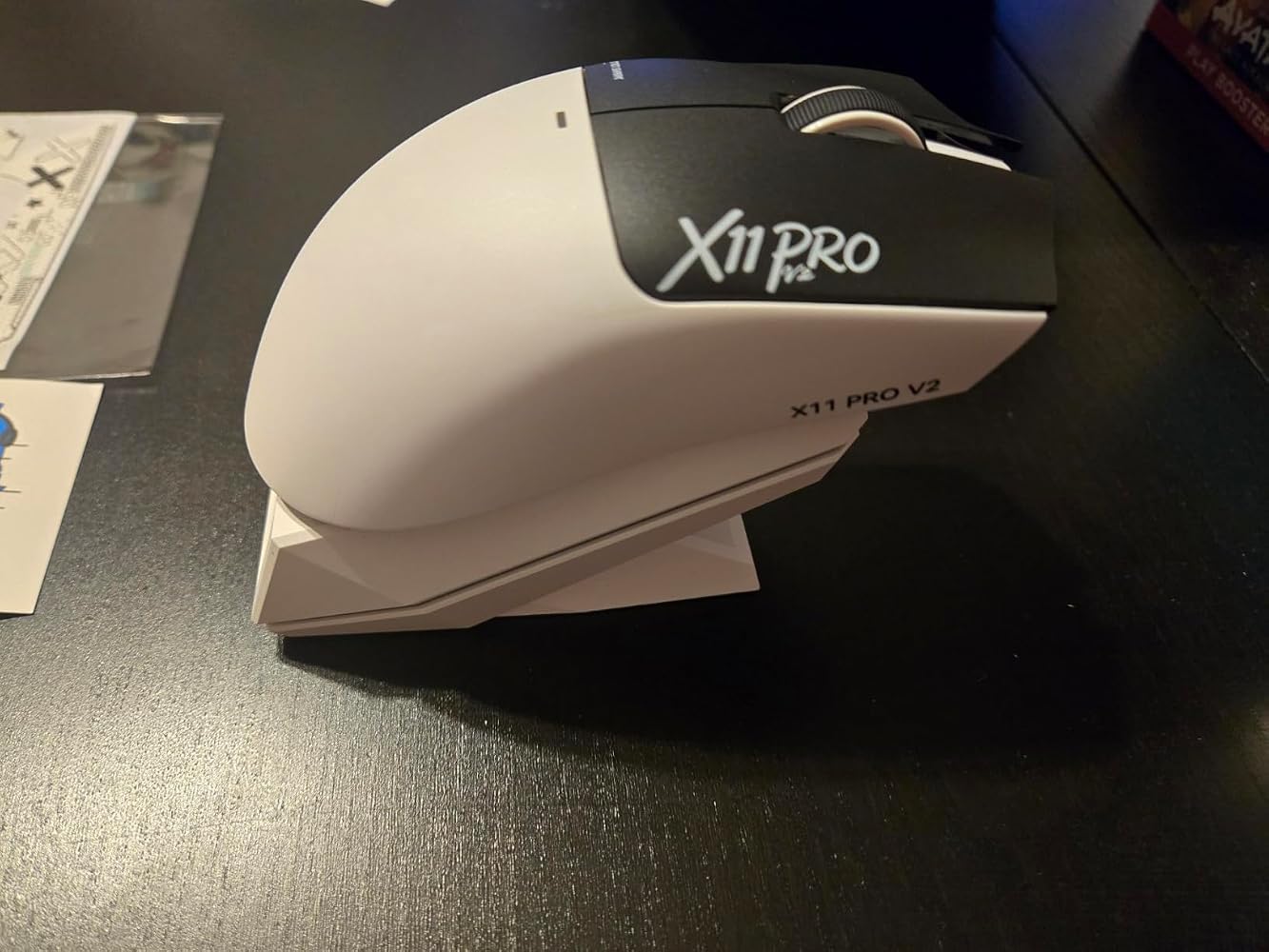
形状は言ってしまえばRazerのViperクローンです。1,2mm単位の差はあれどもほぼ同じ。AとBの違いはグリップテープかと思いましたが、Aにもグリップテープが付いていました。何が違うんでしょうか…?予備がついてるとかなんですかね。充電ドックは磁石で張りつくのでそれで充電可能です。差し込み等は無いです。スイッチはオムロン光学式でデバウンスタイムは最短で4msでした。ホイールエンコーダはTTCのSilverとちゃんとしたものが使われています。ホイールは結構滑らかな感じですが、しっかり1ノッチずつ止められる感じ。DPIとポーリングレート、ボタンの変更は当然としてマクロも可能です。公式だとLOD設定が可能とあり、ドックにもLODが1mmとあるのですが、Webドライバを何度見てもLODの設定が見つからないです。見落としてたら申し訳ないですが、今後実装予定なのかも…?強めに握っても軋みなどもなく、ビルドクオリティも高く感じました。コイルケーブルまで付いてきて至れり尽くせり、入門やこだわりがなければコスパもよくおすすめできる製品です。


まず使って感じたのは、66g前後の軽さと中大サイズの持ちやすさのバランスが良いことです。画面付きの磁気充電ドックは置くだけで充電でき、デスク上でも使いやすいです。2.4GとBluetoothと有線を切り替えられるので、ゲーム以外の普段使いにも対応できます。===========› SCENE / 使用シーン と 前提デスクトップPCで2.4G接続を中心に使っています。128mm×64mm×40mmのサイズで、手のひらを乗せる持ち方でも窮屈になりにくく感じました。PAW3315センサーは最大30000DPIと400IPSに対応し、1000Hzで使えるため、普段のゲームから細かなカーソル操作まで設定を合わせやすいです。--------------------» STATUS / 良かった点・66g±3gと軽く、大きめの形状でも素早く動かしやすいです。・磁気充電ドックに2.4Gレシーバーが内蔵され、充電と無線接続をまとめられます。・ドック画面でDPIやポーリングレート、バッテリー状態などを確認できるのが便利です。--------------------› UTIL / こう使える 応用できる・2.4Gはゲーム用、BluetoothはノートPC用というように接続先を使い分けられます。・PCドライバーとWebドライバーに対応し、DPIなどを用途に合わせて調整できます。--------------------× ALERT / 惜しい点最大30000DPIまで設定できますが、実際の操作では高すぎる設定だとかえって細かな照準を合わせにくくなります。普段使っているDPIから少しずつ調整して、自分の操作感に合う範囲を探すと扱いやすいです。--------------------› PROFILE / 向く条件 向かない条件中型から大型の手で、軽さだけでなく握りやすさや充電の手軽さまで重視する人に向いています。ゲームと普段のPC作業を1台でこなしたい場合にも使いやすいです。一方で極端に小さいマウスを好む人や、手の小さい人には本体サイズが大きく感じる可能性があります。===========


充電ドックのモニターにドット抜けが多数。こういうもんなのか尋ねようと思っても、アマゾンサポートしか利用できず、悩んでいます。普通に使用はできますが、このドックが売りだろうと思うとなんか、、、ドックのライティングは消せますが充電中は赤くエフェクトが強制的に光ります。

まず重量は実測で69.7g。最近の軽量マウスと比べると超軽量というほどではありませんが、普段使いでは十分軽く感じます。形状はかぶせ持ち寄りで、手のひらをしっかり乗せて使いたい人にはかなり扱いやすいと思います。クリックは浅めのタイプで、軽く押すだけで入力できる感じです。クリック感も比較的はっきりしていて、個人的には好みでした。ただ、深めのクリックが好きな人には少し物足りなく感じるかもしれません。また、ワイヤレス充電用に本体へ仕込まれている磁石がかなり強めです。これは充電時には便利なのですが、自分の環境では机の裏にある金属部分にマウスが引っ張られてしまいました。環境によっては、少し注意したほうがいいと思います。センサーの追従性も良く、普段のブラウジングからゲームまで特に不満なく使えています。ホイールの操作感も軽すぎず重すぎず、不満は特にありません。全体的に見ると、69.7gという扱いやすい重量、かぶせ持ちに向いた形状、浅めで押しやすいクリックが特徴のマウスだと思います。一方で、磁石がかなり強いことなど、少しクセのある部分もあります。ただ、そこが気にならなければ、普段使いからゲームまで幅広く使えるマウスだと思います。


あまり軽いマウスを使ってこなかったのと、レシーバー内蔵充電ドック、なんかおしゃれなUSBC、グリップテープがついてたので購入してみましたまず箱出しで握った瞬間に「あ、良い!めっちゃいいこれ」と叫んでしまうくらい被せ持ちにはピッタリな形状正直汚れや滑り防止でグリップを付ける予定でしたが、別にいらないなと思えるくらい手に吸い付いてくれます一応で買っていたガラスソールもいらないんじゃないかというくらいなめらかに滑るマウスソールもまたいいエントリー帯の価格ではありますが、十分すぎる握り心地に程よいボタン類の操作感これからFPSをやっていきたい少しは上達したいカジュアルゲーマーにはとてもちょうどいいのではないでしょうかサイズ感はまぁまぁ大きめなので手が小さい人や女性には向かないかもしれません その場合はパルサー形状のマウスを選ぶと幸せになれるかも今度からG502はブラウジングや多ボタン操作が必要なゲーム、このマウスはシューター系やラフにマウス操作したいときに使っていこうと思いますDPI調整はattack shark公式からウェブドライバーが出てるのでそちらで調整ができるみたいです
This attack shark wireless gaming mouse with rgb charging dock is really cool. It looks just as pictured and is as described. It looks really nice and it’s easy to use. It works effortlessly with no hesitation. It’s a good size, about the usual size of a mouse and it’s comfortable to use as well. It’s durable and well made. It connects quickly and easily. It holds a charge a good time and the charging dock is nice and convenient. You can also plug it in with usb and use it that way. It’s definitely a good value, it’s really awesome. It’s lightweight and just glides, good for gaming or other use as well.
ゲーミングマウスとしての基本性能はハイエンドではないものの必要十分です。ポイントは面付きの磁気充電ドックなので、ドックと残量表示のギミックに魅力を感じるかどうかです。コイルケーブルも付属していますが、通常はドックをPCに繋いでマウスは無線にするのがスッキリします。PC側に監視用の常駐アプリを入れ続けたり、左手デバイスでわざわざウィジェットを組んだりしなくても、ドックでマウスのバッテリー残量が確認できるのは手軽です。ただし、マウス本体のバッテリー持ちが長く、ドックで毎回充電されるので残量表示を気を付けようとはなりません。サイズ感は中大手向けとある通りですが、標準化やや大きい程度でしょうか。
白と黒のモノトーンで、格好良くて可愛らしさもあります。重さは約66gと軽量なので、大きく動かす操作でも扱いやすいです。付属の充電ドックは、マウスを置くと磁力でくっついて充電が始まる仕組みです。ドックには画面が付いていて、DPIやポーリングレート、バッテリー残量などを確認できます。2.4Gのレシーバーもドックに内蔵されているので、別にドングルを管理しなくて済むのはありがたいです。接続は2.4G、Bluetooth、有線の3種類に対応していて、ゲームだけでなく普段のパソコン作業やノートパソコンでも使い分けられます。専用のPCドライバーとWebドライバーの両方があり、DPIなどの設定を変えられます。コイルケーブルや予備のType-Cケーブルも付属しています。必要な機能がひと通りそろっていて、ゲームにも普段使いにも向いている、良いマウスかと思います。
This is definitely the best mouse that I have used. It holds a charge very well, super responsive with no connection problems, it's really designed for comfort for long use, even the way the scroll wheel is set. Very good response and accuracy for gaming. Very good quality and value for the money.