


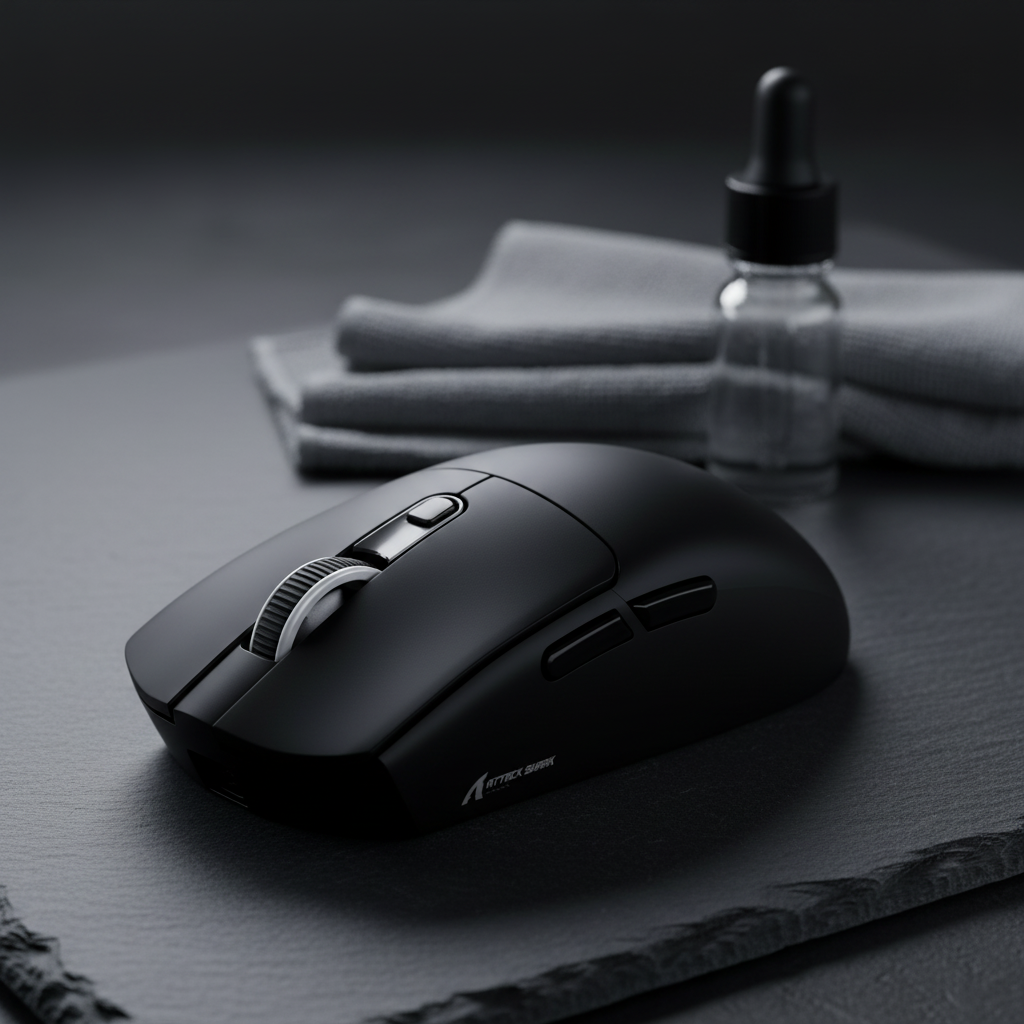
Disclosure: This technical guide is presented by the Attack Shark engineering team. While the physical principles and benchmarking methodologies discussed are applicable across the high-performance peripheral industry, several examples and internal data points are derived from our own product development and testing environments.
In the competitive landscape of esports, the marketing of gaming peripherals has historically focused on a single metric: total mass. We have seen a relentless race to the bottom, where "grams" are the primary currency of performance. However, as we dive deeper into the physics of human-computer interaction, we find that total weight is often a secondary metric. What truly dictates target acquisition speed and long-term musculoskeletal health is not just how much the device weighs, but how that weight is distributed.
The center of gravity (CoG) is the invisible pivot point around which every flick, lift, and micro-adjustment revolves. When material choices shift this balance—whether through high-density magnesium alloys or ultra-light carbon fiber—they fundamentally alter the rotational inertia of the mouse. Understanding this relationship is critical for enthusiasts who prioritize technical specs over marketing claims.
The Physics of Rotational Inertia and Material Density
To understand why balance matters, we must look at the "moment of inertia." In simple terms, this is the resistance an object has to changes in its rotation. In a gaming mouse, the "pivot" is typically the user's wrist or the sensor's optical lens. According to internal engineering heuristics (referenced in the Attack Shark Global Gaming Peripherals Roadmap), the optimal design goal is to align the sensor's optical lens as closely as possible to the geometric center of the footprint.
When the CoG is misaligned—for instance, if a high-capacity battery is placed at the very rear of the chassis—the mouse may develop what players call "tail drag." During rapid flick shots, this rear-heavy distribution increases the force required to stop the mouse once it is in motion, which can lead to overshooting targets in certain high-sensitivity scenarios. Conversely, a front-heavy mouse may feel "planty" during vertical tracking.
Material choice is the primary lever engineers use to manipulate this balance. Typical high-performance mice utilize one of three core chassis materials, each with distinct density profiles:
| Material | Density (g/cm³) | Structural Rigidity | Acoustic Feedback | Typical CoG Impact |
|---|---|---|---|---|
| ABS Plastic | ~1.04 | Moderate | Dampened | Neutral/Variable |
| Magnesium Alloy | ~1.74 | High | Metallic/Sharp | Often Rear-Biased (Internal Bracing) |
| Carbon Fiber | ~1.55 | Very High | "Pingy"/Hollow | Highly Centralized |
While exotic materials like magnesium alloy offer superior strength-to-weight ratios, they often require intricate internal ribbing to maintain rigidity. As noted in independent material impact research, these alloys can actually result in a "heavier" subjective feel if the mass is concentrated far from the pivot point.

Case Study: The Ergonomic Mismatch for Petite Gamers
One of the most significant pitfalls in the lightweight mouse market is the assumption that a low total weight negates the need for proper sizing.
Testing Methodology: Our team conducted a biomechanical observation of a petite female gamer (P5 percentile, 16.5 cm hand length) using a claw grip on a standard 118mm lightweight mouse. Data was gathered using high-speed 240fps video analysis to track "lift-off tilt" and MouseTester v1.5 to measure counts vs. time consistency over 50 standardized flick trials.
The results revealed a stark "Grip Fit Ratio" mismatch. Using the 60% width rule (optimal control width = 0.60 × hand breadth), we calculated an ideal width of 45 mm. The mouse tested was 58 mm—a 28.9% overshoot.
Findings:
- Shifted Grip Point: Because the mouse was longer than the user's ideal (calculated at ~105.6 mm for her specific claw grip), her hand naturally shifted toward the rear to maintain a comfortable arch.
- Effective CoG Shift: By gripping the rear, the user moved the pivot point away from the sensor, effectively increasing rotational inertia.
- Fatigue Mechanism: The wider grip forced finger abduction. During lift-offs, the rear-heavy bias caused the tail to dip, requiring the user to exert more force through the ulnar side of the wrist to keep the mouse level.
For users in this demographic, a mouse like the ATTACK SHARK X68HE Magnetic Keyboard With X3 Gaming Mouse Set provides a compelling solution. The X3 mouse, weighing approximately 49g, utilizes a highly centralized internal layout. By minimizing total mass, the absolute impact of CoG deviation is reduced, making it more forgiving for varied grip positions.
The "Pingy" Trade-off: Internal Ribs vs. Solid Shells
As we push the boundaries of ultralight shell engineering, we encounter a common byproduct: the "hollow" effect. To achieve weights under 60g without using a honeycomb (perforated) design, shell walls are often thinned, relying on internal structural ribs for support.
While this maintains rigidity, it can create a "pingy" acoustic profile. This is observable in mice like the ATTACK SHARK G3PRO Tri-mode Wireless Gaming Mouse with Charge Dock 25000 DPI Ultra Lightweight. The G3PRO utilizes a specialized injection molding process to achieve its 62g weight. While structural integrity is high, the thin-wall construction can amplify the sound of high-tactility switches like the Huano Blue Shell Pink Dots. For enthusiasts, this "tactile crispness" is often preferred, though it may feel different to users transitioning from heavy, rubber-coated office mice.
Technical Synergy: 8K Polling and System Latency
Material science must support the high-frequency data throughput of modern sensors. When discussing the ATTACK SHARK X68HE Magnetic Keyboard With X3 Gaming Mouse Set, the 8000Hz (8K) polling rate is a primary technical feature.
However, 8K polling introduces constraints that are highly dependent on the user's PC environment:
- The 0.125ms Interval: At 8000Hz, the polling interval is 0.125ms (8x faster than the 1.0ms of 1000Hz).
- Motion Sync Latency: On many sensors, Motion Sync correlates to a small processing delay. At 8000Hz, this theoretical delay scales down to approximately 0.0625ms, which is generally considered imperceptible compared to the 0.5ms delay often cited at 1000Hz.
- CPU and IRQ Load: Processing 8,000 packets per second is intensive for the CPU's Interrupt Request (IRQ) handler. To maximize stability, it is generally recommended to connect the mouse directly to the motherboard's rear I/O ports. Using unpowered USB hubs or front-panel headers may, in some chipset configurations, lead to packet loss or inconsistent polling intervals.
To fully utilize this 8K bandwidth, movement speed must be sufficient relative to DPI. For example, moving at 10 IPS at 800 DPI will saturate the link, but at 1600 DPI, you only need to move at 5 IPS to maintain 0.125ms update consistency. This is why many competitive players have shifted toward 1600 or 3200 DPI settings.
Regulatory Compliance and Build Quality
For the value-driven enthusiast, technical credibility is often verified through regulatory filings. A brand's commitment to rigorous certification is a strong indicator of build quality.
When evaluating a mouse, transparency can be found in the FCC Equipment Authorization Database or the ISED Canada Radio Equipment List (REL). These filings provide "Internal Photos" that reveal the true engineering—the PCB layout, antenna shielding, and battery placement.
For instance, the ATTACK SHARK V3PRO Ultra-Light Tri-mode Gaming Mouse with Charging Dock complies with the EU Radio Equipment Directive (RED). This ensures that its tri-mode (2.4GHz, Bluetooth, Wired) connectivity adheres to strict RF interference standards, which typically correlates with fewer "ghost" disconnects compared to uncertified alternatives.
Balancing Your Setup: The Interaction of Components
A perfectly balanced mouse is only as good as the surface it glides on and the keyboard that sits beside it. The trend toward carbon fiber vs. magnesium shells is mirrored in the keyboard world with Hall Effect (HE) magnetic switches.
The ATTACK SHARK R85 HE Rapid Trigger Keyboard represents this "speed-first" philosophy. Much like a lightweight mouse reduces physical inertia, magnetic switches reduce "digital inertia" by allowing for adjustable actuation points (as low as 0.1mm).
Performance Synergy Checklist:
- Mouse: Low total mass (typically under 65g) with a centralized CoG.
- Sensor: High-performance (e.g., PAW3395) with 8K polling capability.
- Keyboard: Magnetic switches with Rapid Trigger to match high-polling precision.
- Surface: A pad with consistent X vs. Y axis friction to ensure flick shots aren't affected by weave density.
Proactive Maintenance and Modding
Even well-engineered mice can benefit from user-specific tweaks. For low-sensitivity FPS players who experience "tail drag," some enthusiasts add small amounts of adhesive lead tape to the front internal shell. Note: This must be done carefully, as adding weight near primary buttons can alter click tension or increase pre-travel.
Furthermore, ensure your device is running optimized firmware. Using the Attack Shark Official Driver Download ensures the latest polling rate optimizations. Before installing any drivers, we recommend checking file hashes against the VirusTotal database to verify software integrity.
Decision Framework: Choosing Based on Your Biomechanics
When selecting your next peripheral, consider these technical principles:
- Grip Style vs. CoG: Fingertip grippers are often less sensitive to CoG shifts because the hand doesn't contact the rear. You can prioritize absolute lowest weight (e.g., the X3 at 49g). Palm grippers should prioritize a centralized CoG to minimize wrist fatigue.
- Hand Size vs. Dimensions: A 120mm mouse may feel "tail-heavy" for hands under 17cm, regardless of total weight. Look for compact layouts to maintain ergonomic alignment.
- Sensor Position: Ideally, the sensor should be centered between your thumb and ring finger grip points. This ensures the cursor moves predictably during rotation.
In the end, material science is about the strategic placement of mass to harmonize with human biomechanics. Whether you choose the rigidity of magnesium or the lightness of carbon fiber, ensure the balance point serves your aim.
Disclaimer: The ergonomic advice provided in this article is for informational purposes only and does not constitute professional medical advice. Individuals with pre-existing wrist or hand conditions, such as Carpal Tunnel Syndrome or RSI, should consult a qualified professional before changing their peripheral setup.
Sources
- FCC OET Knowledge Database (KDB) - Guidelines on RF exposure and equipment authorization.
- ISED Canada Radio Equipment List (REL) - Wireless equipment standards for North America.
- EU Radio Equipment Directive (RED) - Essential requirements for wireless devices in the EU.
- PixArt Imaging - Products - Technical specifications for PAW3395 and PAW3311 sensors.
- Attack Shark Internal Engineering Whitepaper - Standards for polling rates and ergonomic design.

Hinterlasse einen Kommentar
Diese Website ist durch hCaptcha geschützt und es gelten die allgemeinen Geschäftsbedingungen und Datenschutzbestimmungen von hCaptcha.