


The right keyboard cable length is the length of the route the cable will actually follow, from your keyboard to its computer or hub port, plus any slack your setup needs to move. Pick the shortest available cable that covers that total.
Skip the straight-line guess. A cable that runs over desk edges, under a tray, or up a monitor arm needs more length than the gap between the two ends. Guessing short leaves the cable taut. Guessing long leaves extra cable piled on your desk.
Measure the Full Route and Match It to a Cable Length
You'll get a reliable number by tracing the path with something flexible, then comparing that total with the lengths you can buy. A soft tape measure or a piece of string works well because it bends the same way the cable will.
- Start at the keyboard's cable connection. Put the end of your tape or string at the keyboard port, with the keyboard sitting where you normally type.
- Follow the planned path, not the shortest path. Run the string along the route you want the cable to take. Include every bend, the drop over the desk edge, and any run under, around, or through cable trays, clips, or grommets.
- End at the actual port. Stop at the exact USB port on the computer, dock, or hub you will use. A port on the back of a tower sits farther away than the front panel, so measure to the one you'll really plug into.
- Add movement allowance only if the trace missed it. If you'll slide the keyboard around or your desk changes height, add slack for that movement unless you already measured the route in its longest position. The next section covers how to work this out.
- Write the total in one unit. Keep everything in inches or feet so you can compare it directly with cable listings. For example, 52 inches is about 4.3 feet.
- Choose the shortest cable that meets or beats the total. If your total falls between two available lengths, go with the next longer one. A cable a little long can be tucked into a clip. A cable a little short can't be fixed.
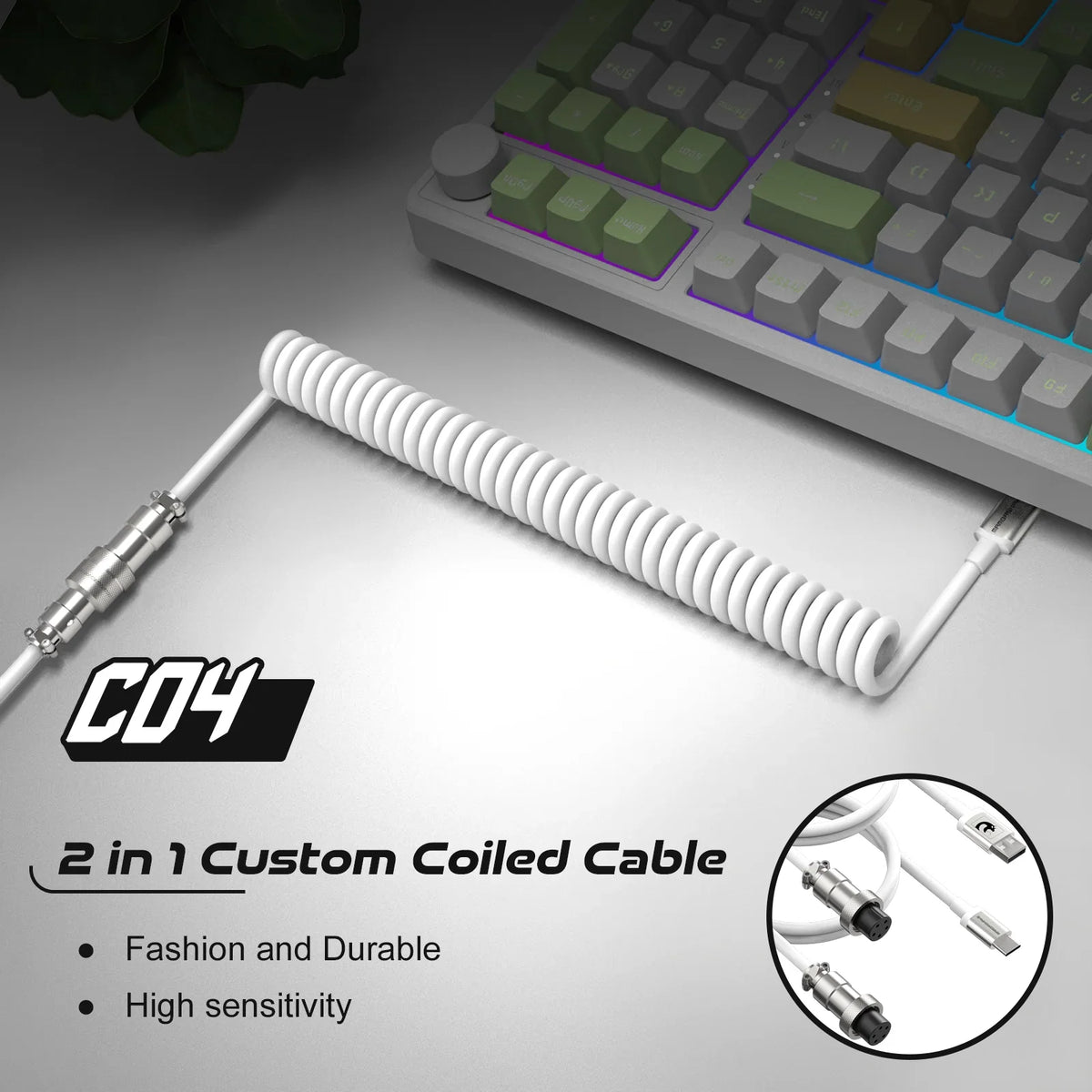
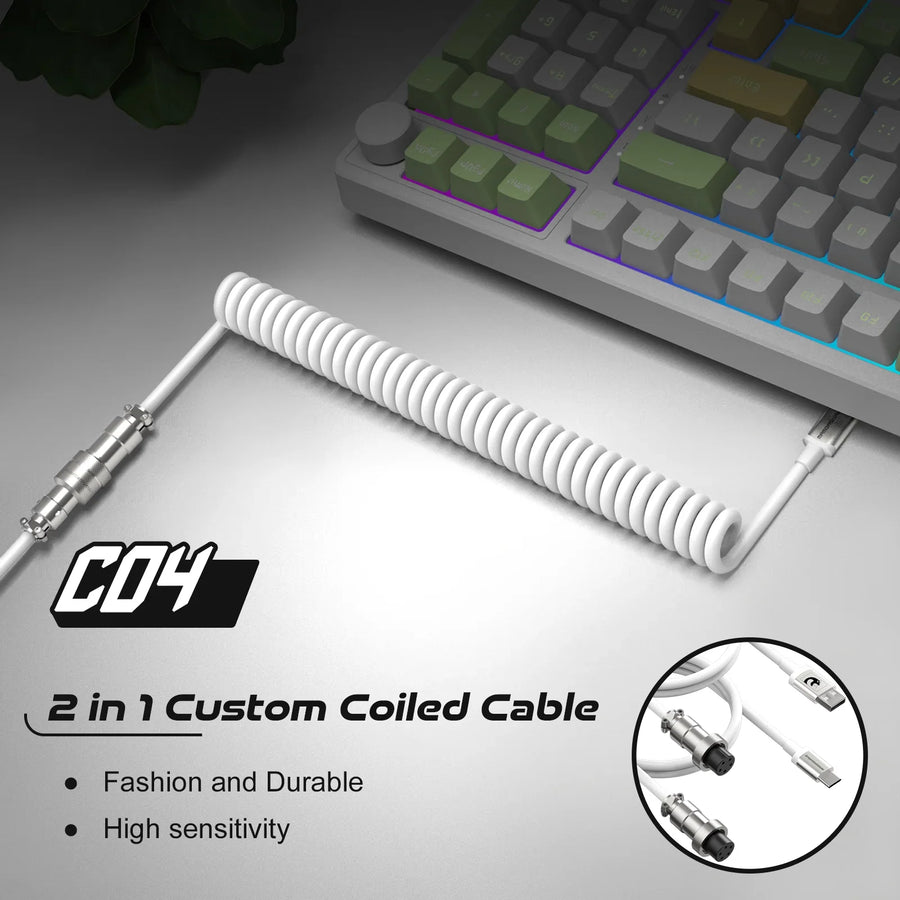
Coiled cables need one extra check. Check how far the whole cable actually reaches rather than assuming the listed length matches the relaxed span across your desk. If you are shopping for coiled keyboard cables, compare the total usable reach against your measured route.

If your desk is crowded, plan the route around your other gear too. A wrist rest or mouse zone can push the keyboard to a new spot. Our guide on wrist rest desk space explains how much room one takes up, and that can change where your cable has to start.
Allow for the Positions Your Setup Must Reach
How much slack you need depends on how much your keyboard or desk moves. Plan for the farthest position your setup must reach, and don't count the same movement twice.
- Fixed keyboard and desk: Use the installed route you measured. Add only a little relaxed slack for normal shifts, like pulling the keyboard closer or angling it while you type.
- Keyboard you move around: Measure the route with the keyboard in its farthest working spot, such as pushed back for mouse room or pulled to the desk edge. That longest trace becomes your route length.
- Height-adjustable desk or riser: Check the route at both the highest and lowest positions. A cable that fits while sitting can pull tight when the desk rises, especially if the computer stays on the floor.
- Route already traced at full reach: If you measured in the most demanding position, that movement is already in your number. Add slack only for a relaxed loop or any motion the trace didn't cover.
Adjustable workstations often come with their own routing rules, so read the manual before you measure. For example, the Ergotron WorkFit-SR manual has users route keyboard and mouse cables through clips on the side of the riser and follow a relief loop. Its WorkFit-SR slack instructions also say to leave enough slack for the full range of motion, then test it by raising and lowering the unit. That manual also warns that skipping its routing steps can pinch cables. These instructions apply to that workstation only. If your riser or desk has a manual, measure along the route it specifies.
FAQs
Can I use an extension to make a short keyboard cable reach?
An extension can add length, but it also adds a joint that can work loose when the keyboard moves. If your measured route is longer than your current cable, a single cable that covers the full total is usually the tidier choice.
What should I do with extra cable if mine ends up too long?
Gather the extra length into a loose loop and secure it with a clip or tie along the route, away from where your arms rest. Don't wrap it tight or bend it sharply.

Does a coiled cable stretch to cover a longer route?
A coil does stretch, but a coil pulled fully straight stays under tension. Use the cable's relaxed reach for your planned route and keep the stretch for occasional movement.
Should I measure to a hub or straight to the computer?
Measure to whichever port you will actually use. A desk hub or dock near the keyboard can cut the route a lot compared with a tower on the floor.