Blogs

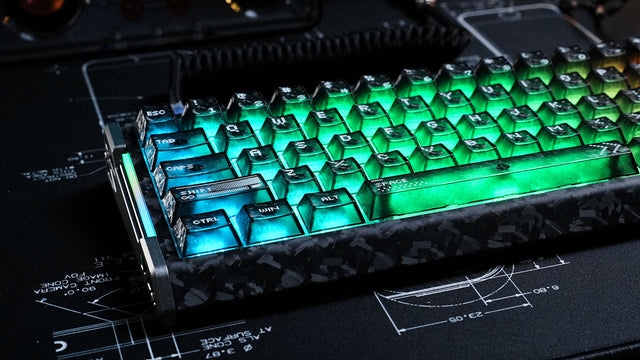
Mechanical KeyboardMechanical keyboard with forged carbon fiber case and glowing green translucent keycaps.

Does RGB Kill Your Wireless Keyboard Battery?

RGB lighting is the biggest battery killer in wireless keyboards. Static colors beat dynamic effects, 50% brightness doubles battery life, and white uses most power.

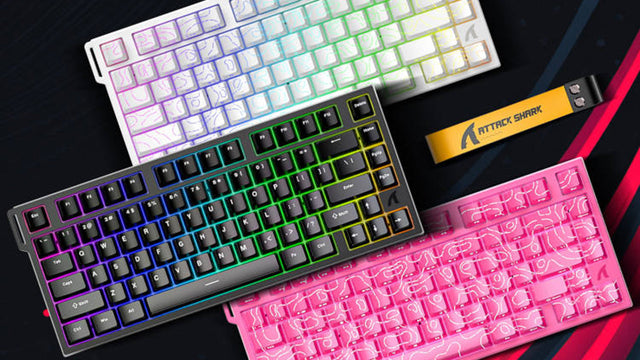
Mechanical KeyboardAttack Shark keyboards in white, black, and pink with topographic RGB keycaps and a yellow strap.

Something You Might Not Know About Rapid Trigger Keyboards

Rapid trigger removes fixed actuation points using Hall Effect sensors. Instant key reset, customizable sensitivity, and analog control for FPS and rhythm games.

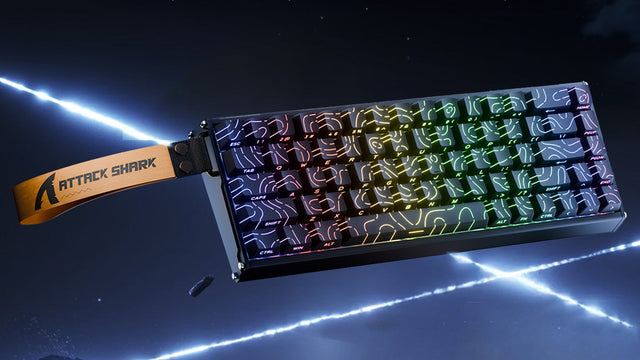
Mechanical KeyboardAttack Shark mechanical keyboard with RGB lighting and yellow strap in a space setting.

Does Keyboard Color Really Matter?

White keyboards show dust but enhance RGB, black hides grime but reveals oils. Compare colors for gaming, work setups, and maintenance requirements here.

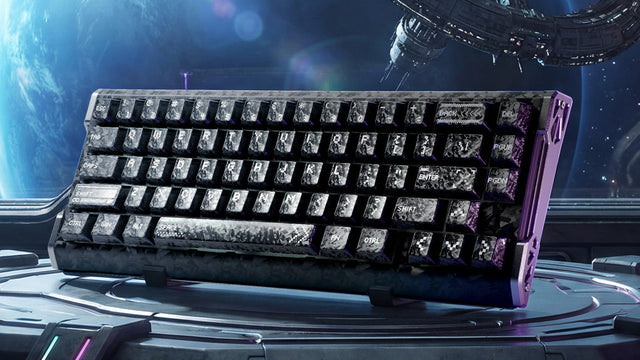
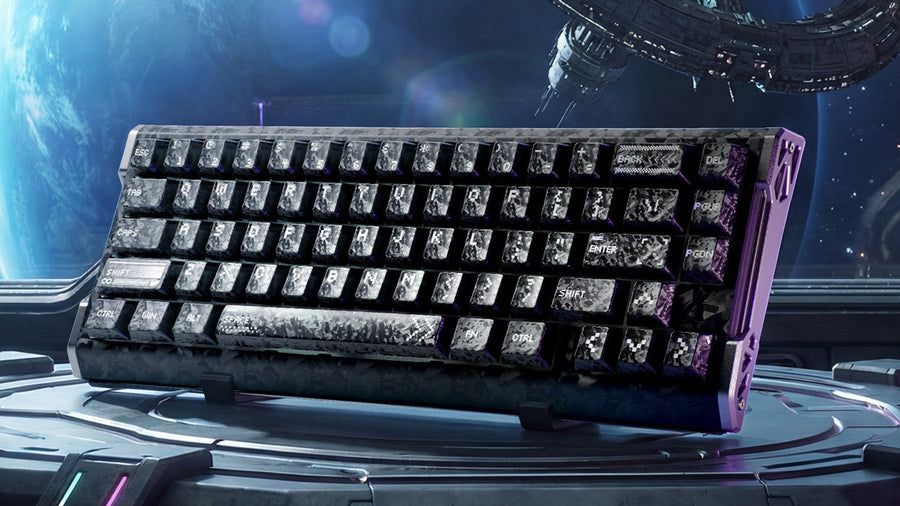
Mechanical KeyboardAttack Shark mechanical keyboard with galaxy-themed keycaps and a purple frame in a space station.

65 vs 75 keyboard: Which Layout is Right for Your Needs

65% keyboard maximizes desk space with arrow keys but no F-row. 75% keyboard adds function keys for coding. Best layout depends on your use case.

Mechanical KeyboardHow to Lube and Tune Mechanical Keyboard Stabilizers

How to Lube and Tune Mechanical Keyboard Stabilizers

Most keyboard enthusiasts waste time applying premium lubricants to warped stabilizer wires, wondering why the rattle persists. The counterintuitive truth: wire geometry accounts for 80% of acousti...

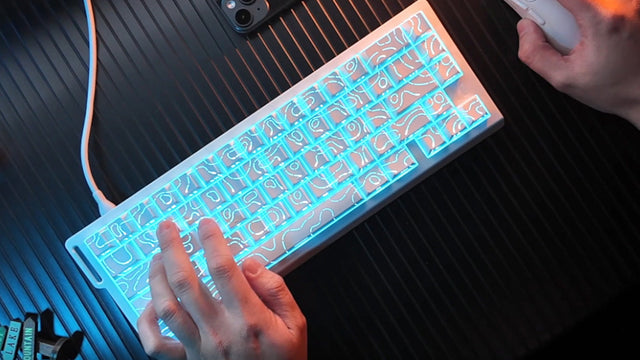
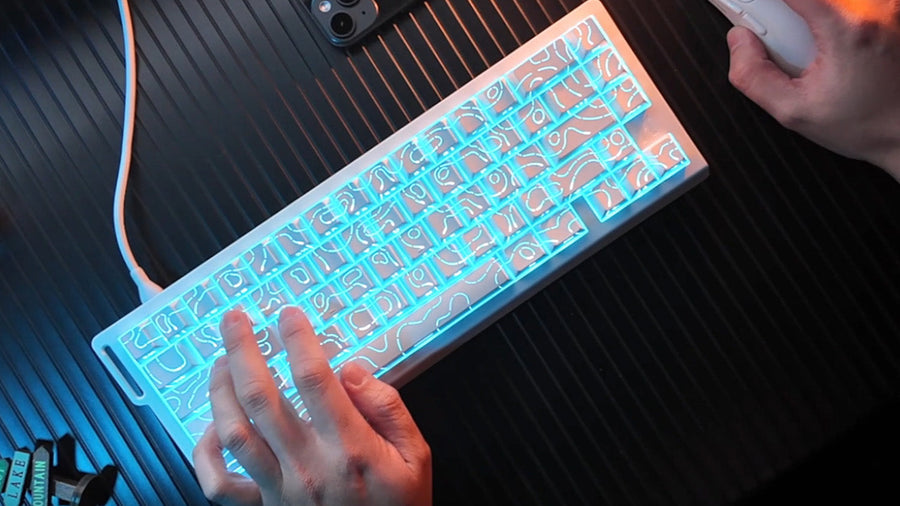
Game MouseA person typing on a white mechanical keyboard with bright cyan backlighting illuminating a topographic line pattern on the keycaps

Gamepad vs. Keyboard & Mouse: Which to Choose

Deciding between gamepad and keyboard & mouse for PC gaming? This guide compares comfort, precision, and genre performance. Make the right choice for your playstyle.

Mechanical KeyboardThe Function Row: Do You Really Need It in 2025?

The Function Row: Do You Really Need It in 2025?

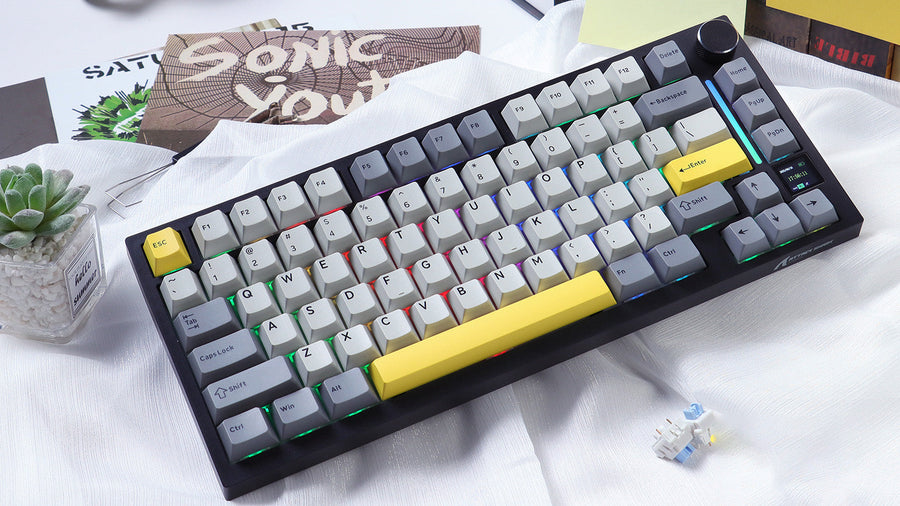
Is the keyboard function row still necessary? Programmers value it while others prefer compact layouts. Choose based on your specific workflow needs.

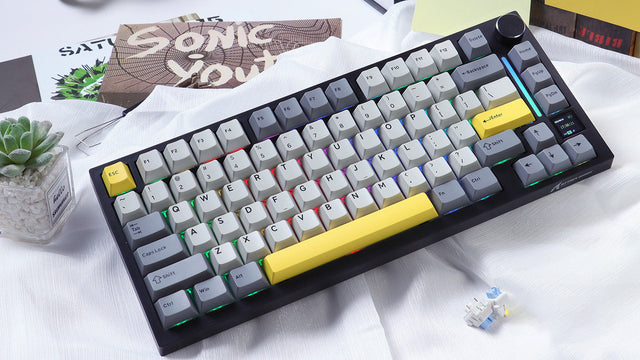
Mechanical KeyboardCompact mechanical keyboard with grey and yellow accent keycaps on a white desk, featuring RGB lighting and positioned next to a small succulent plant and a 'Sonic Youth' album cover

What Is Nkro (N-Key Rollover) and Why Is It Essential for Gamers

Frustrated by missed keystrokes? N-Key Rollover ensures commands register even when pressing multiple keys. See how NKRO eliminates ghosting for better gaming.

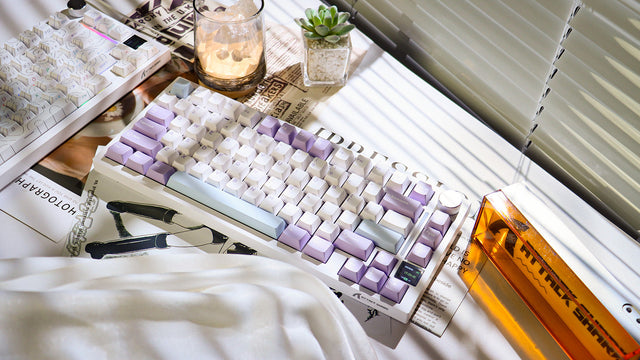
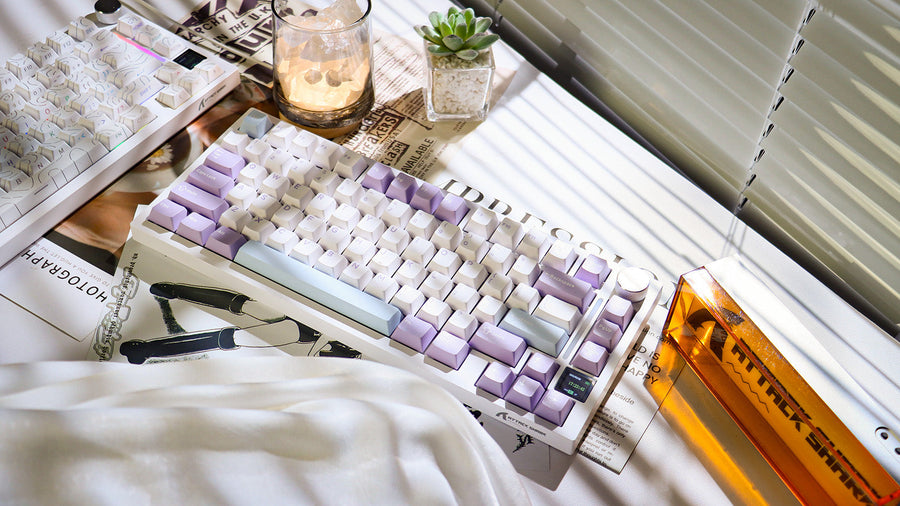
Mechanical KeyboardA white 75% mechanical keyboard with white and purple keycaps on a newspaper or magazine

Why 75% Keyboards Are So Popular

Maximizing space without sacrificing function. 75% keyboards retain arrow keys and function rows in a compact form ideal for gaming and coding.

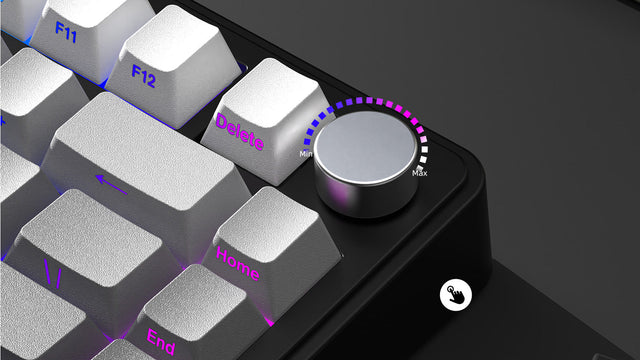
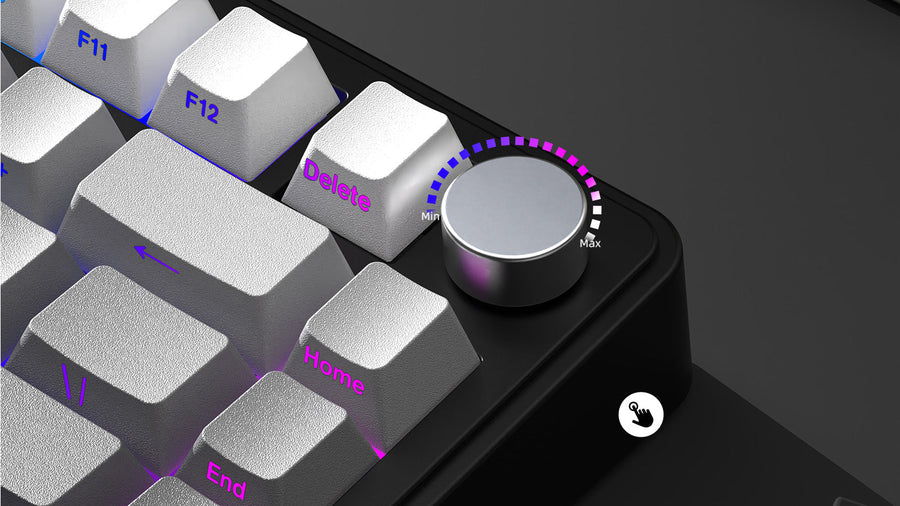
Mechanical KeyboardA close-up of a mechanical keyboard with white keycaps and purple LED backlighting. The image highlights the upper right corner featuring a silver rotary knob with Min/Max indicators and illuminated purple key labels for Delete, Home, and End keys

10 Keyboard Knob Hacks You'll Actually Use

Stuck using your keyboard knob just for volume? These 10 clever programming ideas will revolutionize your workflow and boost your daily productivity.

Mechanical KeyboardHow to Choose and Place Your Keyboard and Palm Rest for Long-Term Gaming

How to Choose and Place Your Keyboard and Palm Rest for Long-Term Gaming

Keep your wrist in a neutral position with ergonomic tips. Learn how to adjust your keyboard and palm rest for pain-free gaming sessions.

Mechanical KeyboardA close-up, exploded diagram of a transparent mechanical keyboard switch, showing its internal spring and components, hovering over a white keyboard with glowing keycaps

Keyboard Switch Types Linear vs Tactile vs Clicky

Confused about which keyboard switch to choose? Learn the differences between linear, tactile, and clicky switches and find your ideal fit for typing or gaming.