






Mouse Click Speed Test
Test your finger speed and reaction time. Designed for gamers who demand precision.
Click Here to Start
Smash your mouse buttons
How to use the CPS Test?
Step 1: Select Time Mode
Click the buttons above to choose your challenge duration (1s burst, 5s standard, 10s endurance, etc.).
Different durations test different muscle burst and stamina.
Step 2: Start Clicking
Move your cursor into the dashed rectangular area in the center. Take a deep breath. The timer starts
immediately upon your first click.
Step 3: Check Your Rank
When the countdown ends, the system automatically stops recording and displays your results. You will see your
Clicks Per Second (CPS), total clicks, and your gaming rank.
Pro Clicking Tips
Jitter Clicking
Uses rapid vibration of arm muscles to generate extremely fast click speeds. Requires practice to aim steadily. Common in Minecraft PvP.
Butterfly Clicking
Uses index and middle fingers to click alternately on the left mouse button. If your mouse supports Double Click, you can easily reach 15-20 CPS.
Drag Clicking
Uses friction between your finger and the mouse button surface to generate multiple micro-clicks while dragging. Usually requires specific mouse textures (like matte) to work.
Frequently Asked Questions
Polecana kolekcja


Posty na blogu
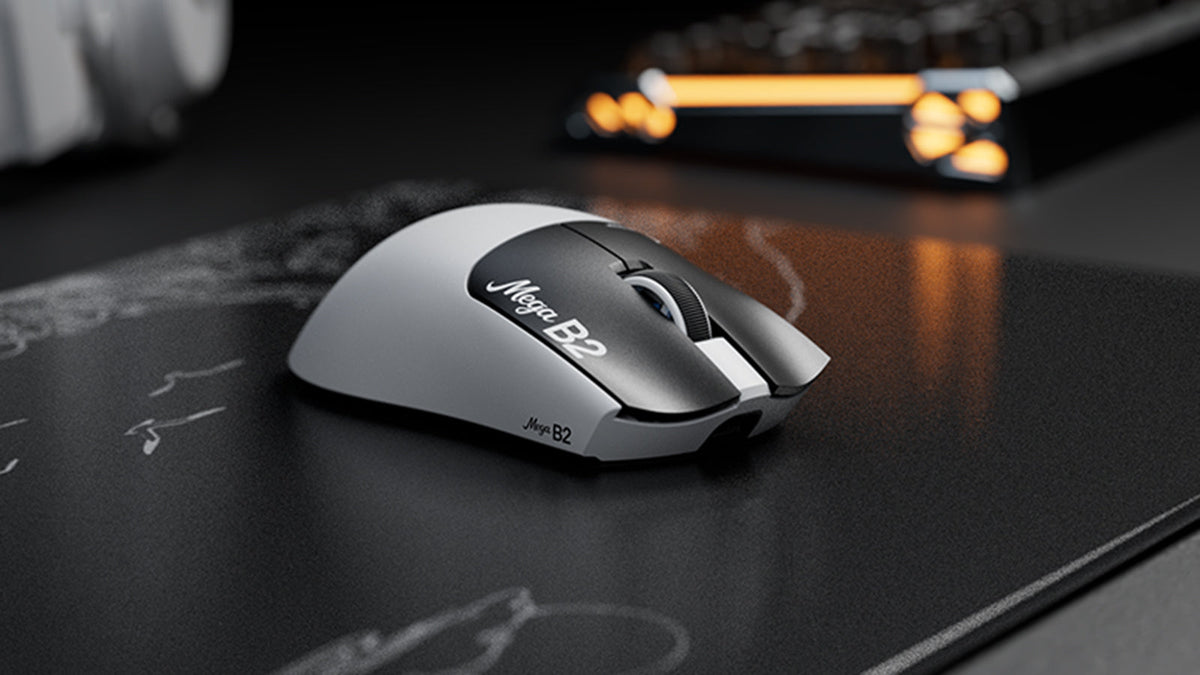
Czym jest mysz z Rapid Trigger? Jak magnetyczne wykrywanie TMR zmienia kliknięcia myszy
Rapid Trigger resetuje przycisk myszy po minimalnym ruchu w górę, a czujnik magnetyczny TMR umożliwia regulację punktu aktywacji bez stałych styków.

ATTACK SHARK ogłasza strategiczne partnerstwo z drużyną League of Legends Cloud9 Kia
Dowiedz się, dlaczego ta współpraca Cloud9 z League of Legends ma znaczenie dla fanów e-sportu, sprzętu na poziomie profesjonalnym i przystępnych cenowo urządzeń peryferyjnych dla graczy.
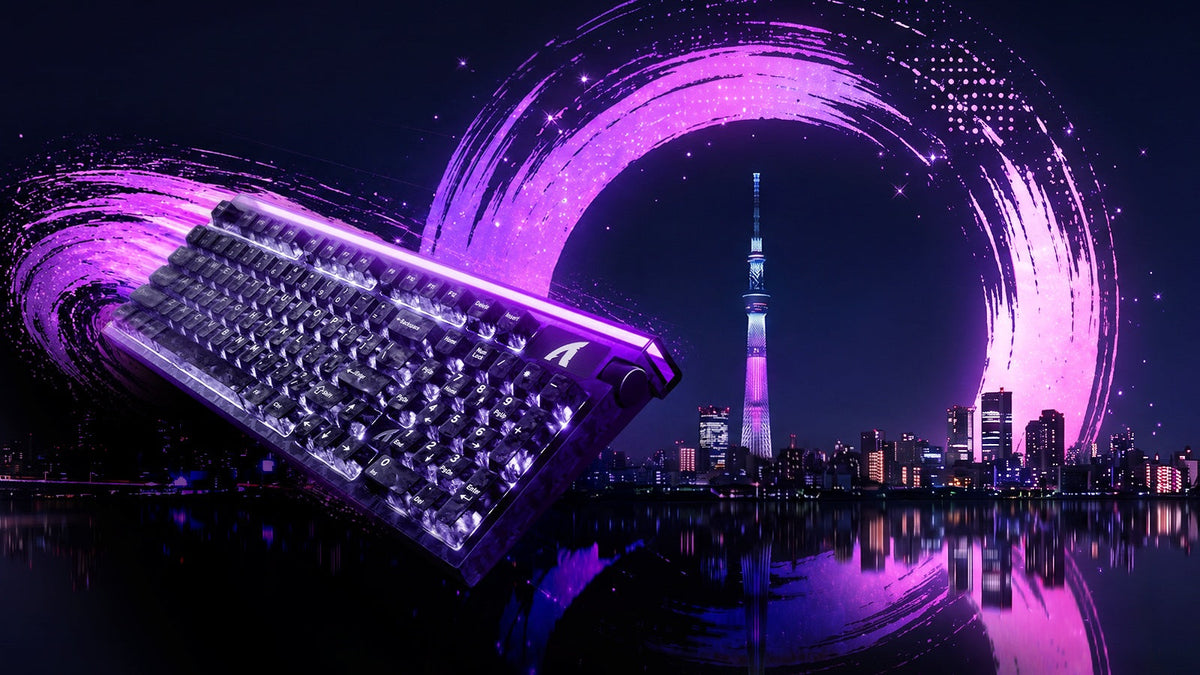
Poznaj ATTACK SHARK na TOKYO KLAWIATURA EXPO 2026
ATTACK SHARK pojawi się w Tokyo Ryutsu Center 23 września 2026 roku, gdzie na stoiskach B21-B23 będzie można osobiście przetestować klawiatury z efektem Halla i myszy gamingowe.