






Attack Shark Mouse Polling Test
Mouse polling rate results are estimates
This web tool can only estimate the polling rate from browser events. Browser throttling, event coalescing, system scheduling, page focus, and device drivers can all affect the displayed Hz.
Use the result as a reference only.
How To Use
1. Start Testing
Click the START button to begin. This activates high-frequency tracking inside the page. Keep the pointer in the browser window while the test is running.
2. Move Your Mouse
Move your mouse continuously in circles or side-to-side. The faster and more consistent your movement, the more accurate the polling rate reading will be.
3. Analyze Graph
The blue line represents your real-time polling rate (Hz). A flat, stable line indicates a consistent sensor performance. Drops indicate instability.
4. Scale & Controls
Use the dropdown to set the Max Hz (e.g., 1000Hz or 4000Hz). Use PAUSE to freeze the data or RESET to clear all history.
FAQ & Knowledge
Polecana kolekcja


Posty na blogu
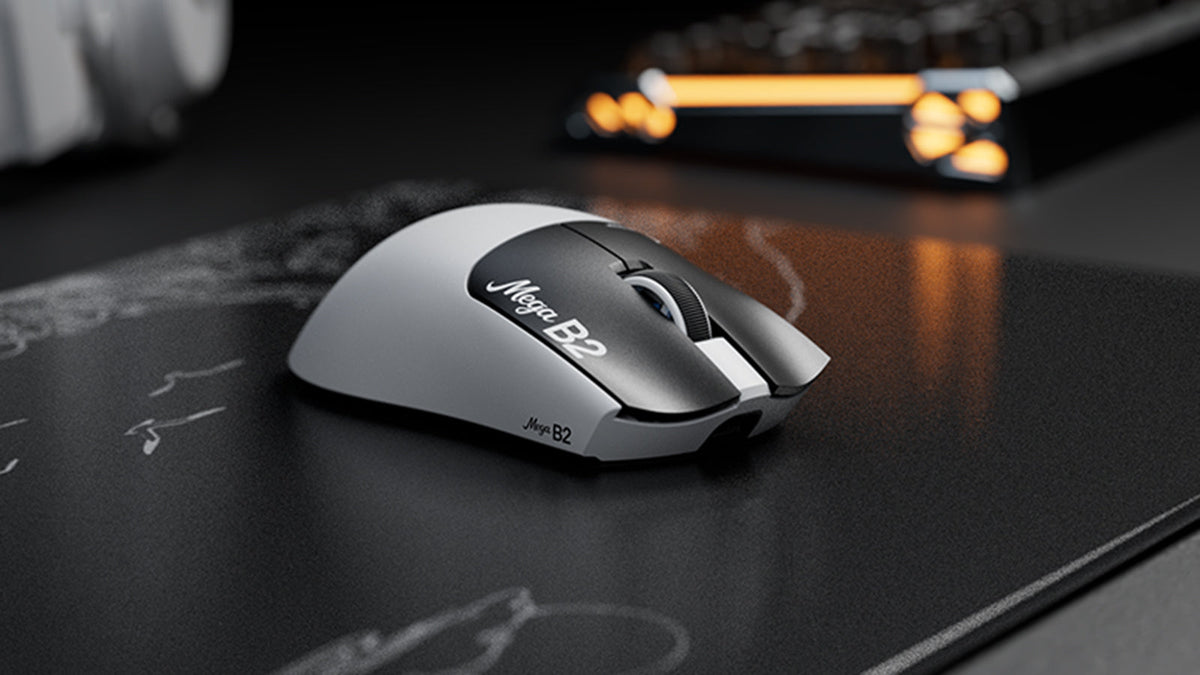
Czym jest mysz z Rapid Trigger? Jak magnetyczne wykrywanie TMR zmienia kliknięcia myszy
Rapid Trigger resetuje przycisk myszy po minimalnym ruchu w górę, a czujnik magnetyczny TMR umożliwia regulację punktu aktywacji bez stałych styków.

ATTACK SHARK ogłasza strategiczne partnerstwo z drużyną League of Legends Cloud9 Kia
Dowiedz się, dlaczego ta współpraca Cloud9 z League of Legends ma znaczenie dla fanów e-sportu, sprzętu na poziomie profesjonalnym i przystępnych cenowo urządzeń peryferyjnych dla graczy.

Poznaj ATTACK SHARK na TOKYO KLAWIATURA EXPO 2026
ATTACK SHARK pojawi się w Tokyo Ryutsu Center 23 września 2026 roku, gdzie na stoiskach B21-B23 będzie można osobiście przetestować klawiatury z efektem Halla i myszy gamingowe.