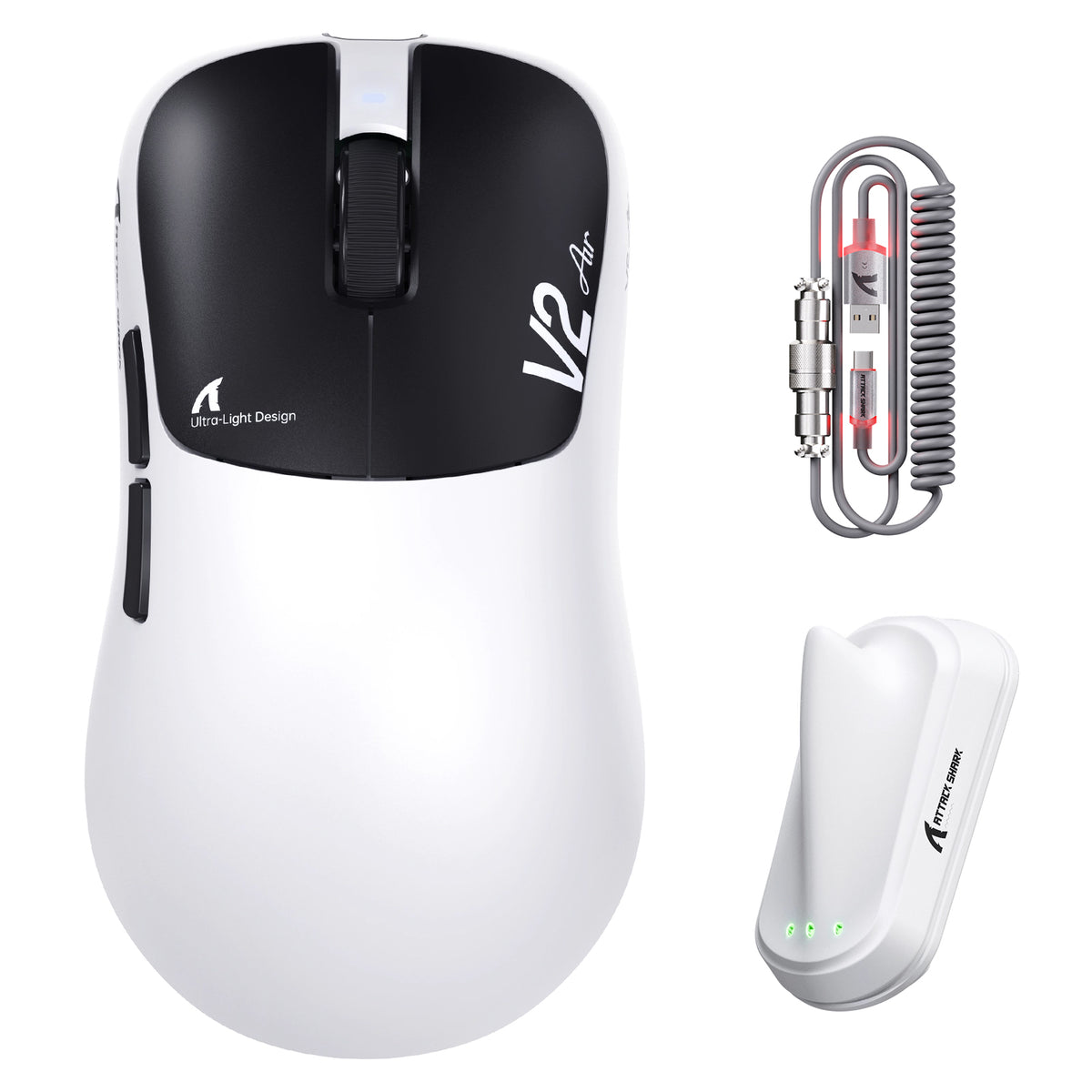
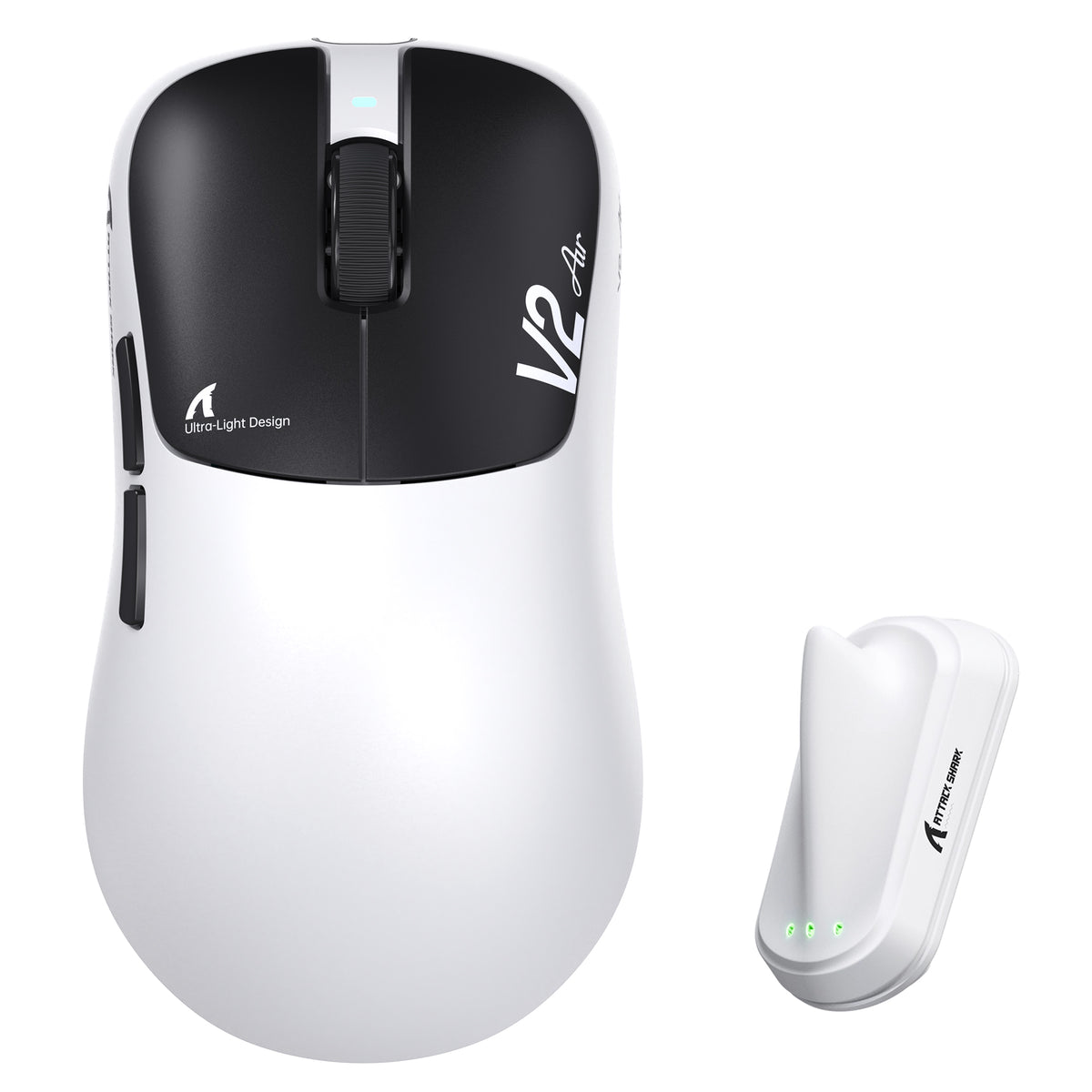
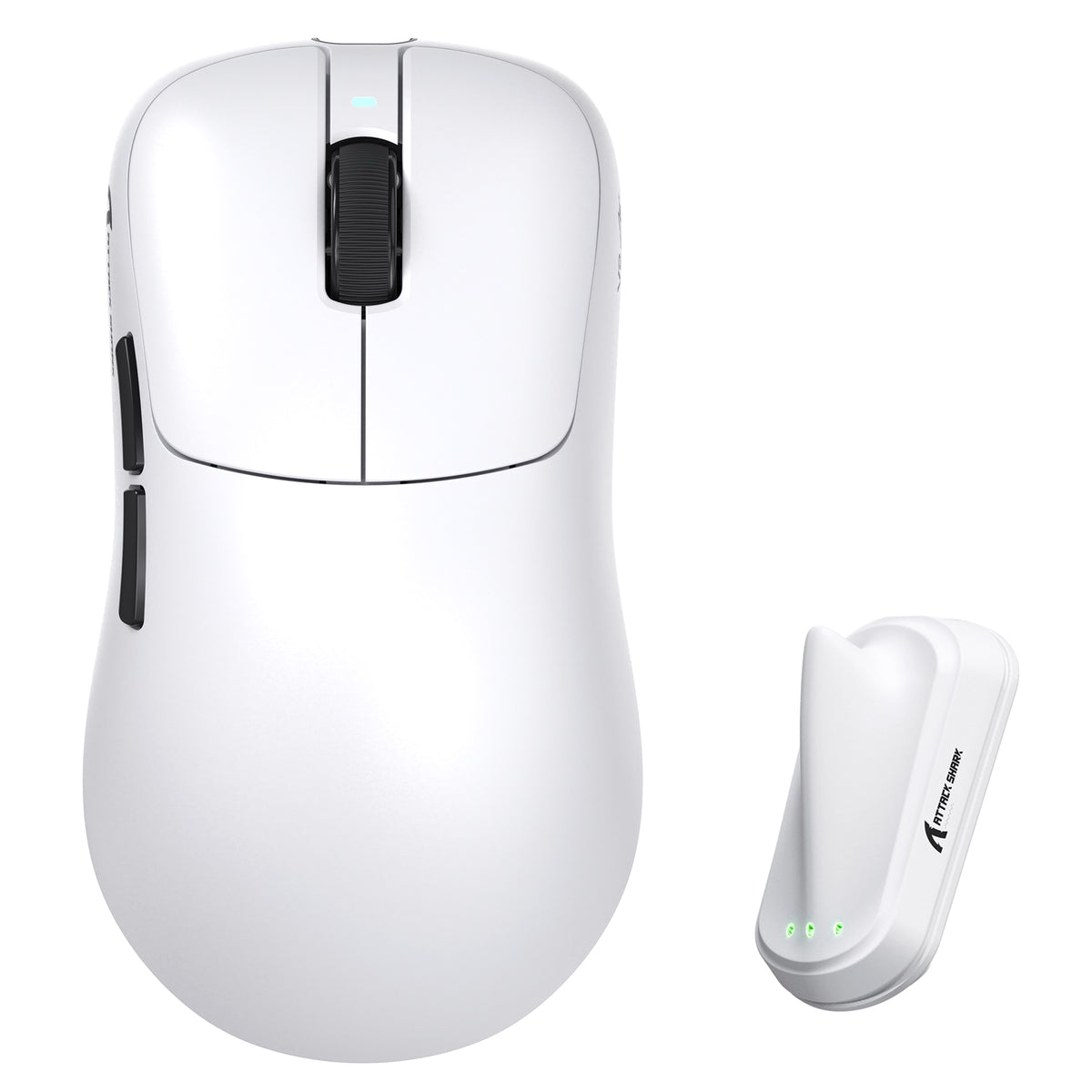
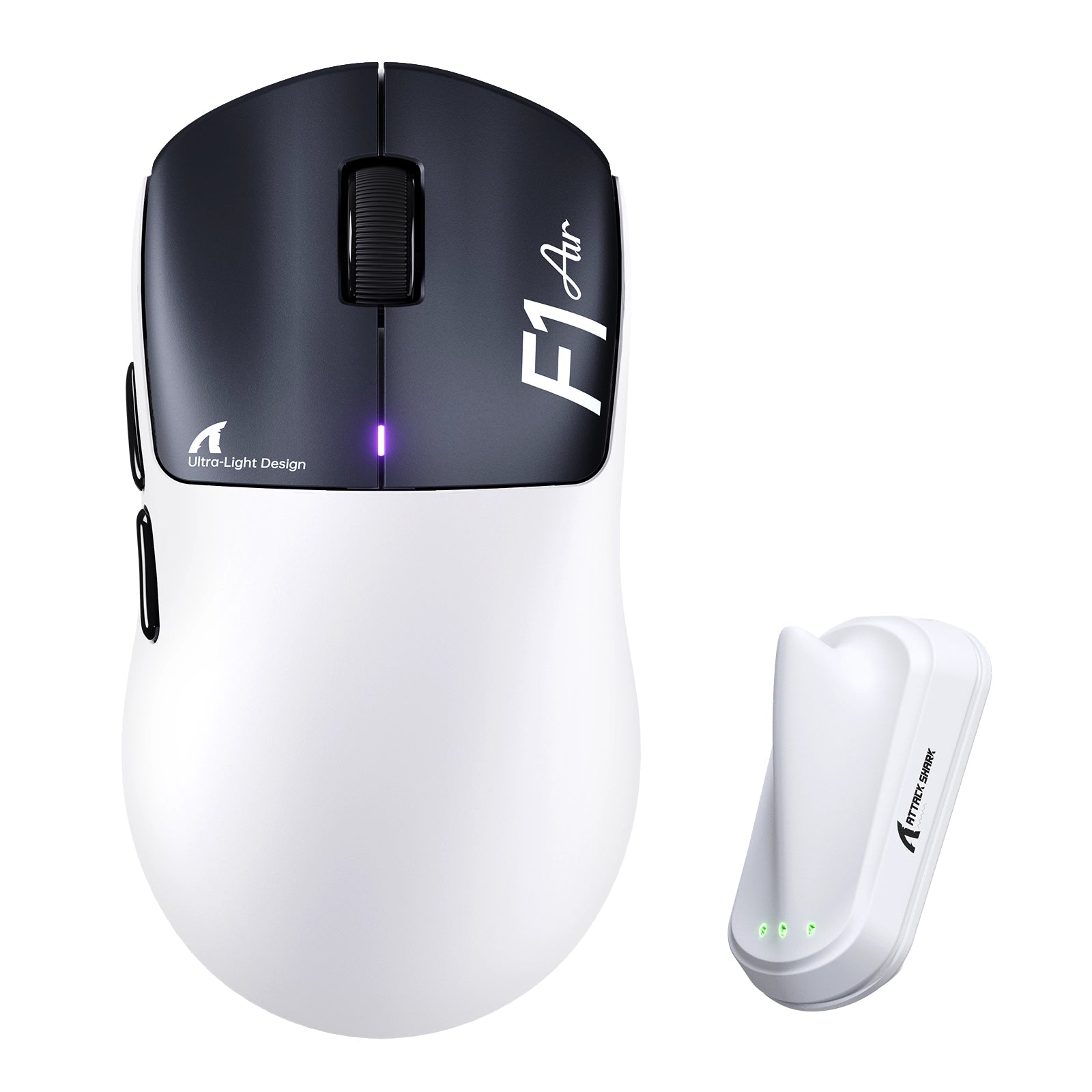
ATTACK SHARK mouse button test

Total Clicks
0
Session Accumulation
Latency / Interval
0 ms
Event Log
Waiting for input...
ATTACK SHARK
Sensor Check: Active
Left Click
0
Right Click
0
Middle Click
0
Side Button 4 (Back)
0
Side Button 5 (Fwd)
0
Scroll Up
0
Scroll Down
0
PRO TIP

Lower click latency (interval) indicates faster switch rebound performance. Mechanical switches typically range from 30-70ms rapid clicking.

Quick Start Guide

1
Click Testing Press Left, Middle, and Right mouse buttons to verify switch actuation and responsiveness.
2
Scroll Test Rotate wheel up/down. Blue arrows will appear to confirm encoder step registration.
3
Latency Check "Interval" shows ms delay between clicks. Lower is better (30-70ms is typical for rapid fire).
4
Reset Data Use the RESET button in the Event Log section to clear the current session history.

Frequently Asked Questions

What is the Attack Shark Mouse Tester used for?
This tool is designed to test the functionality of your gaming mouse, including left/right/middle buttons, scroll wheel encoder steps, and click latency consistency. It helps gamers identify double-clicking issues or switch failures.
How do I check for double-clicking issues?
Click the mouse button once firmly. If the "Total Clicks" counter increases by more than 1, or if you see multiple entries in the Event Log with extremely low intervals (e.g., < 20ms) for a single physical press, your switch may be faulty.
What is a good click latency interval?
For rapid clicking in gaming, intervals typically range from 40ms to 90ms. An interval lower than 10ms usually indicates a mechanical switch bounce error (double click), unless you are using specialized techniques like drag clicking.
Does this tool support 4KHz or 8KHz polling rate mice?
Yes, the tool captures browser-level events. However, browser limitations (typically locked to monitor refresh rate or OS interrupt handling) may smooth out extremely high polling rate data. It is perfect for checking functional integrity.
Can I test side buttons?
Yes! We have updated the tool to support Side Button 4 (Browser Back) and Side Button 5 (Browser Forward). This is essential for e-sports mice. The tool will prevent the browser from navigating away during the test.
Does browser performance affect the test results?
Yes. Since this is a web-based tool, high CPU usage from other tabs or extensions can impact the recorded latency intervals. For the most accurate consistency check, we recommend closing other active windows.

Blogberichten

Bekijk alles
ATTACK SHARK RS3 Ultra white carbon fiber wireless gaming mouse on desktop setup

Waarom competitieve spelers overstappen op PAW3955MAX-muizen

Competitieve spelers krijgen betere controle dankzij PAW3955MAX-tracking, Nordic draadloze verwerking, 1-DPI-afstemming en ergonomisch ontwerp.

ATTACK SHARK white RGB mechanical keyboard with wrist strap and white gaming mouse on a clean desktop setup

Zijn eenhandige gaming-toetsenborden echt sneller?

Kies een compact gaming-toetsenbord voor FPS- of MOBA-spellen als je strakkere toetsbindingen, betere polsondersteuning, meer muisruimte en aangepaste macro’s nodig hebt.

ATTACK SHARK magnetic USB-C cable with green RGB lighting connected to a translucent mechanical keyboard

Kan een slechte USB-kabel de prestaties van een toetsenbord beïnvloeden?

Een slechte USB-kabel kan leiden tot het loskoppelen van het toetsenbord, het haperen van toetsen, gemiste invoer, knipperend RGB-licht, spanningsdalingen en onstabiele signaalkwaliteit.