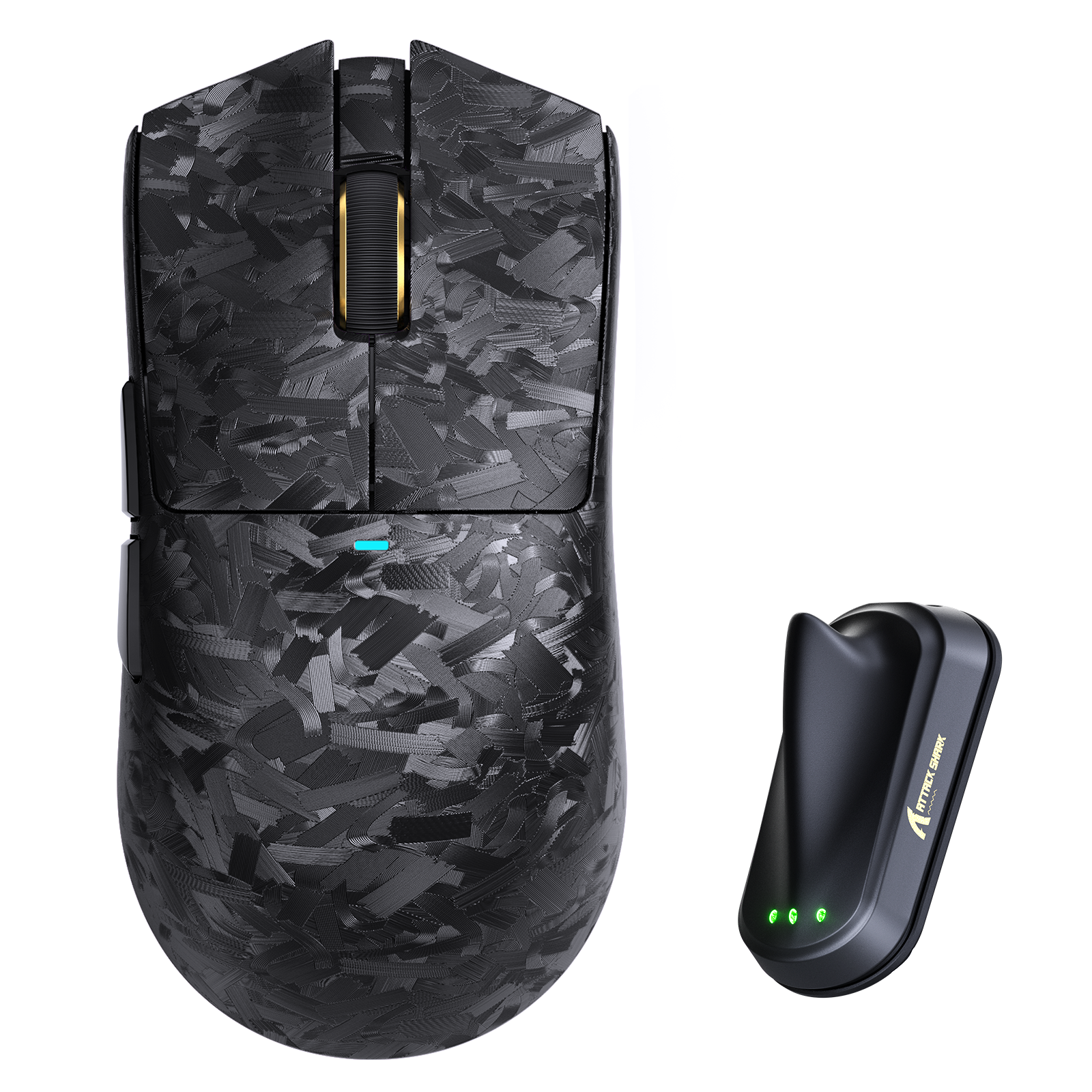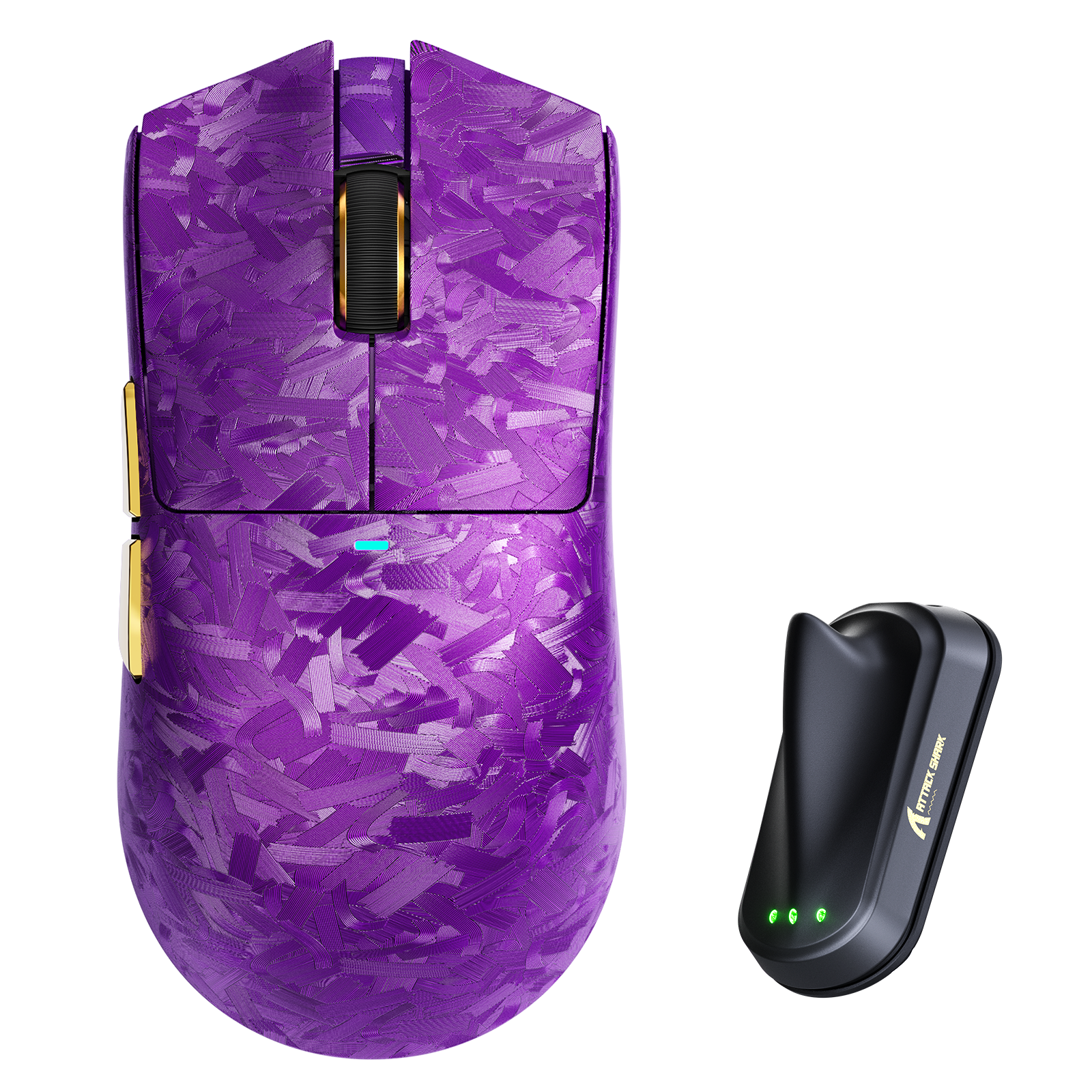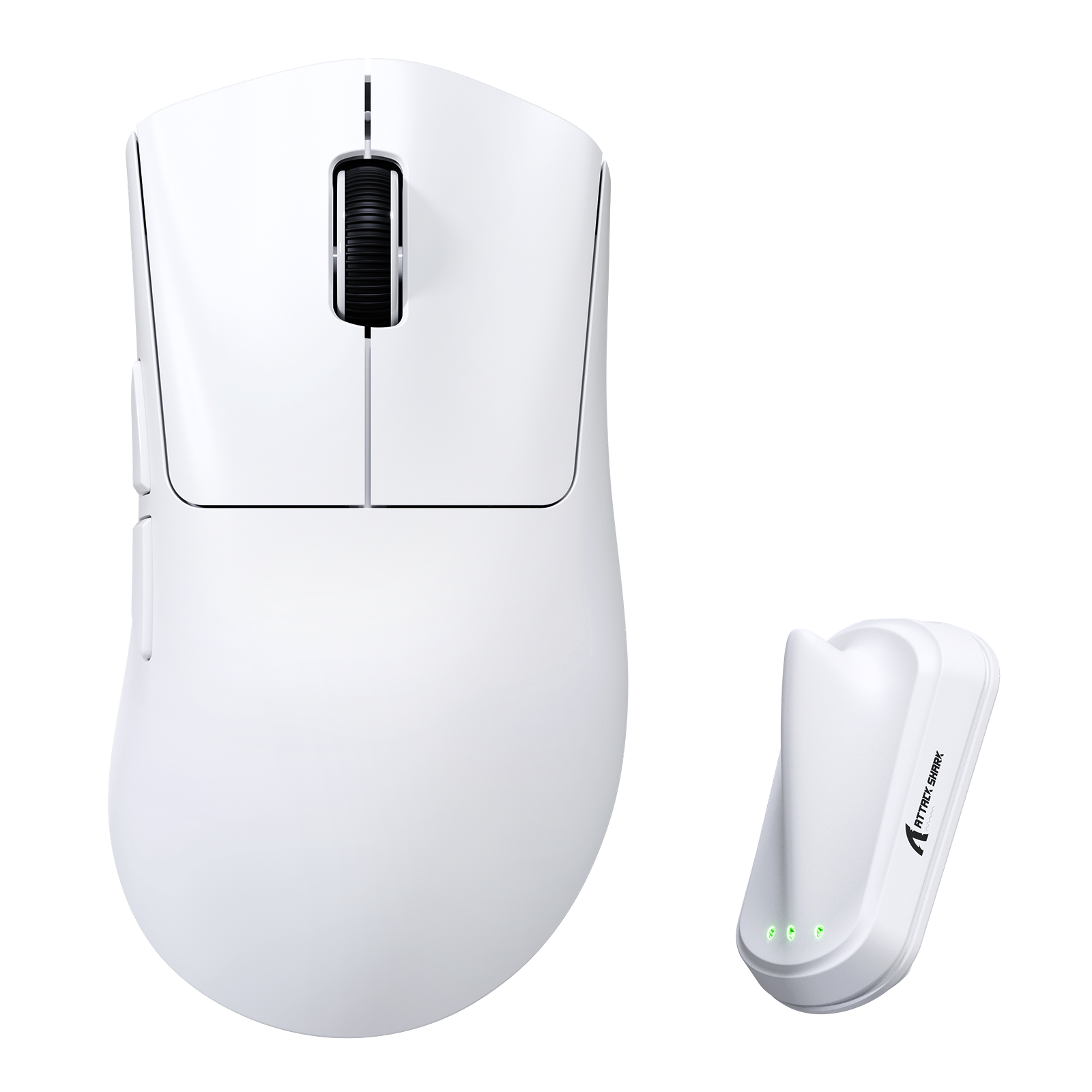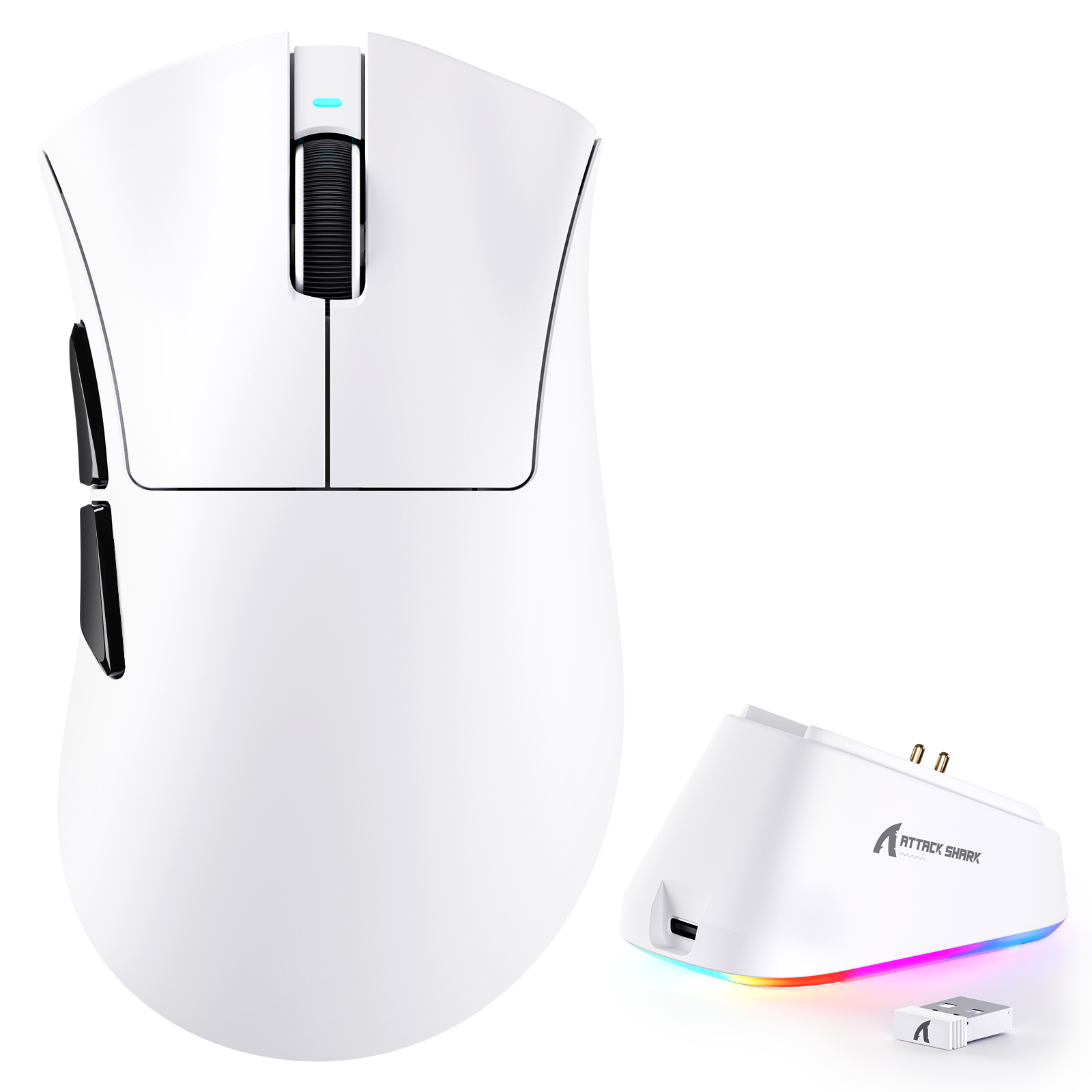
Gaming Mouse | Wireless | Superlight | Ergonomic

Gaming Muis | Draadloos | Superlicht | Ergonomisch

Filters

Sorteer op
Sorteer op:

48 producten

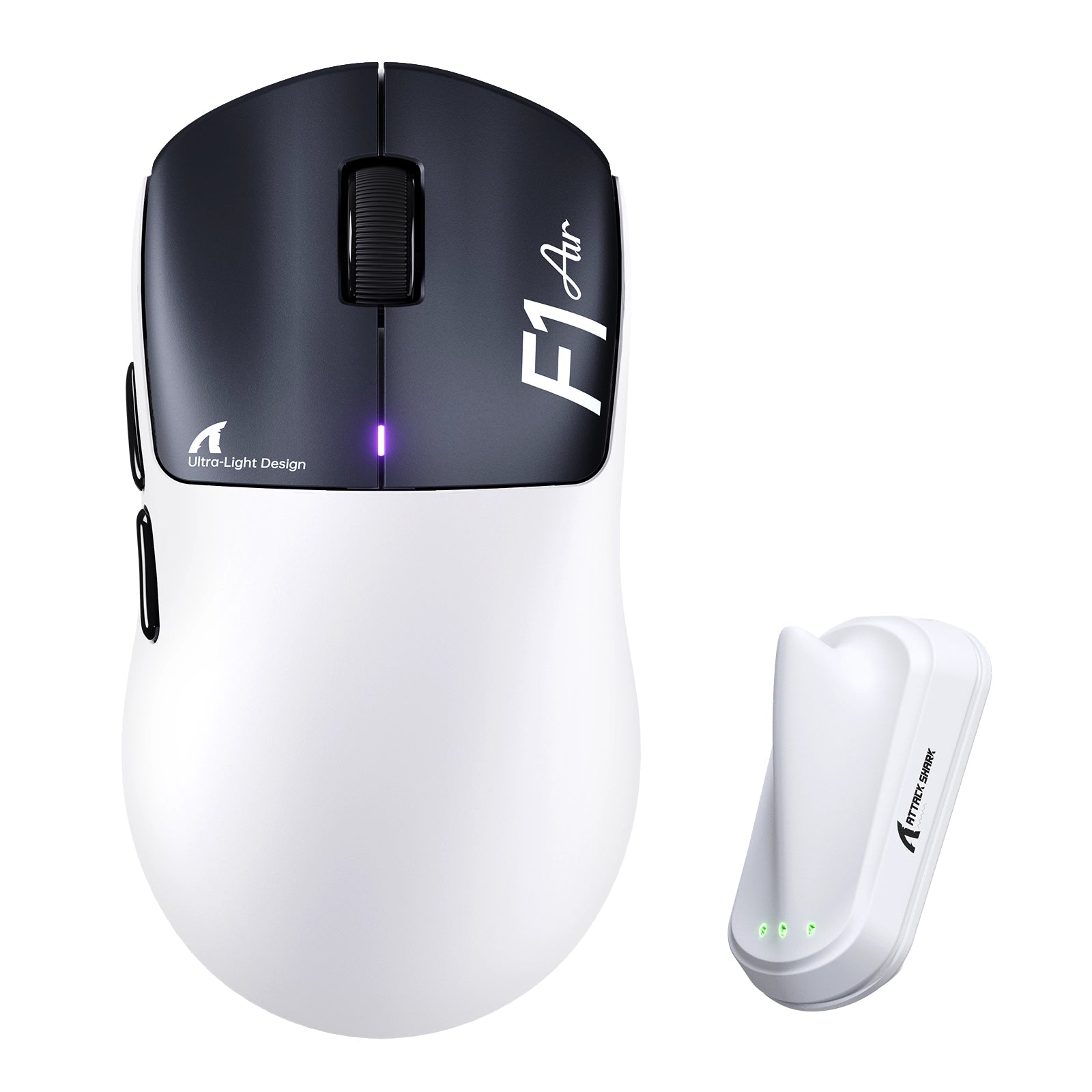
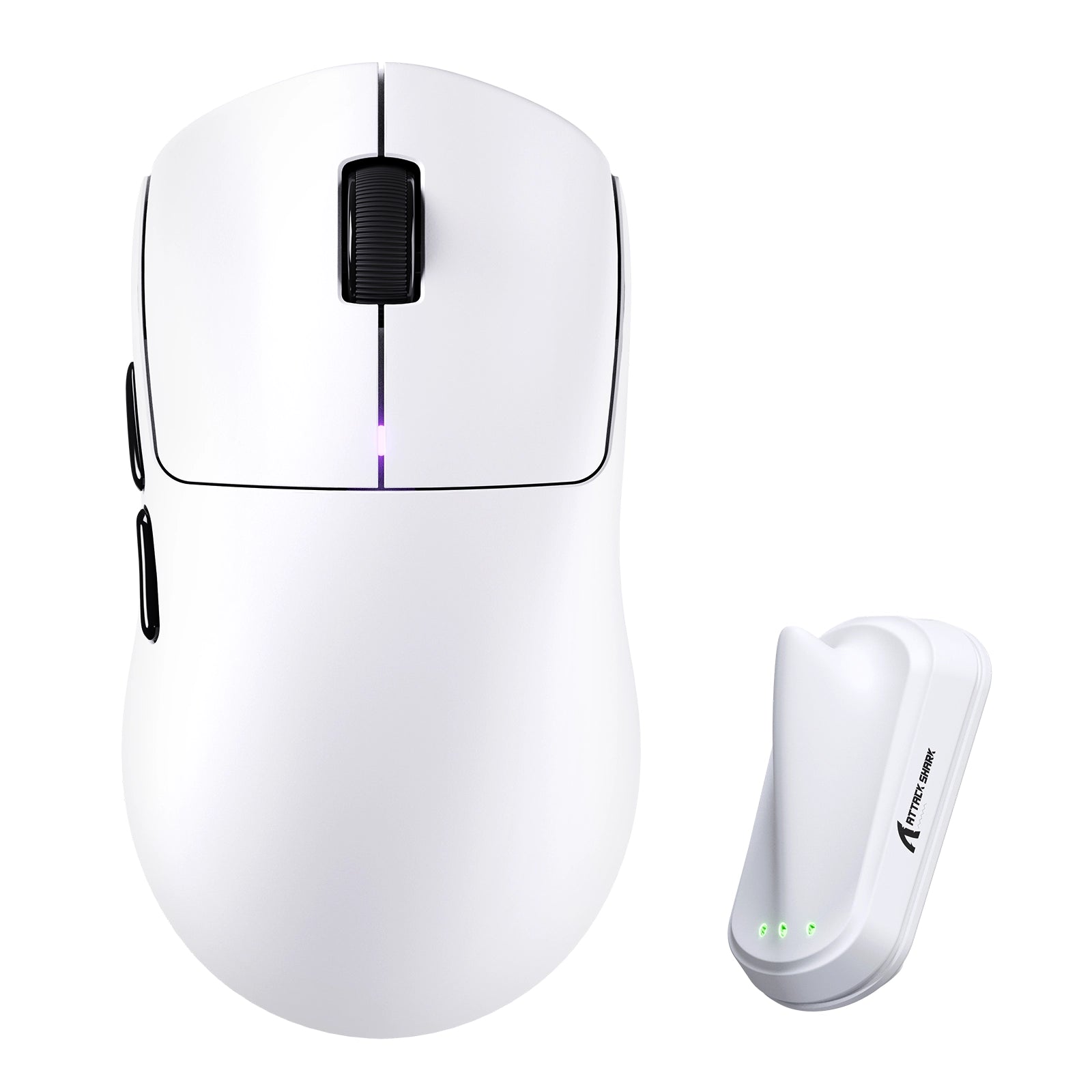
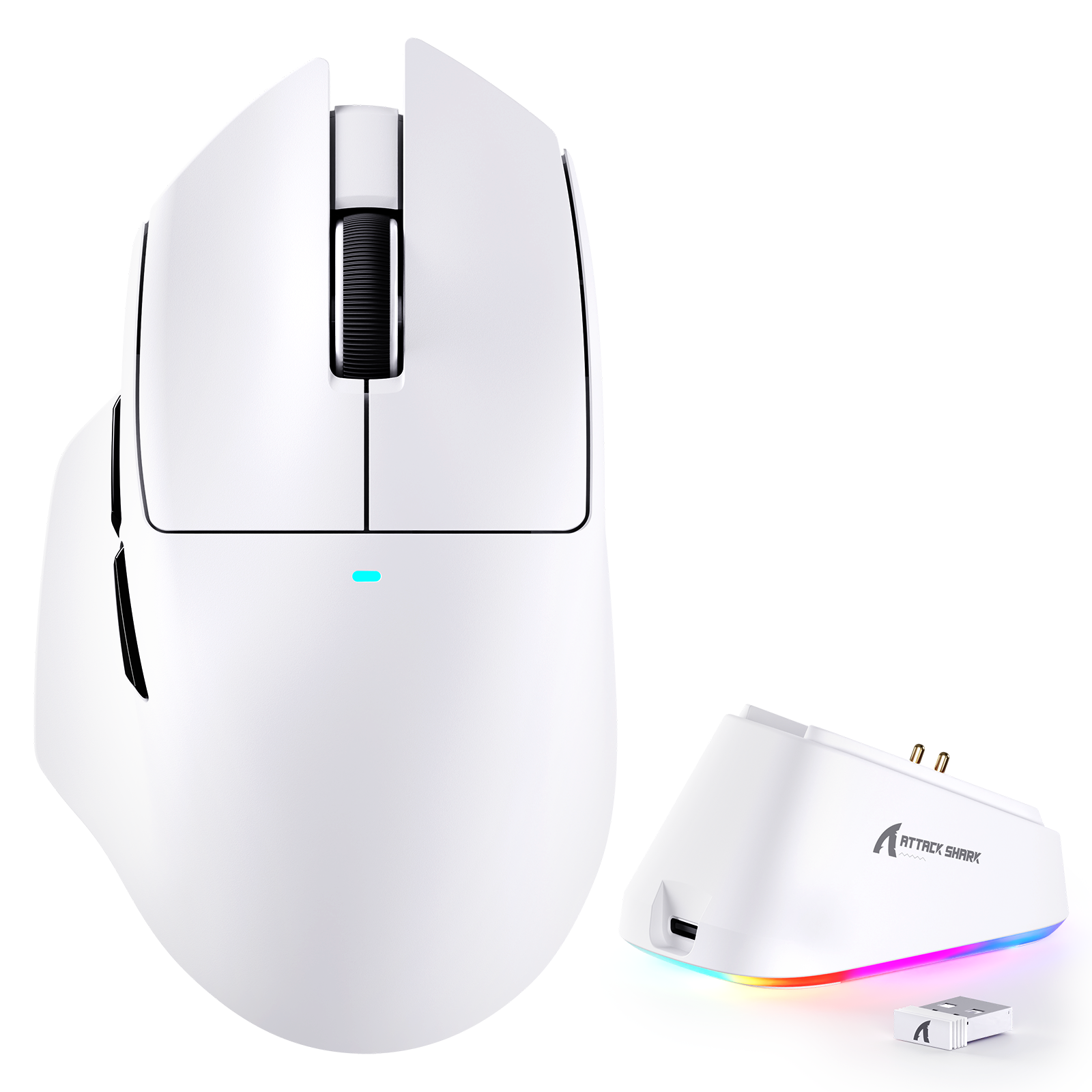
Pre Order Voorbestelling: ATTACK SHARK F1 AIR 39 g draadloze gamingmuis met PAW3955MAX-sensor White ATTACK SHARK F1 AIR wireless gaming mouse with 8000Hz receiver
Besg 15%
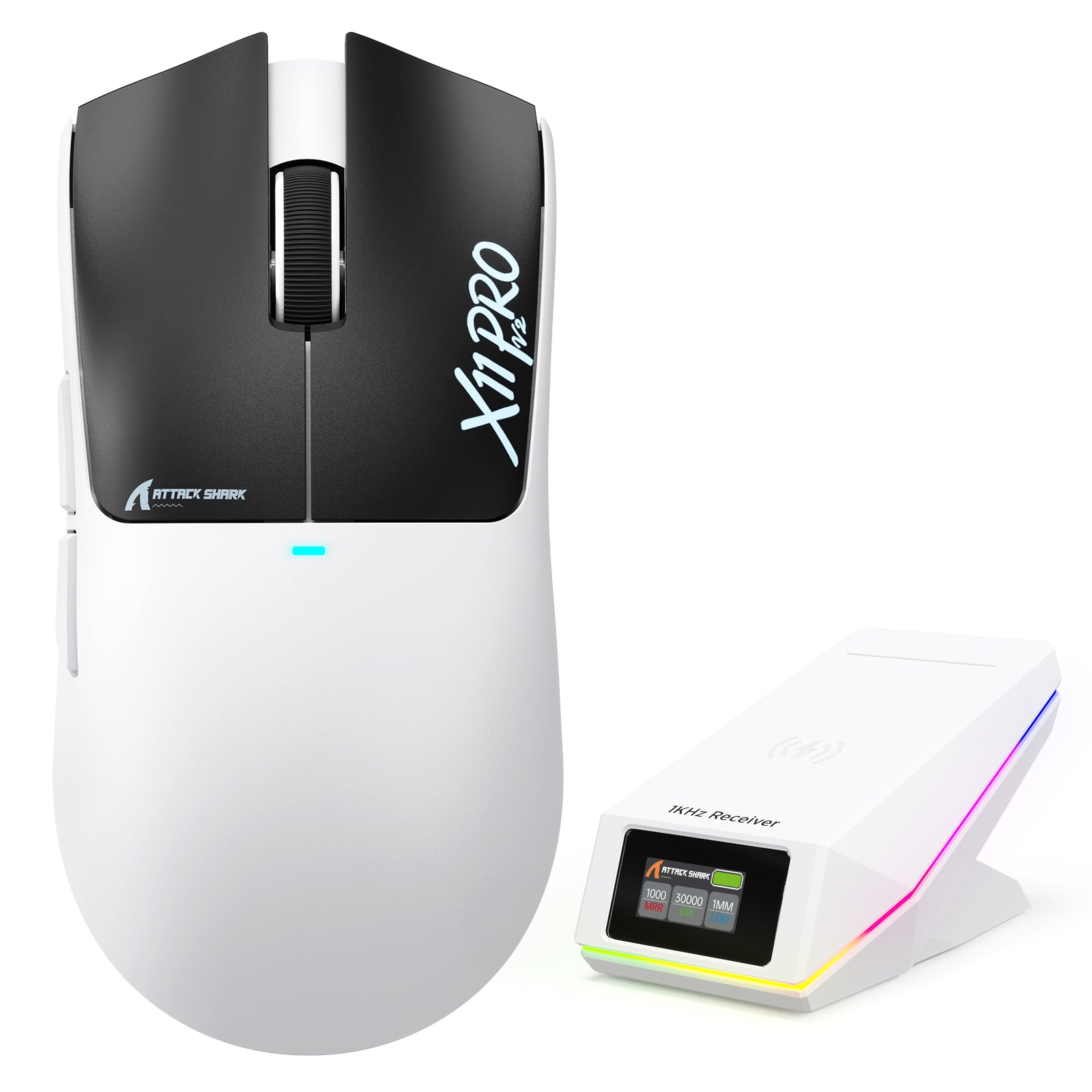
ATTACK SHARK X11 PRO V2 Draadloze Gaming Muis met TFT Display Oplaadstation
Aanbiedingsprijs$36.54 Reguliere prijs$42.99
Besg 12%
Besg 12%
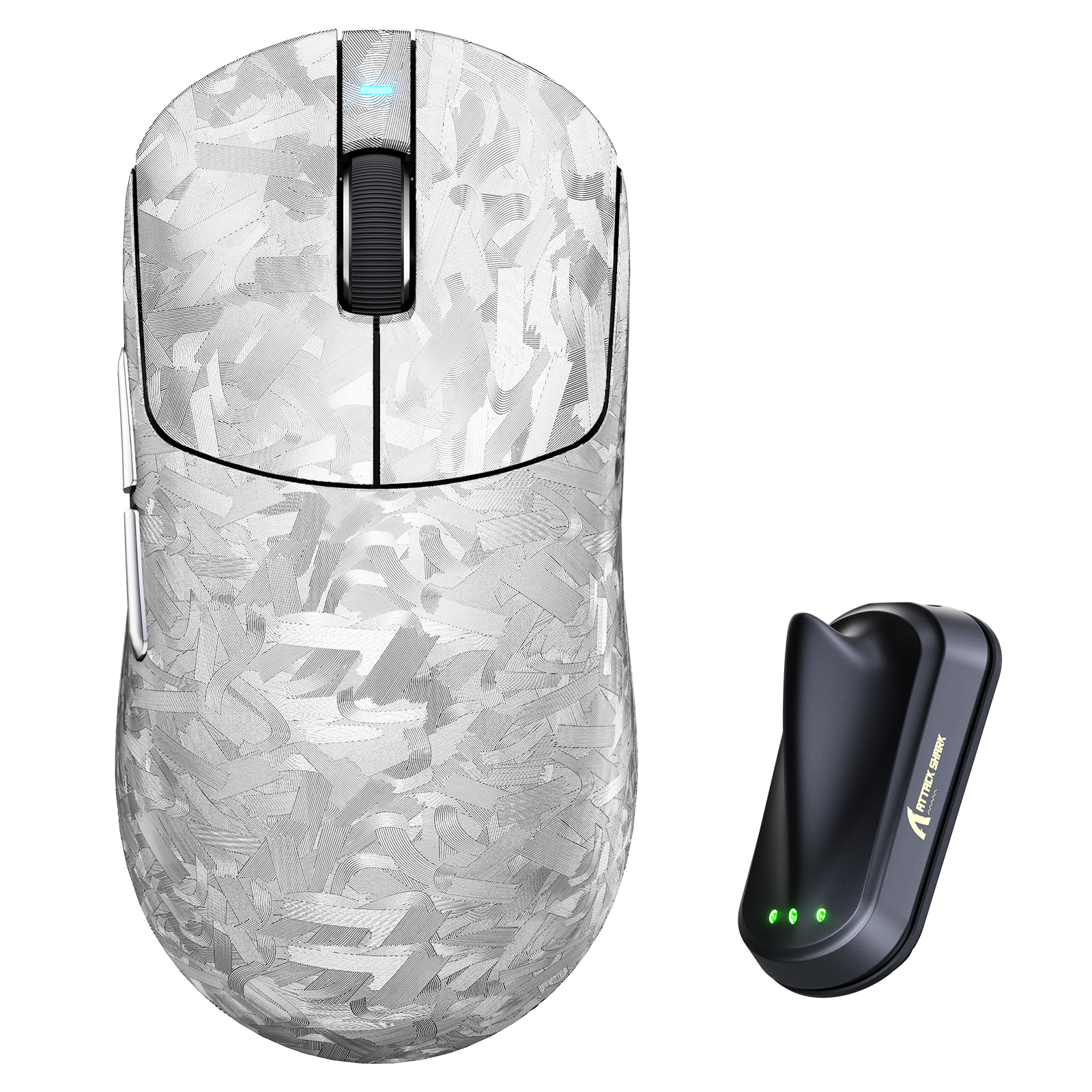
ATTACK SHARK RS3 ULTRA Carbon Fiber Draadloze PAW3955MAX Gaming Muis
Aanbiedingsprijs$96.79 Reguliere prijs$109.99
Up to 15%
Besg 15%
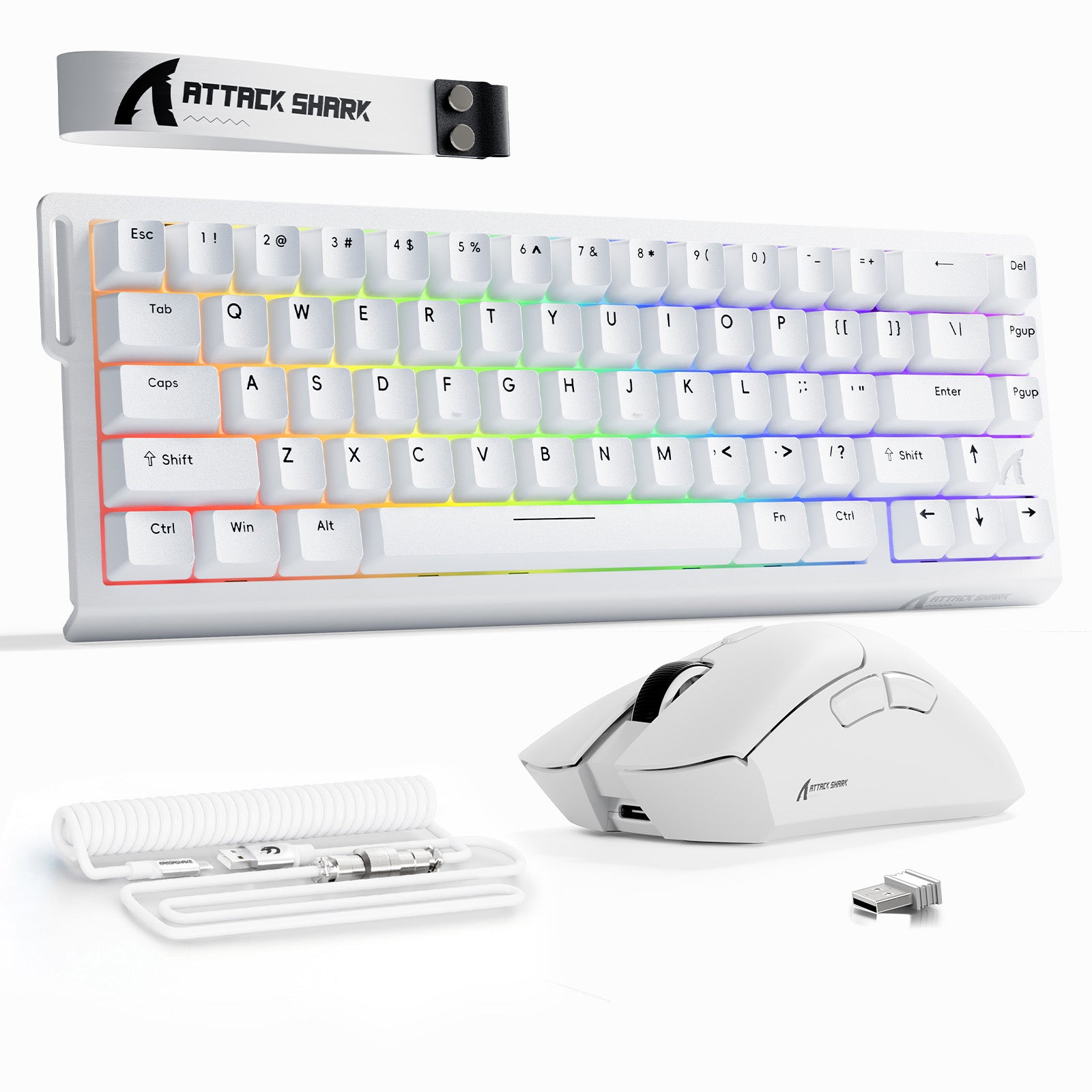
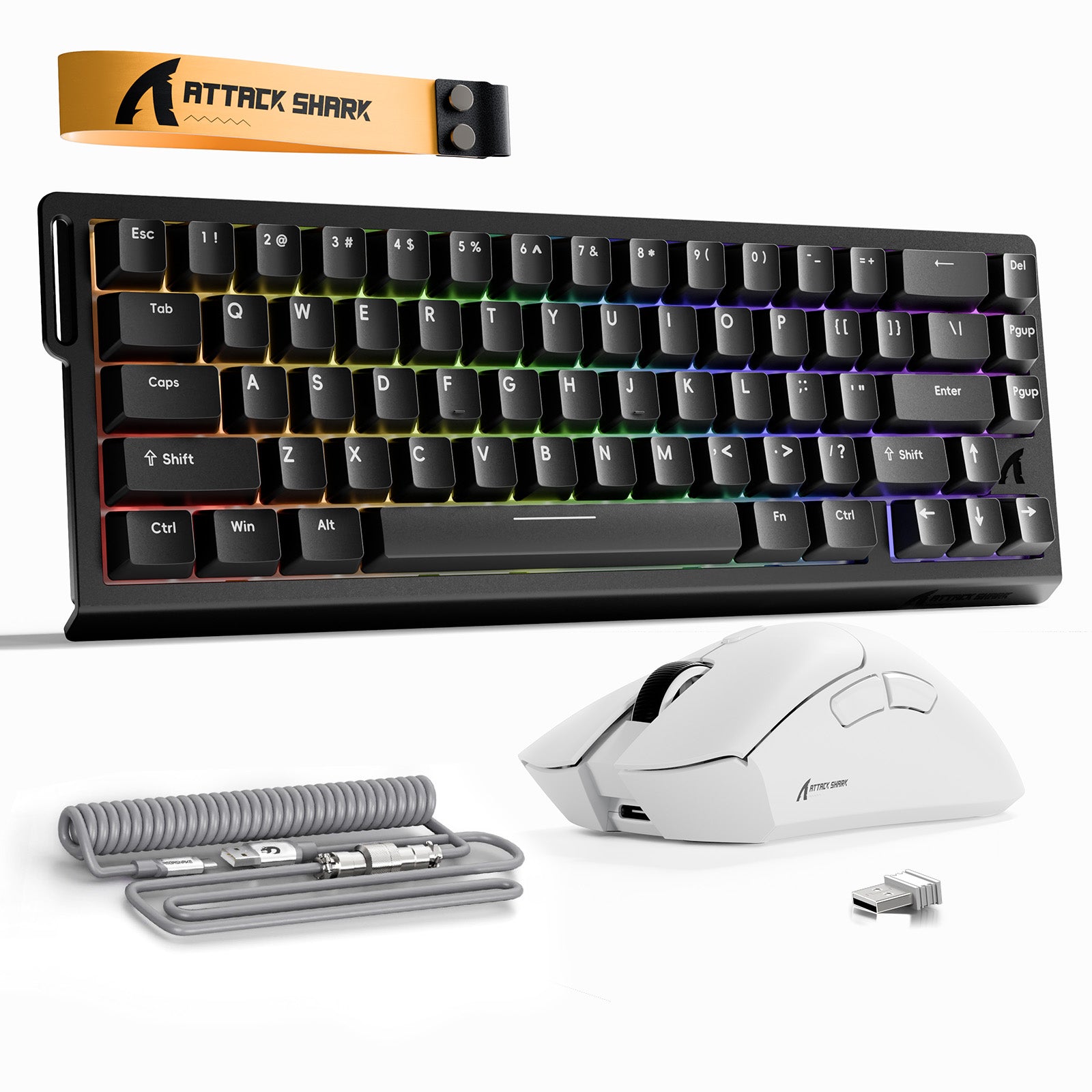
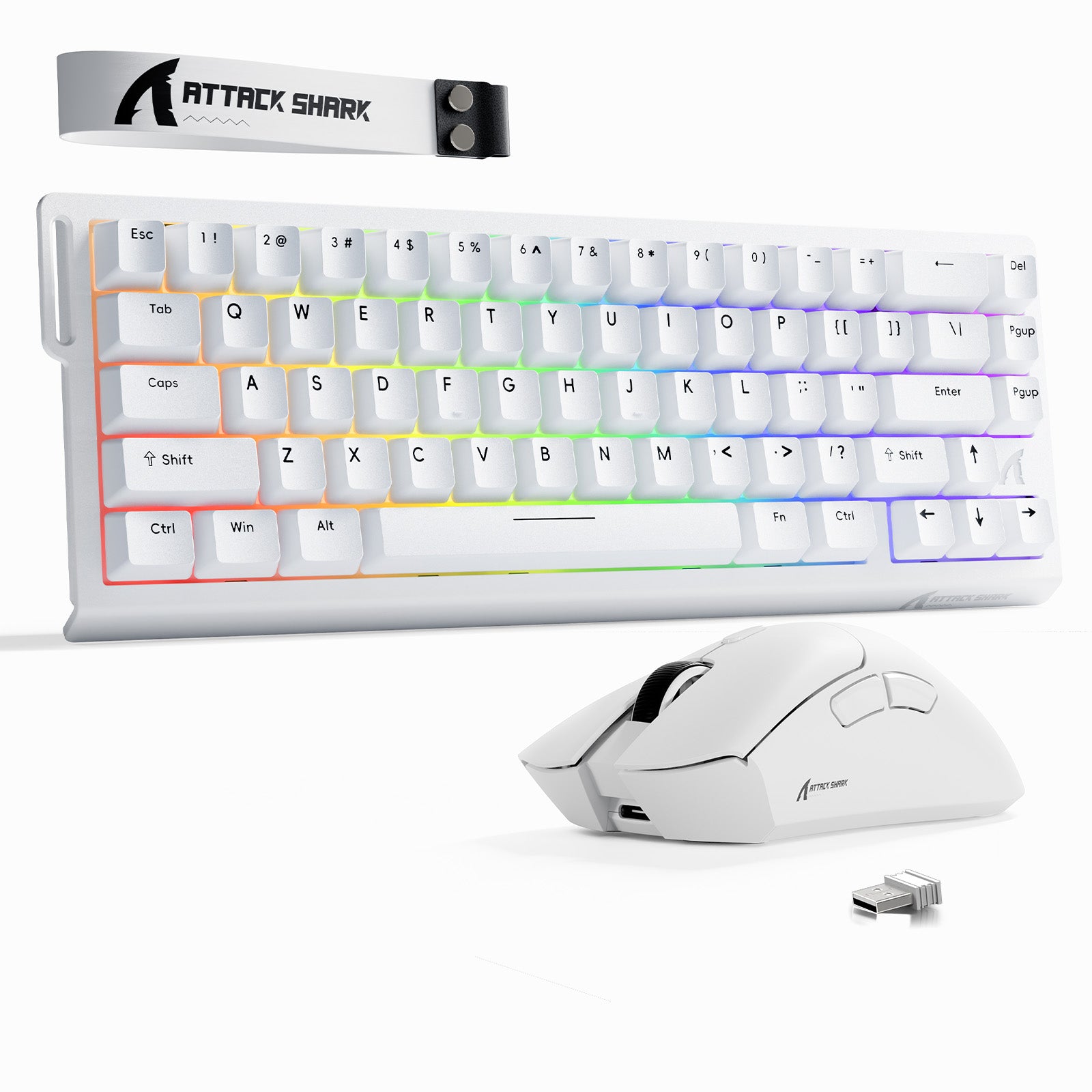
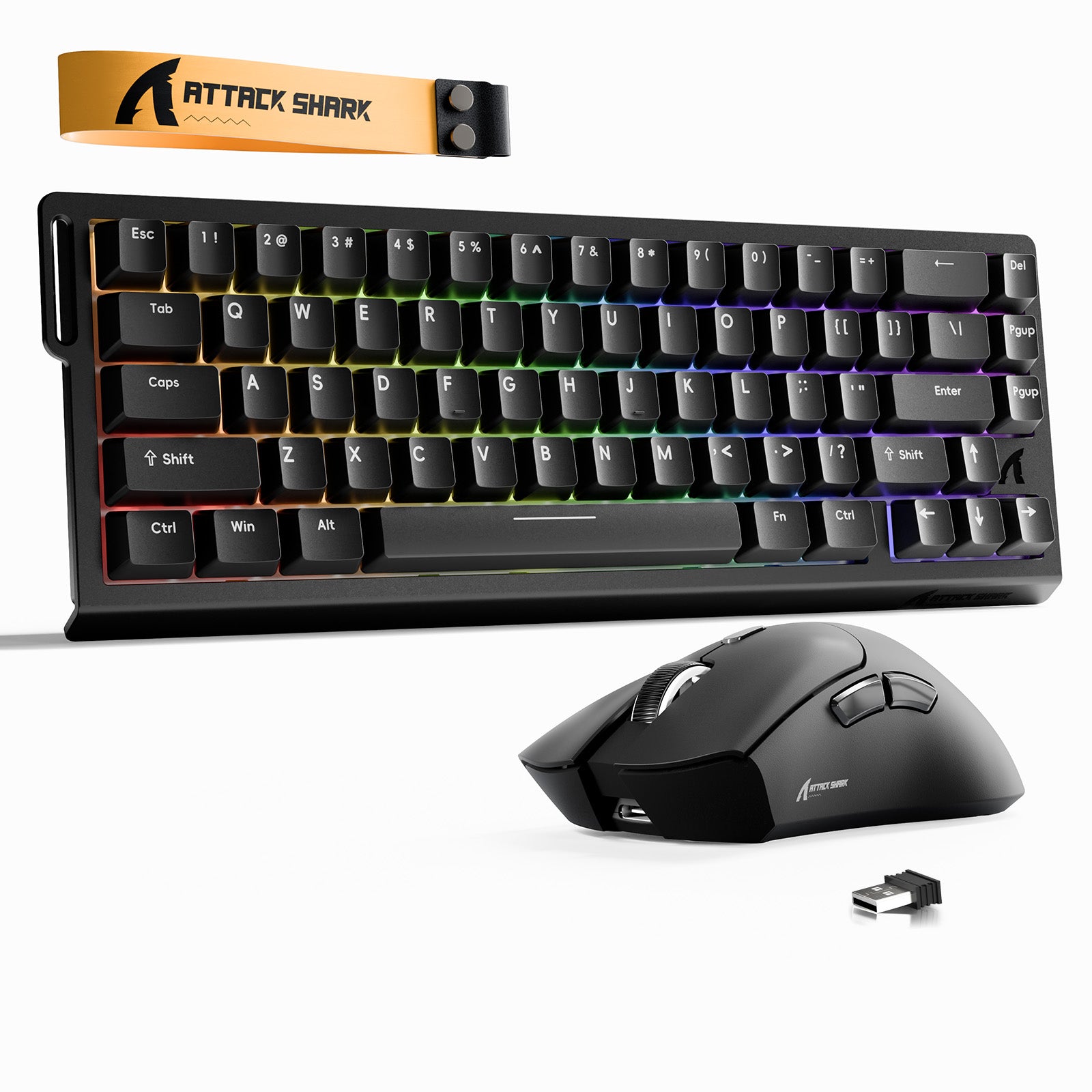
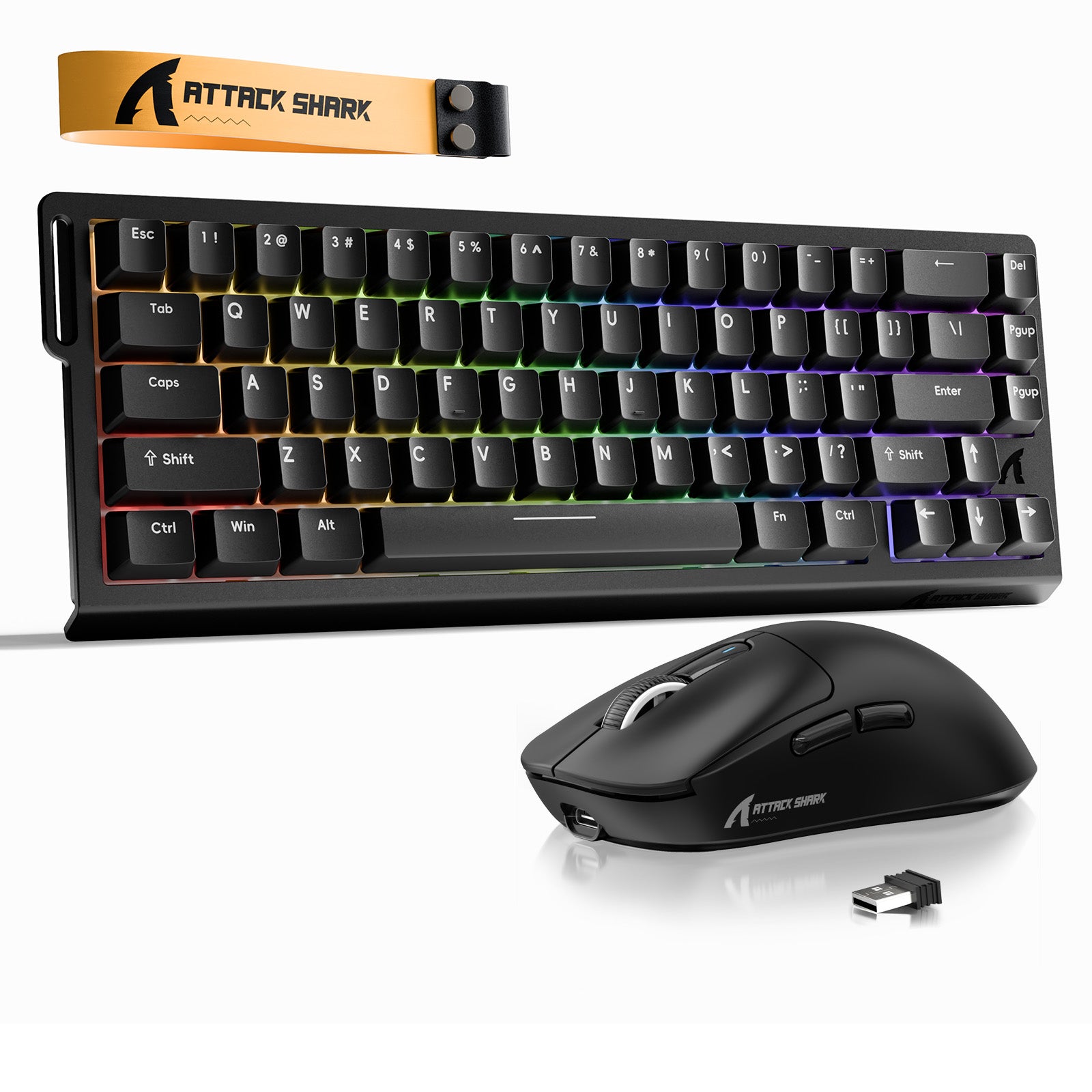
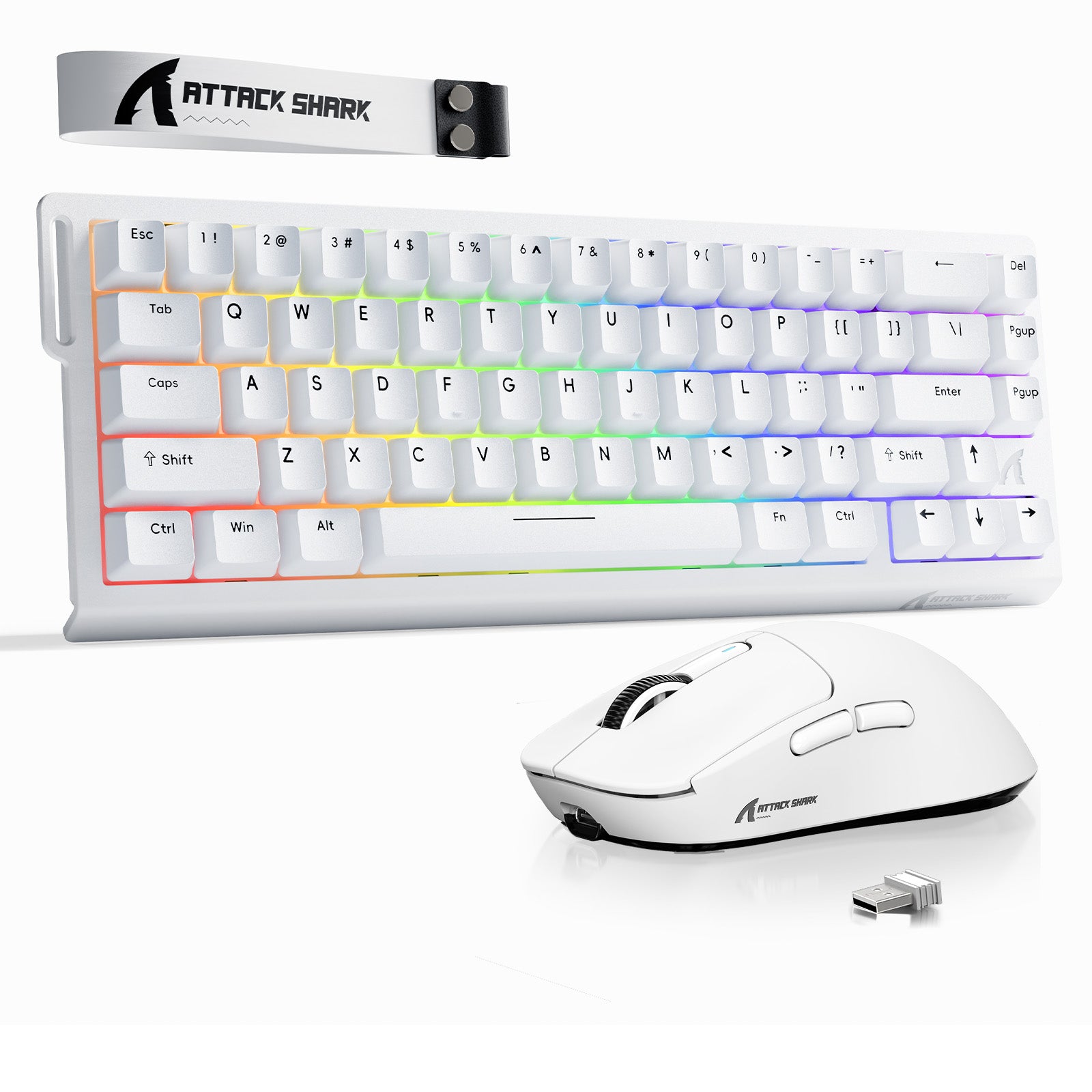
ATTACK SHARK X68 HE-toetsenbord met Rapid Trigger + R1 draadloze gamingmuisbundel
Aanbiedingsprijs$79.03 Reguliere prijs$92.98
Up to 15%
ATTACK SHARK X68 HE-toetsenbord met Rapid Trigger + X3 draadloze gamingmuisbundel
AanbiedingsprijsVanaf $87.53 Reguliere prijs$102.98
Up to 12%
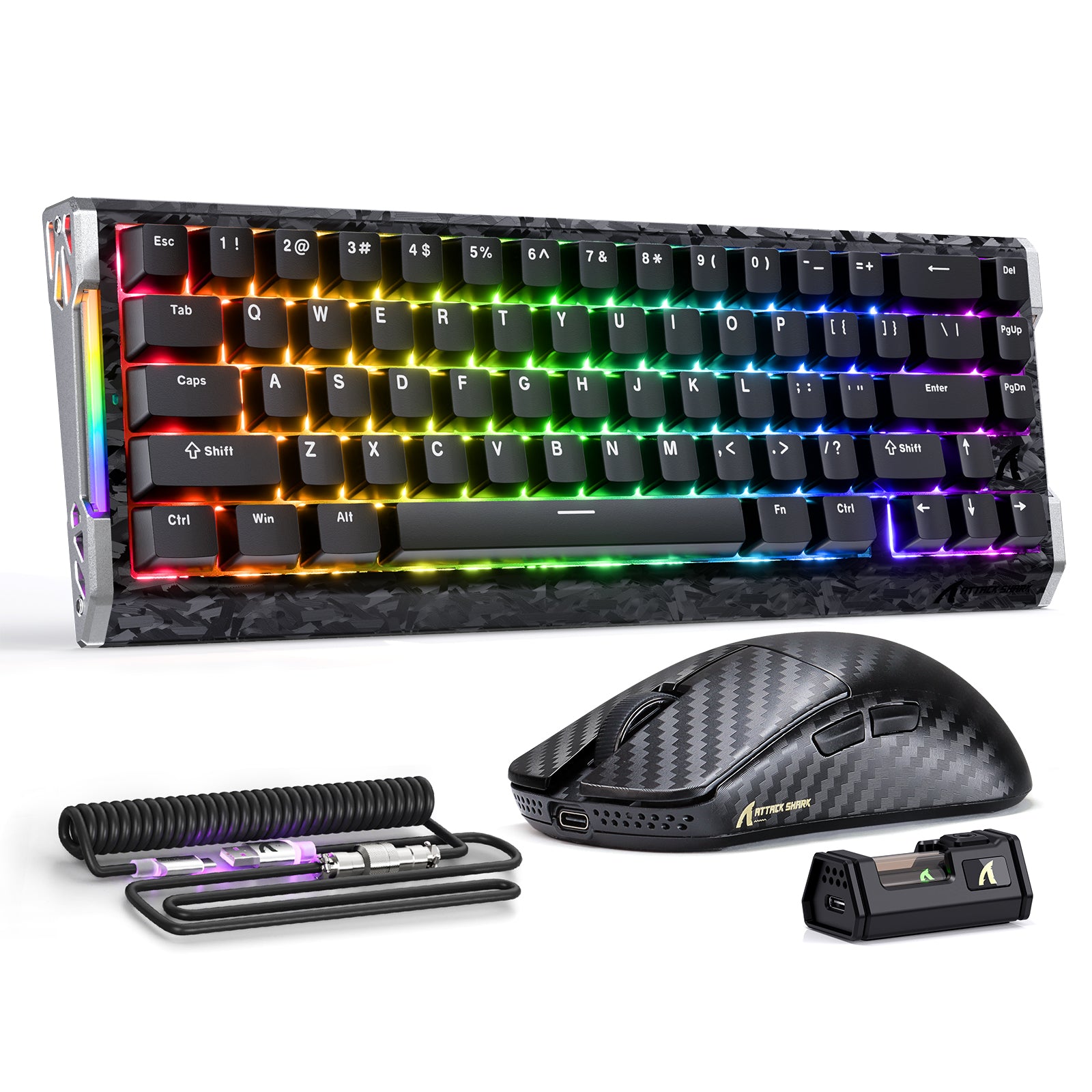
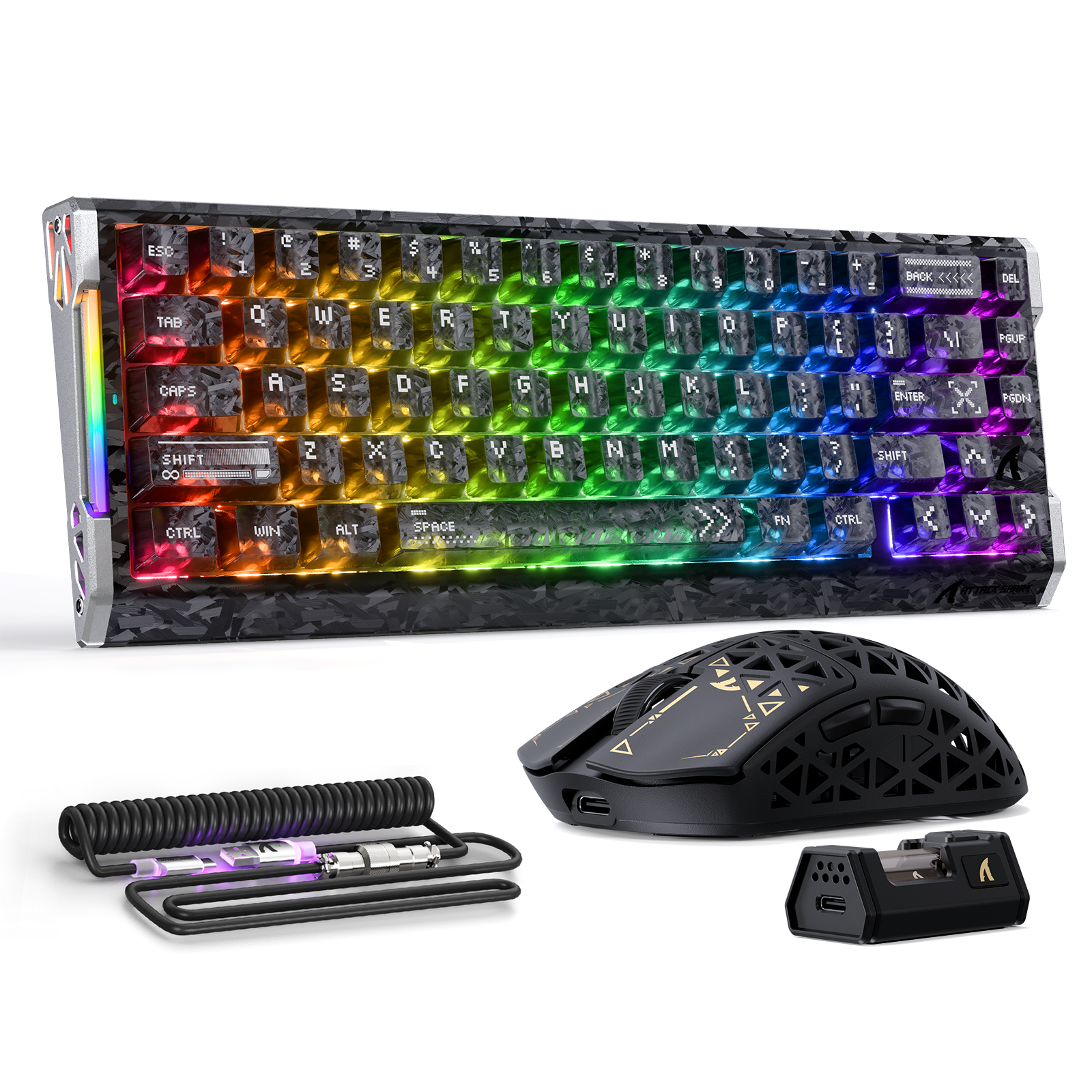
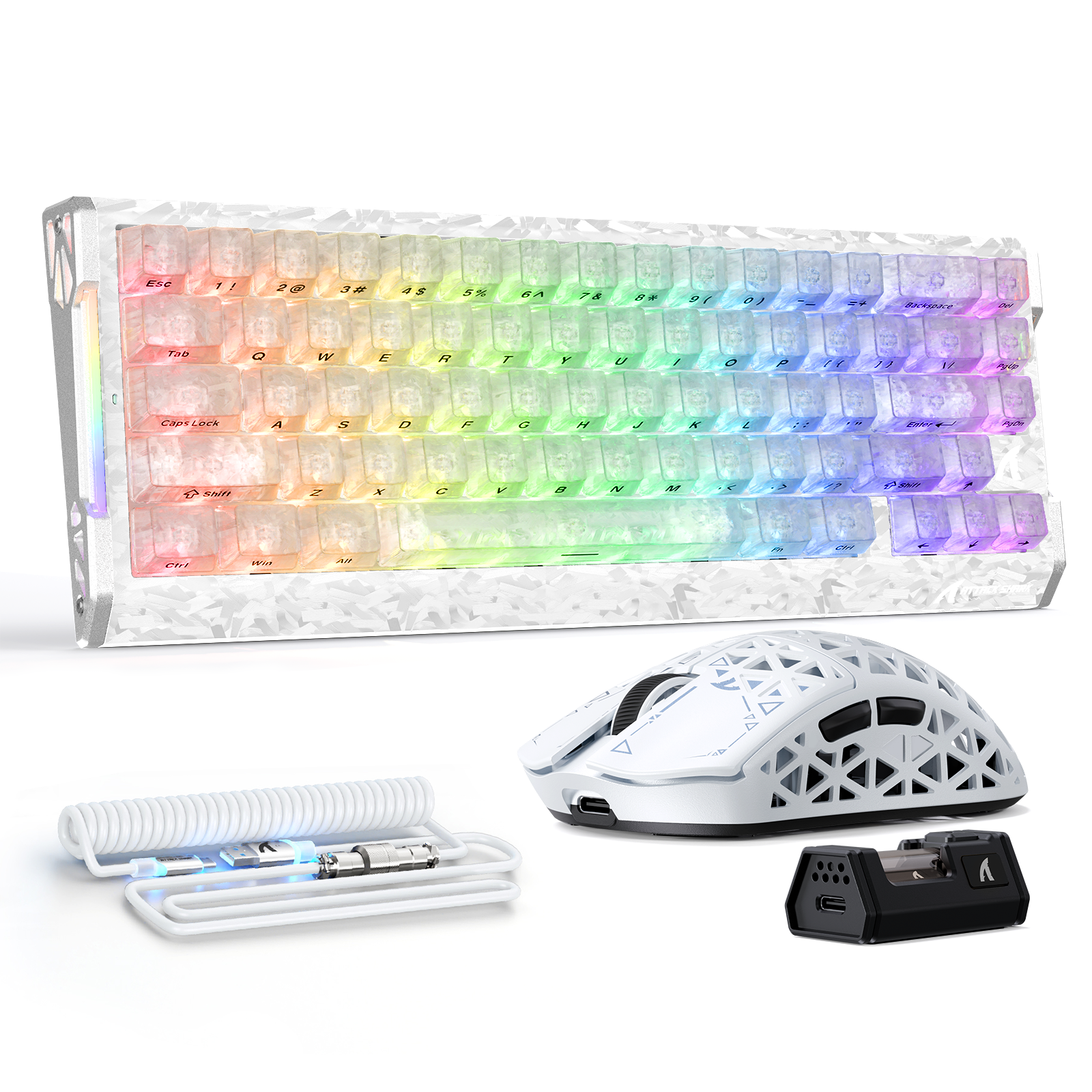
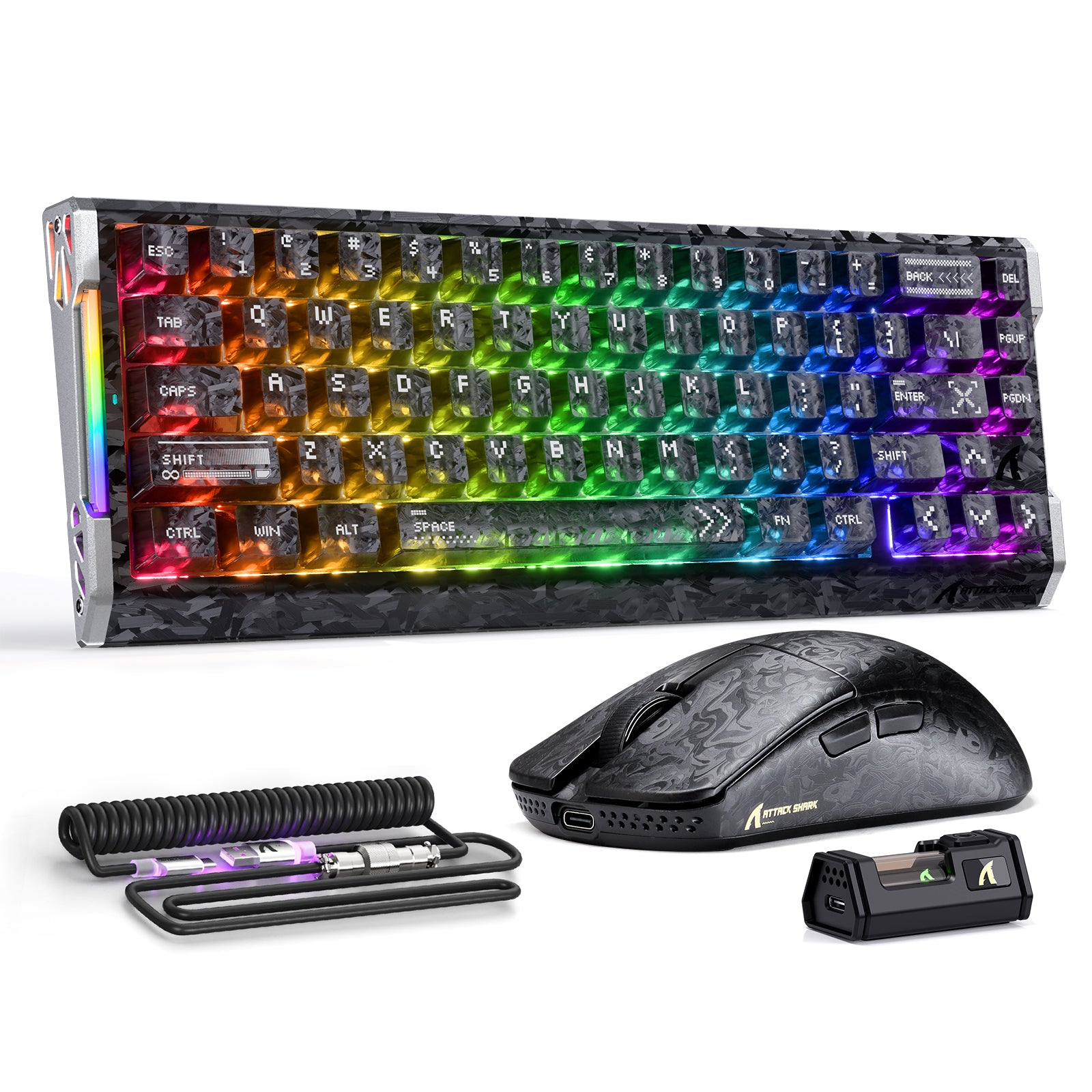
ATTACK SHARK R68 HE & R11 ULTRA Carbon Fiber Gaming Bundel Met C01 ULTRA Opgerolde Kabel
AanbiedingsprijsVanaf $190.06 Reguliere prijs$215.98
Besg 15%
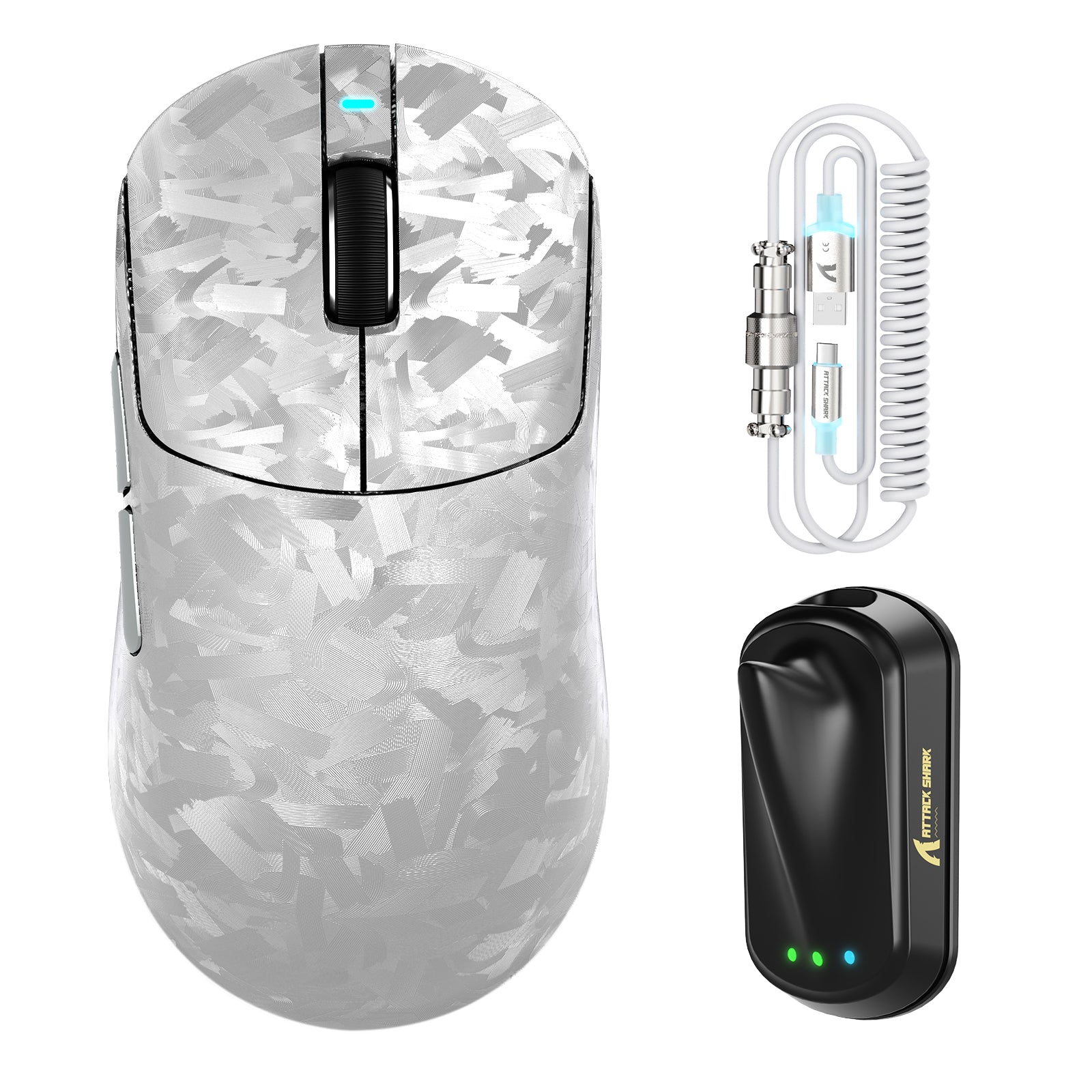
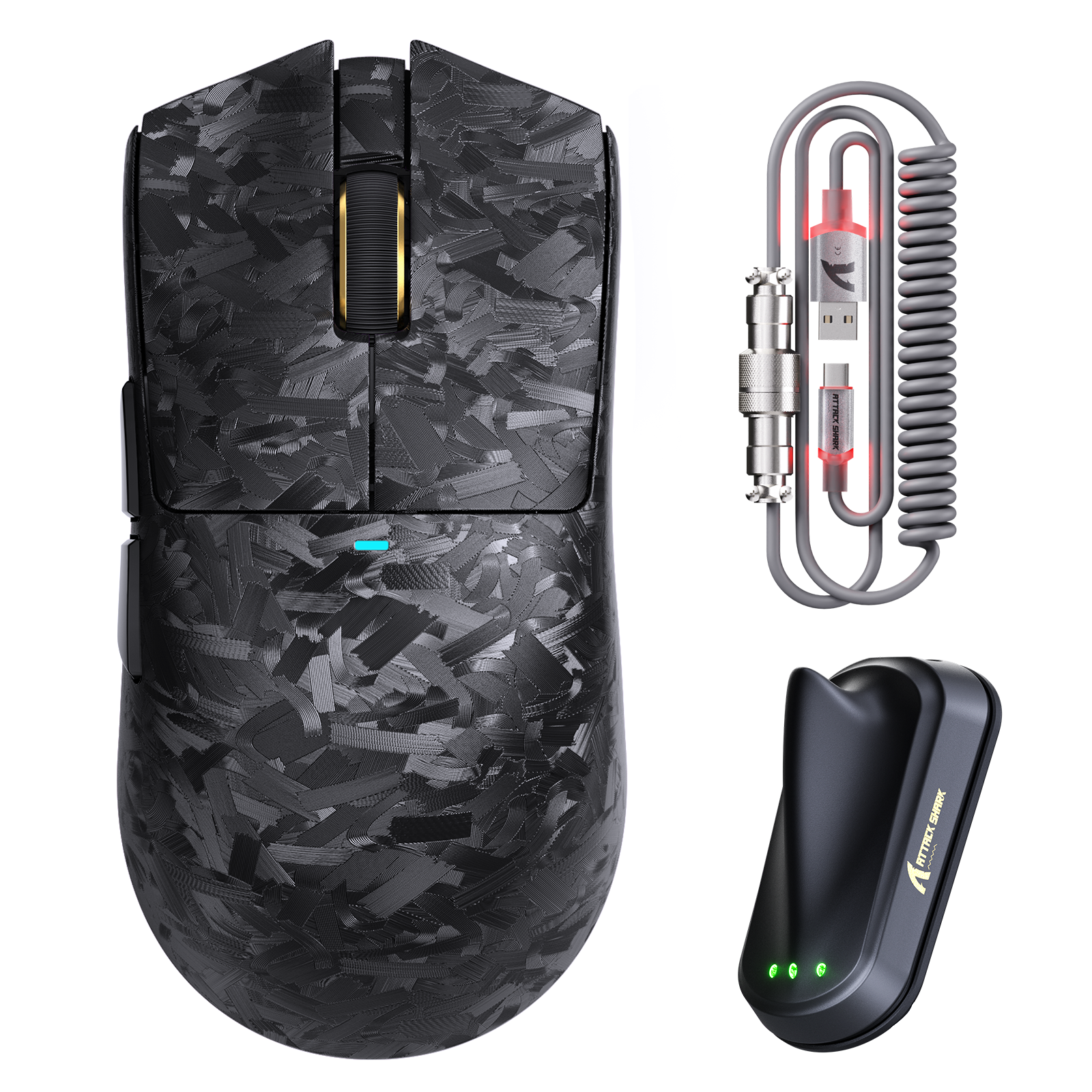
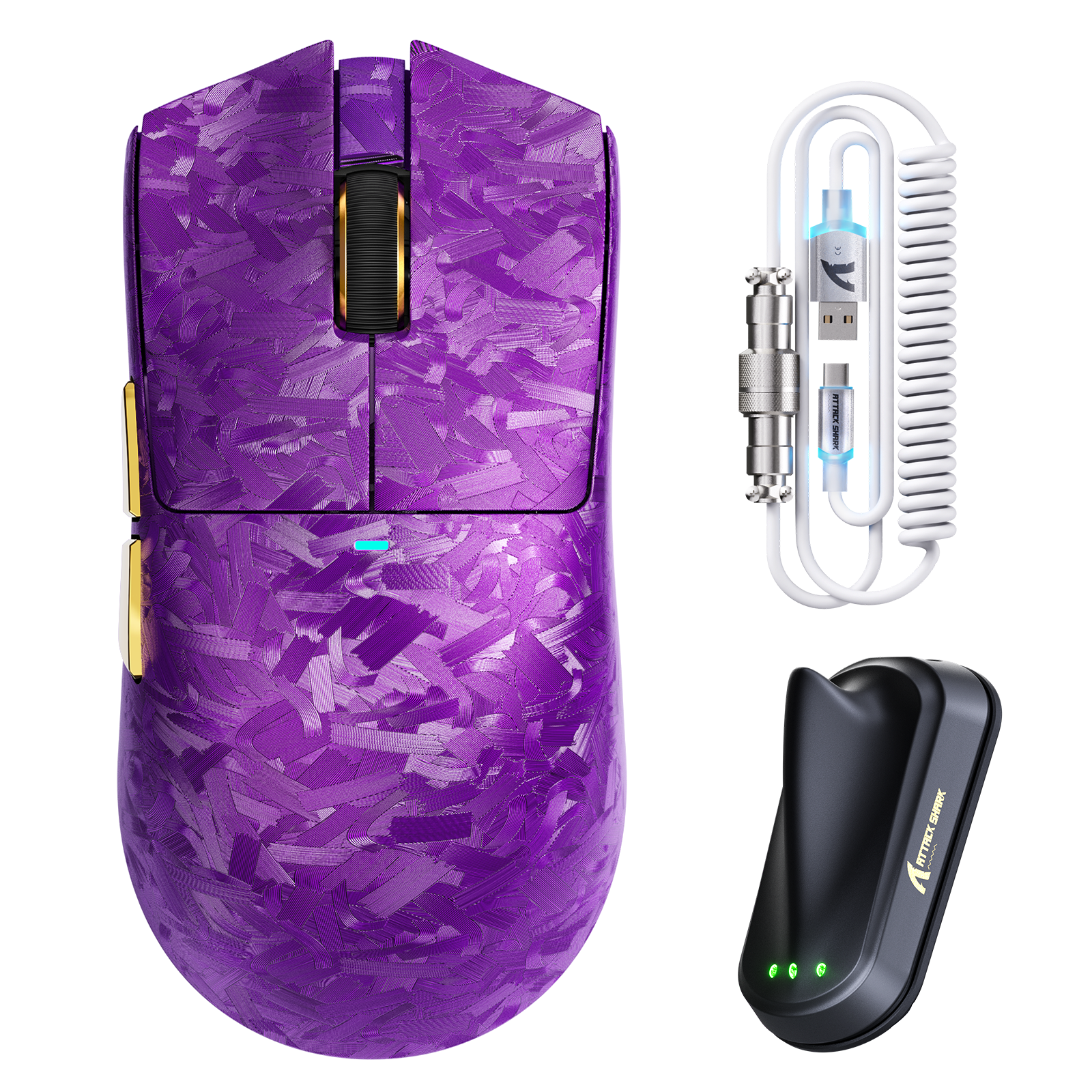
ATTACK SHARK X11 ULTRA Carbon Fiber Draadloze Gaming Muis Met C06 Ultra LED Kabel
Aanbiedingsprijs$98.59 Reguliere prijs$115.99
Up to 12%
ATTACK SHARK R68 HE & X11 ULTRA Carbon Fiber Gaming Bundel met C01 ULTRA Opgerolde Kabel
AanbiedingsprijsVanaf $190.06 Reguliere prijs$215.98
Besg 12%
ATTACK SHARK R68 HE & R5 ULTRA Carbon Fiber Gaming Bundel met C01 ULTRA Opgerolde Kabel
Aanbiedingsprijs$172.46 Reguliere prijs$185.98
Up to 12%
ATTACK SHARK R68 HE & R5 ULTRA Carbon Fiber Gaming Bundel
AanbiedingsprijsVanaf $158.38 Reguliere prijs$179.98
Up to 12%
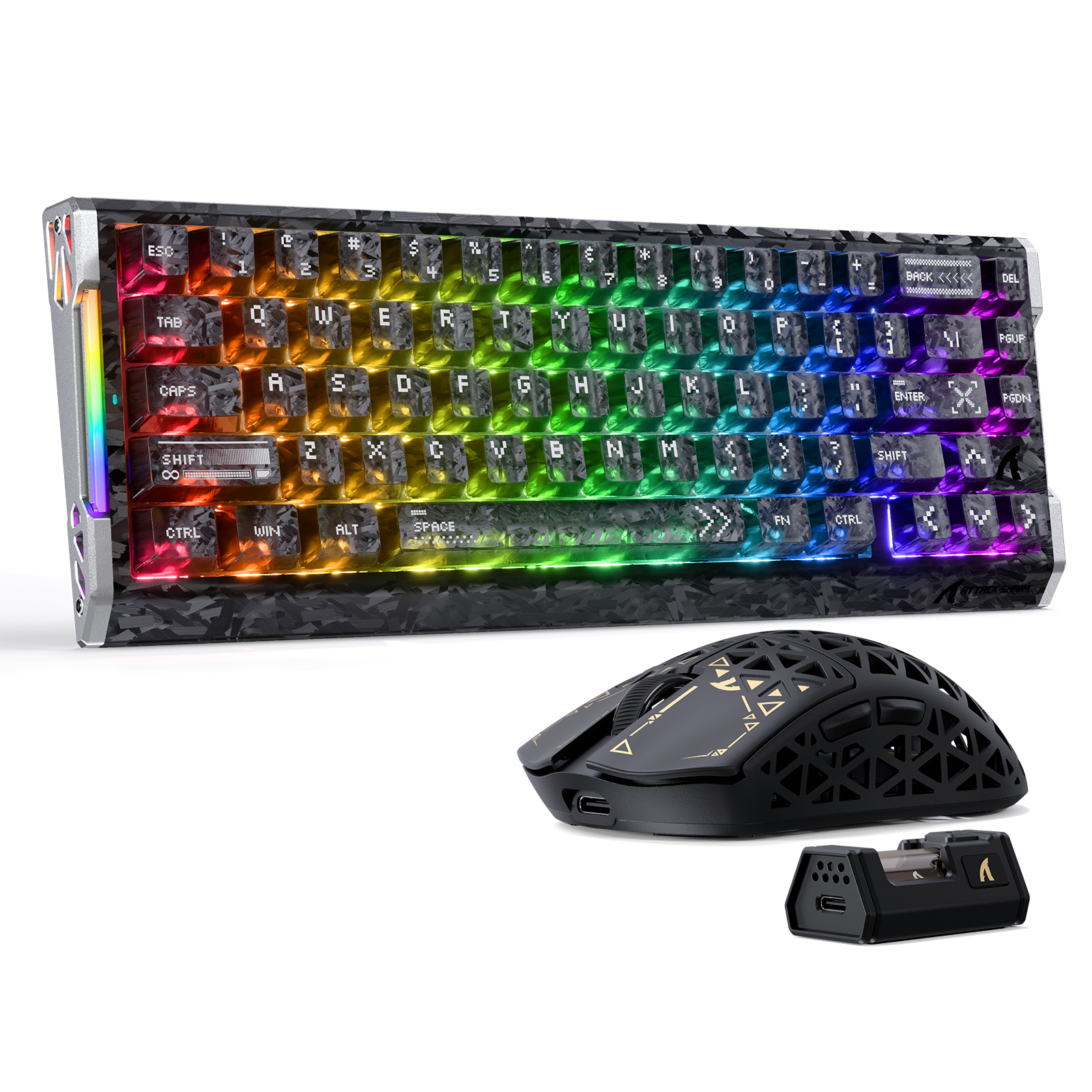
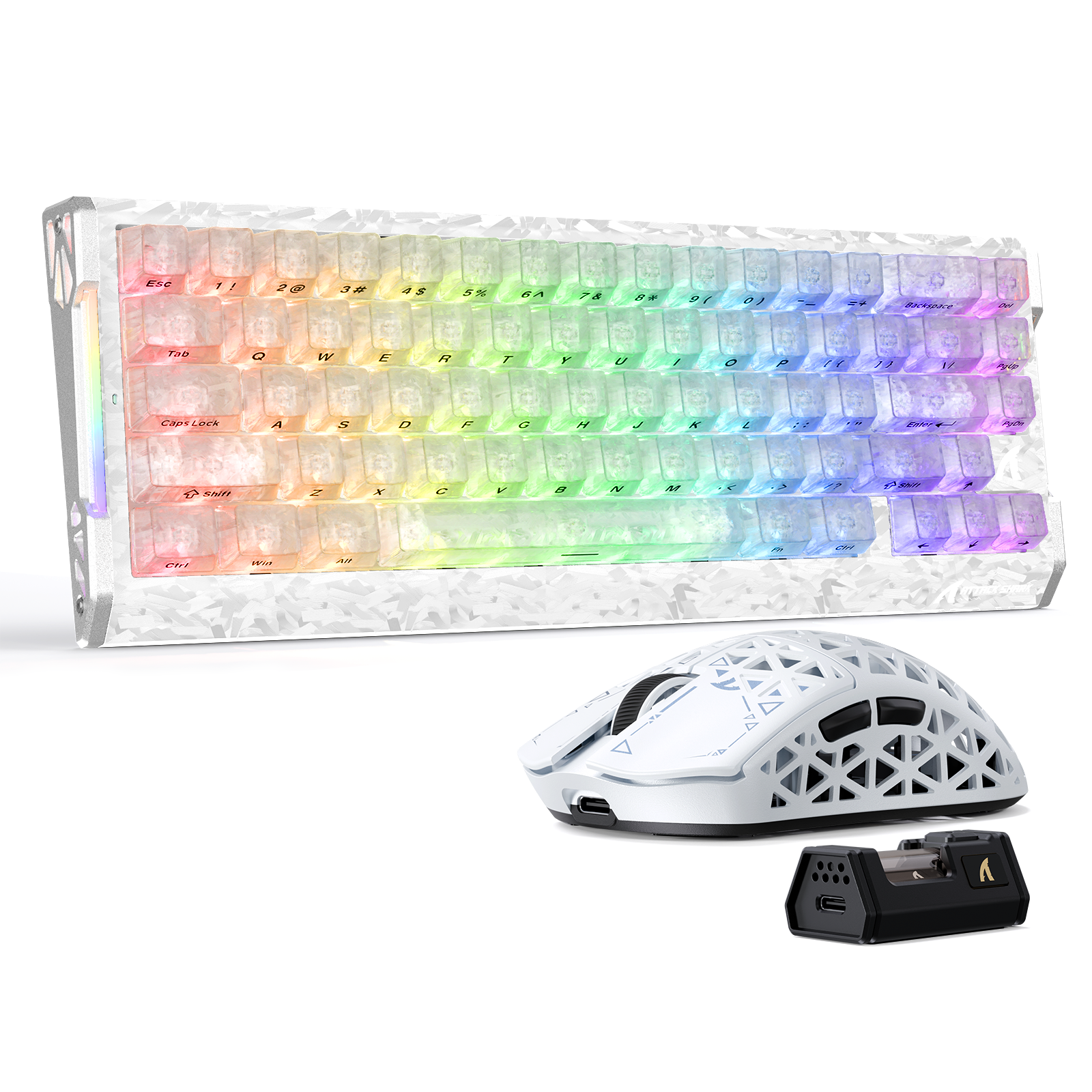
ATTACK SHARK R68 HE & X11 ULTRA Carbon Fiber Gaming Bundel
AanbiedingsprijsVanaf $184.78 Reguliere prijs$209.98
Besg 15%
ATTACK SHARK X11 ULTRA Carbon Fiber Draadloze 8K PAW3950MAX Gaming Muis
Aanbiedingsprijs$93.49 Reguliere prijs$109.99
Besg 15%
ATTACK SHARK V8 Ultra-Lichte Ergonomische Draadloze Gaming Muis
Aanbiedingsprijs$67.99 Reguliere prijs$79.99
Up to 15%
ATTACK SHARK V3 PRO Ultra-Lichte gamingmuis met drie modi en oplaaddock
AanbiedingsprijsVanaf $29.74 Reguliere prijs$34.99
+2
Up to 15%
ATTACK SHARK V6 Ultra-Lichte Driemodi Gaming Muis
AanbiedingsprijsVanaf $29.74 Reguliere prijs$34.99
+2
Up to 15%
ATTACK SHARK V3 Ultra-Lichte Driemodi Gaming Muis
AanbiedingsprijsVanaf $23.79 Reguliere prijs$27.99
+2
Besg 15%
Besg 15%
ATTACK SHARK R11 ULTRA Carbon Fiber Draadloze 8K PAW3950MAX Gaming Muis
Aanbiedingsprijs$93.49 Reguliere prijs$109.99
Besg 15%
ATTACK SHARK V5 8KHz Draadloze PAW3950MAX Gaming Muis met C06 Ultra Kabel
Aanbiedingsprijs$59.49 Reguliere prijs$69.99
Up to 15%
ATTACK SHARK X8 Serie Driemodi Lichtgewicht Draadloze Gaming Muis
AanbiedingsprijsVanaf $28.04 Reguliere prijs$32.99
Besg 15%
ATTACK SHARK X8 PLUS draadloze gamingmuis met drie modi en C06 ULTRA-kabel
Aanbiedingsprijs$45.04 Reguliere prijs$52.99

Veelgestelde vragen over Gaming Muis | Draadloos | Superlicht | Ergonomisch

What DPI should I use for gaming?

DPI (Dots Per Inch) determines your mouse sensitivity. Higher DPI means faster cursor movement. The ideal DPI varies depending on game genre and personal preference. Experiment to find what works best for you. Many ATTACK SHARK mice offer adjustable DPI settings, allowing you to fine-tune your sensitivity on the fly.

What is the polling rate of your mice?

The polling rate refers to how often the mouse reports its position to the computer — a higher polling rate results in smoother and more responsive cursor movement.

What are the different grip styles for gaming mice?

The three main grip styles are palm, claw, and fingertip. The palm grip offers the most support and comfort, the claw grip provides more control and precision, and the fingertip grip allows quick and agile movements.

What is the difference between Bluetooth and wireless mice?

While both offer wireless connectivity, Bluetooth mice typically prioritize power efficiency and broader compatibility, while dedicated wireless mice (using a 2.4GHz dongle) prioritize lower latency and higher performance for gaming.

What kind of switches do your mice use?

ATTACK SHARK mice utilize high-quality switches like Omron Optical Microswitches and HUANO switches, which are renowned for their durability, responsiveness, and tactile feedback. These switches ensure long-lasting performance and a satisfying clicking experience.
Explore the ATTACK SHARK collection and discover the best gaming mouse to elevate your performance.

Why does the wireless USB receiver not work?

Please switch to another USB port or another computer device to test, as the USB port may interfere with the wireless signal.
And please check the computer's USB settings and driver updates. If it still can't be solved, please feel free to contact us.

Where is the USB receiver for the X3PRO mouse?

The X3PRO, R3, and R2 mice are now upgraded to the latest large 8K receiver, replacing the previous ordinary small receiver. The large 8K receiver is a more stable wireless signal, and 8Khz is more stable.

Where can I download the driver software for the keyboard?

You can download the driver from our official website, URL: https://attackshark.com/pages/driver-download.
Enter the model into the search bar, and then click on the one you want to download the driver and the manual.

Why is the 8Khz polling rate set but not reaching 8Khz?

Since the 8Khz polling rate has higher requirements for the computer configuration and screen, please feel free to contact us to check for you, thank you.

How to solve the mouse double-click problem?

Please test the double-click problem in the double-click software. You can adjust it in the driver software settings or in the computer's mouse settings. If it still can't be solved, please feel free to contact us.