
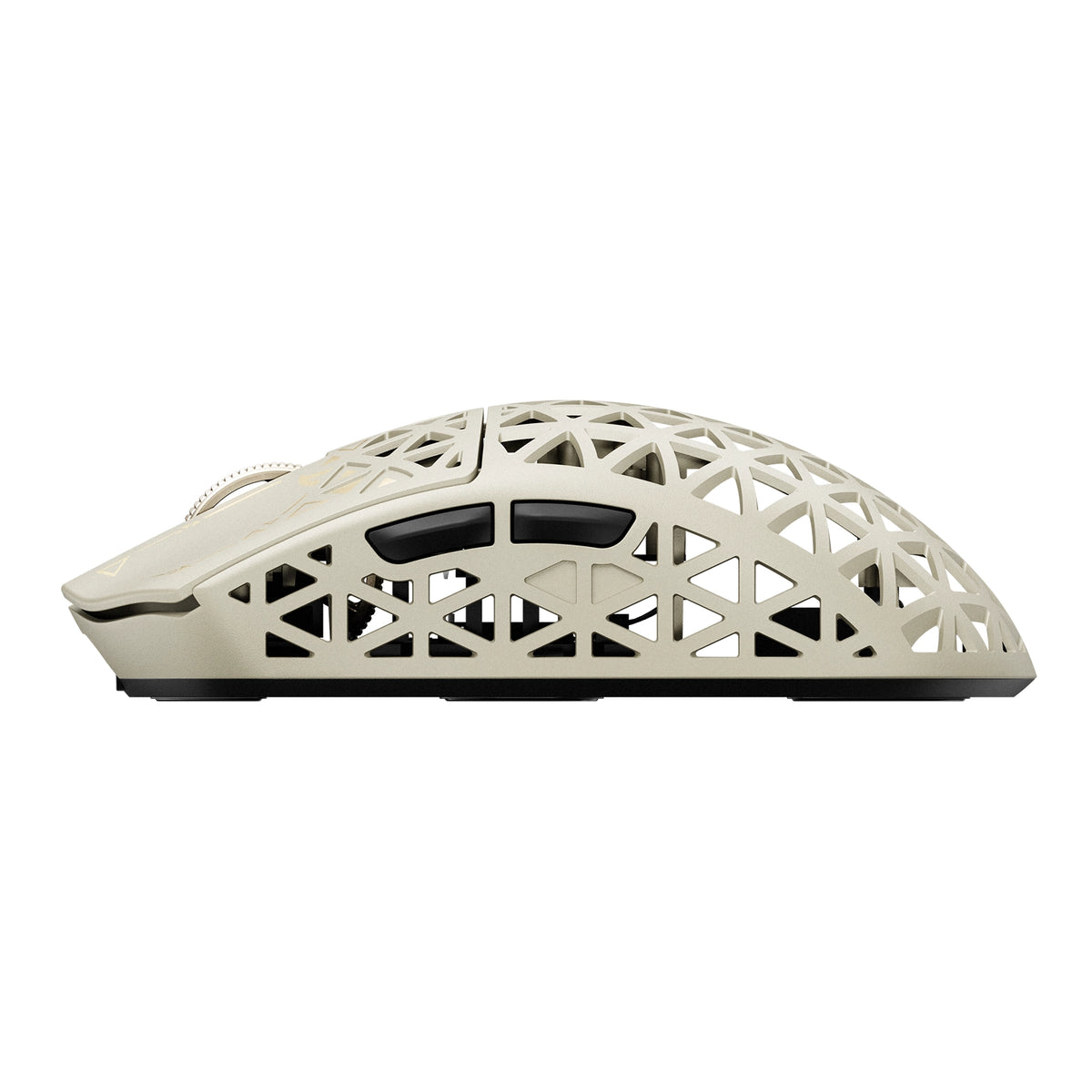
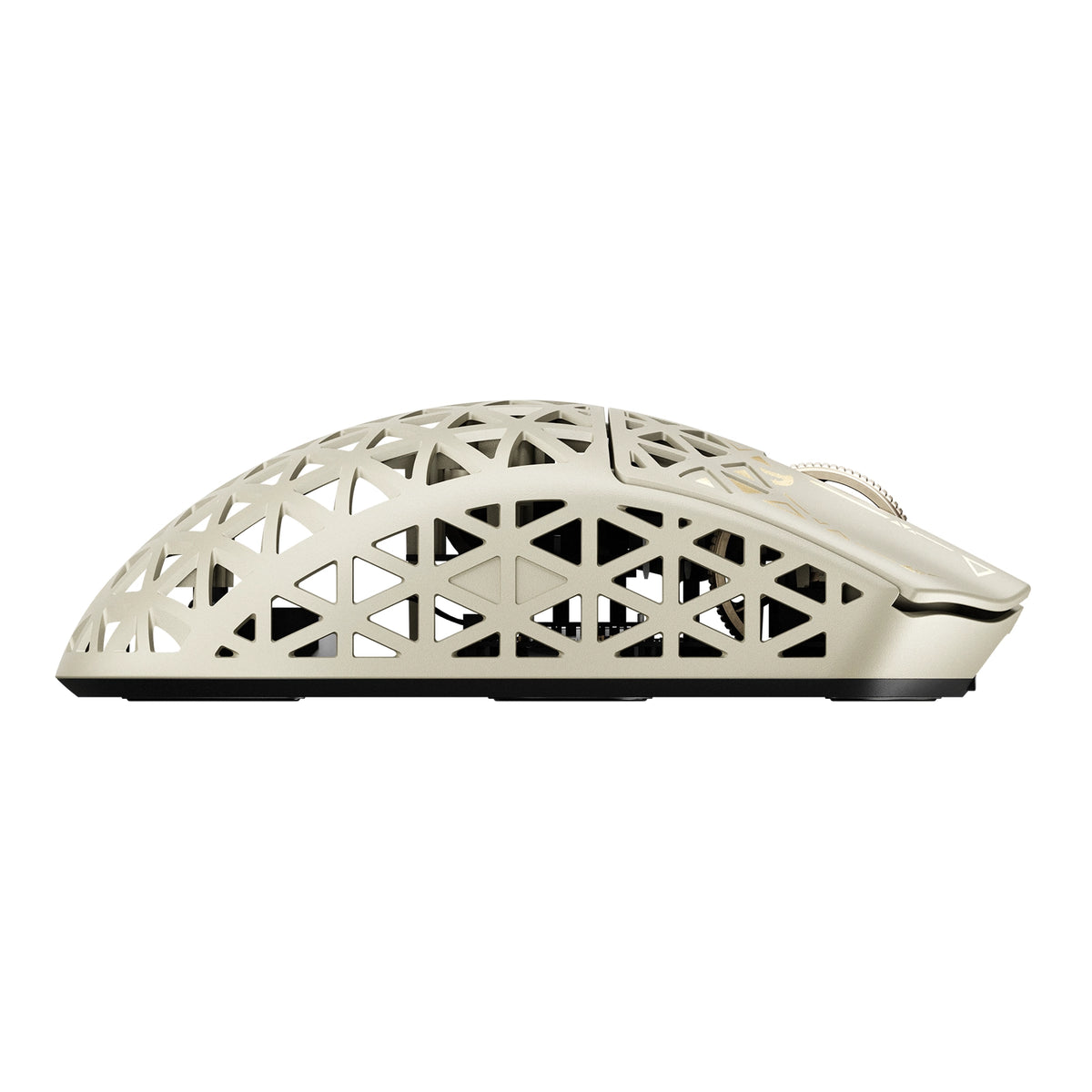
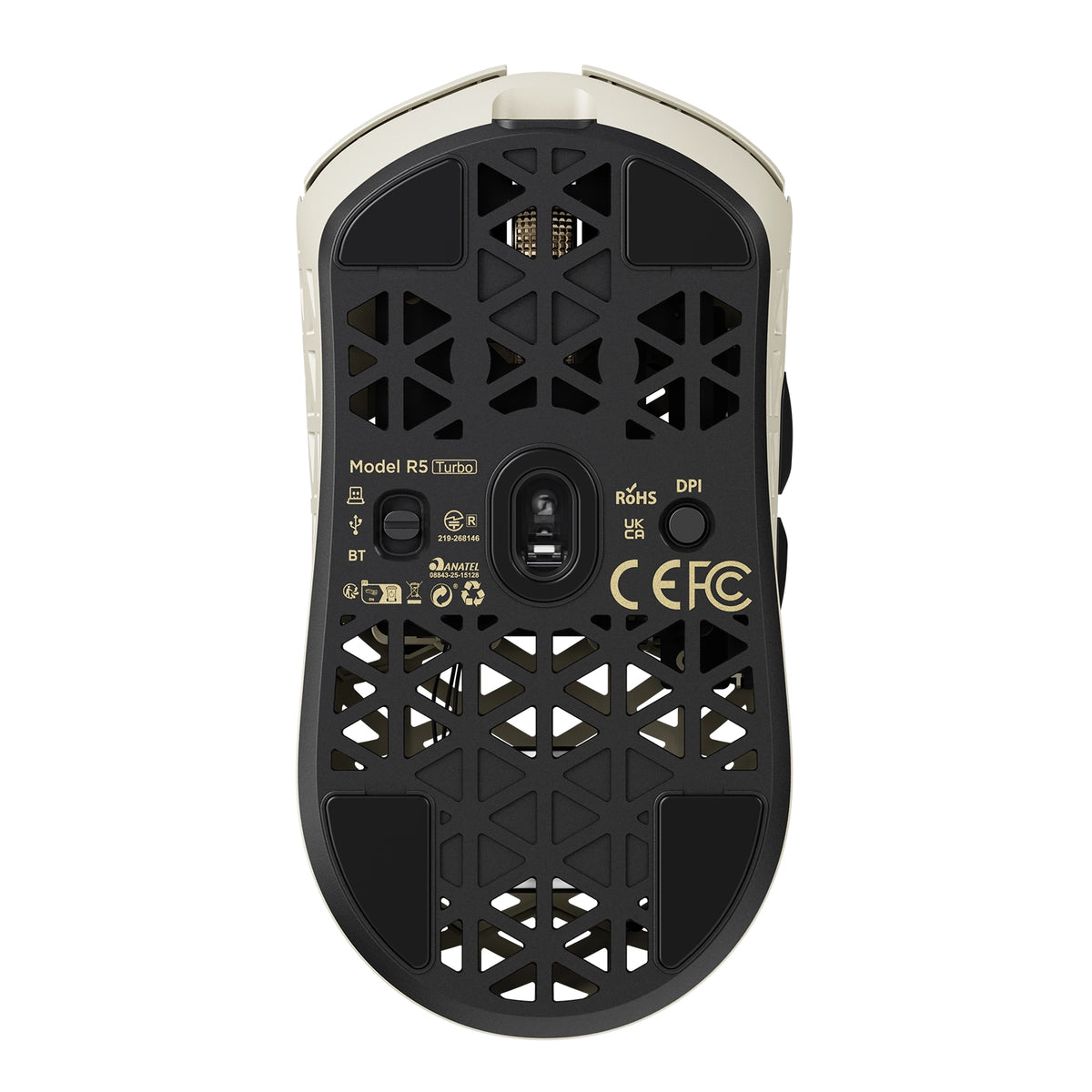
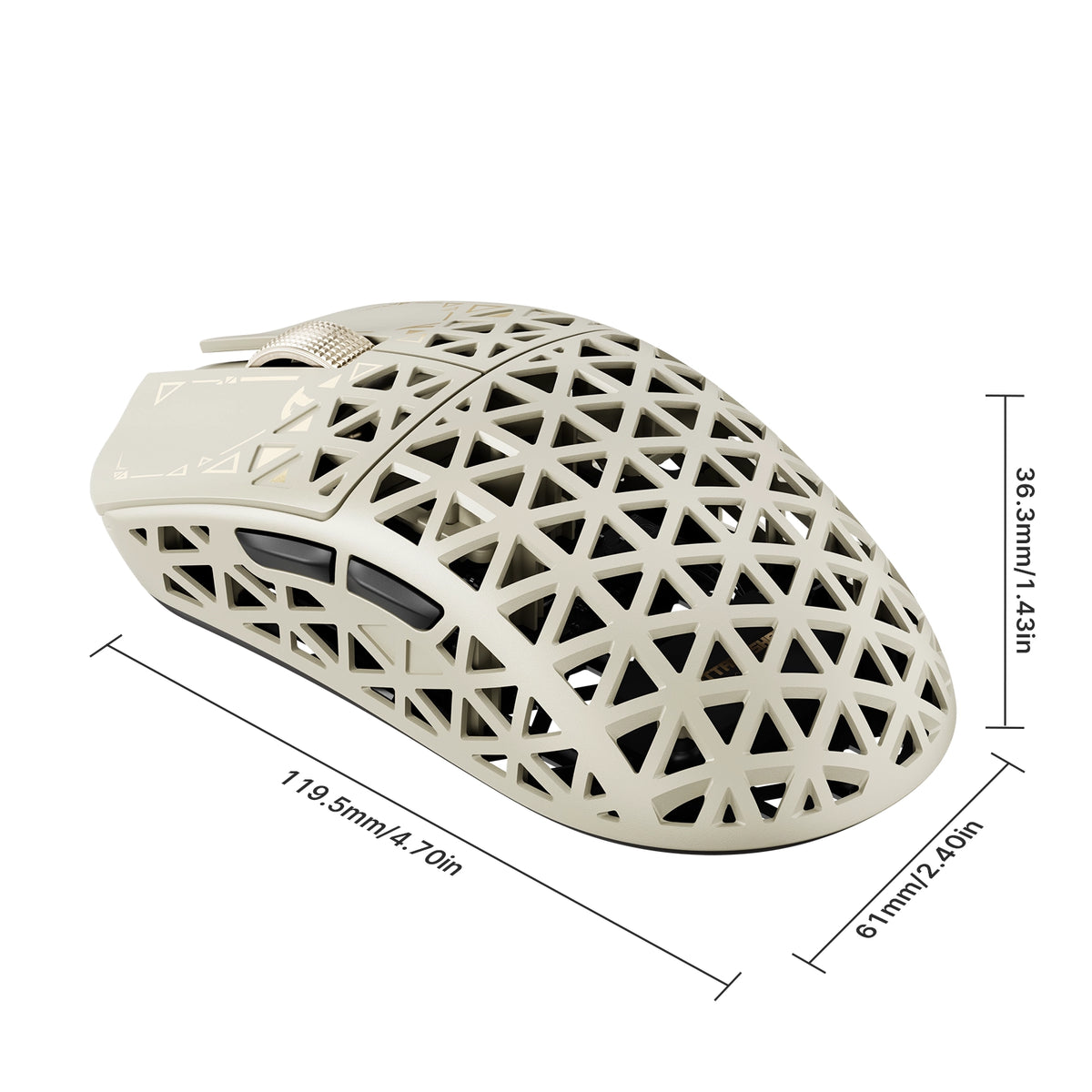
Enjoy free shipping to most countries*! For countries with local stock, delivery usually takes 3-5 days. Holiday seasons may affect shipping times. See estimated delivery times for details.
15-day no-reason return and exchange policy, you have ample time to try out your new product and decide if it's right for you.

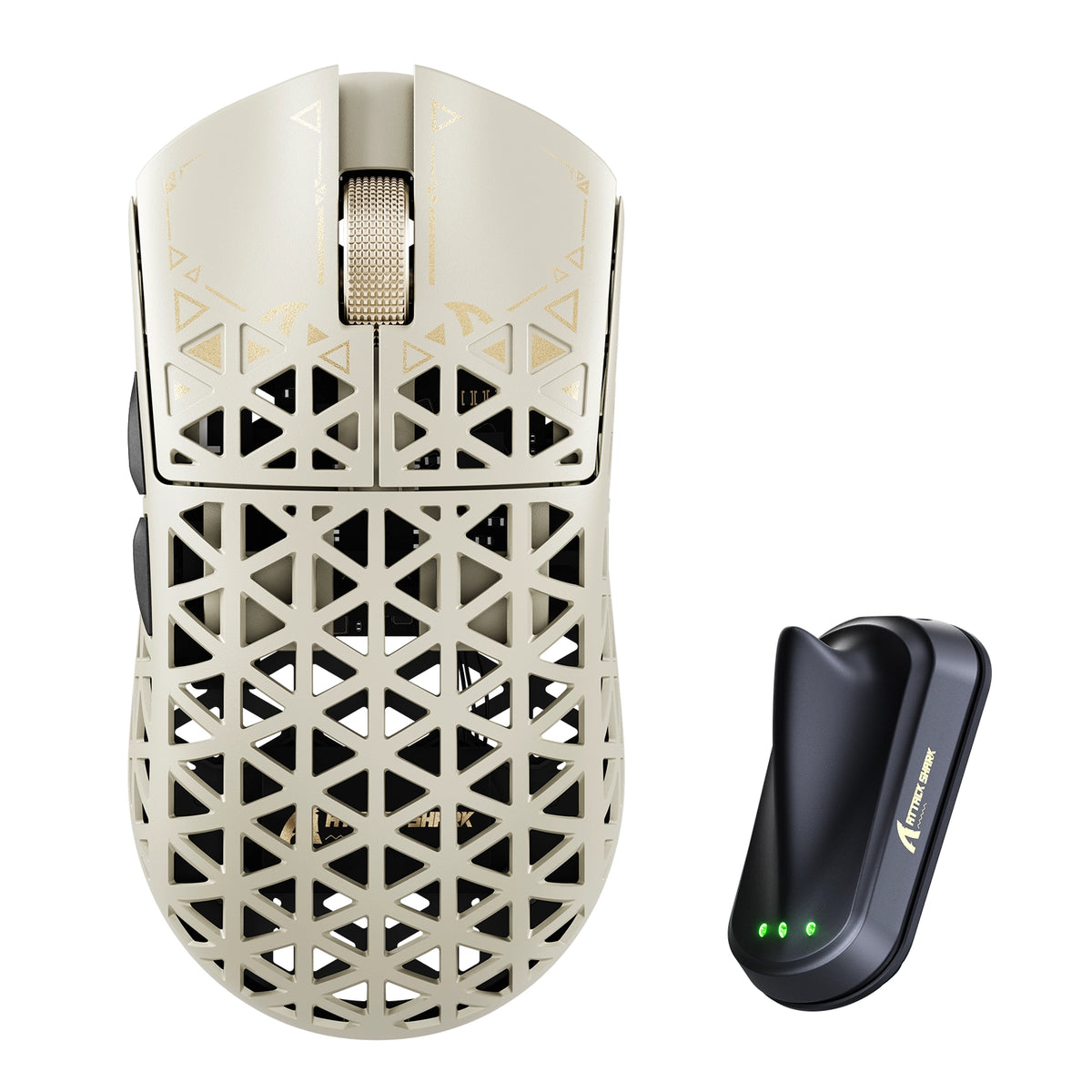
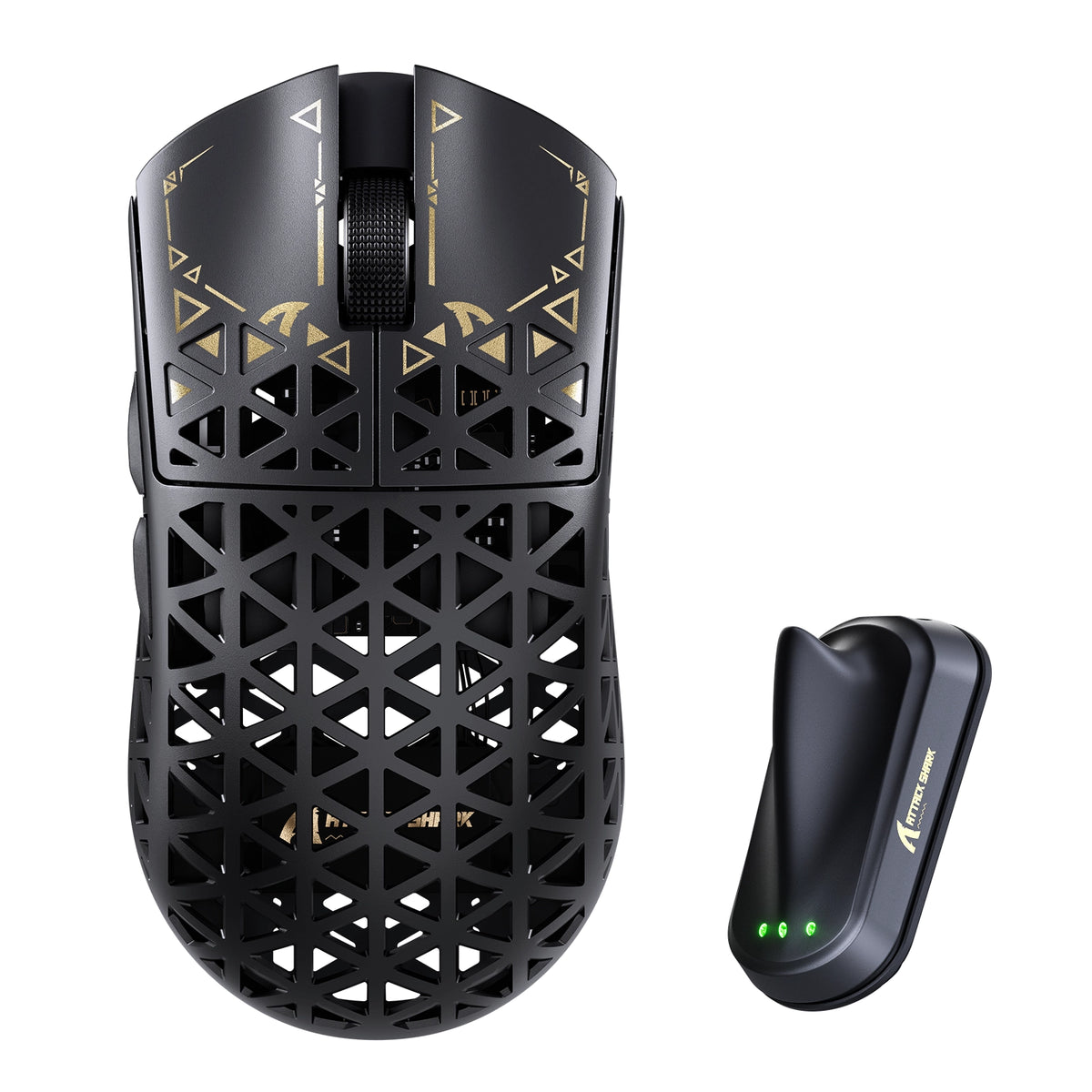
ATTACK SHARK R5 TURBO draadloze 8K-gamingmuis van koolstofvezel

PixArt PAW3950MAX Sensor, 60K DPI, Dual 8000Hz Polling Rate, Nordic 54LM20 MCU, TTC Gold Scroll Wheel Encoder

• 43±3g Ultra-Lightweight
• Nordic 54LM20 Chip
• PAW3950MAX Sensor (Up to 60000 DPI)
• Dual 8000Hz Polling Rate(Wired / Wireless)
• 20000 FPS Static Scan Rate
• Omron Optical Microswitches (100 Million Clicks )
• TTC Gold Scroll Wheel Encoder
• Adjustable LOD (3 Levels)
• Connection Methods: Wired / Wireless / Bluetooth
• Glass-feel Ice Coating
• Web & Software Control
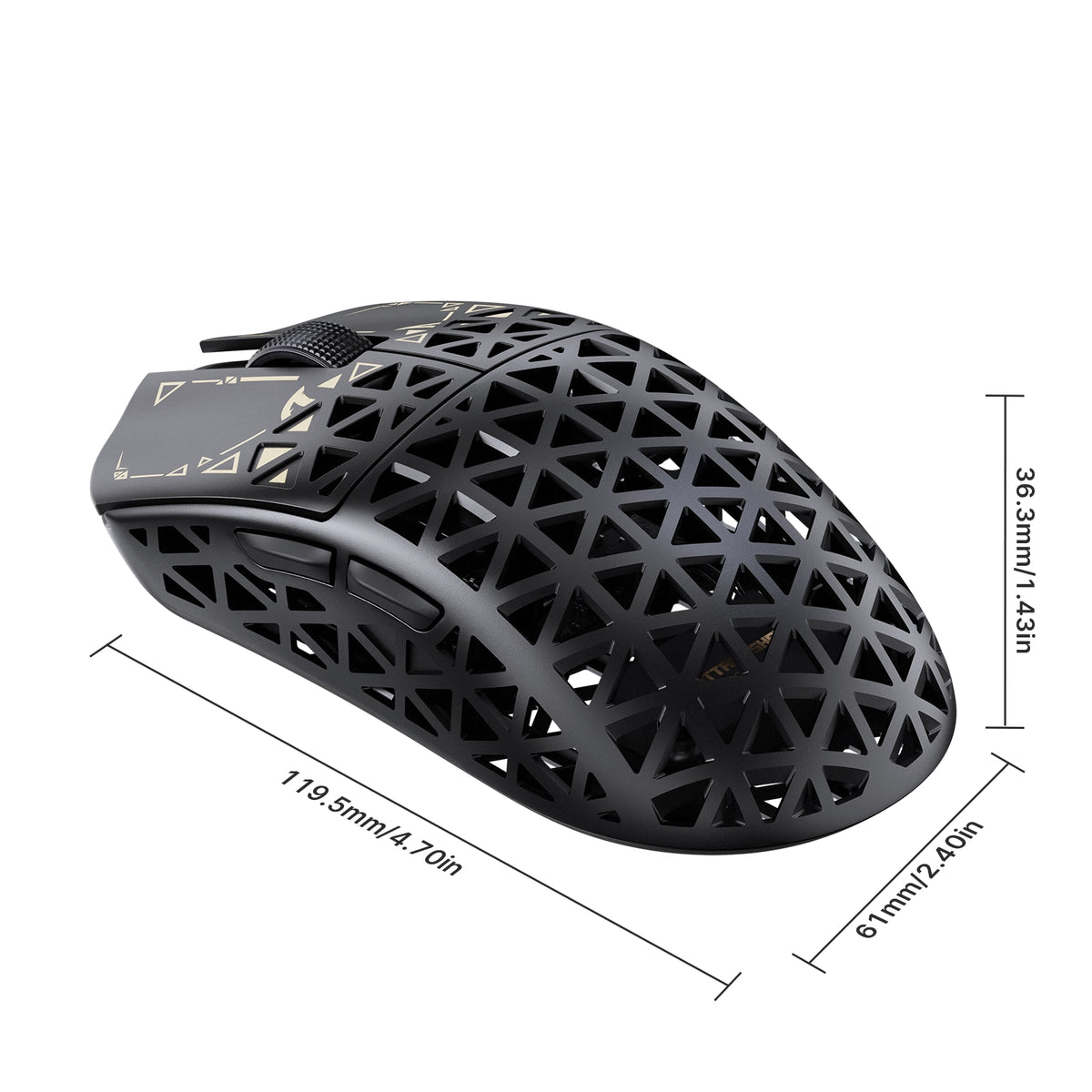
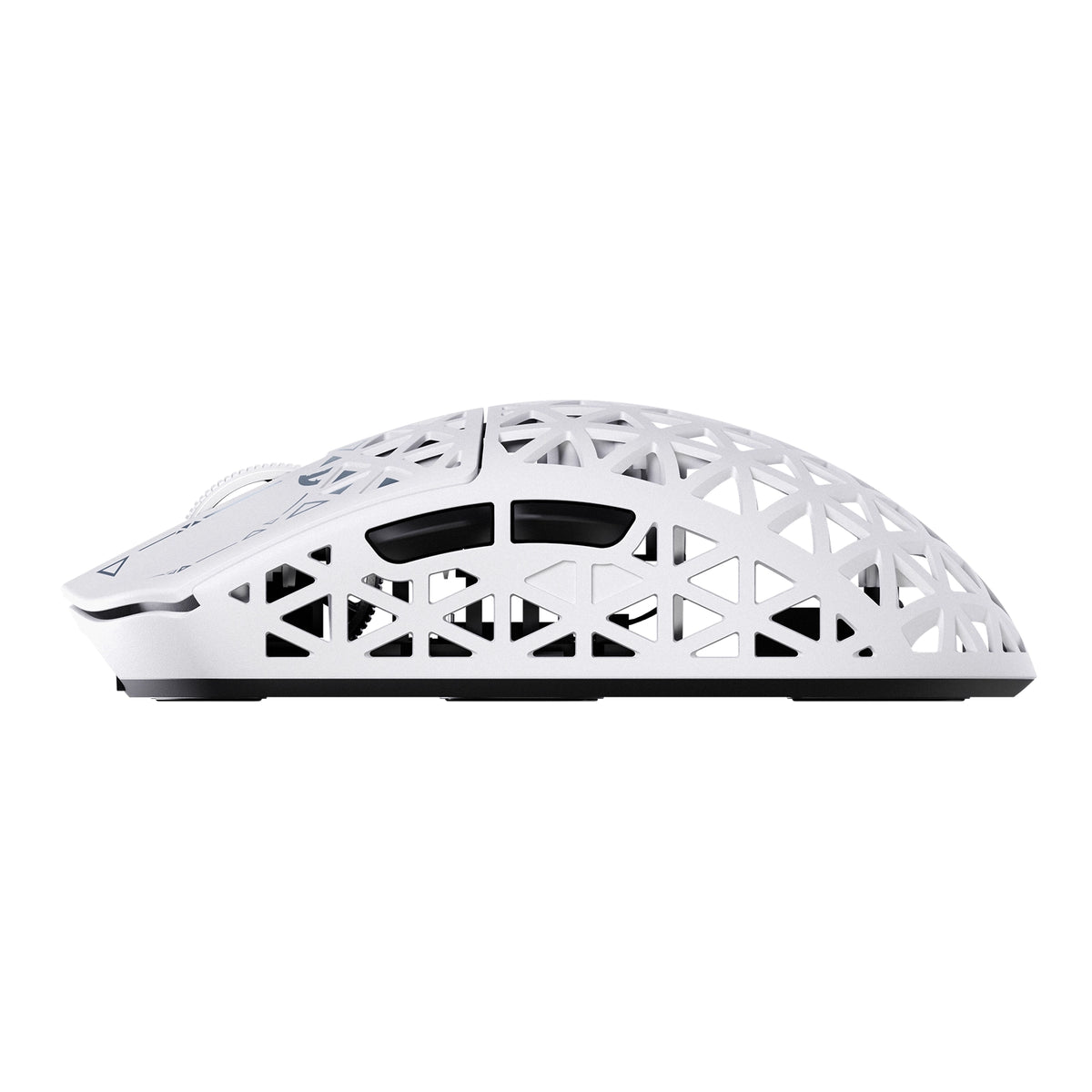
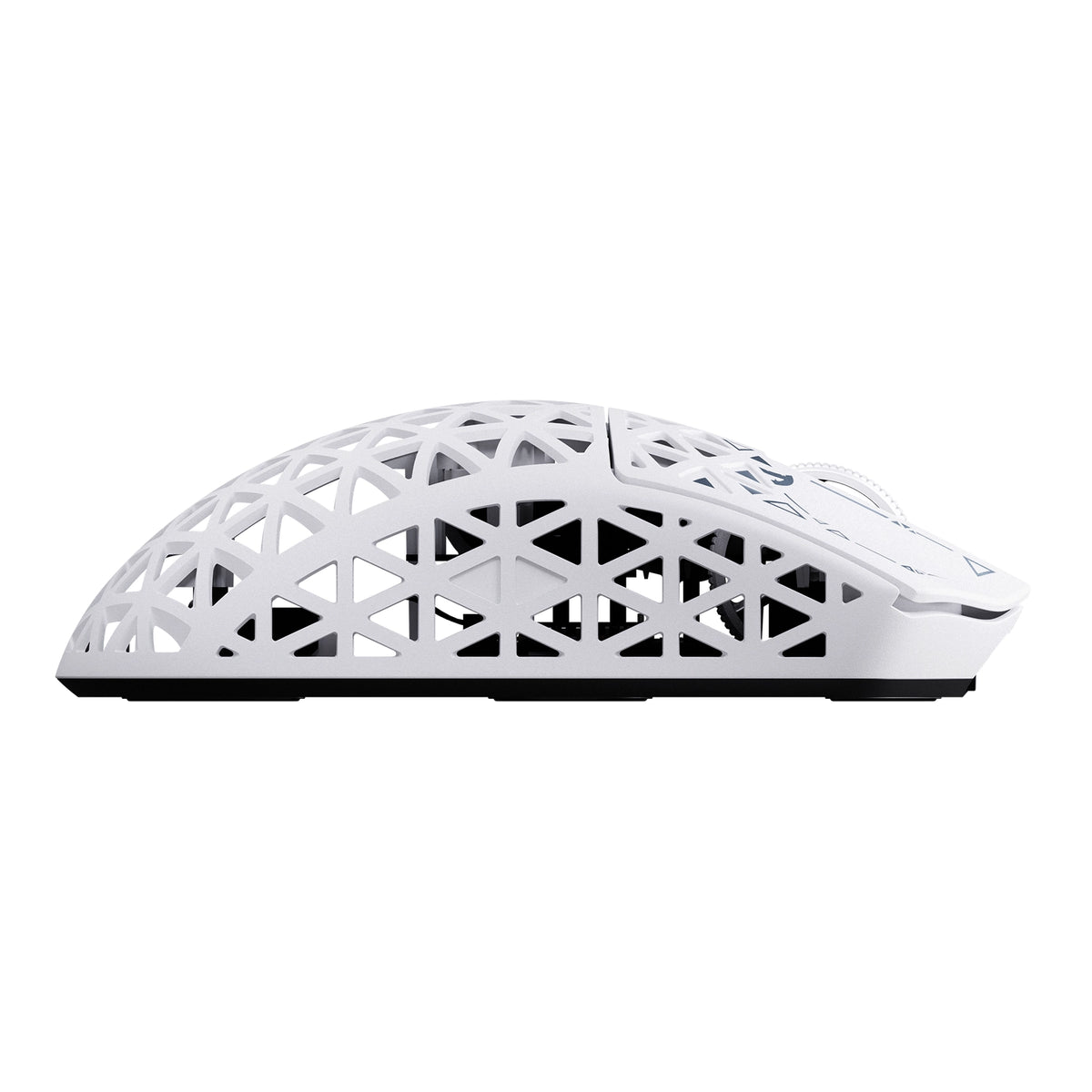
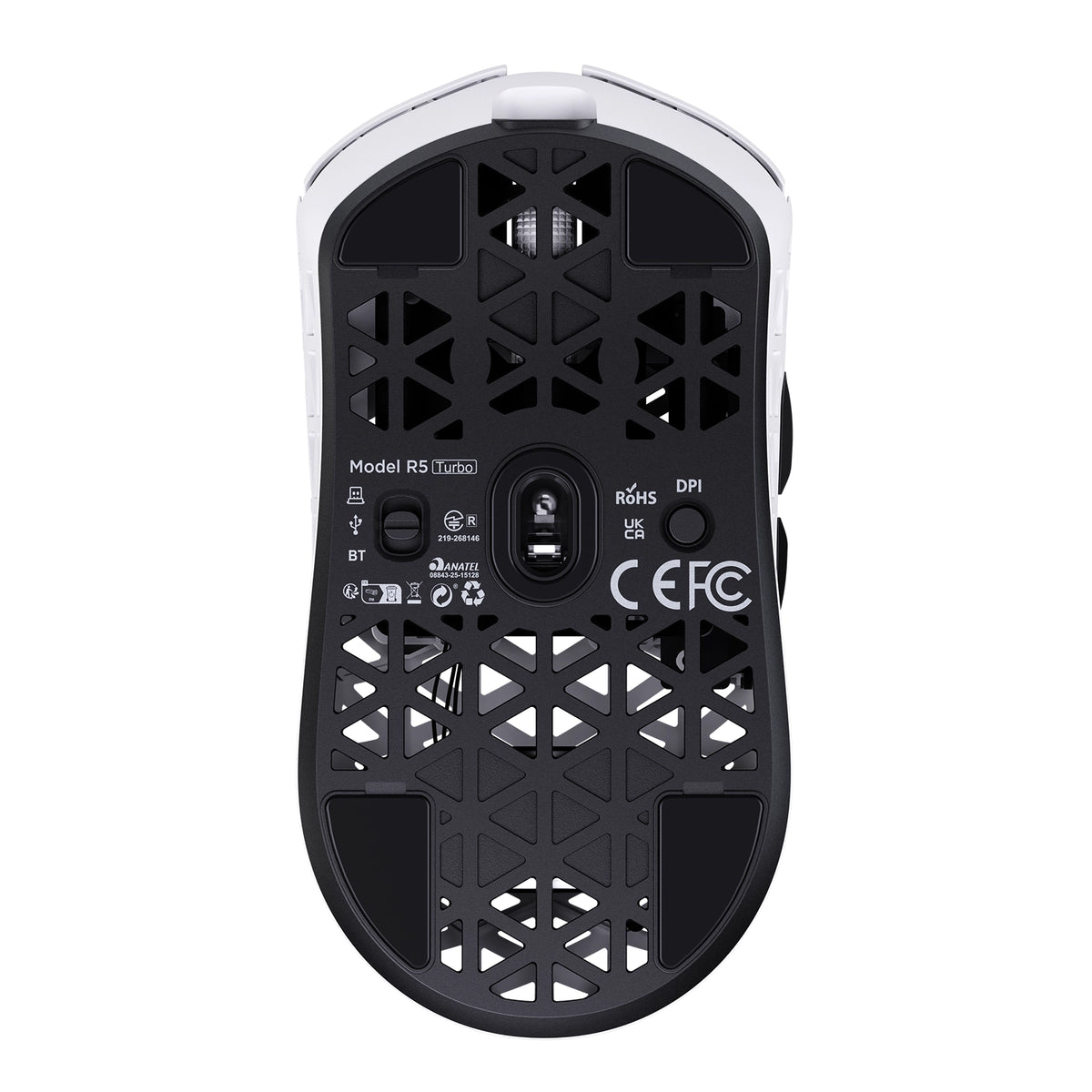
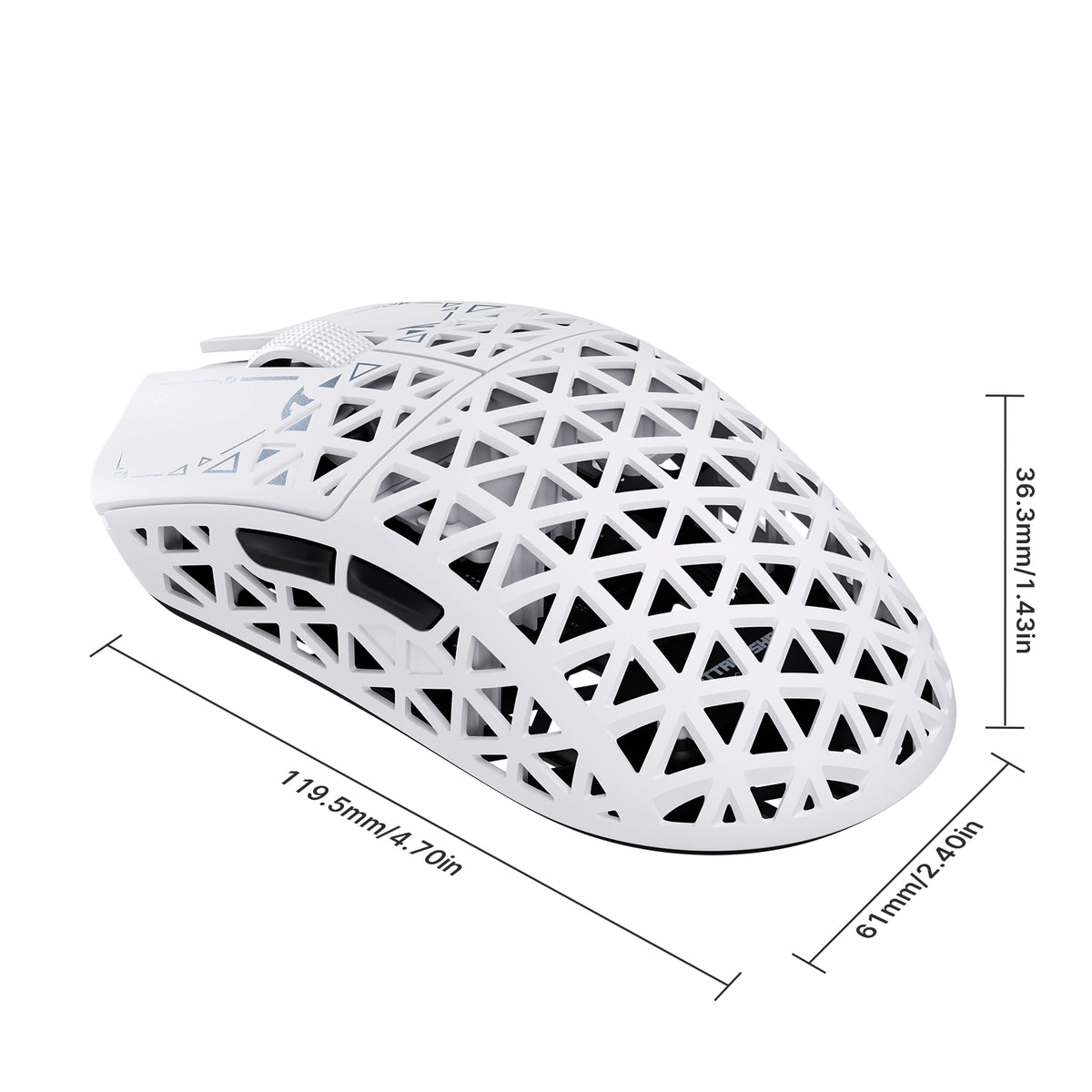
• Dimensions: 119.5mm X 61.0mm X 36.3mm

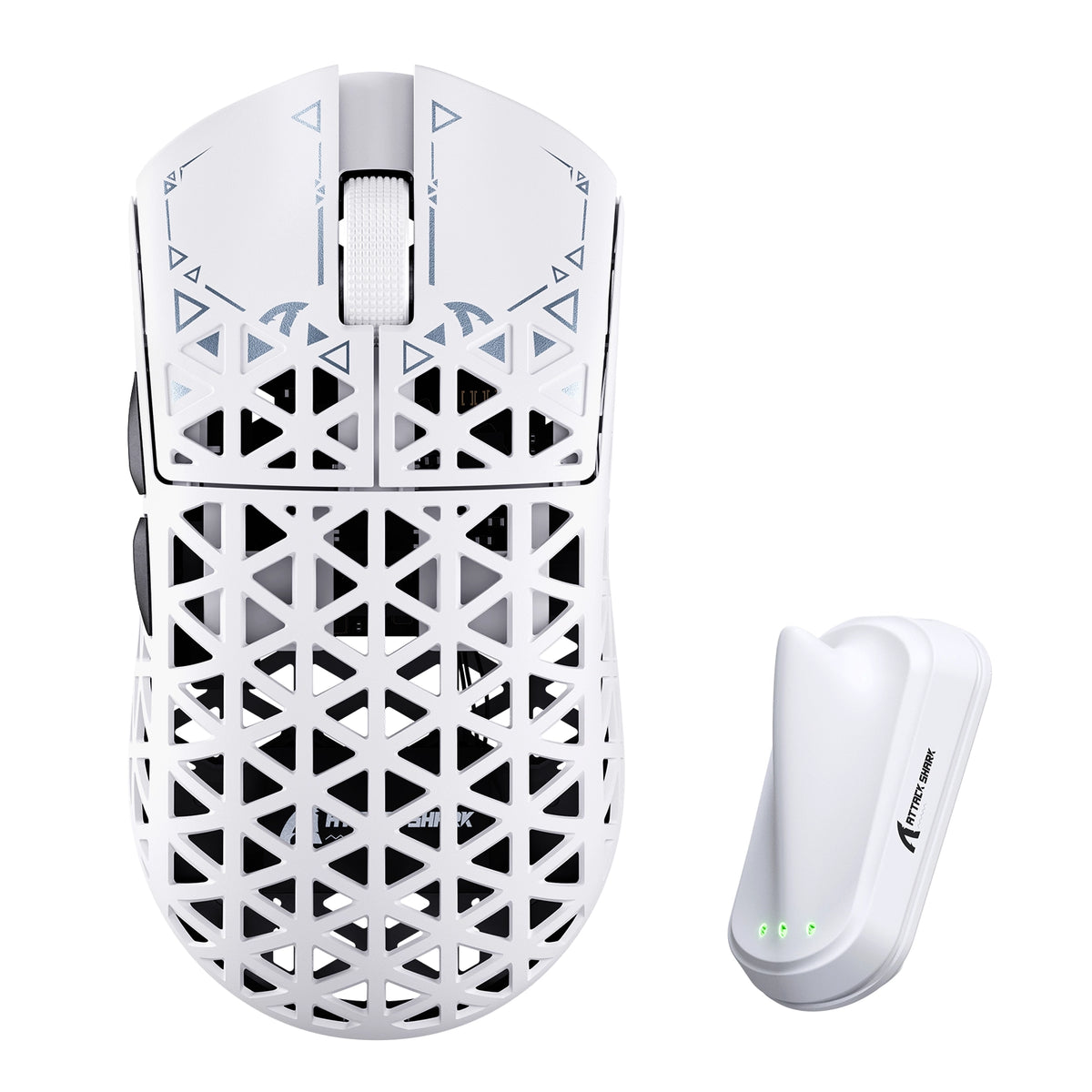
Kleur: Wit
MSRP:$89.99

ATTACK SHARK R5 TURBO specifications: 8000Hz polling, 43g weight, PAW3950MAX sensor, 60000 DPI, 20000 FPS
ATTACK SHARK R5 TURBO weighs 43g plus or minus 3g, shown on a robotic hand

43 ± 3g koolstofvezel-composietschaal

LICHTGEWICHT. GEMAAKT OM LANG MEE TE GAAN.

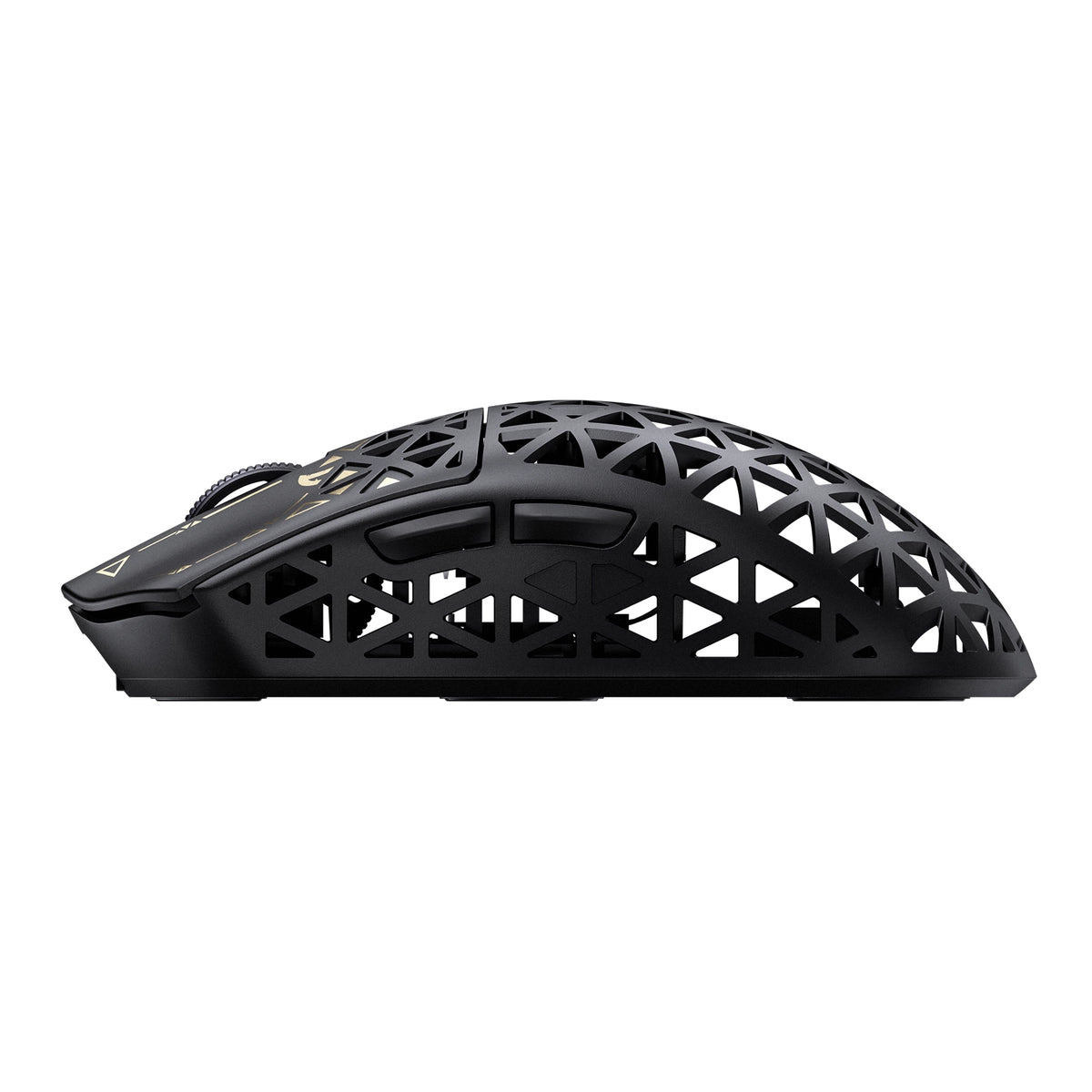
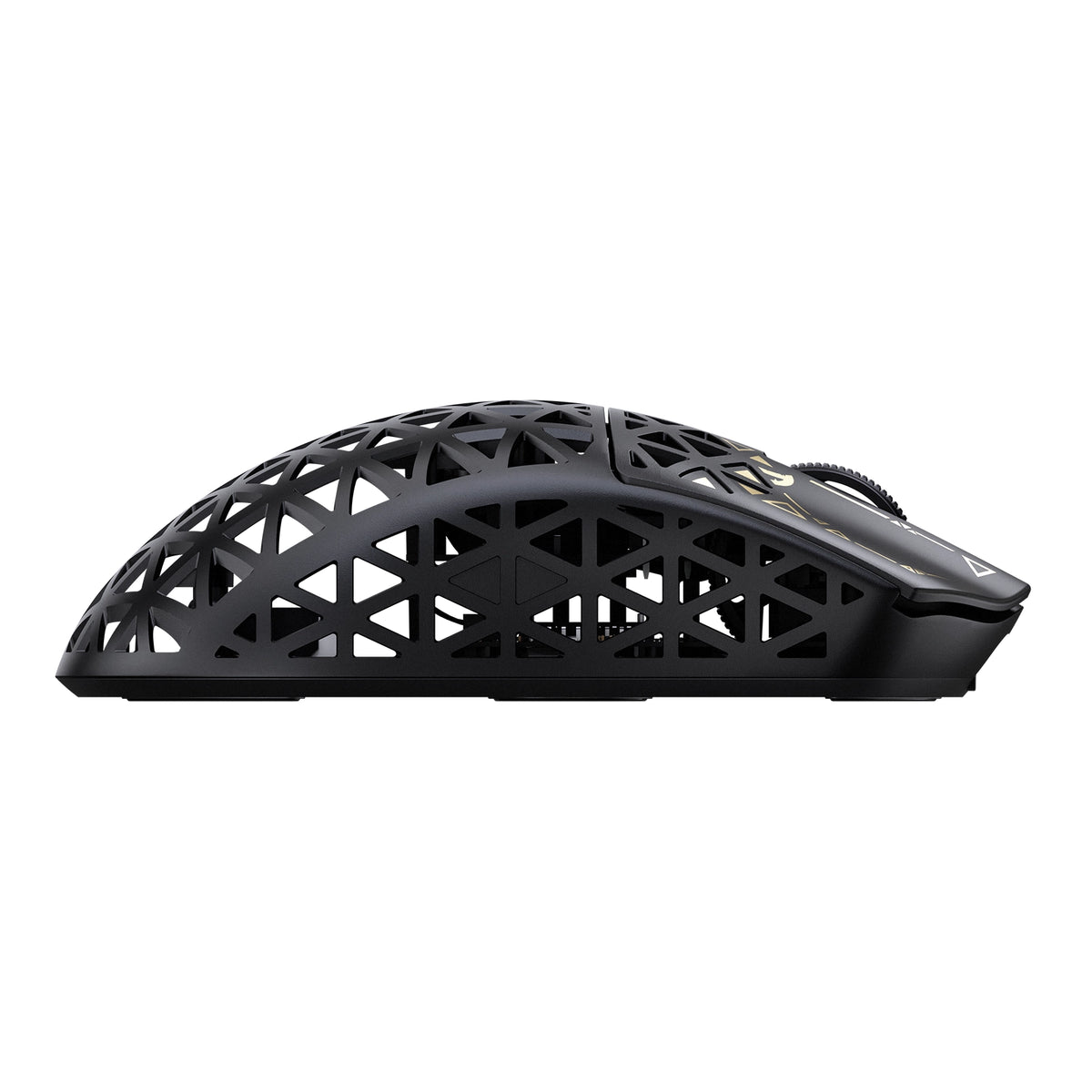
De R5 TURBO is vervaardigd met een geavanceerde, spuitgegoten schaal van koolstofvezelcomposiet en weegt slechts 43 ± 3g, terwijl hij uitzonderlijk sterk en slijtvast is. Het holle, geventileerde ontwerp vermindert onnodig gewicht en verbetert de luchtstroom. Zo combineert hij duurzaamheid, comfort en moeiteloze controle bij elke beweging.
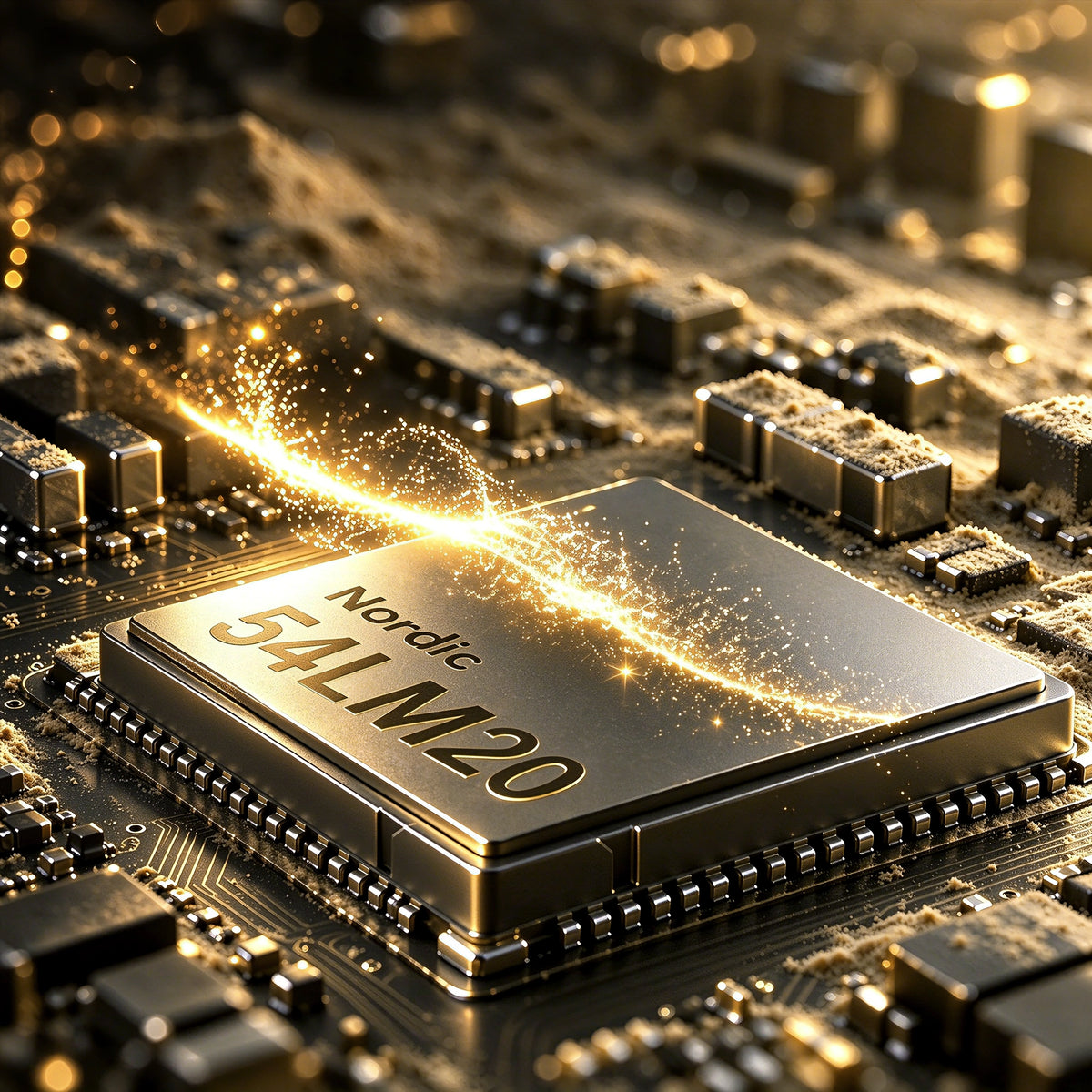
Nordic 54L20 MCU chip inside the ATTACK SHARK R5 TURBO wireless gaming mouse

Nordic 54LM20 vlaggenschip-MCU

KRACHT VAN DE NIEUWE GENERATIE. TOPPRESTATIES.

In het hart van de R5 TURBO zit de vlaggenschip-MCU Nordic 54LM20 van de volgende generatie, ontworpen voor gaming met hoge prestaties. Dankzij de krachtige verwerkingsmogelijkheden en efficiënte draadloze communicatie biedt hij de snelheid, stabiliteit en responsiviteit die nodig zijn voor veeleisende competitieve gameplay.

PAW3950MAX-vlaggenschip optische sensor

PRECISIE ZONDER GRENZEN.

Aangedreven door de geavanceerde optische PAW3950MAX-sensor biedt de R5 TURBO uitzonderlijk nauwkeurige tracking tot 60.000 DPI, met nauwkeurige instelstappen van 50 DPI. Met een trackingsnelheid van 750 IPS en een acceleratie van 60G wordt elke snelle beweging, veegbeweging en micro-aanpassing met opmerkelijke precisie geregistreerd, zelfs tijdens de intensiefste gameplay.

Beheers elke beweging.

3 niveaus verstelbare slaapbank

Stem je trackingervaring nauwkeurig af met drie instelbare lift-off-afstanden: 0.7mm, 1.0mm en 2.0mm. Of je nu de voorkeur geeft aan ultralage lift-off-precisie of meer flexibiliteit bij het snel verplaatsen van de muis, de R5 TURBO past zich aan jouw speelstijl aan voor consistente, betrouwbare controle.

20.000 FPS voor snelle tracking

JACHT OP HAAIEN-modus

Activeer de HUNTING SHARK-modus voor sensorscans tot 20.000 FPS, waarmee snelle bewegingen met meer snelheid en consistentie worden vastgelegd. Deze modus is ontworpen voor snelle competitieve gameplay en helpt nauwkeurig te blijven volgen bij snelle flicks, scherpe bochten en snelle richtingsveranderingen.
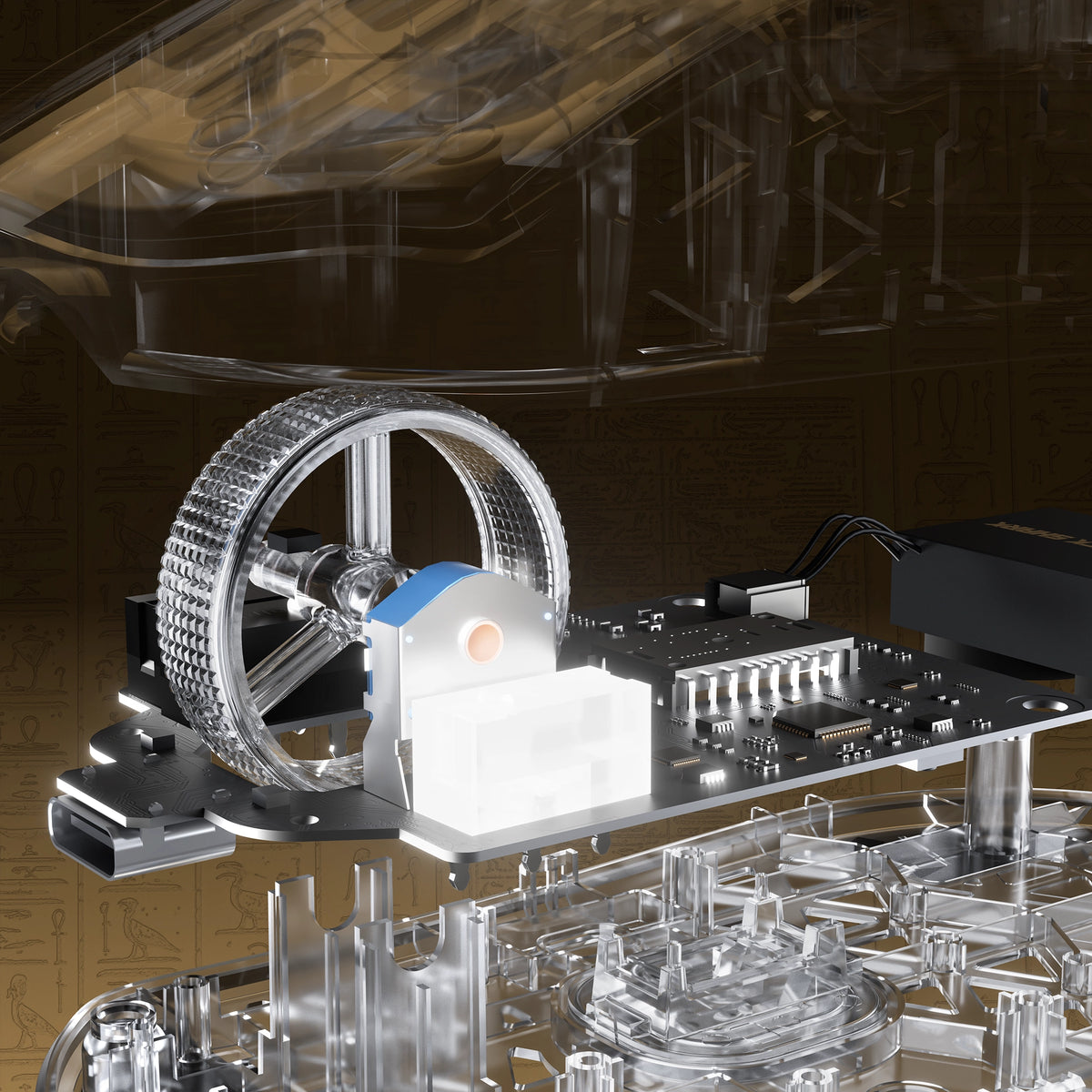
Exploded view of the electroplated scroll wheel and PCB in the ATTACK SHARK R5 TURBO

ELKE KLIK. GEMAAKT OM LANG MEE TE GAAN.

OMRON OPTISCHE SCHAKELAARS

TTC GOLD-ENCODER

Uitgerust met hoogwaardige optische schakelaars van OMRON, die zijn getest op meer dan 100 miljoen klikken, biedt de R5 TURBO snelle, consistente bediening en uitzonderlijke duurzaamheid. In combinatie met een TTC Gold-scrollwielencoder zorgt hij voor nauwkeurige feedback tijdens het scrollen en betrouwbare prestaties tijdens talloze gamesessies.

Aangepast gegalvaniseerd scrollwiel

PRECISIE BIJ ELKE SCROLL.

Met een op maat gemaakte gegalvaniseerde scrollwiel combineert de R5 TURBO een hoogwaardige metallic afwerking met verfijnde tastbare controle. Ontworpen voor soepel scrollen en nauwkeurige bediening, verbetert hij zowel de visuele uitstraling als het dagelijkse gebruiksgemak en voegt hij bij elke beweging een extra vleugje verfijning toe.
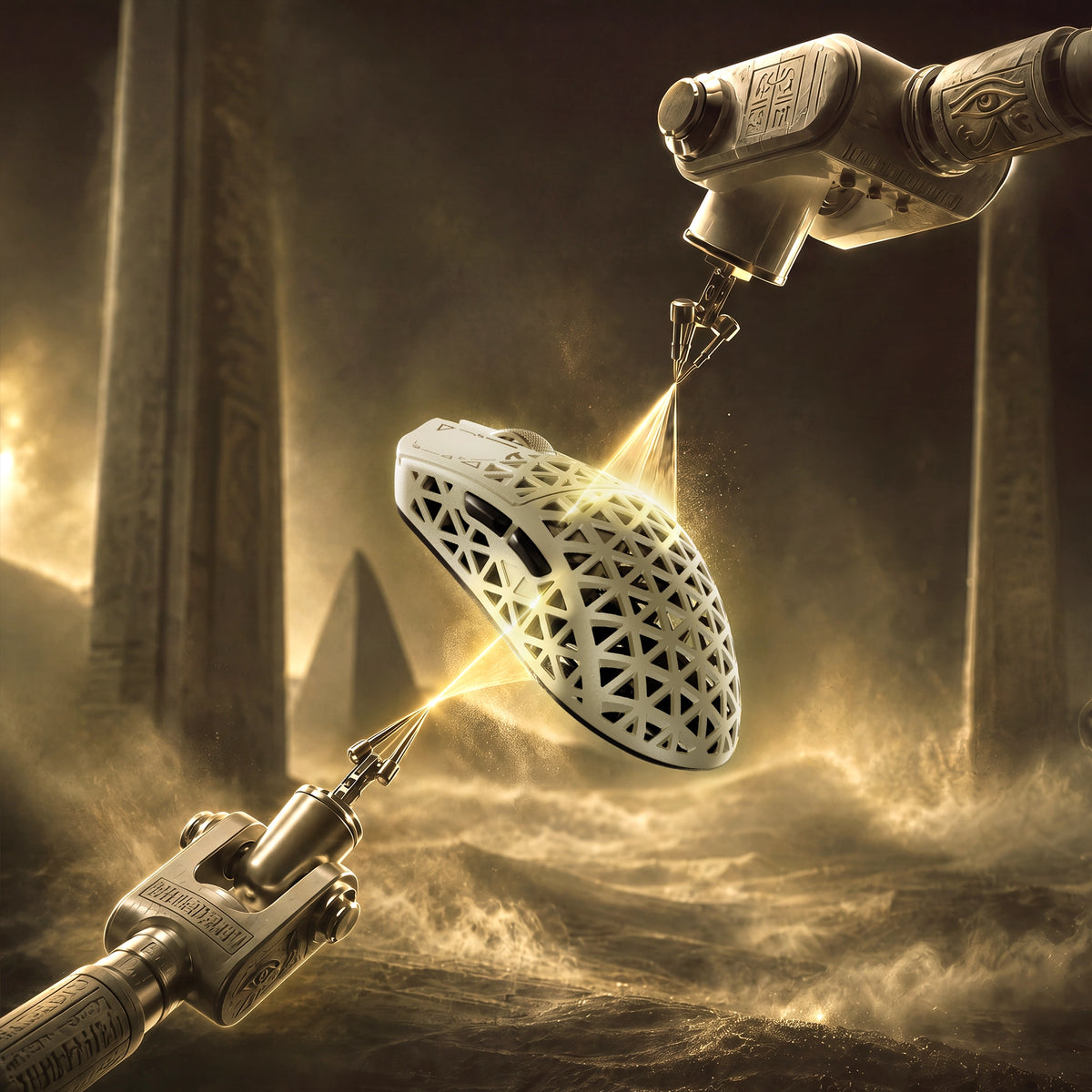
Glass-feel ice coating applied to the ATTACK SHARK R5 TURBO carbon fiber shell

Premium ijscoating met glasgevoel

BLIJF KOEL. BLIJF IN CONTROLE.

Afgewerkt met een gespecialiseerde, glasachtige Ice-Touch-coating biedt de R5 TURBO een glad en verfrissend oppervlak dat langdurig comfort biedt. De coating helpt ongemak door zweethanden tijdens lange gamesessies te verminderen en zorgt voor een comfortabele, gecontroleerde grip, zelfs wanneer de strijd heviger wordt.
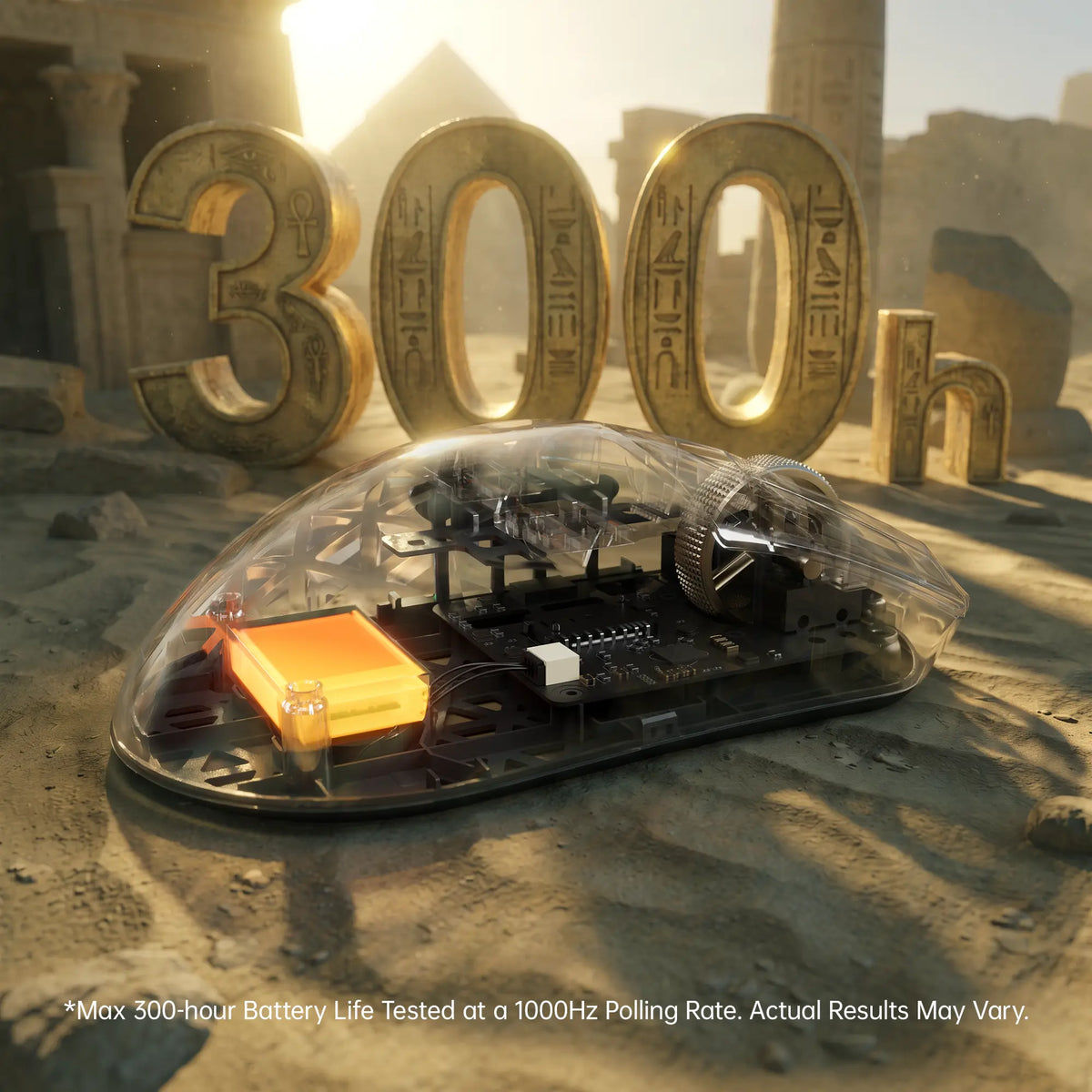
ATTACK SHARK R5 TURBO 300-hour battery life shown through a transparent shell

Tot 300 uur batterijduur

SPEEL LANGER. LAAD MINDER OP.

Aangedreven door een lichtgewicht batterij met hoge dichtheid van 290 mAh biedt de R5 TURBO tot 300 uur batterijduur bij 1000 Hz. Zo combineert hij langdurige prestaties met een ultralicht ontwerp voor ononderbroken gamen.

De batterijduur van maximaal 300 uur is gemeten bij een pollingfrequentie van 1000 Hz onder gecontroleerde testomstandigheden. De werkelijke batterijduur kan variëren afhankelijk van gebruik, instellingen en omgevingsomstandigheden.
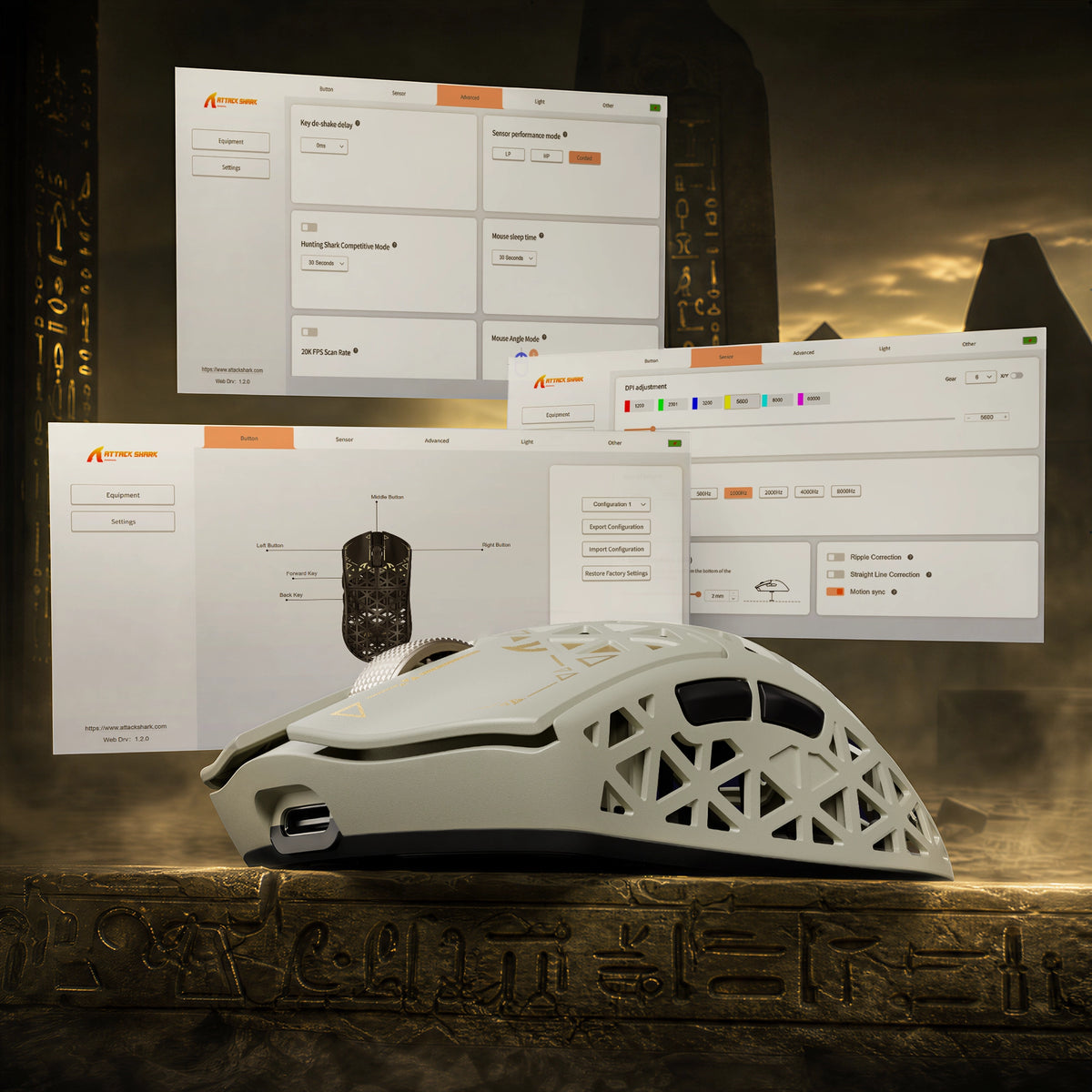
ATTACK SHARK R5 TURBO driver software for DPI adjustment, key remapping and lighting

Webgebaseerde en downloadbare stuurprogramma's

JOUW MUIS. JOUW REGELS.

Neem volledige controle over je R5 TURBO met handige webdrivers en downloadbare pc-drivers. De webdriver herkent automatisch je aangesloten apparaat, zodat je snel toegang hebt tot aanpassingsmogelijkheden zonder extra software te installeren. Stel je instellingen nauwkeurig af en creëer een gepersonaliseerde ervaring die bij je speelstijl past.

<split-lines ></split-lines>

Technical Specifications

Model
R5 TURBO
Material
Carbon Fiber Composites
Connection
Wired/2.4G/Bluetooth 5.2
Sensor
PixArt PAW3950MAX
MCU
Nordic 54LM20
DPI
Up to 60000 (Supports precise 50 DPI step micro-adjustments )
Accelerated Speed
60G
Movement Speed
750IPS
Static Scan Rate
Supports ≥20,000 FPS
Weight
43g±3g
Polling Rate
Dual 8000Hz (Wired / Wireless)
LOD (Lift-Off Distance)
3-level (0.7/1.0/2.0mm)
Size
119.5mm X 61.0mm X 36.3mm
Microswitches
Omron Optial Microswitches (100 Million Times)
Scroll Wheel Eocoder
TTC Gold Scroll Wheel Encoder
Surface Treatment
Glass-feel Ice Coating
Battery Capacity
290 mAh
Mouse Feet Material
PTFE
Charging Interface
Type-C
What's in the box
Mouse*1, 8K Receiver *1, 8K USB-C Cable *1, Grip Tape*1
  • Ultralichte schaal van koolstofvezelcomposiet

  • Met een gewicht van slechts 43 ± 3 g heeft de R5 TURBO een schaal van spuitgegoten koolstofvezelcomposiet, die een lichte constructie combineert met uitstekende structurele sterkte en slijtvastheid. Het holle, geventileerde ontwerp bevordert de luchtstroom en het comfort tijdens lange gamesessies.
  • Optische PAW3950 MAX-sensor van topklasse

  • Uitgerust met de krachtige optische PAW3950 MAX-sensor, met een resolutie tot 60.000 DPI in nauwkeurige stappen van 50 DPI, een volgsnelheid van 750 IPS en een versnelling van 60 G. Ervaar uitzonderlijk nauwkeurige tracking en responsieve bediening voor snelle competitieve games.
  • Nordic 54LM20-MCU van de volgende generatie

  • De R5 TURBO wordt aangedreven door de Nordic 54LM20-MCU van topklasse en levert krachtige verwerkingsprestaties en efficiënte draadloze communicatie. Het ontwerp is gericht op snelheid en stabiliteit en zorgt voor een snelle verwerking van invoer en betrouwbare prestaties tijdens intense gamesessies.
  • Instelbare lift-off distance met 3 niveaus

  • Pas je trackingervaring aan met drie instelbare lift-off-afstanden: 0,7 mm, 1,0 mm en 2,0 mm. Stel nauwkeurig in hoe de sensor reageert wanneer je de muis optilt en verplaatst, voor meer flexibiliteit en controle bij verschillende gamestijlen.
  • Optische OMRON-switches met een levensduur van meer dan 100 miljoen klikken

  • De R5 TURBO is voorzien van hoogwaardige optische OMRON-switches die zijn getest op meer dan 100 miljoen klikken en biedt snelle, consistente activering en uitzonderlijke duurzaamheid. Geniet van betrouwbare klikprestaties en directe feedback tijdens talloze gamesessies.
  • Tri-modeverbinding met dubbele polling op 8K

  • Ondersteunt verbinding via kabel, 2,4 GHz draadloos en Bluetooth, voor veelzijdig gebruik met verschillende configuraties. Ervaar een polling rate tot 8000 Hz in zowel de bekabelde als de draadloze 2,4GHz-modus, voor uiterst responsieve invoer en soepele, nauwkeurige bediening.
  • Tot 300 uur batterijduur

  • Dankzij de lichte batterij met hoge dichtheid van 290 mAh biedt de R5 TURBO tot 300 uur batterijduur bij een polling rate van 1000 Hz. Geniet van langere gamesessies met minder oplaadonderbrekingen, zonder in te leveren op het ultralichte ontwerp.
  • Webgebaseerde en downloadbare pc-drivers

  • Pas je game-ervaring aan met zowel webgebaseerde als downloadbare pc-drivers. De webdriver herkent aangesloten apparaten automatisch, zodat je snel toegang hebt tot de muisinstellingen zonder extra software te installeren.
  • Hoogwaardige Ice-Touch-oppervlaktecoating

  • De R5 TURBO heeft een speciale, glasachtige Ice-Touch-coating die zacht en verkoelend aanvoelt. De coating helpt ongemak door zweethanden te verminderen en biedt extra comfort en een prettige grip tijdens lange gamesessies.
  • Aangepast gegalvaniseerd scrollwiel met TTC Gold-encoder

  • De R5 TURBO is voorzien van een aangepast gegalvaniseerd scrollwiel in combinatie met een hoogwaardige TTC Gold-encoder, voor nauwkeurige scrollbediening en verfijnde voelbare feedback. De metalen afwerking geeft het geheel een hoogwaardige uitstraling en verbetert de scrollervaring.

Veelgestelde vragen

Gebruik deze tekst om informatie over je product- of verzendbeleid te delen.
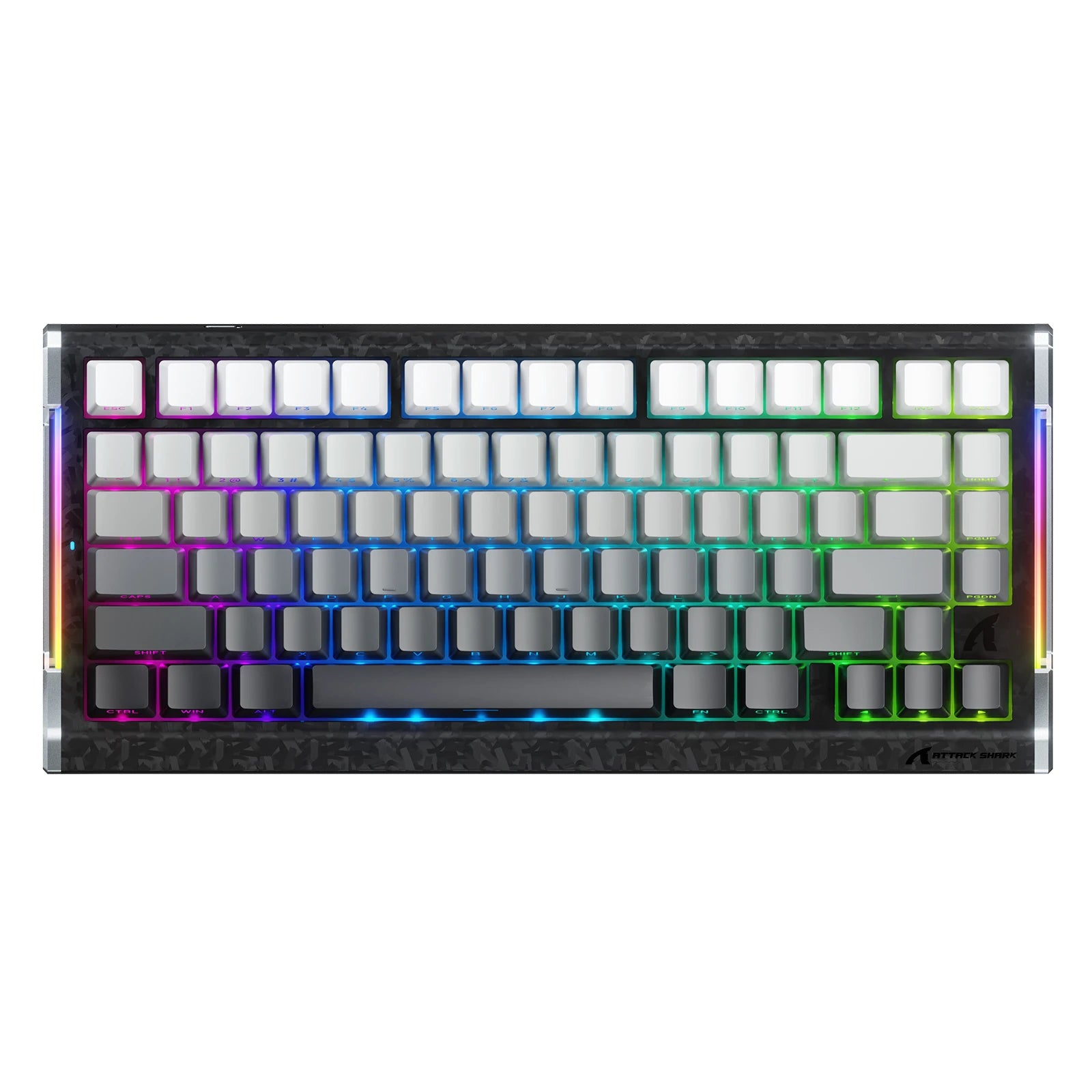
How to choose a gaming mouse - and where does the R5 TURBO fit?

A gaming mouse buying guide comes down to five decisions: weight, shape and grip, sensor and polling rate, switch type, and how you connect it. For fast FPS play a lightweight wireless gaming mouse like the R5 TURBO hits all five - 43g, PAW3950 MAX, 8K polling, optical switches, tri-mode wireless. Shape and grip come first: it is the one thing you cannot upgrade later.

What is the ATTACK SHARK R5 TURBO - and what is in the box?

The R5 TURBO is ATTACK SHARK's carbon fiber wireless gaming mouse: a 43 +/- 3g injection-molded composite shell, PAW3950 MAX sensor, Nordic 54LM20 MCU, OMRON optical switches and dual 8K polling over wired and 2.4GHz. An ultralight gaming mouse for competitive FPS - and a contender for best mouse for fps. Dune, Black and White; MSRP US$89.99, or US$94.99 for Dune. Pre-orders Oct 23 PDT, shipping Nov 7. Box: mouse, 8K receiver, USB-C cable, grip tape, guide.

How light is the R5 TURBO, what grip does it suit, and is 43g too light?

Light vs heavy mouse is a genuine trade-off: under roughly 60g a lightweight mouse cuts fatigue and frees fast flicks, while extra weight adds inertia others prefer. At 43 +/- 3g the R5 TURBO sits in the ultralight mouse bracket - among the lightest gaming mouse designs at this size - and the composite shell keeps that gaming mouse weight from feeling hollow. 119.5 x 61 x 36.3mm suits claw and fingertip grips; very large hands want a wider shell.

Why carbon fiber instead of a plastic honeycomb shell?

Most lightweight gaming mice use a thin ABS honeycomb shell that flexes and wears. Carbon fiber mice do not: the R5 TURBO's injection-molded composite gives higher strength, better wear resistance and far less flex at 43g - what separates a carbon fibre mouse from plastic. The vents stay for airflow, so you get a carbon fiber gaming mouse without the fragility of early ultralight designs.

Does the honeycomb design let dust in or flex under pressure?

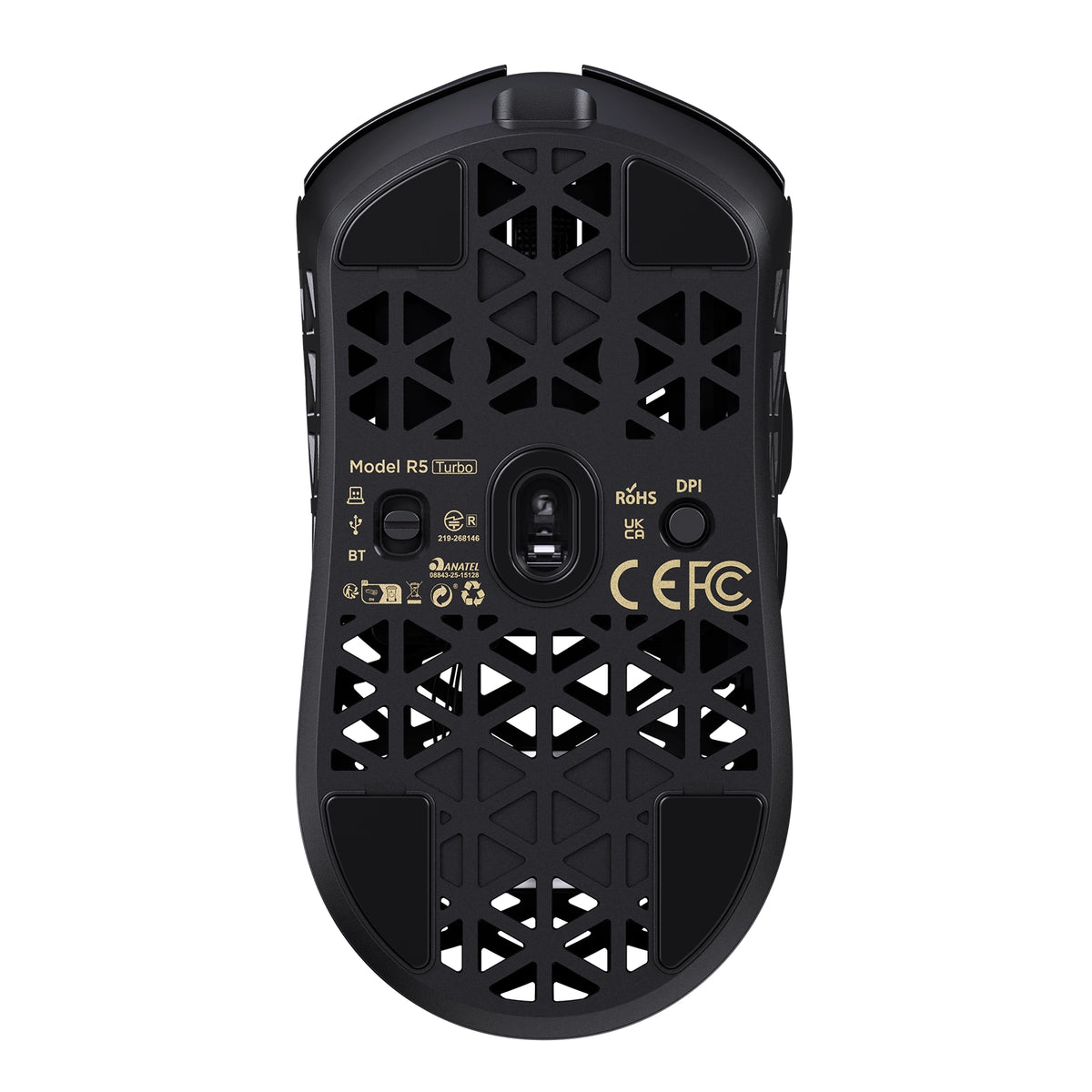
The vents sit above an internal frame, not the PCB, so dust and crumbs do not reach the sensor or switches. The composite shell resists pressure far better than thin plastic honeycomb - squeeze the sides and there is noticeably less give. If a mouse with holes put you off because older honeycomb mouse designs felt flimsy, this fixes it: the carbon fiber mouse shell loses nothing in durability.

Will it help if my hands sweat during long sessions?

Sweaty hands come down to surface friction and trapped heat. The glass-like ice-touch coating feels cool and low-friction, resisting the sticky drag of matte plastic, and the ventilated shell lets heat escape instead of trapping it under your palm. If you have been hunting for the best mouse for sweaty hands, that is exactly what the coating is for: it makes this a gaming mouse for sweaty hands, not just a mouse with a nice surface.

What sensor and DPI does it use, and why does 3-level LOD matter?

It runs the PAW3950 MAX with 1,200-60,000 DPI in 50 DPI steps, 750 IPS and 60G, and HUNTING SHARK mode lifts static scanning to 20,000 FPS. In practice the 50 DPI step matters more than the headline number. Three LOD presets - 0.7mm, 1.0mm, 2.0mm - set how far you lift before tracking stops, and 0.7mm suits cloth pads and fast resets. That is why this fps mouse feels locked in.

What does the Nordic 54LM20 MCU bring over the previous generation?

It is the flagship Nordic 54LM20, a step up from the Nordic 54L15 in the previous generation. It handles input faster and keeps the wireless link stable when the sensor works hardest: more headroom for 8K polling on 2.4GHz, and enough processing to hold HUNTING SHARK mode at full scan rate. In practice that is fewer dropped inputs during fast flicks.

What polling rate does it support, and is 8000Hz worth it?

It reports at up to 8,000Hz in both wired and 2.4GHz modes. The 1000Hz vs 8000Hz mouse question is one of interval - 1ms versus 0.125ms - so an 8000Hz gaming mouse updates your aim eight times more often. Whether that is the best polling rate for gaming depends on your display: 8K pays off on 240Hz with a strong CPU, not on 60Hz. Mouse polling rate is adjustable any time.

Do I need a high-end PC to run 8K polling?

An 8k polling rate mouse generates more USB traffic and leans on the CPU: use a directly connected rear port, not a hub. A modern 6-core CPU should show no meaningful drop, which is why an 8K mouse ships with a dedicated receiver - the shark-fin unit adds a longer antenna and LEDs for link, rate and battery. If you do see a hit, drop to 2000Hz; this 8k gaming mouse stays smooth lower down.

Wired vs wireless: is the R5 TURBO as fast as a wired mouse?

Wireless mouse latency is the old objection to cutting the cable, and at 8K it largely disappears: ATTACK SHARK's self-developed transmission brings click latency below 0.168ms at 8000Hz on a competition-grade PC - past the point where wired vs wireless gaming mouse differences are humanly detectable. Wired mode also runs 8K, so the cable is for charging. That is why it holds up as a best wireless gaming mouse, not a compromise.

How long does the battery last, and how do I charge it?

The 290mAh high-density battery is rated for up to 300 hours at 1000Hz. Gaming mouse battery life scales with polling rate, so run 8K while you play and drop to 1000Hz or Bluetooth between matches. Charging is over USB-C, and the receiver's three LEDs show link, rate and battery. For a 43g shell that beats most wireless gaming mice - long battery life usually costs you weight.

How do I set it up, switch between wired, 2.4GHz and Bluetooth, and customize it?

The Bluetooth vs 2.4GHz mouse question is one of priorities. Bluetooth 5.2 is for work - no dongle, instant switching - but its report rate is capped. 2.4GHz through the shark-fin receiver is the gaming path: full 8000Hz and the most stable signal. Wired is for charging and playing at once. Settings live in the web driver, which finds the mouse in your browser with nothing to install, or the downloadable PC driver.

What switches does it use, and why optical?

It uses OMRON optical switches rated beyond 100 million clicks. An optical switch mouse actuates when a light beam breaks rather than when metal contacts touch, removing the wear behind double-click failures and giving a faster, cleaner release. If you want a gaming mouse with optical switches so you stop replacing mice yearly, that is the real gain.

What is upgraded in the scroll wheel?

The wheel is a custom electroplated unit on a TTC Gold encoder - not the plain plastic wheel and budget encoder most lightweight mice use. The plating resists shine and wear, and the Gold encoder keeps every step crisp instead of going mushy after months of scrolling, so scroll-wheel binds like weapon swap and jump register the same in month six as on day one.

Is it a good mouse for CS2?

CS2 rewards weight, a predictable sensor and low lift-off distance, and the R5 TURBO covers all three: 43g for fast counter-strafing and wide flicks, 750 IPS with no acceleration, and LOD down to 0.7mm so the crosshair does not drift on reset. For anyone shortlisting a best mouse for CS2, it is built for low-sensitivity players who want nothing else in the way.

Is it good for Valorant?

Valorant rewards small, repeatable adjustments over raw flicks, so fine DPI control and crisp, fast-resetting clicks matter most. The R5 TURBO gives 50 DPI steps to match the sensitivity you already run, 8K polling for smoother micro-tracking, and optical switches with a short clean reset for tap-fire duels. Effective sensitivity beats a big DPI number. A strong candidate for best mouse for Valorant on claw or fingertip.

Onze klantenservice is bereikbaar van maandag tot en met vrijdag: 8.00-20.30 uur.Gemiddelde reactietijd: 24 uur