






Attack Shark
The test will run for 10 seconds.
* Ensure you press keys quickly. Holding a key down does not trigger polling detection.
How to Use
Click START TEST to initialize the 10-second timer and polling detector.
Immediately begin pressing two keys (e.g., A and S) as rapidly and alternatingly as possible.
Maintain the rhythm until the timer hits zero. Do not hold keys down, as this stops polling events.
Understanding the Results
- Max Rate: The highest report frequency detected. 1000Hz = 1ms delay.
- Stability: Indicates how consistent the data transmission is. "Good" is ideal for gaming.
- 125Hz vs 1000Hz: Standard office keyboards are locked at 125Hz. Gaming keyboards range from 1000Hz to 8000Hz.
- Browser Limits: Some browsers may cap rates. If you see consistent ~1000Hz, your device is performing well.
Frequently Asked Questions
Keyboard polling rate results are estimates
This web tool can only estimate polling rate from browser keyboard events. Browser limits, system scheduling, page focus, keyboard firmware, and input repeat behavior may affect the displayed result.
Use the result as a reference only.
Uitgelichte collectie

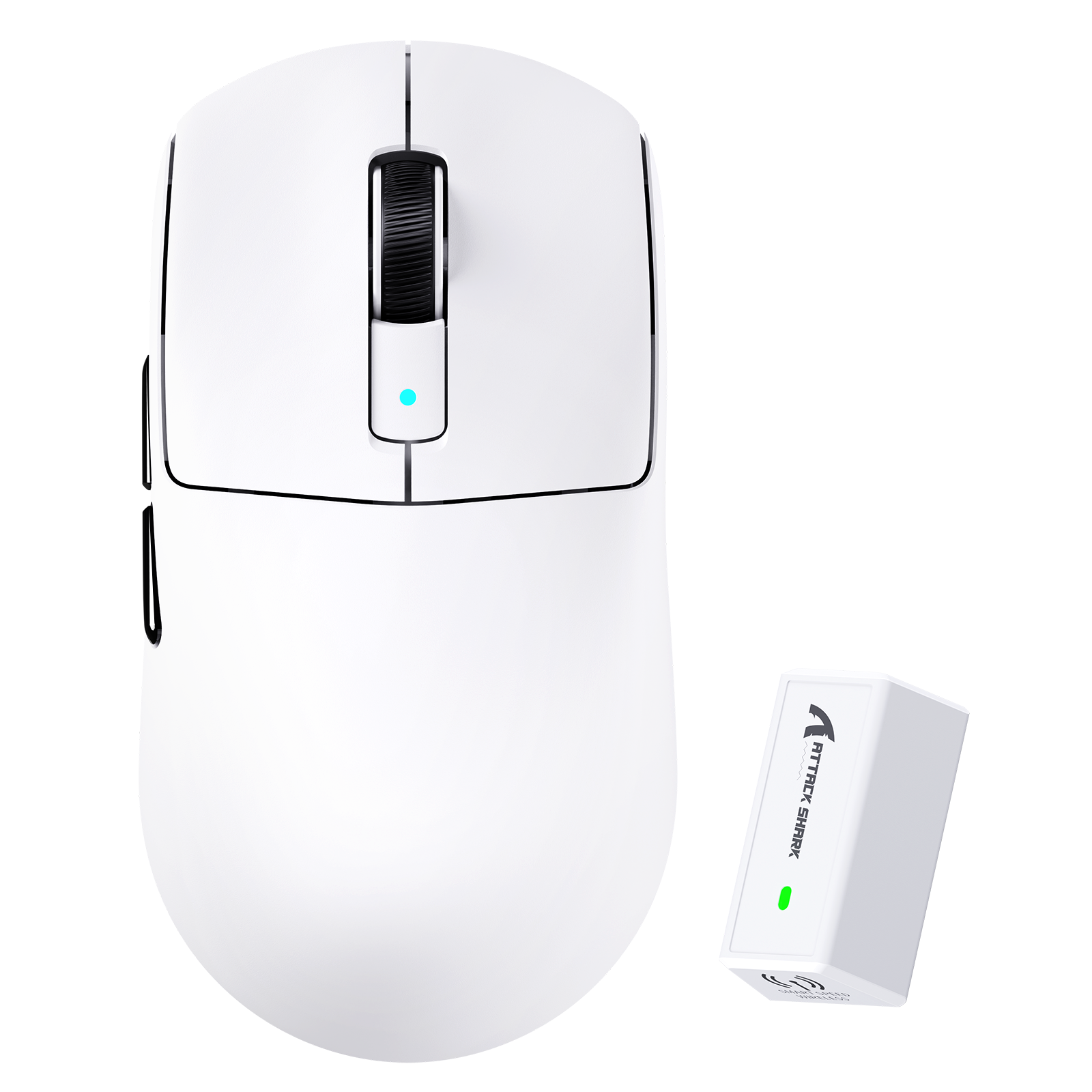
Blogberichten
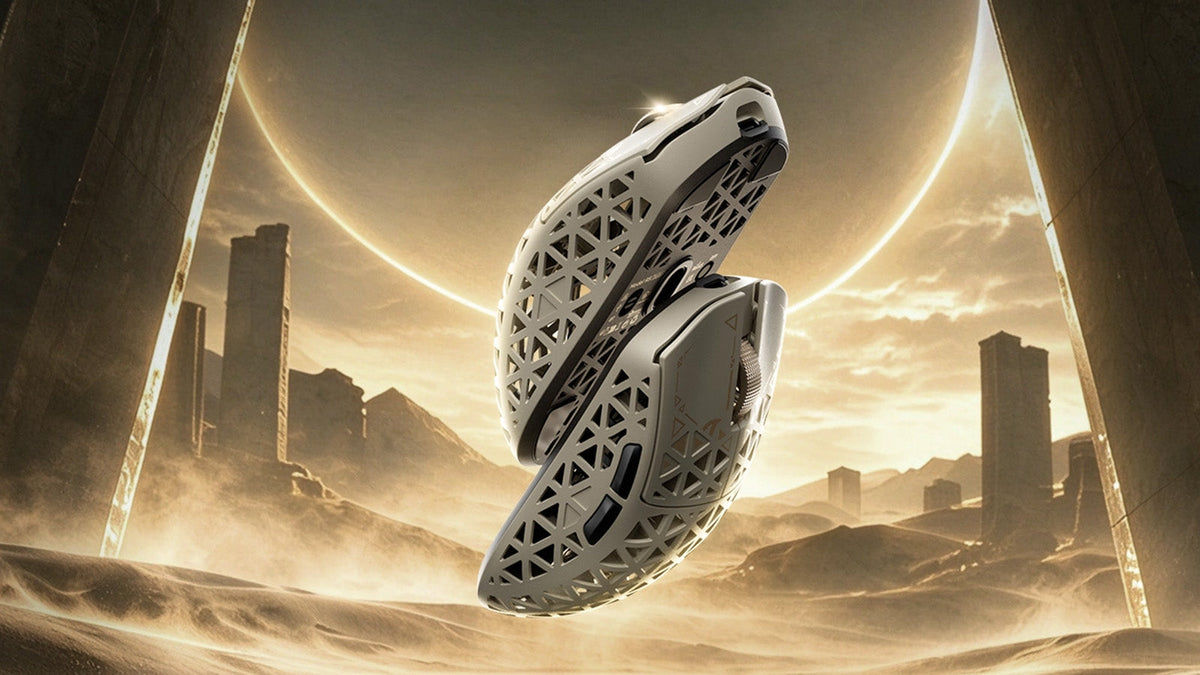
Een gamingmuis kiezen voor betere FPS-besturing
Gripvorm- en gewichtscontroles, gevoeligheidsafstelling in cm/360, LOD-presets en pollingratevergelijkingen, plus R5 TURBO-specificaties en informatie over de voorbestelling.
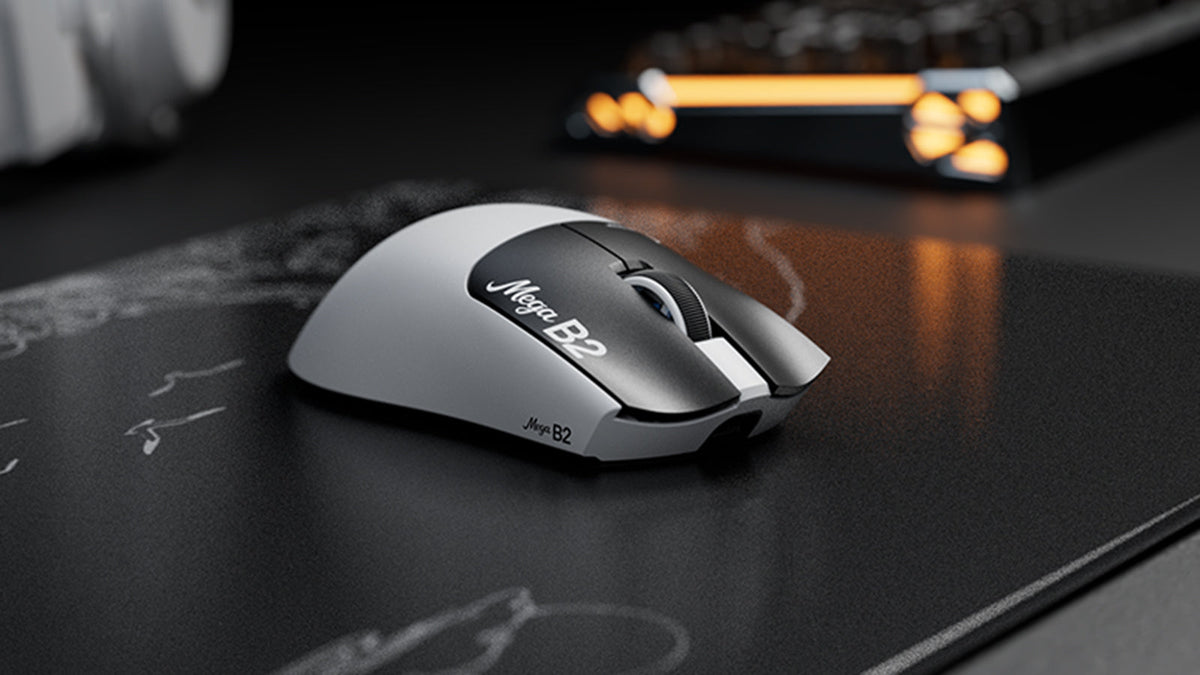
Wat is een muis met Rapid Trigger? Hoe TMR-magnetische sensoren muisklikken veranderen
Rapid Trigger reset een muisknop na minimale opwaartse beweging, terwijl magnetische TMR-detectie instelbare activering mogelijk maakt zonder vaste contacten.

ATTACK SHARK kondigt strategisch partnerschap aan met het League of Legends-team van Cloud9 Kia
Ontdek waarom deze Cloud9 League of Legends-samenwerking belangrijk is voor esportsfans, gamingapparatuur op professioneel niveau en toegankelijke gamingrandapparatuur.